 Click to zoom
Elevate Your Ideas with 3D Pyramid Keynote Shapes Template
| Format | .pptx |
| Slides | 16 unique layouts |
| Aspect ratio | 16:9 |
| Compatibility | PowerPoint |
| Animated | No |
| Language | English |
| License | Commercial |
| File size | — |
| Version | v1.0 |
| Last updated | July 2020 |
What's inside
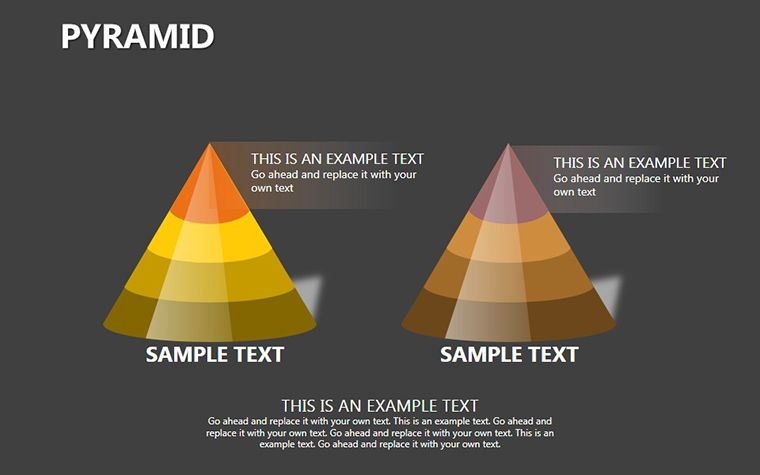
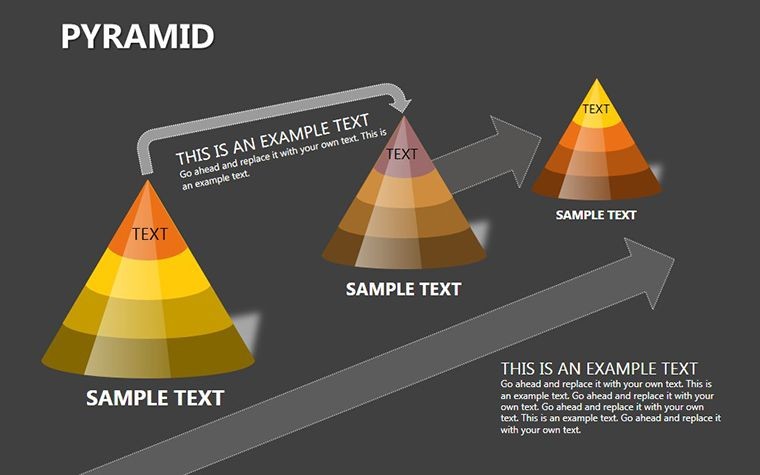
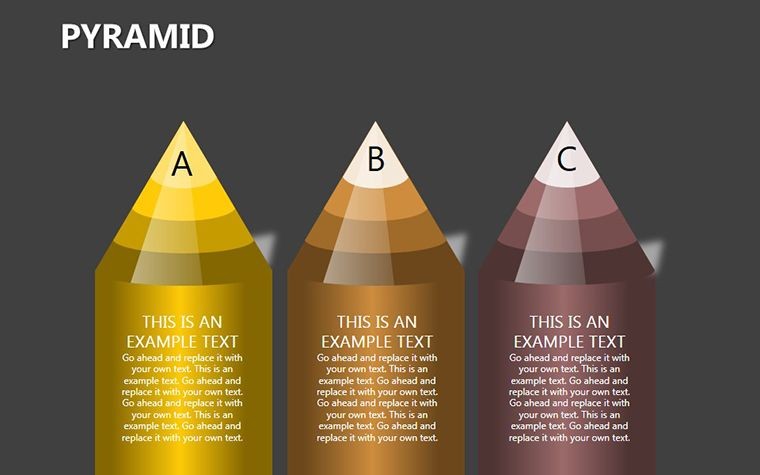
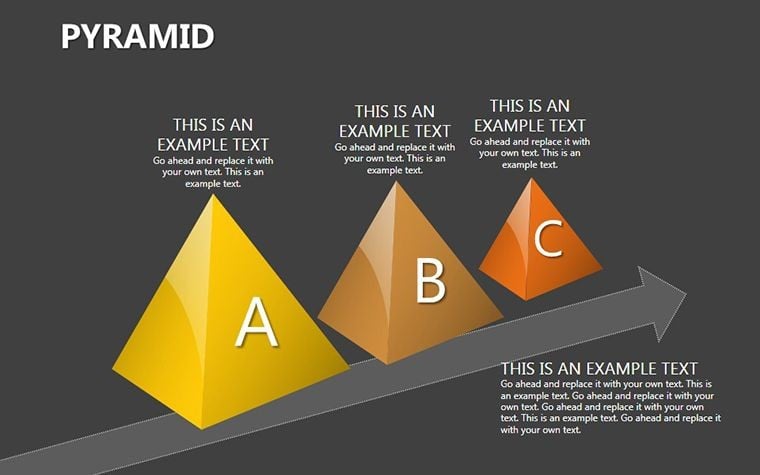
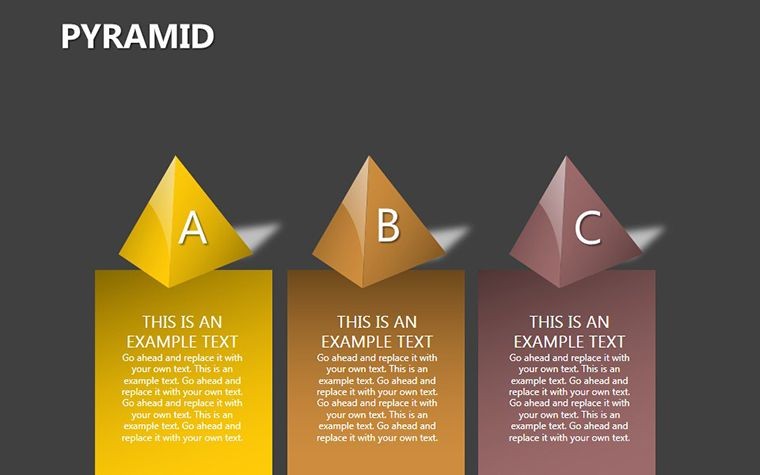
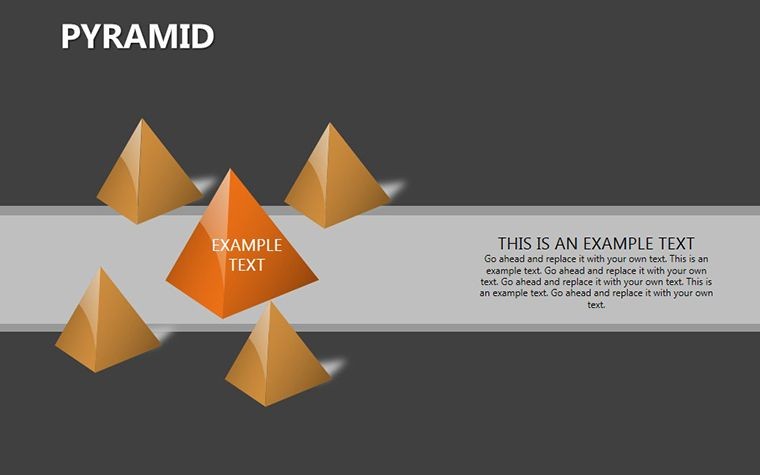
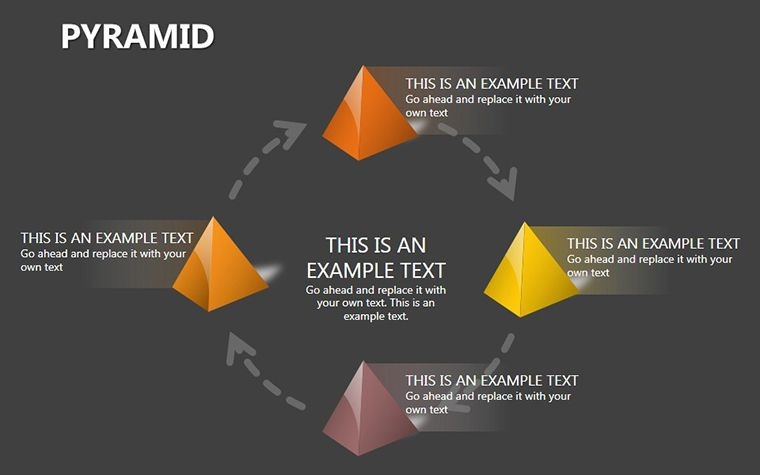
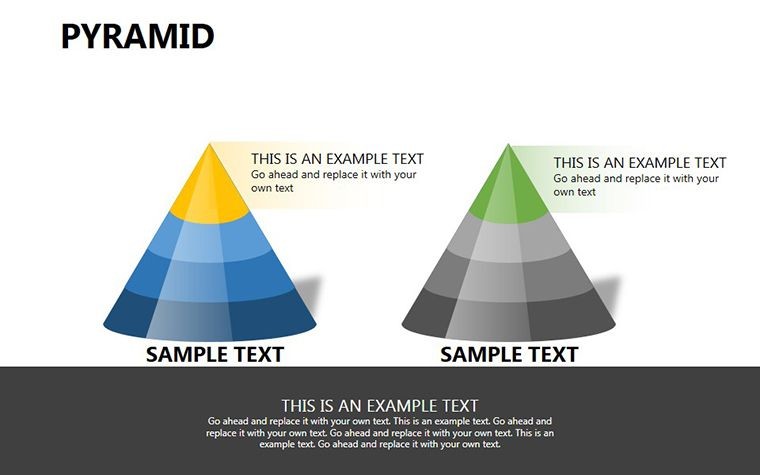
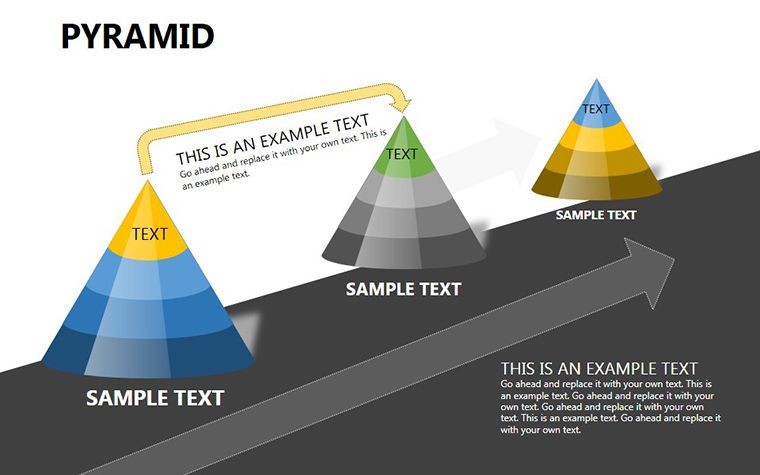
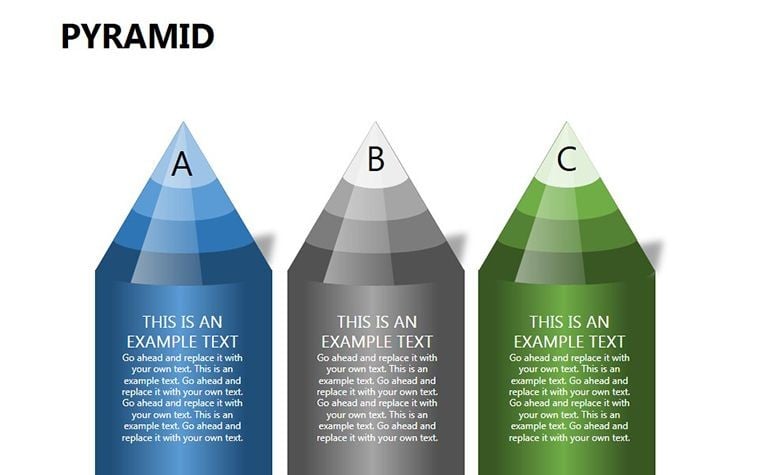
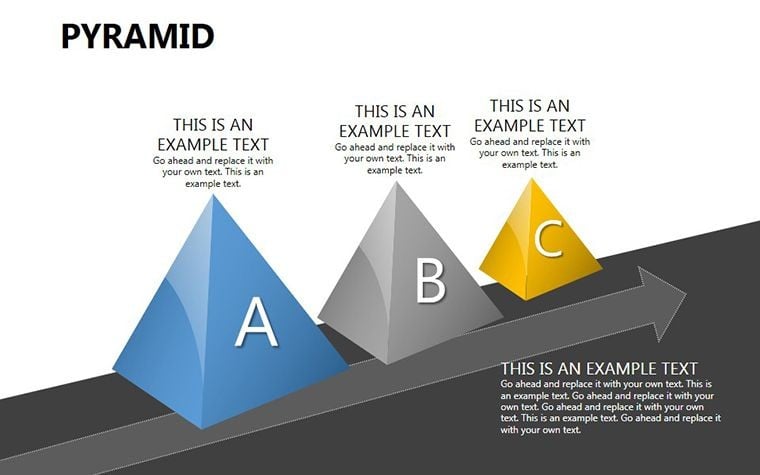
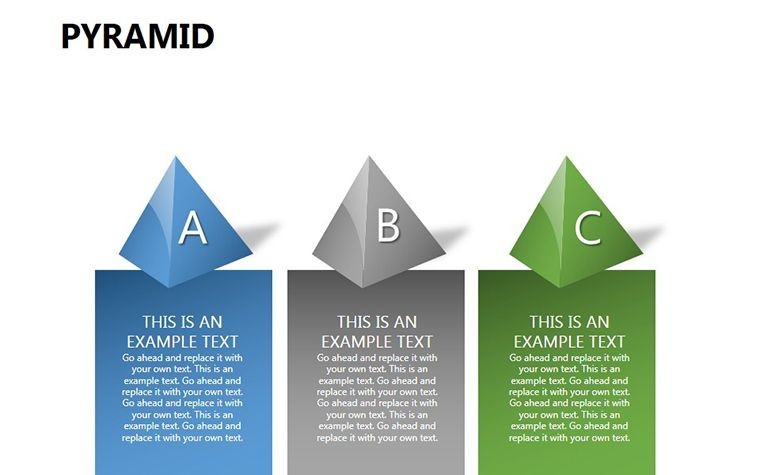
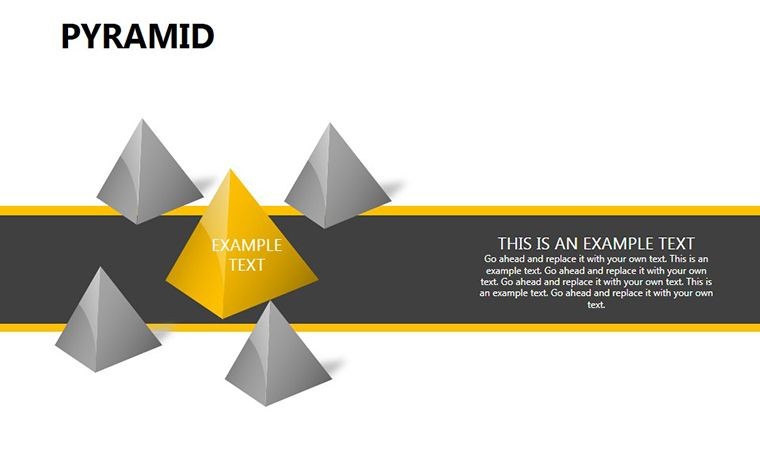
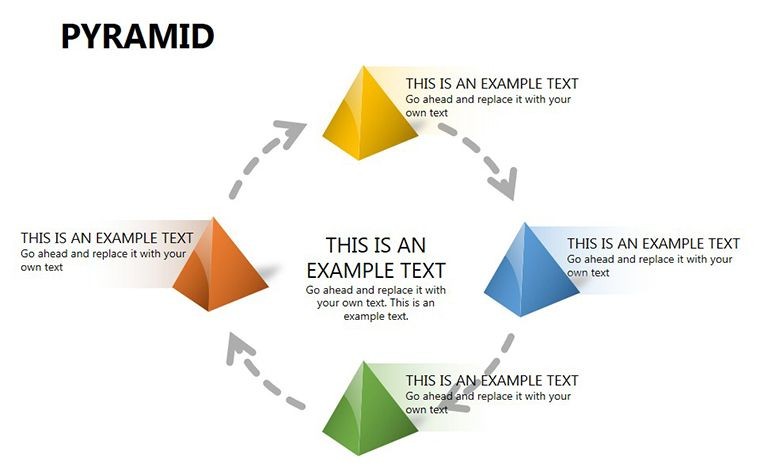
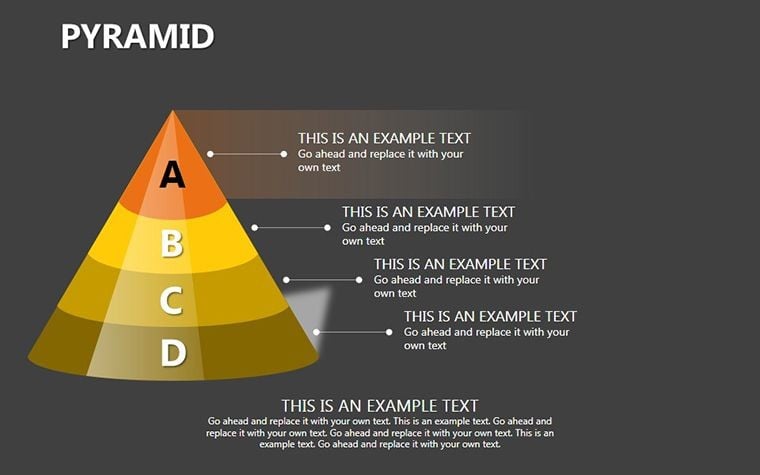
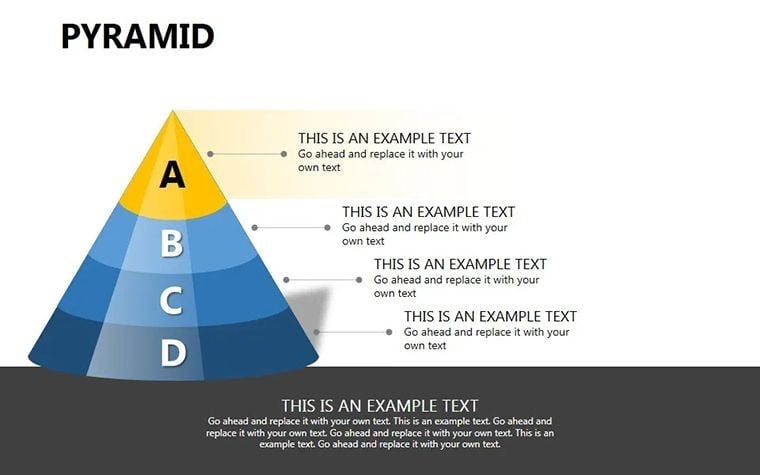
When it comes to conveying layered concepts like hierarchies or growth models, nothing beats the visual punch of 3D elements. The Pyramid Keynote Shapes Template brings this to life with 16 editable slides featuring volumetric cone representations that add depth and professionalism to your presentations. Aimed at strategists, educators, marketers, and project managers, this template allows you to "discolor" or recolor pyramids for endless customization, making it perfect for adapting to different themes or branding needs. Say goodbye to flat diagrams that fail to captivate; these 3D shapes turn abstract ideas into tangible visuals that stick with your audience.
Pyramids symbolize structure and progression, from Maslow's needs hierarchy in psychology to business funnels in sales. This template leverages that symbolism, supported by design principles from experts like Edward Tufte, who emphasize clarity in data visualization. Whether you're outlining a career ladder or a product roadmap, these shapes provide the foundation for compelling narratives.
Core Features for Dimensional Design
This template excels in offering robust, user-friendly tools. Each pyramid is built as a volumetric cone, ensuring realistic 3D effects that enhance perception.
- Color Customization: Easily change hues to match moods or data categories, like gradients for progression.
- Editable Layers: Break down or build up levels for detailed explanations.
- Widescreen Optimization: Fits modern screens perfectly for impactful delivery.
- Vector Quality: Scales without pixelation, ideal for print or digital.
These align with industry standards, boosting your slides' trustworthiness as seen in Forbes-recommended presentation tips.
Slide-by-Slide Insights
Begin with Slide 1's basic pyramid for overviews, then progress to multi-level versions in Slides 2-6, where you can label segments with text. Slides 7-10 introduce variations like inverted pyramids for unique perspectives, useful in risk analysis. The latter slides (11-16) offer complex assemblies, such as stacked cones, for advanced models like SWOT pyramids.
Each slide encourages creativity, perhaps integrating data from McKinsey reports on organizational structures for added authority.
Versatile Use Cases Across Fields
From boardrooms to classrooms, this template adapts effortlessly. In marketing, visualize sales funnels; in education, teach ecological pyramids with real biology examples.
- Business Strategy: Diagram growth models, inspired by BCG matrix applications.
- Educational Tools: Illustrate concepts like food chains, with interactive elements.
- Project Management: Map dependencies in waterfall methodologies.
- Personal Growth: Create self-improvement plans based on motivational theories.
Real example: A startup founder used these to pitch investor tiers, securing funding by clearly showing value progression. In academia, professors employ them for thesis structures, enhancing student comprehension.
Tips to Maximize 3D Impact
Start simple: Use one pyramid per key idea to avoid clutter. Experiment with shadows for realism, as per Apple's design guidelines. Ensure accessibility with alt text for shapes.
As an SEO specialist, I recommend weaving in terms like "hierarchical diagrams" organically. Inject inspiration: "Build your vision layer by layer, just like a pyramid rising from the sands."
Better Than Built-In Alternatives
Keynote's defaults lack true 3D depth; this template provides pre-rendered sophistication, saving effort while impressing viewers.
Add dimension to your decks - download now and construct presentations that stand tall.
Frequently Asked Questions
How do I change pyramid colors?
Use Keynote's color tools to recolor easily for custom looks.
Number of editable slides?
16 slides with various 3D pyramid variations.
Format compatibility?
.key file for direct Keynote use.
Suitable for beginners?
Yes, intuitive editing for all users.
Can I use in non-business contexts?
Certainly, great for educational or creative projects.
Good for
- Project roadmaps and sprint plans
- Product launch timelines
- Quarterly or annual review decks
- Company history and milestone summaries
Licence
reviews
The flowchart pieces worked well for explaining app features.
I had to adjust some colors but overall it looked alright.
Useful if you don’t want to draw diagrams manually.
The shapes snapped together pretty easily.
Used this for a student report and it saved time.
FAQ
Will it work in Google Slides?
Are fonts embedded?
Can I use this for client work?
What's the refund policy?
Do you update the template after purchase?
Similar templates
See all Keynote Shapes →
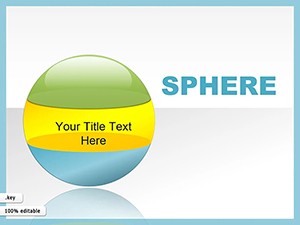


All 16 slides