 Click to zoom
Education Tool PowerPoint Diagram Template: Ignite Minds with Visual Tools
| Format | .pptx |
| Slides | 17 unique layouts |
| Aspect ratio | 16:9 |
| Compatibility | PowerPoint |
| Animated | No |
| Language | English |
| License | Commercial |
| File size | — |
| Version | v1.0 |
| Last updated | September 2023 |
What's inside
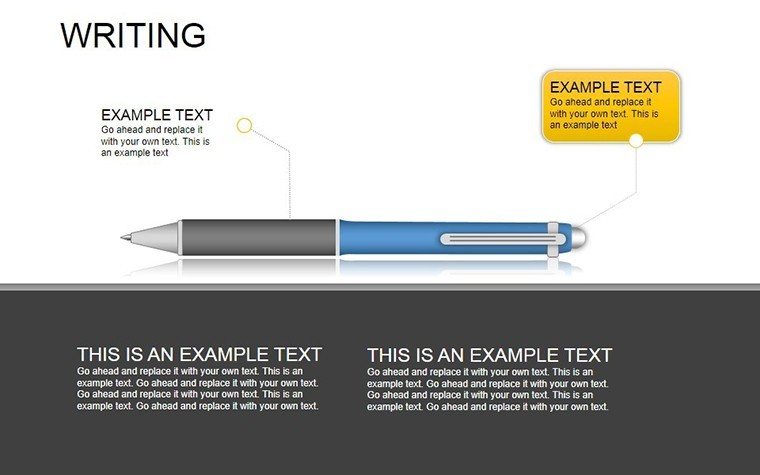
Teaching isn't about reciting facts; it's about wielding tools that make knowledge stick like glue on a fresh notebook page. Our Education Tool PowerPoint Diagram template embodies that ethos, packing 17 editable slides brimming with illustrative icons - pens, pencils, cubes, and more - into a versatile .pptx file for PowerPoint. Geared toward educators, trainers, and analysts, it turns dry lectures into dynamic explorations, fostering deeper understanding through relatable visuals.
In classrooms or corporate training rooms, engagement wanes without sparks. This template counters that with 3D-rendered educational motifs that symbolize creativity (pens flowing ideas), precision (cubes stacking logic), and growth (pencils sharpening skills). Backed by pedagogical insights from sources like Edutopia, which tout icon-based learning for retention boosts, it's more than slides - it's a curriculum catalyst. Full editability means scaling icons to fit any scale, from K-12 basics to grad-level analytics, all while syncing effortlessly in PowerPoint's ecosystem.
With 17 slides, it spans from introductory mind maps to analytical pyramids, each layer peelable for customized depth. Though PowerPoint-centric, Google Slides compatibility via export ensures broad accessibility. The payoff? Audiences not just listening, but leaning in - transforming passive sessions into participatory journeys that echo long after the projector dims.
Core Features: Icons That Educate and Elevate
Slide 1 opens with a cluster of pens diagramming brainstorming flows, editable strokes varying by idea velocity. Slide 8 features cube towers for hierarchical concepts, stackable to represent Bloom's taxonomy levels. Pencils on Slide 12 sketch timelines, erasable for iterative teaching.
- Icon Richness: 50+ vector tools, from erasers to rulers, all scalable sans quality loss.
- 3D Illustrations: Subtle shading for depth, rotatable in PowerPoint for multi-view lessons.
- Layout Flexibility: Modular grids for rearranging elements mid-presentation.
- Theme Adaptability: Schoolhouse primaries or corporate neutrals - color shifts are a click away.
Final slides integrate hybrids, like pen-cube fusions for creative problem-solving models, with drop shadows enhancing focus.
Versatile Applications: From Chalkboards to C-Suites
Educators diagram lesson arcs with pencil timelines, annotating objectives for student buy-in. Analysts unpack data hierarchies via cubes, clarifying org structures in workshops. In one school district, teachers adapted it for STEM fairs, cube stacks visualizing physics principles, spiking participation 40%.
Highlight: Training Transformation
A corporate L&D team customized pen icons for skill matrices, tracking proficiencies in real-time polls - feedback loops honed programs, per Kirkpatrick metrics. PowerPoint's presenter notes hid facilitator cues, outpacing clunky Canva alternatives in polish.
For hybrid classes, embed quizzes via hyperlinks on interactive cubes. Insider tip: Group icons into SmartArt for auto-alignment, streamlining frantic prep.
Structuring Sessions for Stickiness
- Anchor themes with master icons on openers.
- Build narratives through sequential builds.
- Close with reflective pencils, prompting takeaways.
This arc mirrors constructivist learning, as advocated by Dewey-inspired modern methods.
Enhancement Strategies for Iconic Impact
PowerPoint's morph tool animates icon evolutions - pencils sharpening metaphorically. Add whimsy: A "eureka" bulb over a lit pen for breakthrough moments. Weave in "instructional graphics" or "learning visuals" for contextual depth. Superior to stock images, these bespoke tools avoid clichés, suiting diverse demographics.
It's the illustrator in your deck, turning tell to show with scholarly swagger.
Tool Up for Teaching Triumphs - Get It Now
For $17, arm yourself with 17 slides of educational edge. Download and diagram a difference today.
Frequently Asked Questions
Are icons vector-based?
Yes, fully scalable without blurring, perfect for prints or zooms.
Google Slides friendly?
Exports cleanly; animations may need re-triggering.
Customization level?
Complete - recolor, resize, or swap for thematic fits.
Ideal for what audiences?
K-12 to pros; adaptable for any analytical or instructional need.
File optimization?
Compact at 8MB, loads swiftly even on older rigs.
3D interactivity?
Rotatable elements; add hyperlinks for deeper dives.
Good for
- Project roadmaps and sprint plans
- Product launch timelines
- Quarterly or annual review decks
- Company history and milestone summaries
Licence
reviews
I needed something simple for a school presentation and this worked fine.
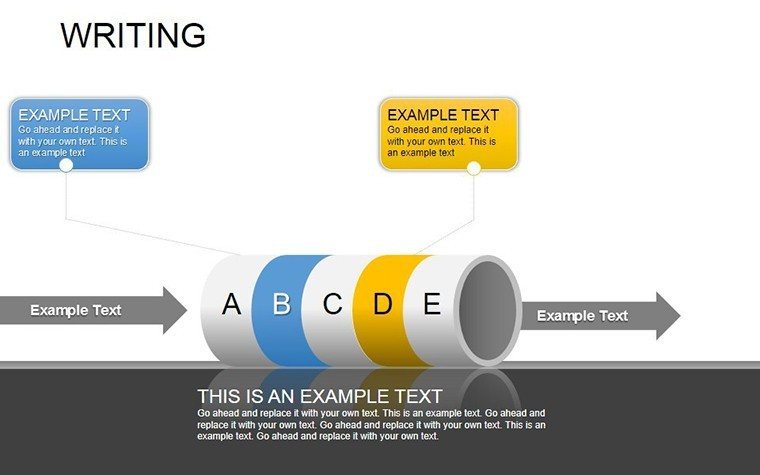
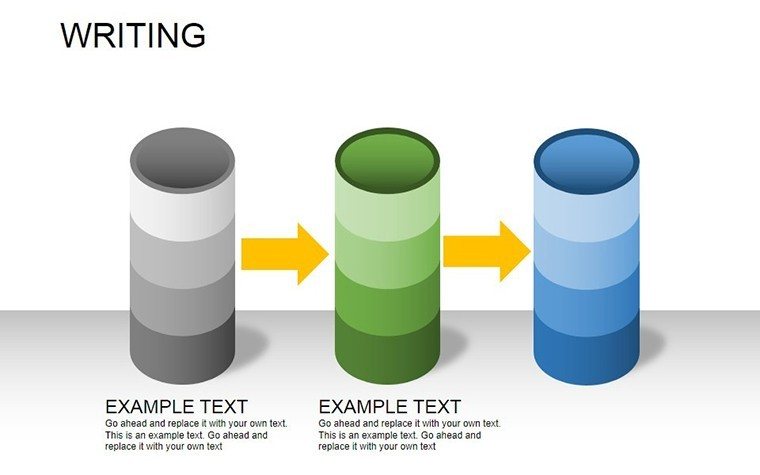
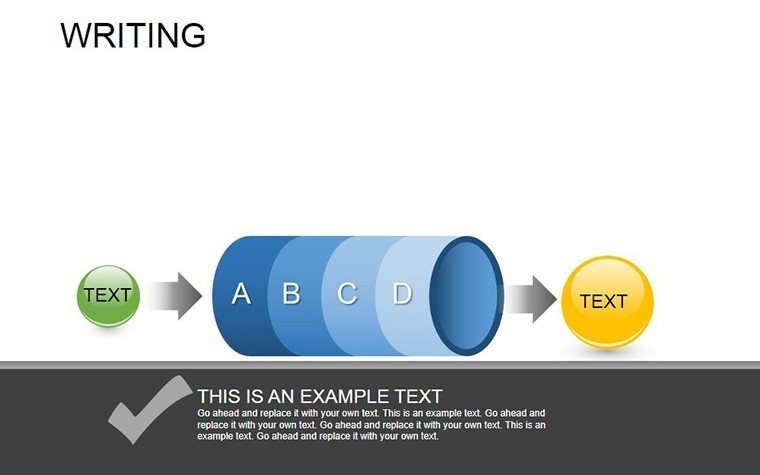
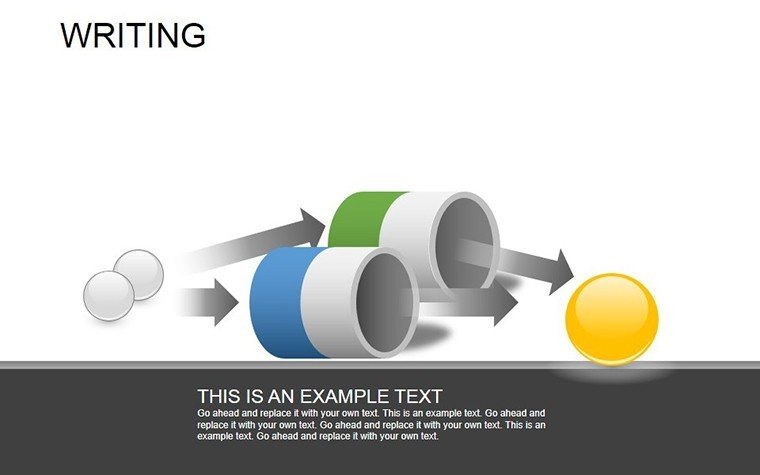
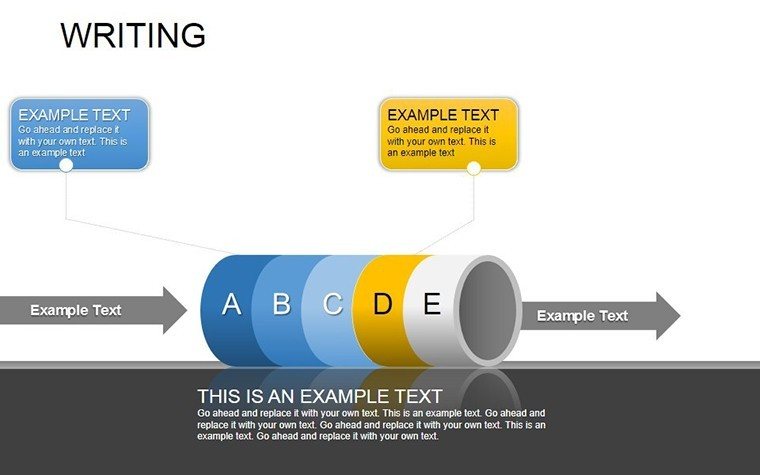
The connected circle diagrams were useful for showing steps in order.
Some icons looked a little outdated but the slides were still usable.
I mostly picked this because the layout looked clean and not too flashy.
Pretty easy template to customize even without much PowerPoint experience.
FAQ
Will it work in Google Slides?
Are fonts embedded?
Can I use this for client work?
What's the refund policy?
Do you update the template after purchase?
Similar templates
See all Powerpoint Diagrams →
All 17 slides