 Click to zoom
Editable Organizational Tree Keynote Diagrams
| Format | .pptx |
| Slides | 8 unique layouts |
| Aspect ratio | 16:9 |
| Compatibility | PowerPoint |
| Animated | No |
| Language | English |
| License | Commercial |
| File size | — |
| Version | v1.0 |
| Last updated | August 2021 |
What's inside
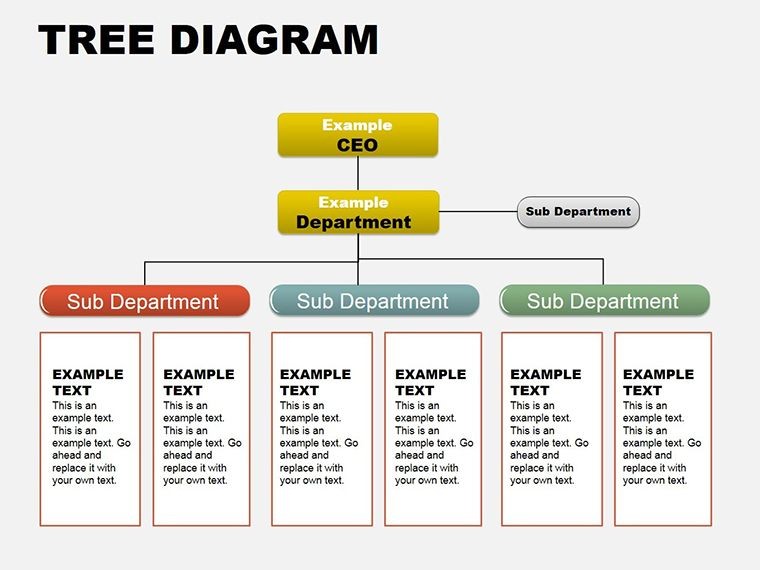
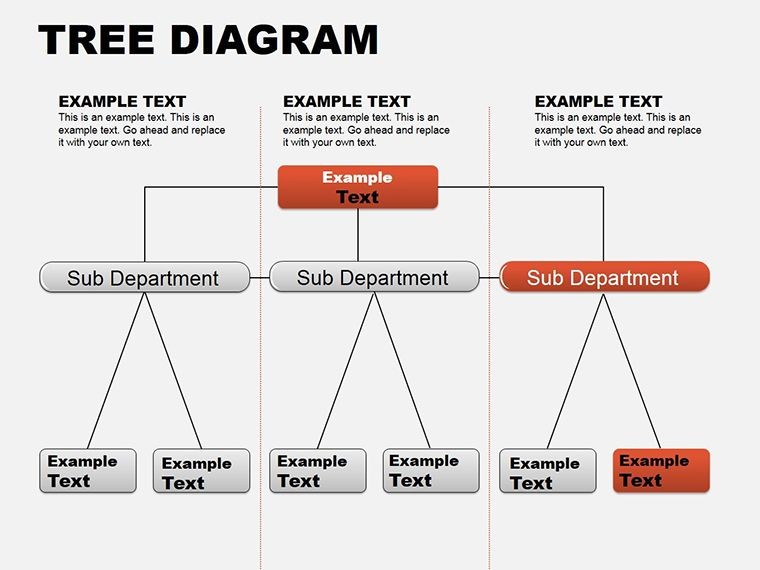
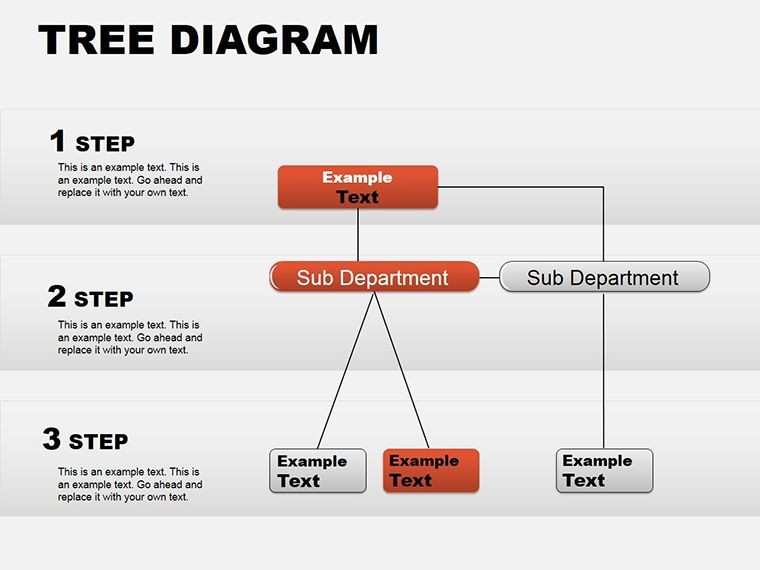
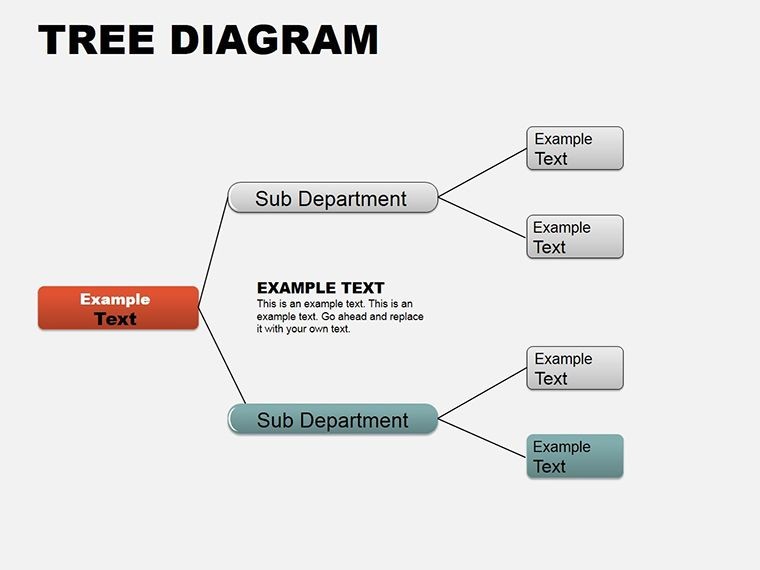
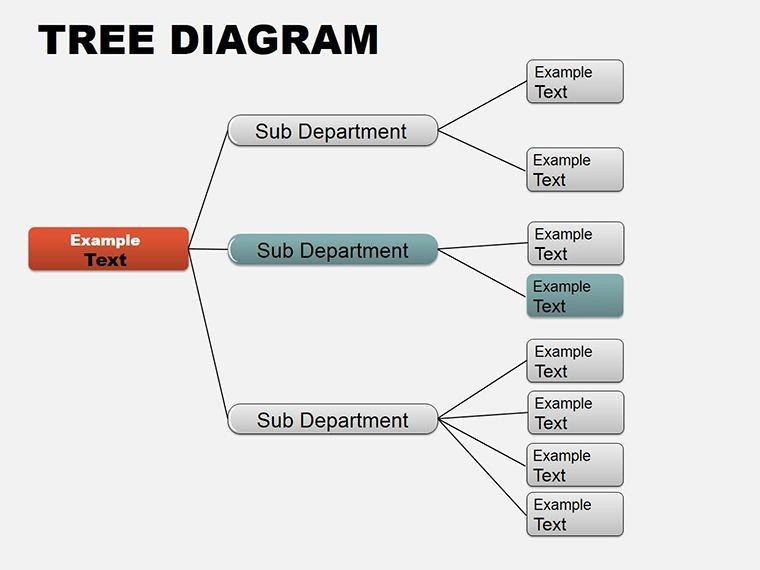
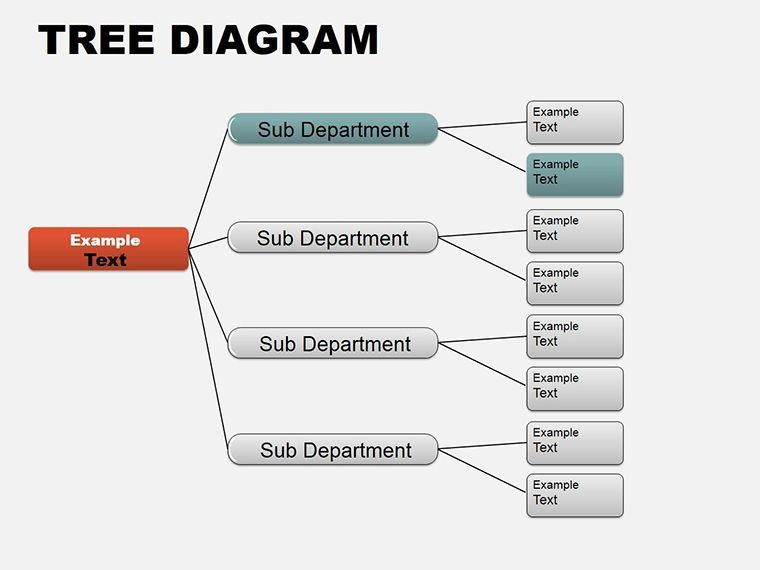
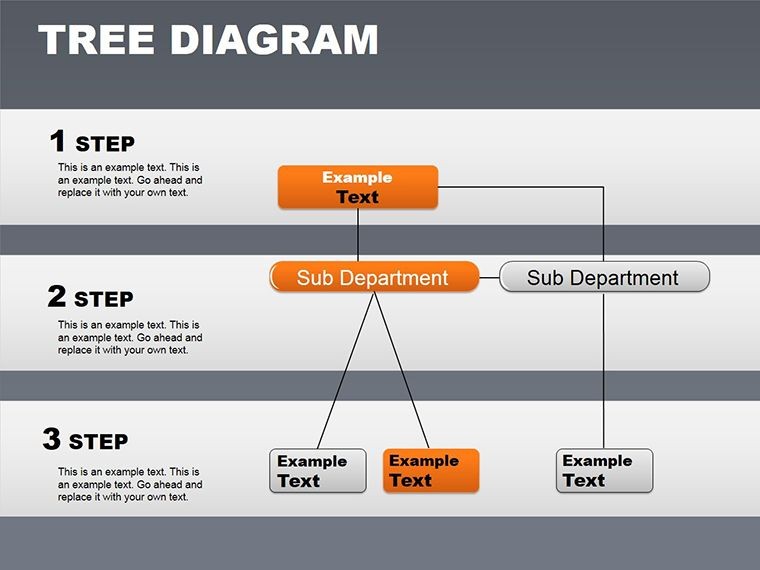
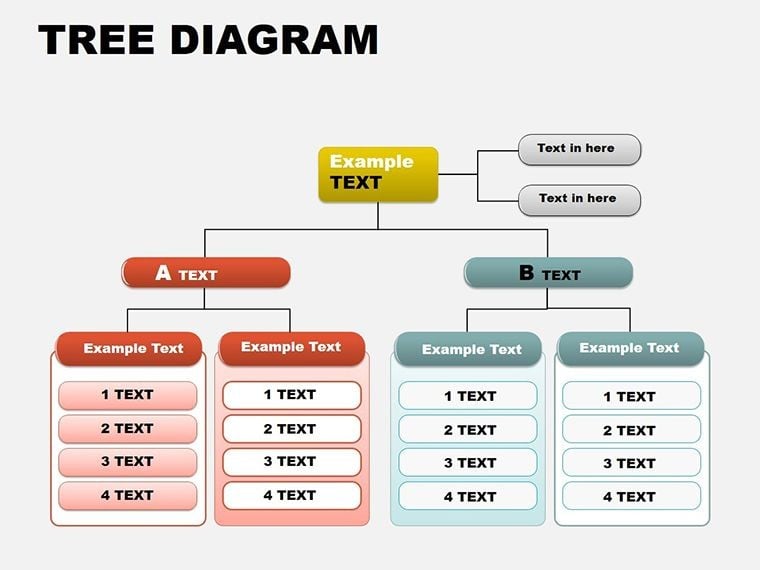
Imagine mapping out your company's structure or a project's chain of command in a way that instantly clicks with your audience. That's the power of this organizational tree Keynote diagrams template. Designed for professionals who need to convey complex hierarchies without overwhelming viewers, it offers 10 editable slides packed with clean lines, intuitive branching, and subtle animations that guide the eye naturally. Whether you're a manager outlining team roles for a quarterly review or an educator illustrating family trees in a history lesson, this template turns abstract ideas into visual roadmaps that stick.
Built for Apple Keynote users, every element - from node shapes to connecting lines - is fully customizable. Swap colors to match your brand palette, tweak text for precise labeling, or add photos to personalize profiles. No more wrestling with basic shapes to force-fit a tree diagram; here, the framework is ready, letting you focus on the narrative. Picture a sales director using these slides to show reporting lines during a merger pitch - clear branches reveal how teams integrate, sparking questions that lead to buy-in. Or consider a nonprofit leader diagramming volunteer networks, where each limb highlights contributions, fostering a sense of shared purpose.
Unlocking the Core Features of This Template
At its heart, this template shines through its thoughtful design choices that prioritize clarity and engagement. Start with the central root node, expandable to multiple levels, ensuring even deep hierarchies fit neatly on screen. Animations build sequentially, revealing branches one by one to mimic organic growth, much like how organizations evolve. This isn't just a static chart; it's a dynamic tool that paces your delivery, keeping listeners hooked.
- Versatile Branching Options: Choose from radial, vertical, or horizontal layouts to suit your content flow - perfect for adapting to widescreen or portrait modes.
- Integrated Icons and Labels: Pre-loaded symbols for roles like CEO or team lead, with editable fonts that maintain readability at any zoom.
- Color-Coded Layers: Assign hues by department or status, making patterns pop without cluttering the view.
Compatibility extends to Keynote on Mac, with files in .key format for seamless import. And since everything's vector-based, scaling never sacrifices quality, whether you're projecting in a boardroom or sharing via email.
Customizing Your Tree for Maximum Impact
Diving deeper, customization is where this template truly excels. Open in Keynote, select a branch, and drag to resize - nodes adjust proportionally, preserving balance. For a consulting firm presenting client org charts, layer in subtle gradients to denote seniority, turning a flat diagram into a layered story of influence. Or, in academic settings, embed hyperlinks on leaves to link to detailed bios, transforming your slide into an interactive hub.
One practical tip: Use the built-in alignment tools to ensure symmetry, then apply a soft shadow effect for depth. This small tweak elevates the professional feel, akin to how firms like McKinsey polish their decks for client trust.
Real-World Applications That Drive Results
This template isn't confined to one scenario; it's a chameleon for any hierarchy-heavy talk. In corporate environments, deploy it for succession planning sessions, where clear trees outline promotion paths, empowering employees with visibility. A project manager might illustrate dependencies in a Gantt-like tree, showing how tasks branch from milestones to deadlines, clarifying bottlenecks before they arise.
Educational uses abound too - biology teachers can adapt it for evolutionary trees, branching species with annotated traits, making abstract concepts tangible. Nonprofits find it invaluable for donor mapping, tracing impact from grassroots to global reach. Each application leverages the template's modularity: Duplicate a slide for "before" and "after" views, animating changes to highlight growth or restructuring.
Compare this to vanilla Keynote tools: Basic org chart wizards often lock you into rigid formats, demanding hours of tweaks. Here, pre-built variety saves that time, letting you iterate on content instead. Professionals report smoother rehearsals, as the visuals intuitively support their spoken points, reducing cognitive load for everyone involved.
- Prep Your Data: Jot down levels and connections in a simple list - roles at top, teams below.
- Build the Base: Drop in the root slide, input core details, and expand branches via drag-and-duplicate.
- Refine and Animate: Color-code, add icons, then set build orders to reveal progressively.
- Test Flow: Rehearse with transitions, ensuring the tree unfolds in sync with your script.
Integrate it into workflows by exporting frames as images for reports or PDFs, maintaining Keynote's crisp output.
Why This Template Stands Out in Your Toolkit
What sets this apart? It's the blend of simplicity and sophistication - editable without being overwhelming, animated yet not flashy. For freelancers pitching services, it visualizes client-stakeholder dynamics, positioning you as the connector. In team retrospectives, map feedback loops as inverted trees, flipping perspectives for fresh insights.
Backed by designs tested in real Keynote environments, it handles high-res displays effortlessly. Pair it with themed icons from your library for cohesion, or layer subtle backgrounds to evoke industry vibes - like circuit patterns for tech firms.
Ready to branch out? Download this organizational tree Keynote diagrams template today and watch your presentations grow in impact.
Frequently Asked Questions
What makes these diagrams fully editable in Keynote?
Every element, from lines to text boxes, uses native Keynote objects, so you can resize, recolor, or replace without losing functionality.
Can I use this for non-business hierarchies?
Absolutely - adapt it for family trees, decision flows, or even fantasy world-building in creative pitches.
Does it support animations for all slide variations?
Yes, each layout includes build-in options, customizable to match your pacing needs.
What's the file format and compatibility?
Delivered as .key files, compatible with Keynote 2016 and later on Mac.
How many slides come with the template?
You get 10 ready-to-use slides, plus bonus layouts for extended use.
Good for
- Project roadmaps and sprint plans
- Product launch timelines
- Quarterly or annual review decks
- Company history and milestone summaries
Licence
reviews
Grabbed this for a school presentation because I was out of time.
The diagram arrows were easy to move around without breaking stuff.
Slides looked okay even after I replaced most colors.
Not perfect but better than starting from a blank page.
I kept only the timeline layouts and deleted the rest.
FAQ
Will it work in Google Slides?
Are fonts embedded?
Can I use this for client work?
What's the refund policy?
Do you update the template after purchase?
Similar templates
See all Keynote Diagrams →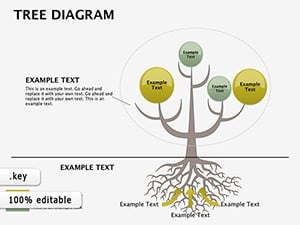


All 8 slides