 Click to zoom
Dynamic Product Development Charts - Fully Editable PPTX | ImagineLayout
| Format | .pptx |
| Slides | 16 unique layouts |
| Aspect ratio | 16:9 |
| Compatibility | PowerPoint |
| Animated | No |
| Language | English |
| License | Commercial |
| File size | — |
| Version | v1.0 |
| Last updated | March 2026 |
What's inside
16 Slides, Multiple Layouts: What You Get
16 animated slides ship in the PPTX download.
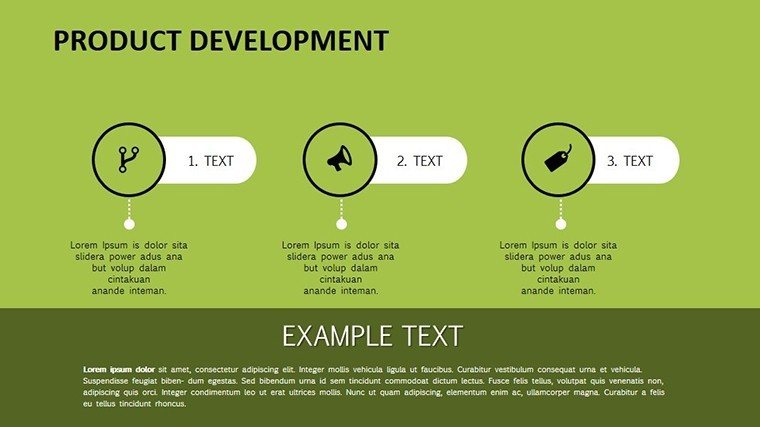
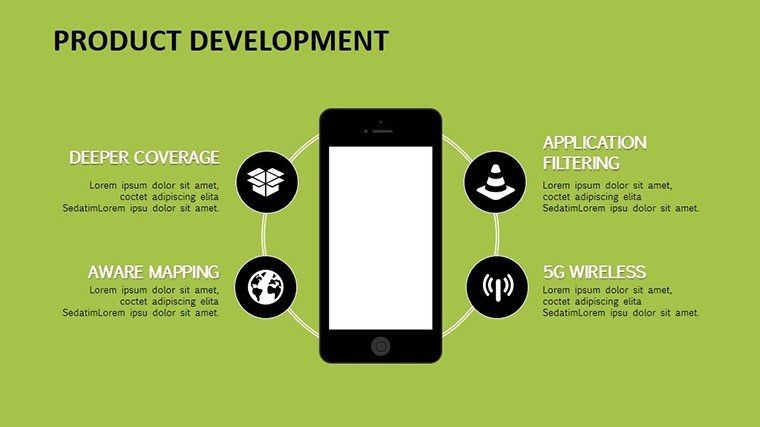
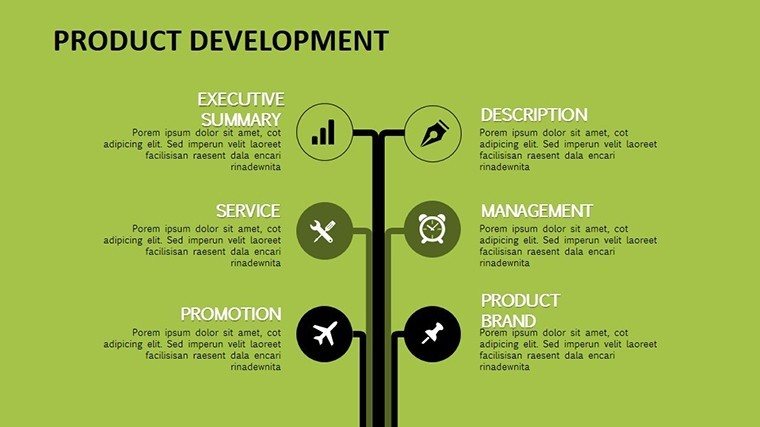
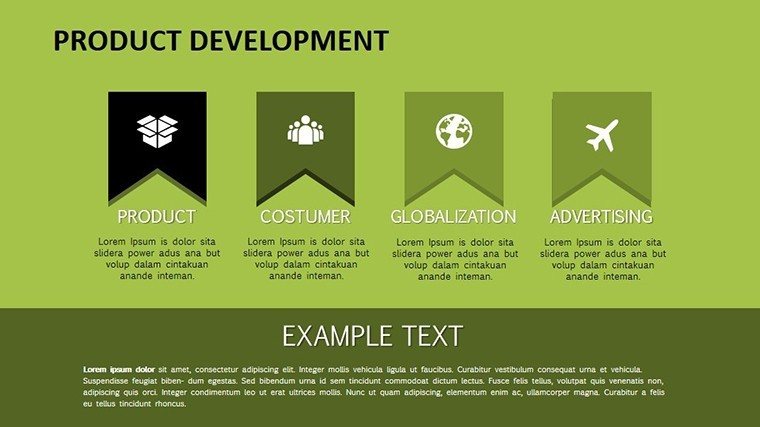
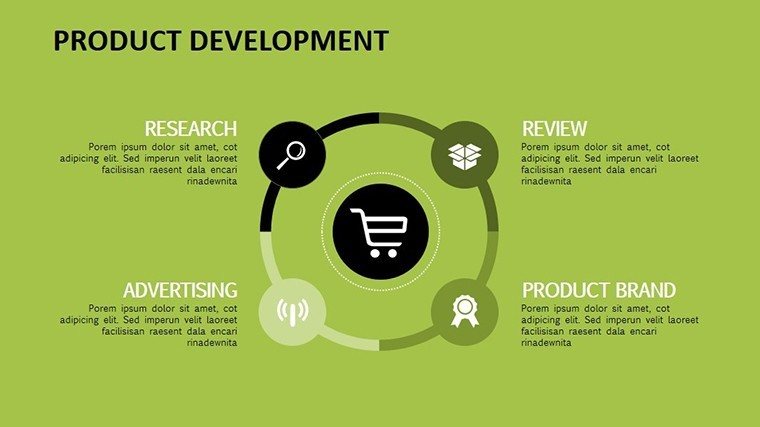
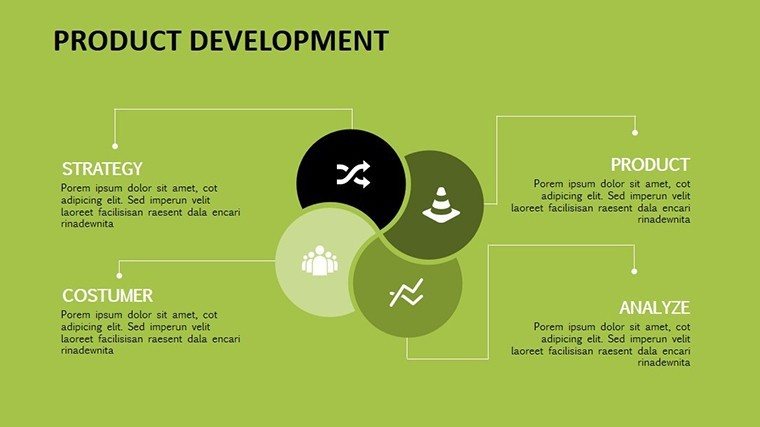
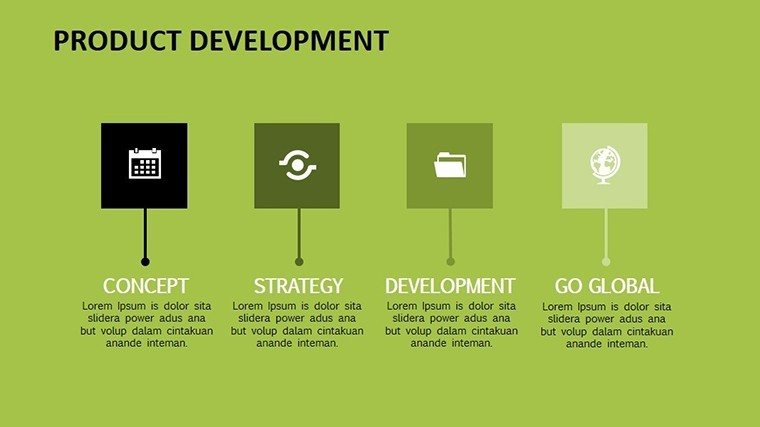
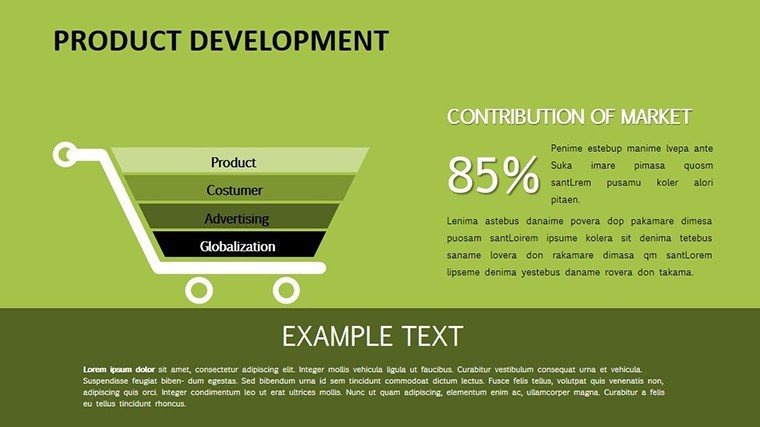
Gantt charts and funnels sequence the development stages into one cohesive deck.
Compared to static process sets, this pack keeps diagram connectors live after animation is applied.
At a Glance
FeatureDetailsSlides included16 editable animated chartsDiagram categoriesGantt, funnels, timelinesAnimation supportbuilds, wipes, morphs native to PowerPointEditable elementsshapes, text, iconsCompatibilityPowerPoint 2013+, Google SlidesExport optionsPPTX or PDFThree Situations Where This Pays Off
Product manager in software
A product manager in a SaaS company reused the animated Gantt across three investor decks and cut preparation from three hours to 45 minutes.
Engineer in hardware
An engineer adapted the funnel slides for five quarterly reviews without rebuilding the sequence.
Download this template now and start editing in minutes.
Edit, Brand, Present: The Workflow
1. Open the .pptx file in PowerPoint (1 minute).
2. Replace placeholder text (3 minutes).
3. Apply brand colors through the master (2 minutes).
4. Adjust chart data or diagram labels (4 minutes).
5. Export as PPTX or PDF (1 minute).
Editing difficulty: Moderate.
The Cost of Not Using a Template
Replicating 16 animated development slides manually demands 14 hours and advanced skill.
Placing labels inside animated shapes often fails on projected screens during live demos.
This layout keeps labels external with thin lines, preserving readability while animations highlight phases.
Flow direction and information spacing remain consistent across every edit.
Secure the file today and present with confidence tomorrow.
FAQ
Which PowerPoint versions support this template?The PPTX file opens in PowerPoint 2013 and newer plus Google Slides. Animations play natively in both. Mac users experience full support. Test the file immediately after purchase.
How do I change the color scheme?Open the slide master, update the theme colors and all 16 slides refresh automatically. Save the master once. The entire animation set inherits the new palette in under two minutes.
What does the license permit?Internal use and client presentations are permitted. Modify the slides freely. Resale or file redistribution is forbidden. The license covers unlimited projects per buyer.
Is there a free version?No free version appears on the page. The $18 purchase includes all 16 animated slides with no restrictions.
What file formats are included?Only the PPTX format is supplied. It opens directly in PowerPoint and exports to PDF. No other formats are included.
Do I receive a refund if it does not fit?A 30-day money-back guarantee covers the purchase. Return the file if it does not match expectations. Full refund processes after verification.
Engineers link these slides to process chart templates during roadmap sessions. Teams also connect to implementation system charts for follow-up reporting.
Good for
- Project roadmaps and sprint plans
- Product launch timelines
- Quarterly or annual review decks
- Company history and milestone summaries
Licence
reviews
Needed presentation slides in a hurry and this worked.
The graph pages were easy to customize.
Some icons looked random honestly.
Overall cleaner than most free templates.
FAQ
Will it work in Google Slides?
Are fonts embedded?
Can I use this for client work?
What's the refund policy?
Do you update the template after purchase?
Similar templates
See all PowerPoint Charts →

All 16 slides