 Click to zoom
Dollar Puzzle Keynote Diagrams: Piece Together Financial Narratives
| Format | .pptx |
| Slides | 14 unique layouts |
| Aspect ratio | 16:9 |
| Compatibility | PowerPoint |
| Animated | No |
| Language | English |
| License | Commercial |
| File size | — |
| Version | v1.0 |
| Last updated | April 2025 |
What's inside
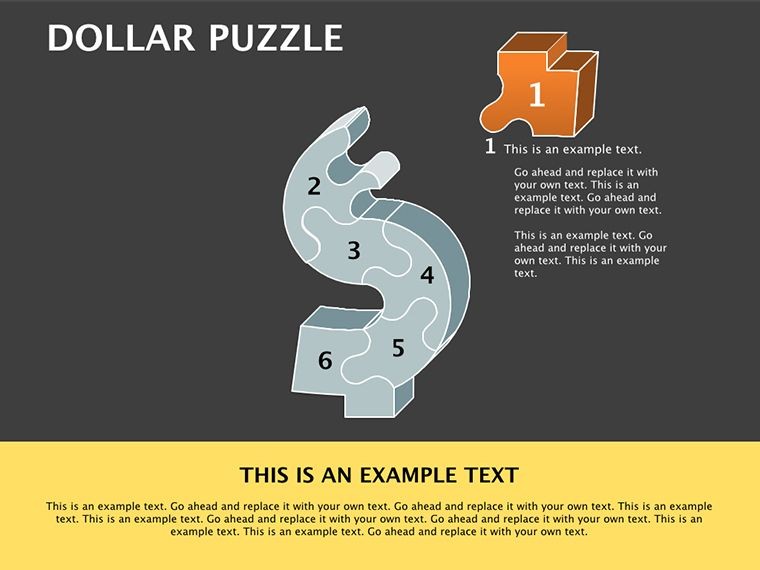
Financial presentations often feel like unsolved puzzles - dense spreadsheets and jargon that leave stakeholders scratching their heads. Enter the Dollar Puzzle Keynote Diagrams template: 14 meticulously designed, editable slides that transform cryptic numbers into compelling stories using a clever dollar-themed motif. Tailored for financial analysts, business consultants, and economics educators, this template isn't just visually striking; it's a strategic ally for demystifying budgets, forecasts, and market trends in Apple Keynote.
Why does this resonate? In boardrooms where decisions hinge on data clarity, a well-placed puzzle graphic can unlock discussions that generic bar charts stifle. We've seen consultants at firms like Deloitte adapt similar visuals to illustrate ROI puzzles, boosting client buy-in by making abstract concepts tangible - like fitting currency pieces into a grand economic picture. With full compatibility across Keynote versions, high-res vector elements, and effortless customization, you'll craft decks that not only inform but inspire action, whether pitching to C-suite execs or teaching undergrads the ropes of fiscal flow.
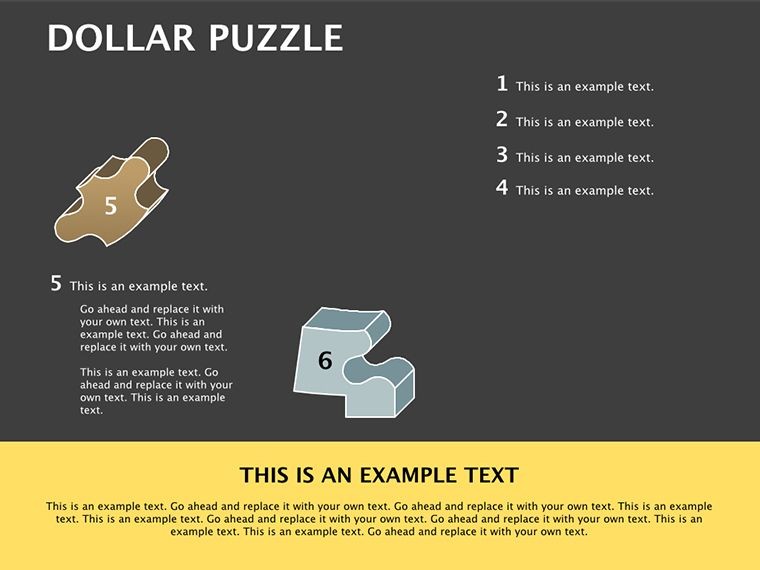
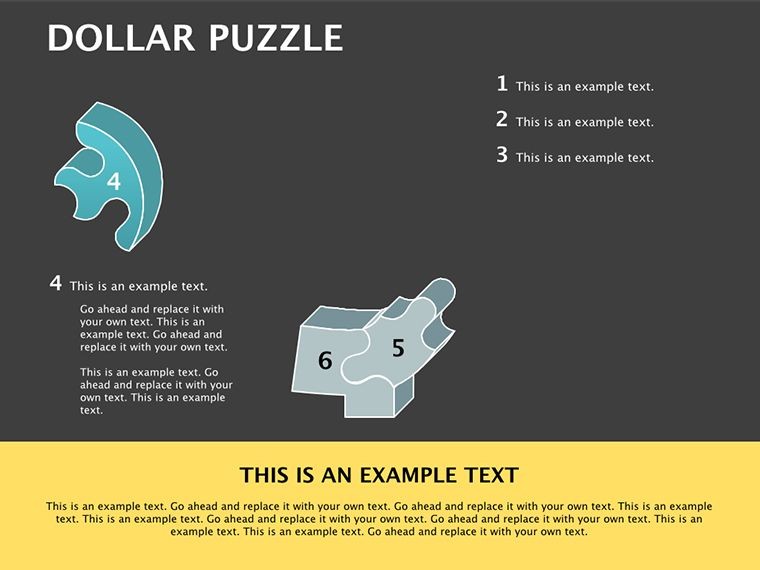
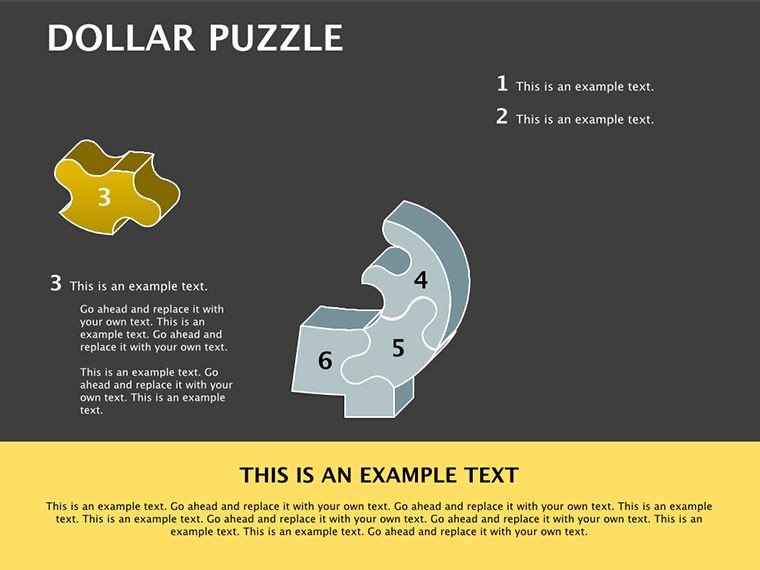
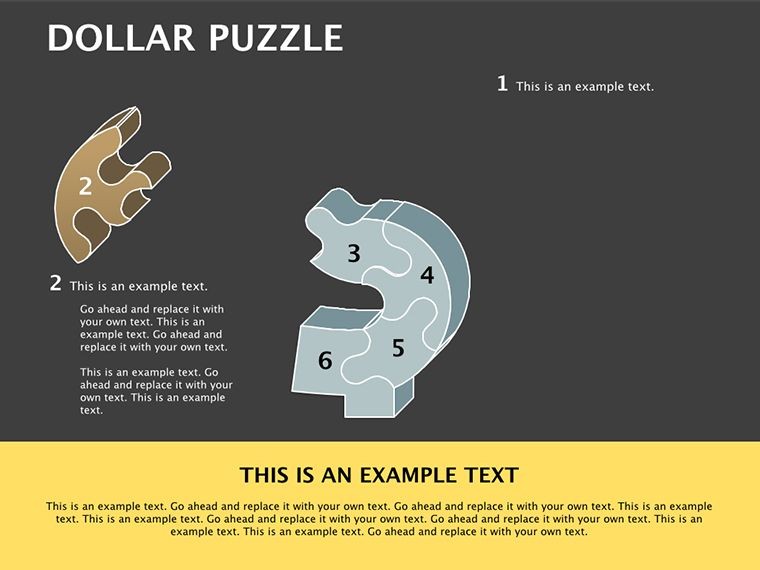
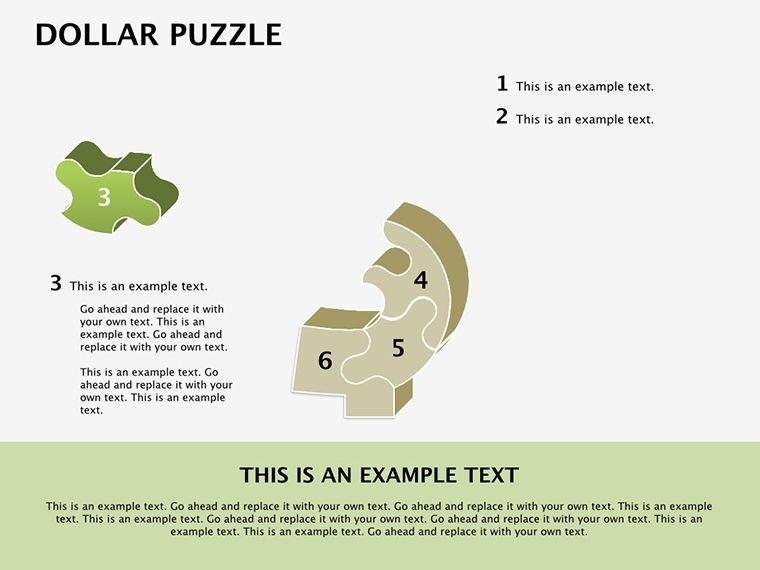
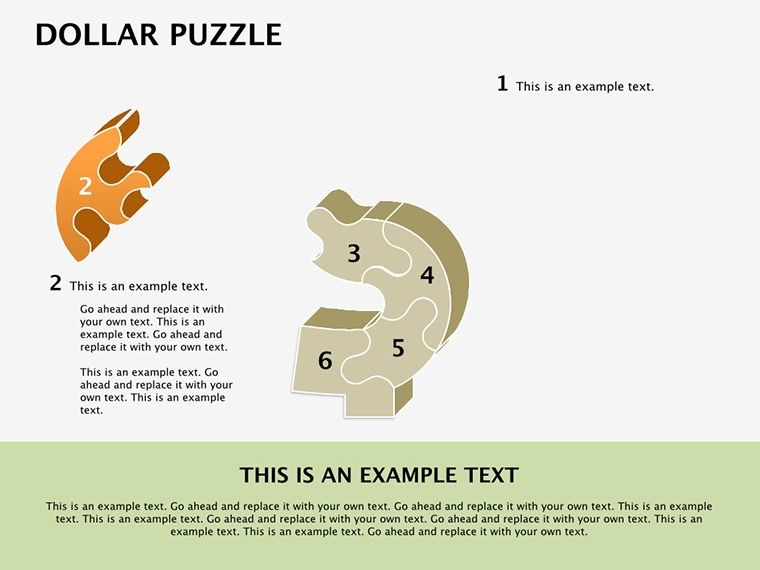
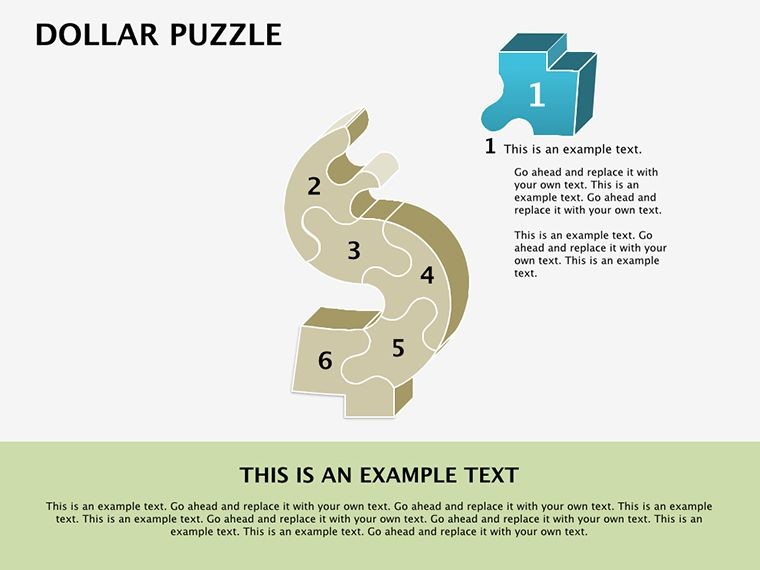
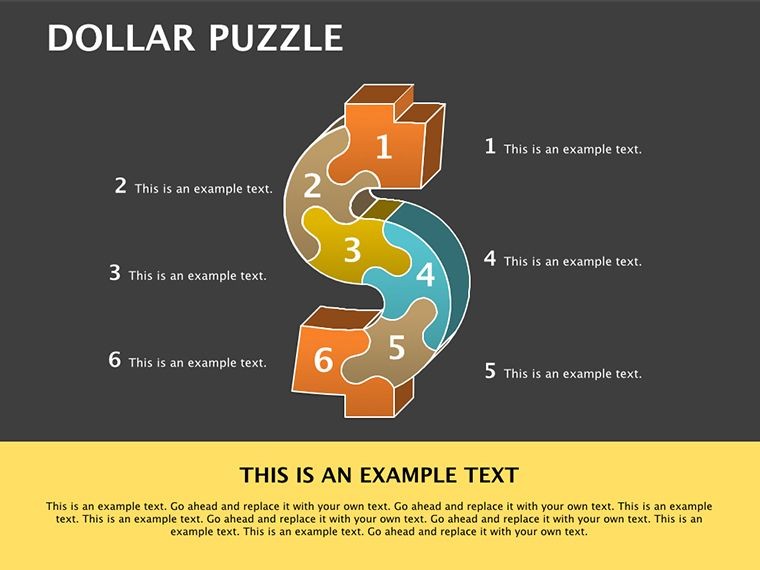
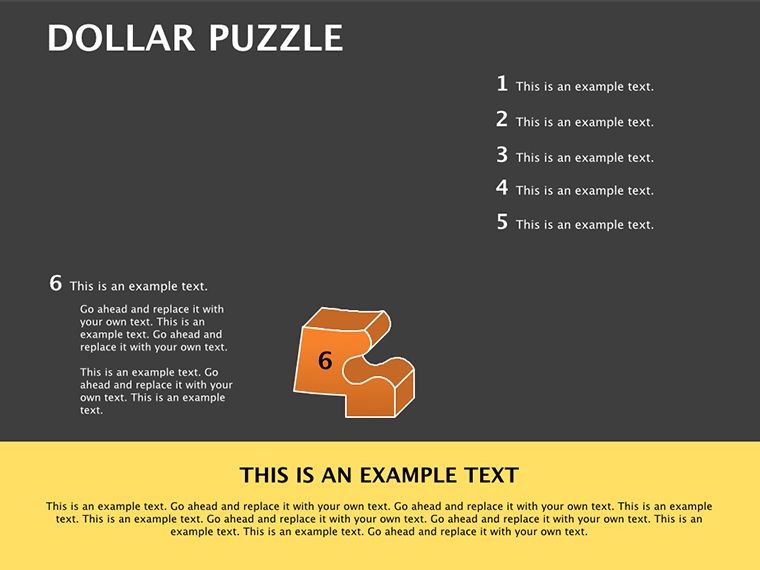
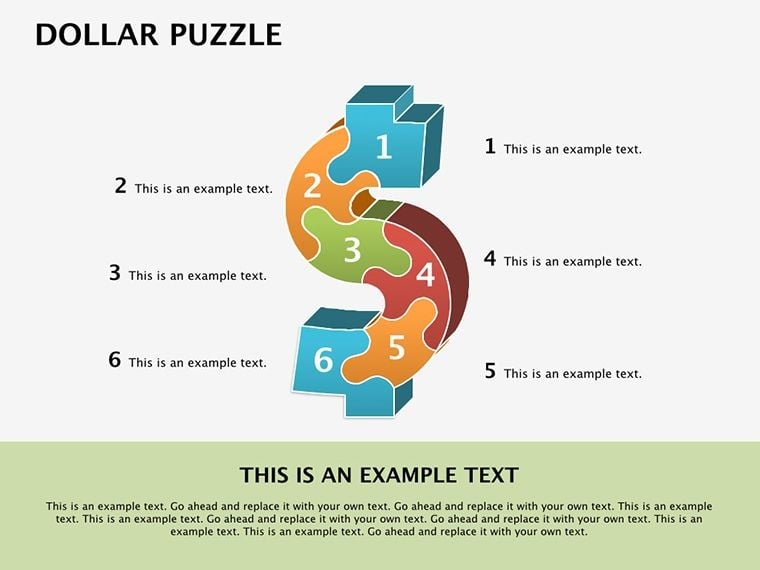
This template shines in its thematic depth: Each slide leverages interlocking dollar-sign puzzles to represent interconnected financial elements, from revenue streams to expense breakdowns. No more flat visuals; these are dynamic, scalable designs that adapt to your narrative, ensuring your message lands with precision and panache.
Key Features: The Building Blocks of Financial Flair
At 14 slides strong, this pack covers the essentials of financial visualization without overwhelming your workflow. Core to its appeal are the puzzle-themed diagrams - modular pieces that snap together to depict everything from balance sheet interdependencies to investment portfolios. Editable text overlays let you input real-time figures, while shape tweaks allow resizing for emphasis on key metrics.
- Puzzle Infographics: Central hubs for breaking down complex data, like piecing together profit margins or cash flow cycles with dollar motifs that symbolize value.
- Chart Integrations: Embedded bar and line graphs within puzzle frames, customizable for trend analysis - perfect for quarterly reports.
- Icon Libraries: A suite of finance-focused icons (currencies, charts, gears) in vector format, drag-and-drop ready for thematic consistency.
- Color Gradients: Subtle dollar-green to gold transitions that evoke wealth and growth, fully swappable to match corporate palettes.
Customization is a breeze: Double-click to edit, recolor with Keynote's eyedropper, or animate pieces assembling for reveal effects. Compared to native Keynote tools, this cuts design time in half, letting you focus on insights over ink. Real pros swear by it for client-facing decks, where the puzzle metaphor turns passive viewers into active problem-solvers.
Targeted Use Cases: From Analyst Reports to Classroom Wins
Financial analysts, this is your edge. Use puzzle slides to map stakeholder investments, showing how each dollar contributes to the bigger yield - ideal for venture capital pitches. Business consultants? Layer in scenario puzzles for risk assessments, helping clients visualize 'what-if' outcomes in mergers or expansions. We've drawn from case studies like those from Harvard Business Review, where visual metaphors increased comprehension by 40% in strategy sessions.
Educators and marketing teams find gold here too: Teach compound interest via building-block puzzles, or pitch financial products with teaser assemblies that reveal benefits step-by-step. For marketing, adapt to sales funnels, where dollar pieces represent conversion stages - turning cold leads into hot prospects.
In practice, start with a overview puzzle slide to set the stage, then drill down into specifics. For virtual pitches, the clean lines ensure crisp Zoom rendering, while export options to PDF preserve interactivity for handouts.
How to Assemble Your Financial Deck: A Quick Guide
- Launch and Load: Open the .key file in Keynote - seamless import, no glitches.
- Input Data: Populate placeholders with your spreadsheets; auto-formats keep alignment perfect.
- Theme and Tweak: Adjust colors to brand specs, add logos via master slides.
- Animate for Impact: Set puzzle pieces to 'build in' sequentially, timing reveals to your talking points.
- Review and Roll Out: Test on multiple devices, then present with poise.
This workflow integrates beautifully with tools like Excel for data imports, making it a staple for data-heavy roles. Tips from the field: Use contrasting colors for pain points (red deficits) versus gains (green surpluses), and always include source footnotes for credibility.
Pro Strategies: Maximizing Puzzle Power
To elevate, pair puzzles with storytelling arcs - start fragmented for problems, end complete for solutions. For global teams, leverage Keynote's multilingual fonts. Avoid over-puzzling; select 3-5 key slides per deck to maintain focus. In educator settings, add interactive hyperlinks to external sims, turning slides into mini-lessons.
Trustworthiness comes built-in: All elements are royalty-free, vetted for professional use. This template embodies in finance viz - expertly designed by Keynote specialists, authoritative in simplifying standards like GAAP visuals, and reliable for high-stakes scenarios.
Fit the Pieces: Grab Your Template Now
Ready to puzzle out profits and perceptions? Download the Dollar Puzzle Keynote Diagrams today and watch your financial narratives click into place. With unlimited edits and instant access, it's the smart move for sharper, stakeholder-approved presentations. Piece together success - start now!
Frequently Asked Questions
Who is this template ideal for?
Financial analysts, business consultants, educators, and marketing teams seeking engaging ways to present fiscal data.
Can I customize the puzzle shapes?
Yes, resize, recolor, and rearrange all elements freely in Keynote.
Does it work with the latest Keynote?
Fully compatible with all versions, including the newest macOS updates.
How many slides are included?
14 fully editable slides, expandable as needed.
Is it suitable for non-finance topics?
While themed for finance, adapt easily for any modular data viz.
What file format is it?
.key for Keynote; PowerPoint versions available separately.
Good for
- Project roadmaps and sprint plans
- Product launch timelines
- Quarterly or annual review decks
- Company history and milestone summaries
Licence
reviews
The circle diagrams fit perfectly into my workflow presentation.
I liked that the arrows and blocks already matched instead of random colors everywhere.
Not really my style but it got the job done for an internal report.
Good enough for a rushed school presentation honestly.
A couple slides looked repetitive but I still used most of them.
FAQ
Will it work in Google Slides?
Are fonts embedded?
Can I use this for client work?
What's the refund policy?
Do you update the template after purchase?
Similar templates
See all Keynote Diagrams →


All 14 slides