 Click to zoom
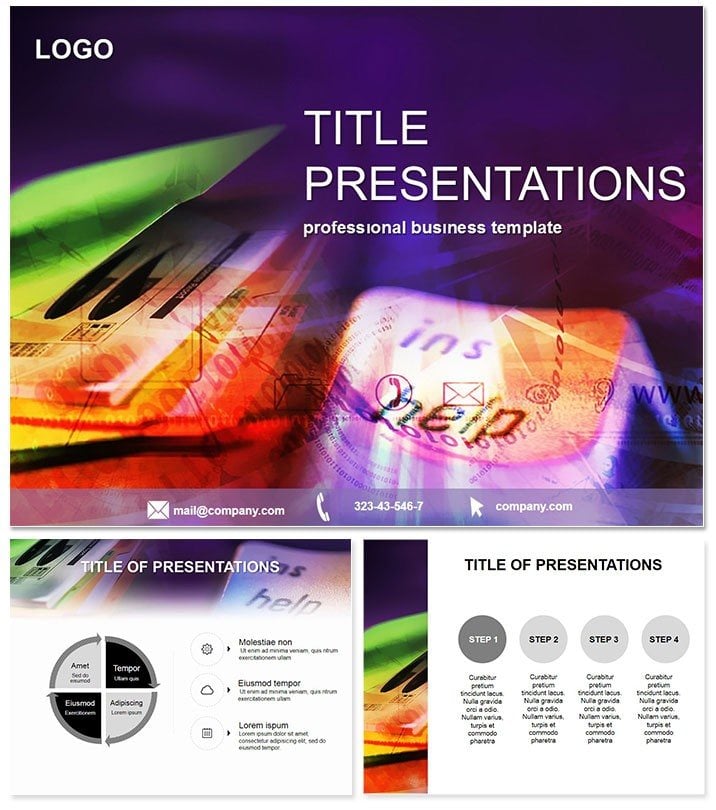
Documents Management PowerPoint Template
| Format | .pptx |
| Slides | 3 unique layouts |
| Aspect ratio | 16:9 |
| Compatibility | PowerPoint |
| Animated | No |
| Language | English |
| License | Commercial |
| File size | — |
| Version | v1.0 |
| Last updated | June 2023 |
What's inside
Navigate the chaos of information overload with the Documents Management PowerPoint Template, your ally in turning scattered files into structured masterpieces that drive efficiency and clarity. Perfect for those buried in paperwork or digital archives, this template redefines how you present organizational strategies, making every slide a step toward streamlined operations.
In fields like finance where compliance reigns or marketing where campaigns hinge on accurate tracking, visualizing document lifecycles can illuminate paths to productivity. This template`s 28 diagrams - from folder hierarchies to workflow pipelines - demystify processes, empowering consultants, admins, and IT specialists to communicate with authority and ease.
Its professional edge comes from thoughtful design that integrates seamlessly into workflows, compatible with PowerPoint 2016+ and Google Slides for versatile sharing. A lifetime license at $22 means endless reusability without recurring costs. Organize your narrative - download this template and manage with mastery.
Key Components Explored
Anchor your presentations with three masters for uniform styling and three backgrounds that convey order, from grid patterns to flowing streams symbolizing data movement.
- 28 Process-Oriented Diagrams: Including tree structures for categorization and linear flows for approval chains, tailored for document-centric narratives.
- 7 Professional Color Schemes: From corporate grays to accent pops of green for approvals, aligning with sector norms.
- Editable Infographics: Resize, recolor, and data-link for real-time accuracy, with icons for file types and security badges.
- Versatile Formats: PPTX downloads ready for Google import, supporting embedded links to actual docs.
These features, refined through user scenarios, ensure presentations that not only look sharp but function as operational blueprints.
Applied Scenarios and Insights
A tech consultant auditing records uses pipeline diagrams to trace access logs, animations revealing bottlenecks for targeted fixes - transforming audits from tedious to transformative.
Educators in library sciences employ matrix charts to compare catalog systems, engaging students in discussions on digital vs. physical management. In finance, funnel diagrams depict compliance funnels, highlighting drop-offs to preempt risks.
Superior to default`s disjointed charts, this template unifies elements for cohesive stories, with pros noting 50% quicker assembly. It`s vital for tech implementations or educational overviews on info governance.
Edge Over Standard Software
Defaults lack integrated icons; here, thematic assets create immersive, context-rich visuals that resonate professionally.
Workflow Harmony
Import data from spreadsheets to auto-populate, share via Google for team reviews - ideal for remote document teams ensuring alignment.
Design Built on Reliability
Feedback from admins shapes its intuitive flow, promoting trust through clean, compliant aesthetics.
Declutter your decks - acquire now.
Frequently Asked Questions
For which industries?
Finance, tech, education - any document-heavy field.
Data import options?
Excel-linked for dynamic updates.
Google compatibility?
Seamless PPTX to Slides conversion.
Pricing model?
$22 one-time, lifetime rights.
Editable icons?
All vector-based for easy tweaks.
Team licensing?
Single purchase covers multi-user.
Good for
- Project roadmaps and sprint plans
- Product launch timelines
- Quarterly or annual review decks
- Company history and milestone summaries
Licence
reviews
Our IT consultant used this for a records audit and the pipeline diagrams for access logs and tree structures for categorization were a huge hit. The linear flows for approval chains and funnel diagrams for compliance funnels are very detailed.
The corporate grays and accent pops of green color schemes are perfect for document management. The grid patterns and flowing streams backgrounds are well thought out.
Used this for a library science lecture and the matrix charts for comparing catalog systems and process maps for info governance helped us teach the students. The professor was impressed.
Not bad but a bit too technical for general admins
the file folder icons and document vectors are best for records managers. The excel-linked charts for dynamic updates are a lifesaver.
the risk matrices and audit trails are well organized. The 50% quicker assembly metric aligns with our experience.
FAQ
Will it work in Google Slides?
Are fonts embedded?
Can I use this for client work?
What's the refund policy?
Do you update the template after purchase?
Similar templates
See all PowerPoint Templates →



All 1 slides