 Click to zoom
Development Path Keynote Charts Template - 22 Slides
| Format | .pptx |
| Slides | 22 unique layouts |
| Aspect ratio | 16:9 |
| Compatibility | PowerPoint |
| Animated | No |
| Language | English |
| License | Commercial |
| File size | — |
| Version | v1.0 |
| Last updated | August 2023 |
What's inside
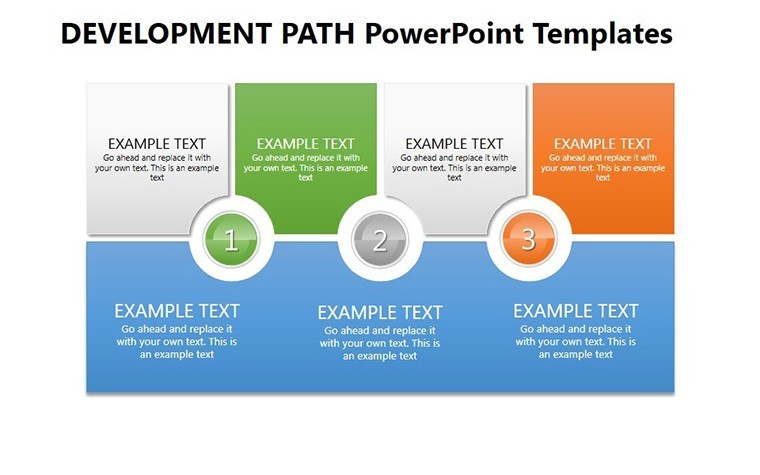
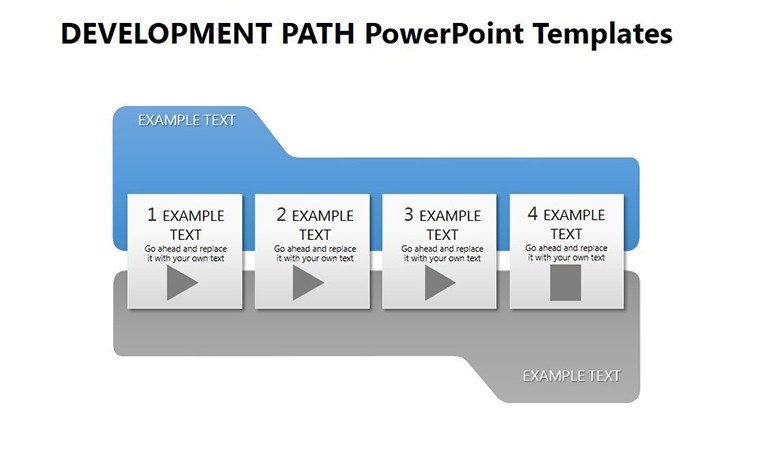
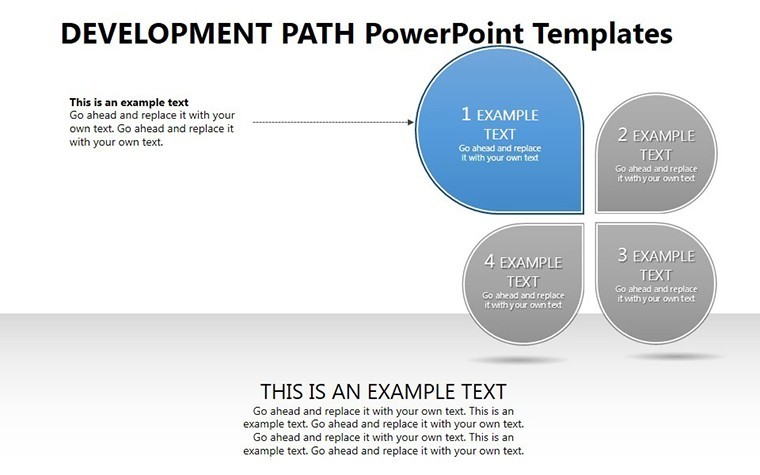
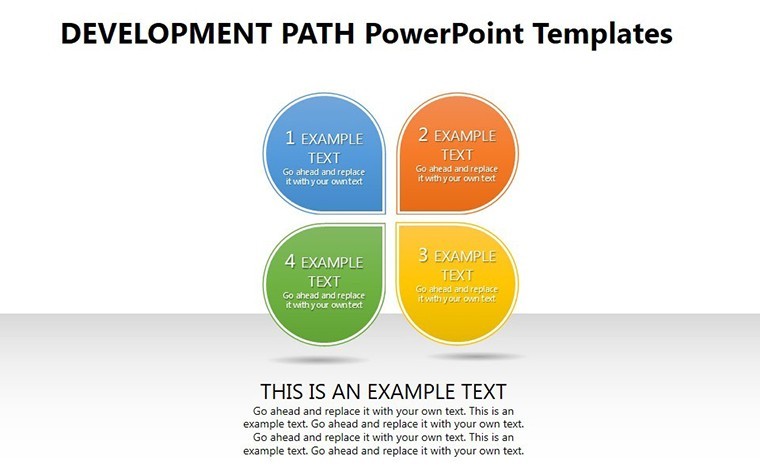
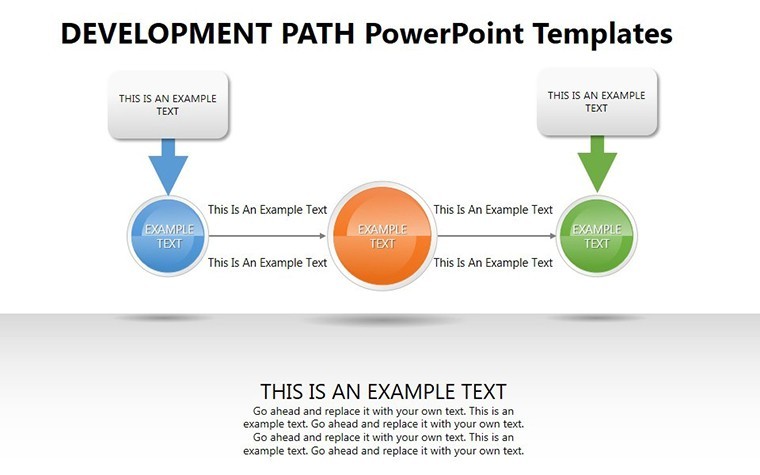
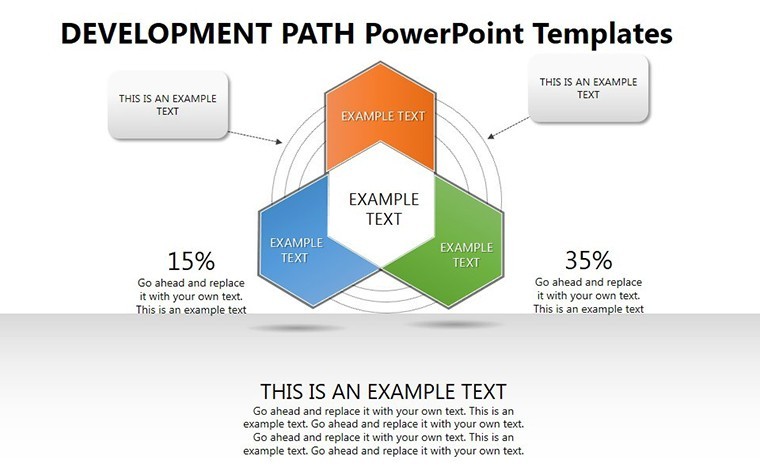
Embarking on a development journey - whether in business growth or personal evolution - requires a map that inspires and informs. Our Development Path Keynote charts template provides just that, with 22 editable slides crafted to depict progressions, strategies, and milestones visually. Suited for corporate leaders, educators, and speakers, it turns linear timelines into captivating stories. Envision charting a company's expansion from startup to market leader, using growth curves that mesmerize and motivate your audience.
Infused with artistic design principles from pros like those at IDEO, this template balances aesthetics and functionality, ensuring your paths to success are as beautiful as they are effective.
Highlighting Key Features
The template's versatility shines through its array of customizable options, from color schemes to layouts, allowing alignment with any theme.
- Artistic Visuals: Charts that blend form and function, captivating while conveying complex paths.
- Intuitive Customization: Edit quickly to save time, with user-centric tools for effortless changes.
- Varied Styles: Growth curves, progressions, and timelines for diverse narratives.
- Multi-Scenario Use: From boardrooms to classrooms, adaptable for any context.
These address the tedium of standard charts, injecting energy into your development stories.
Use Cases and Real-World Examples
In project proposals, slide #12's incremental progression can outline phases, as in successful Kickstarter campaigns analyzed by Forbes. For educators, it visualizes historical developments, like technological evolutions, engaging students deeply.
Workflow: Define your path, select chart type, customize visuals, add annotations, and present. This has elevated pitches at events like SXSW, where path visuals clarified innovative journeys.
Step-by-Step Customization Process
- Outline Your Narrative: Identify key milestones in your development story.
- Pick a Chart: Choose from curves or chronologies based on needs.
- Tailor Design: Adjust for thematic consistency.
- Enhance with Details: Include metrics or icons for richness.
- Finalize and Share: Ensure accessibility for all viewers.
In scientific contexts, it maps research paths, supporting grants as in NIH applications.
The Value for Users
Trust builds from its expert crafting, aligning with communication theories from Toastmasters. Editable nature ensures accuracy, fostering reliability. Users in dynamic fields like tech report memorable impacts, per studies from Pew Research.
Pair with apps like Notion for planning, then import to Keynote. For speakers, it's a tool for audience connection, turning paths into shared visions.
Expert Tips for Effective Use
Use gradients for progression depth, or icons for milestones. In groups, collaborative edits spark creativity. With a wink: Chart your path to success - don't wander aimlessly!
This template is your compass for development narratives. Step forward confidently.
FAQ
How customizable are the development paths?
Fully, with options for styles, colors, and arrangements to match your vision.
Is it only for business use?
No, versatile for education, science, and personal development too.
What makes the designs captivating?
Aesthetic focus combined with clear messaging for memorable visuals.
Can I add animations?
Yes, leverage Keynote's features to animate paths dynamically.
Are there examples included?
Slides provide starters, but customize for your unique paths.
How does it support project proposals?
By visualizing phases and outcomes, making proposals more persuasive.
Good for
- Project roadmaps and sprint plans
- Product launch timelines
- Quarterly or annual review decks
- Company history and milestone summaries
Licence
reviews
Not perfect but useful when you’re in a hurry.
I had a last minute data presentation and this helped a lot.
The line chart slides looked pretty clean.
A few icons felt unnecessary.
Simple setup and easy editing overall.
FAQ
Will it work in Google Slides?
Are fonts embedded?
Can I use this for client work?
What's the refund policy?
Do you update the template after purchase?
Similar templates
See all Keynote Charts →
All 22 slides