 Click to zoom
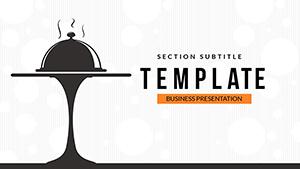
Designing a Professional Restaurant PowerPoint Template Presentation
| Format | .pptx |
| Slides | 3 unique layouts |
| Aspect ratio | 16:9 |
| Compatibility | PowerPoint |
| Animated | No |
| Language | English |
| License | Commercial |
| File size | — |
| Version | v1.0 |
| Last updated | February 2023 |
What's inside
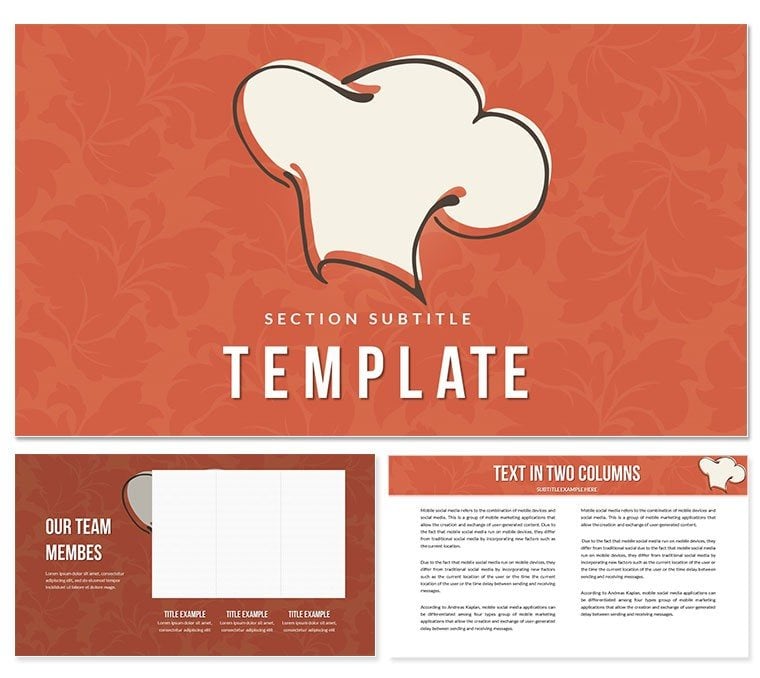
PowerPoint is a powerful tool for creating presentations that can effectively communicate ideas and information. For restaurants, creating a professional PowerPoint template presentation is a great way to showcase their brand, menu, and services to potential customers. In this article, we will discuss some tips and best practices for designing a professional restaurant PowerPoint template presentation.
Choose a Color Scheme
The first step in designing a professional restaurant PowerPoint template presentation is to choose a color scheme. A color scheme should be consistent with the restaurant's branding and should convey the ambiance and atmosphere of the restaurant. For example, a fine-dining restaurant may opt for a muted and elegant color palette, while a casual restaurant may choose brighter and more vibrant colors.
Incorporate High-Quality Images
Images are a crucial part of any restaurant presentation. High-quality images can effectively showcase the restaurant's menu, ambiance, and services. When choosing images, it is important to select images that are relevant to the restaurant's brand and messaging. Additionally, images should be of high quality and resolution to ensure they look good on any device or screen size.
Use Appropriate Typography
Typography can make or break a presentation's overall look and feel. When designing a restaurant PowerPoint template presentation, it is important to choose typography that is easy to read and matches the restaurant's brand. Headings should be large and easy to read, while body text should be legible and consistent in size and style.
Keep it Simple
When designing a restaurant PowerPoint template presentation, it is important to keep things simple. The presentation should be easy to navigate and should not overwhelm the viewer with too much information. The presentation should also be easy to update and modify as the restaurant's menu and services change.
Include Contact Information
Finally, it is important to include contact information in the restaurant PowerPoint template presentation. This should include the restaurant's name, address, phone number, website, and social media handles. This information should be displayed prominently in the presentation to make it easy for potential customers to get in touch.
In conclusion, designing a professional restaurant PowerPoint template presentation requires attention to detail and a good understanding of the restaurant's brand and messaging. By following the tips and best practices outlined in this article, restaurants can create a powerful presentation that effectively showcases their menu, services, and brand. With a well-designed presentation, restaurants can attract new customers and build their brand in a competitive market.
Good for
- Project roadmaps and sprint plans
- Product launch timelines
- Quarterly or annual review decks
- Company history and milestone summaries
Licence
reviews
The tips in the description about choosing color schemes were actually helpful for my project.
Used this to structure our restaurant's brand guidelines. The layout looks very professional.
I was mainly using it for the ambiance slides. The dark color palettes really make the food photos pop.
It feels a bit like reading a blog post in slide format. The design is okay but generic.
The placeholder for the restaurant contact info on every slide is a nice feature for consistency.
FAQ
Will it work in Google Slides?
Are fonts embedded?
Can I use this for client work?
What's the refund policy?
Do you update the template after purchase?
Similar templates
See all PowerPoint Templates →
All 1 slides