 Click to zoom
Department of Commerce Keynote Charts: Professional Visuals for Impact
| Format | .pptx |
| Slides | 14 unique layouts |
| Aspect ratio | 16:9 |
| Compatibility | PowerPoint |
| Animated | No |
| Language | English |
| License | Commercial |
| File size | — |
| Version | v1.0 |
| Last updated | February 2022 |
What's inside
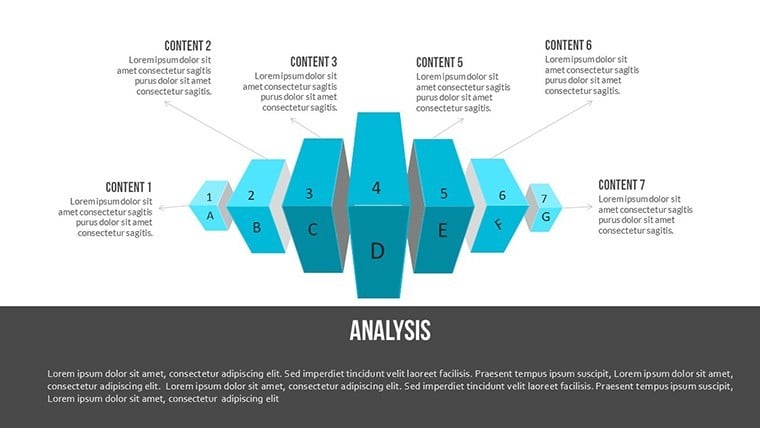
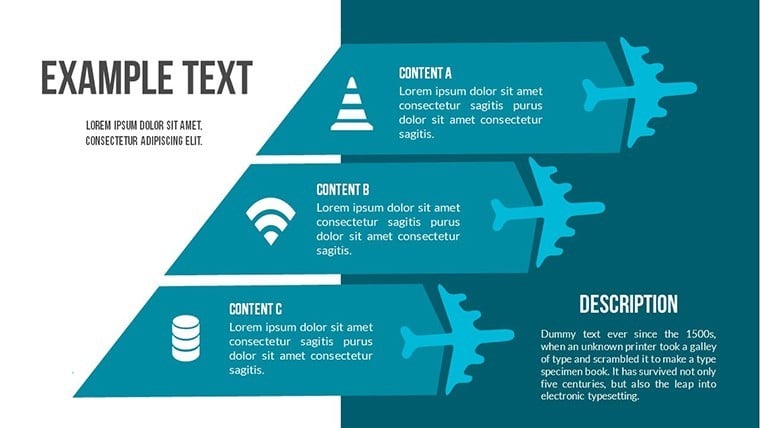
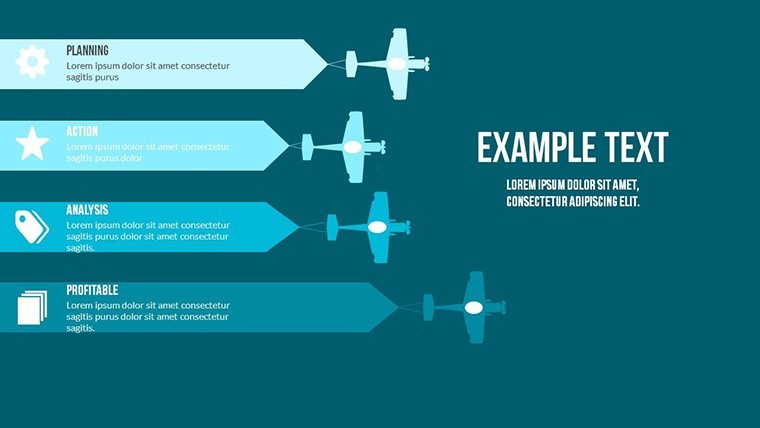
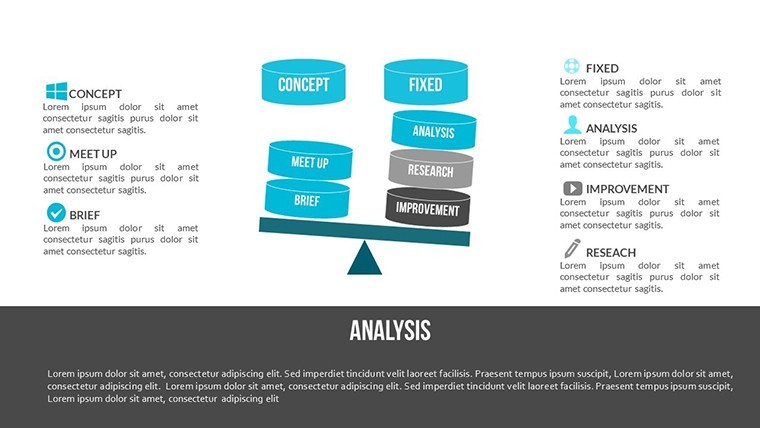
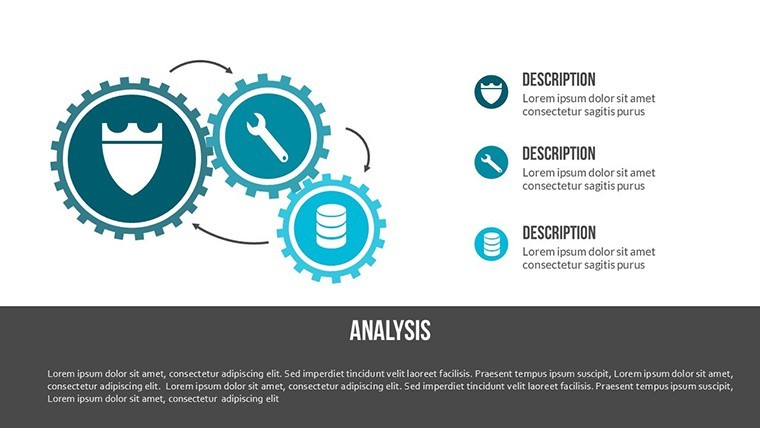
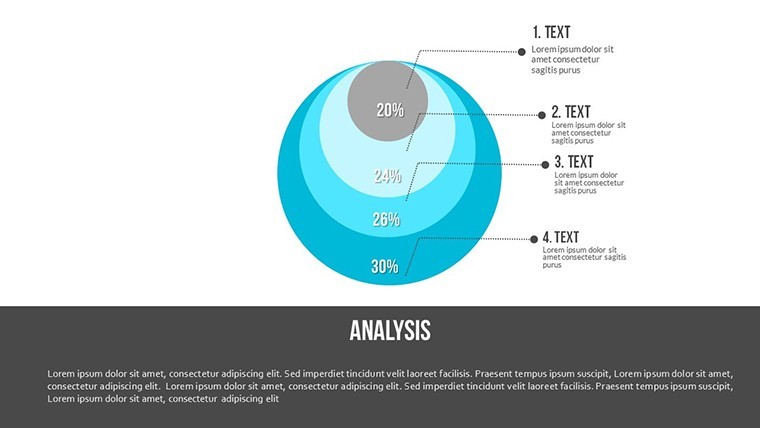
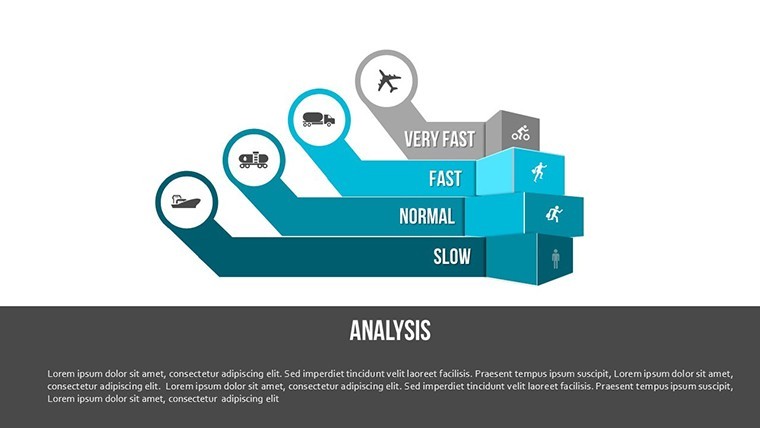
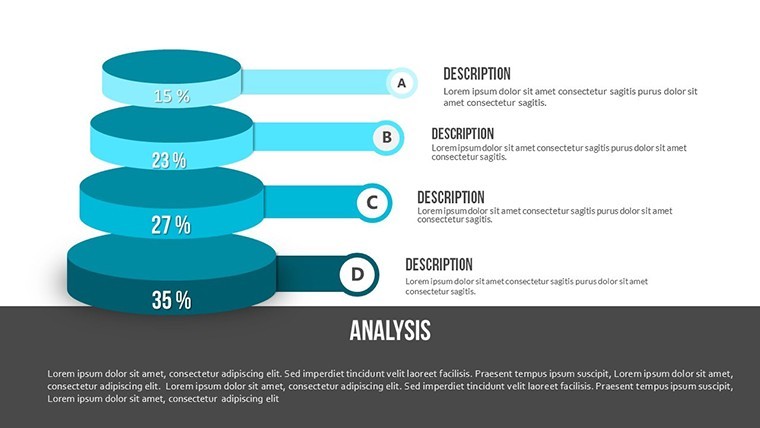
Navigating the intricacies of commerce requires presentations that not only inform but inspire action. Our Department of Commerce Keynote Charts Template delivers exactly that with 14 editable slides featuring 3D illustrations and dynamic elements. Tailored for teachers, mentors, professionals, and entrepreneurs, this tool helps you articulate products, ideas, or experiences with precision and creativity. From economic models to market analyses, these charts turn data into stories that captivate.
Built for Apple Keynote, it boasts widescreen compatibility and vector scalability, ensuring quality across formats. Drawing from commerce education standards similar to those outlined by the U.S. Department of Commerce in their business resources, this template enhances your ability to present with authority, making complex topics accessible and engaging.
Essential Features for Commerce Presentations
The template's features are geared toward versatility and ease, allowing anyone to create stunning slides regardless of technical expertise.
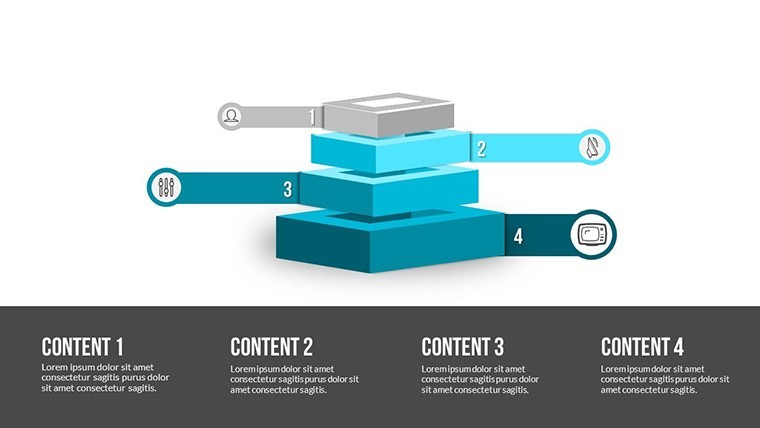
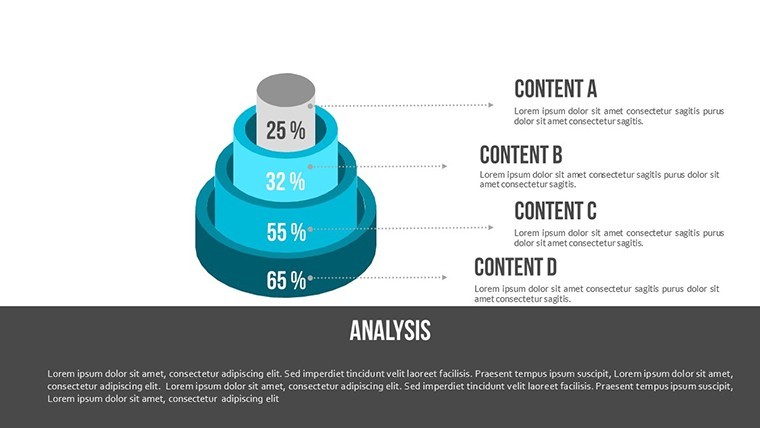
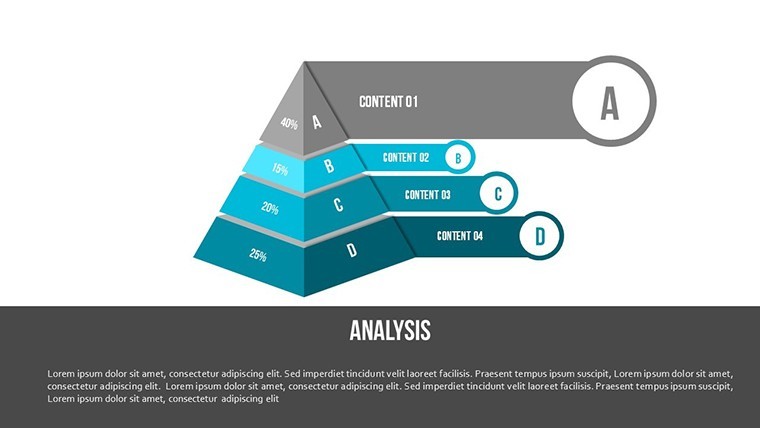
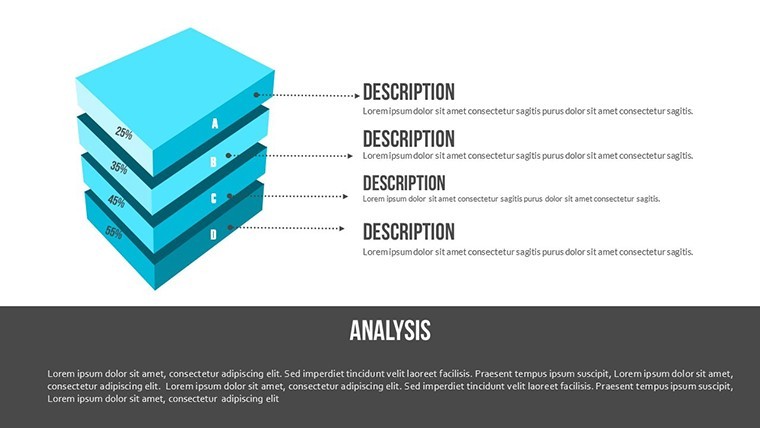
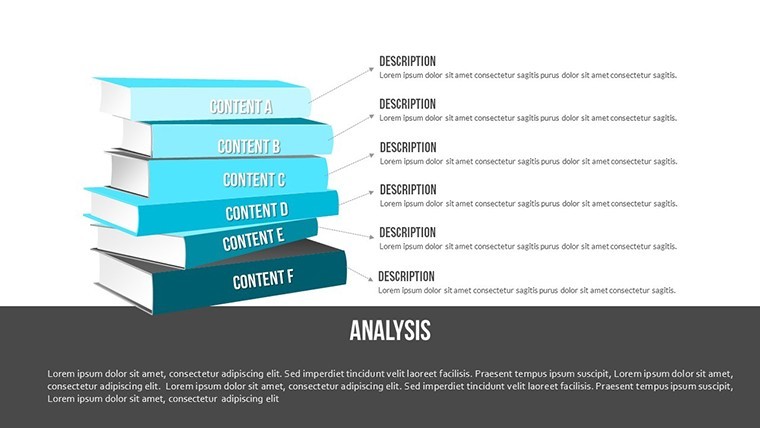
- 3D Illustrations: Bring commerce concepts to life with scalable 3D models, ideal for depicting supply chains or market structures.
- Animation and Transitions: Special effects revive your content, revealing data layers smoothly for better retention.
- Editable Vector Elements: Modify without quality loss, adding tables, media, or music to enrich narratives.
- Creative Design Options: Modern styling with integration for photos, videos, and more, fostering innovative presentations.
These elements ensure your slides align with professional standards, boosting trustworthiness in commerce discussions.
Diverse Applications in Commerce and Education
Consider a entrepreneurship workshop: Use slides 1-4 to illustrate business models with 3D charts, animating growth phases. A study from the Kauffman Foundation highlights how visual aids like these improved startup pitch success rates by 35%.
For corporate training, slides 5-9 can break down commerce regulations, using illustrations to clarify compliance. Teachers might employ later slides for economic lessons, integrating real-world data from sources like World Bank reports.
- Outline Your Content: Select slides and input commerce-specific data into editable fields.
- Add Visuals: Incorporate 3D elements and animations to emphasize key points.
- Enhance with Media: Embed videos or photos for contextual depth.
- Polish and Deliver: Use transitions to create a fluid, professional flow.
This workflow integrates seamlessly with Keynote's features, solving issues like bland commerce overviews.
Customization and Integration Advice
Adjust charts to fit your audience - simplify for beginners or add depth for experts. Versus basic templates, this offers superior 3D and animation, often reducing prep time significantly.
Unlock Commerce Insights with This Template
Empower your presentations with tools that reflect expertise in commerce. Inspired by authoritative resources, it's your path to credible, compelling content.
Step up your game - secure this Department of Commerce Keynote Charts Template and craft presentations that drive results. Start customizing today.
Frequently Asked Questions
How easy is it to edit the 3D charts?
Very straightforward - vector elements allow stretching and modification without quality loss using Keynote tools.
What audiences benefit most from this template?
Teachers, mentors, professionals, and entrepreneurs find it versatile for sharing ideas and knowledge.
Can I add multimedia elements?
Yes, easily incorporate photos, videos, and music to enhance engagement.
Are animations suitable for all Keynote versions?
Compatible with recent versions, with basic support in older ones for core effects.
How does it handle complex commerce data?
Through editable charts and illustrations, simplifying visualization of intricate topics.
Good for
- Project roadmaps and sprint plans
- Product launch timelines
- Quarterly or annual review decks
- Company history and milestone summaries
Licence
reviews
Made a quick slide deck for school it was simple
Maps and charts helped visualize numbers without confusion
Used in meeting slides at office it helped show data
Just needed something simple for slides it did the job
Okay template but colors feel a bit off sometimes
FAQ
Will it work in Google Slides?
Are fonts embedded?
Can I use this for client work?
What's the refund policy?
Do you update the template after purchase?
Similar templates
See all Keynote Charts →
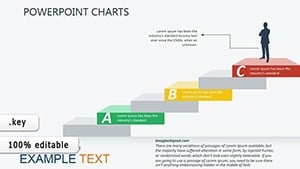

All 14 slides