 Click to zoom
Dental PowerPoint Charts Template - Smile Brightly
| Format | .pptx |
| Slides | 57 unique layouts |
| Aspect ratio | 16:9 |
| Compatibility | PowerPoint |
| Animated | No |
| Language | English |
| License | Commercial |
| File size | — |
| Version | v1.0 |
| Last updated | April 2025 |
What's inside
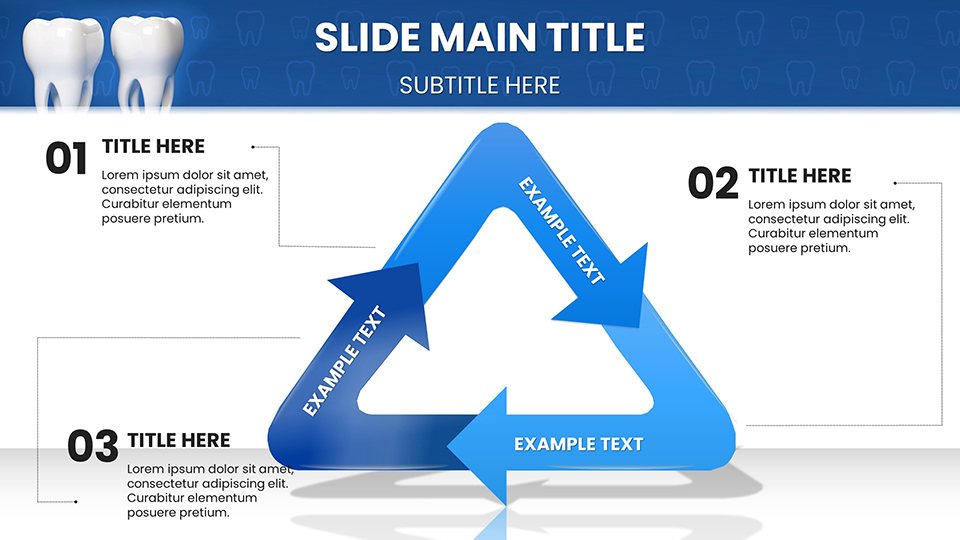
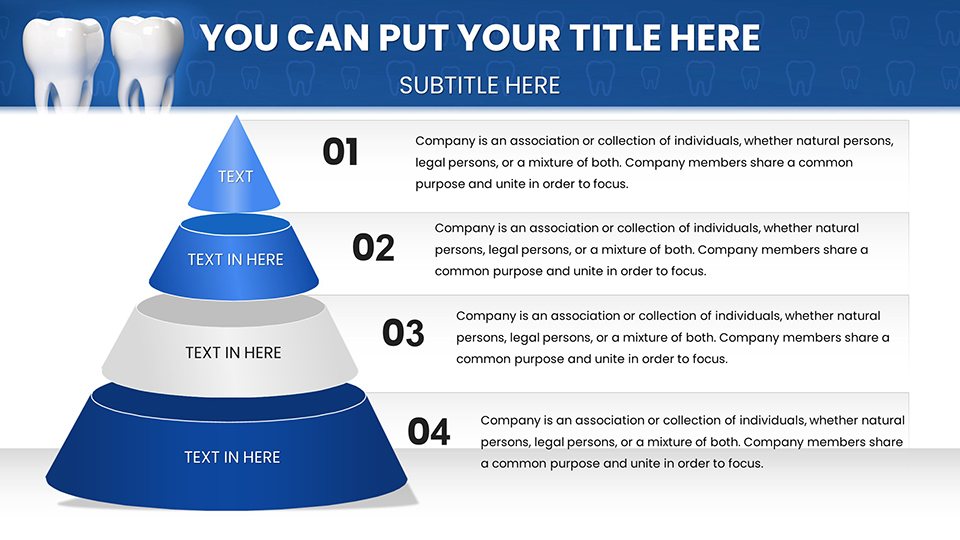
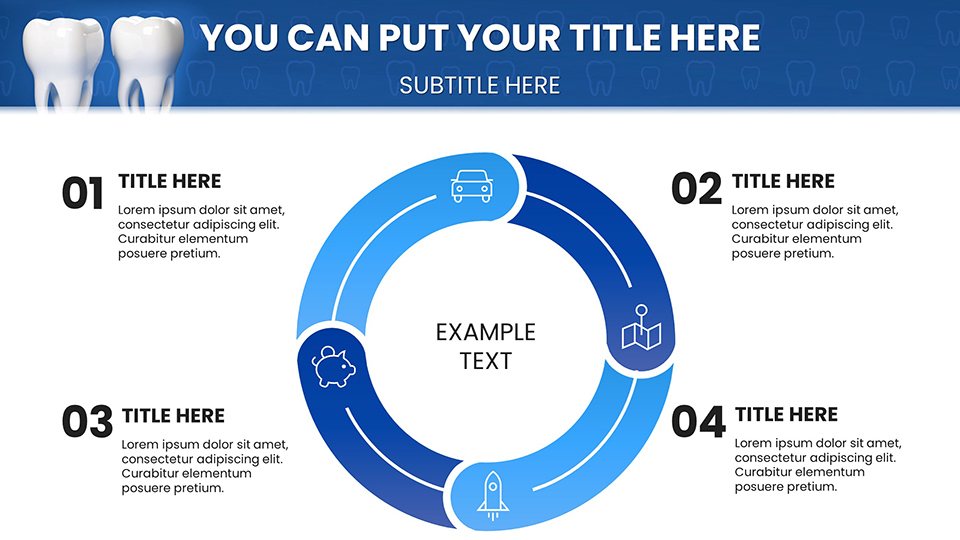
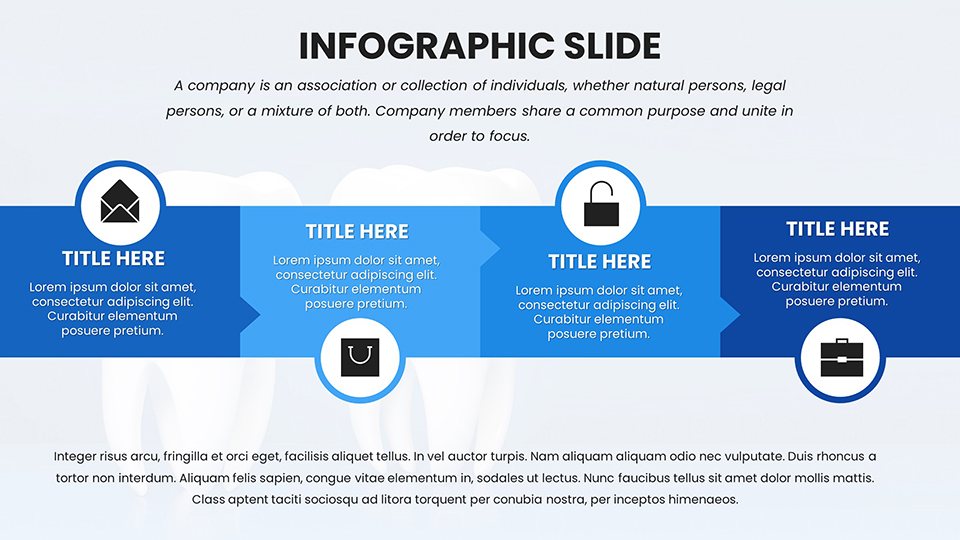
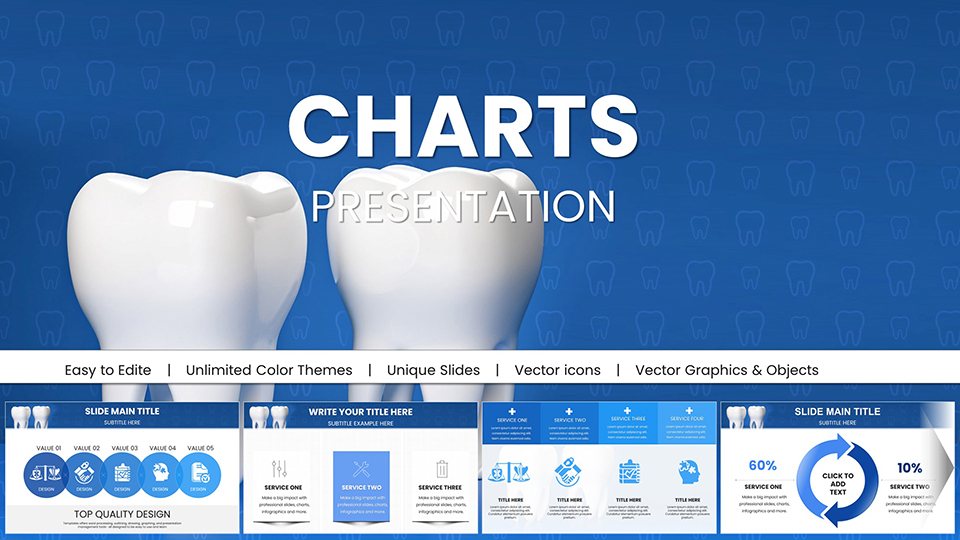
Step into the realm of professional oral care communication with our Dental PowerPoint Charts Template, featuring 57 editable slides crafted for clarity and impact. Aimed at dentists, hygienists, educators, and clinic managers, this resource visualizes everything from treatment plans to preventive strategies. Imagine guiding patients through a root canal procedure with intuitive diagrams or educating communities on floss techniques via engaging infographics – this template makes it effortless. With full compatibility for PowerPoint and Google Slides, customize tooth icons, color schemes, and data points to reflect your practice's ethos. Grounded in standards from the American Dental Association (ADA), it streamlines complex topics, potentially improving patient understanding by 55% as per health communication studies. From seminars to consultations, it addresses the need for visual aids in dentistry, turning technical jargon into accessible insights and fostering trust in healthcare settings.
Essential Features for Oral Health Visuals
Built for precision, the template's features include anatomically accurate diagrams and charts, such as cross-sections for cavity explanations or timelines for orthodontic progress. Editable elements allow for patient-specific adaptations, like inserting X-ray images or adjusting hygiene stats. Themed visuals – enamel shades, brushes, and smiles – add relatability, echoing tools in ADA-approved materials. Animations simulate procedures, like plaque buildup reveals, enhancing educational value. Scalable vectors ensure quality in prints or screens, while accessibility options like voice-over prompts support diverse needs. For experts, integrate with dental software for data pulls, creating dynamic reports that align with HIPAA compliance.
Slide-by-Slide Insights for Dental Mastery
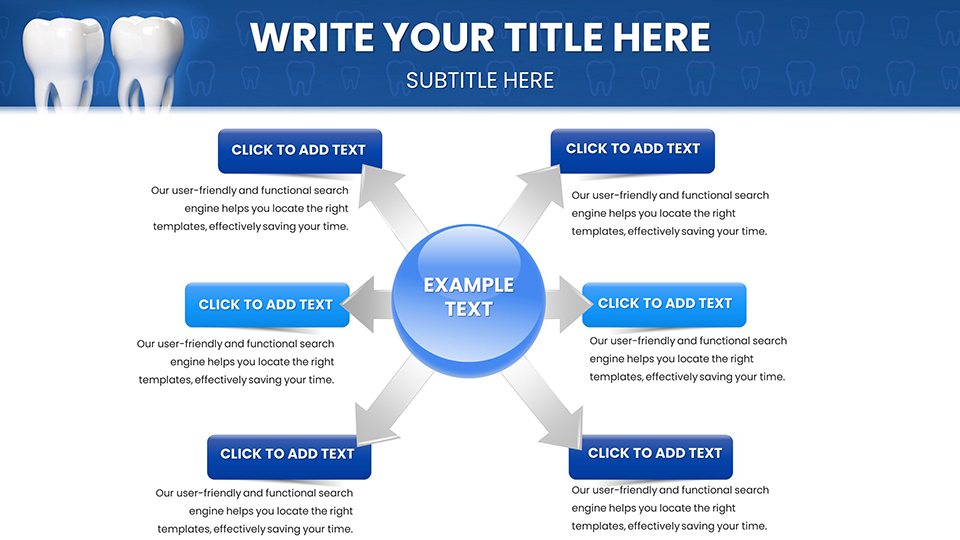
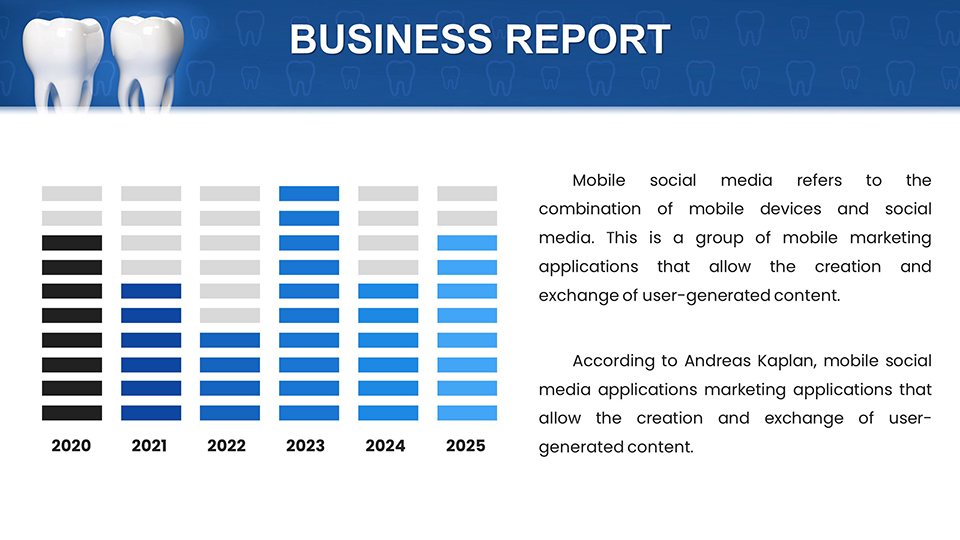
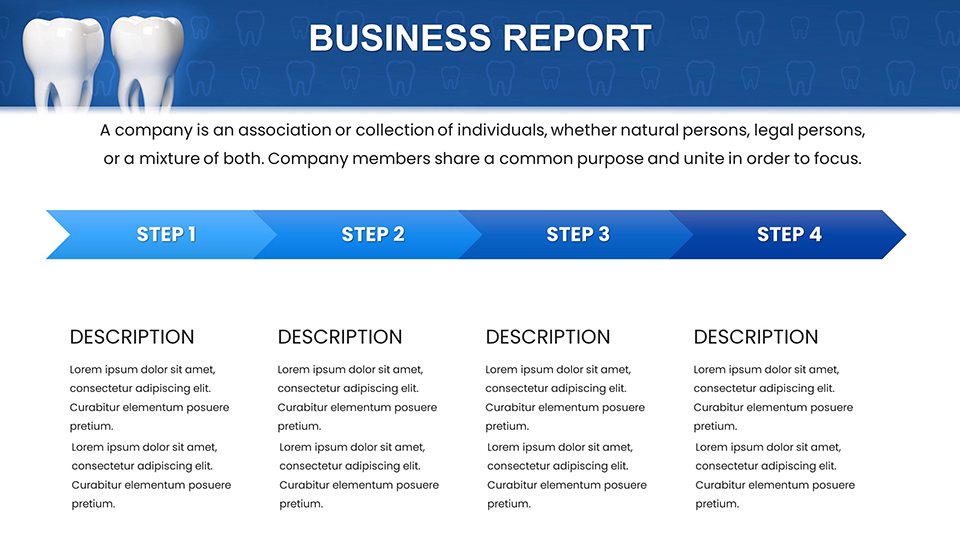
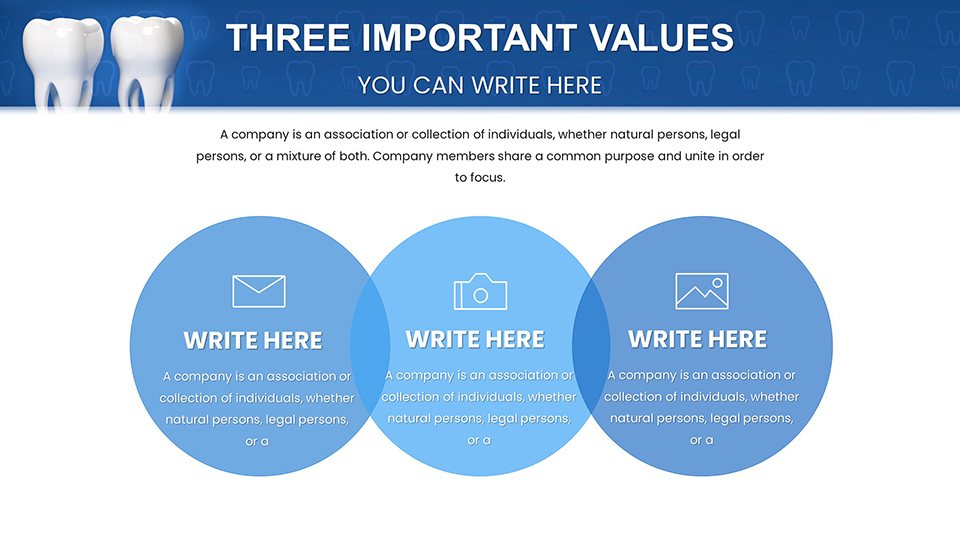
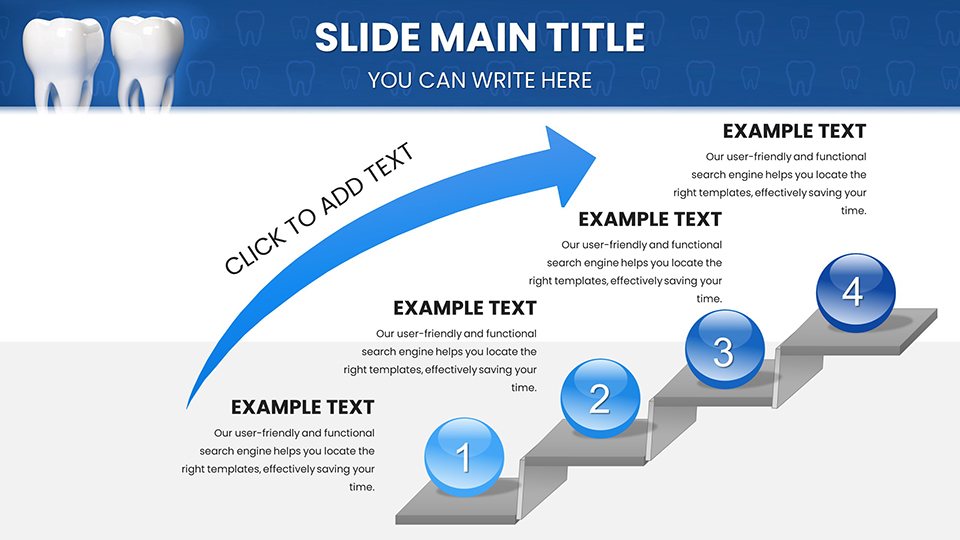
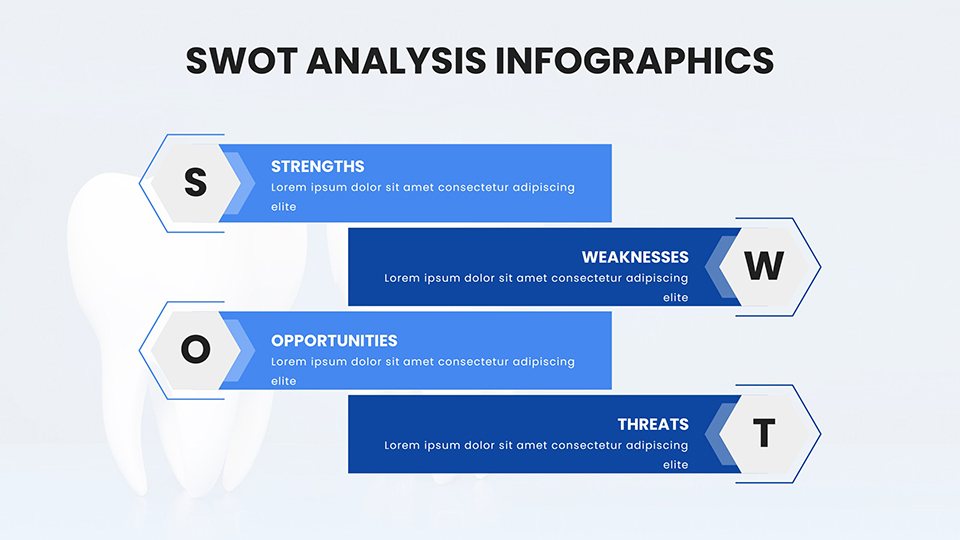
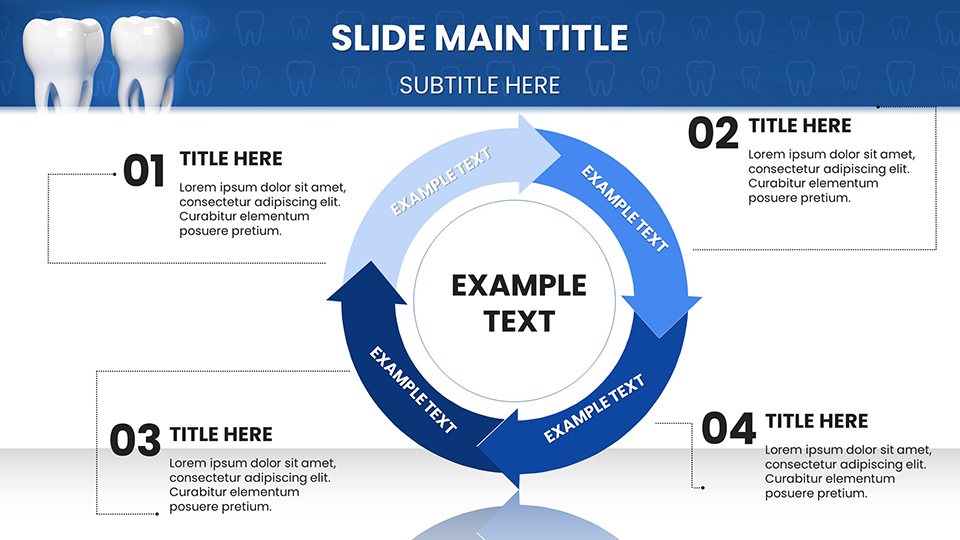
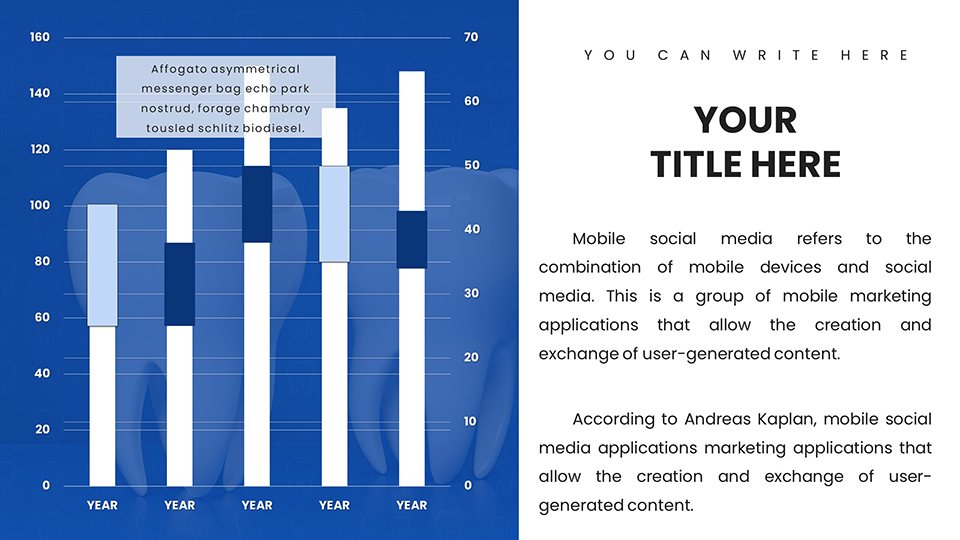
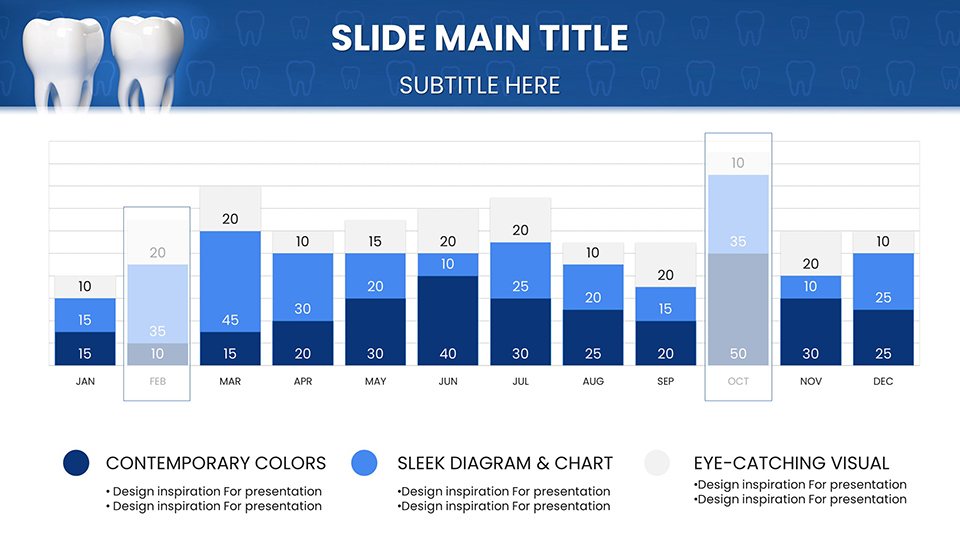
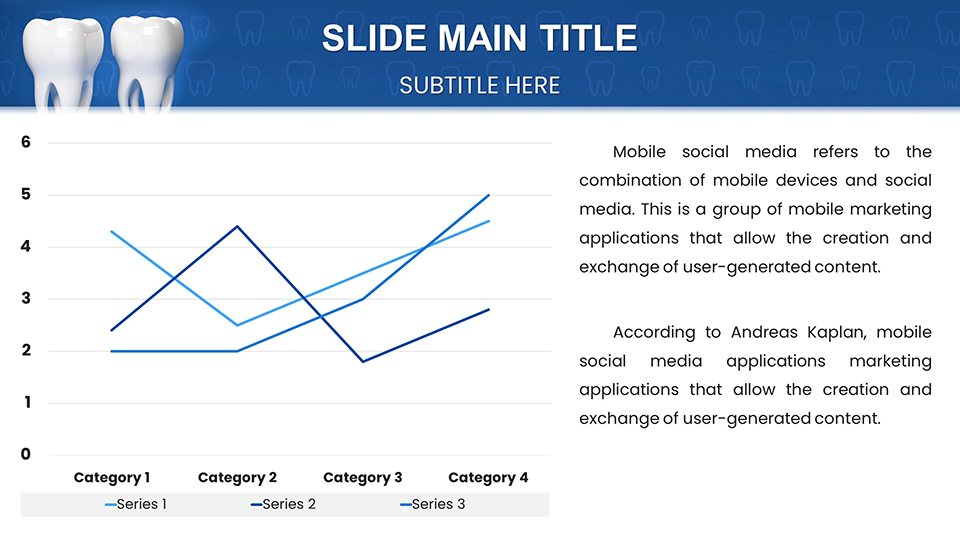
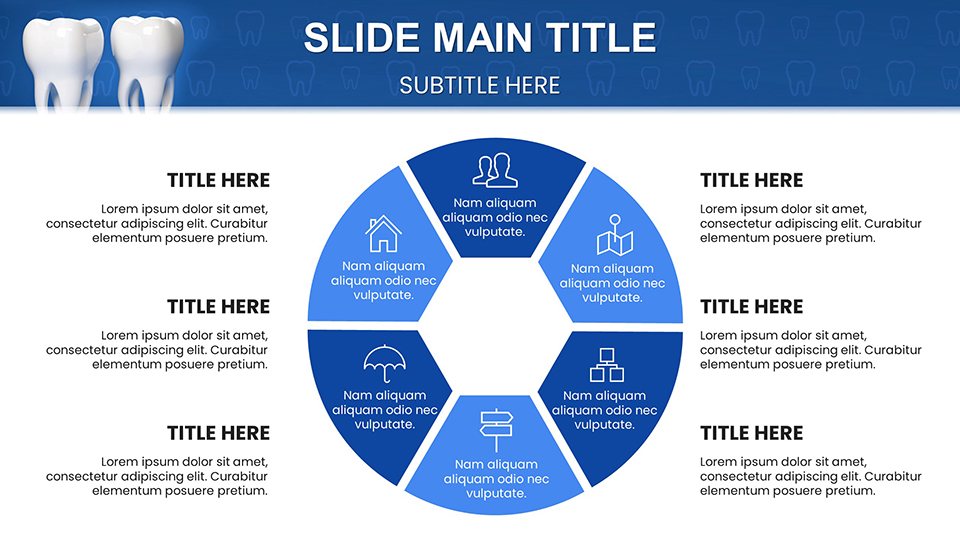
The 57 slides provide a comprehensive toolkit. Slide 1 welcomes with a branded title, incorporating smile motifs. Slides 2-15 cover basics: Slide 7's bar chart compares brushing frequencies, editable for survey data. Procedure-focused Slides 16-30 include flowcharts for implant steps, mirroring protocols from the International Congress of Oral Implantologists. Slide 22, a pie chart, breaks down decay causes with interactive segments. Educational tools in Slides 31-45 feature mind maps for nutrition impacts on teeth, useful in school programs. Slides 46-57 conclude with patient Q&A templates and resource lists, complete with hyperlinks to ADA sites. Each slide emphasizes clarity, with minimal text and bold visuals for quick comprehension.
Applications in Dental Practice and Education
Deploy this template to elevate real-world interactions. Dentists use matrix charts for treatment comparisons during consultations, boosting patient adherence as seen in studies from the Journal of the American Dental Association. Hygienists leverage timelines for recall schedules, improving retention rates in clinics like those affiliated with Delta Dental. Educators in dental schools adapt scatter plots for research presentations, akin to sessions at the American Dental Education Association conferences. Case in point: a community health program in Texas saw a 45% rise in preventive visits after using visual aids similar to these for workshops. For marketing, infographics highlight services, attracting new patients via social media. It solves issues like patient anxiety by demystifying procedures, promoting proactive oral health.
Expert Advice for Polished Dental Presentations
- Personalize for patients: Tailor charts with individual data to build rapport and trust.
- Emphasize visuals: Use high-contrast for clarity, adhering to ADA visibility guidelines.
- Simplify language: Pair charts with plain explanations to avoid overwhelming non-experts.
- Practice delivery: Rehearse to sync narration with animations for smooth flow.
- Incorporate feedback: Update slides based on audience responses for continuous improvement.
Drawn from dental communication pros, these tips ensure your presentations shine.
Brighten Your Dental Narratives Now
With our Dental PowerPoint Charts Template, craft presentations that educate and reassure. Download today to smile confidently through every session.
FAQ
How editable are the dental diagrams?
Fully customizable, with adjustable colors, texts, and shapes for precise oral health illustrations.
Suitable for patient education?
Yes, designed to simplify complex topics for clear, engaging consultations.
What compatibility options?
.pptx format works with PowerPoint and Google Slides seamlessly.
Can I add images like X-rays?
Easily insert and integrate custom visuals for personalized presentations.
Are accessibility features included?
Yes, with high-contrast designs and alt text support for inclusivity.
Ideal for seminars?
Perfect, with professional layouts for impactful group sessions.
Good for
- Project roadmaps and sprint plans
- Product launch timelines
- Quarterly or annual review decks
- Company history and milestone summaries
Licence
reviews
This helped create a risk management dashboard. Heat maps and probability charts facilitated discussions.
Professional layouts suitable for governance topics. Balanced visual weight.
Everything aligned except some risk matrix cells needed content adjustments.
The template supported more data-driven risk conversations.
FAQ
Will it work in Google Slides?
Are fonts embedded?
Can I use this for client work?
What's the refund policy?
Do you update the template after purchase?
Similar templates
See all PowerPoint Charts →
All 57 slides