 Click to zoom
Demystify Buyer Journeys with Buying Process PowerPoint Chart Template
| Format | .pptx |
| Slides | 22 unique layouts |
| Aspect ratio | 16:9 |
| Compatibility | PowerPoint |
| Animated | No |
| Language | English |
| License | Commercial |
| File size | — |
| Version | v1.0 |
| Last updated | August 2023 |
What's inside
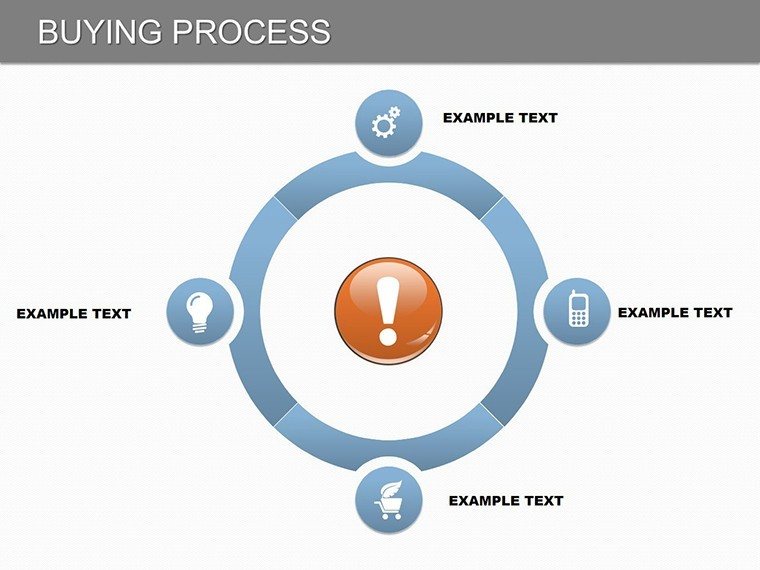
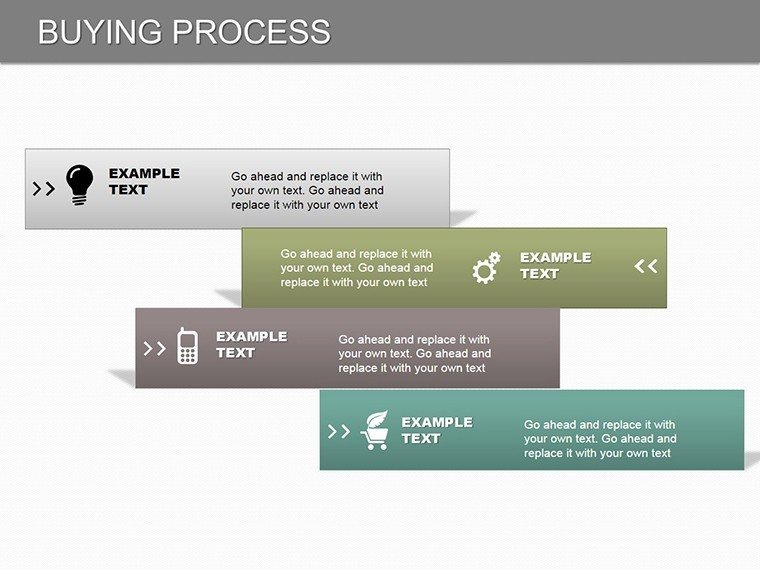
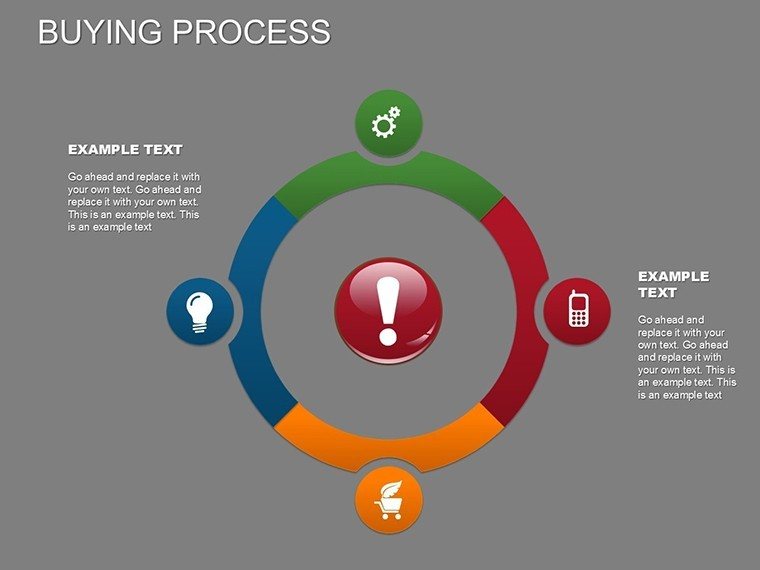
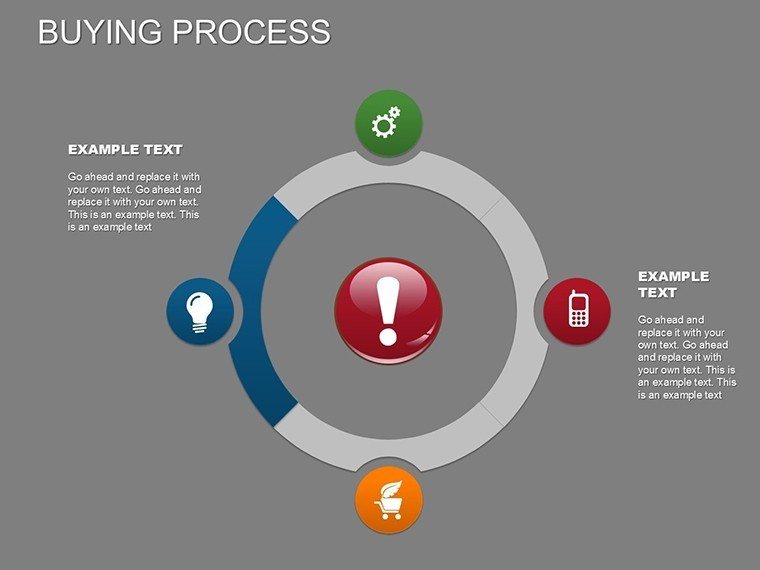
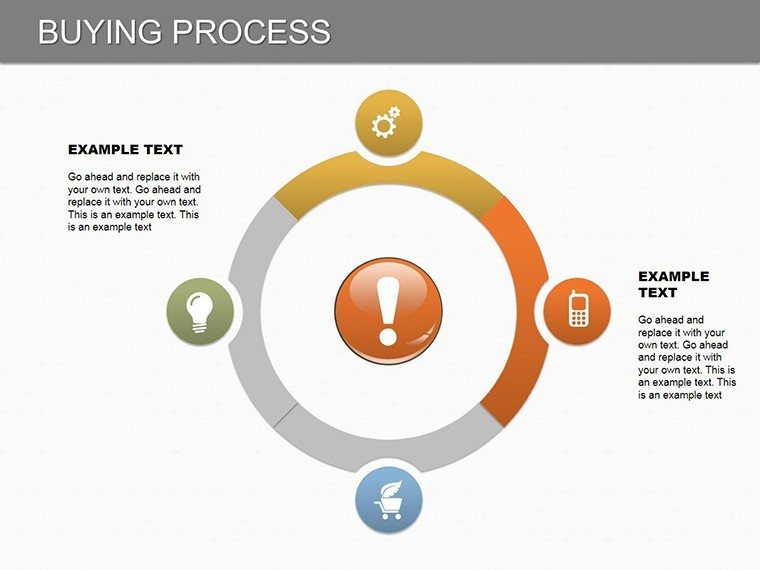
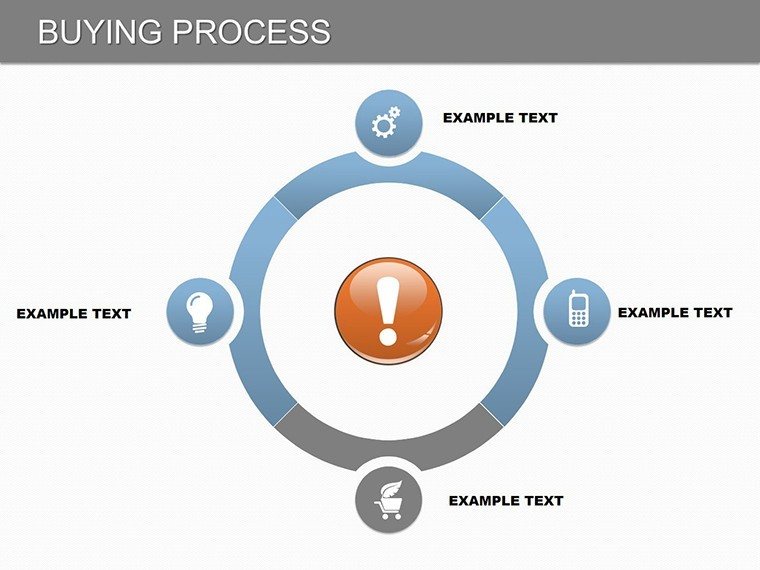
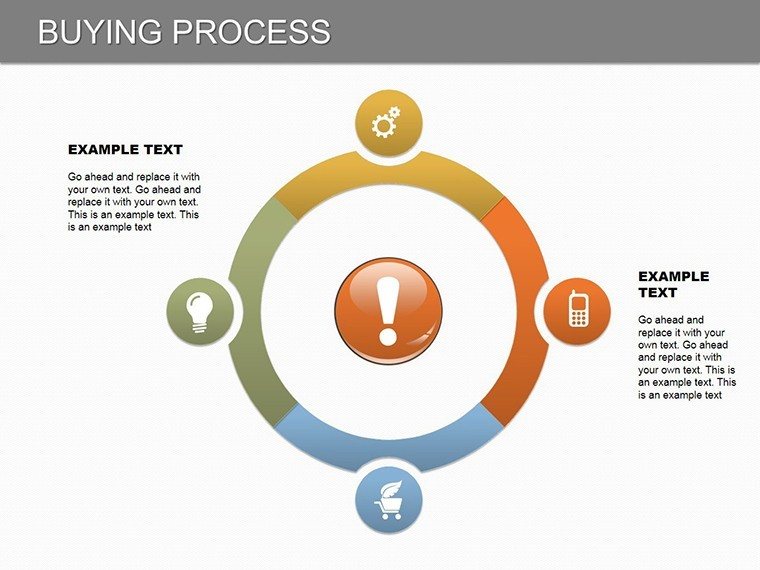
The buying process is a labyrinth for many, but with the right tools, it becomes a clear path to persuasion. The Buying Process PowerPoint chart template, featuring 22 editable slides, is engineered to map out customer journeys with precision and style. Aimed at sales pros navigating client acquisitions or marketers analyzing funnel stages, it uses bar graphs and pie charts to spotlight data trends and decision points. This addresses the frustration of vague presentations by providing structured visuals that guide audiences through awareness to purchase. Inspired by frameworks like those from the Sales Management Association, it helps in crafting narratives that convert. Fully compatible with PowerPoint, it streamlines creation, freeing you to hone your pitch. From startup pitches to corporate trainings, this template turns insights into actions, making complex cycles accessible and engaging. Embark on a journey where data drives deals forward.
Charting the Path: Essential Visuals for Buyer Stages
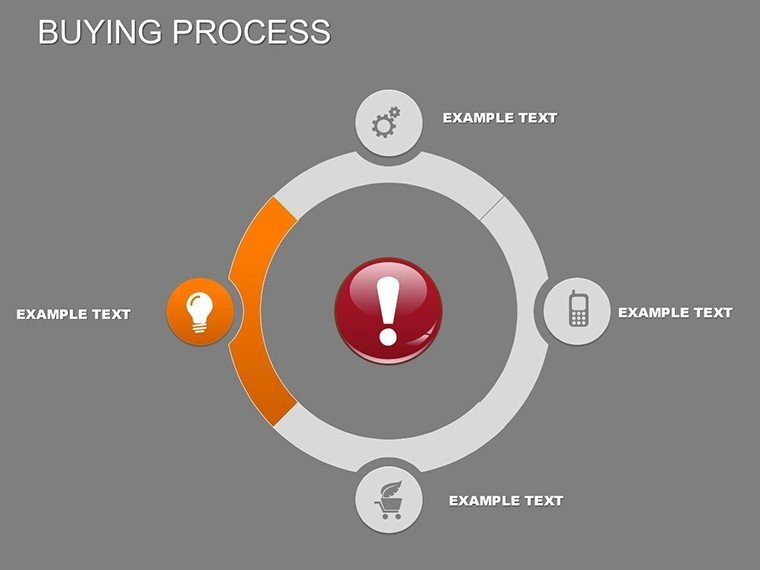
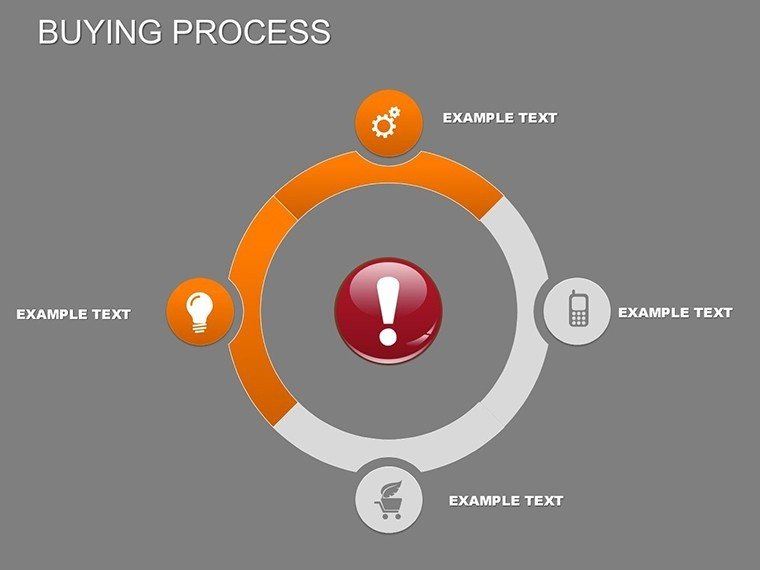
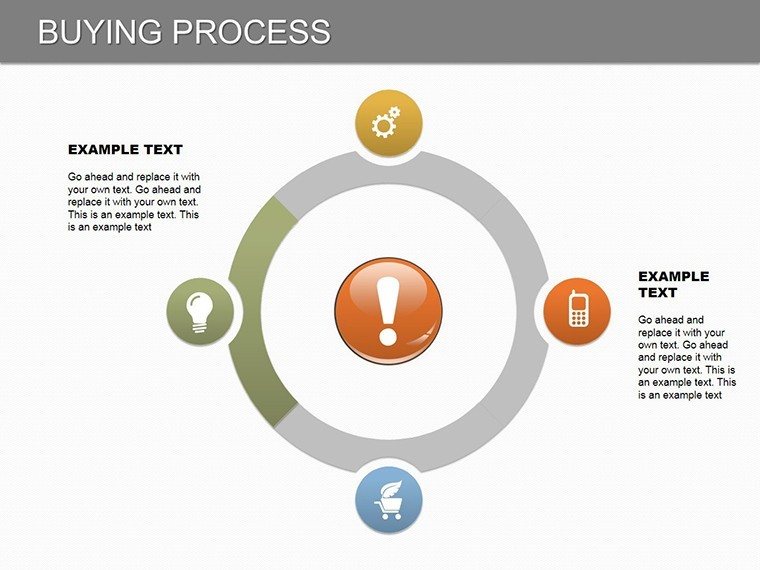
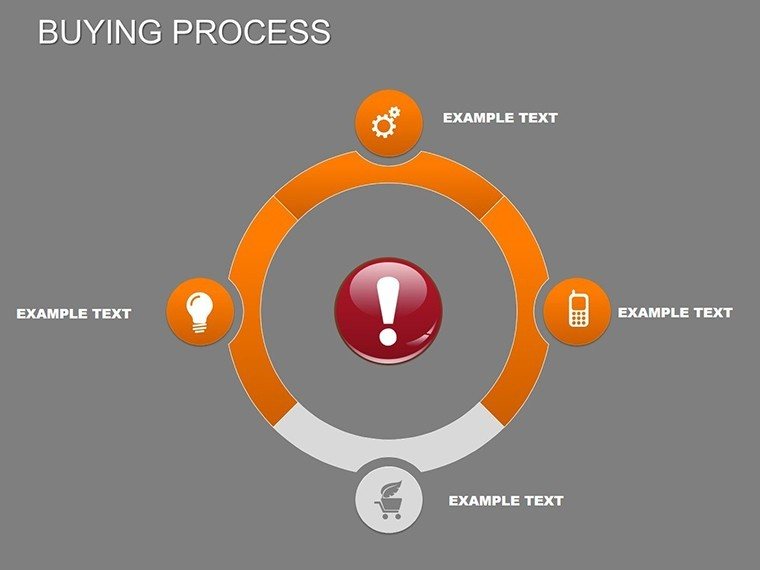
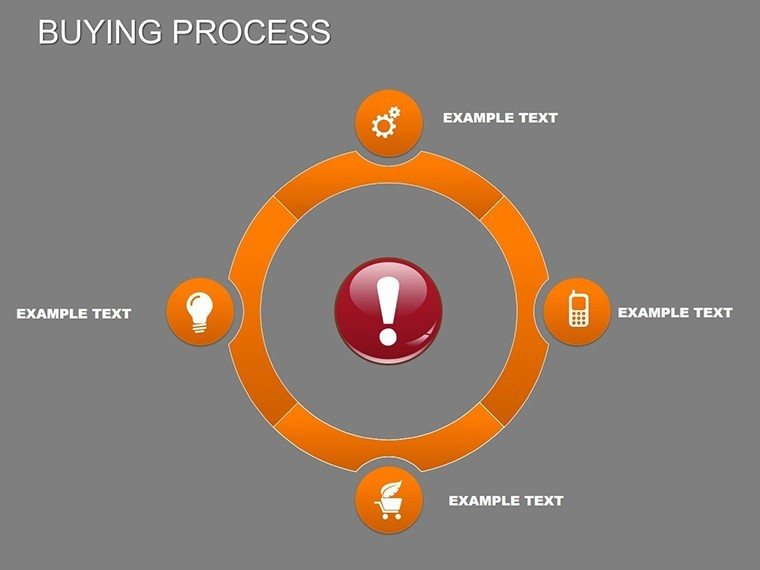
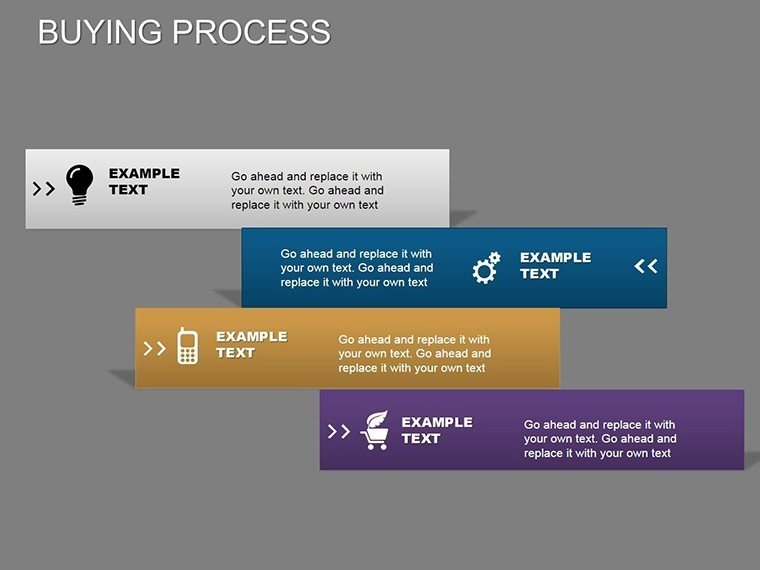
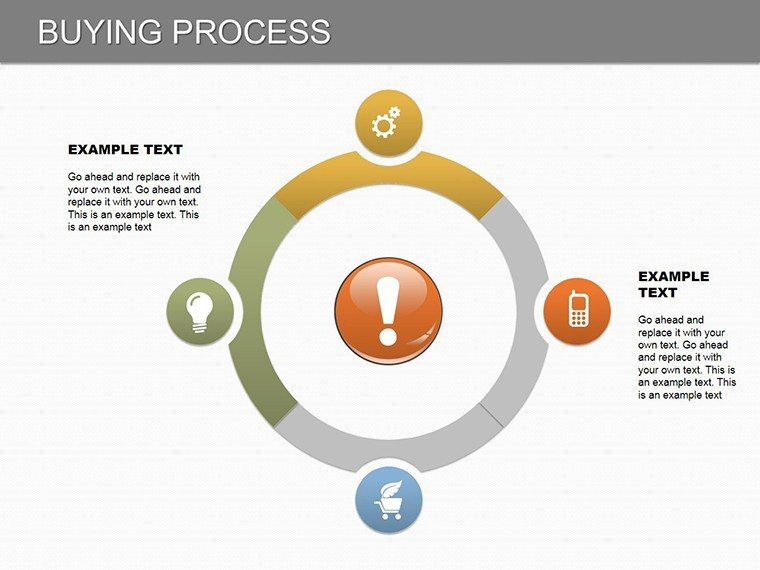
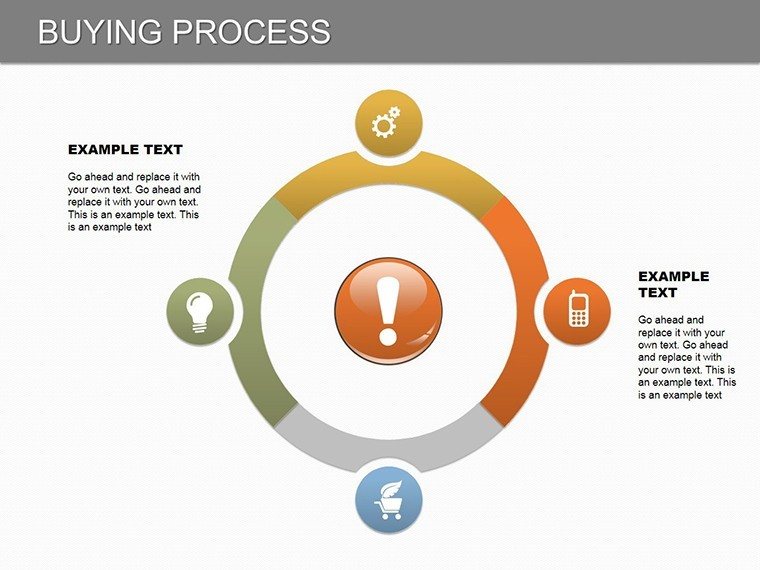
Central to this template are cycle charts that delineate the buying process, from initial need recognition to post-purchase evaluation. Bar graphs excel at comparing metrics like conversion rates across stages, while pie charts break down influencing factors, such as budget allocations. Customization lets you infuse brand elements - perhaps aligning colors with your company's palette for a tech firm's demo. This approach not only clarifies but enhances memorability, per principles from cognitive load theory. In practice, a real estate agent might use it to illustrate home-buying steps, complying with NAR guidelines, turning prospects into clients with visual ease.
Core Features Enhancing Your Sales Narrative
- 22 Dynamic Slides: Comprehensive coverage of all buying phases with varied chart types.
- Brandable Customizations: Adjust layouts, fonts, and hues for a tailored fit.
- Data-Driven Elements: Integrate stats seamlessly for real-time relevance.
- Engagement Boosters: Icons and graphics that add depth without distraction.
- Easy Integration: Plug into existing decks with no hassle.
These draw from expert design, ensuring presentations that persuade effectively.
Applications in Action: From Pitches to Trainings
Harness this template for diverse needs: Sales teams can visualize funnels to identify bottlenecks, educators simplify consumer behavior lessons, and entrepreneurs chart go-to-market strategies for investors. A notable example - a B2B firm revamped their proposals using similar visuals, increasing win rates by 20% via clearer value propositions. Workflow tip: Start by defining stages, populate with data, customize visuals, and iterate based on feedback. Compared to generic tools, it offers specialized cycle focus for superior clarity.
Guided Customization Process
- Open the downloaded .pptx in PowerPoint.
- Map your buying stages to the template's framework.
- Tweak visuals for emphasis on key phases.
- Incorporate animations for step-by-step reveals.
- Review and share for impactful delivery.
This ensures polished outputs every time.
Building Trust Through Clear Communication
The template fosters authoritativeness by aligning with industry standards, like those in marketing automation. It's trustworthy for its reliability across platforms, with CTAs like "Navigate Your Purchase Path" encouraging engagement. Ultimately, it empowers you to lead audiences through decisions with confidence.
Chart your success - download the Buying Process template today and close more deals.
Frequently Asked Questions
How editable are the buying stages?
Fully flexible - add, remove, or reorder stages to match your model.
Compatible with older PowerPoint versions?
Yes, works with PowerPoint 2010 and newer.
Suitable for B2C vs. B2B?
Adaptable for both, with customizations for specific funnels.
Can I link to external data?
Yes, embed Excel links for dynamic updates.
Good for
- Project roadmaps and sprint plans
- Product launch timelines
- Quarterly or annual review decks
- Company history and milestone summaries
Licence
reviews
This template worked fine for my small business expense report.
I liked the vertical charts because they fit my data better than wide graphs.
The fonts were readable during our Zoom meeting which honestly matters more than fancy design.
Some slides looked repetitive but I still got use out of them.
Used it for a client presentation and only had to swap in my own numbers and logo.
FAQ
Will it work in Google Slides?
Are fonts embedded?
Can I use this for client work?
What's the refund policy?
Do you update the template after purchase?
Similar templates
See all PowerPoint Charts →

All 22 slides