 Click to zoom
Cycle Process Keynote Charts - Instant Download | ImagineLayout
| Format | .pptx |
| Slides | 20 unique layouts |
| Aspect ratio | 16:9 |
| Compatibility | PowerPoint |
| Animated | No |
| Language | English |
| License | Commercial |
| File size | — |
| Version | v1.0 |
| Last updated | March 2026 |
What's inside
What's Inside the Download
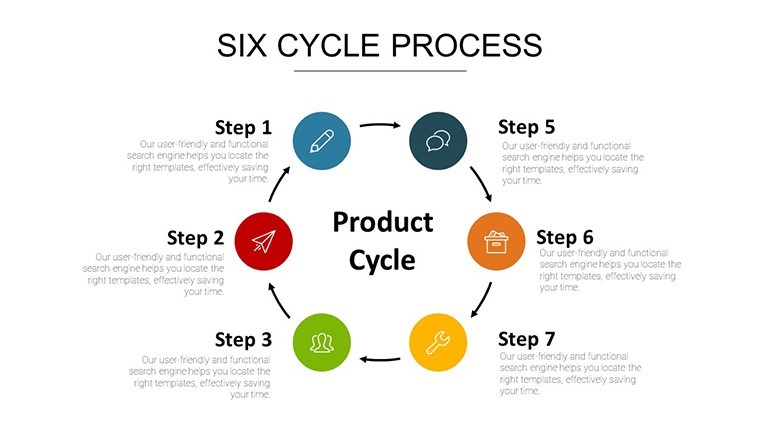
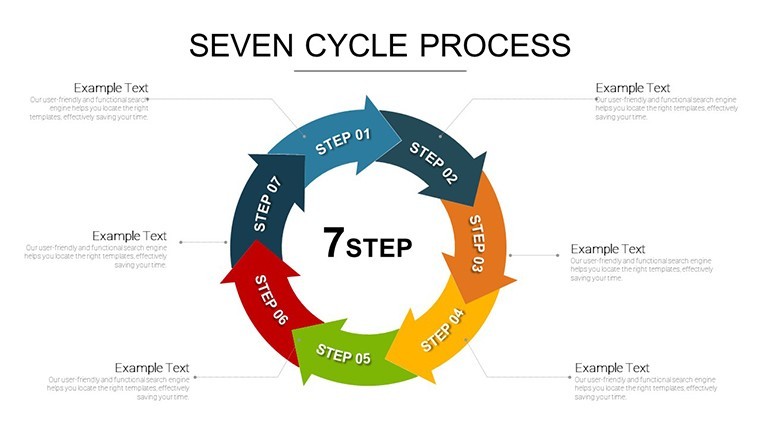
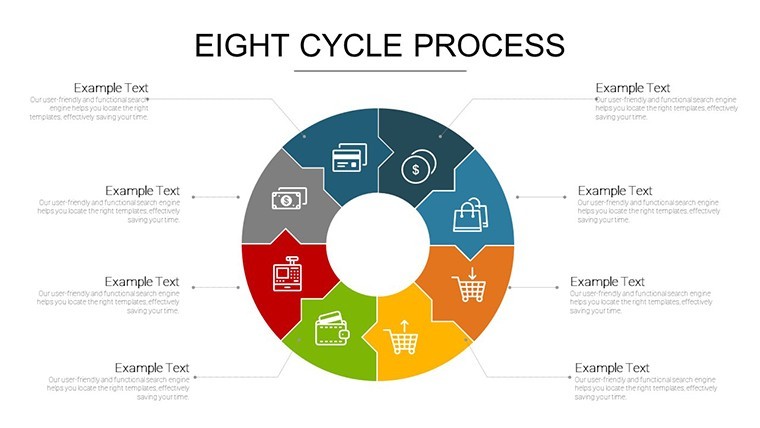
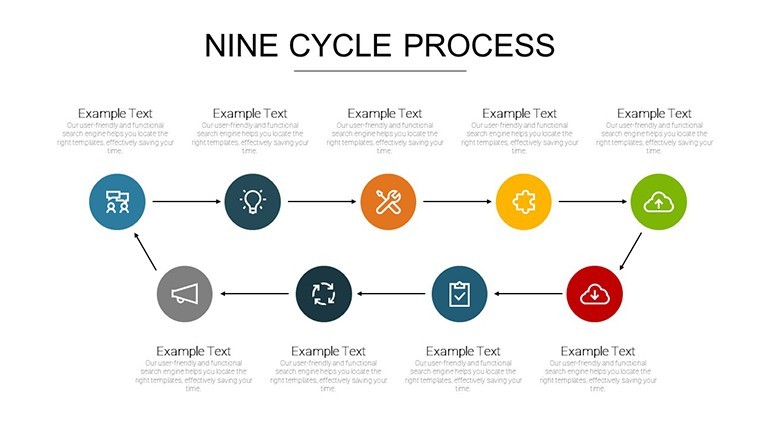
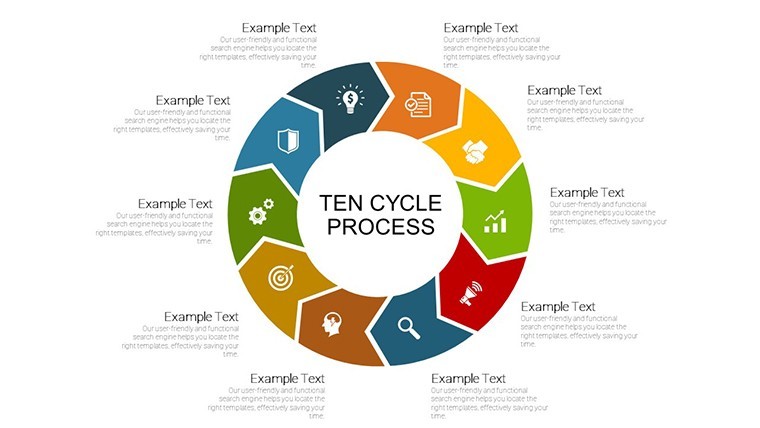
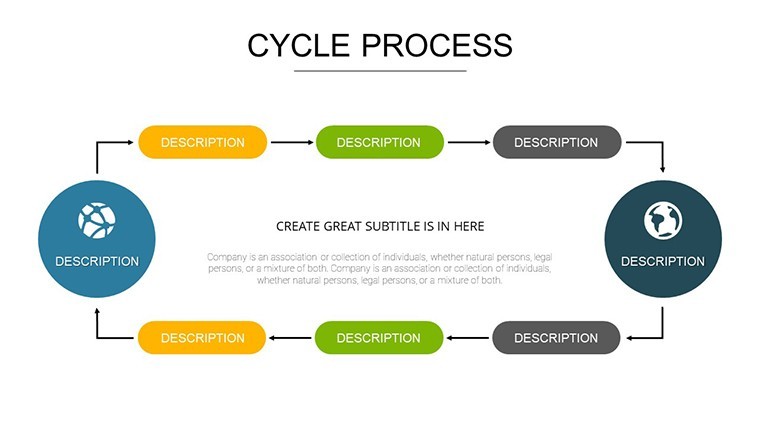
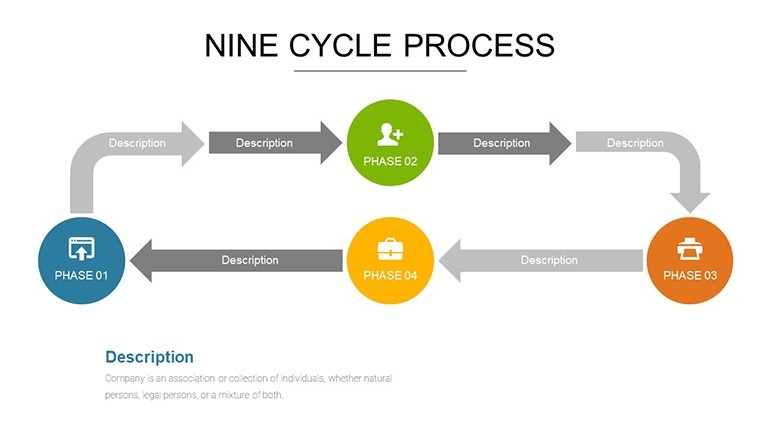
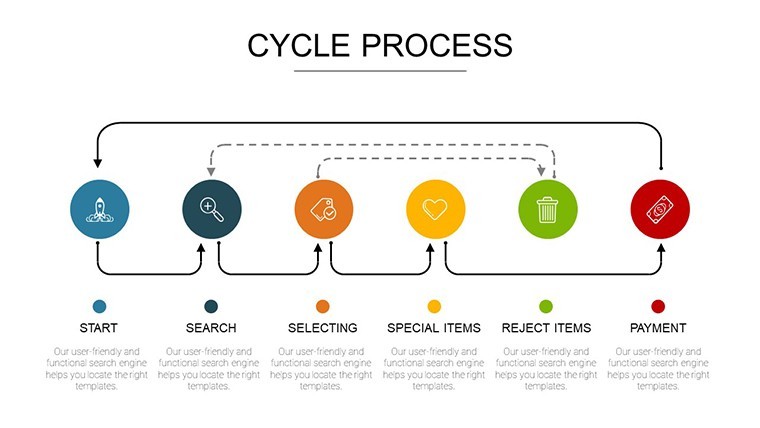
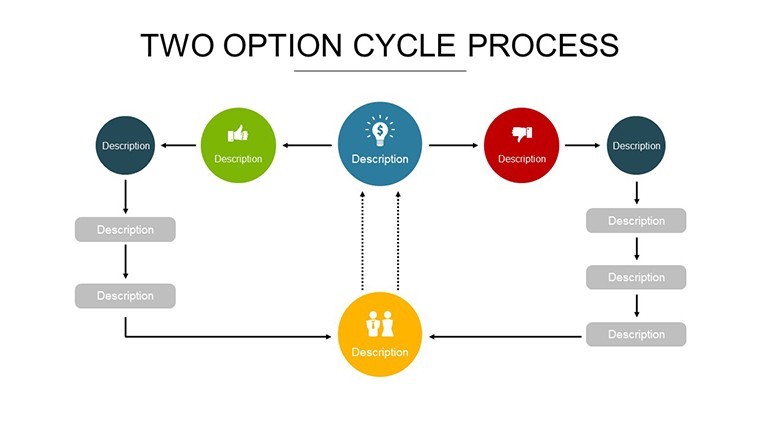
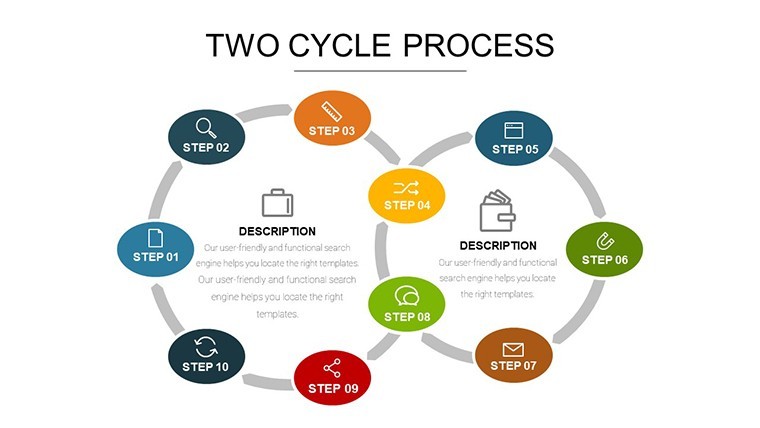
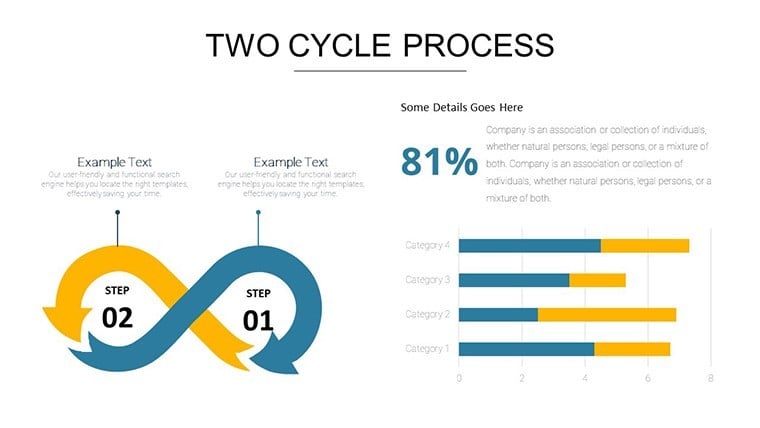
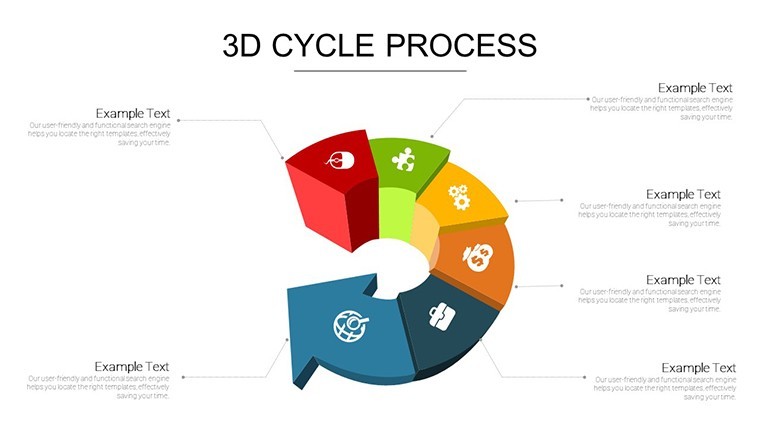
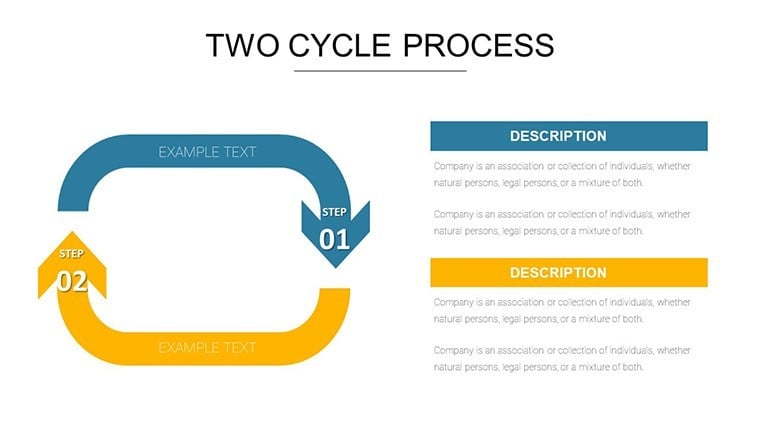
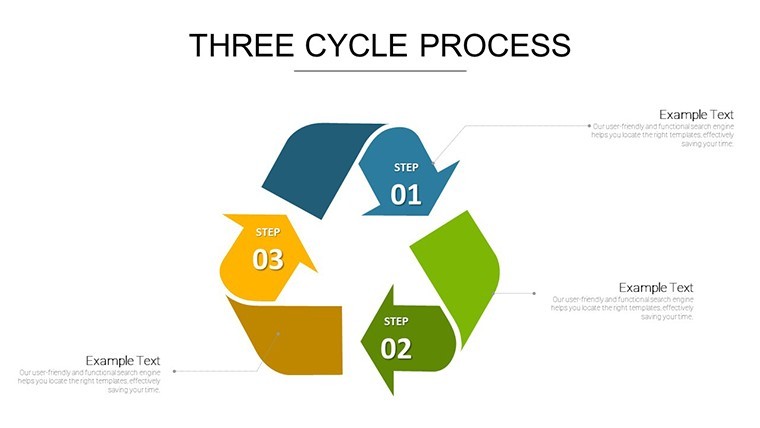
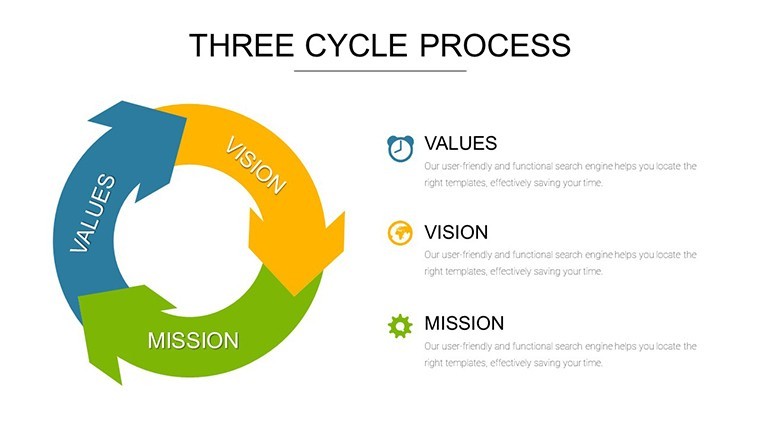
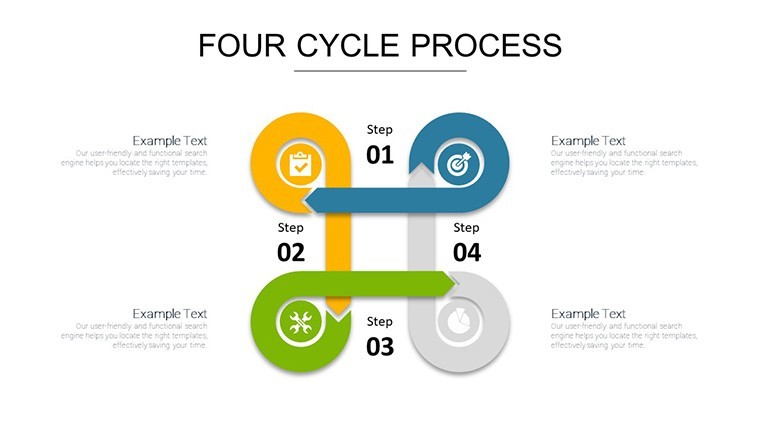
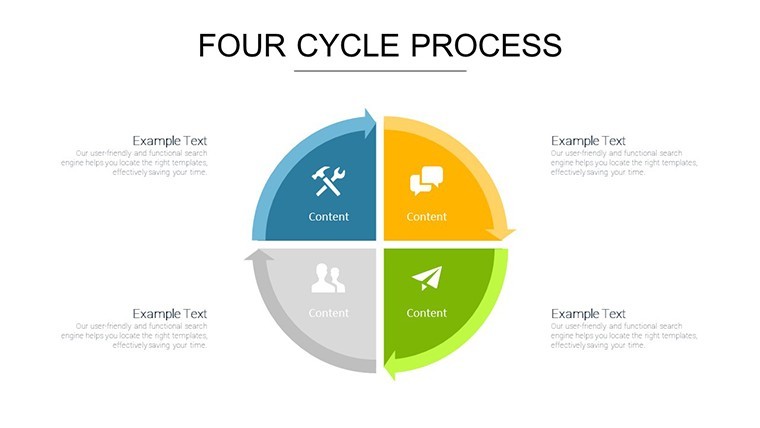
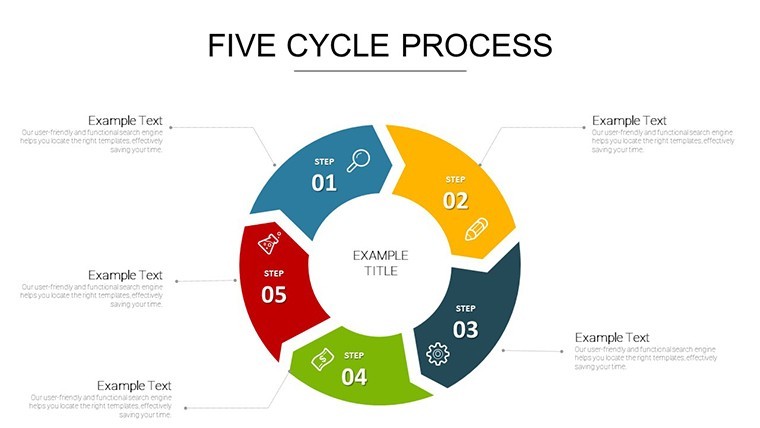
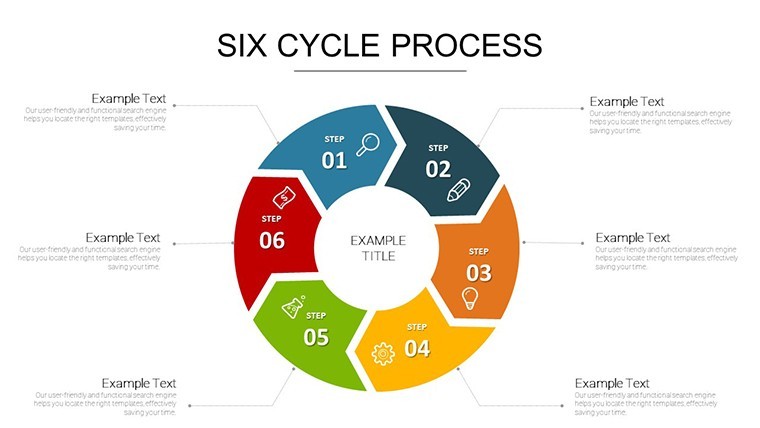
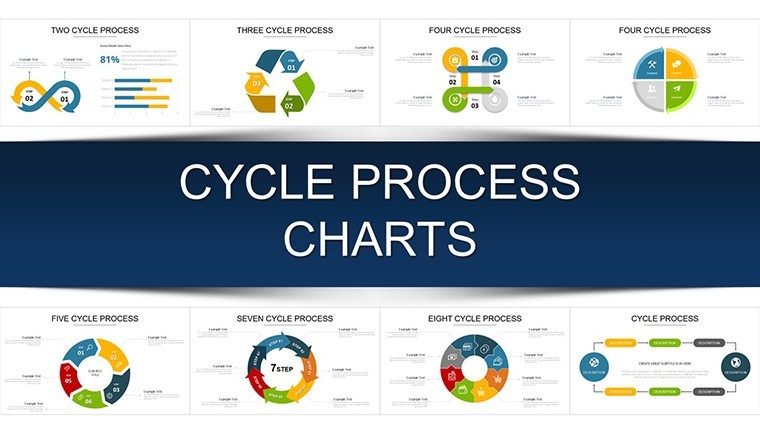
20 diagrams include process wheels feedback loops Sankey flows circular flow diagrams interconnected node maps donut charts radial timeline recursive loop and layered process onion.
Single .key file contains every element with full color theme adjustments.
Diagram structure maintains information spacing for clear flow direction in any business presentation.
At a Glance
FeatureDetailsEditable shapesProcess wheel segments resize independently while preserving radial timeline alignmentText placeholdersLabels on Sankey flows update without regrouping elementsIcon layersFeedback loop icons recolor without affecting donut chart proportionsColor theme adjustmentsSlide master updates apply to all interconnected node maps instantlyDiagram connectorsArrows in recursive loops adjust weight and direction on projection/tr>Export optionsNative Keynote plus PDF output for client proposalsHow to Make It Yours in Under 20 Minutes
Launch Keynote and import the .key file.
- Update text labels on all process wheels (3 minutes)
- Swap brand colors in the theme panel (2 minutes)
- Adjust Sankey flow widths and node positions (5 minutes)
- Add or remove recursive loop connectors (4 minutes)
- Export the finished deck (1 minute)
Difficulty stays moderate for users familiar with basic Keynote controls.
Typical Use Cases by Role
A management consultant in manufacturing visualized recurring business patterns for a client proposal and reused the layered process onion across four reports by changing only color themes.
An operations director in logistics mapped agile workflows during an internal reporting session and cut preparation time from 3 hours to 40 minutes.
Download the Cycle Process Keynote Charts Template for $20
Building From Scratch vs. Starting Here
Creating matching Sankey flows and radial timelines manually demands advanced skills and often leads to inconsistent zone segmentation on screen.
This template keeps labels outside shapes connected by thin lines ensuring readability in sales report presentation without extra effort.
Many teams combine it with the Planning Cycle Charts when building full strategy decks.
Financial analysts pair it with Sustainable Development Keynote Charts for eco-focused quarterly reviews.
Which Keynote versions does this template support?Keynote 12 and newer open the file directly on macOS and iPad. Older releases convert the layout but retain editable shapes and diagram connectors. Always verify in your environment before investor deck delivery. Native .key support guarantees flow direction stays intact.
How do I change the color scheme?Access the slide master and edit the color palette once. Changes propagate to every process wheel Sankey flow and donut chart automatically. Update individual node maps if needed in seconds. The entire set reflects your brand in under two minutes.
What does the license allow for client work?Client presentations and consulting decks are permitted without restriction. Template resale or file sharing is not allowed. Enterprise licensing covers multiple users. Unlimited use within your organization for internal reporting or sales presentations.
What software is required to open the file?Keynote 12+ on Apple hardware is mandatory for native editing. The .key format does not open in PowerPoint. PDF export from Keynote handles distribution. Full diagram structure editing requires the Keynote app.
What does the free version include versus the paid version?No free version is listed for this template on the page. The download provides the complete 20-slide paid package with all recursive loops and layered process onion elements. Other site previews limit to static images only. Full editable shapes and path animations appear exclusively in the paid file.
Does the template support animations?Sequential reveals on Sankey flows and process wheels activate through Keynote build orders. Recursive loop connectors animate path direction automatically. Disable animations for print-ready exports. The feature works on all slides without additional setup.
Good for
- Project roadmaps and sprint plans
- Product launch timelines
- Quarterly or annual review decks
- Company history and milestone summaries
Licence
reviews
Used for a report, liked how graphs were structured.
Layout makes sense when explaining data flow.
Didn’t spend time styling, just used as is.
Icons are kinda random in some slides.
FAQ
Will it work in Google Slides?
Are fonts embedded?
Can I use this for client work?
What's the refund policy?
Do you update the template after purchase?
Similar templates
See all Keynote Charts →

All 20 slides