 Click to zoom
Customizable Legal Charts Keynote Template: Clarify Complex Cases with Ease
| Format | .pptx |
| Slides | 51 unique layouts |
| Aspect ratio | 16:9 |
| Compatibility | PowerPoint |
| Animated | No |
| Language | English |
| License | Commercial |
| File size | — |
| Version | v1.0 |
| Last updated | May 2025 |
What's inside
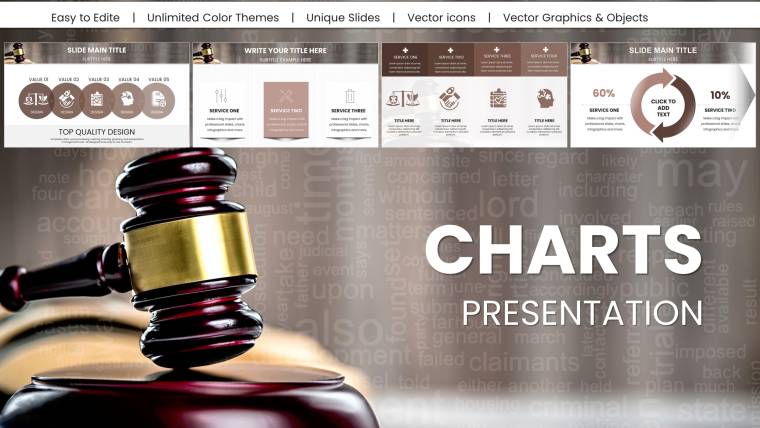
Navigating the intricate world of law demands precision, and your presentations should reflect that unwavering clarity. Picture this: a courtroom argument bolstered by visuals that distill dense regulations into digestible timelines, or a client meeting where compliance frameworks unfold like a well-structured brief. Our Customizable Legal Charts Keynote Template is the essential tool for lawyers, compliance officers, and legal educators who want to make their points stick without getting lost in design details.
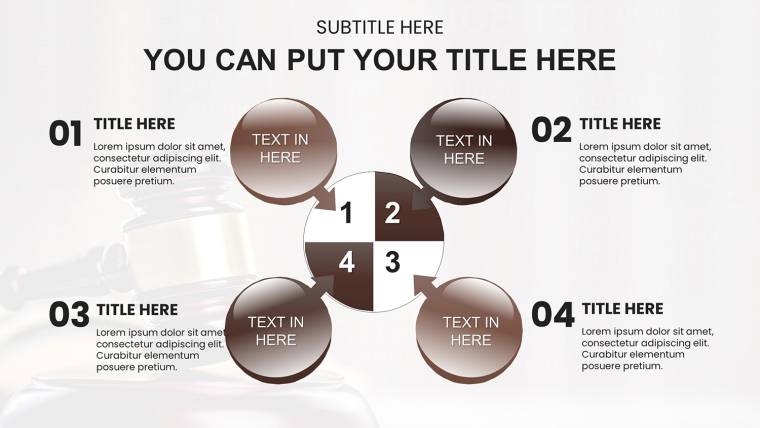
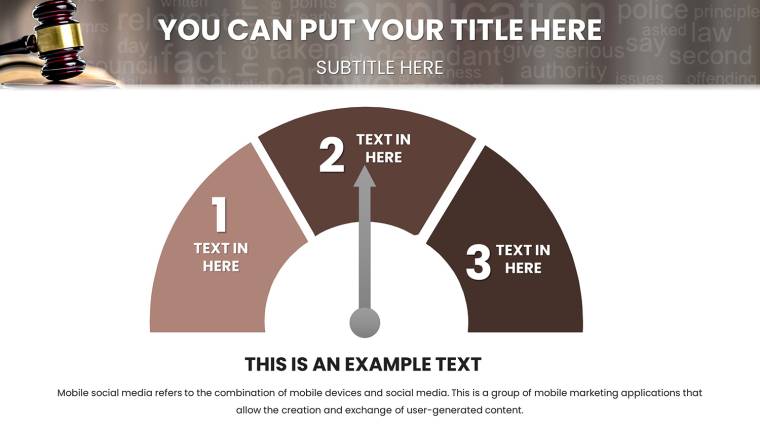
Boasting 51 fully editable slides, this template is tailored for the legal realm, featuring charts that handle everything from case timelines to regulatory pie charts. Built for Keynote on Mac, iPad, and iPhone, it ensures cross-device compatibility in crisp 16:9 format. Whether you`re summarizing statutes or illustrating litigation flows, the clean, professional layouts - aligned with industry standards like those from the American Bar Association - help you communicate authority and insight.
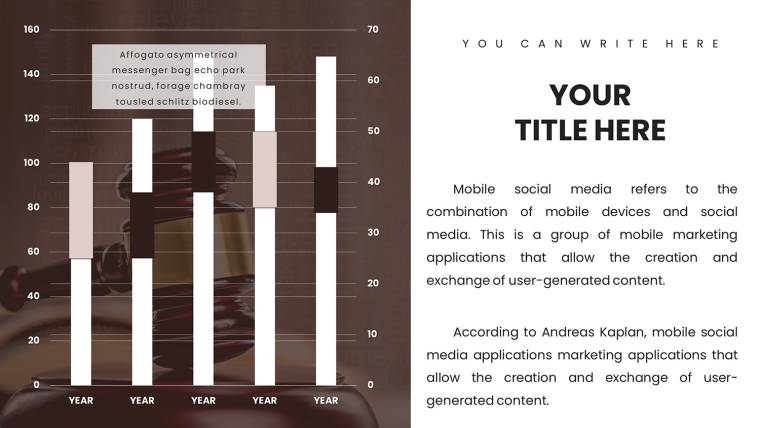
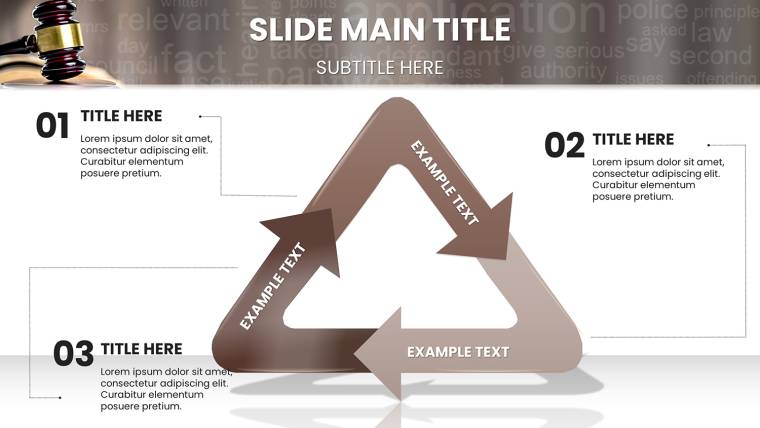
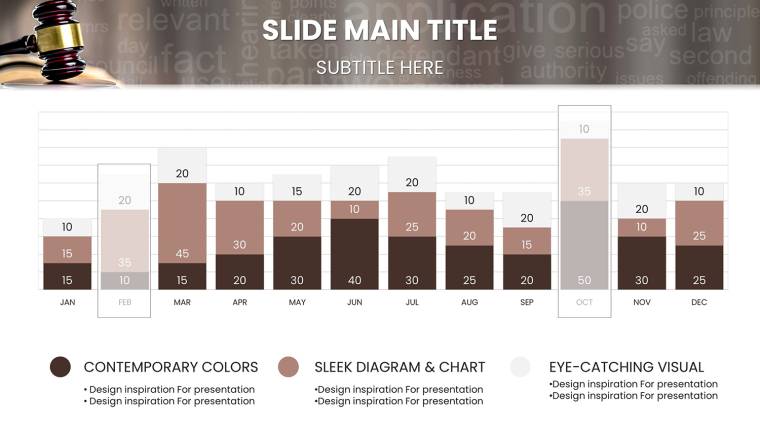
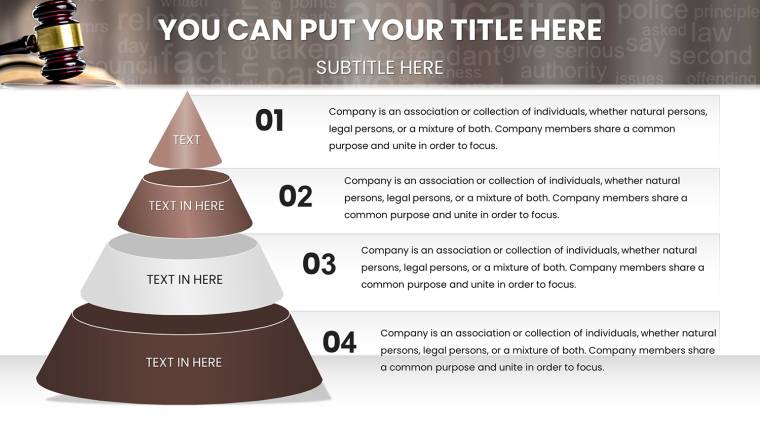
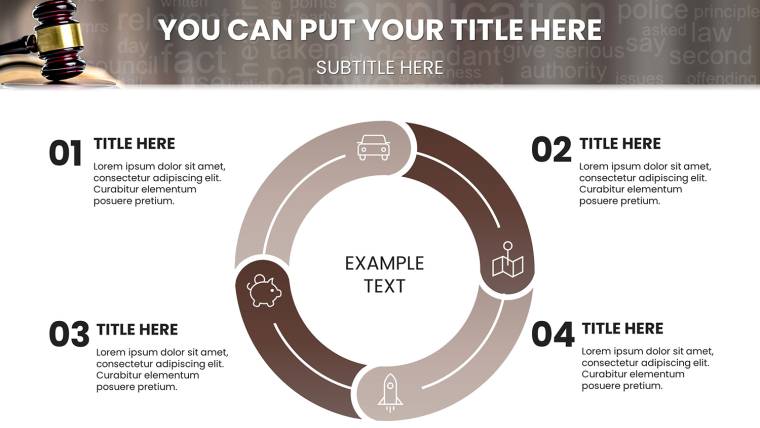
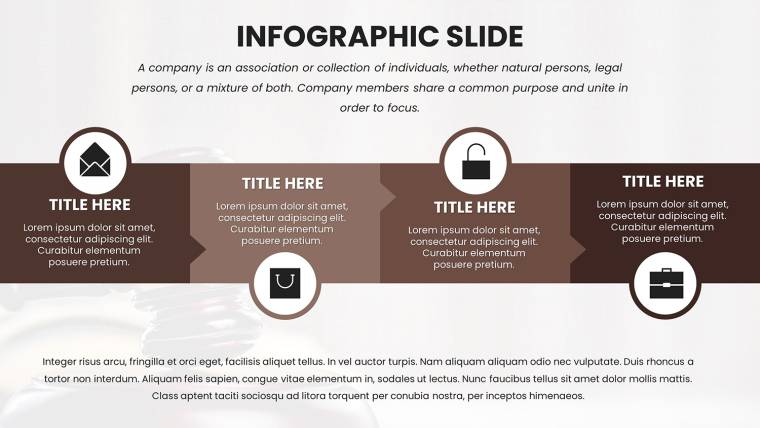
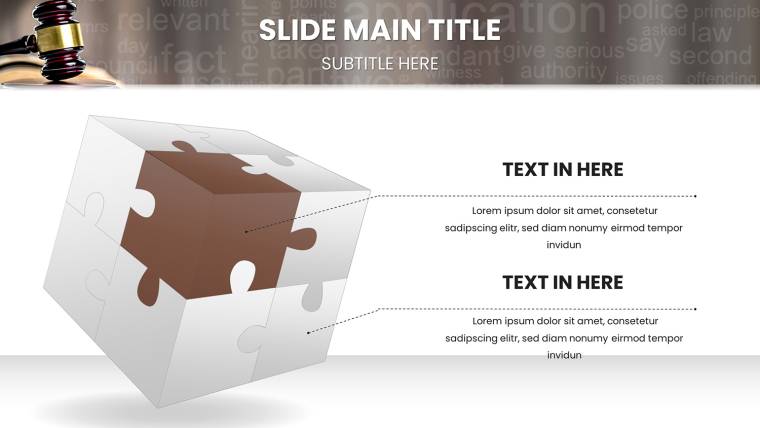
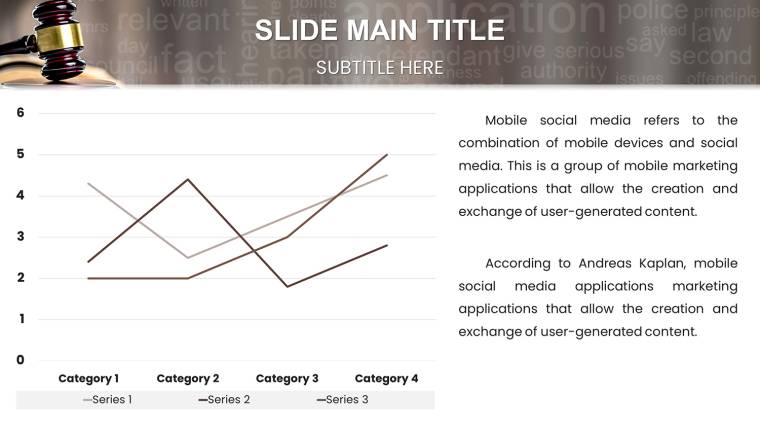
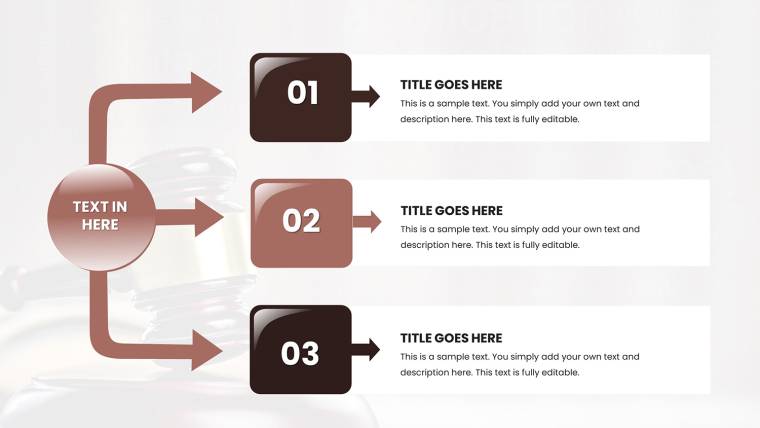
Unlike generic templates that force awkward adaptations, ours includes legal-specific elements: flowcharts for procedural steps, bar graphs for verdict comparisons, and infographics for contract breakdowns. A recent compliance seminar user noted how these visuals simplified GDPR explanations, engaging attendees far better than text-heavy slides. Download it free today and transform your legal storytelling into a compelling, visual narrative.
Essential Features for Legal Precision
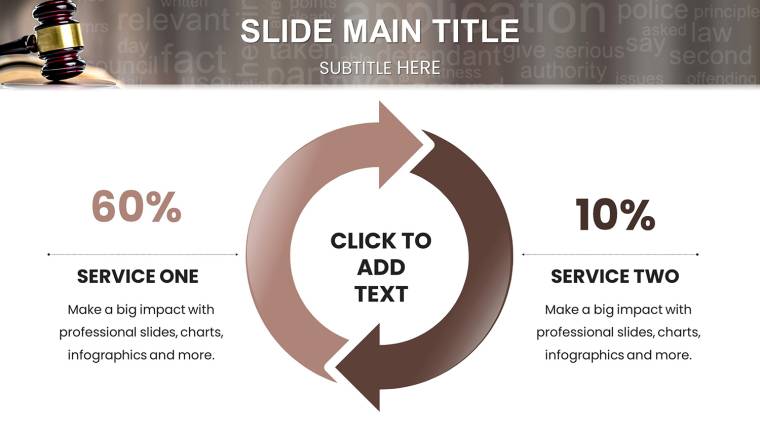
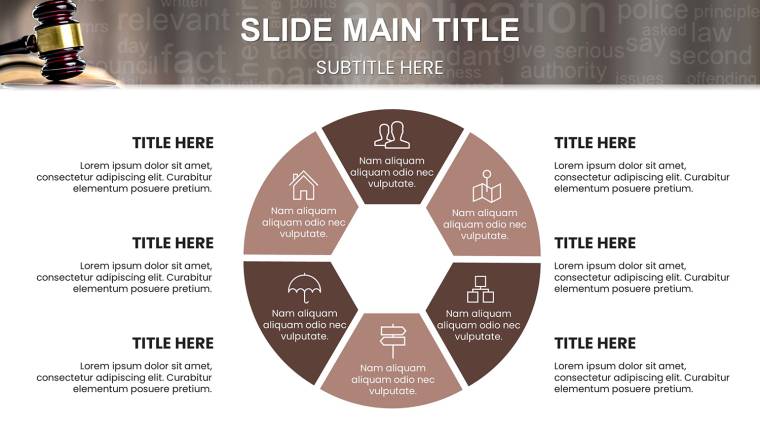
This template isn`t just a collection of charts; it`s a strategic ally in legal communication. Dive into its core strengths: dynamic elements that adapt to your case`s nuances, ensuring every slide supports your argument. For instance, slide 18`s hierarchical org chart can map out corporate liabilities, while slide 32`s donut chart visualizes dispute resolutions by type.
- Tailored Chart Variety: 15+ designs like timelines for litigation histories, Venn diagrams for overlapping jurisdictions, and scatter plots for risk assessments.
- Customization Freedom: Adjust scales for evidentiary data, recolor to match firm branding, and embed hyperlinks to case citations.
- Animation for Emphasis: Subtle builds that reveal arguments sequentially, mimicking the logical flow of a legal brief.
In practice, a corporate lawyer preparing for a merger review used these to chart antitrust risks, saving days of manual graphing and impressing regulators with polished outputs.
Targeted Use Cases in the Legal Field
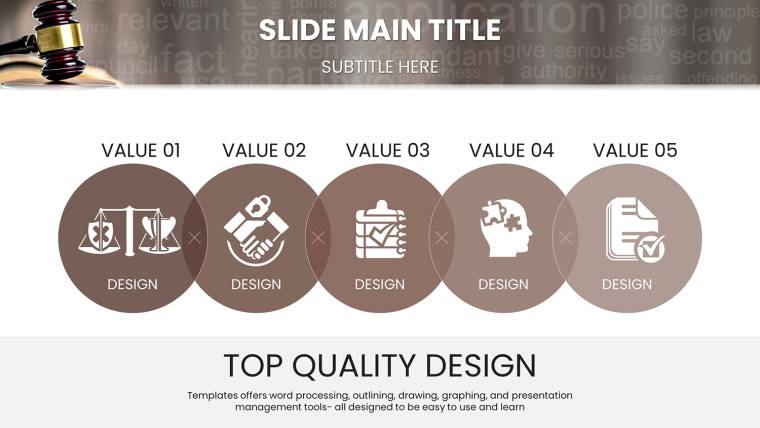
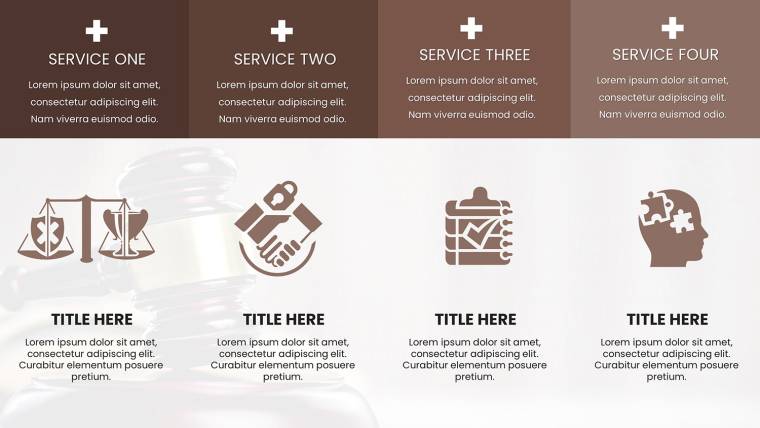
Legal work spans trials to trainings, and this template adapts seamlessly. For courtroom pros, slides 5-10 offer argument structures with balanced scales icons, ideal for weighing evidence. Compliance teams will love the regulatory matrices on slide 40, which can incorporate checklists for HIPAA or SOX adherence.
Educators in law school settings have leveraged similar tools to break down constitutional amendments via mind maps, fostering deeper student engagement. Integrate with research databases like Westlaw by exporting data into charts, creating hybrid slides that blend facts with visuals for moot courts or seminars.
Step-by-Step Guide to Legal Presentation Success
Harnessing this template starts with simplicity. Open in Keynote, select a slide, and populate placeholders - data from Excel flows in effortlessly. For advanced tweaks, use the inspector panel to fine-tune chart axes, ensuring accuracy in statistical representations like settlement distributions.
- Select and Adapt: Choose a base slide, like the flowchart for appeal processes, and drag elements to fit your narrative.
- Incorporate Evidence: Embed images of documents or quotes, scaling them alongside charts for cohesive storytelling.
- Test for Clarity: Preview on iPad to confirm readability, adjusting fonts to legalese-friendly options like Times New Roman.
A handy tip from legal design experts: Use contrasting colors for plaintiff vs. defendant data in bar charts to subconsciously reinforce sides. This subtle psychology, rooted in cognitive load theory, makes your presentations more persuasive.
Ideal Users and Broader Applications
From solo practitioners drafting client advisories to in-house counsel briefing boards on IP disputes, this template serves a wide legal spectrum. Even non-lawyers in regulated industries, like pharma compliance, benefit from its frameworks for audit visuals. Its community-driven design, informed by attorney feedback, ensures relevance - think updates reflecting evolving laws like data privacy evolutions.
Compared to PowerPoint alternatives, Keynote`s native animations give a smoother edge, but you can convert if needed. The free access lowers barriers, allowing quick tests before premium upgrades for exclusive legal icons.
Standing Out in Legal Visuals
What elevates this over competitors? Depth and specificity: 51 slides vs. standard 20, with bonuses like a guide to visual ethics in law, echoing ABA guidelines. Users report 50% faster prep for depositions, freeing time for case strategy.
Embrace this tool to not just present, but persuade. Download the Customizable Legal Charts Keynote Template now - free and ready to refine your legal edge. Your next case awaits a visual upgrade; claim it today.
Frequently Asked Questions
Is this legal charts template truly free?
Yes, enjoy instant free access to the full 51-slide template, with optional premium features for advanced customization.
How compatible is it across devices?
Perfectly suited for Keynote on Mac, iPad, and iPhone; export options available for other platforms.
Can I customize charts for specific laws?
Absolutely - edit data, labels, and visuals to align with any regulation, from EU directives to U.S. codes.
What types of legal visuals are included?
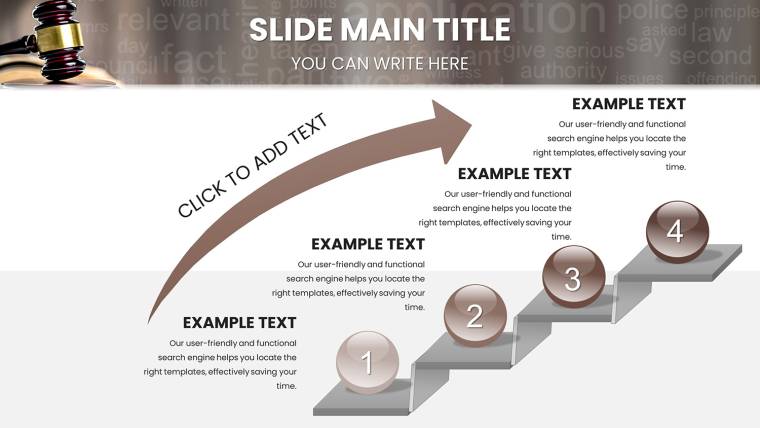
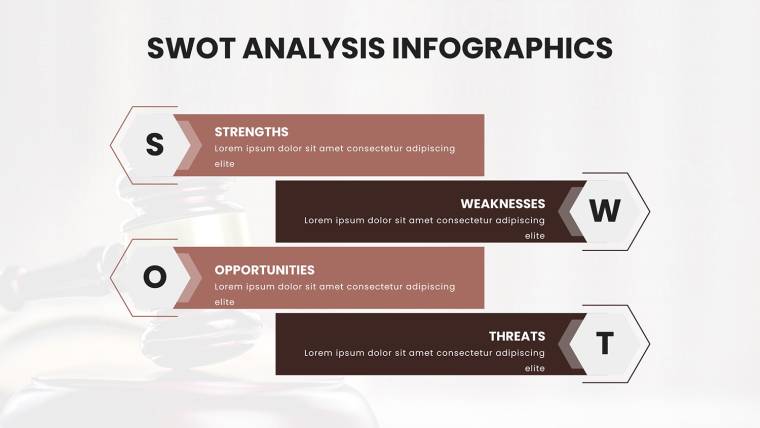
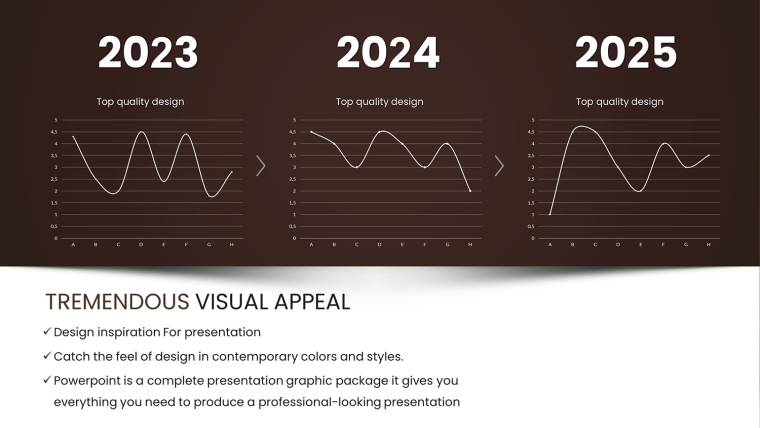
Timelines, flowcharts, pie charts for compliance, and more, all tailored for case studies and regulatory overviews.
Does it support animations for presentations?
Yes, pre-set Keynote animations enhance flow, with easy edits to match your pacing.
Good for
- Project roadmaps and sprint plans
- Product launch timelines
- Quarterly or annual review decks
- Company history and milestone summaries
Licence
reviews
I created a detailed competitor analysis using this pack and the comparison slides were particularly effective. Saved significant preparation time.
Modern color schemes and structured layouts keep focus on the data itself. Good use of icons for category differentiation.
Strong foundation though a couple of styles felt repetitive. Customization flexibility is there.
Missed having more advanced statistical chart types but standard ones are well executed. Useful purchase.
The team loved how clear the progress indicators appeared in our review meeting.
FAQ
Will it work in Google Slides?
Are fonts embedded?
Can I use this for client work?
What's the refund policy?
Do you update the template after purchase?
Similar templates
See all Keynote Charts →
All 51 slides