 Click to zoom
Customer Loyalty PowerPoint Charts Template for Business Insights
| Format | .pptx |
| Slides | 15 unique layouts |
| Aspect ratio | 16:9 |
| Compatibility | PowerPoint |
| Animated | No |
| Language | English |
| License | Commercial |
| File size | — |
| Version | v1.0 |
| Last updated | June 2024 |
What's inside
In an era where customer retention defines success, presenting loyalty data compellingly is key. Our Customer Loyalty PowerPoint Charts Template offers 15 editable slides to vividly map behaviors, program effectiveness, and improvement areas. Geared toward marketers tracking engagement, analysts spotting trends, or owners fostering repeat business, it turns metrics into meaningful stories.
With dynamic graphs that update on the fly, customize to your brand for authentic presentations. Compatible with PowerPoint and Google Slides, it's versatile for team reviews or client pitches. Envision a retail chain using these to chart loyalty program ROI, boosting participation as seen in Forrester research.
This template isn't mere visuals; it's a catalyst for loyalty-driven growth, highlighting recommendations and feedback loops.
Core Features Enhancing Loyalty Analysis
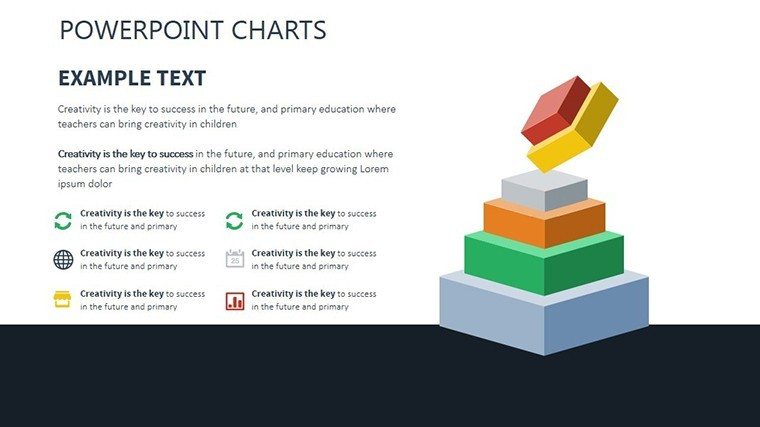
Features include diverse charts for comprehensive views, from retention lines to segment pies, all with high-quality 3D illustrations for depth.
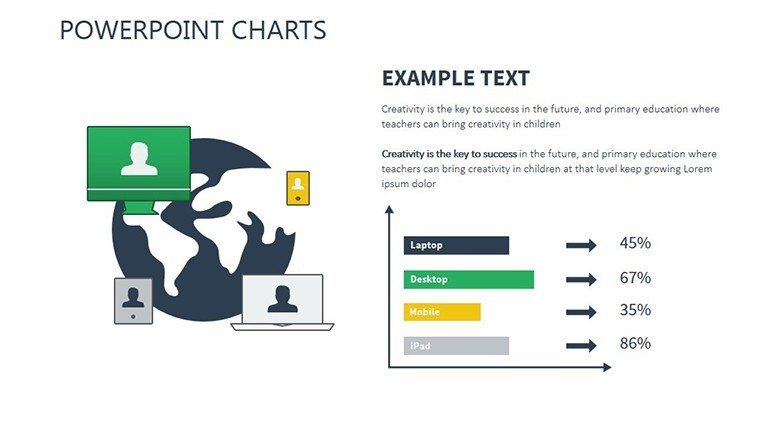
- Varied Visualizations: Bar for comparisons, line for trends, pie for distributions.
- Brand Customization: Adapt colors and layouts to reflect your identity.
- User Accessibility: Intuitive for all skill levels.
- Dynamic Data: Charts auto-adjust with inputs.
Inspired by marketing standards from the American Marketing Association (AMA).
Applications Fueling Customer Retention
For program reviews, bar charts compare yearly performance. In segmentation, pies divide customer bases.
Method: Compile loyalty data, select chart, customize insights, present findings. Surpasses defaults with 3D elements for immersive views. For small businesses, use to identify development areas.
Slide-Specific Breakdown
Slide 1: Loyalty intro. Slide 2: Retention line. Slide 3: Multi-trend lines. Slide 4: Segment pie. Slide 5: Exploded segments. Slide 6: Program bar. Slide 7: Stacked loyalty. Slide 8: Behavior scatter. Slide 9: 3D illustration. Slide 10: Feedback table. Slide 11: Improvement radar. Slide 12: Recommendation infographic. Slide 13: Growth timeline. Slide 14: Analysis summary. Slide 15: Action plan.
With embedded illustrations for visual appeal.
Insights and Tips for Loyalty Mastery
Layer data for depth; use 3D for emphasis. Witty aside: "Loyalty isn't blind - it's charted!" Connect with CRM like Salesforce for live metrics.
This template empowers loyalty strategies. Acquire it now to cultivate lasting customer bonds.
Frequently Asked Questions
How dynamic are the charts? They update automatically with new data entries.
Suitable for small businesses? Yes, scalable for any size operation.
Includes 3D elements? Absolutely, for enhanced visual depth.
Can I track program efficacy? Dedicated charts for performance metrics.
Export options? Yes, to PDF or images for reports.
Good for
- Project roadmaps and sprint plans
- Product launch timelines
- Quarterly or annual review decks
- Company history and milestone summaries
Licence
reviews
Needed charts for a warehouse report and these slides worked better than expected.
The layout was simple enough that I could edit it during the meeting itself.
Some color combinations were odd but easy to replace.
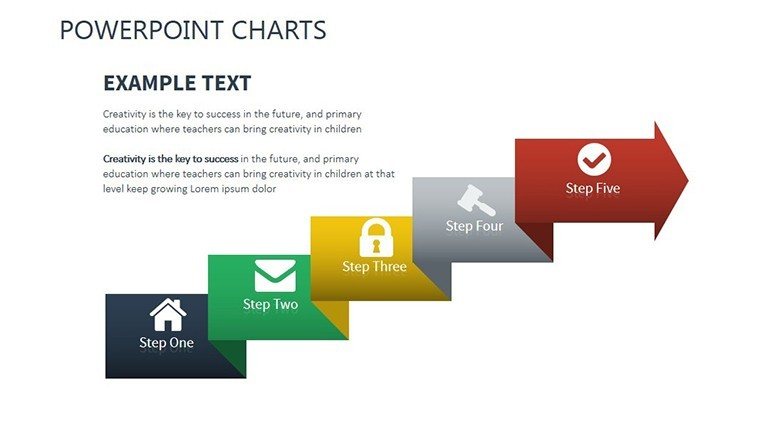
I used the process arrows a lot in my presentation.
Honestly just wanted something that didn’t look messy and this was okay.
FAQ
Will it work in Google Slides?
Are fonts embedded?
Can I use this for client work?
What's the refund policy?
Do you update the template after purchase?
Similar templates
See all PowerPoint Charts →

All 15 slides