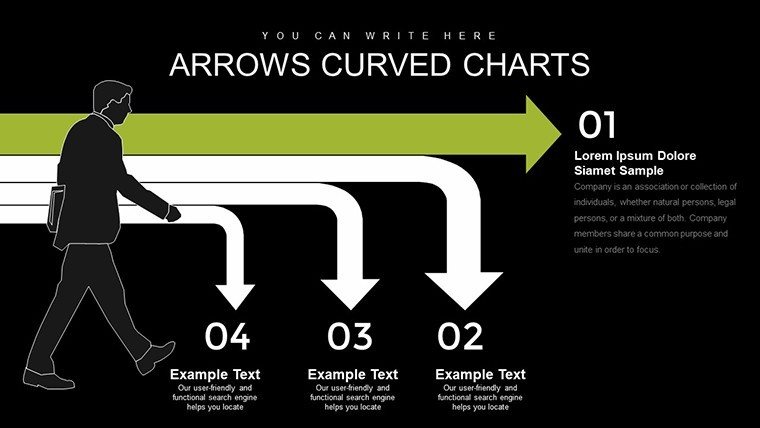
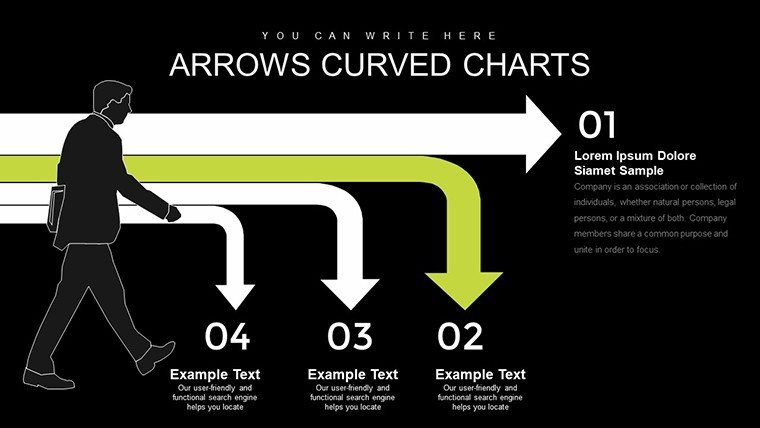
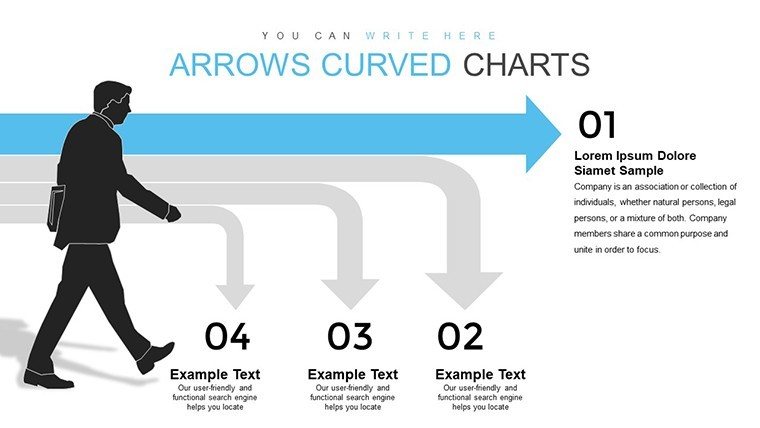
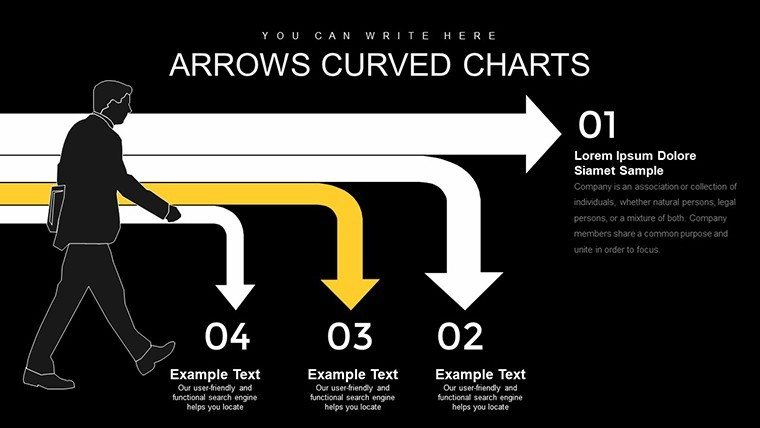
 Click to zoom
Curved Arrow PowerPoint Charts: Dynamic Flow Templates
| Format | .pptx |
| Slides | 32 unique layouts |
| Aspect ratio | 16:9 |
| Compatibility | PowerPoint |
| Animated | No |
| Language | English |
| License | Commercial |
| File size | — |
| Version | v1.0 |
| Last updated | September 2023 |
What's inside
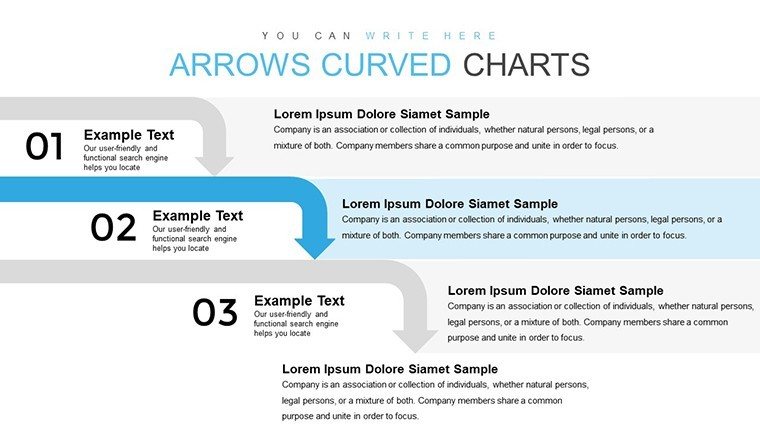
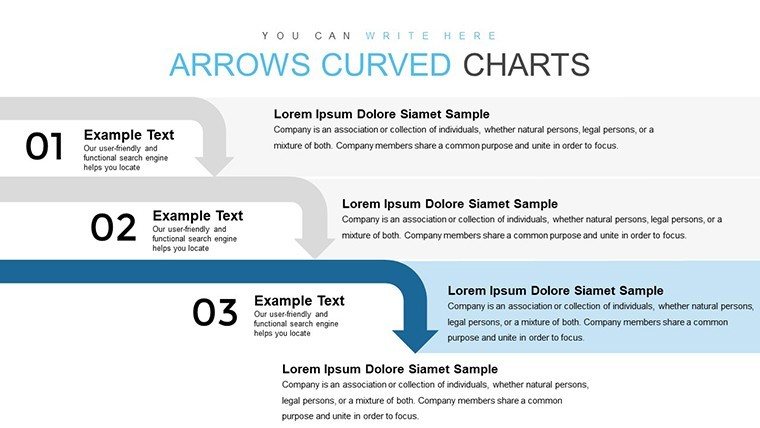
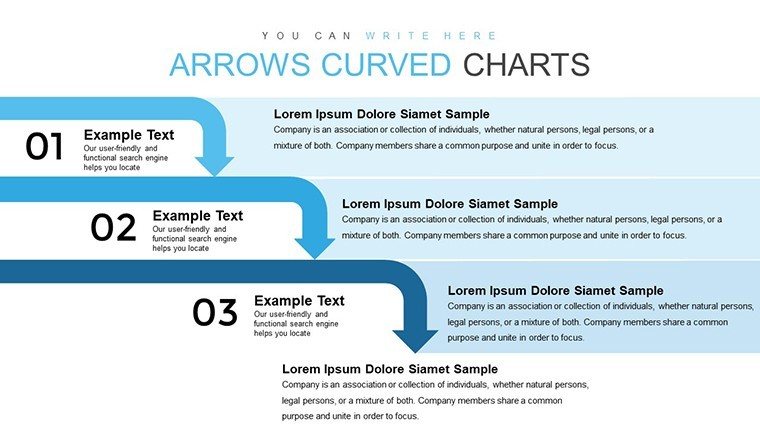
Think of your next presentation as a river - smooth, directed, and full of momentum. Our Curved Arrow PowerPoint Charts template channels this with 32 editable slides that use elegant curves to depict flows, sequences, and evolutions in your data. Aimed at innovative minds in marketing crafting campaign arcs or educators tracing historical narratives, this template injects grace into graphics, making abstract concepts flow naturally.
Many struggle with linear arrows that feel too rigid for organic stories; curved ones bend to your will, suggesting fluidity in trends like consumer behavior shifts. Rooted in design wisdom from experts like those at IDEO, where curves enhance user empathy, these slides help you connect emotionally with viewers.
Success stories abound: A creative agency revamped ad pitches with curved flows, boosting client buy-in by visualizing campaign evolutions. As an SEO specialist turned copywriter, I value how this fosters narrative depth, turning data into dialogues.
Standout Features for Fluid Design
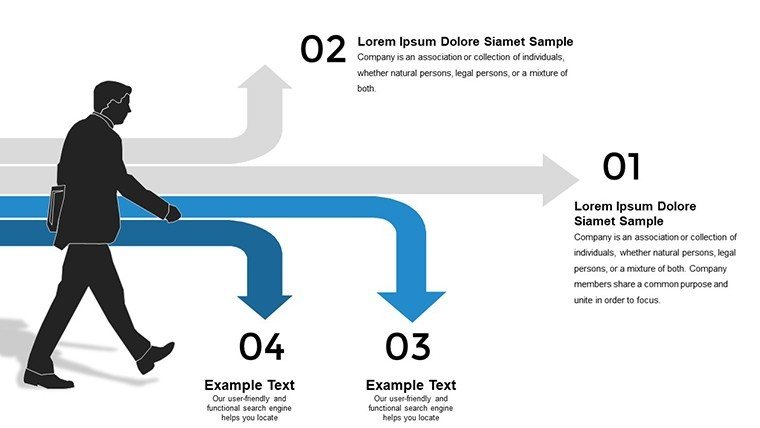
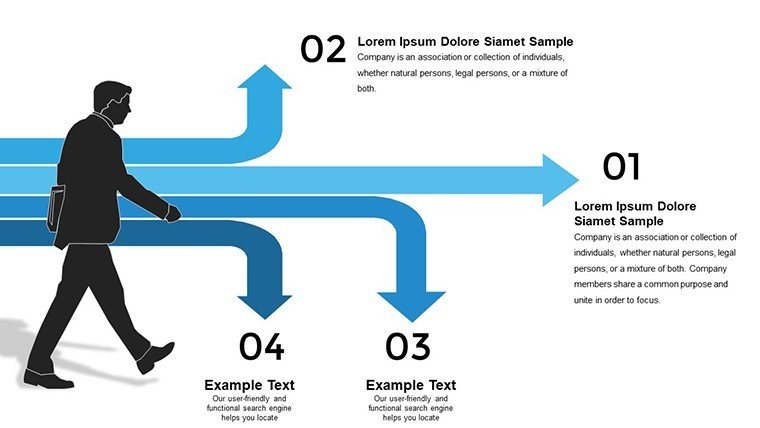
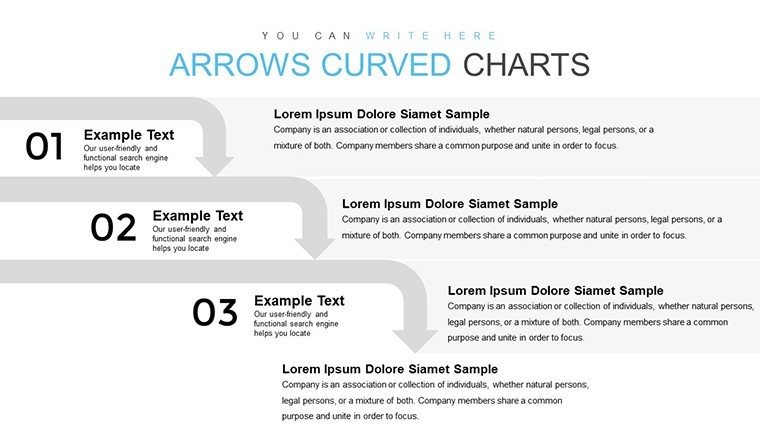
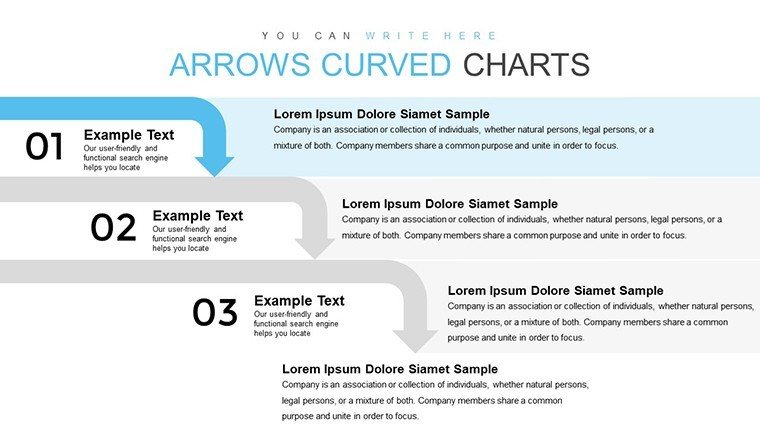
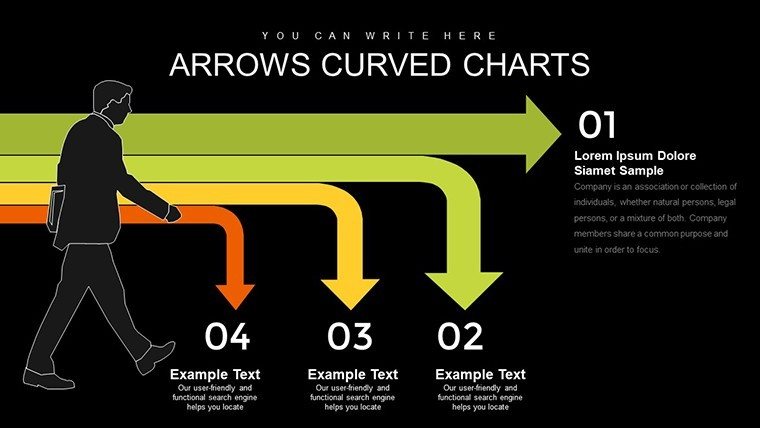
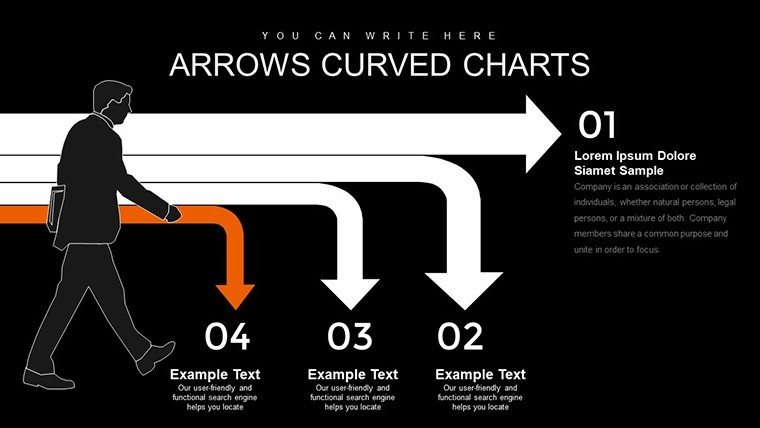
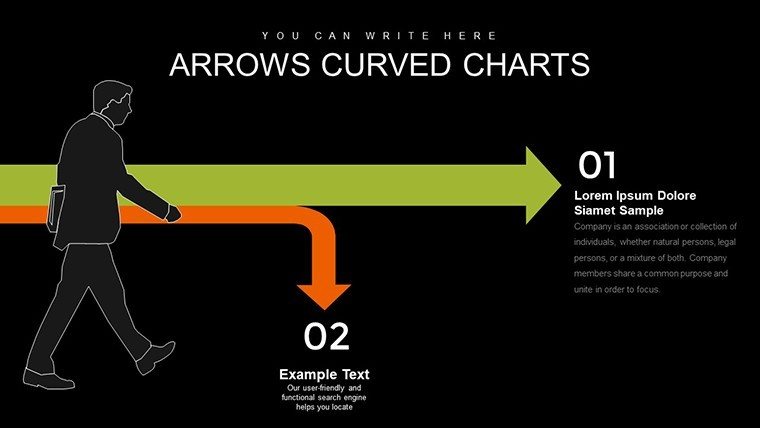
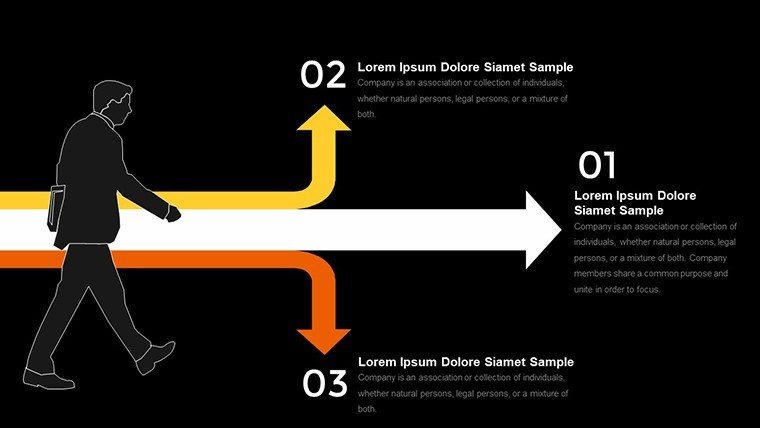
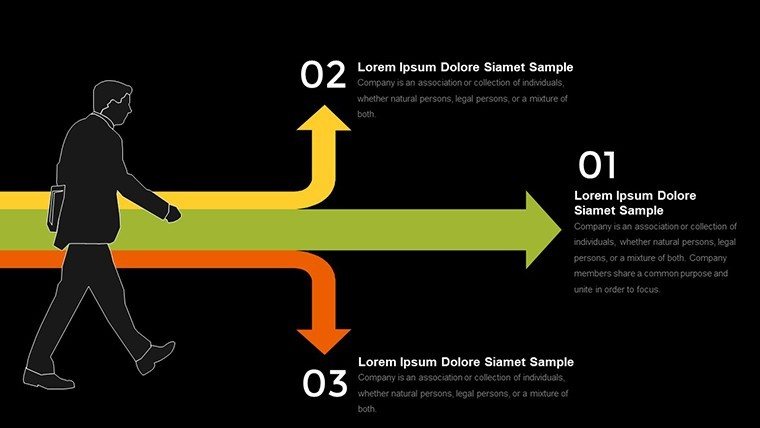
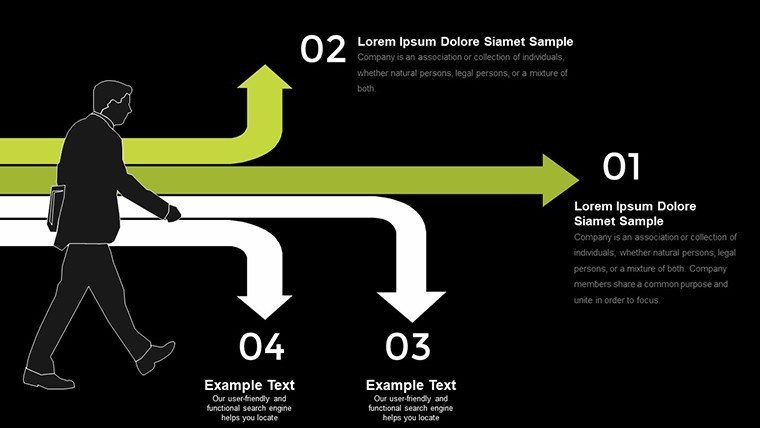
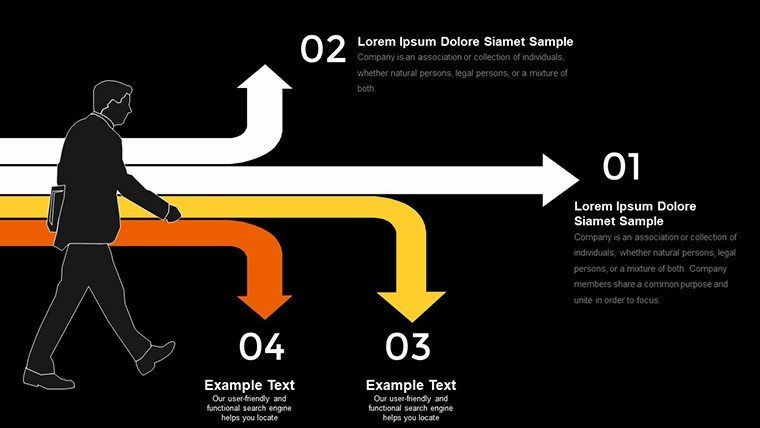
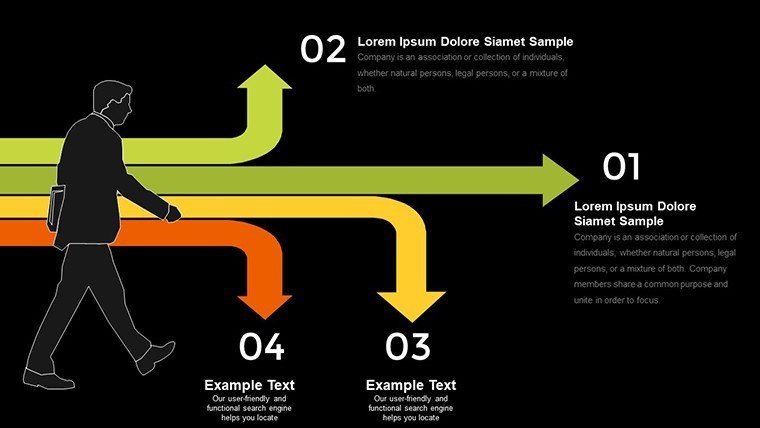
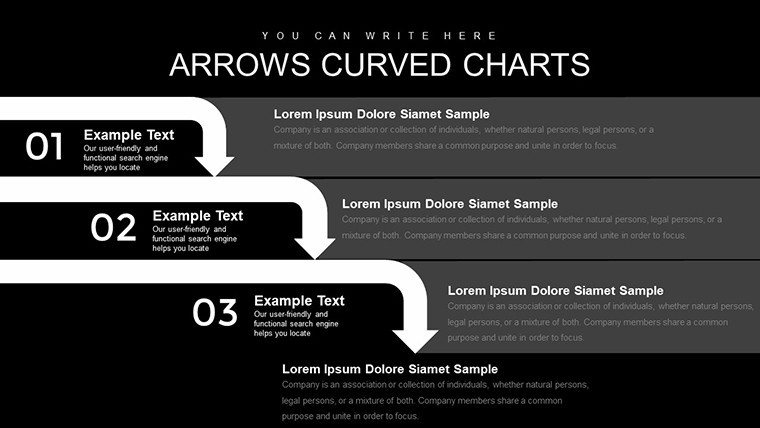
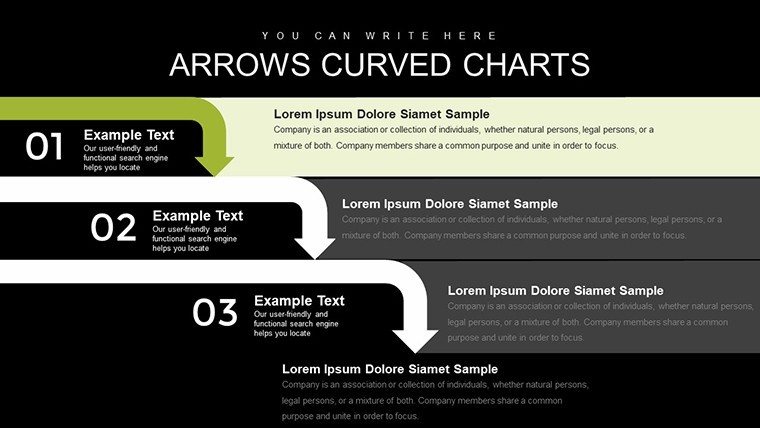
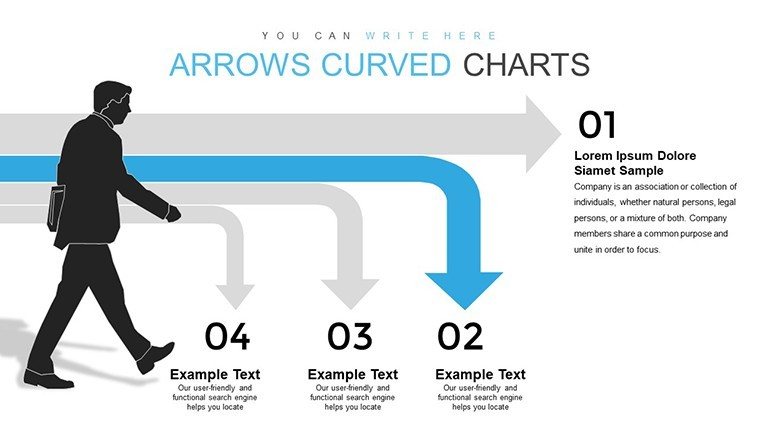
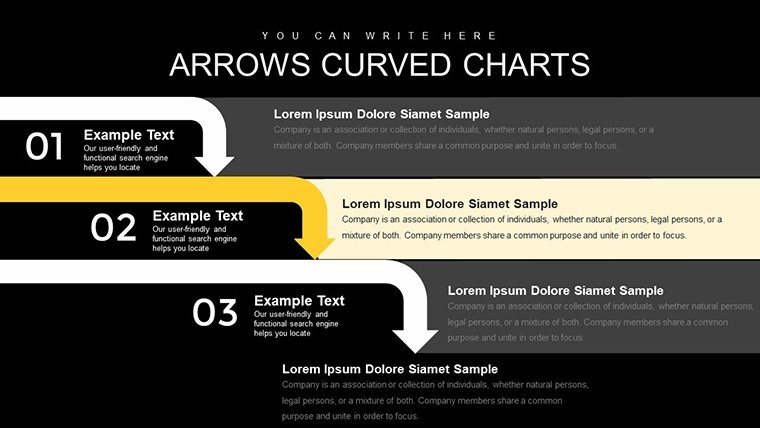
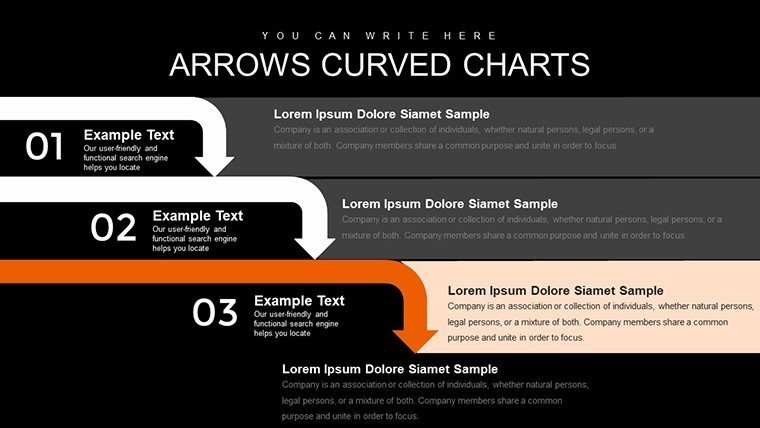
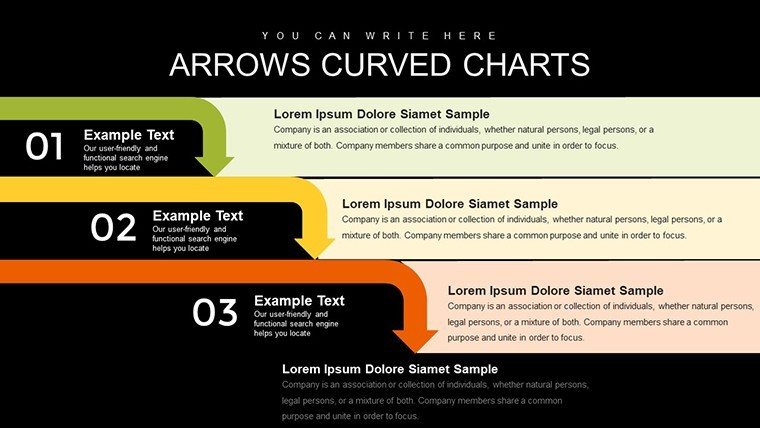
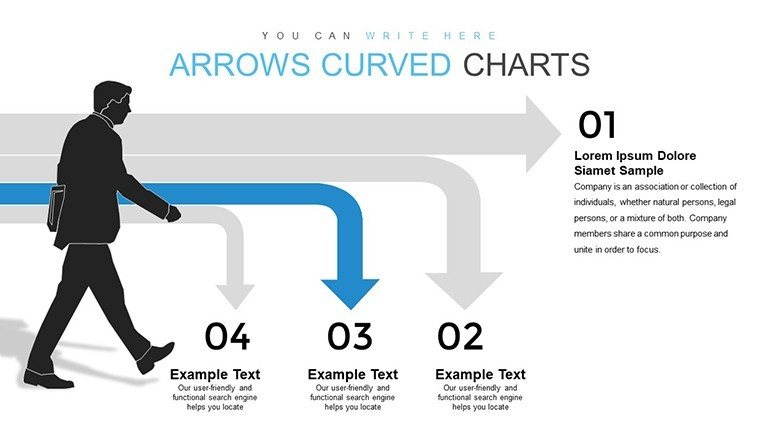
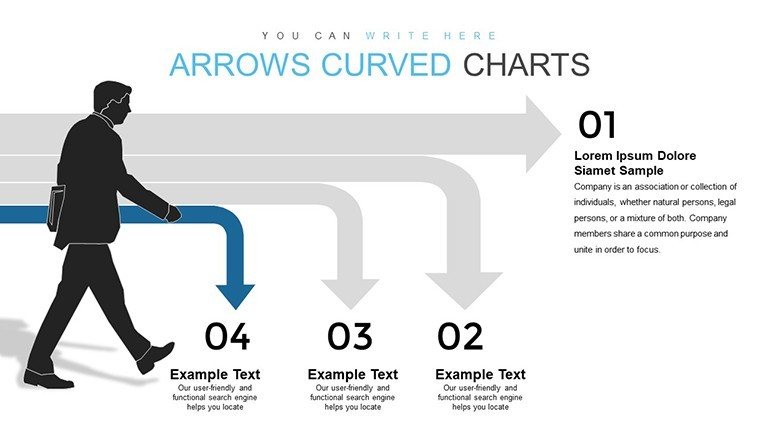
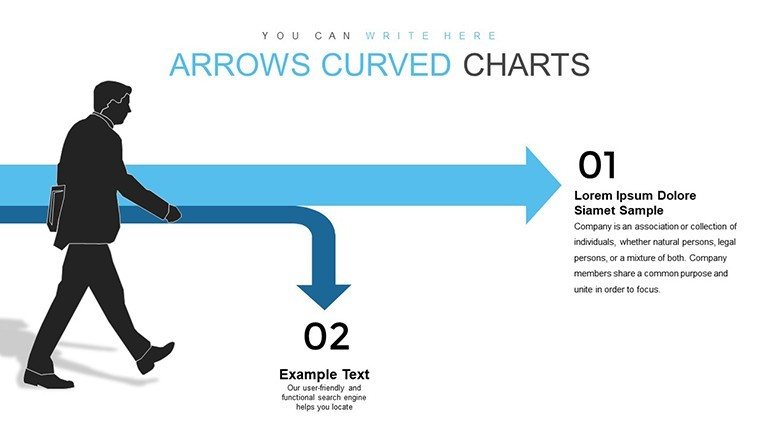
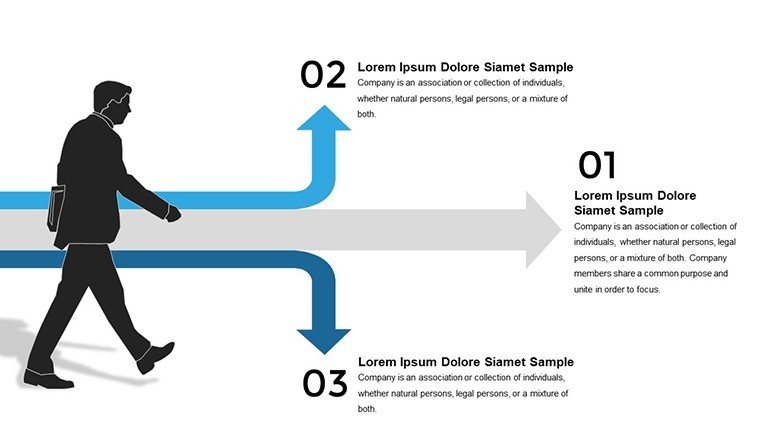
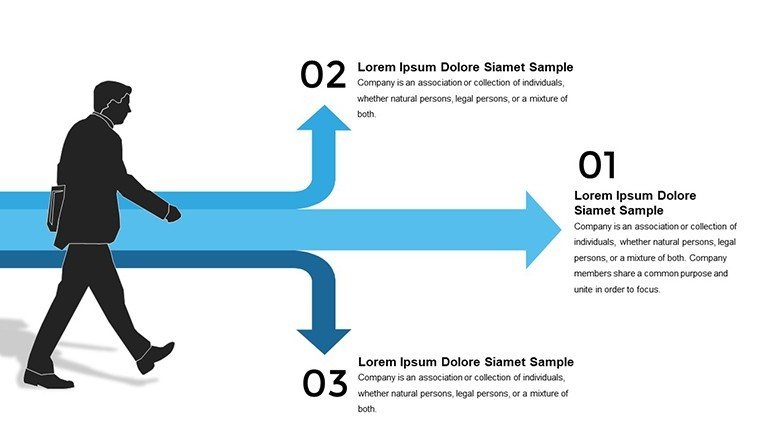
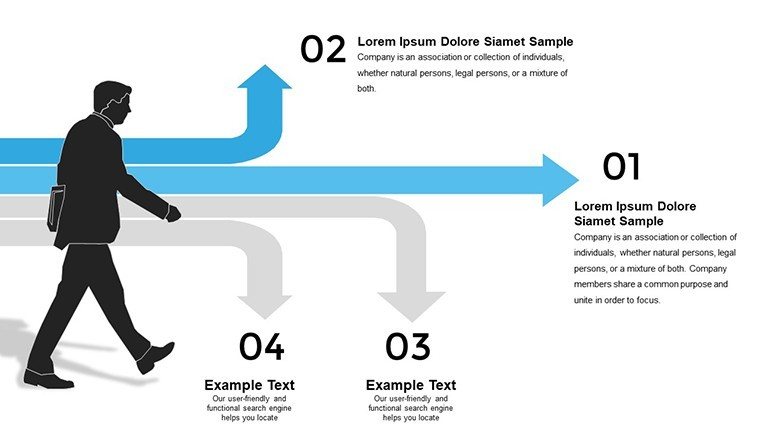
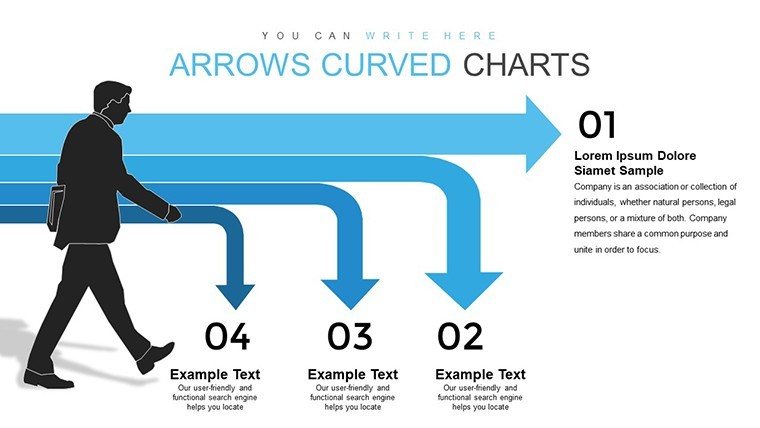
Curved arrows define this template, arcing gracefully over charts to imply movement - ideal for timelines or growth curves. With 32 slides, options range from simple arcs to complex weaves, all editable for color, thickness, and bend radius.
Plug-and-play compatibility means instant addition to your PowerPoint arsenal, with Google Slides harmony for shared creativity.
- Curve Customization: Bend arrows to fit your story's rhythm, adding dashes for emphasis.
- Chart Synergy: Overlay on lines or bars for integrated visuals.
- Style Versatility: Match branding with gradient fills or patterns.
Insight: Experiment with curve tensions to mimic real-world paths, echoing principles from animation studios for lifelike motion.
Versatile Applications for Creative Flows
Deploy in marketing for customer lifecycle maps, curving arrows through engagement phases. Creatives in design firms use them for project evolutions, showing ideation to execution.
Educators map literary plots or scientific cycles, with curves enhancing comprehension of non-linear progress.
- Map your sequence: Identify key points in your flow.
- Select a template slide: Choose one with pre-curved setups.
- Adjust paths: Tweak arrows to align with data.
- Enhance with elements: Add icons along curves.
- Animate subtly: Let arrows 'draw' themselves for drama.
Better than straight arrows, curves add sophistication absent in basics. Merge with tools like Adobe Illustrator for imports or Slack for feedback loops.
Crafting Memorable Sequences with Icons
Dot icons along curves for milestones, turning charts into journeys. In sales, this visualizes deal progressions, instilling confidence.
For hybrid teams, use curves to guide eyes in shared screens, maintaining flow remotely.
Why Curves Capture Attention
Curves differentiate by embracing natural forms, surpassing angular rivals in appeal. A nonprofit leveraged them in impact reports, curving donor journeys to inspire generosity.
Priced at $16, it's a steal for endless adaptations. Teasers like "Bend a sample arrow" entice, culminating in: Flow your ideas forward - acquire now.
In essence, curves aren't just lines - they're lifelines for your message. Embrace the bend and watch your presentations soar.
Frequently Asked Questions
How flexible are the curved arrows?
Highly; adjust bends, lengths, and styles freely.
Suitable for beginners?
Yes, intuitive edits make it accessible.
Works with animations?
Perfectly; animate paths for sequential reveals.
Ideal data types?
Sequences, trends, or any flowing processes.
Brand integration easy?
Yes, quick color and font matches.
Vs. straight arrows?
Curves offer organic, engaging alternatives.
Good for
- Project roadmaps and sprint plans
- Product launch timelines
- Quarterly or annual review decks
- Company history and milestone summaries
Licence
reviews
Pretty easy template if you are rushing at work.
Needed charts for a finance presentation and this one was useful.
The slides looked organized without too much decoration.
A few colors were too bright for my taste.
I only used about six slides but that was enough.
FAQ
Will it work in Google Slides?
Are fonts embedded?
Can I use this for client work?
What's the refund policy?
Do you update the template after purchase?
Similar templates
See all PowerPoint Charts →

All 32 slides