 Click to zoom
Creative Infographic Timeline Arrow PowerPoint Template: Narrate with Flair
| Format | .pptx |
| Slides | 26 unique layouts |
| Aspect ratio | 16:9 |
| Compatibility | PowerPoint |
| Animated | No |
| Language | English |
| License | Commercial |
| File size | — |
| Version | v1.0 |
| Last updated | August 2023 |
What's inside
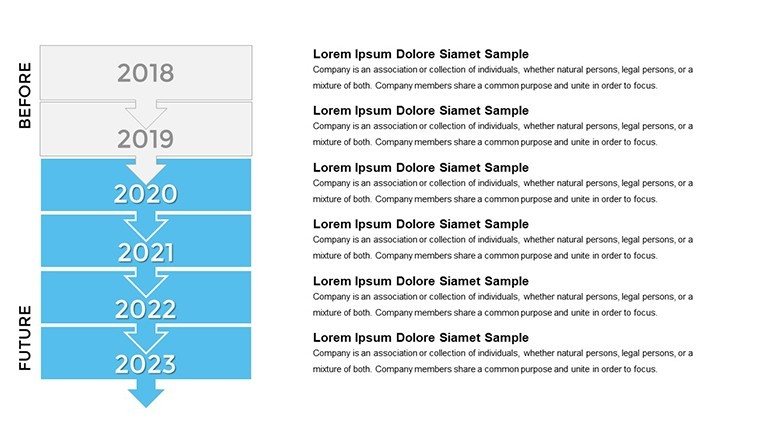
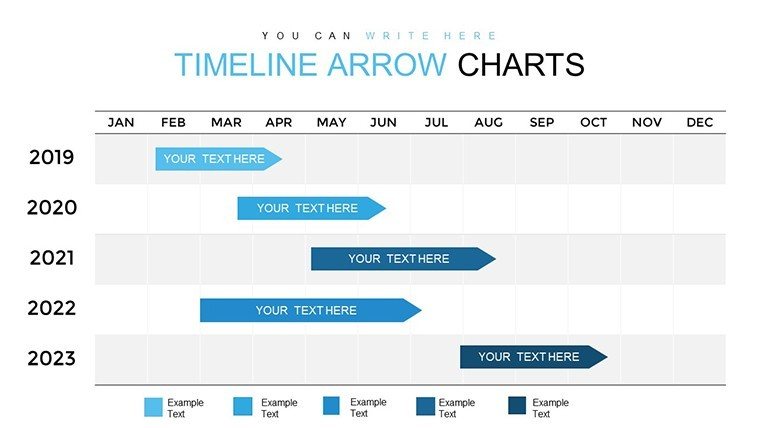
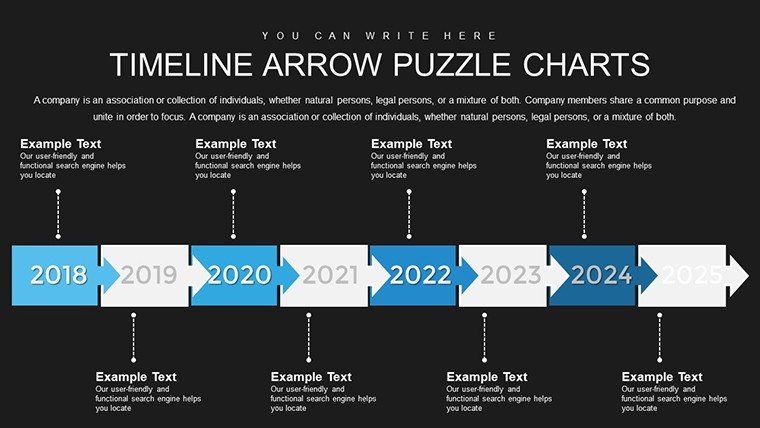
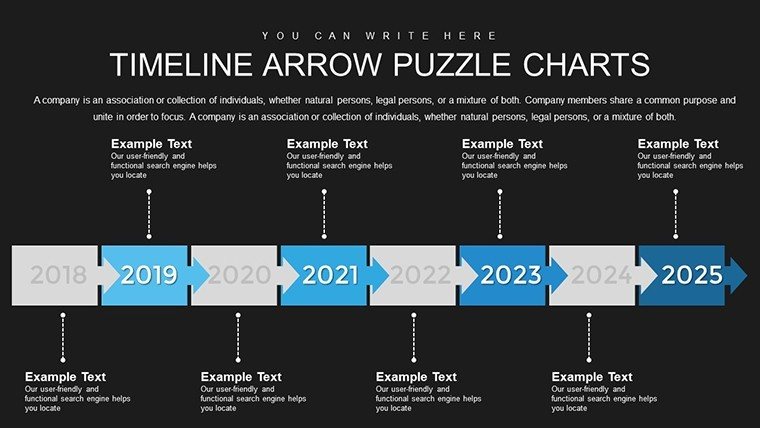
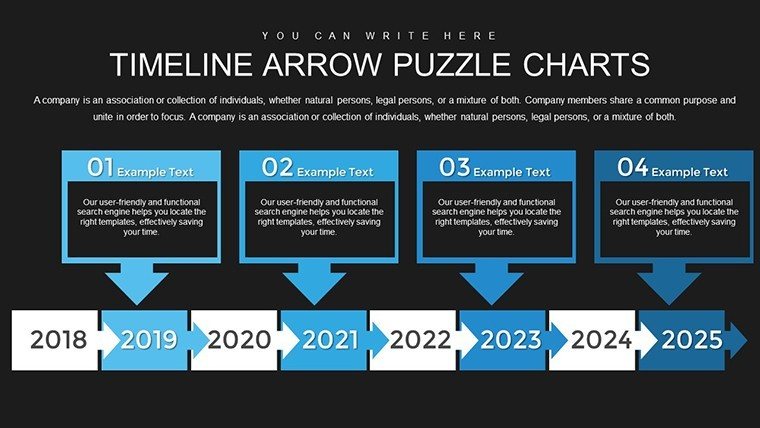
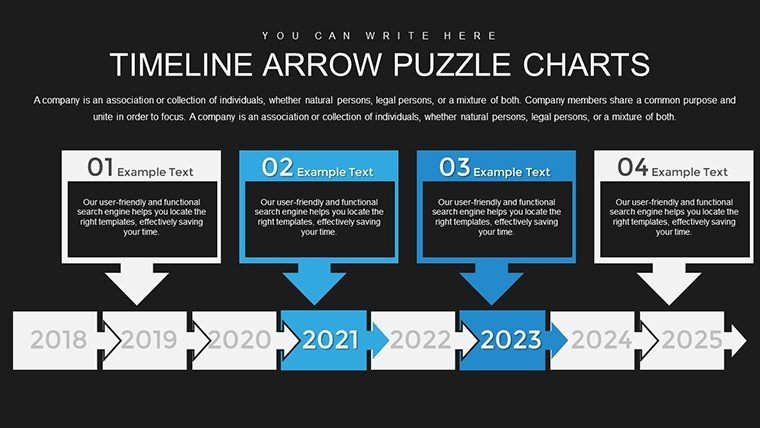
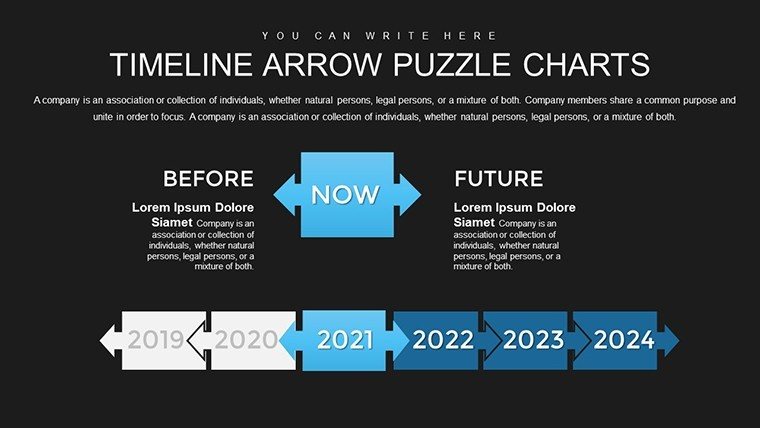
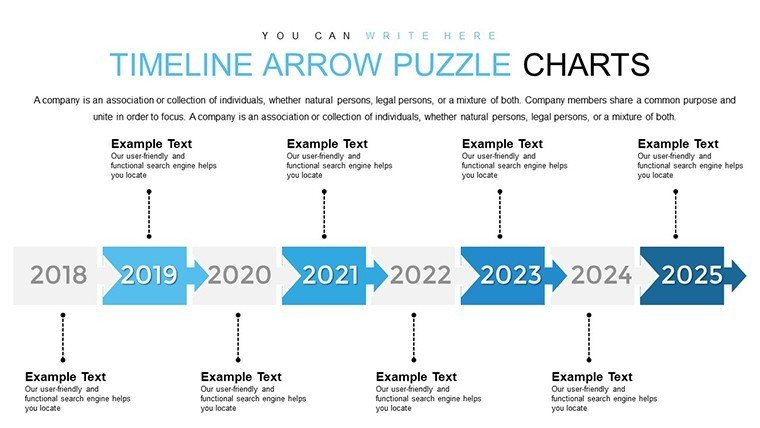
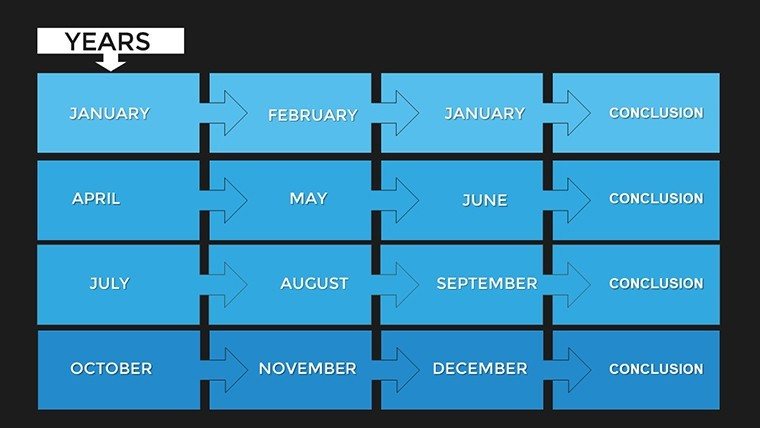
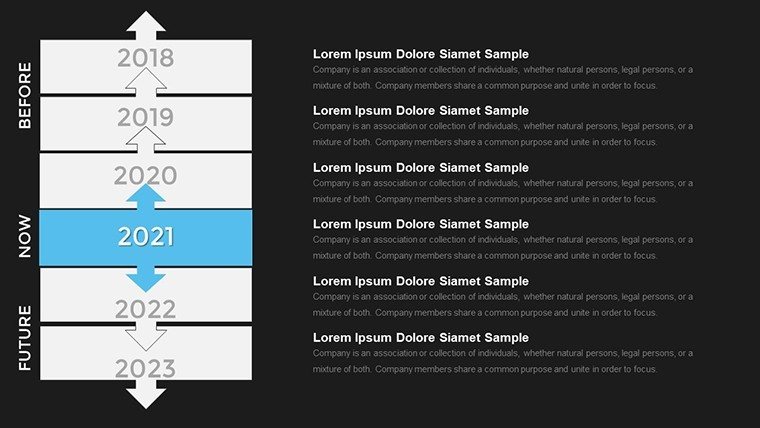
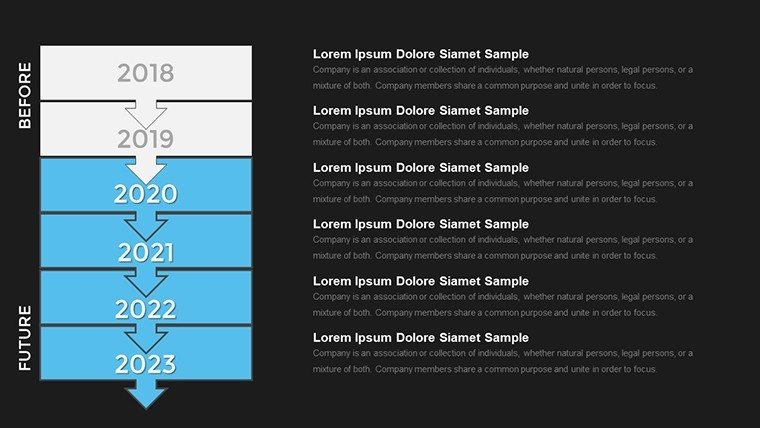
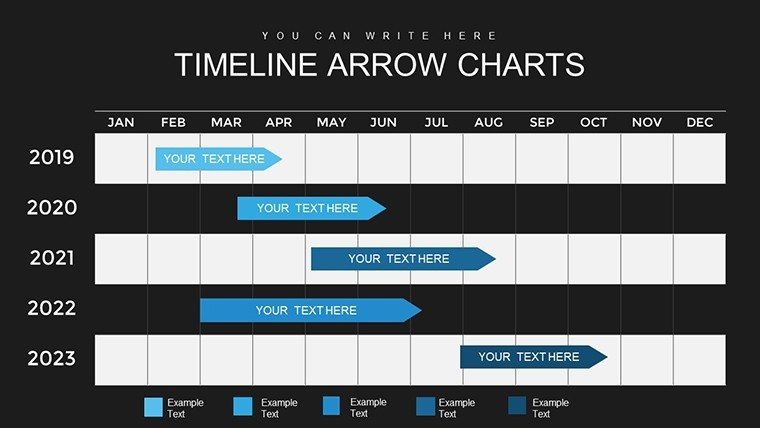
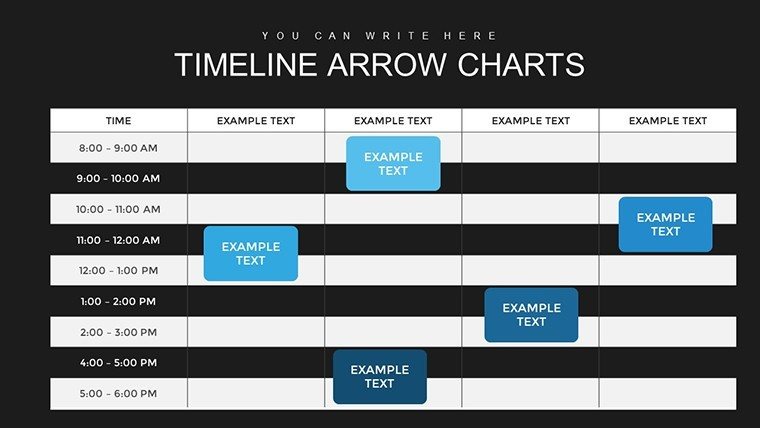
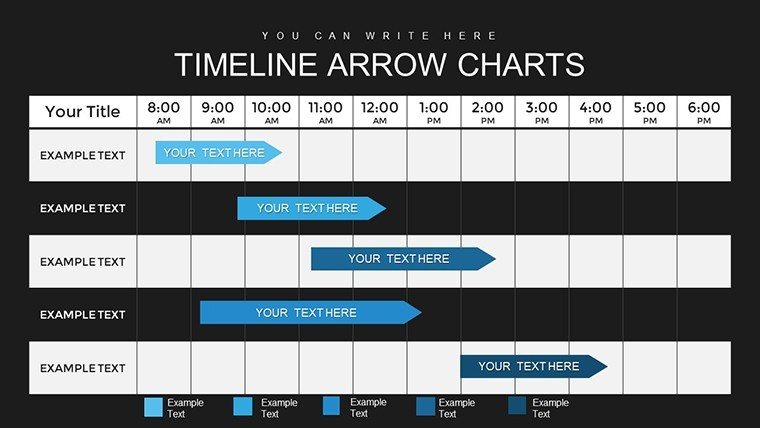
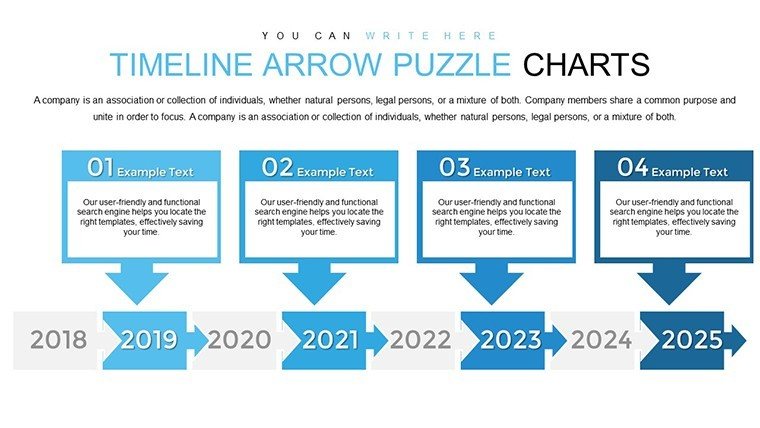
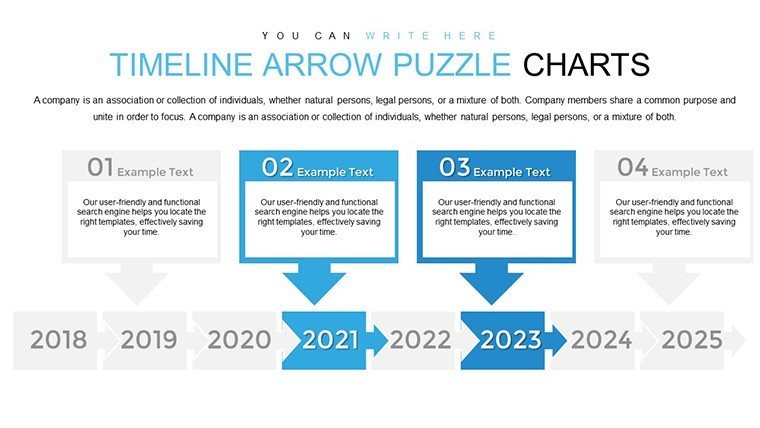
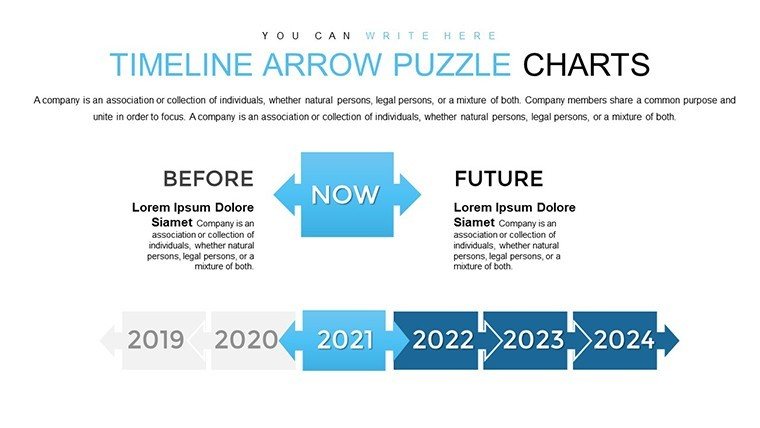
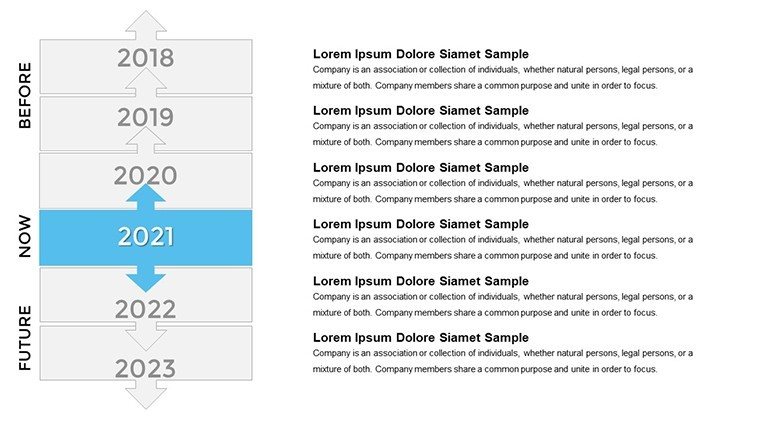
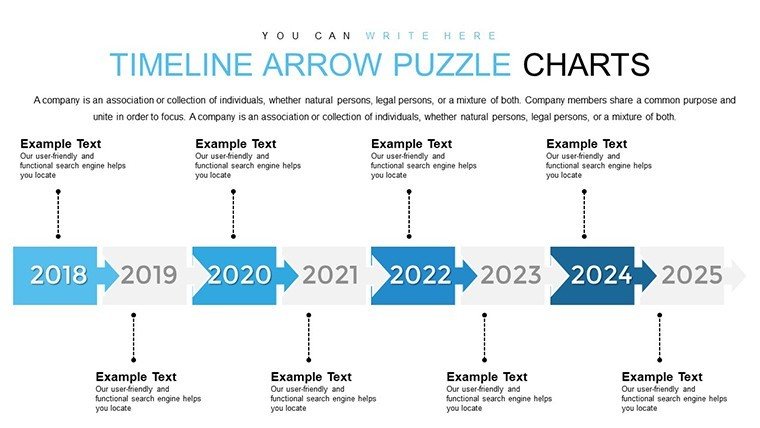
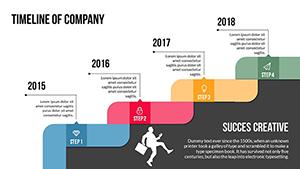
Timelines aren't just lines; they're narratives that weave past, present, and future into compelling stories. Our Creative Infographic Timeline Arrow PowerPoint Template, with 26 editable slides, transforms mundane chronologies into vibrant visuals. Aimed at project managers, educators, marketers, and historians, it uses arrow designs to guide eyes through milestones effortlessly. Customize to showcase product roadmaps or historical events, with data-driven elements that make information pop. This goes beyond standard timelines by incorporating infographics - think icons, color-coded phases, and animations that reveal progress dynamically, turning presentations into memorable experiences.
Standout Features for Engaging Narratives
Versatility defines this template. Fully editable in PowerPoint or Google Slides, adjust arrows, fonts, and hues to align with your theme. User-friendly for novices, yet robust for pros, it includes seamless customization without needing design software. Key features: Dynamic arrows for flow, integrated charts for data insights, and layouts adaptable to any scenario - from quarterly reports to educational lectures.
Slide-by-Slide Exploration
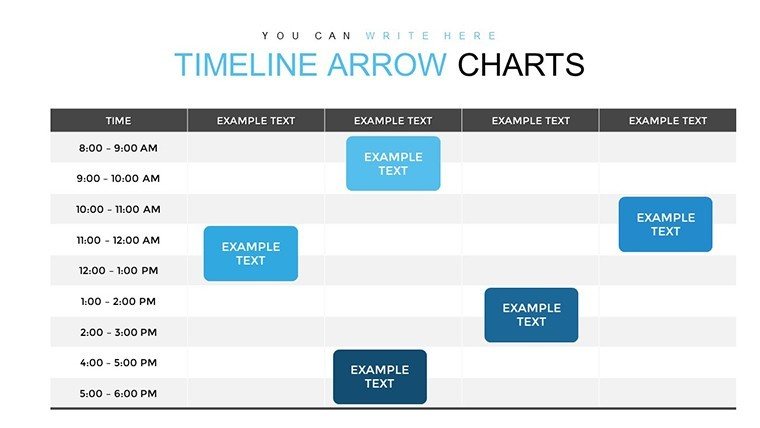
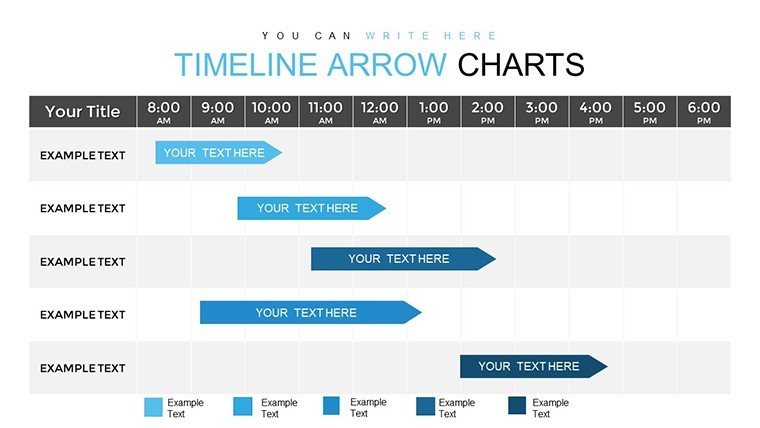
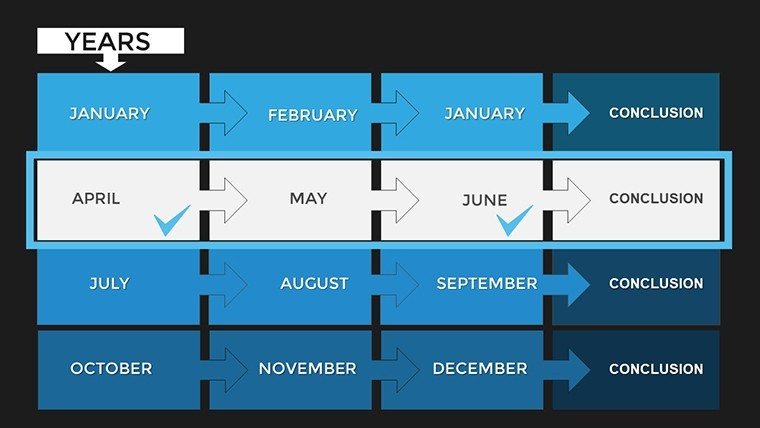
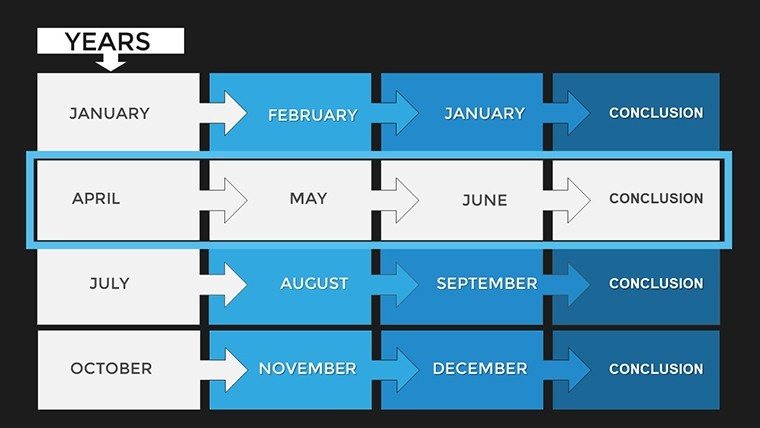
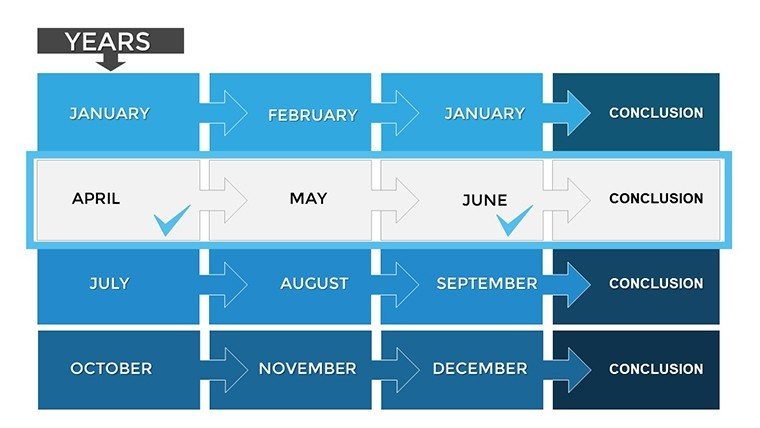
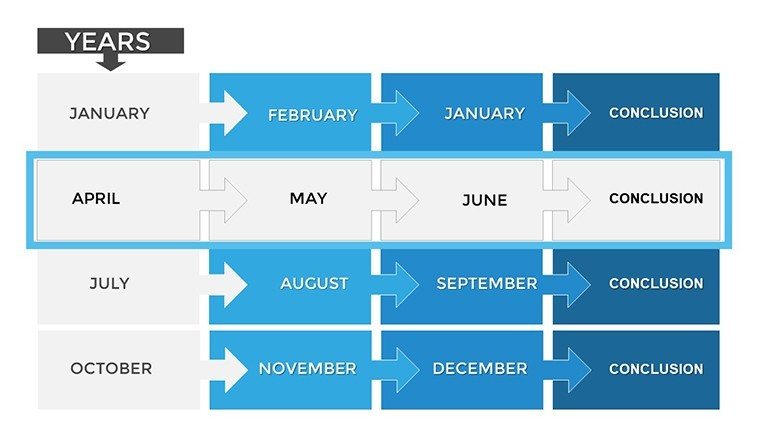
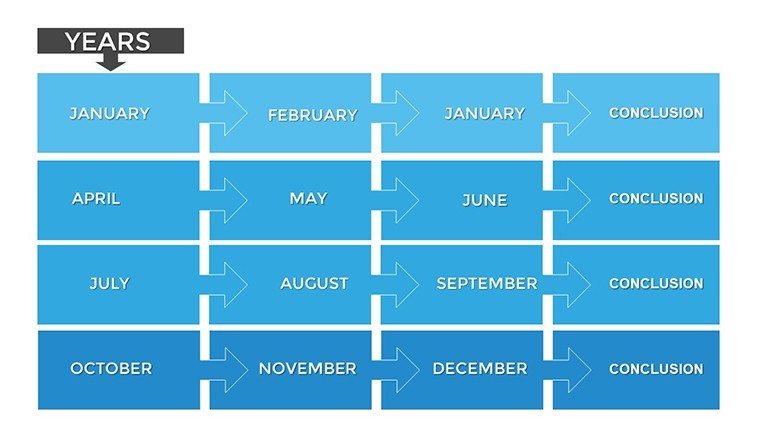
Early slides (#0-5) provide basic arrow timelines for quick overviews. Mid-slides (#10-15) amp up with infographic integrations, like milestone markers with metrics. Final slides (#20-25) offer complex variants, such as branching arrows for alternative paths. All are vector-scalable, ensuring quality in any format.
Use Cases: Timelines in Action
As SlideModel highlights, color-coded timelines differentiate phases in project updates, like a software rollout where arrows show development sprints. Slidesgo's infographics suit marking milestones in business plans, echoing Canva's customizable templates for personal achievements. Decktopus notes their use in sales pitches, visualizing customer journeys. ReallyGoodDesigns praises them for data visualization, as in historical overviews where arrows connect events causally. For architecture, map project timelines: From blueprint to completion, incorporating AIA-compliant phases like schematic design - a case from urban planning firms shows reduced delays via visual tracking. In marketing, depict campaign evolutions, boosting engagement as per free timeline examples.
Incorporate into workflows by populating with project management data from tools like Asana. Animate arrows to unfold stories, enhancing retention in trainings. Share as interactive PDFs for remote teams.
Tips to Maximize Impact
- Color Strategically: Use schemes to denote urgency or categories.
- Integrate Data: Embed charts for quantifiable milestones.
- Keep It Concise: Limit events per slide for clarity.
- Animate Wisely: Reveal elements progressively to build narrative.
- Adapt Creatively: Branch for scenarios in strategic planning.
Combine with mind maps for brainstorming or Gantt charts for detailed scheduling, inspired by presentation best practices.
Edge Over Default Tools
Built-in PowerPoint timelines lack flair; ours deliver pre-designed infographics for instant professionalism. Drawing from sources like Slidesgo, it upholds with proven designs. CTAs like "Chart Your Path" inspire action.
Elevate your timelines - start crafting captivating stories now.
Frequently Asked Questions
How many customization options are there?Unlimited - edit every aspect for unique looks.Suitable for beginners?Yes, intuitive interface with guides.Can I add my own icons?Sure, import and integrate seamlessly.Compatible with older PowerPoint?Yes, works on versions 2010+.Are animations pre-set?Yes, but fully adjustable.Good for
- Project roadmaps and sprint plans
- Product launch timelines
- Quarterly or annual review decks
- Company history and milestone summaries
Licence
reviews
Used this for a research summary presentation and it looked organized.
The graph pages were easy to update with my numbers.
A few slides looked outdated but still usable.
I liked the simple color palette.
Good template if you need clear charts fast.
FAQ
Will it work in Google Slides?
Are fonts embedded?
Can I use this for client work?
What's the refund policy?
Do you update the template after purchase?
Similar templates
See all PowerPoint Charts →
All 26 slides