 Click to zoom
Corporate Strategy PowerPoint Charts Template - Professional Download
| Format | .pptx |
| Slides | 24 unique layouts |
| Aspect ratio | 16:9 |
| Compatibility | PowerPoint |
| Animated | No |
| Language | English |
| License | Commercial |
| File size | — |
| Version | v1.0 |
| Last updated | June 2024 |
What's inside
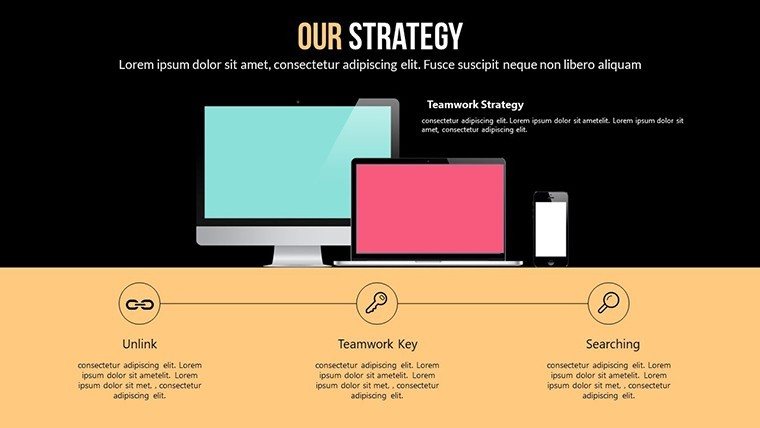
In today's competitive business landscape, where strategic decisions can make or break a company's future, having the right tools to articulate your vision is crucial. Our Corporate Strategy PowerPoint Charts Template is tailored for executives, consultants, and managers who need to deliver compelling presentations that unite teams, attract investors, and drive objectives forward. Featuring 24 editable slides, this template combines professional design with logical flow, incorporating essential frameworks like SWOT analysis and Balanced Scorecards to transform complex strategies into accessible visuals. Whether you're pitching to board members or aligning internal stakeholders, these charts ensure your message lands with precision and persuasion.
Grounded in business best practices from sources like Harvard Business Review, this template addresses common pain points in strategy communication, such as data overload or unclear narratives, by prioritizing clarity and engagement. It's more than slides - it's a strategic ally that saves time and elevates your professional presence.
Essential Features for Strategic Mastery
This template shines with its array of customizable charts - bar, pie, line, and scatter plots - that vividly display trends, projections, and metrics. Each slide is professionally designed for a cohesive look, with high-quality graphics that enhance visual appeal without distracting from the content. The user-friendly interface means even those new to PowerPoint can navigate and edit with ease, making it accessible for busy professionals.
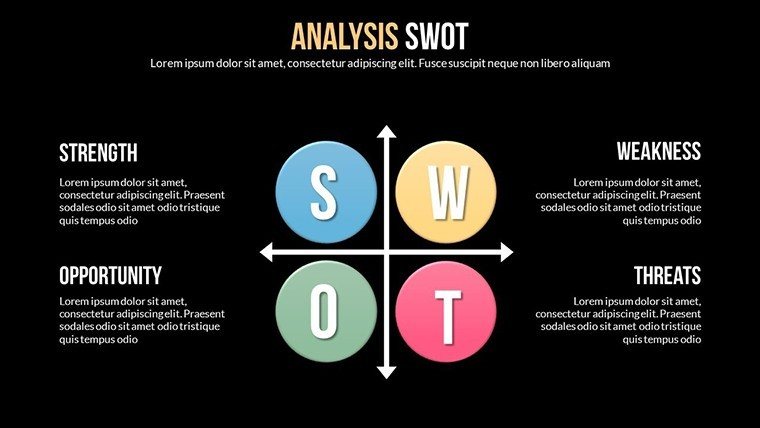
Highlights include dedicated slides for strategic frameworks, ensuring you cover all angles. For instance, Slide #8's SWOT matrix allows for dynamic data entry, while Slide #14's PESTLE analysis incorporates icons for political, economic, and other factors, making abstract concepts concrete.
Comprehensive Slide Overview
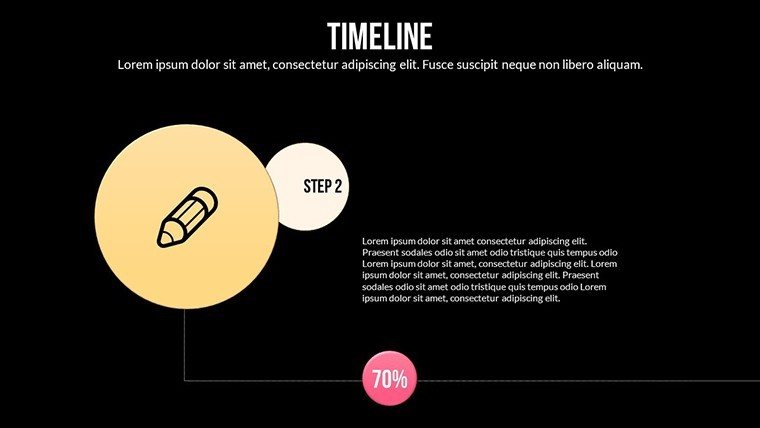
- Slide 1-4: Introductory Elements - Vision, mission, and overview slides to set the strategic tone.
- Slide 5-10: Analysis Frameworks - SWOT, PESTLE, and Balanced Scorecard for thorough evaluations.
- Slide 11-16: Data Charts - Various graph types for market studies and financial projections.
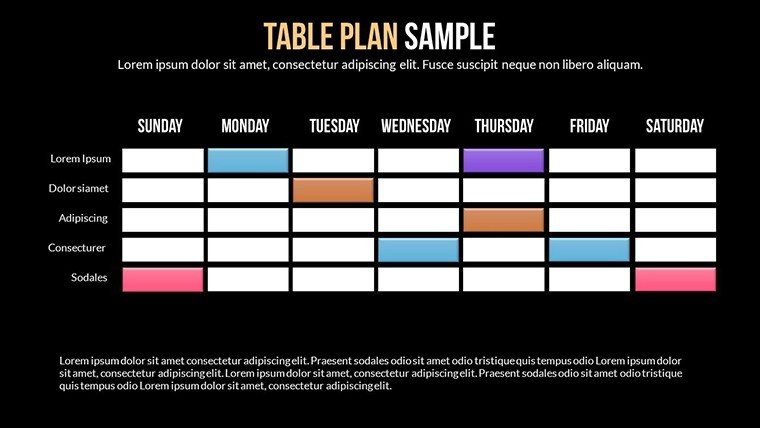
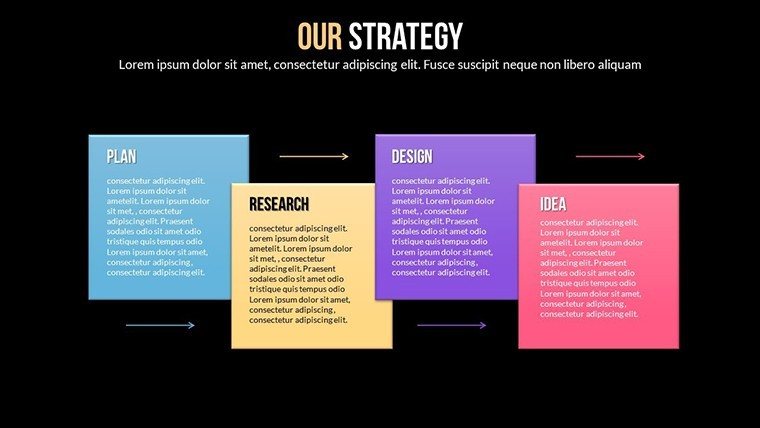
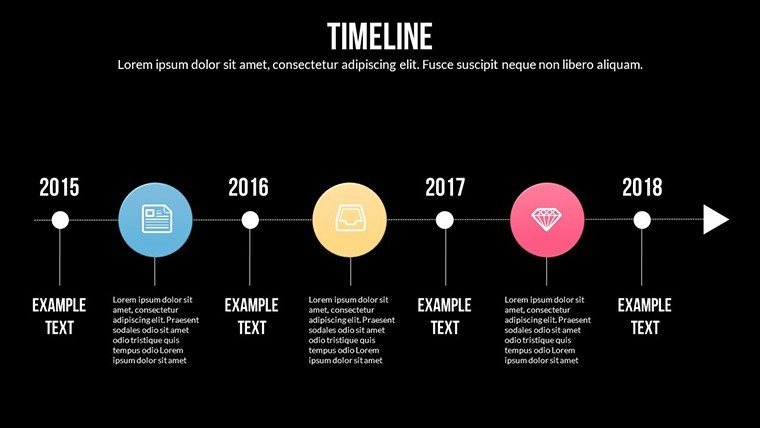
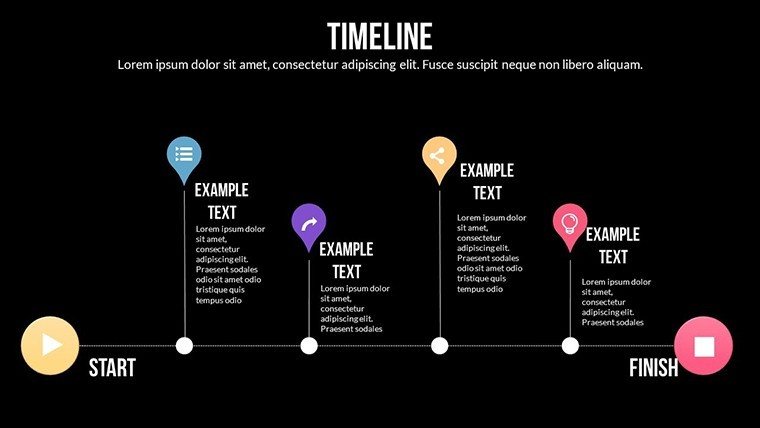
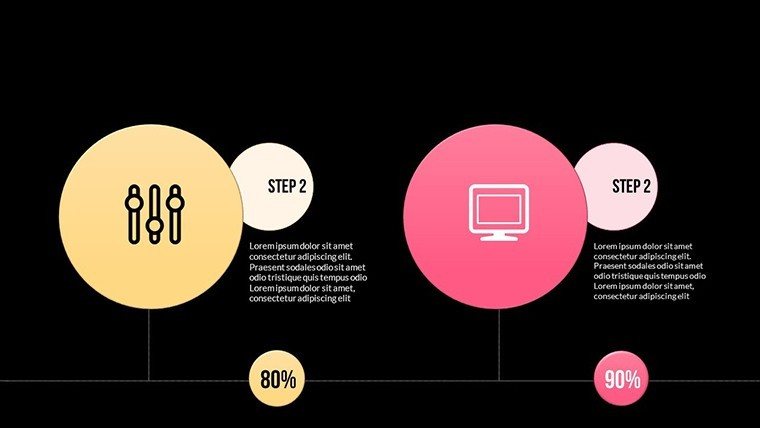
- Slide 17-20: Implementation Plans - Roadmaps and action items to outline next steps.
- Slide 21-24: Conclusions and Calls to Action - Summaries and persuasive closes to inspire commitment.
Compatibility with .pptx format ensures seamless use across devices, ideal for collaborative editing.
Practical Applications in Business Scenarios
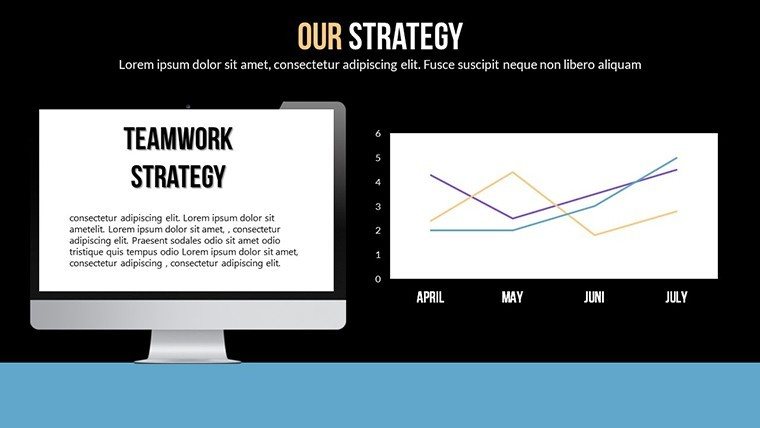
Consider an executive presenting to investors: Using Slide #12's line graph, they forecast revenue growth, backed by PESTLE insights on market trends. Or, in a board meeting, Slide #6's SWOT helps debate strengths and threats, fostering informed decisions. Consultants might adapt the template for client workshops, visualizing turnaround strategies that have, in real cases (as seen in McKinsey reports), boosted operational efficiency by 15%.
For internal use, it unites workforces around goals, reducing alignment issues common in large organizations. In virtual pitches, the clean designs maintain impact on screens, ensuring remote audiences stay engaged.
Guided Customization Process
- Acquire the Template: Download the .pptx and open in PowerPoint.
- Define Your Strategy: Identify key elements and map to slides.
- Enter Data: Populate charts with your metrics and analyses.
- Refine Design: Customize graphics and layouts for brand alignment.
- Review Iteratively: Simulate the presentation and adjust for flow.
- Execute Confidently: Deliver with integrated notes for support.
This method streamlines preparation, allowing focus on strategy over design.
Advantages Over Generic Alternatives
Unlike basic PowerPoint defaults, our template incorporates expert frameworks and visuals, aligned with principles from Michael Porter's strategy models. It avoids amateur pitfalls, offering a trustworthy, rated (747 times) solution for professional needs.
Incorporate naturally: corporate strategy visuals, editable SWOT charts, business planning templates, and related terms for depth.
Invest in Your Strategic Success Today
Elevate how you communicate corporate strategies - download our template now and craft presentations that persuade and perform. Transform your ideas into actionable insights; start today!
Frequently Asked Questions
Are the frameworks fully customizable?Yes, every element in SWOT, PESTLE, etc., can be edited to fit your data.Can I add my company logo?Easily integrate logos and branding across all slides.Is it suitable for investor pitches?Perfectly, with slides focused on projections and analyses.What if I'm not PowerPoint-savvy?The intuitive design makes editing straightforward for all users.Does it include financial charts?Yes, multiple types for displaying trends and projections.Good for
- Project roadmaps and sprint plans
- Product launch timelines
- Quarterly or annual review decks
- Company history and milestone summaries
Licence
reviews
Needed charts for a client pitch and this template covered most of it.
The slide with arrows and percentages was surprisingly useful.
A couple pages looked too busy so I removed them.
The colors printed okay which mattered for our meeting.
FAQ
Will it work in Google Slides?
Are fonts embedded?
Can I use this for client work?
What's the refund policy?
Do you update the template after purchase?
Similar templates
See all PowerPoint Charts →

All 24 slides