 Click to zoom
Core Values Keynote Charts Template - Editable Keynote
| Format | .pptx |
| Slides | 22 unique layouts |
| Aspect ratio | 16:9 |
| Compatibility | PowerPoint |
| Animated | No |
| Language | English |
| License | Commercial |
| File size | — |
| Version | v1.0 |
| Last updated | April 2026 |
What's inside
22 Keynote chart slides covering core values, data distribution, and organizational structure
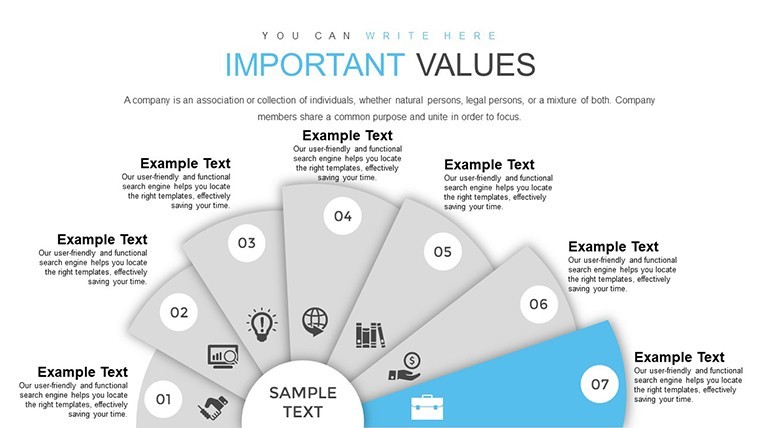
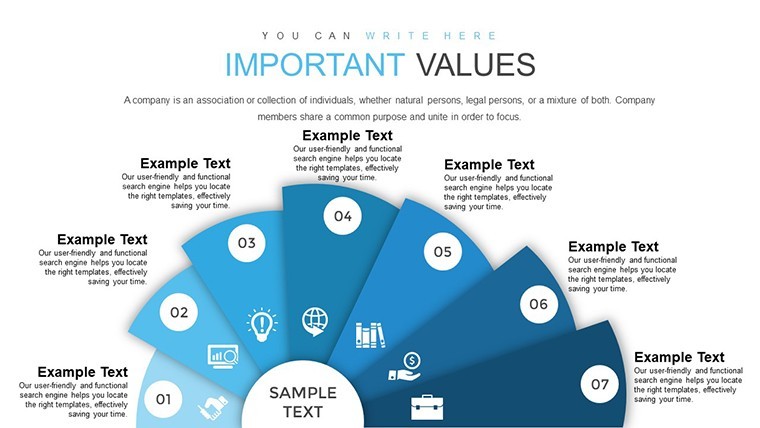
For quarterly strategy sessions or HR workshops where you need to show how organizational principles connect to operational priorities, this Keynote chart template provides 22 editable slides in .key format. The set spans a wider range of chart types than a typical single-theme file: fan indicator charts with arc-based segments that radiate from a central axis, pie and donut variations for proportional breakdowns, cube-style 3D visuals for categorical comparisons, histogram-style bar layouts for statistical distributions, and waterfall structures for sequential accumulation or breakdown. That variety means one file handles multiple sections of an internal strategy deck without needing a second template.
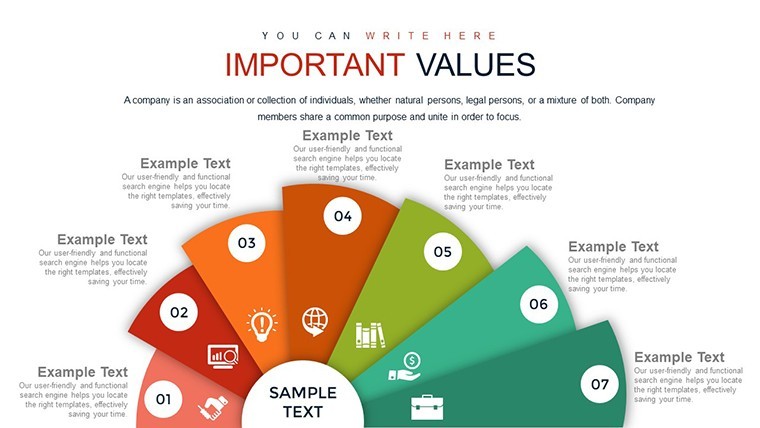
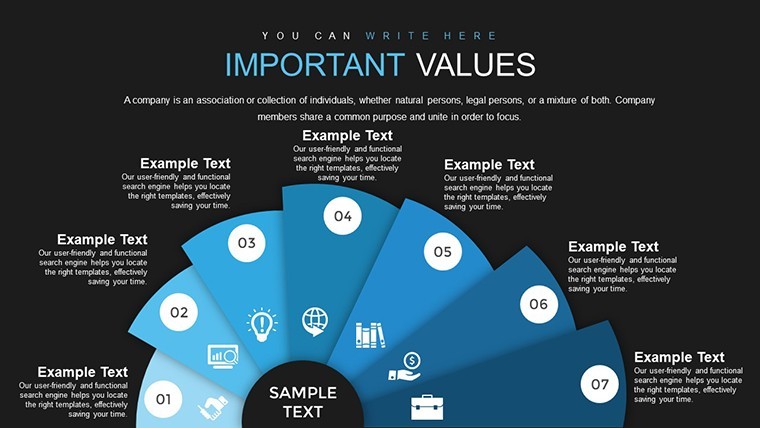
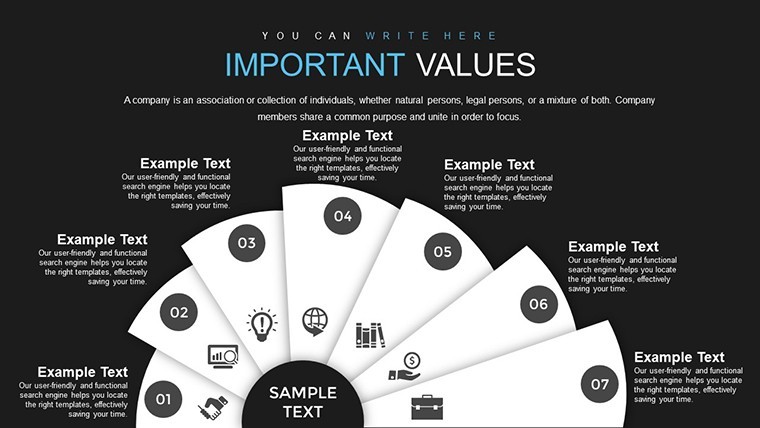
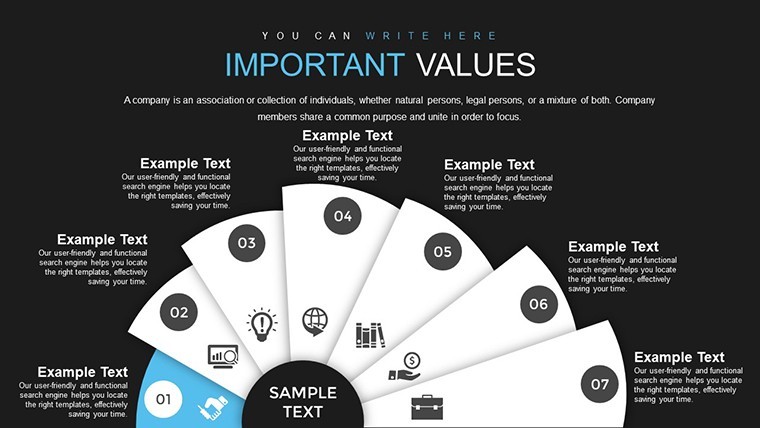
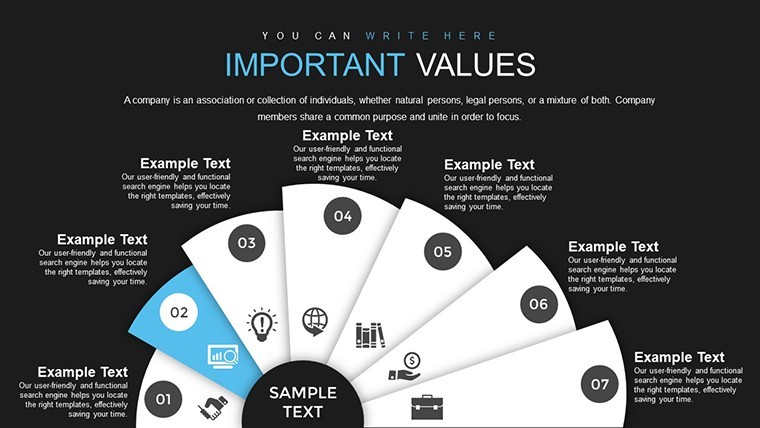
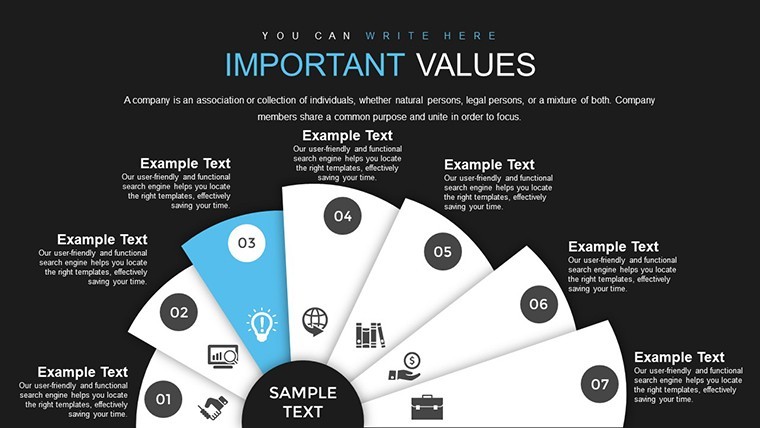
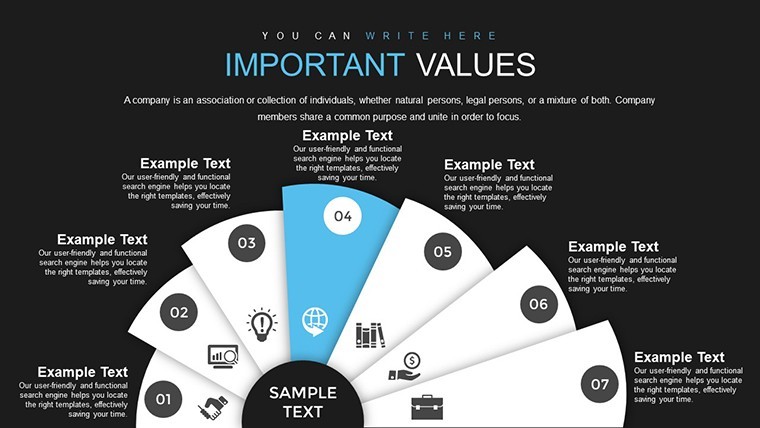
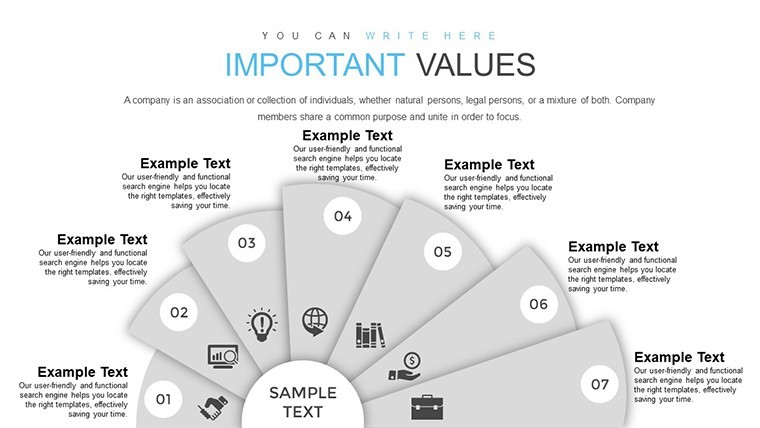
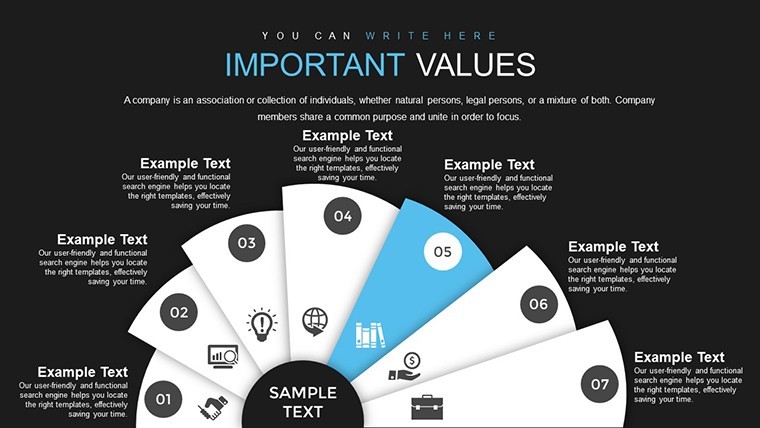
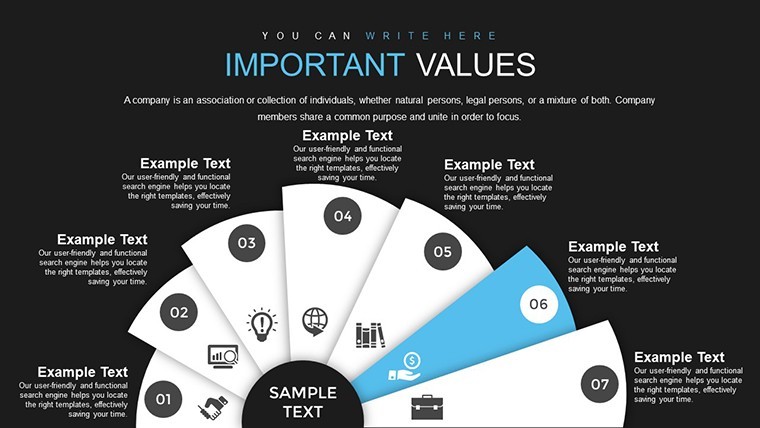
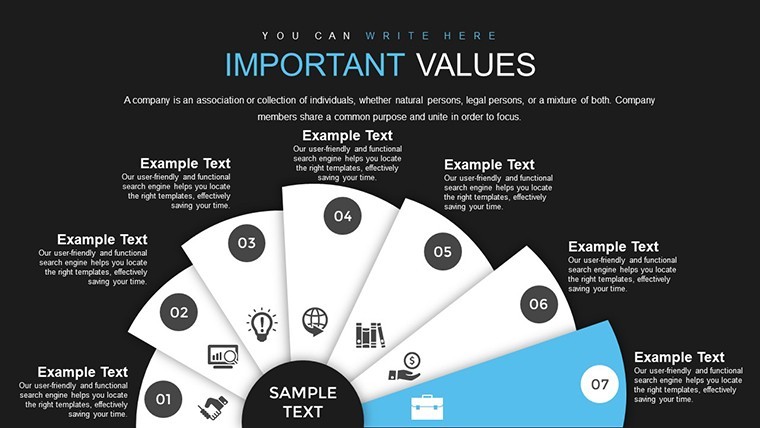
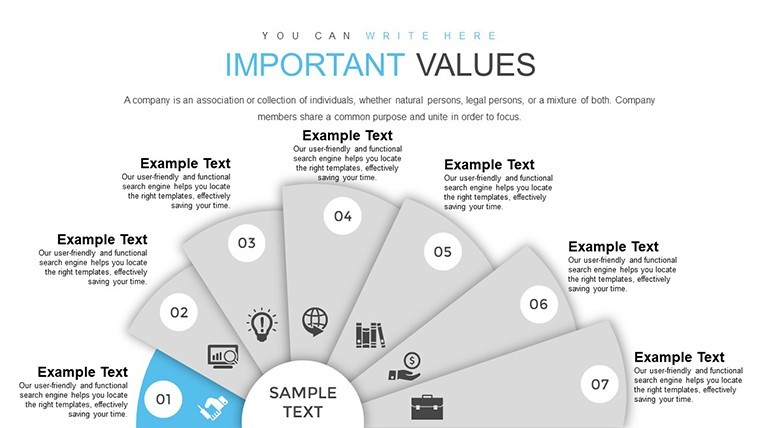
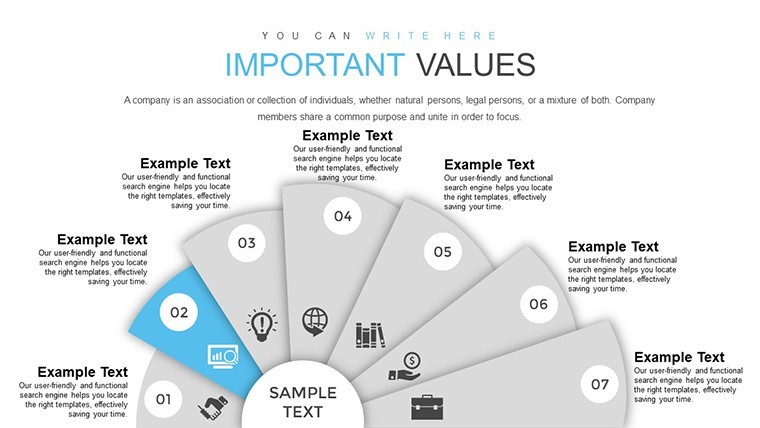
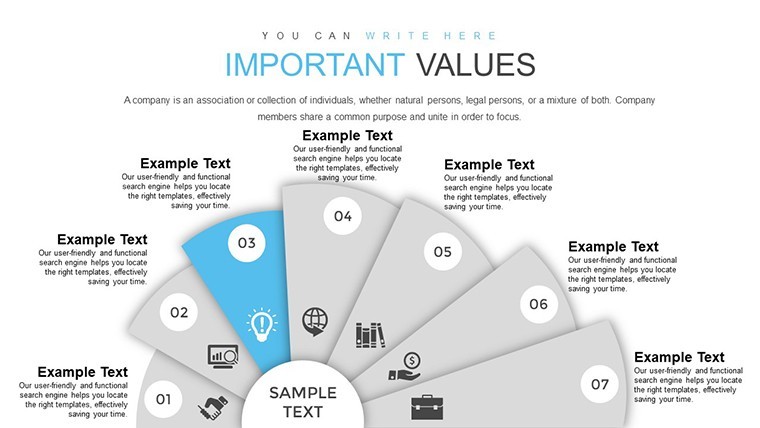
The fan indicator chart - visible in the first preview slide - uses a semicircular gauge arrangement where segments fan outward from a base point, suited for showing weighted priorities or scoring across several dimensions. Cube visuals use a flat-face isometric style, each face acting as a labeled category block. These work well when presenting audit scores, management metrics, or statistical summaries where each data category needs equal visual weight. In most cases, you only replace the text labels and adjust segment sizes; the structural alignment stays intact.
This Keynote diagram template suits HR managers presenting cultural alignment data, internal audit leads summarizing compliance scores, or strategy teams breaking down resource allocation across value areas. Not designed for live data dashboards or presentations requiring frequent numerical updates - the chart values are static and updated manually. Color changes are applied per element via Keynote's Format panel, as the page does not specify a master color switcher. The .key file is compatible with Keynote on macOS; the specific minimum version is not listed, though the format follows current Keynote KEY standards.
Use this instead of building a fan chart or waterfall structure from scratch in Keynote. The predefined proportions and segment alignments are already set - you drop in your data and the layout holds. Typically, teams reuse the same slide structure across quarterly reviews, updating only the values and color fills. The 22-slide count gives enough variety to cover an entire deck without repeating layouts.
The combination of pie, histogram, and waterfall slide types supports both proportional analysis (what share does each value represent?) and sequential analysis (how do individual contributions add up to the total?). That makes it usable across different sections of a single presentation rather than locking you into one chart logic. No free version is listed; the full 22-slide file is $13.00.
You open the file and start editing. Download and start editing immediately
Specifications
FeatureDetailsSlides22 editable slides - fan indicator, pie, donut, cube, histogram, waterfall chart typesFile format.key (Keynote native)Software compatibilityKeynote (macOS); minimum version not specified - standard KEY formatEditable elementsChart segments, cube faces, bar heights, text labels - each resizes and recolors independentlyAspect ratioNot specified on pageColor schemesNot specified - editable per element via Keynote Format panelFree vs PaidSingle paid version only - $13.00 for all 22 slidesProduct IDKC00699Frequently Asked Questions
What Keynote version is needed to open this file?The file is delivered in .key format, Keynote's native file type for macOS. The product page does not list a minimum version, but the format is compatible with Keynote 10 and later running on current macOS versions. If you're using a recent macOS installation, the file will open without conversion. Keynote for iPad can also open .key files, though desktop is recommended for editing multi-type chart layouts.
How do I change colors to match my brand across these charts?Select any chart element - a pie segment, cube face, or bar block - then open Keynote's Format panel and adjust the fill color under the Style tab. To apply consistent brand colors across multiple slides, select matching shapes on each slide and apply the fill in one step. No slide master color switcher is confirmed for this product, so color updates are applied directly to individual elements or by multi-selecting identical shapes.
Can this template be used for commercial client presentations?ImagineLayout's standard license covers professional and commercial use, including presentations prepared for clients. The license does not permit resale or redistribution of the template files themselves. For full licensing conditions, review the Terms of Use at imaginelayout.com/terms/ prior to purchase.
Is there a free version or a subset of slides available before purchasing?The page lists a single paid product at $13.00 with no free version or downloadable preview file. All 22 slides are included in the purchased .key file. Full-size preview images of each slide are visible on the product page and give a clear view of every layout before buying.
What are the refund conditions for this product?ImagineLayout processes refunds for non-downloaded items reported within 14 days of purchase, and for templates with major defects reported within 72 hours. If the product does not match its description, the case is reviewed on an individual basis. Refunds are not issued for files that have been downloaded and used. Submit a request through the support page with your order number and a description of the issue.
See related layouts in the Pie Keynote Charts category or explore similar files such as the Consumer Confidence Keynote Charts.
Good for
- Project roadmaps and sprint plans
- Product launch timelines
- Quarterly or annual review decks
- Company history and milestone summaries
Licence
reviews
This helped me organize a confusing report into something understandable.
The layouts felt practical instead of overly fancy.
The graph sections were easy to update with real numbers.
Worked okay for my office presentation.
FAQ
Will it work in Google Slides?
Are fonts embedded?
Can I use this for client work?
What's the refund policy?
Do you update the template after purchase?
Similar templates
See all Keynote Charts →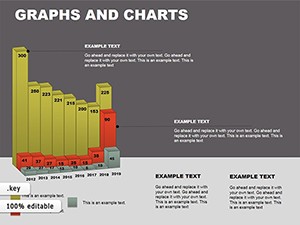



All 22 slides