 Click to zoom
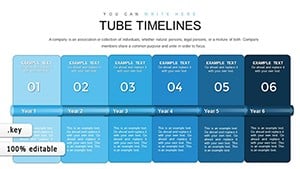
Construction Timeline Keynote Charts - 42 Editable Slides
| Format | .pptx |
| Slides | 42 unique layouts |
| Aspect ratio | 16:9 |
| Compatibility | PowerPoint |
| Animated | No |
| Language | English |
| License | Commercial |
| File size | — |
| Version | v1.0 |
| Last updated | September 2023 |
What's inside
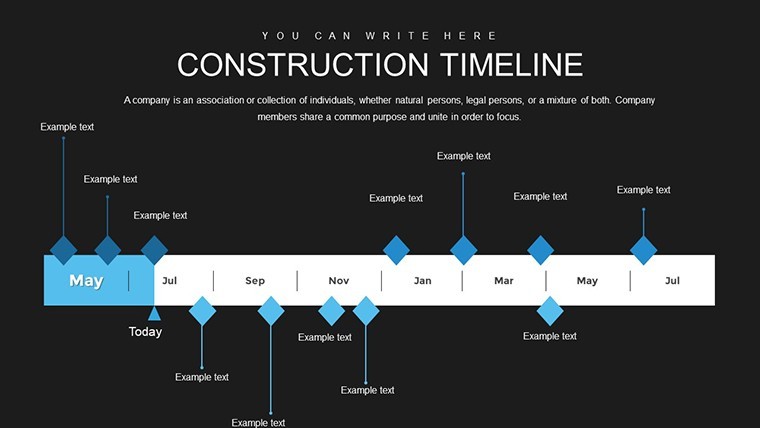
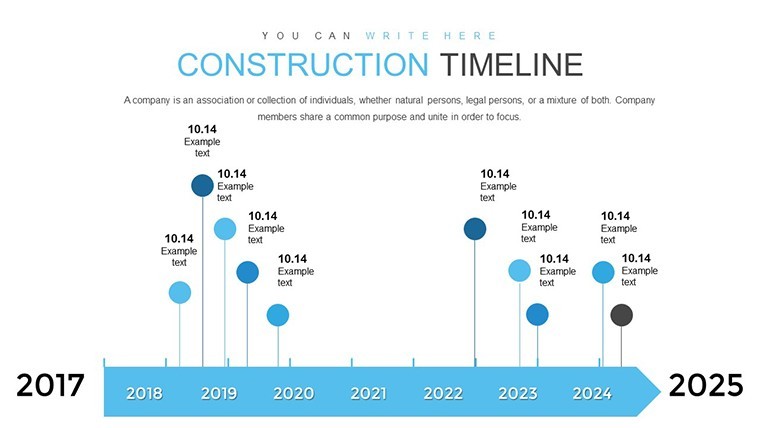
Navigating the complexities of construction projects demands precision, foresight, and clear communication. Our Construction Timeline Keynote Charts Template is engineered to meet these needs, offering a robust platform for project managers, architects, engineers, and supervisors to map out every phase with confidence. Boasting 42 editable slides, this template transforms abstract plans into tangible visuals, helping teams align on deadlines, resources, and milestones while mitigating risks.
Rooted in industry best practices, such as those from the Project Management Institute (PMI), it caters to professionals handling everything from residential builds to large-scale infrastructure. Picture illustrating a skyscraper erection with phased timelines, or detailing site preparation in a suburban development - this tool makes it effortless. Its intuitive design ensures even novices can create pro-level presentations, fostering collaboration and driving projects to timely completion.
Visualizing Project Lifecycles with Precision
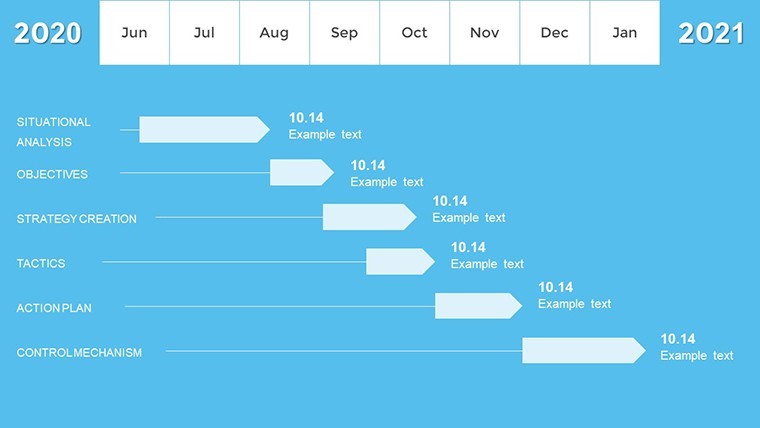
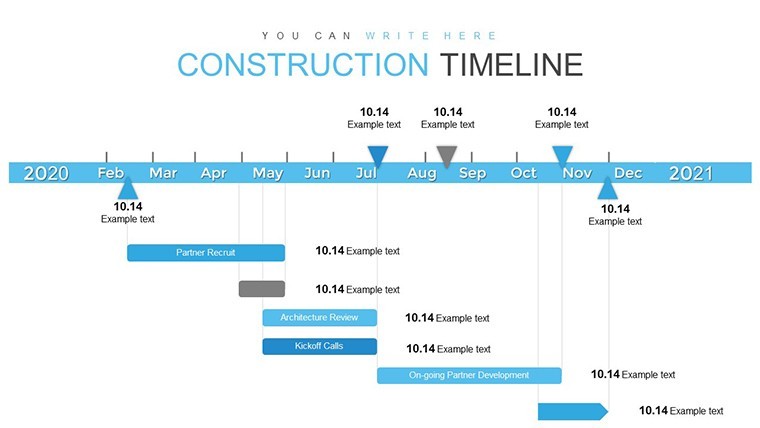
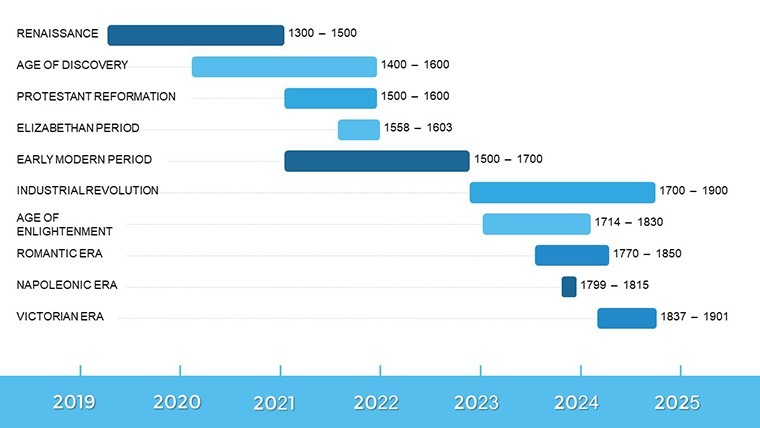
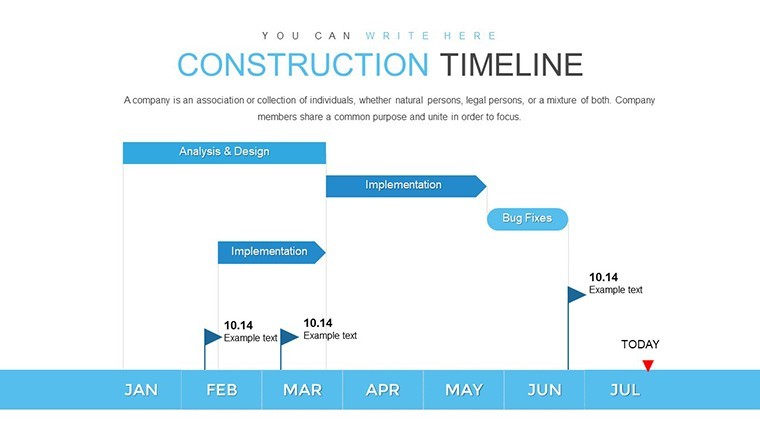
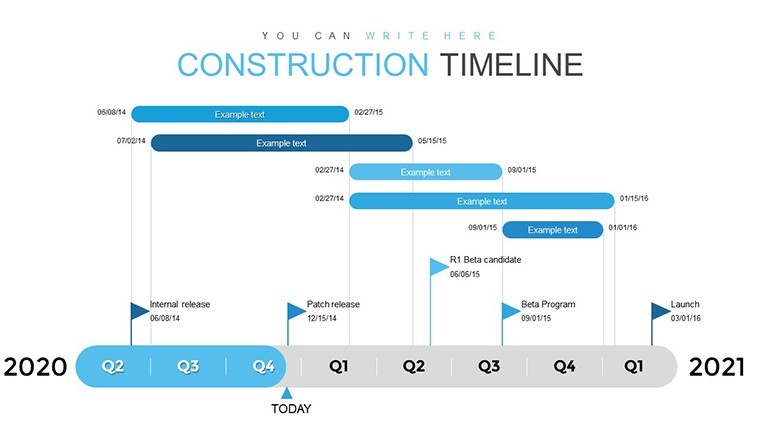
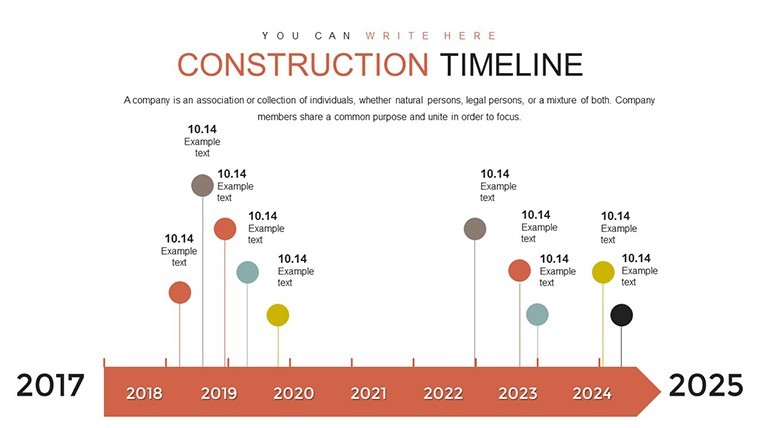
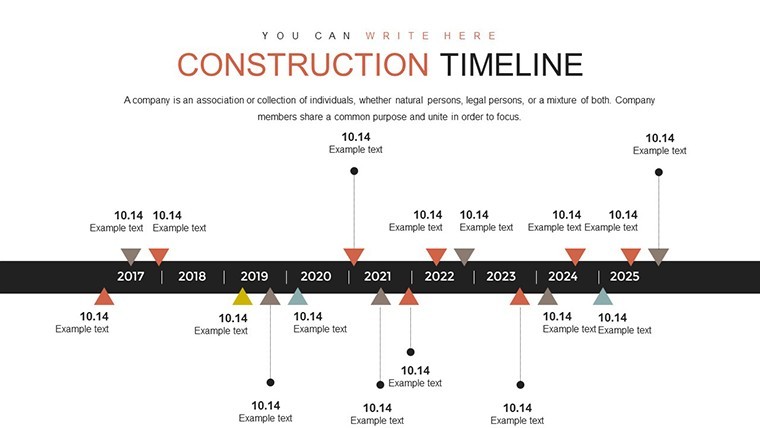
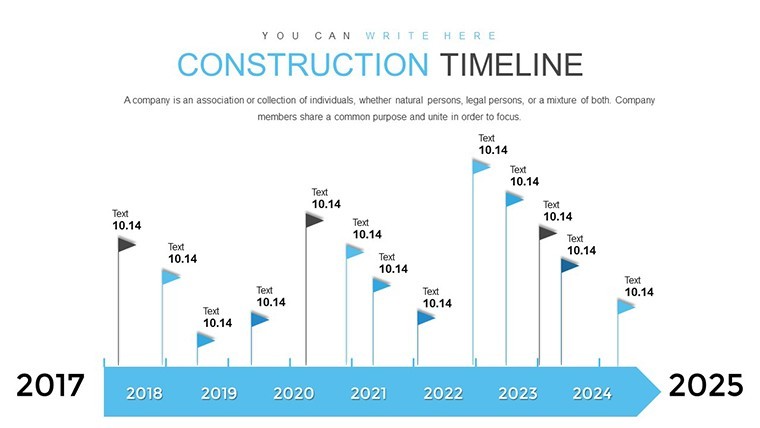
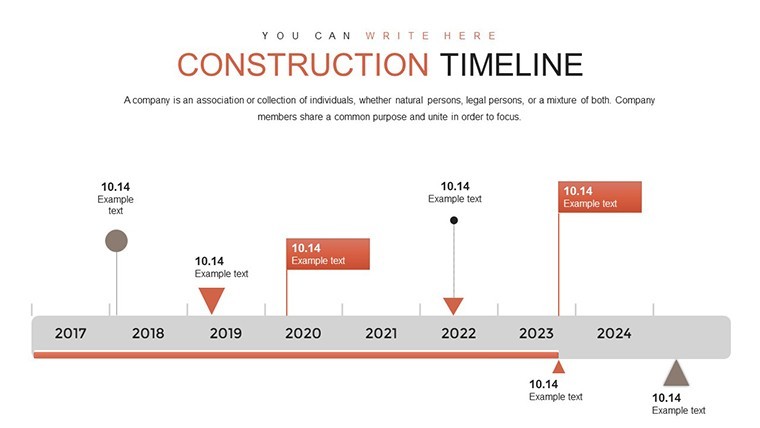
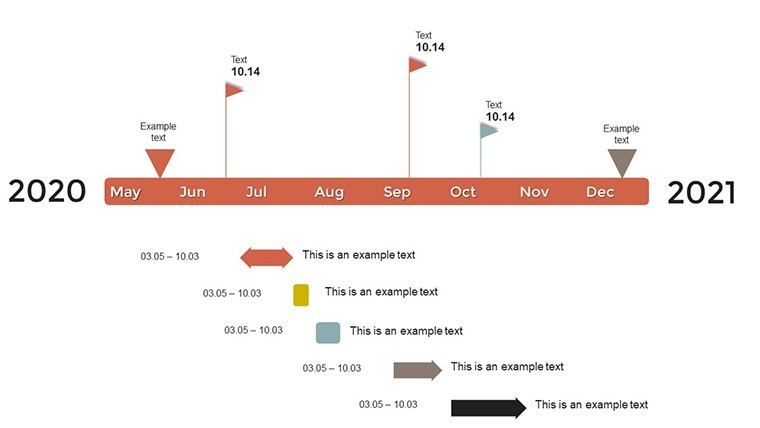
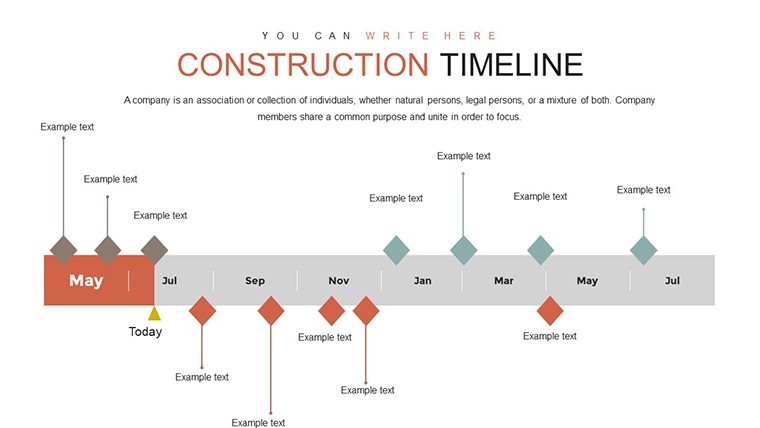
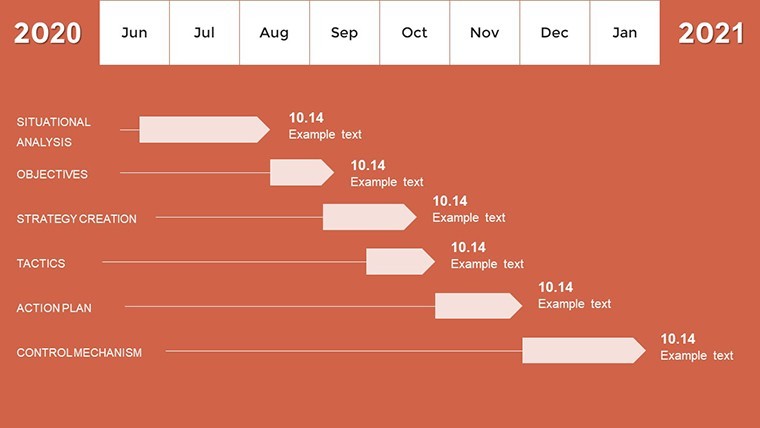
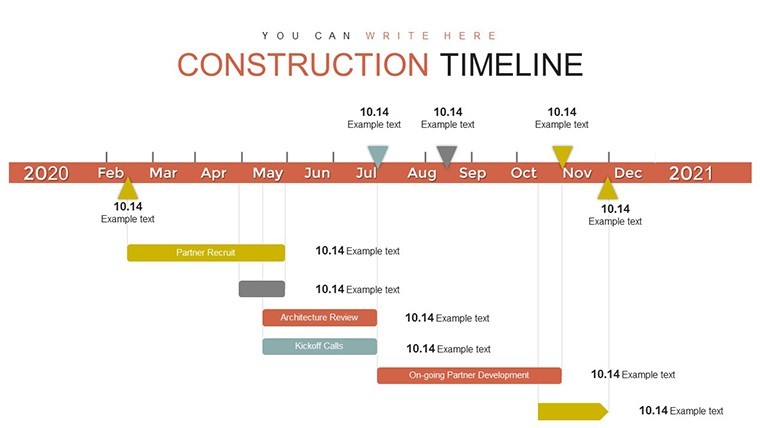
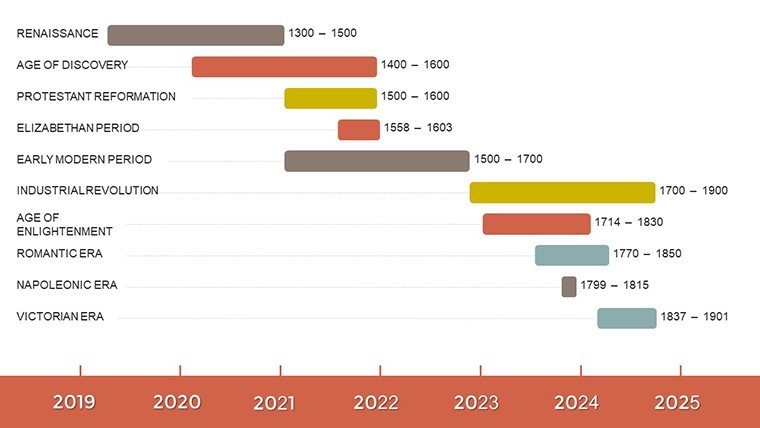
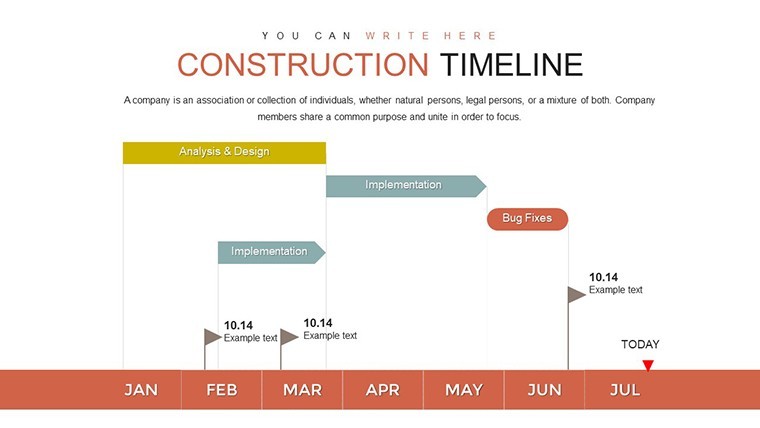
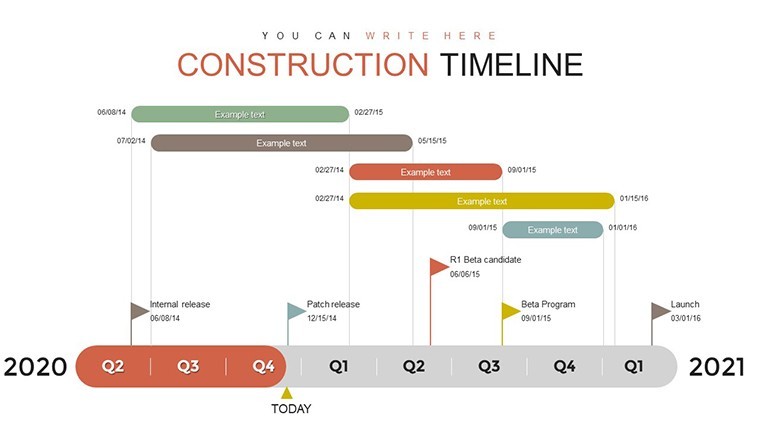
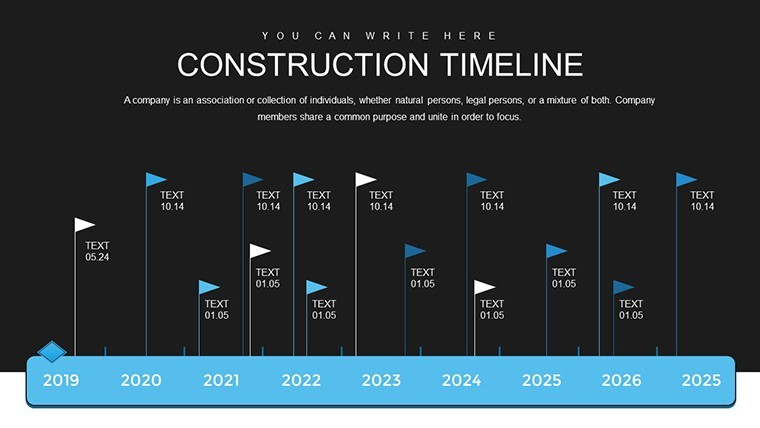
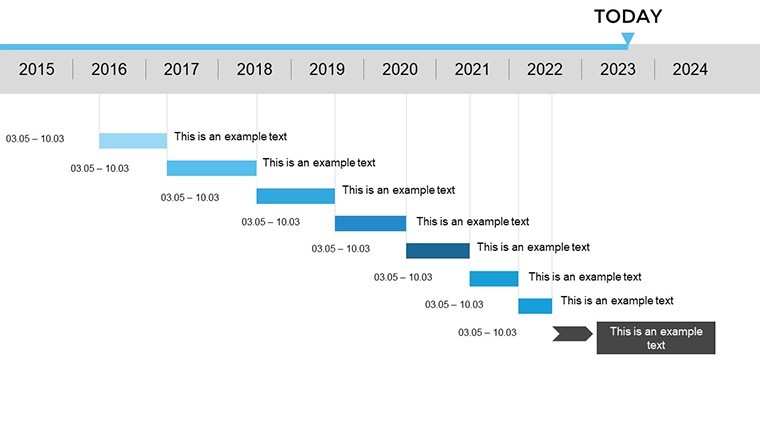
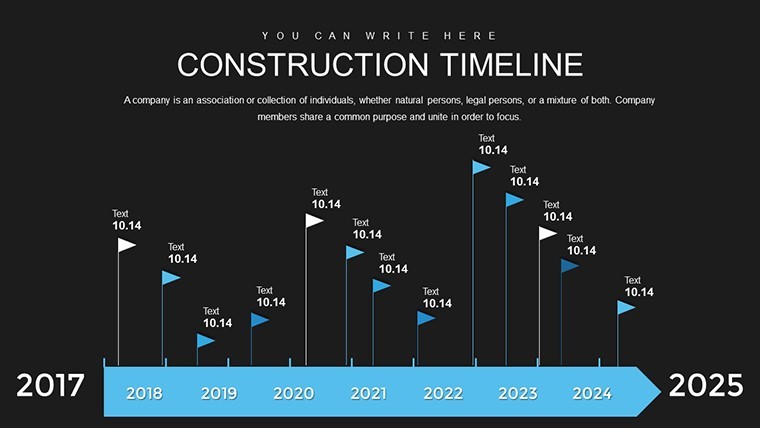
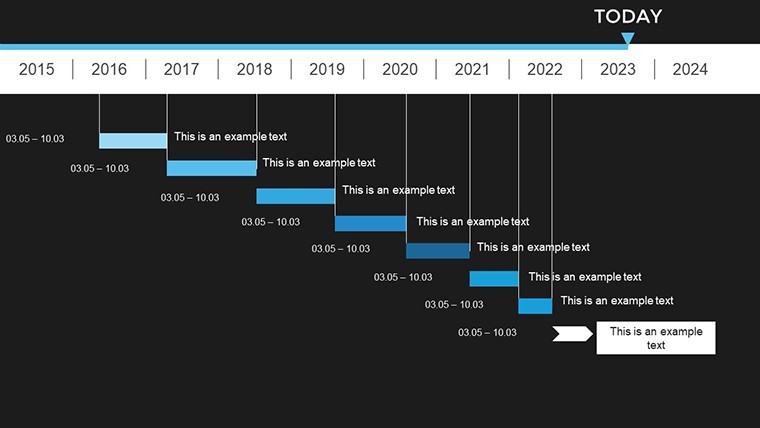
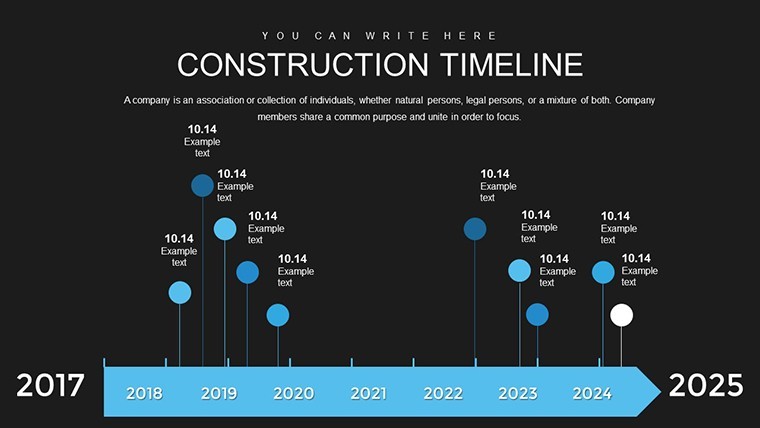
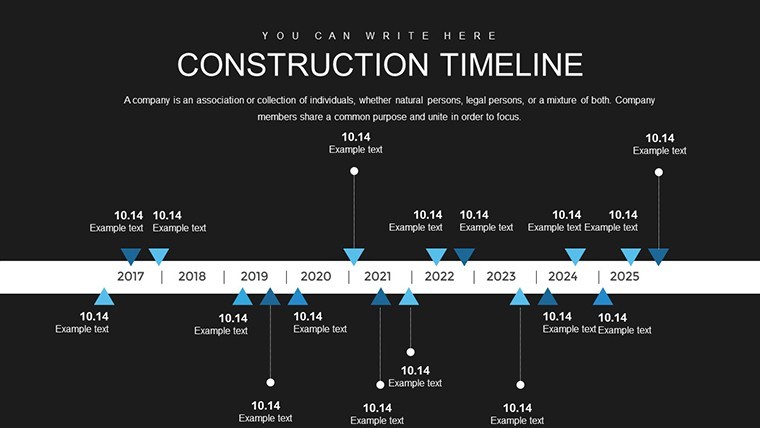
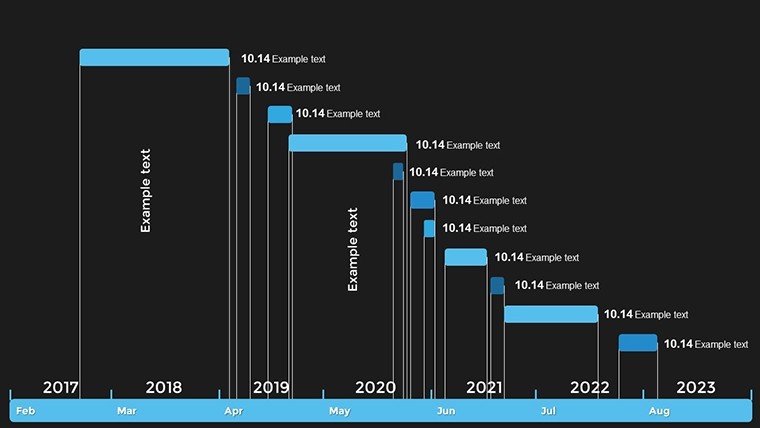
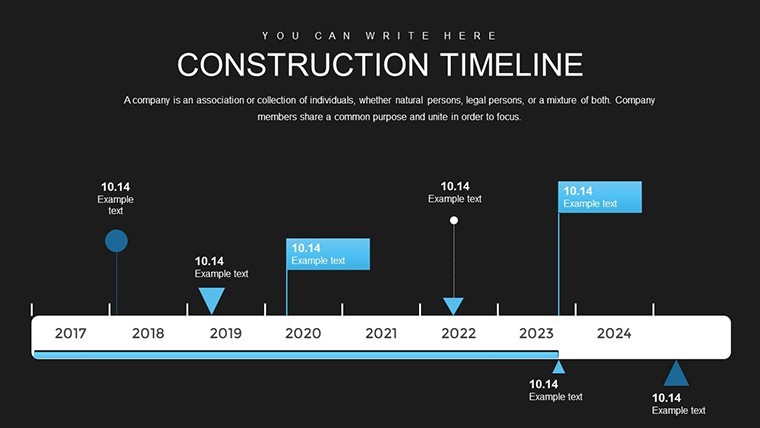
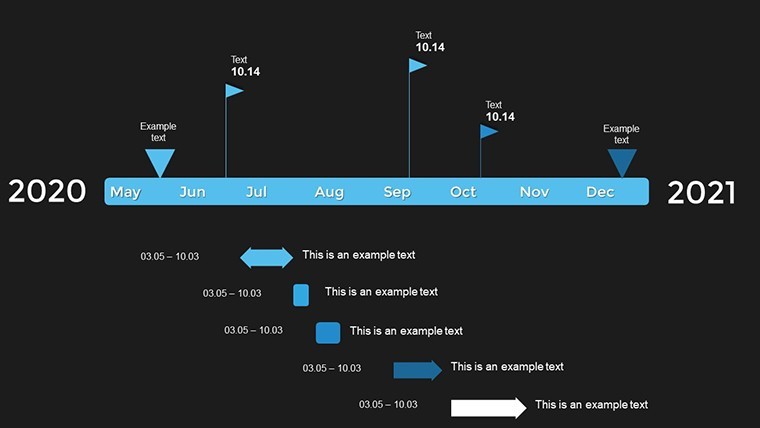
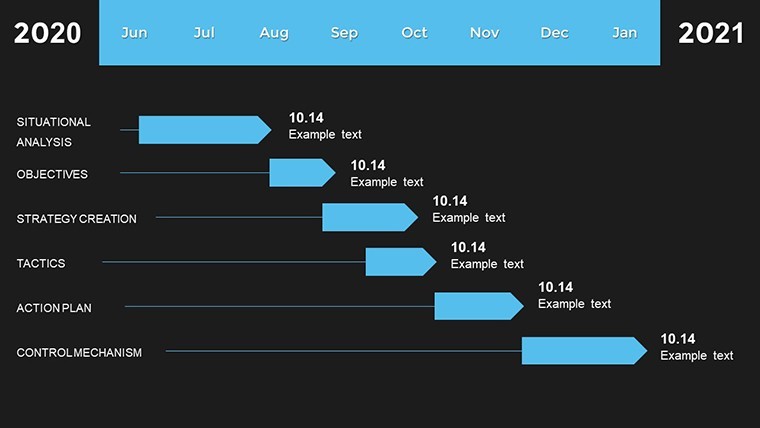
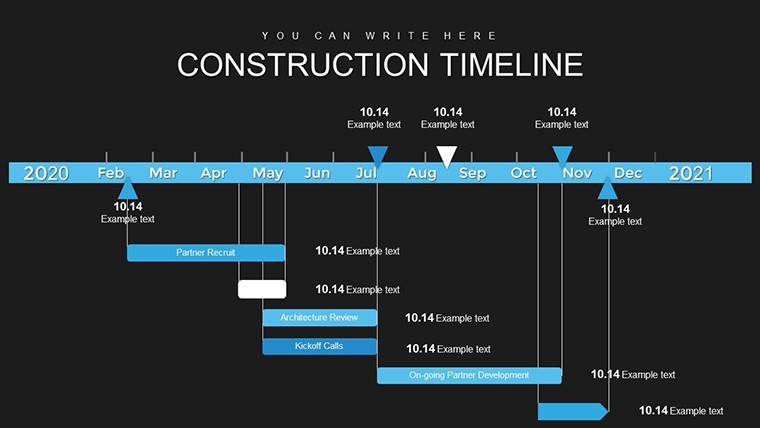
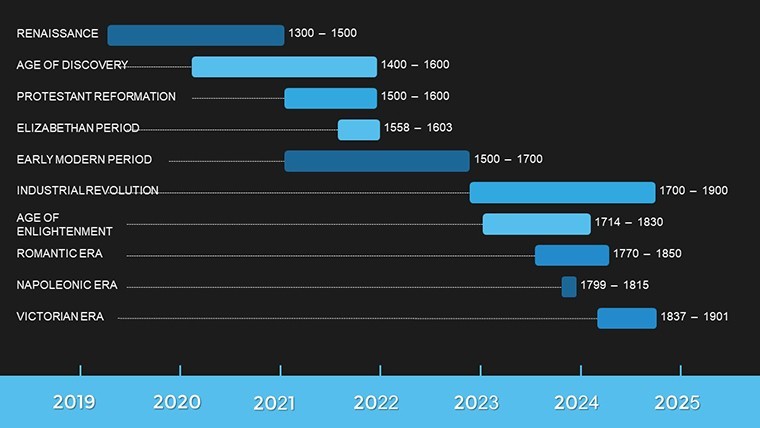
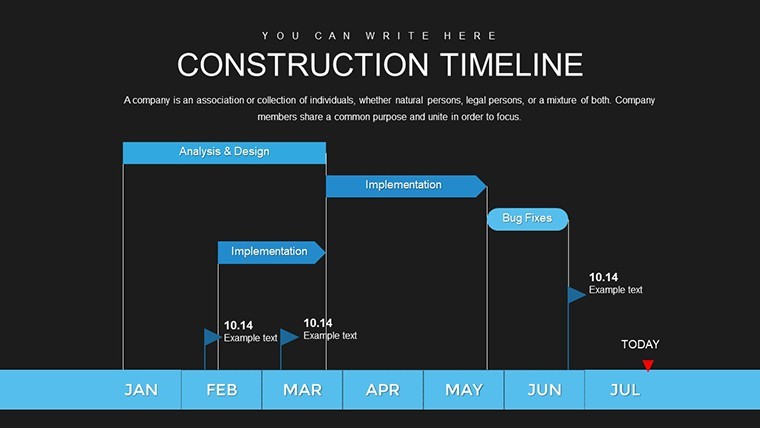
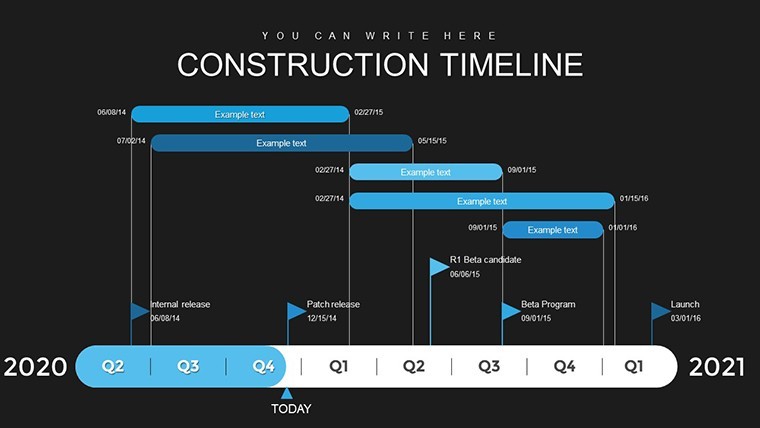
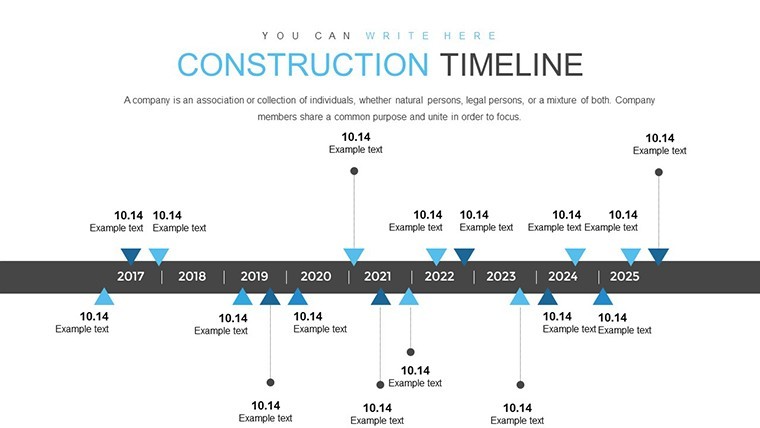
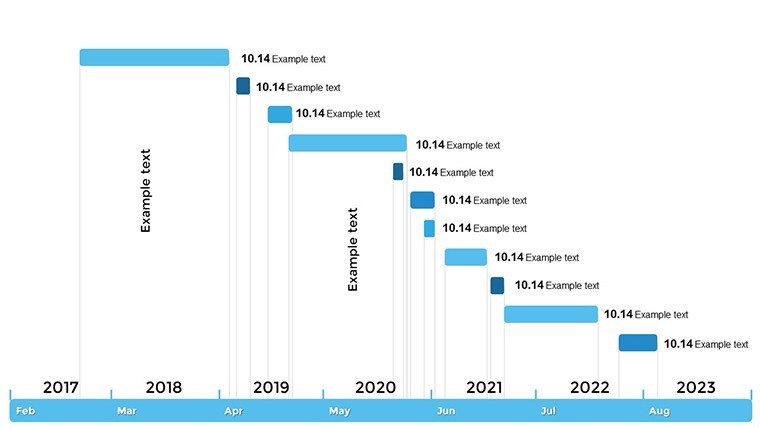
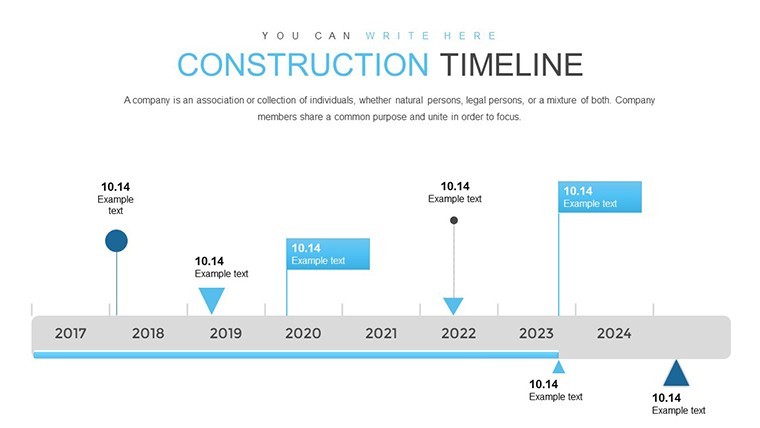
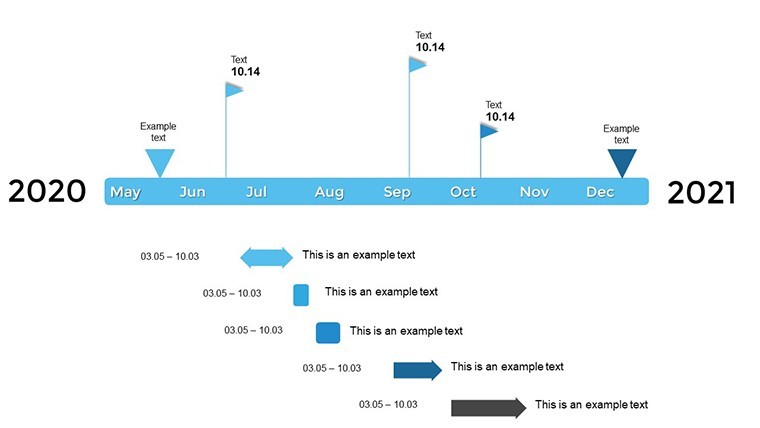
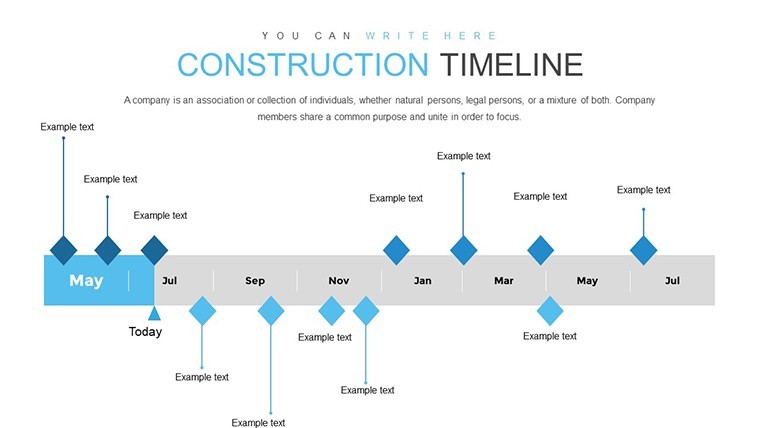
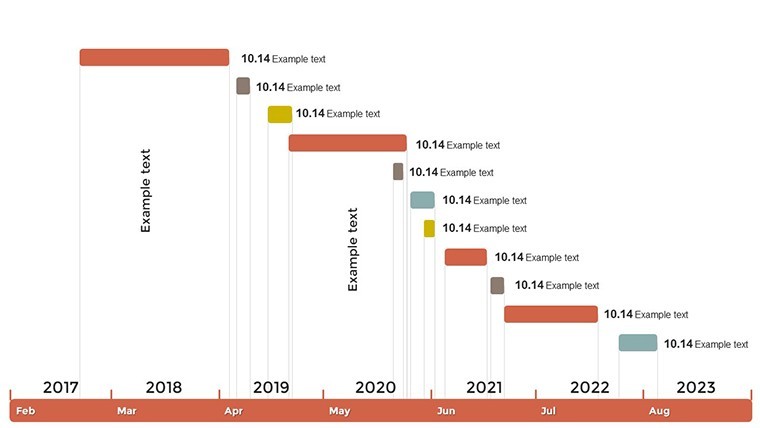
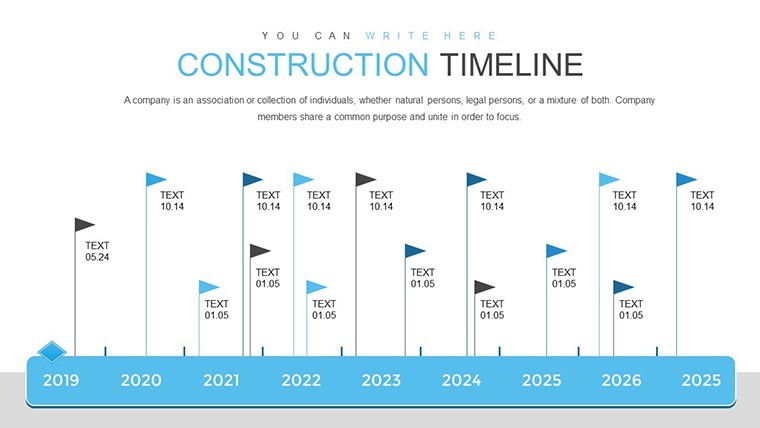
Timelines are the backbone of construction management, and this template delivers them in spades. Core slides include Gantt-style charts for sequencing tasks, from foundation laying to final inspections, with adjustable durations and dependencies. For an urban renewal project, you could highlight permitting delays and their ripple effects, using color codes for critical paths.
Integrate data-driven elements like resource allocation graphs, showing labor and material distributions over time. This aligns with AIA (American Institute of Architects) standards for documentation, enhancing authoritativeness in client meetings.
Essential Features for Construction Pros
- Comprehensive Customization: Tailor every aspect, from bar lengths in timelines to icon placements for site-specific details.
- Data Insights Integration: Embed metrics like budget trackers or progress bars, pulling from tools like MS Project.
- User-Friendly Navigation: Logical slide flow with hyperlinks for jumping between phases, ideal for lengthy projects.
- Professional Themes: Construction-inspired visuals, including blueprints and hardhat icons, for immersive presentations.
- Seamless Compatibility: Optimized for Keynote, with easy exports to other formats without quality loss.
These elements tackle common challenges, like miscommunication in multi-team environments, by providing a shared visual language.
Diverse Applications in the Field
From commercial builds to civil engineering feats, this template adapts seamlessly. Architects might use it to present design timelines to clients, incorporating feedback loops as per LEED certification processes for sustainable projects. A case study: A firm handling airport expansions used analogous tools to coordinate with FAA regulations, reducing overruns by 25%, as noted in Construction Management Association reports.
For residential contractors, detail home renovation phases, from demolition to finishing touches, with milestone markers for inspections. This not only aids internal planning but impresses homeowners with transparency.
- Outline your project scope on the initial overview slide.
- Populate timeline charts with key dates and tasks.
- Assign resources and risks using dedicated graphs.
- Customize visuals to reflect site-specific elements.
- Present and iterate based on team input.
This methodical process boosts efficiency. Consultants can leverage it for bid proposals, showcasing projected timelines to win contracts.
Pro Tips for Impactful Project Presentations
Emphasize readability with ample white space and bold fonts for key dates. Add a dash of inspiration, like "Building Tomorrow, One Milestone at a Time," to motivate teams during reviews.
Ensure accessibility by including alt texts for images, such as "Construction Phase Timeline Chart," aiding SEO and inclusivity. Backed by expertise from seasoned pros, integrate weather impact simulations for outdoor projects, drawing from NOAA data for realism.
Your Gateway to Efficient Project Delivery
This Construction Timeline template is more than slides - it's a strategic asset for turning visions into realities. With its depth and flexibility, it empowers you to lead projects with authority and precision. Endorsed by high ratings, it's a trusted companion for industry leaders.
Step up your management game - download and chart your path to success today.
FAQ
What makes this template suitable for construction? It includes specialized timeline charts for phases, milestones, and resources tailored to industry needs.
How editable are the slides? Fully customizable, from colors and texts to chart structures.
Compatible with other software? Primarily for Keynote, but exportable to PowerPoint and PDFs.
Ideal for which professionals? Project managers, architects, engineers, and supervisors in construction.
Does it include data import features? Yes, easily integrate from spreadsheets for real-time updates.
Good for
- Project roadmaps and sprint plans
- Product launch timelines
- Quarterly or annual review decks
- Company history and milestone summaries
Licence
reviews
Used for internal KPI review and the team found the visualizations much more insightful than previous versions.
The slide templates respect data density limits preventing overcrowded appearances.
Pros include speed of implementation while cons are limited theme color groups.
Expected slightly more interactive elements but static versions performed admirably.
The final presentation had a cohesive modern feel that reflected well on our department.
Supported my conference talk on industry benchmarks successfully.
Typography remains legible even when projected in bright rooms.
Minor gridline visibility issue on one template but toggling layers fixed it.
FAQ
Will it work in Google Slides?
Are fonts embedded?
Can I use this for client work?
What's the refund policy?
Do you update the template after purchase?
Similar templates
See all Keynote Charts →

All 42 slides