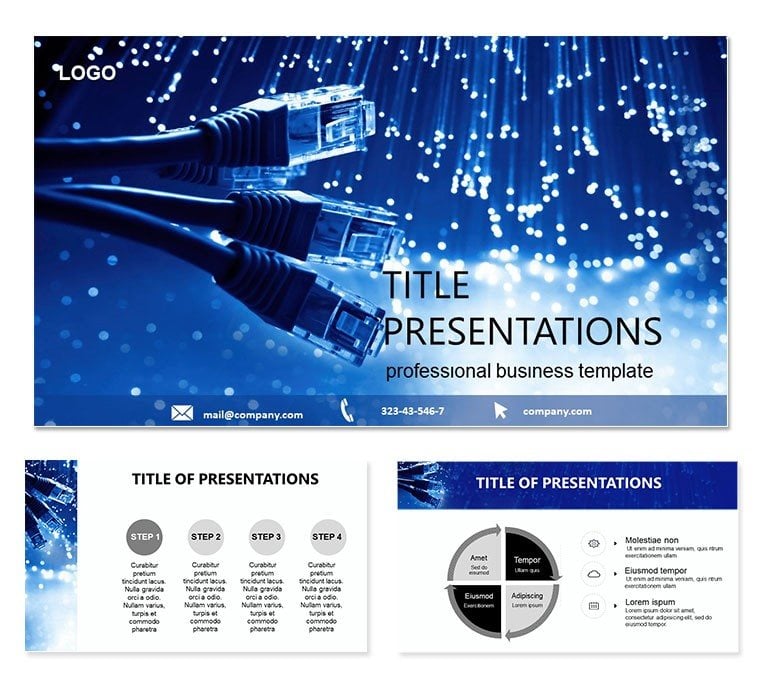
 Click to zoom
Computer Engineering Keynote Template: Design Brilliance
| Format | .pptx |
| Slides | 3 unique layouts |
| Aspect ratio | 16:9 |
| Compatibility | PowerPoint |
| Animated | No |
| Language | English |
| License | Commercial |
| File size | — |
| Version | v1.0 |
| Last updated | June 2023 |
What's inside
Where code meets circuitry, the Computer Engineering Keynote Template ignites presentations that bridge theory and practice. Aimed at engineers, developers, and IT consultants, it boasts 28 infographic-packed slides across three masters and backgrounds, versatile for seminars or solution showcases. Widescreen (16:9/16:10) and Keynote-native, it invites customization to spotlight your innovations.
Visualize algorithm flows as elegant pathways or hardware hierarchies as towering structures - each slide a canvas for your expertise. With seven schemes from circuit greens to debug reds, match any occasion. For $22, unlock professional designs that save hours and amplify impact.
Engineering Essentials: Feature Highlights
Three masters: blueprint overviews, code breakdowns, and prototype projections. Backgrounds mimic oscilloscopes or binary waves. Slide 5`s UML diagram sequences class interactions with connector lines.
Slide 13`s heatmap visualizes load balancing, color-coded for bottlenecks. End with slide 27`s roadmap, arrowed timelines projecting milestones. All draggable for effortless tweaks.
- Infographic Variety: From flowcharts to Venns, tailored for tech narratives.
- Font Mastery: Clean sans-serifs with kerning for code-like precision.
- Theme Swaps: Occasion-specific presets for quick adaptations.
Edit in Keynote`s inspector for pixel-perfect control.
From Lab to Launch: Application Spotlights
In research pitches, slides 7-14 layered architectures convinced grant panels, per a UC engineer. For client demos, infographics clarified APIs, sealing deals.
Superior to stock slides, it embeds engineering logic visually.
Build Protocol: Stepwise Creation
- Frame the Build: Choose overview master for scope.
- Integrate Assets: Drag in screenshots to hybrid slides.
- Debug Visuals: Adjust scales for proportional accuracy.
- Simulate Runs: Animate builds for process demos.
- Deploy Ready: Rehearse transitions for seamless flow.
Link to Xcode previews for live coding integrations.
Optimization Hacks: Elevate Further
Use builds for iterative reveals. Grab for $22 to code your next win.
Frequently Asked Questions
Suitable for students?
Yes, themes aid project showcases and theses.
File formats?
.key for Keynote, .jpg previews.
Customization depth?
Comprehensive - colors, layouts, and infographics all malleable.
Animation support?
Keynote`s magic moves for fluid tech animations.
Occasion versatility?
From classrooms to conferences, fully adaptable.
Good for
- Project roadmaps and sprint plans
- Product launch timelines
- Quarterly or annual review decks
- Company history and milestone summaries
Licence
reviews
Used this for a group project and everyone liked the layout.
The icons were simple but useful for explaining steps.
I changed almost nothing besides the text.
Not the most modern style but still practical.
The charts made my slides look more organized fast.
FAQ
Will it work in Google Slides?
Are fonts embedded?
Can I use this for client work?
What's the refund policy?
Do you update the template after purchase?
Similar templates
See all Keynote templates →



All 1 slides