 Click to zoom
Circumvolution Cycle Keynote Charts Template - Editable Keynote
| Format | .pptx |
| Slides | 20 unique layouts |
| Aspect ratio | 16:9 |
| Compatibility | PowerPoint |
| Animated | No |
| Language | English |
| License | Commercial |
| File size | — |
| Version | v1.0 |
| Last updated | April 2026 |
What's inside
20 Keynote chart slides built around circular, arc, and orbital layout structures
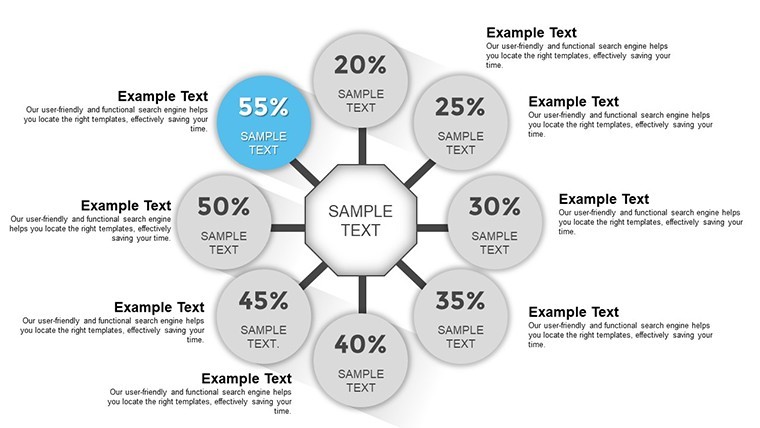
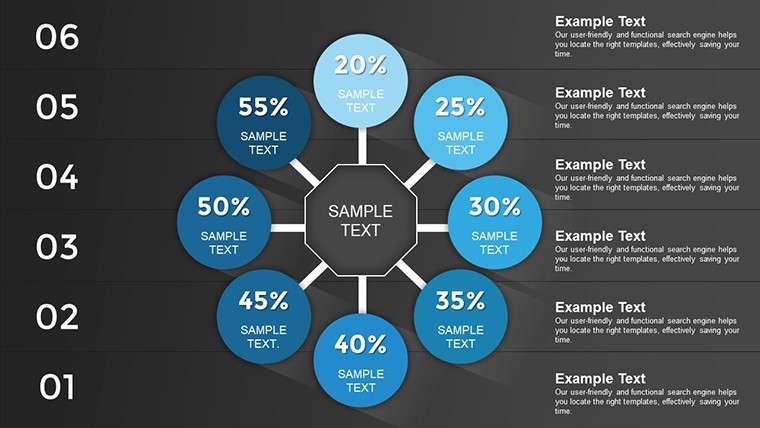
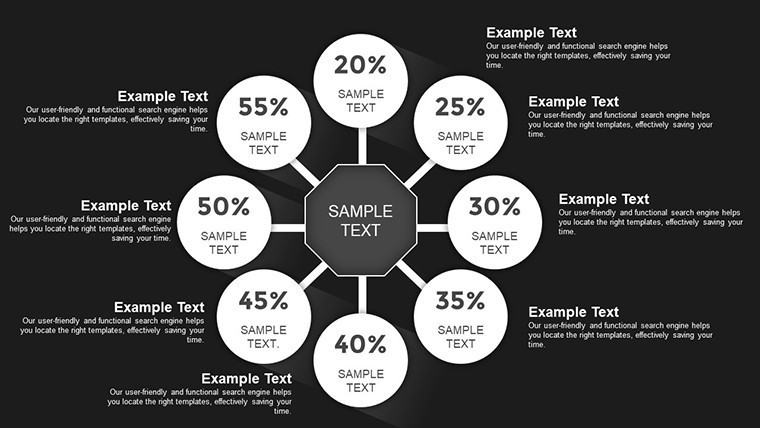
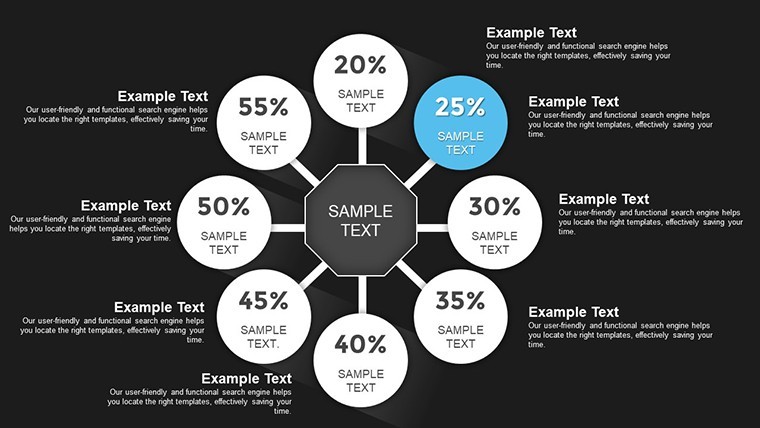
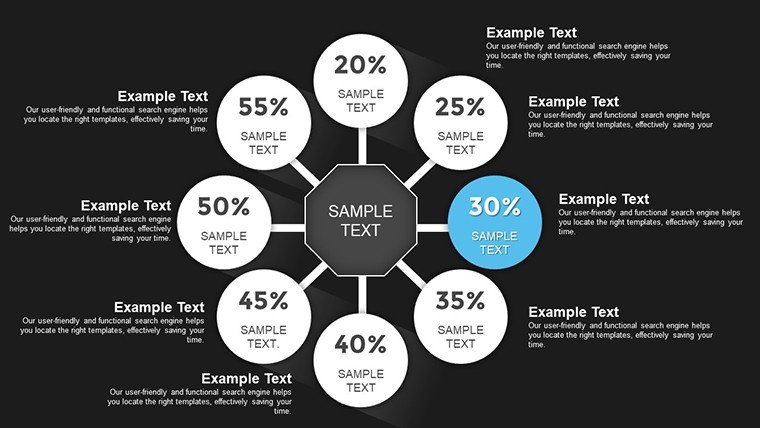
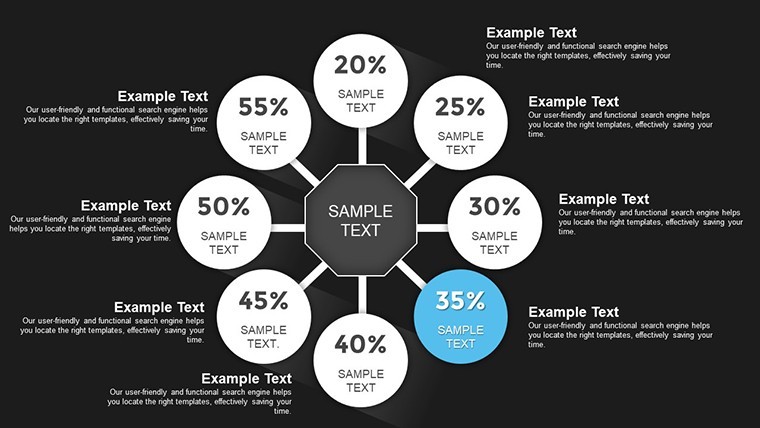
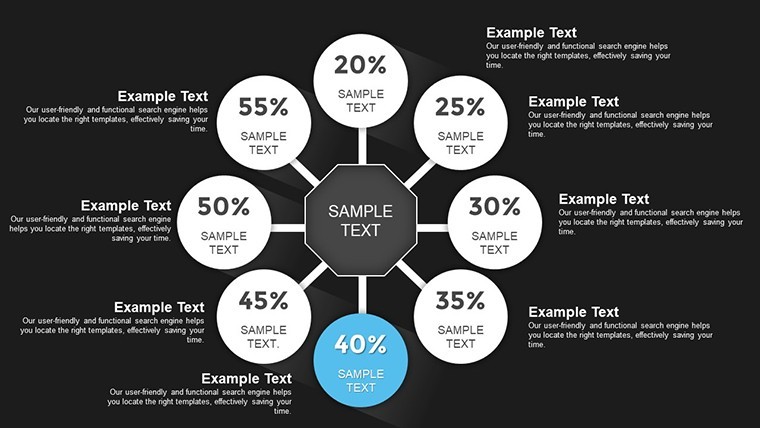
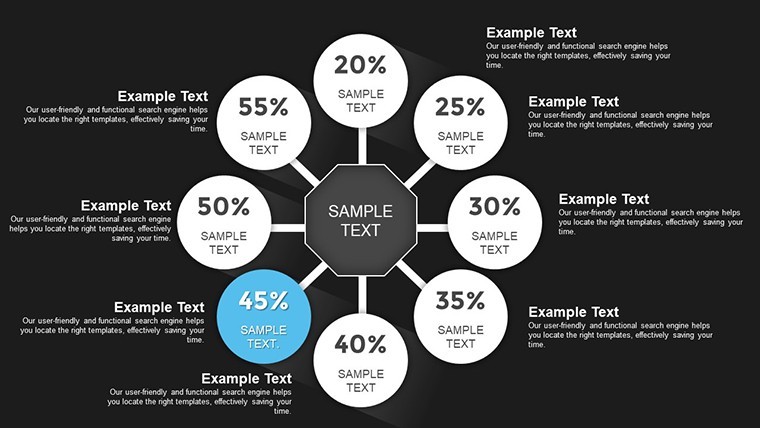
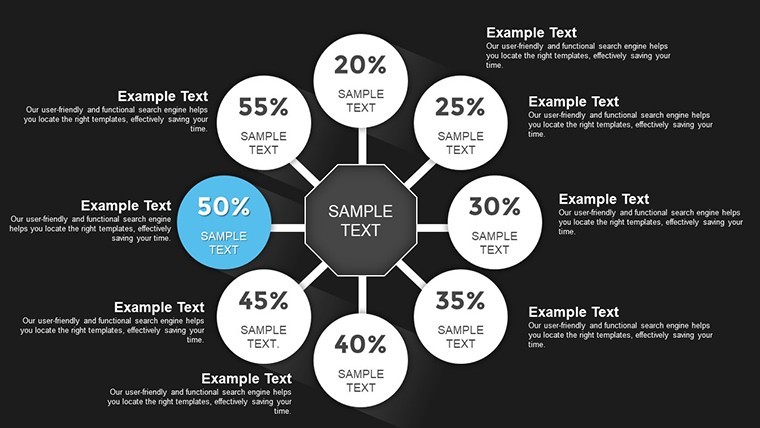
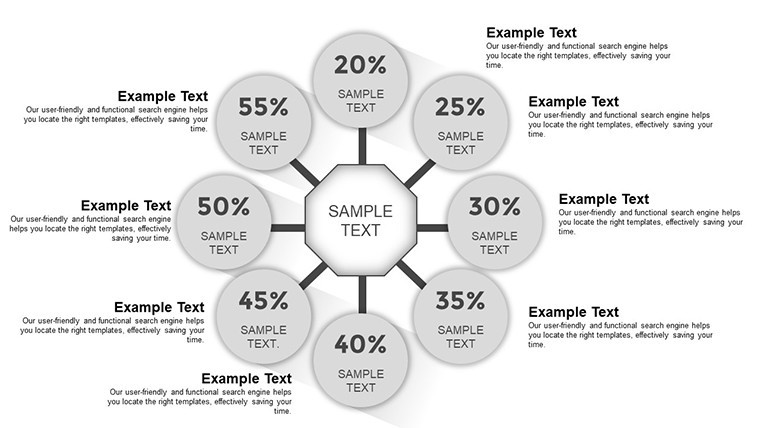
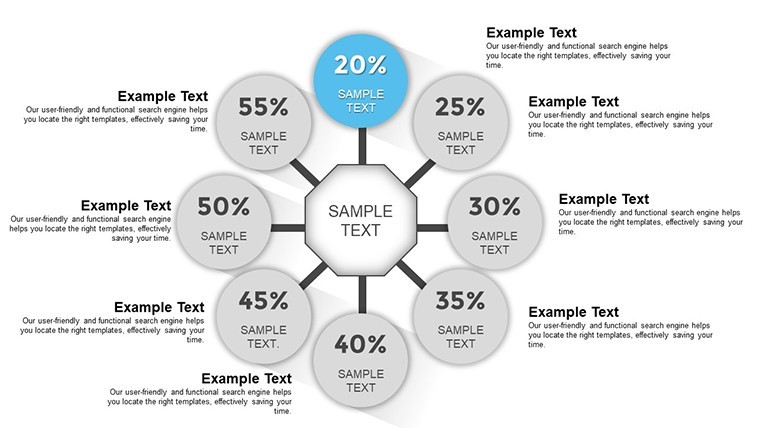
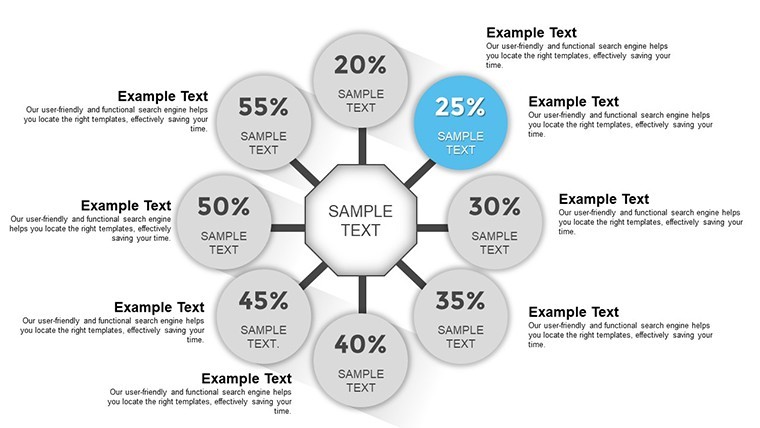
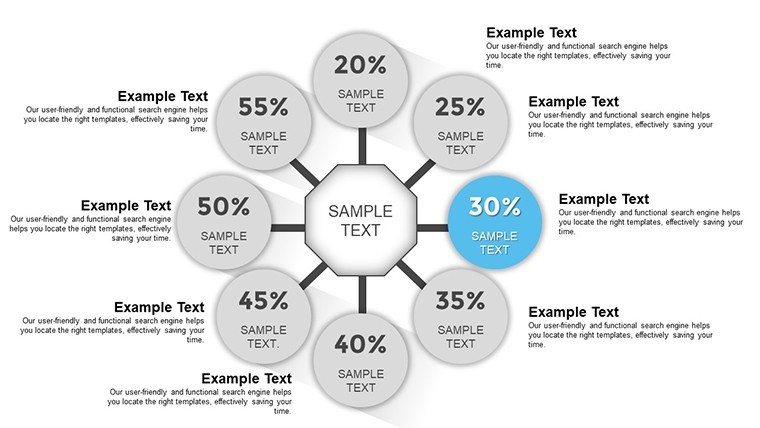
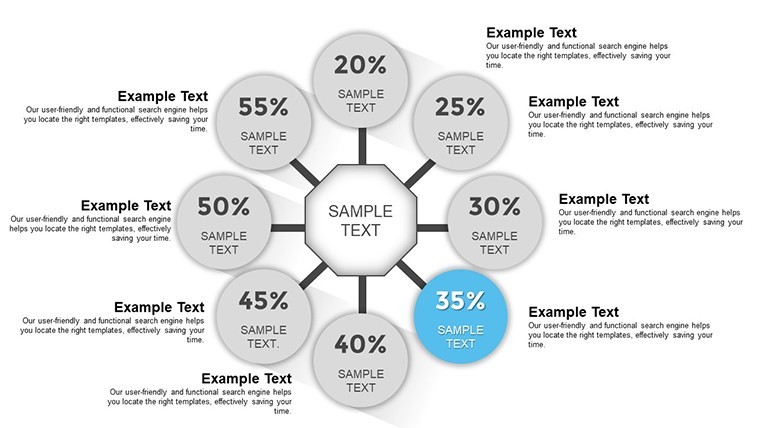
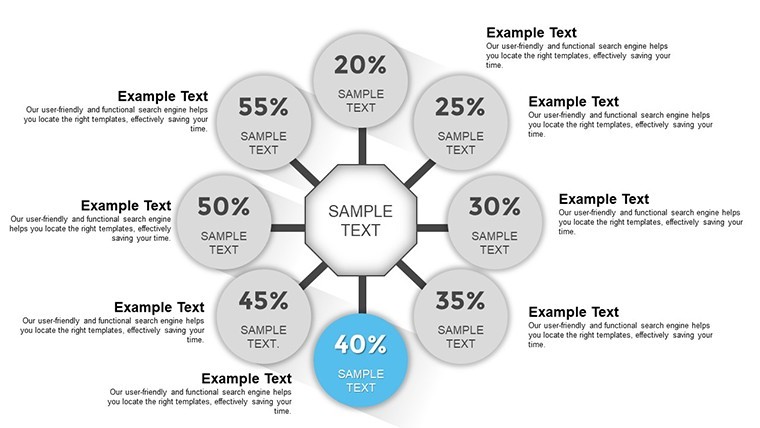
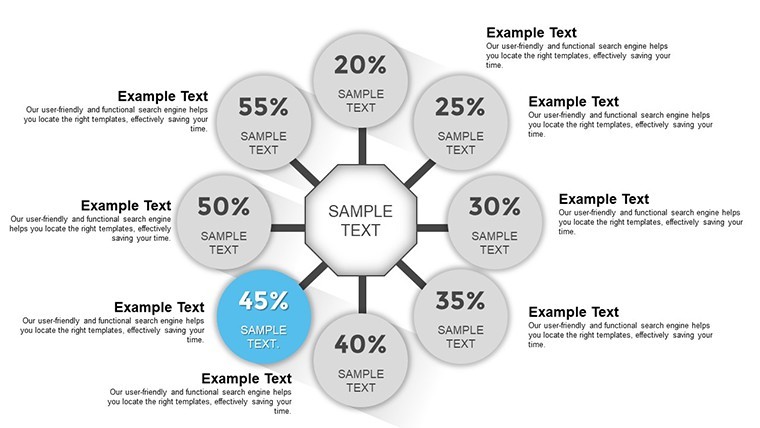
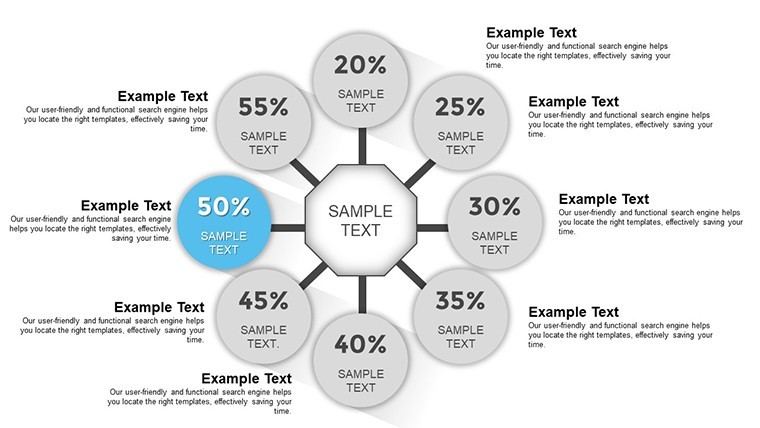
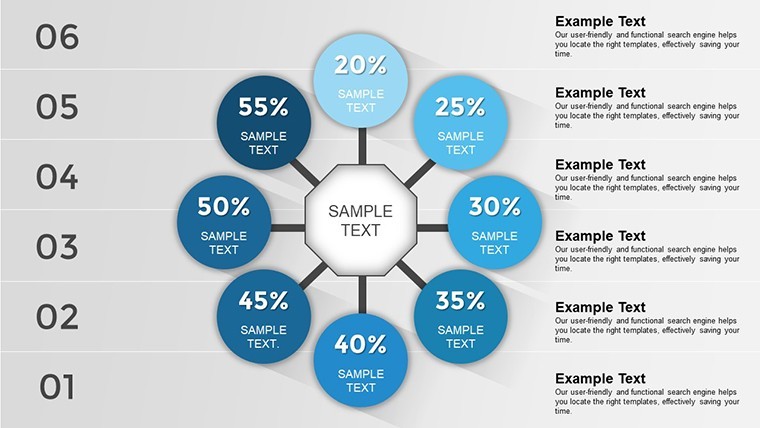
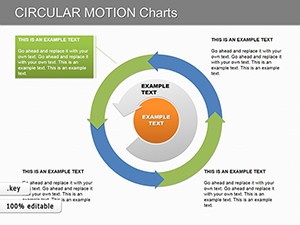
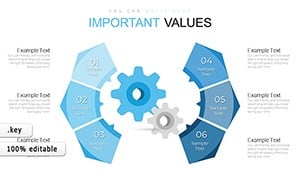
Open the .key file and you get 20 editable slides, all built on curved and rotational geometry - a set designed for presentations where standard bar or line charts feel too rigid for the content. The circumvolution theme runs through the entire file: arc-based bar variations where bars follow a curved path rather than a straight axis, flower-petal segment arrangements with each segment radiating from a shared center point, orbital comparison layouts where multiple data items are positioned around a central element, and period-based cycle charts suited for showing recurring phases or intervals.
Each slide uses a radial or arc layout structure, which creates a continuous visual flow across the deck. The petal-style segments use filled shapes with labeled outer sections - useful when comparing items of similar weight where a ranked list would imply false hierarchy. Arc-based bars work well for showing progress toward a target or comparing multiple items against a shared maximum, without the left-to-right reading order of standard bars. No need to rearrange blocks manually - the spacing and alignment are already set for the radial format.
This Keynote chart template is a practical fit for product managers, analysts, or educators who need to show comparison or period data in a non-linear format. The circumvolution structure supports comparison analysis - identifying how multiple options or phases relate to one another - and period analysis, where recurring intervals or cycles need to be shown without a linear timeline. A marketing team, for example, can use the orbital comparison slide to show how several campaign themes performed relative to a shared benchmark, keeping all items visually equal instead of ranked.
Not ideal for sequential step-by-step processes where order matters, or for datasets where the linear progression of values is the main story. The curved layout emphasizes relationships and comparisons rather than directionality. Color editing is done per element in Keynote's Format panel; the page does not specify a master color scheme. Typically, you update the fill colors of the arc or petal segments and replace the text labels - those are the only edits most users make. All shapes are vector, so the file scales to any display size without quality loss.
The .key format is native Keynote; no Keynote version is specified on the page, but the standard format works with current macOS Keynote installations. No free version is available - all 20 slides are included at $12.00. The set can be reused across multiple presentations: duplicate a slide, swap the data, and the radial structure holds without realignment.
No extra setup required. Download and start editing immediately
Specifications
FeatureDetailsSlides20 editable slides - arc-bar, flower-petal segment, orbital comparison, period cycle chart typesFile format.key (Keynote native)Software compatibilityKeynote (macOS); minimum version not specified - standard KEY formatEditable elementsArc segments, petal shapes, orbital containers, text labels - all vector, resize and recolor independentlyAspect ratioNot specified on pageColor schemesNot specified - editable per element via Keynote Format panelFree vs PaidSingle paid version only - $12.00 for all 20 slidesProduct IDKC00700Frequently Asked Questions
What Keynote version is needed and does this work on Mac and iPad?The file is in .key format, which is Keynote's native format. The product page does not list a minimum version, but current Keynote installations on macOS support the standard KEY format without issues. Keynote on iPad can open .key files as well, though editing arc and radial vector layouts is more practical on desktop. No conversion or additional software is needed on a current macOS setup.
How do I apply my brand colors to the arc and petal segments?Select an arc segment or petal shape on any slide, open the Format panel in Keynote, and change the fill color under the Style tab. To maintain consistency across slides, select the same shape type on multiple slides and apply the fill in one action. No slide master color scheme is confirmed for this file, so updates are made directly at the element level. In practice, changing the fills on the first slide and duplicating it for subsequent sections is the fastest approach.
Can I use these slides for client deliverables and paid projects?ImagineLayout's license permits use in professional and commercial contexts, including presentations made for clients. The template files themselves cannot be resold or redistributed as standalone products. Check the full Terms of Use at imaginelayout.com/terms/ to confirm coverage for your specific use case before purchase.
Is a free version or partial download available?The page lists a single paid version at $12.00 with no free download or trial file. All 20 slides are included in the purchased .key file. Full-size preview images for every slide are available on the product page, so you can review each layout in detail before buying.
What is the refund policy if the file has issues or doesn't match the preview?ImagineLayout offers refunds for non-delivered items if reported within 14 days of purchase. For templates with major defects affecting usability, contact support within 72 hours of purchase. If the file does not match its description, the case is reviewed individually. Refunds are not provided for downloaded and used files without a valid defect claim. Reach out via the contact page with your order number and issue details to start a request.
Explore related circular chart layouts in the Cycle Keynote Charts category or view the 4-Step Circular Keynote Charts for a simpler circular structure.
Good for
- Project roadmaps and sprint plans
- Product launch timelines
- Quarterly or annual review decks
- Company history and milestone summaries
Licence
reviews
Used this for a project review meeting.
The charts were simple but readable.
A couple slides had too many decorative shapes.
I liked the clean icon rows on the summary pages.
FAQ
Will it work in Google Slides?
Are fonts embedded?
Can I use this for client work?
What's the refund policy?
Do you update the template after purchase?
Similar templates
See all Keynote Charts →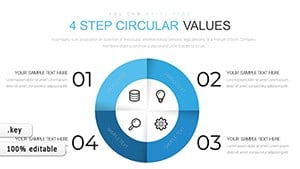
All 20 slides