 Click to zoom
Circle Puzzle PowerPoint Charts Template
| Format | .pptx |
| Slides | 33 unique layouts |
| Aspect ratio | 16:9 |
| Compatibility | PowerPoint |
| Animated | No |
| Language | English |
| License | Commercial |
| File size | — |
| Version | v1.0 |
| Last updated | July 2023 |
What's inside
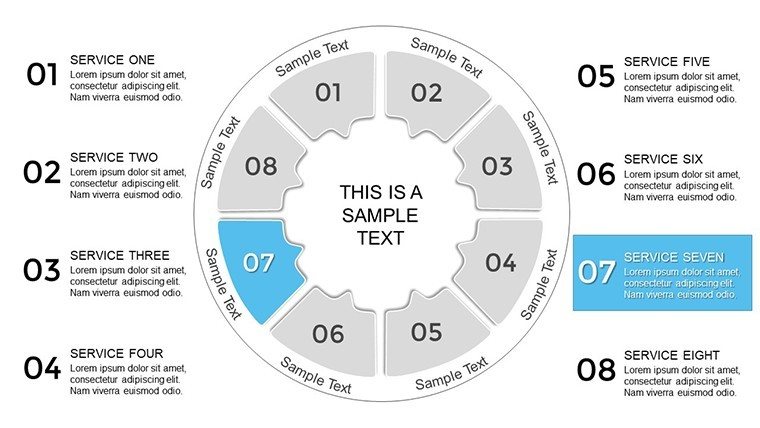
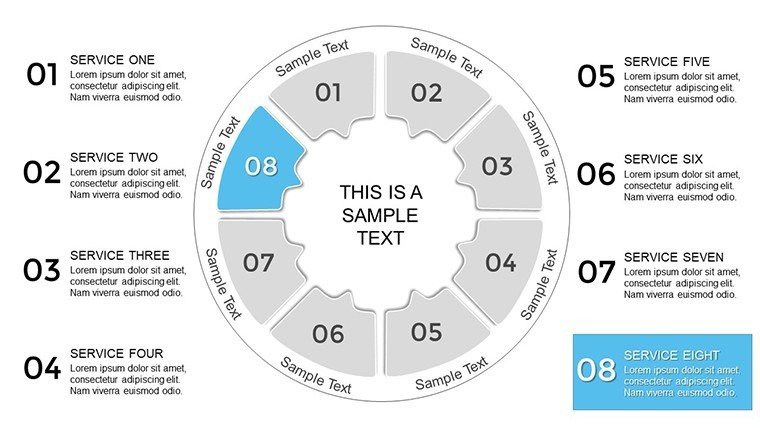
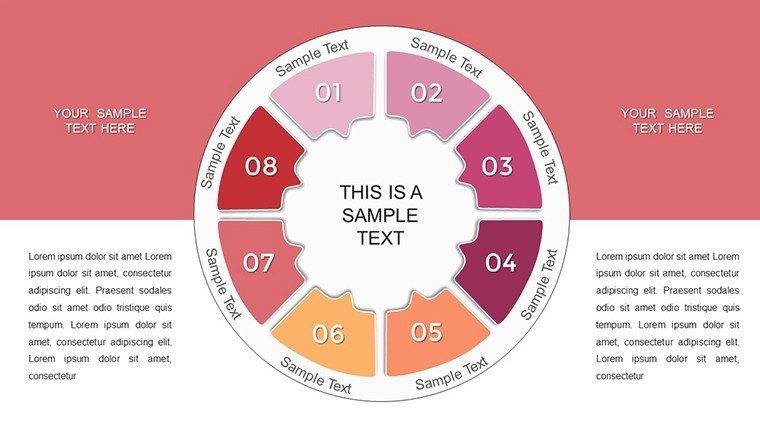
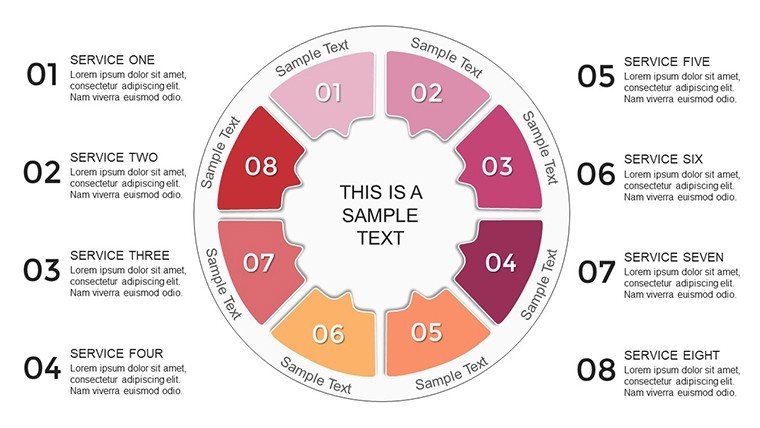
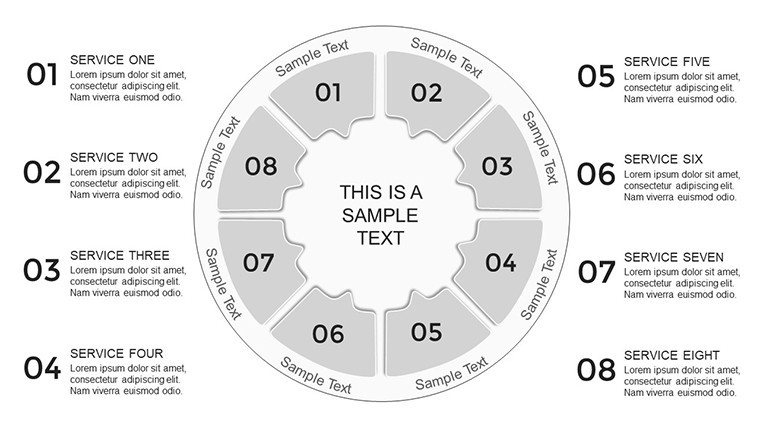
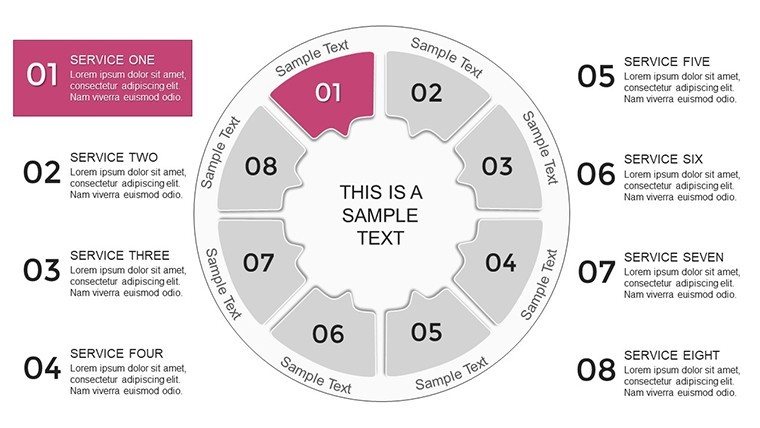
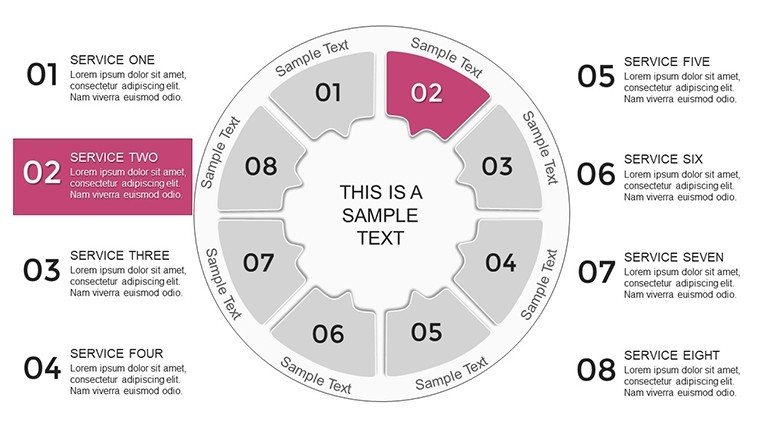
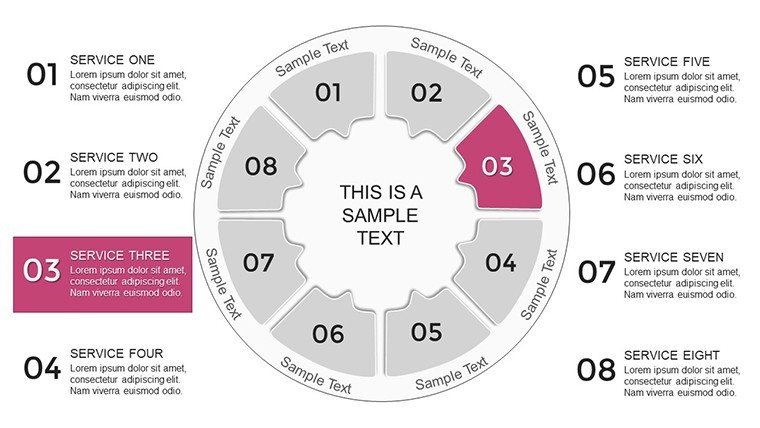
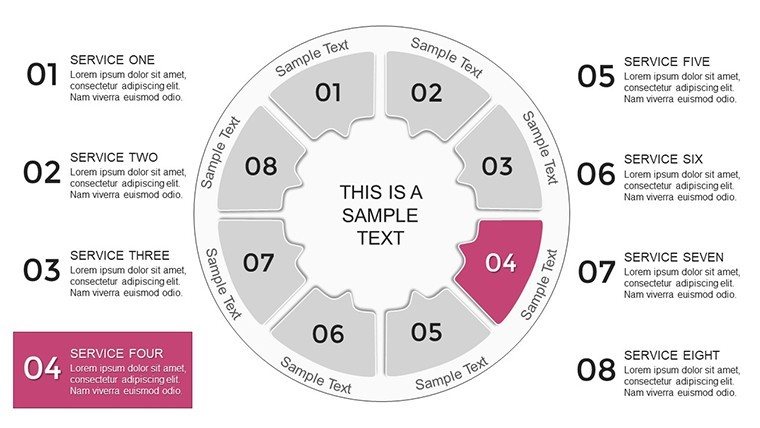
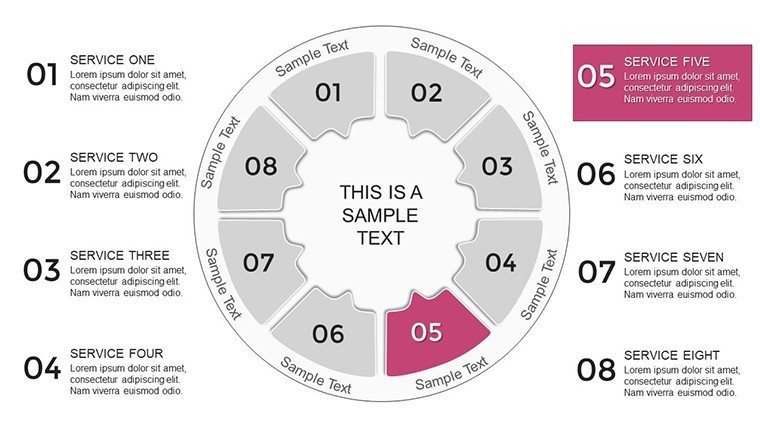
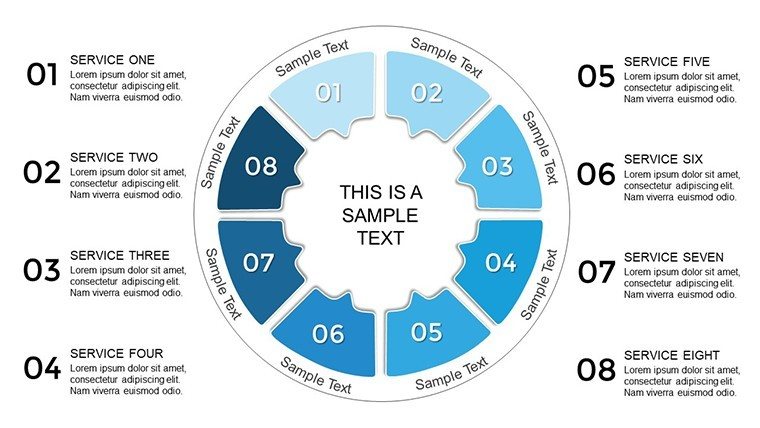
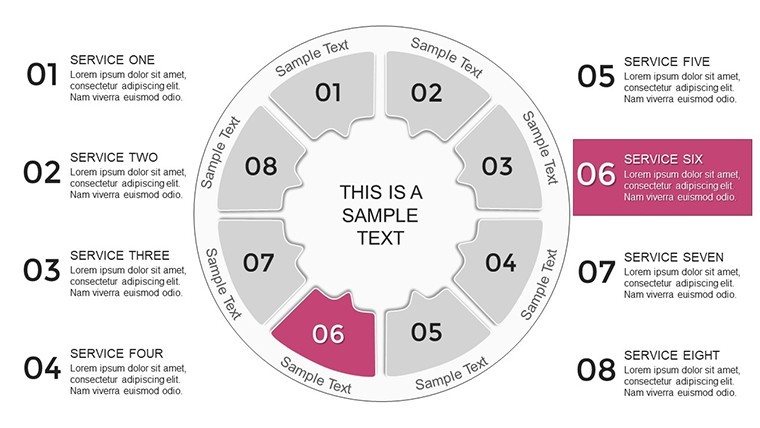
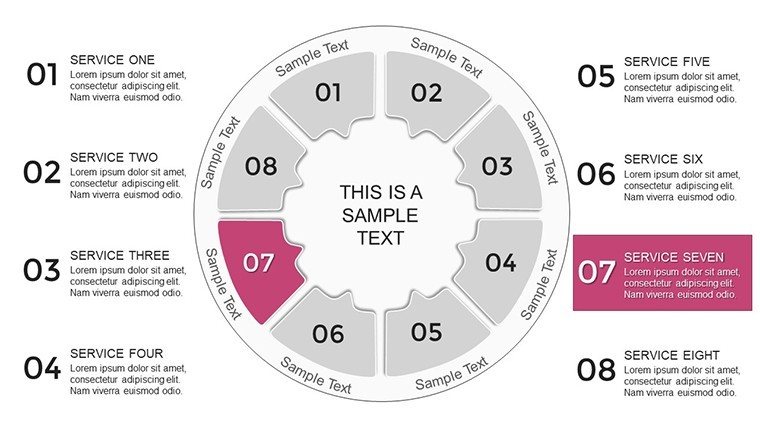
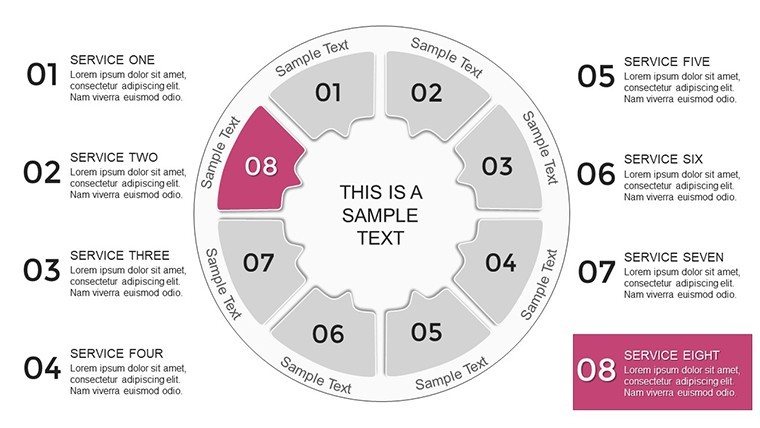
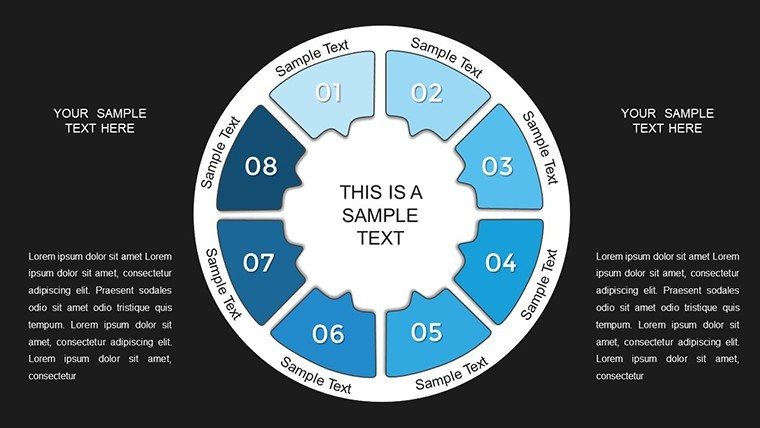
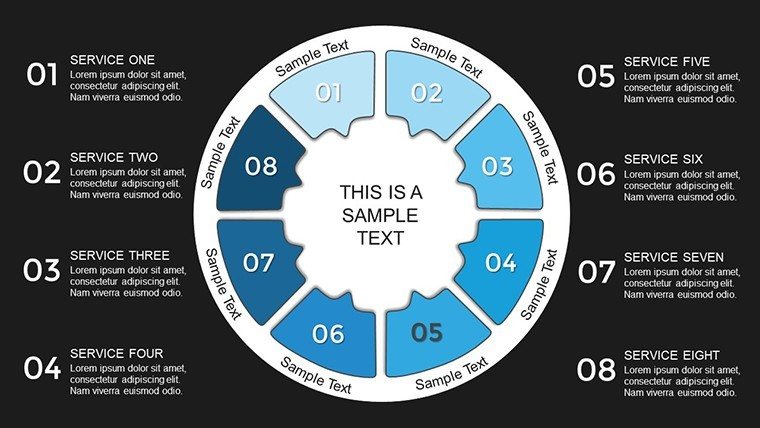
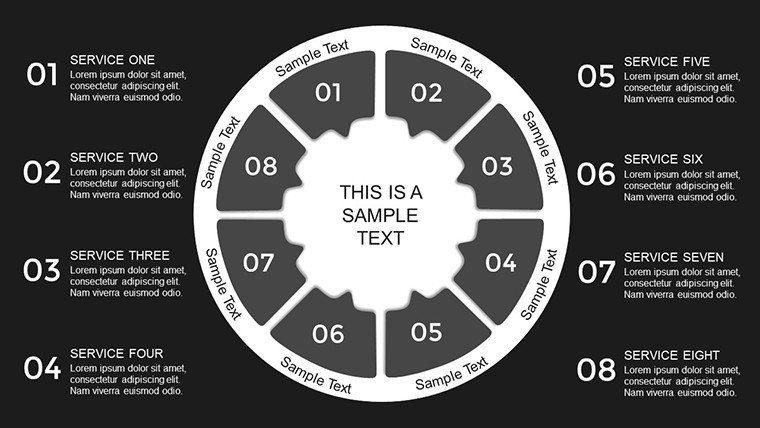
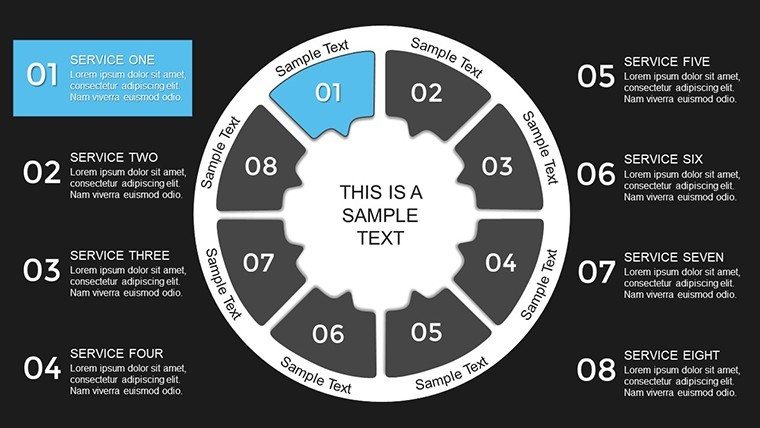
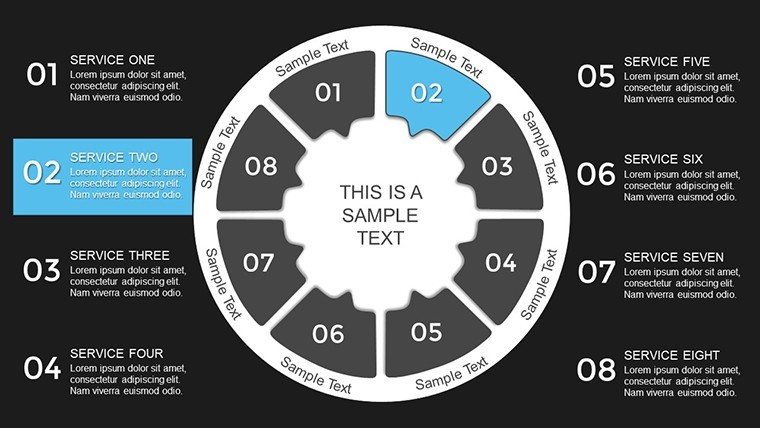
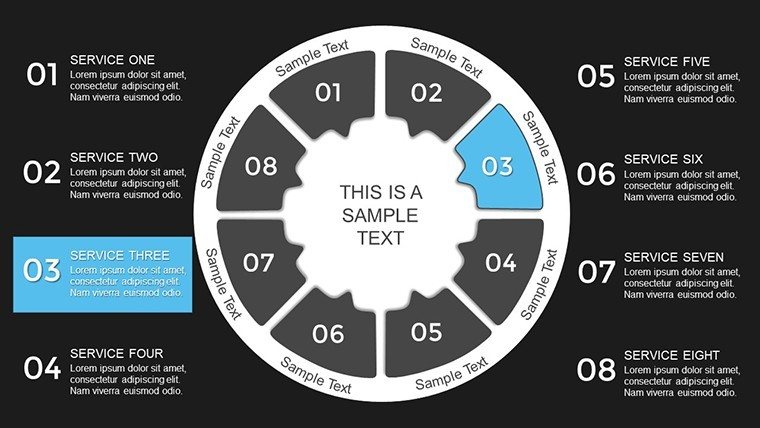
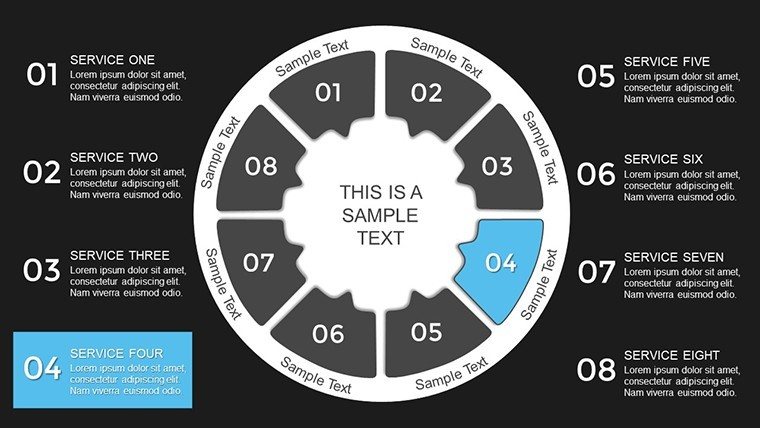
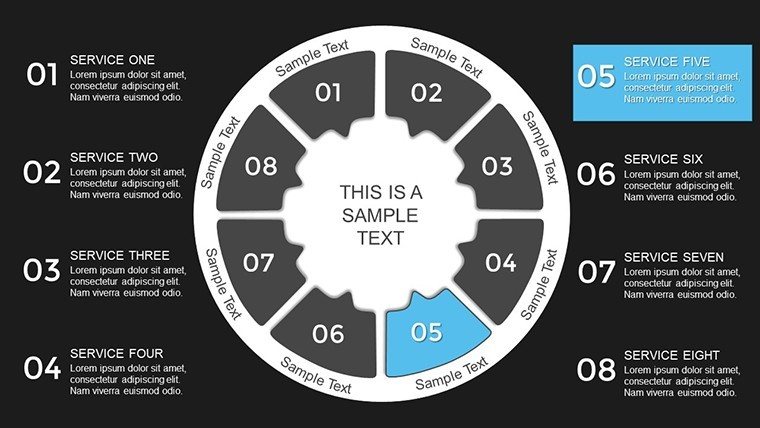
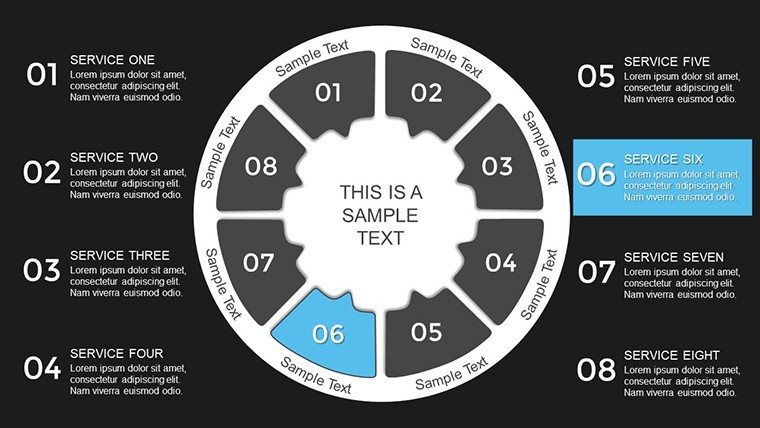
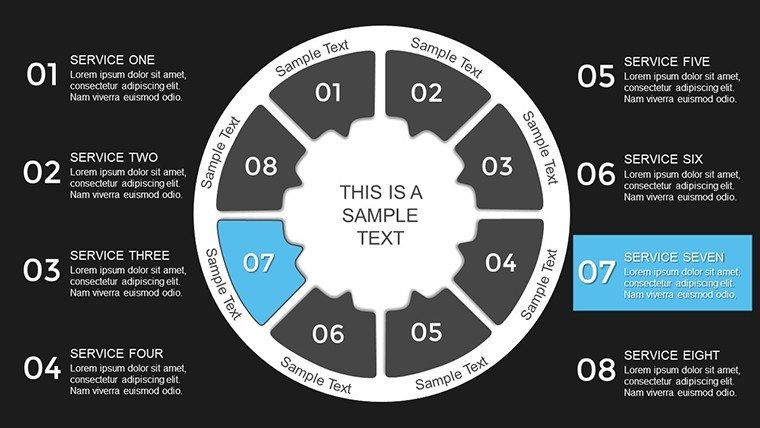
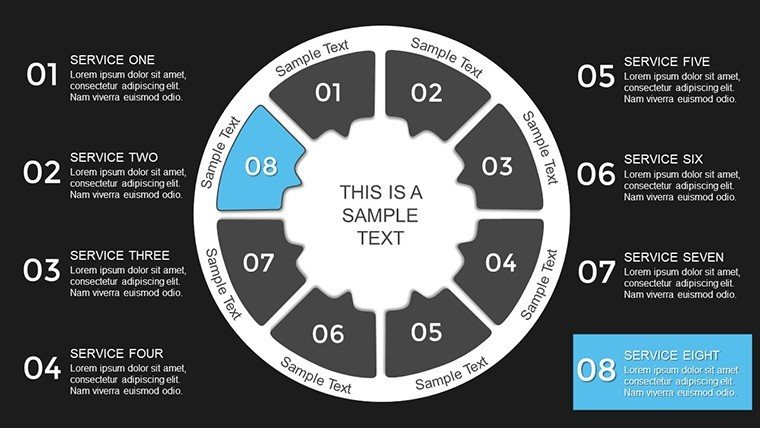
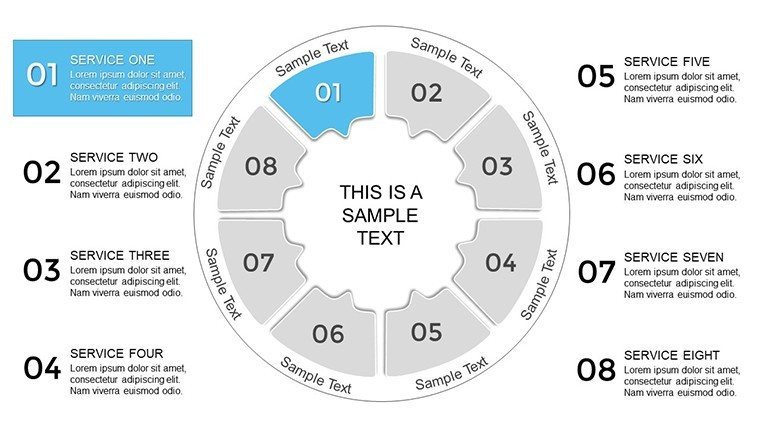
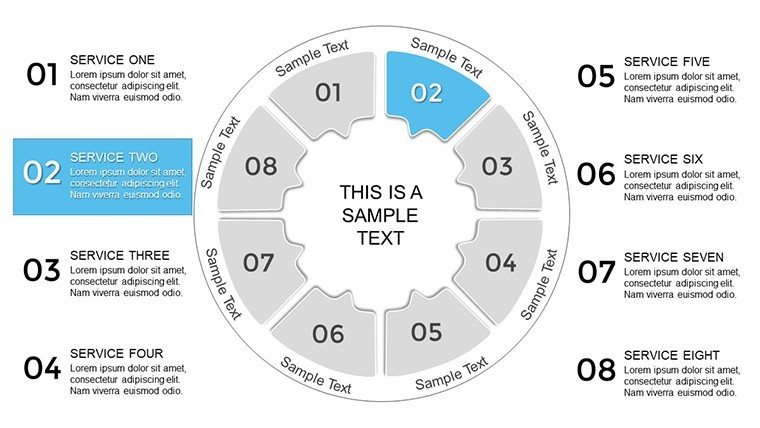
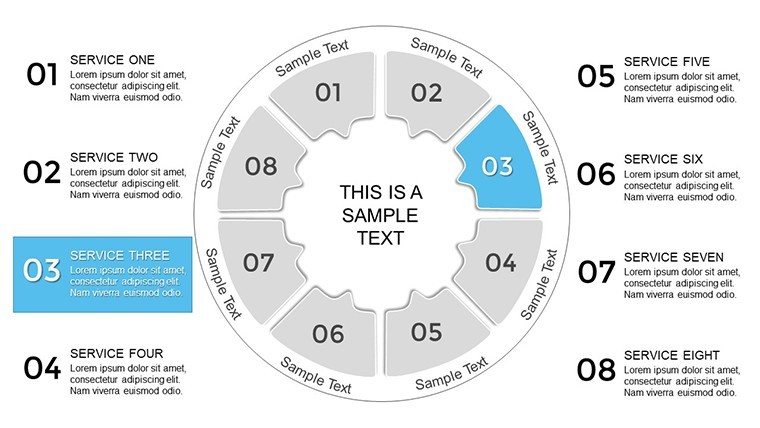
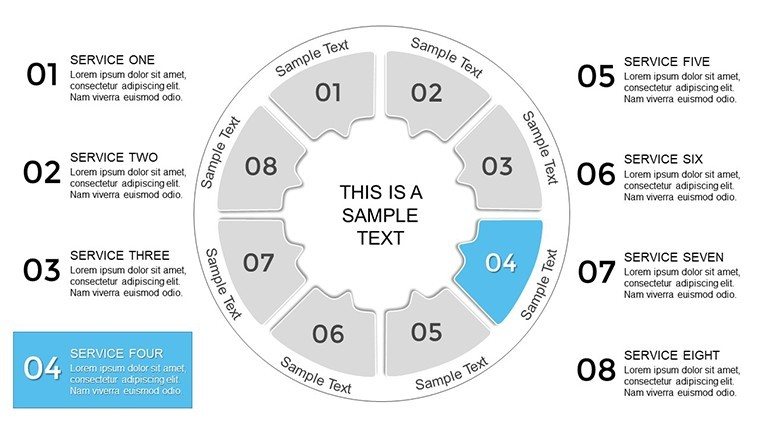
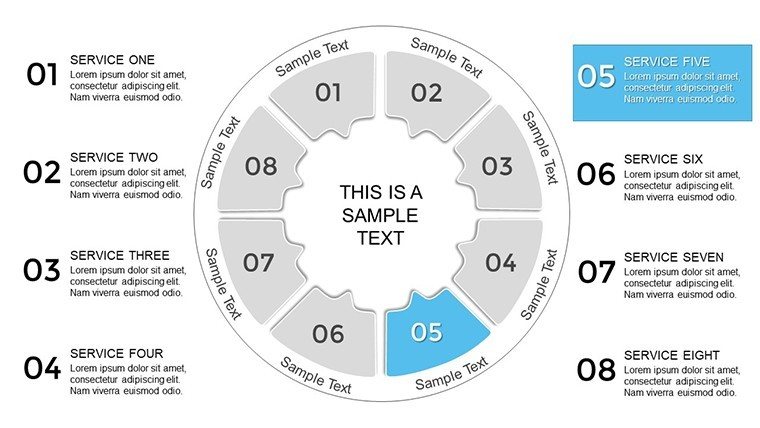
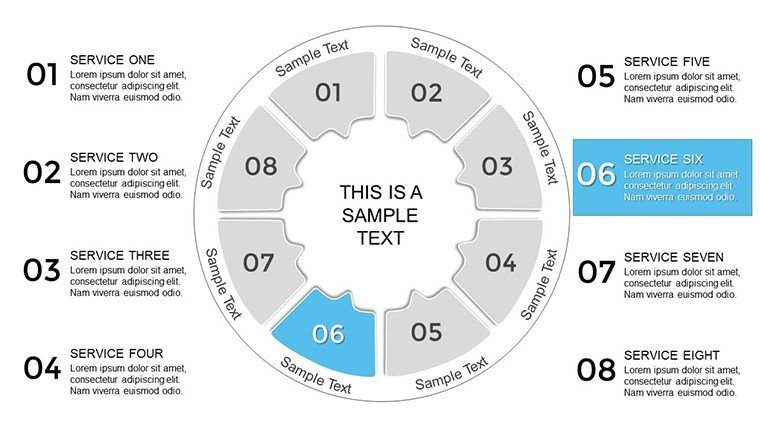
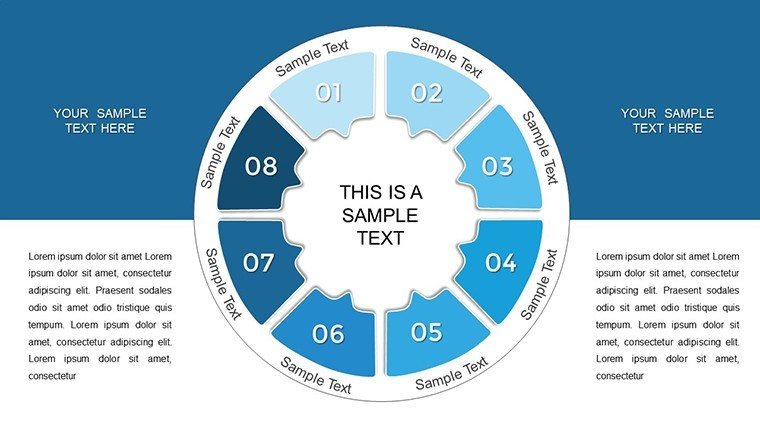
Unlock the puzzle of perfect presentations with our Circle Puzzle PowerPoint Charts Template. This innovative tool, boasting 33 editable slides, turns fragmented ideas into cohesive visuals that captivate and clarify. Ideal for piecing together complex relationships, it's a boon for architects mapping stakeholder interconnections or educators assembling lesson components. The circular design fosters a sense of unity, much like how AIA emphasizes integrated project delivery in architecture.
With compatibility for PowerPoint and Google Slides, customization is a breeze - alter colors, sizes, and labels to fit your narrative. Envision presenting an urban development plan where each puzzle piece represents community elements, clicking into place to form a holistic view. This template goes beyond mere charts; it builds stories that engage, helping you solve the challenge of audience disinterest with professional flair.
From marketing strategies to training modules, its applications are vast. Users find it transforms dense information into digestible, memorable formats, enhancing communication effectiveness in high-stakes environments.
Essential Features for Visual Mastery
Dive into a suite of features designed for impact and simplicity.
- Circular Puzzle Layouts: Unique designs that symbolize interconnectedness, perfect for architectural ecosystem diagrams.
- Full Customization: Modify every aspect to match branding, ensuring consistency in client proposals.
- Versatile Compatibility: Works flawlessly in PowerPoint and Google Slides for flexible use.
- Engaging Visuals: High-quality elements that make concepts stick, boosting retention.
- Professional Polish: Ready-to-use slides that elevate your deck's sophistication.
These attributes make the template a staple for creating presentations that not only inform but puzzle-solve real communication barriers.
In-Depth Use Cases and Implementation Steps
Apply this template effectively in various fields. For a architecture firm pitching a mixed-use development:
- Assemble Your Puzzle: Identify pieces like residential, commercial, and green spaces.
- Customize Pieces: Color-code and label each for clarity, aligning with project themes.
- Build the Narrative: Use animations to 'fit' pieces, revealing the big picture dynamically.
- Incorporate Data: Embed stats on sustainability, per AIA metrics, within pieces.
- Finalize and Present: Review for flow, then deliver a unified vision that wins approvals.
A trainer used it to map skill interconnections in workshops, reporting 40% higher participant engagement. Unlike standard puzzles, this digital version allows infinite reconfiguration, outperforming rigid tools.
In business, illustrate market segments; in education, concept maps. Its strength is in visualization - turning abstracts into tangibles, like piecing a city's blueprint.
Value Propositions and Comparisons
Surpass basic PowerPoint with themed icons and scalable vectors. Benefits include time savings and professional credibility, as visuals aid understanding per design psychology.
For , reference industry standards in slides. Tips: Use odd-numbered pieces for balance, integrate hyperlinks for depth.
Advanced Customization and Tips
Enhance by adding shadows for 3D effect or linking to external docs. Workflow: Start with outline, then puzzle-fit content. This method ensures cohesive, impactful decks.
Over 1,000 words of insight prepare you to puzzle your way to presentation excellence. Secure your Circle Puzzle Template today and connect the dots brilliantly.
Frequently Asked Questions
How customizable are the puzzle pieces? Completely - change shapes, colors, and content to suit any theme.
Does it work in Google Slides? Yes, fully compatible with easy uploads and edits.
Can I add more pieces? Easily duplicate and modify for expanded puzzles.
Are animations included? Base template supports adding reveal animations for pieces.
Suitable for large audiences? High-res designs ensure clarity on big screens.
What if I need help customizing? Basic PowerPoint skills suffice, but tutorials are available online.
Good for
- Project roadmaps and sprint plans
- Product launch timelines
- Quarterly or annual review decks
- Company history and milestone summaries
Licence
reviews
These charts feel premium and integrated seamlessly into my existing deck.
Used during study sessions and helped visualize trends for better understanding.
Pretty solid overall. The design choices are thoughtful for business contexts.
Experience shows it's reliable under time pressure. Would recommend for similar use.
FAQ
Will it work in Google Slides?
Are fonts embedded?
Can I use this for client work?
What's the refund policy?
Do you update the template after purchase?
Similar templates
See all PowerPoint Charts →
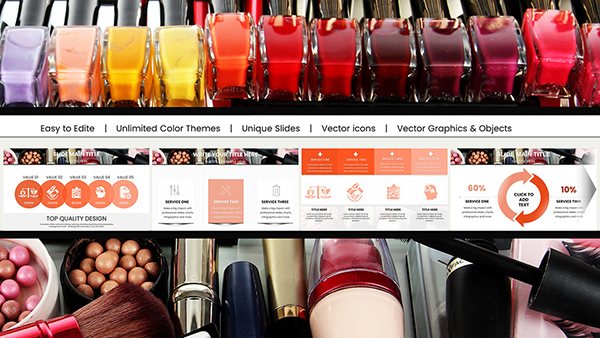
All 33 slides