 Click to zoom
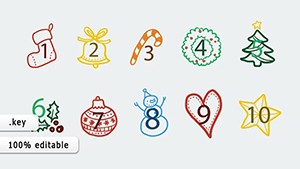
Christmas Toys Shapes Template for Keynote: 11 Slides
| Format | .pptx |
| Slides | 11 unique layouts |
| Aspect ratio | 16:9 |
| Compatibility | PowerPoint |
| Animated | No |
| Language | English |
| License | Commercial |
| File size | — |
| Version | v1.0 |
| Last updated | February 2023 |
What's inside
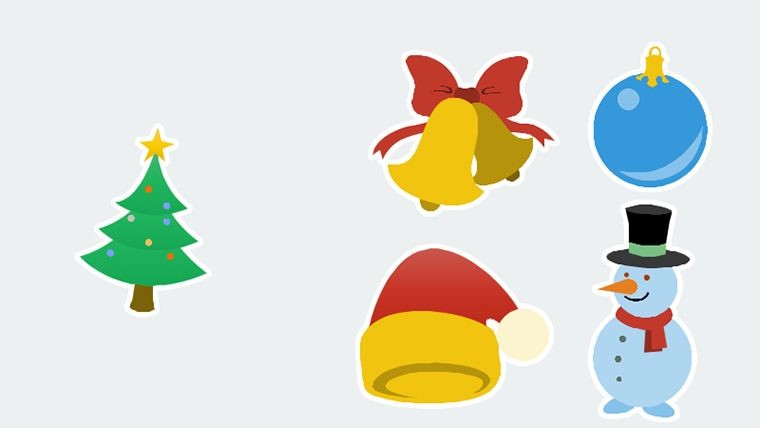
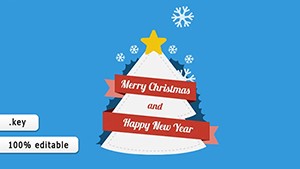
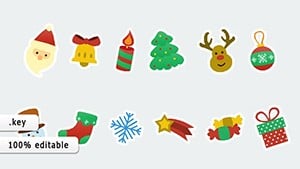
Embrace the enchantment of the season with our Christmas Toys Keynote Shapes Template, a delightful collection that infuses your presentations with yuletide cheer. Featuring 11 editable slides centered on iconic ornaments like round balls, teardrops, and stars, this template is a treasure for designers, educators, and marketers alike. Whether crafting holiday greetings, teaching cultural symbols, or pitching seasonal campaigns, these shapes evoke joy and unity. Fully compatible with Keynote on Mac and iPad, they offer seamless editing for a personalized touch. Move beyond generic clipart; these vector-based illustrations scale flawlessly, maintaining vibrancy. Inspired by holiday traditions, it helps you weave stories of love and celebration, making slides not just informative, but heartwarming. Ideal for those who want to capture the spirit of Christmas in every pixel, let's unwrap how this template can jolly up your content.
Captivating Features for Festive Creations
This template shines with 11 slides, each showcasing unique toy shapes - from timeless rounds symbolizing perfection to whimsical snowflakes. Features include high-resolution vectors, color gradients for realism, and easy-to-edit paths. Customize shades to match themes, like silver for elegance or multicolored for fun. Aligned with illustration standards from the Society of Illustrators, it ensures artistic integrity. Add text or combine shapes for custom ornaments, enhancing narrative depth.
Effortless Customization for Holiday Magic
Personalize with Keynote's tools: Resize shapes, apply fills, or animate for twinkling effects. Example: A teacher used these to explain ornament symbolism, engaging students with interactive builds. The template supports with layer management and style libraries. Tips: Use shadows for 3D illusion, group for complex designs.
Joyful Applications in Various Contexts
Use in education for symbol lessons, marketing for promo visuals, or personal for cards. A retailer case: Shapes boosted holiday ad engagement by visualizing cheer. This template aids with thematic consistency. Pair with text for stories, addressing bland slides. It builds trust through culturally resonant, expert designs.
- Educational Tools: Teach holiday meanings visually.
- Marketing Assets: Create festive campaigns.
- Personal Projects: Design custom greetings.
- Event Planning: Enhance invites with icons.
Step-by-Step to Sparkling Slides
- Import and select a shape slide.
- Edit colors and sizes.
- Add animations or text.
- Combine for compositions.
- Preview for flow.
- Export or present.
Guided by design principles from holiday art experts, this ensures merry outcomes.
Better Than Basic Keynote Shapes
Outshines defaults with themed, detailed illustrations. Saves time, with festive flair boosting appeal. iCloud compatible for sharing. Superior in holiday specificity, integrates into workflows like merging with photos. Bring joy to your presentations.
Deck the halls - download and celebrate visually.
FAQ
How editable are the shapes?
Fully, with Keynote tools for paths and colors.
Works on iPad Keynote?
Yes, touch-friendly editing.
Can I use for print?
Absolutely, vectors scale perfectly.
Themes beyond Christmas?
Adaptable for winter or general festivity.
Animation included?
Base setups, customizable.
Good for
- Project roadmaps and sprint plans
- Product launch timelines
- Quarterly or annual review decks
- Company history and milestone summaries
Licence
reviews
Needed a few clean arrows for a sales presentation and these worked fine.
The shapes snapped into place easily which saved me some stress.
Not every icon matched the style but overall usable.
I finished my office slides way faster with this pack.
Simple shapes but cleaner than the default Keynote ones.
FAQ
Will it work in Google Slides?
Are fonts embedded?
Can I use this for client work?
What's the refund policy?
Do you update the template after purchase?
Similar templates
See all Keynote Shapes →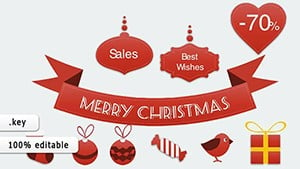
All 11 slides