 Click to zoom
Choice Analysis PowerPoint Charts Template: Navigate Decisions Wisely
| Format | .pptx |
| Slides | 11 unique layouts |
| Aspect ratio | 16:9 |
| Compatibility | PowerPoint |
| Animated | No |
| Language | English |
| License | Commercial |
| File size | — |
| Version | v1.0 |
| Last updated | June 2024 |
What's inside
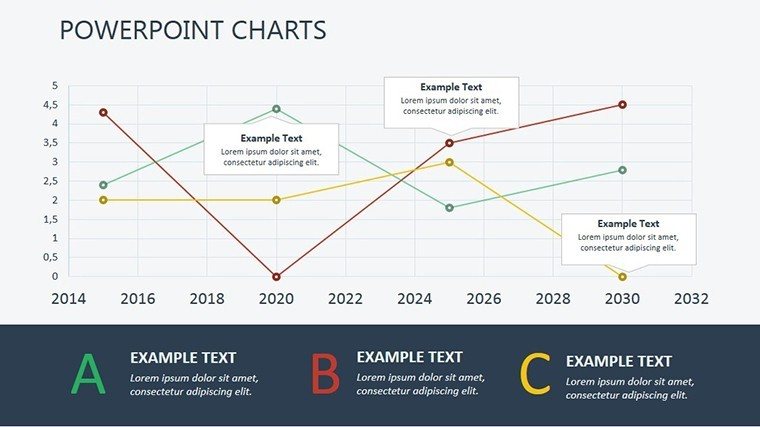
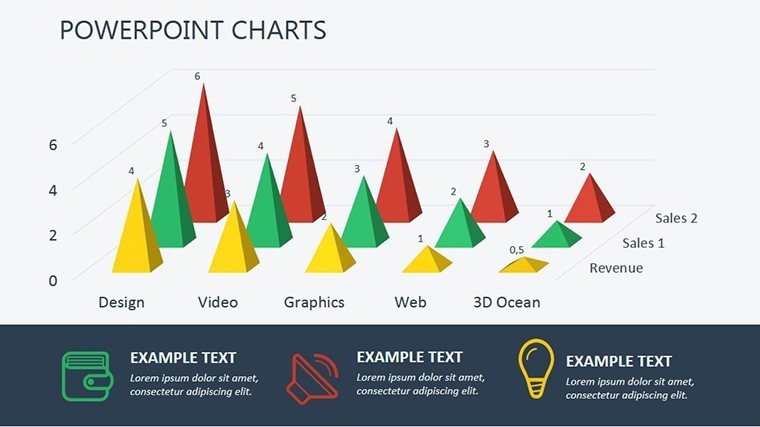
Decisions shape destinies, yet sifting through options often overwhelms. Enter the Choice Analysis PowerPoint Charts Template, a robust aid with 11 editable slides designed to illuminate paths forward. Rooted in decision science from bodies like the Decision Sciences Institute, it equips managers, students, and individuals to compare alternatives visually. Visualize weighing project bids via matrix charts, where pros/cons align neatly - empowering confident choices. This template's matrix focus excels in scenarios like career pivots or strategy selections, with users citing reduced decision fatigue. Seamlessly works in PowerPoint or Google Slides, blending into daily workflows for pros who value precision over guesswork.
Core Features Enhancing Clarity
Featuring matrix grids for multi-criteria evaluations, customizable weights for factors like cost vs. benefit. Design is intuitive, with neutral tones for focus - eclipsing cluttered spreadsheets. Adapt fonts, colors, or add icons for personalization. An academic advisor used parallel tools to guide course selections, boosting student outcomes per feedback.
Slide-by-Slide Exploration
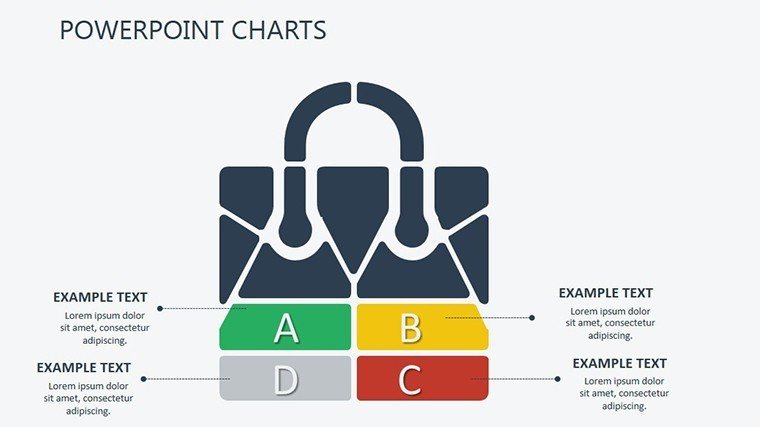
- Slide 1: Decision Framework Matrix - Sets criteria columns for broad overviews.
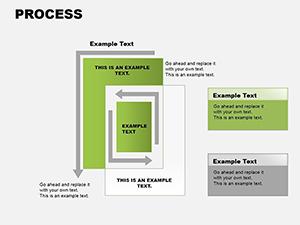
- Slide 2-4: Option Comparison Grids - Side-by-side evaluations, editable for unlimited alternatives.
- Slide 5: Weighted Scoring Chart - Automates totals for objective rankings.
- Slide 6-7: Pros/Cons Balances - Visual scales tipping toward optimal choices.
- Slide 8: Outcome Simulations - Flowcharts projecting results.
- Slide 9-10: Sensitivity Analyses - Adjust variables to test robustness.
- Slide 11: Final Recommendation Slide - Summarizes with action items.
Versatile for quick tweaks or deep dives.
Broad Applications Across Fields
In business, analyze vendor choices; in projects, assess risks - mirroring Harvard Business Review case studies on rational decisions. Personally, prioritize goals like home buys. Benefits: stress reduction via structure; goal acceleration through insights; communication boost for teams. Tip: Start with brainstorming, then populate matrices. Lightly, it's your decision decoder ring.
Implementation Advice
- Identify key criteria: Limit to 5-7 for manageability.
- Assign weights: Reflect priorities accurately.
- Score objectively: Use data where possible.
- Review collaboratively: Gather inputs for buy-in.
- Iterate: Update as new info emerges.
From decision experts, these refine processes.
Advantages in the Market
Outshines basic tools with weighted matrices; at $17.00, accessible yet powerful for analysis needs.
Chart your best path - acquire the Choice Analysis PowerPoint Charts Template and decide with distinction.
Frequently Asked Questions
How editable are the matrices?Fully, from cells to layouts, for custom decisions.Ideal for group use?Yes, collaborative in Google Slides.Handles complex choices?Through weighting and simulations.Beginner-friendly?Intuitive interface eases entry.Integration with data tools?Imports from Excel smoothly.Good for
- Project roadmaps and sprint plans
- Product launch timelines
- Quarterly or annual review decks
- Company history and milestone summaries
Licence
reviews
Still easier than making everything manually.
Pretty useful if you’re short on time.
I used this for a university statistics presentation.
The charts looked clear without too many decorations.
One slide broke a little when I changed fonts.
FAQ
Will it work in Google Slides?
Are fonts embedded?
Can I use this for client work?
What's the refund policy?
Do you update the template after purchase?
Similar templates
See all PowerPoint Charts →
All 11 slides