 Click to zoom
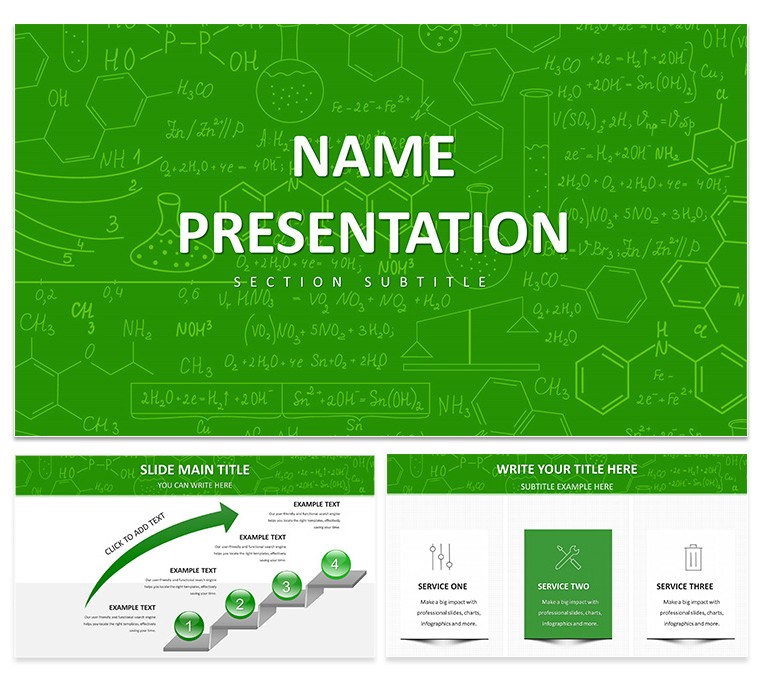
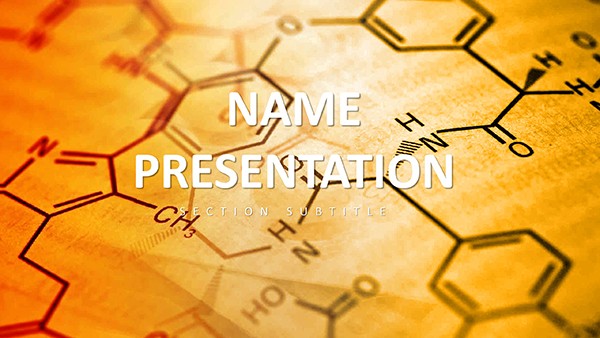
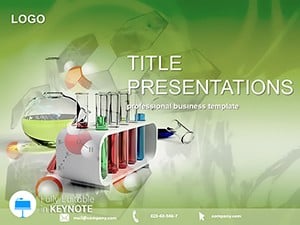
Chem Lab Report Education Keynote Presentation Template
| Format | .pptx |
| Slides | 3 unique layouts |
| Aspect ratio | 16:9 |
| Compatibility | PowerPoint |
| Animated | No |
| Language | English |
| License | Commercial |
| File size | — |
| Version | v1.0 |
| Last updated | October 2024 |
What's inside
Ever stared at a blank slide, wondering how to turn raw lab data into a compelling story? The free Chem Lab Report Education Keynote Template steps in as your reliable lab partner, crafted specifically for chemistry students, instructors, and lab coordinators. This no-cost resource packs 28 diagrams, three master slides, and three backgrounds into a framework that's as straightforward as a titration curve. Use it to chronicle experiments from hypothesis to analysis, making your reports not just informative but visually arresting - perfect for class submissions or departmental reviews.
What sets this apart is its focus on the lab workflow: slides for methodology breakdowns, results tables that auto-format your pH readings, and conclusion sections with embedded error bar graphs. Built for Keynote's intuitive interface, it lets you insert photos from your fume hood sessions or scan in handwritten notes, all while keeping a clean, sterile aesthetic that echoes a well-organized workbench.
Essential Features Tailored for Lab Documentation
This template's strength lies in its practical toolkit, designed to mirror the scientific method without the hassle. The seven color schemes range from cool clinical tones for formal reports to warmer hues for educational demos, ensuring your visuals adapt to the venue. Diagrams cover everything from distillation setups to chromatography outputs, with scalable vectors that hold up under scrutiny.
- 28 Lab-Focused Diagrams: From flask schematics to spectral plots, each ready for your data overlays.
- Three Master Layouts: Structured for sequential reporting - intro, procedure, findings, discussion.
- Three Backgrounds: Minimalist whites or subtle grid patterns, evoking notebook pages or dry-erase boards.
Editing is a breeze: Highlight a data point in the yield calculation slide and swap in your actual figures, or drag a safety icon to emphasize protocol adherence. It's compatible across recent Keynote releases, supporting transitions that reveal results progressively, just like unveiling a precipitate.
Bringing Lab Reports to Life: Practical Scenarios
Picture a undergrad organic chem class: Your group synthesized aspirin, and now it's time to present. Kick off with the objective slide, layering in your reagent list via bullet placeholders. Move to the procedure diagram, where animated arrows trace the reflux process, helping peers follow without rereading notes. The results section shines here - plug in your melting point table, and the template's grid auto-adjusts for multi-column data.
For teachers grading group projects, this template standardizes submissions, with abstract slides that enforce concise overviews. A step-by-step integration guide:
- Gather Assets: Collect your raw data, photos, and graphs from lab software like Logger Pro.
- Populate Slides: Use the placeholders to drop in elements, resizing as needed for balance.
- Enhance with Builds: Set delays on reveal animations to pace through calculations, like stepwise equilibrium shifts.
- Review and Export: Check for accessibility, then save as a shareable PDF for feedback rounds.
Versus piecing together basic Keynote slides, this cuts down on formatting frustration, freeing time for deeper analysis. It's especially useful in team settings, where collaborators can co-edit in real-time via iCloud.
Specific Use Cases in Chemistry Education
High school labs benefit from the safety checklist slide, customizable with school-specific icons. University TAs use it for post-lab debriefs, incorporating peer review sections. Even industry trainees adapt the error analysis diagrams for quality control audits, blending empirical data with procedural insights.
Pro tip: Embed hyperlinks in your reference slide to lab manuals, streamlining navigation during Q&A.
Elevating Everyday Lab Communications
This free template democratizes professional reporting, ensuring even novice presenters convey rigor and clarity. Its layouts encourage thoroughness, from materials lists to discussion prompts, fostering the habits of precise science communication.
Download your free copy today and transform those lab notebooks into standout presentations.
Frequently Asked Questions
Is this template completely free to use?
Yes, download and customize it without any cost or restrictions for educational purposes.
How do I insert lab photos?
Simply drag images into the designated frames; Keynote auto-crops for a polished fit.
Can I modify the color schemes?
Certainly - access the master slides to globally update hues across all diagrams.
Does it work on older Macs?
It's optimized for Keynote 10+, but test compatibility on your setup.
Are there templates for other sciences?
This focuses on chemistry labs, but similar free options exist for biology and physics.
What file formats are available?
Available in .key and .kth for easy import into Keynote.
Good for
- Project roadmaps and sprint plans
- Product launch timelines
- Quarterly or annual review decks
- Company history and milestone summaries
Licence
reviews
This saved me time during a last minute presentation prep.
The arrows and process slides were actually useful.
A few icons looked dated on a larger display.
The graphs were easy to customize with my own numbers.
Pretty decent overall for office and school work.
FAQ
Will it work in Google Slides?
Are fonts embedded?
Can I use this for client work?
What's the refund policy?
Do you update the template after purchase?
Similar templates
See all Keynote templates →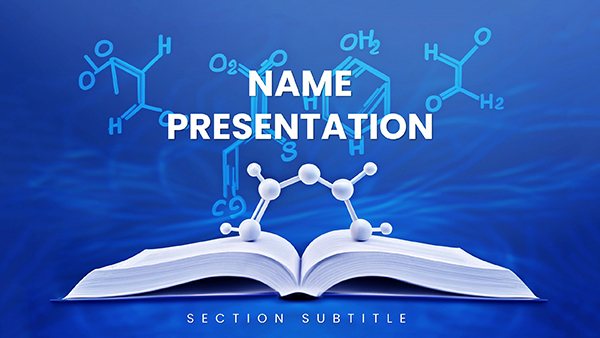
All 1 slides