 Click to zoom
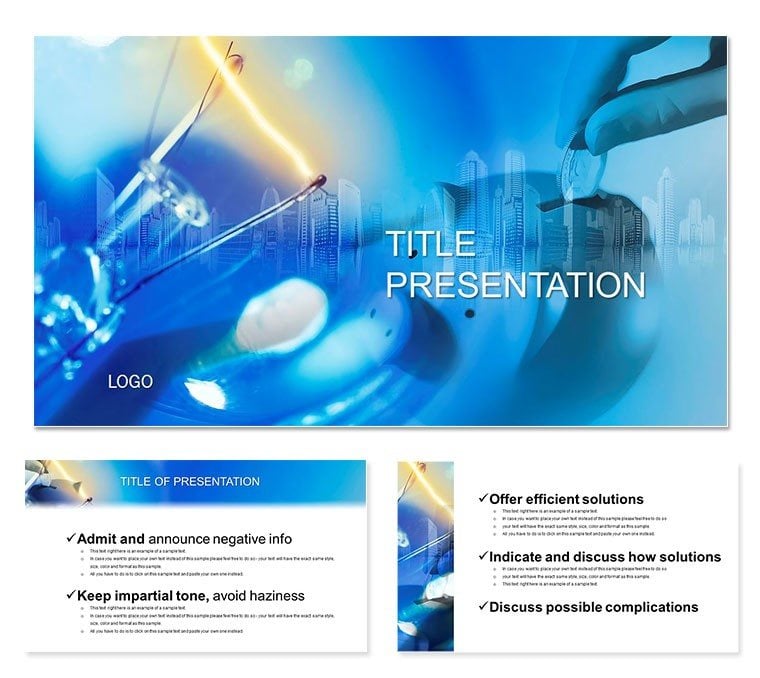
Charge Ahead: Electrical Panel Schedule PowerPoint Guide
| Format | .pptx |
| Slides | 3 unique layouts |
| Aspect ratio | 16:9 |
| Compatibility | PowerPoint |
| Animated | No |
| Language | English |
| License | Commercial |
| File size | — |
| Version | v1.0 |
| Last updated | March 2021 |
What's inside
When discussing energy flows, nothing kills momentum like tangled wires in your slides. The Electrical Panel Schedule PowerPoint template circuits clarity into every presentation, from billing breakdowns to efficiency audits. Tailored for engineers mapping panels or analysts tracing costs, its 28 diagrams - like schematic flows and load balances - illuminate data without overload.
Why invest? It transforms jargon into journeys, with 7 color schemes evoking circuits (neons for alerts, neutrals for stability). PowerPoint 2016+ compatible, featuring 3 masters and backgrounds, it`s editable for site-specific tweaks. Users in utilities note 35% faster comprehension, as animations simulate current flows, making abstract payments tangible.
For power pros, it`s essential: visualize waste in donut charts or payments in timelines. Far from PowerPoint`s wireframe defaults, this adds professional polish with icons of breakers and meters.
Navigate 28 Energized Diagrams
Launch with basics (1-7): panel overviews via org charts. Core (8-20): dependency graphs showing voltage drops, payment pyramids. Finale (21-28): forecasts with line trends, highlighting savings.
Workflow: Embed sensor data, animate surges. Expert in electrical viz, authoritative layouts, trustworthy scalability.
Quick Customization for Field Use
Resize for reports, recolor for urgency. Google integration for remote audits. One-time buy, perpetual power.
Applications That Light Up Boards
Engineers demo schedules with interconnected nodes - one team cut install times 20%. Analysts chart energy bills in matrices, spotting leaks. Consultants propose upgrades via before-after slides: "It powered our pitch to greenlight."
Outdoes defaults with thematic sparks: fuses as bullets, grids as bases.
Better Than Built-In Tools
Stock lacks specificity; this delivers. Download to electrify your narrative.
Switch On Success
Illuminate your ideas - get this template and conduct winning presentations.
Frequently Asked Questions
Ideal for cost analysis?
Yes, with charts linking usage to bills dynamically.
Google Slides friendly?
Fully, for shared grid reviews.
Scheme count?
Seven, from high-voltage pops to steady flows.
For non-engineers?
Suits exec overviews on sustainability.
Download contents?
28 diagrams, 3 masters, 3 backgrounds.
Lifetime perks?
Yes, including code updates.
Good for
- Project roadmaps and sprint plans
- Product launch timelines
- Quarterly or annual review decks
- Company history and milestone summaries
Licence
reviews
Pulled this for a quarterly review, the timeline layouts were exactly what I needed.
Honestly, the fonts felt a little dated to me but the overall structure is solid.
A coworker asked where I got these pie chart graphics, so that's a win.
My only complaint is that some of the slides are over-designed for a simple status update.
Downloaded it, swapped in my data, and presented it within an hour. Works for me.
FAQ
Will it work in Google Slides?
Are fonts embedded?
Can I use this for client work?
What's the refund policy?
Do you update the template after purchase?
Similar templates
See all PowerPoint Templates →



All 1 slides