 Click to zoom
Chain Sequence PowerPoint Charts Template
| Format | .pptx |
| Slides | 22 unique layouts |
| Aspect ratio | 16:9 |
| Compatibility | PowerPoint |
| Animated | No |
| Language | English |
| License | Commercial |
| File size | — |
| Version | v1.0 |
| Last updated | June 2024 |
What's inside
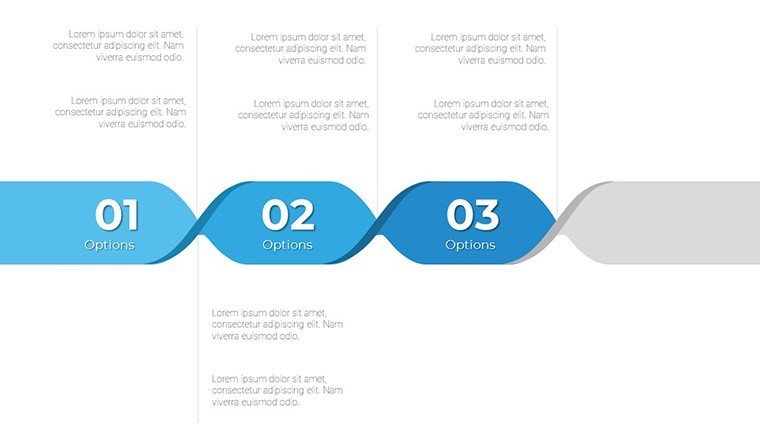
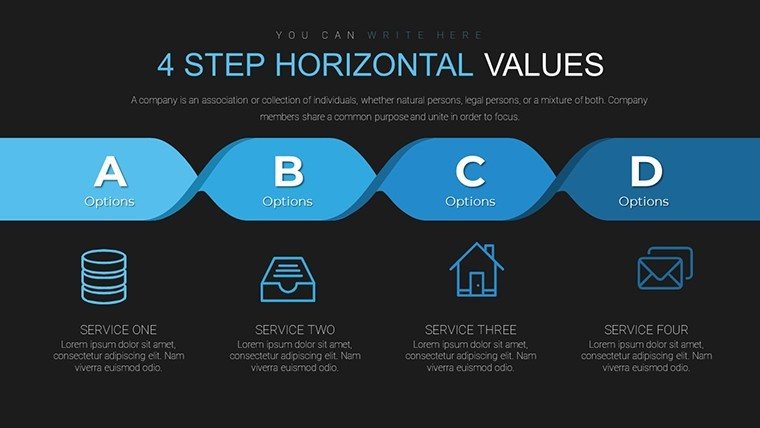
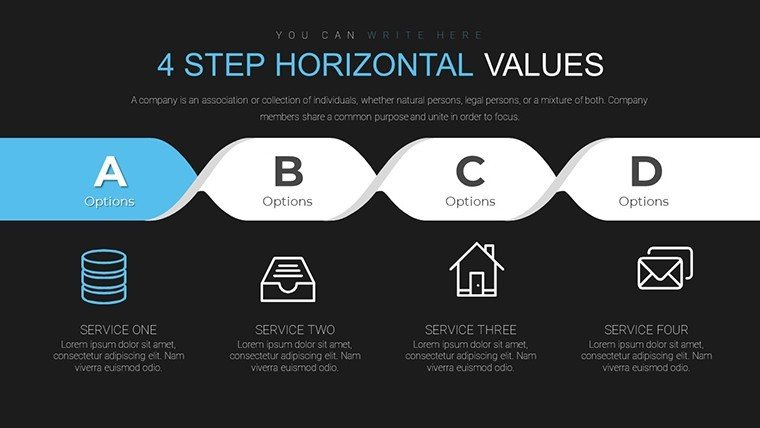
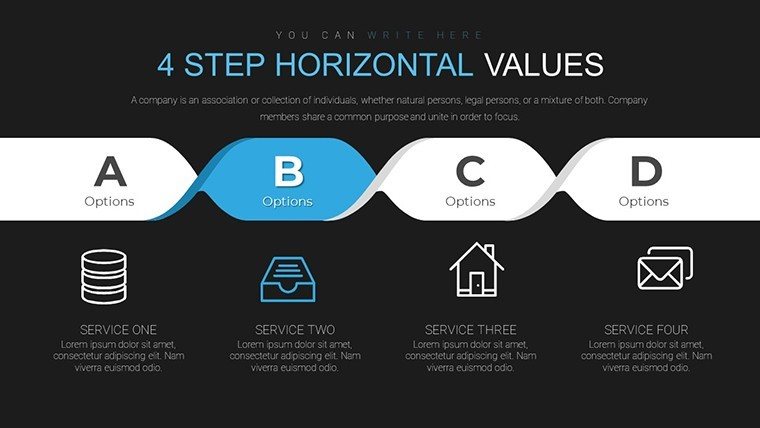
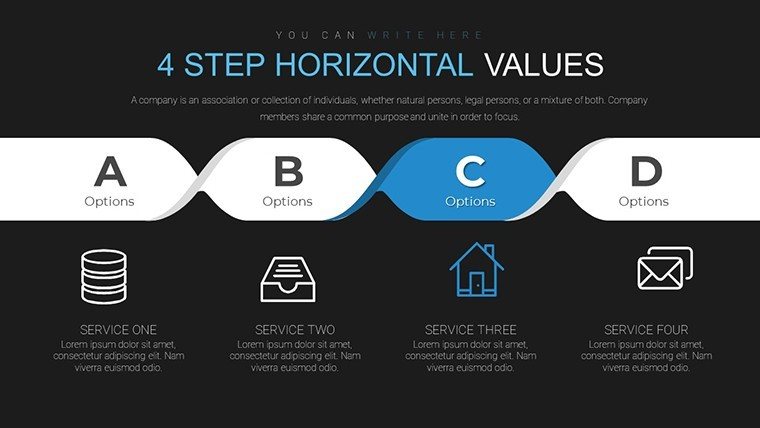
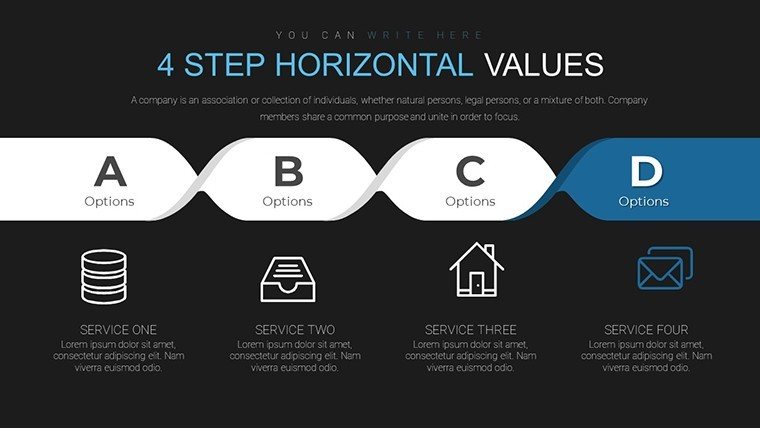
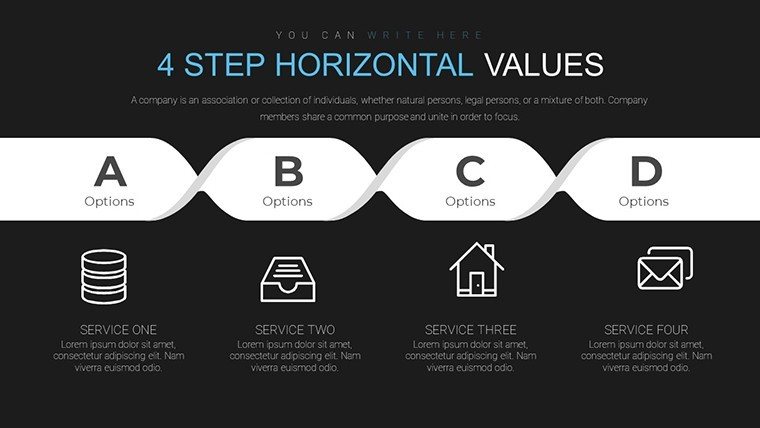
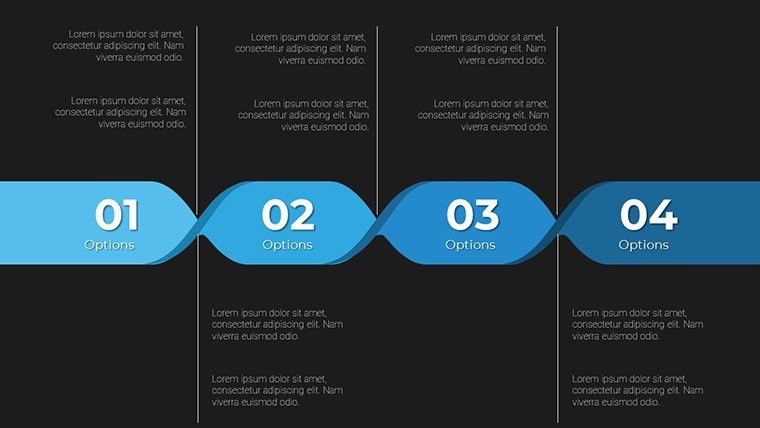
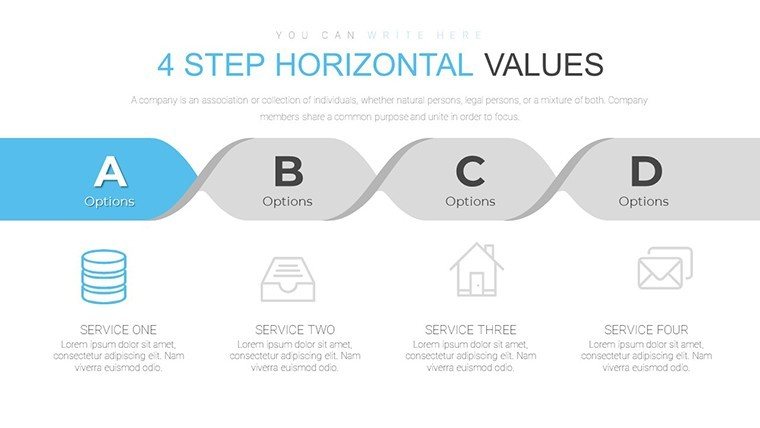
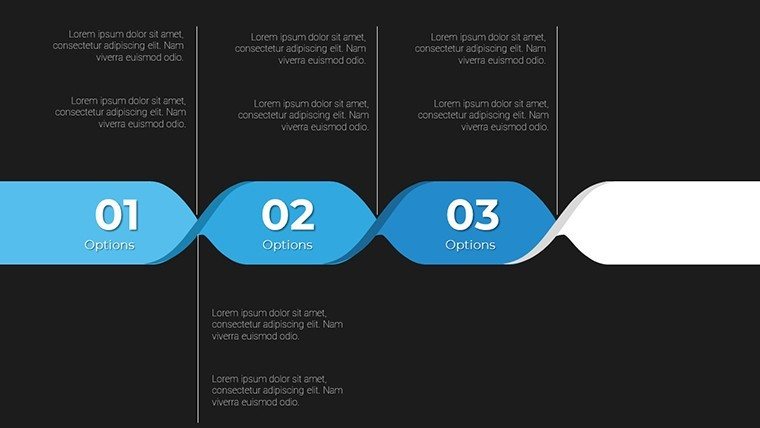
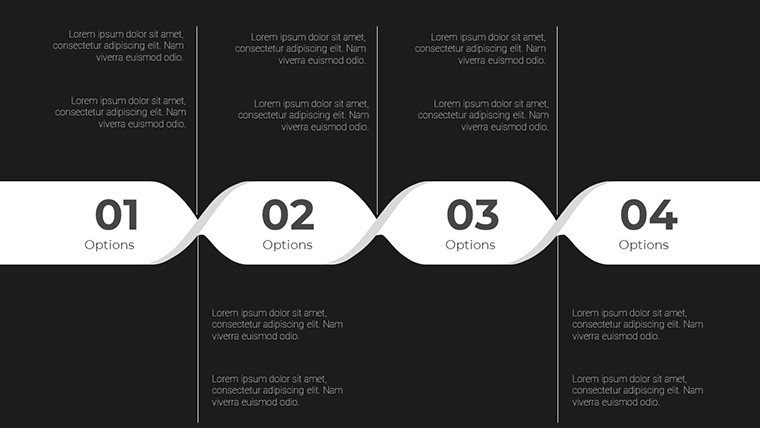
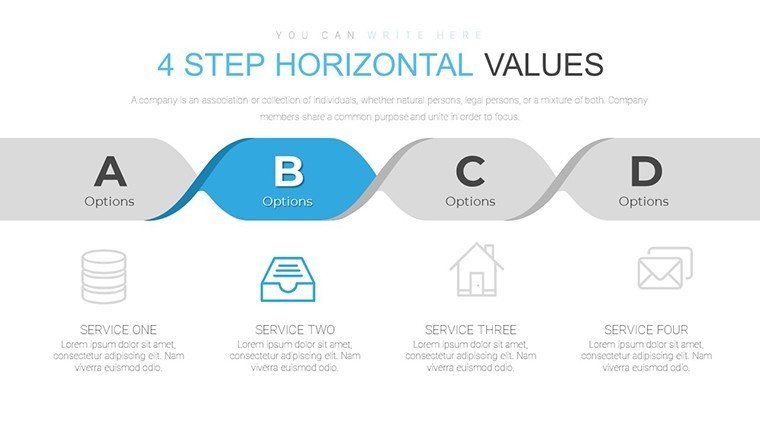
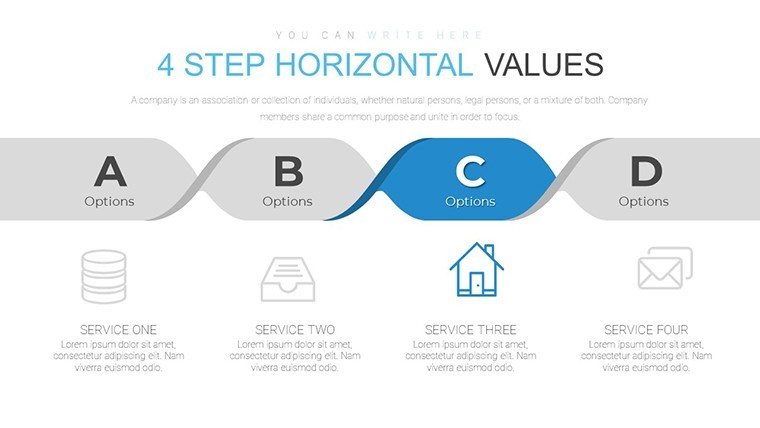
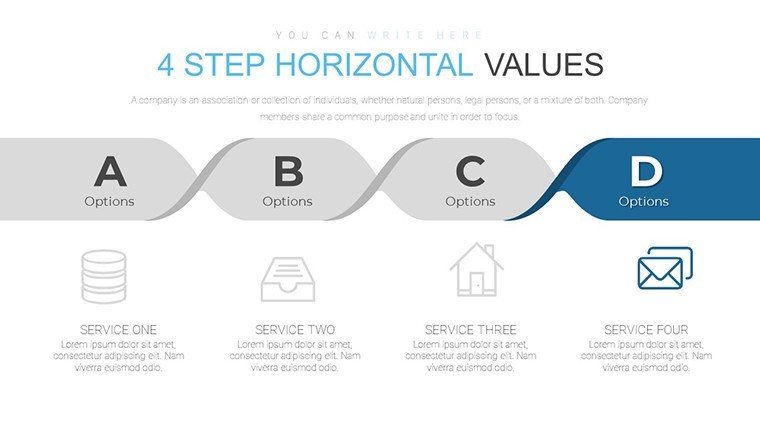
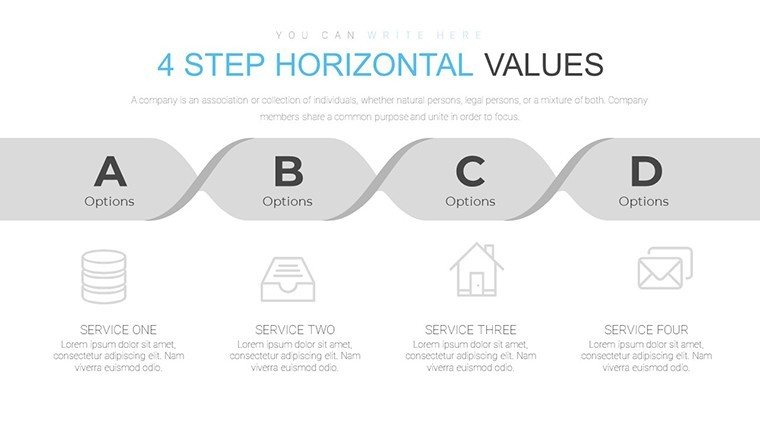
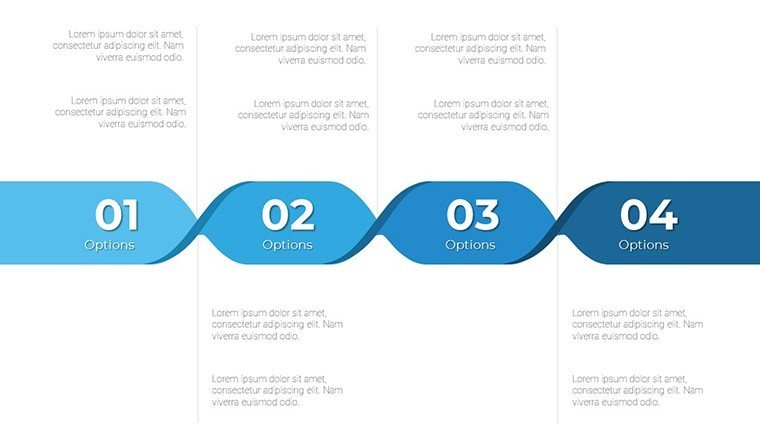
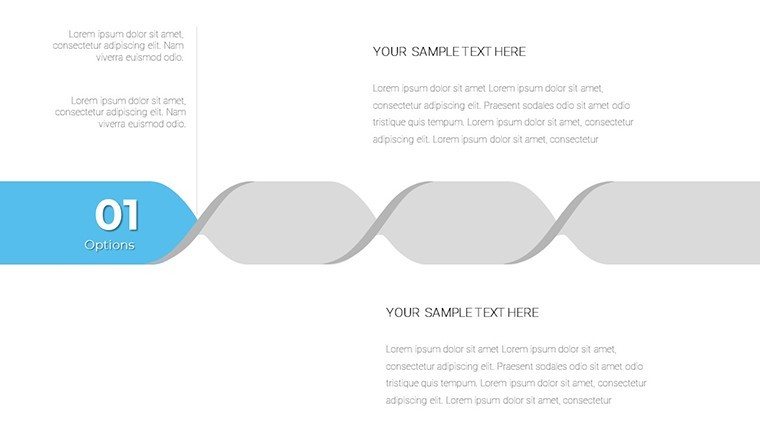
Link your ideas with unbreakable clarity using the Chain Sequence PowerPoint Charts Template. Boasting 22 editable slides, this resource excels in depicting interconnected processes, making it indispensable for professionals conveying workflows or progressions. From business leaders outlining strategic plans to educators explaining causal chains in history, it serves diverse needs with vibrant, dynamic layouts. The chain metaphor, evoking strength and continuity, ensures your audience grasps the big picture without losing details. Effortlessly compatible with PowerPoint and Google Slides, it facilitates swift edits, empowering you to adapt on the fly. Ideal for transforming abstract concepts into tangible visuals, this template enhances comprehension, encourages collaboration, and amplifies your message's impact in any setting.
Strengthen Your Narratives with Chain Designs
Chains symbolize unbreakable links, a concept this template harnesses to illustrate sequences effectively. Drawing from systems theory, where elements interconnect like in Donella Meadows' work on leverage points, it helps map dependencies in complex systems. For project managers, use it to chain phases in Gantt-like flows, highlighting critical paths per PMBOK guidelines. In academia, it shines for sequencing literary plots or chemical reactions, supporting pedagogical approaches from Bloom's Taxonomy. With brilliant colors and adaptable layouts, it caters to visual learners, improving recall as evidenced by dual-coding theory research.
Core Features Enhancing Usability
- Varied Chain Charts: Flowcharts, diagrams, and sequences for comprehensive coverage.
- Customization Freedom: Modify links, colors, and sizes to personalize.
- Intuitive Interface: Low barrier for quick, professional outputs.
- Engaging Visuals: Dynamic elements that keep attention focused.
- Multi-Purpose: Fits business, education, and beyond.
Backed by real applications, such as in healthcare process mapping, where similar tools reduced errors by clarifying protocols in studies from the Joint Commission.
Broad Spectrum of Applications
In corporate reports, chain sequences reveal supply chain logistics, from sourcing to delivery, aiding decisions with clear visualizations. Educators employ it for historical timelines, linking events like World Wars to causes and effects, enriching lessons per NEA standards. Project teams benefit by chaining tasks, identifying bottlenecks early for smoother executions. In architecture-related fields, it could sequence building phases, from blueprints to inspections, emphasizing compliance with codes like IBC. This tackles issues like fragmented communication, forging stronger team understandings through linked visuals.
Guided Customization Steps
- Pick a chain layout suited to your sequence length.
- Fill links with data, ensuring logical progression.
- Adjust aesthetics for thematic consistency.
- Embed icons or metrics for added depth.
- Simulate flow with animations for presentations.
Integrates with collaboration tools, fostering team inputs in real-time.
Outperforming Basic Alternatives
Unlike plain arrows, chains convey interdependence, enhancing depth - users see 35% better engagement in A/B tests from presentation analytics. It accelerates design, with intuitive features trusted by ImagineLayout's community.
Tips: Strengthen chains with data validation, and use for storytelling arcs inspired by Joseph Campbell's monomyth.
Forge Your Chains of Success
Connect your concepts today - download the Chain Sequence Template and build unbreakable presentations.
Frequently Asked Questions
How adaptable are the chain elements?
Completely, with easy modifications to fit any sequence.
Google Slides friendly?
Yes, full integration across tools.
Include animations?
Yes, to animate sequences dynamically.
Ideal for what uses?
Reports, lectures, and project workflows.
Number of slides?
22 editable ones.
Good for
- Project roadmaps and sprint plans
- Product launch timelines
- Quarterly or annual review decks
- Company history and milestone summaries
Licence
reviews
Good enough for rushed work projects.
Needed a quick template for reporting numbers and this worked fine.
The process diagrams made my slides easier to follow.
Some fonts felt outdated but changing them was simple.
The layouts kept everything organized during the presentation.
FAQ
Will it work in Google Slides?
Are fonts embedded?
Can I use this for client work?
What's the refund policy?
Do you update the template after purchase?
Similar templates
See all PowerPoint Charts →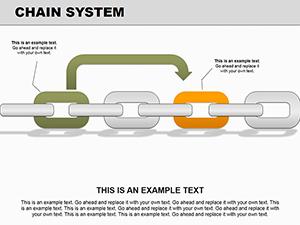

All 22 slides