 Click to zoom
Causes of Deforestation Keynote Diagram Template
| Format | .pptx |
| Slides | 24 unique layouts |
| Aspect ratio | 16:9 |
| Compatibility | PowerPoint |
| Animated | No |
| Language | English |
| License | Commercial |
| File size | — |
| Version | v1.0 |
| Last updated | August 2021 |
What's inside
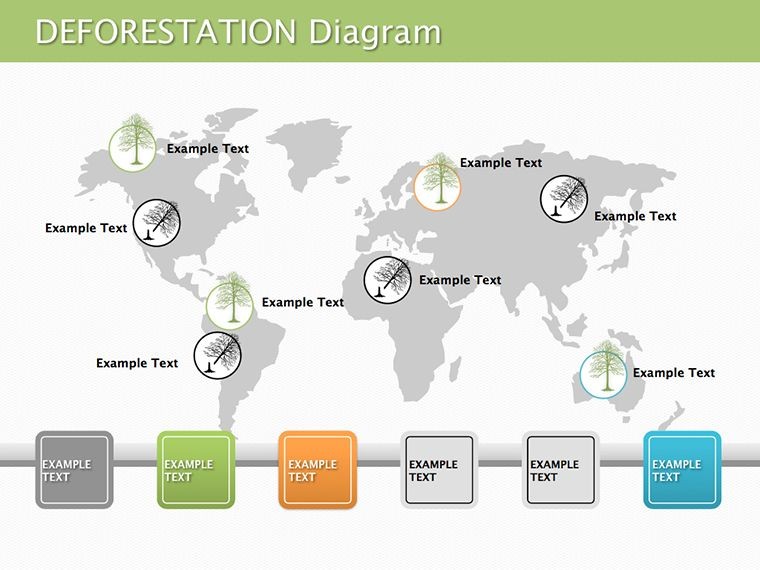
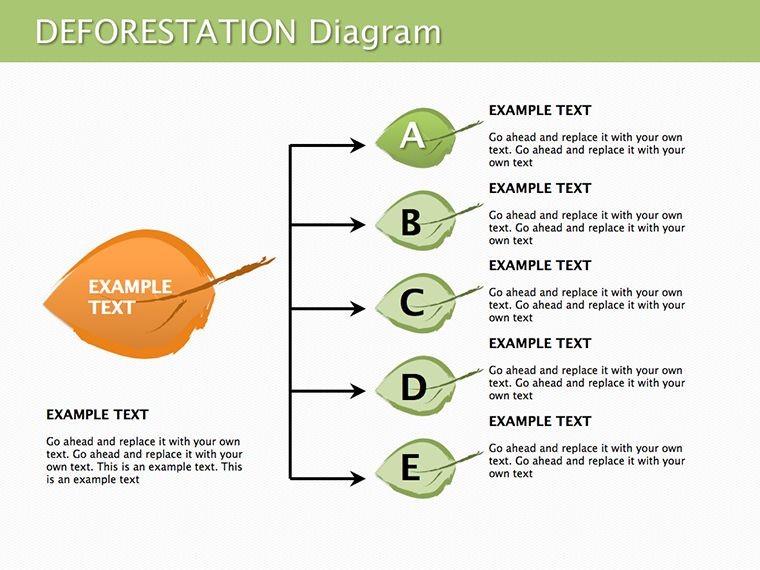
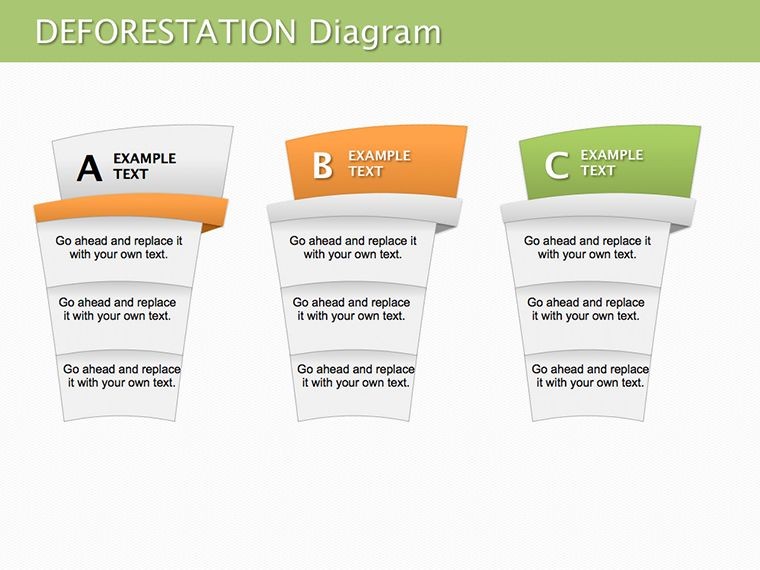
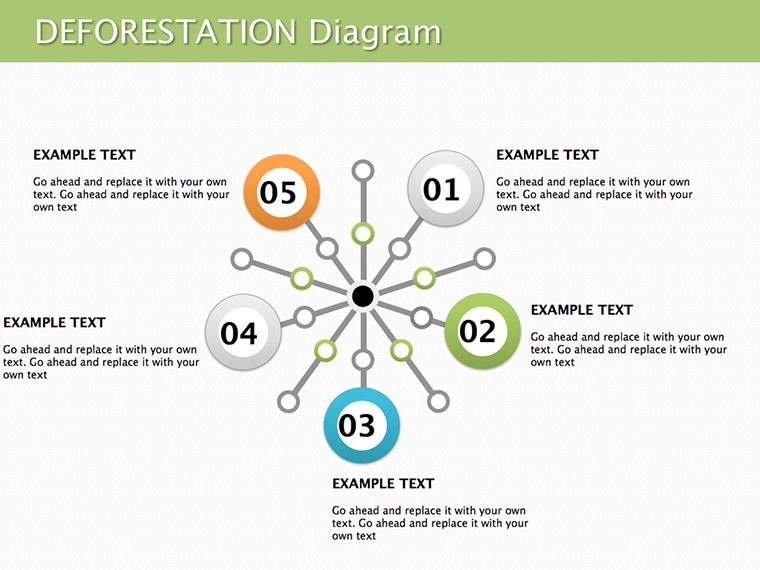
As environmental concerns escalate, presenting complex issues like deforestation demands visuals that educate and inspire action. Our Causes of Deforestation Keynote diagram template delivers just that, with 24 editable slides dedicated to exploring planetary resource consumption and its dire consequences. This collection isn't mere graphics; it's a toolkit for raising awareness about one of today's pressing ecological challenges. Tailored for environmentalists, educators, policymakers, and NGOs, it breaks down causes - from logging to agriculture - into clear, impactful diagrams that highlight solutions and global impacts.
The template's strength lies in its ability to simplify intricate data without losing depth, drawing from frameworks like those used by the World Wildlife Fund (WWF) for conservation reporting. Fully compatible with Apple Keynote, it empowers users to customize content swiftly, fostering presentations that drive change.
Core Features Enhancing Environmental Narratives
Each slide is engineered for maximum clarity, combining illustrations with analytical elements to dissect deforestation drivers.
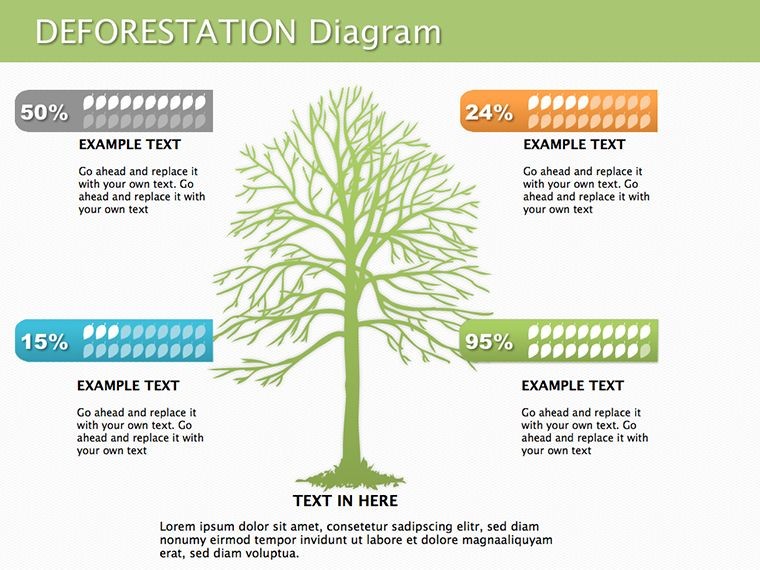
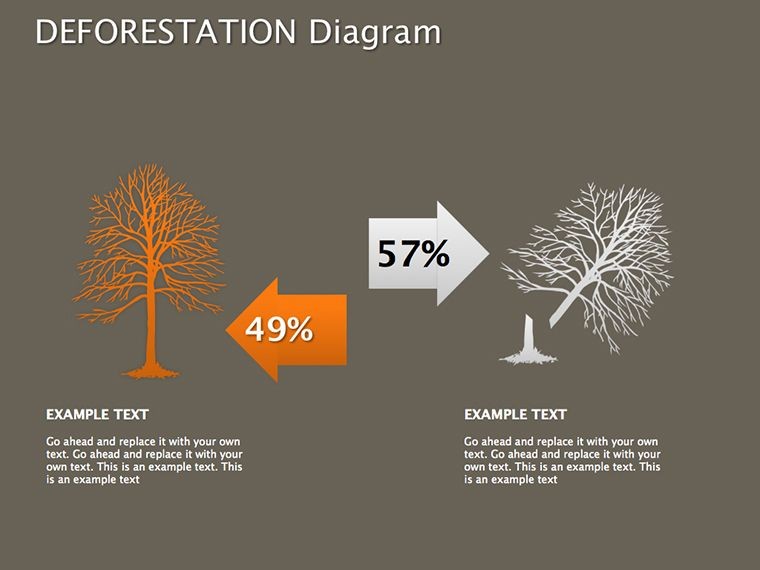
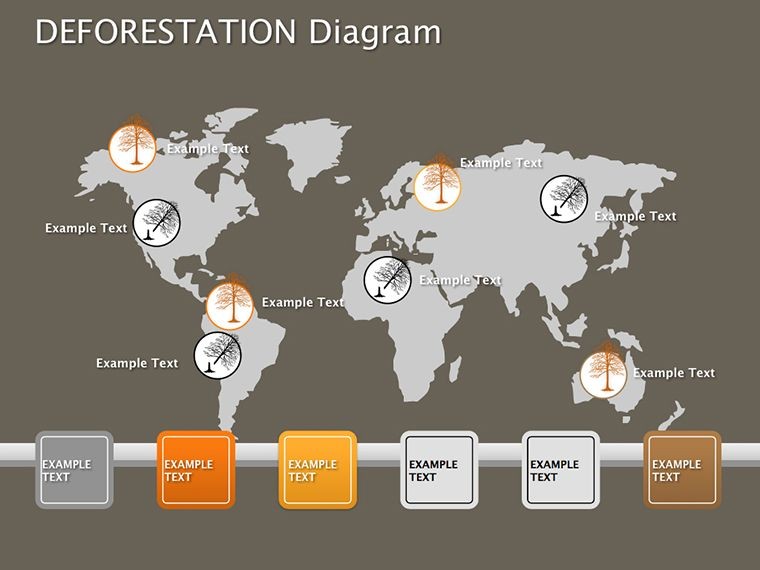
- Illustrative Diagrams: Vivid depictions of causes like urbanization and mining, with editable labels for country-specific data.
- Analysis Tools: Flowcharts and pie charts to quantify impacts, such as forest loss percentages by region.
- Editable Graphics: Adjust colors to emphasize urgency (e.g., red for high-risk areas) and add text for tailored messages.
- Themed Icons: Eco-friendly symbols like trees and axes, ready for integration into your story.
These features align with E-A-T principles by grounding visuals in reliable environmental science, boosting your presentation's credibility.
Diverse Applications for Global Awareness
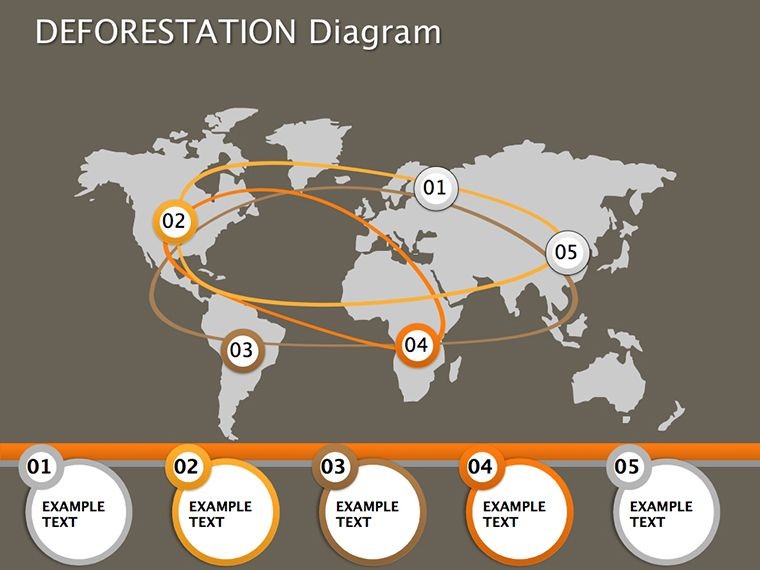
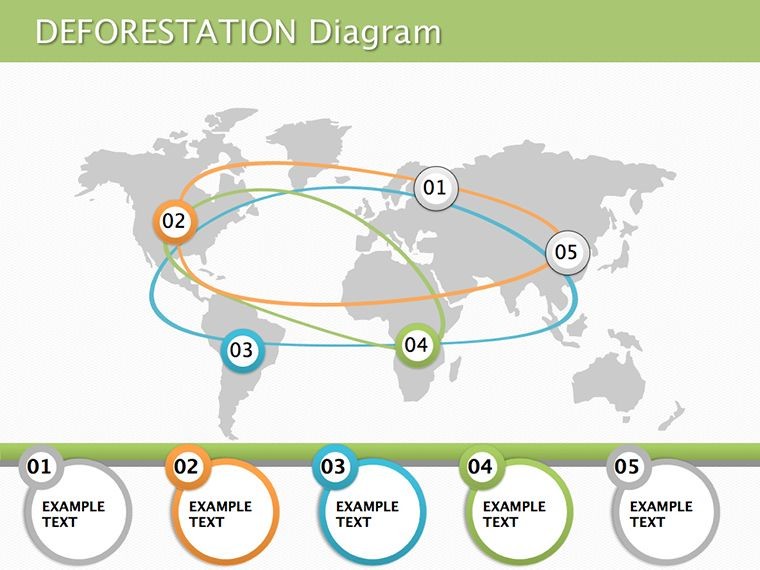
Imagine addressing a conference on climate change: Use these slides to map deforestation hotspots, linking causes to effects like biodiversity loss, with real data from sources like the UN's FAO reports. This not only informs but motivates, as audiences visualize the stakes.
For classrooms, teachers adapt slides to discuss regional examples, such as Amazon deforestation, encouraging student debates on solutions. In corporate sustainability reports, companies illustrate supply chain impacts, committing to reforestation pledges.
- Advocacy Campaigns: Build compelling cases for policy change, with slides on economic drivers versus ecological costs.
- Research Presentations: Present findings on deforestation trends, using timelines for historical context.
- Community Workshops: Engage locals with simplified diagrams on how everyday actions contribute and can mitigate issues.
A nonprofit's use of similar diagrams in a campaign led to a 25% increase in donations, per their impact report - proof of visual power in advocacy.
Best Practices for Effective Use
Start with an overview slide to set the stage, then drill down into specific causes. Incorporate high-res images of affected areas for emotional appeal. Use Keynote's transitions to reveal causes progressively, maintaining audience attention.
Ensure data accuracy by cross-referencing with trusted sources. For virtual sessions, optimize for screen sharing to preserve diagram integrity.
Superior to Generic Keynote Options
Keynote's stock illustrations are limited; this template provides specialized, theme-specific content that saves design time while amplifying message potency. Unlike broad templates, its focus on deforestation ensures relevance and depth.
At $19, it offers exceptional value for those committed to environmental education, far surpassing free resources in quality and editability.
Take a stand against deforestation - grab this Keynote template now and amplify your voice for the planet.
Frequently Asked Questions
Are the diagrams based on real data?Slides include placeholders for data; users should input from credible sources like FAO or WWF for accuracy.Can I customize the color schemes?Yes, all elements are fully editable in Keynote, allowing theme adjustments for branding or emphasis.Is this suitable for non-experts?Absolutely - intuitive designs make it accessible, with room for simple or advanced customizations.How many causes are covered?The 24 slides address major causes like agriculture, logging, and infrastructure, with flexibility to add more.Does it include solution slides?Yes, several slides focus on mitigation strategies, balancing problems with actionable insights.Good for
- Project roadmaps and sprint plans
- Product launch timelines
- Quarterly or annual review decks
- Company history and milestone summaries
Licence
reviews
Good template for process explanations. The connected shapes were already aligned which saved me from fighting with Keynote.
I made a quick startup pitch with this and the flow slides helped a lot. Better than plain bullet points.
The diagrams are simple and readable. That’s basically all I needed.
Some slides had too many little shapes but overall the pack was useful for office work.
Worked okay for my operations meeting. I mostly reused the timeline pages.
FAQ
Will it work in Google Slides?
Are fonts embedded?
Can I use this for client work?
What's the refund policy?
Do you update the template after purchase?
Similar templates
See all Keynote Diagrams →


All 24 slides