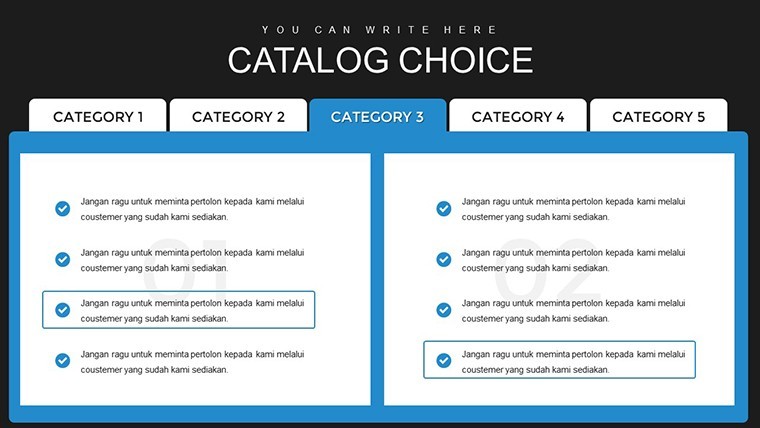
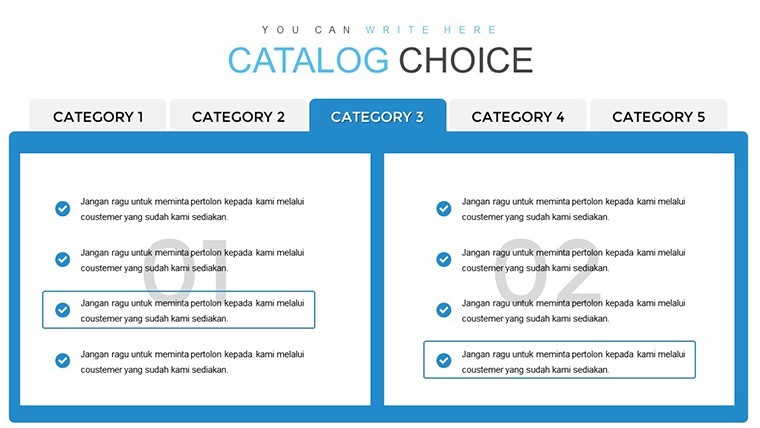
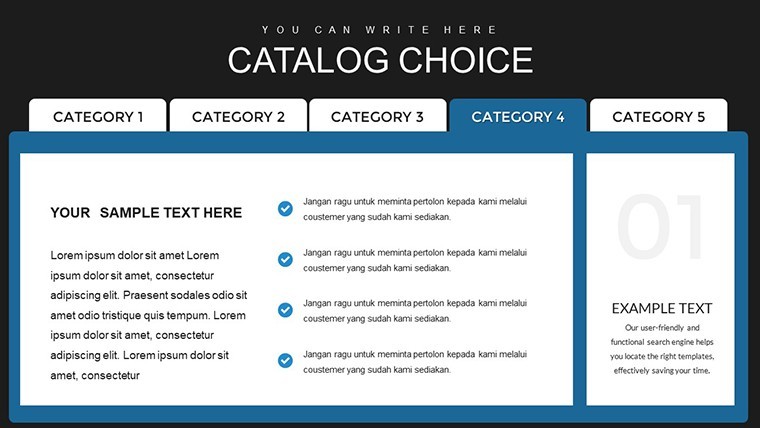
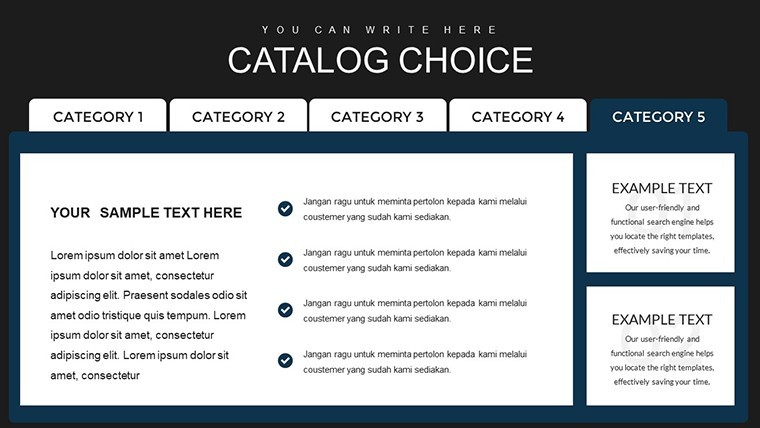
 Click to zoom
Catalog Design Keynote Charts Template - 39 Slides
| Format | .pptx |
| Slides | 39 unique layouts |
| Aspect ratio | 16:9 |
| Compatibility | PowerPoint |
| Animated | No |
| Language | English |
| License | Commercial |
| File size | — |
| Version | v1.0 |
| Last updated | October 2021 |
What's inside
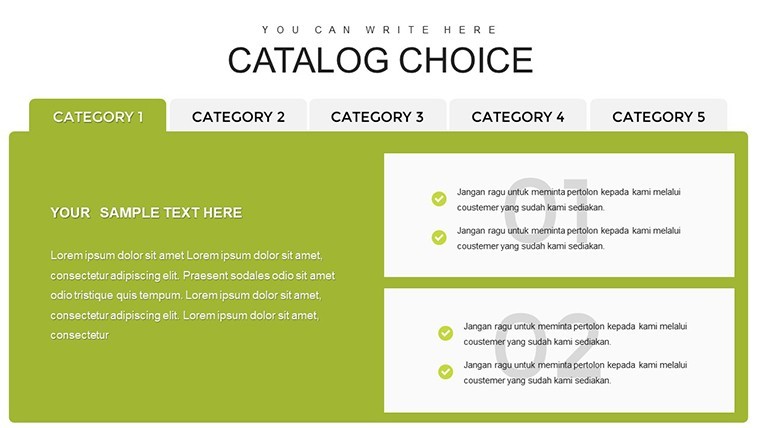
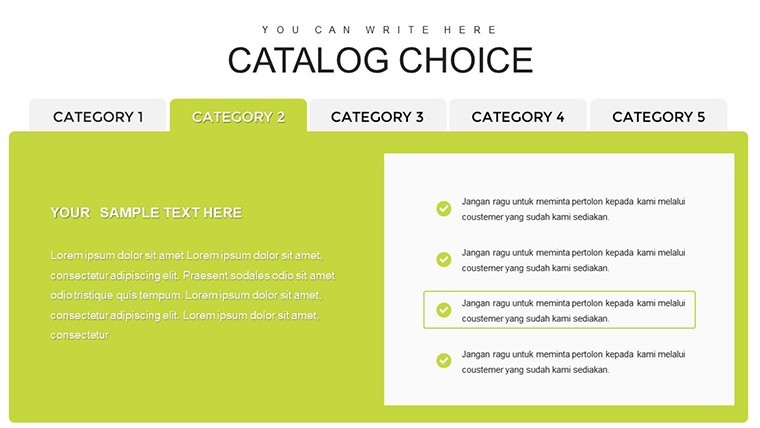
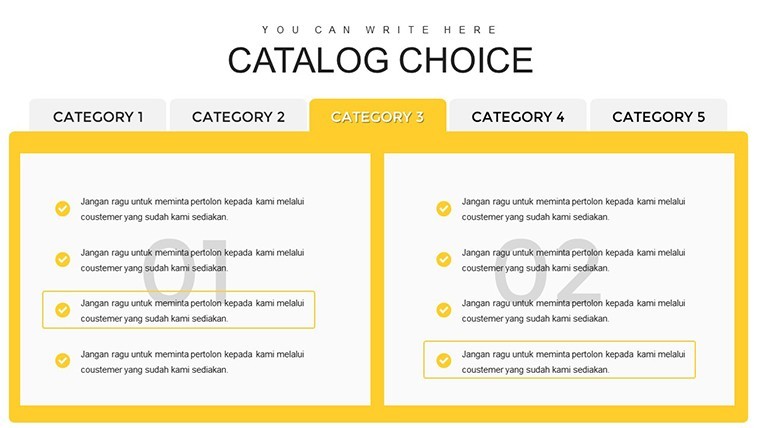
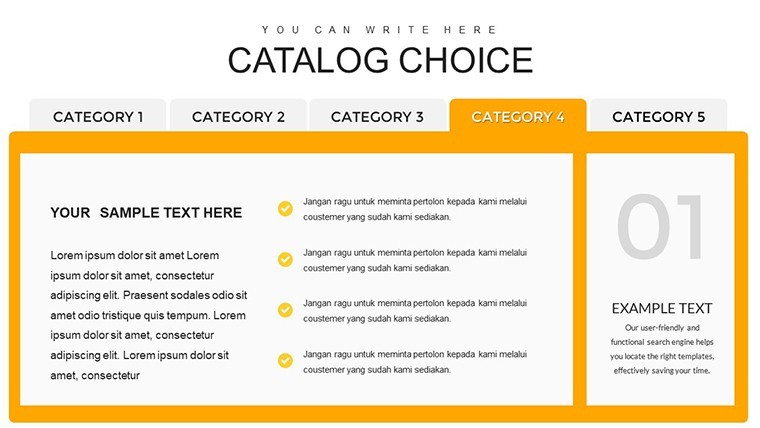
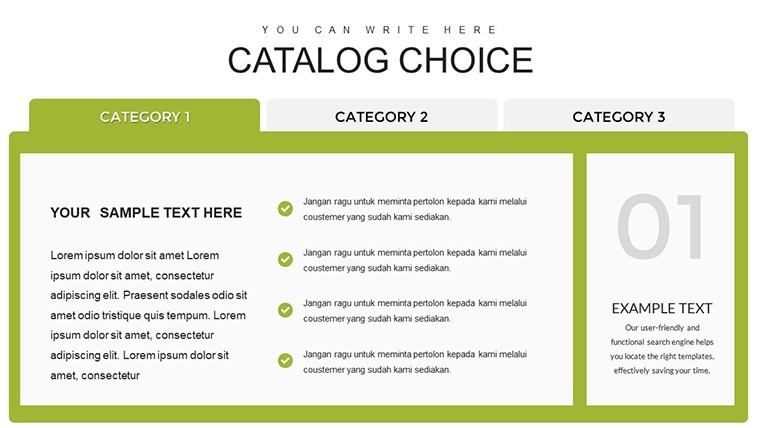
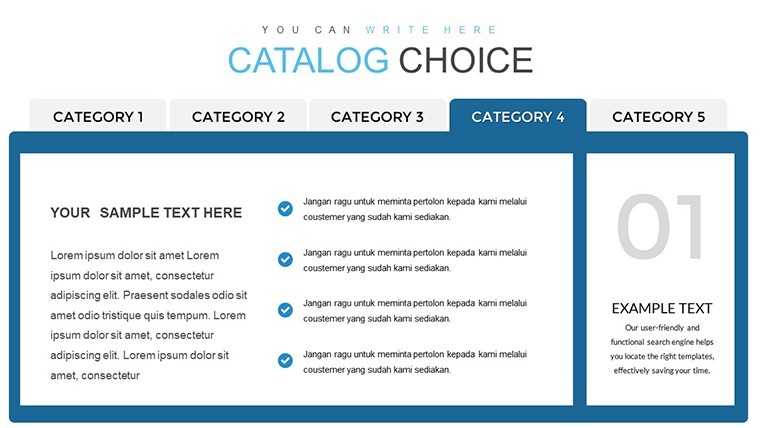
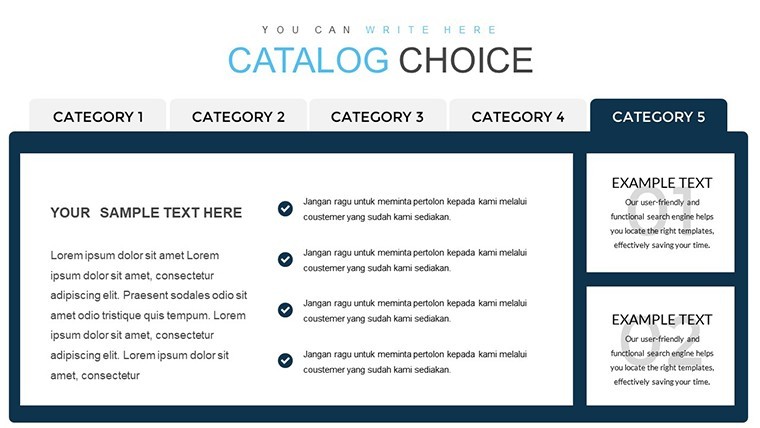
Creating a standout product catalog is more than listing items - it's about crafting an experience that draws in customers and showcases your offerings in the best light. Our Catalog Design Keynote Charts Template empowers marketers, designers, and business owners to build professional catalogs that blend aesthetics with functionality. With 39 editable slides, this template simplifies the process of organizing product details, highlighting key features, and presenting them in an engaging format that drives sales.
Tailored for e-commerce teams, retail planners, and advertising pros, it focuses on clarity and appeal. Think of flipping through a digital catalog where charts neatly display specifications, comparisons, and benefits - turning browsers into buyers. The easy-to-use design means no steep learning curve; just plug in your content and watch your catalog come alive. Available in .key format, it's ready for immediate use in Keynote, making it ideal for quick turnarounds in fast-moving markets.
Crafting Compelling Product Narratives
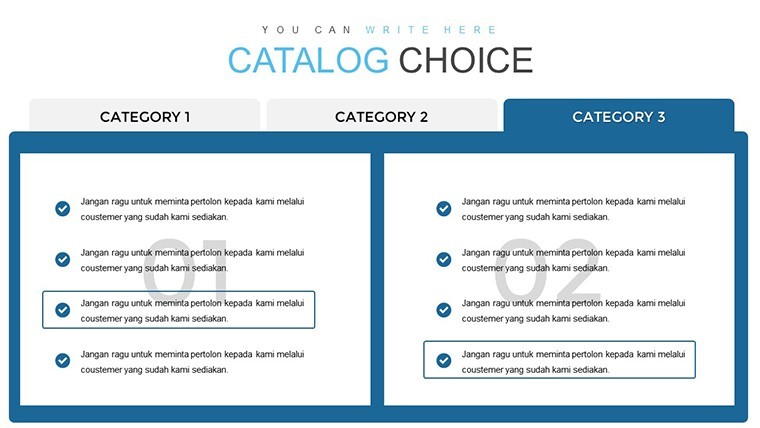
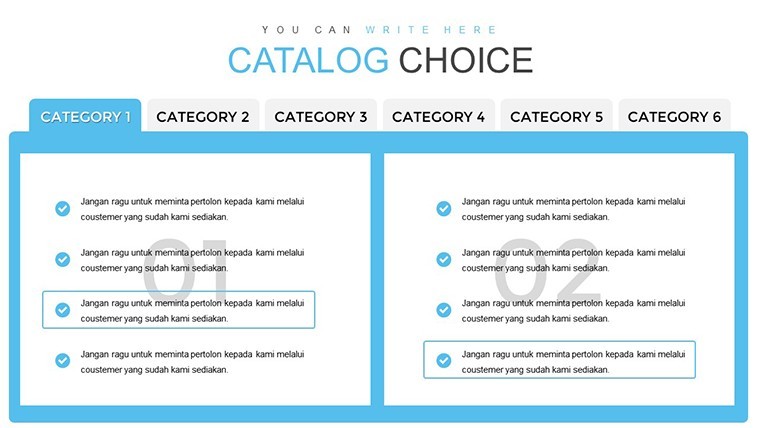
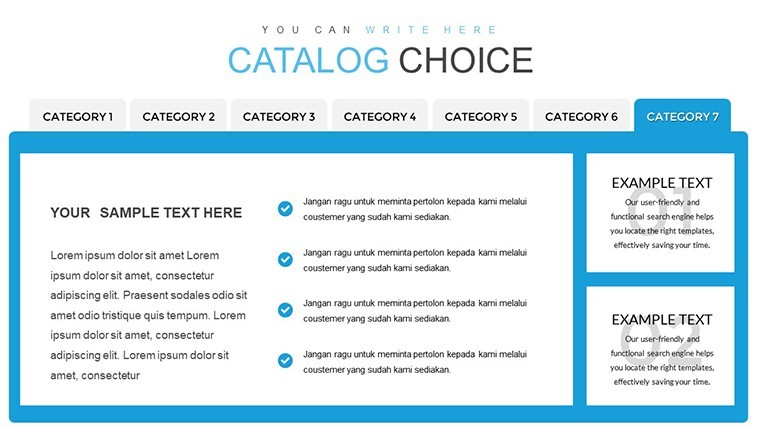
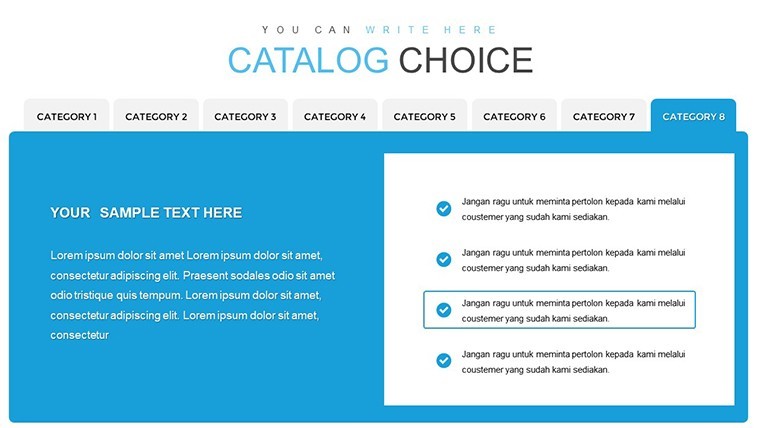
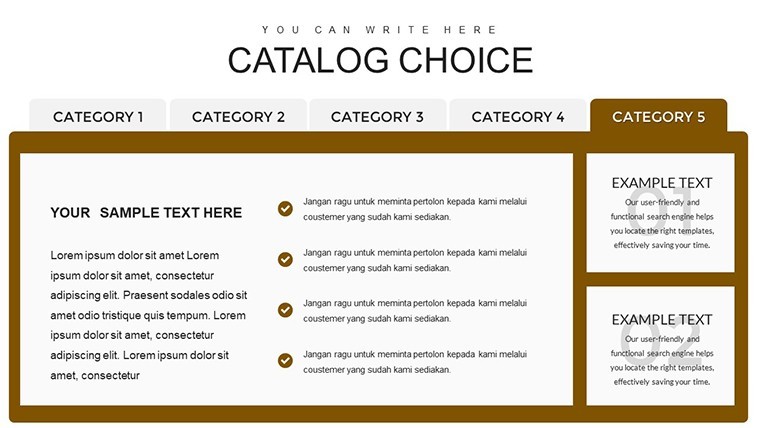
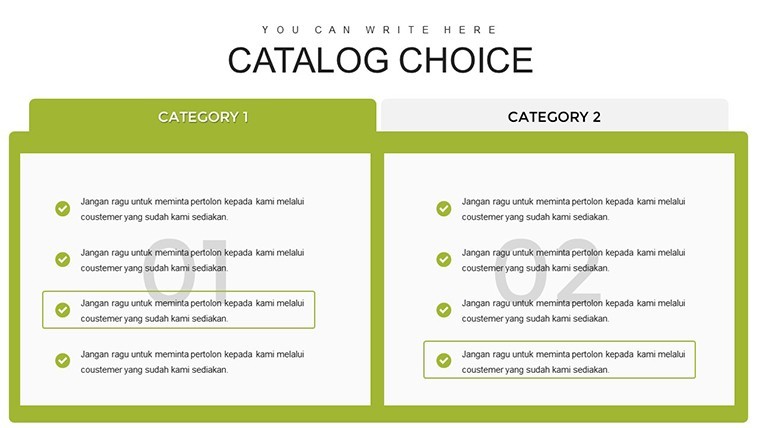
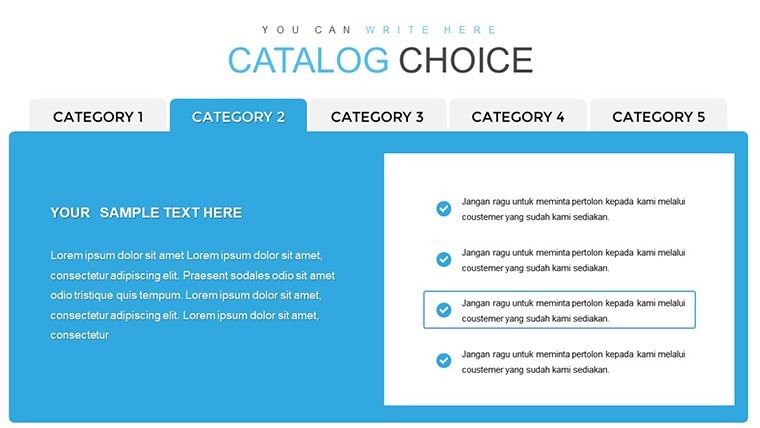
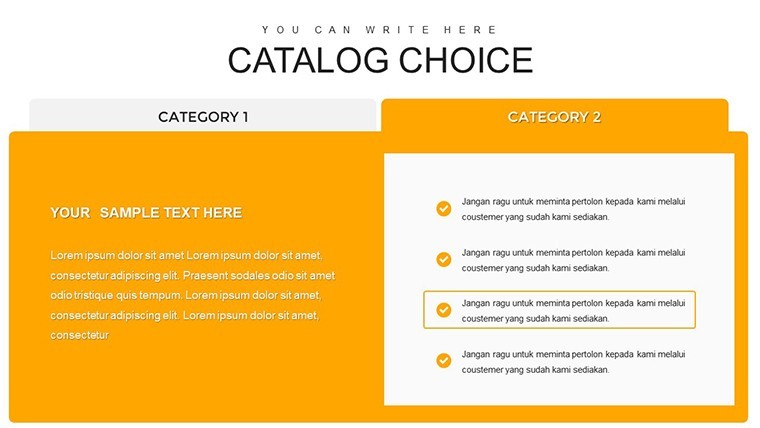
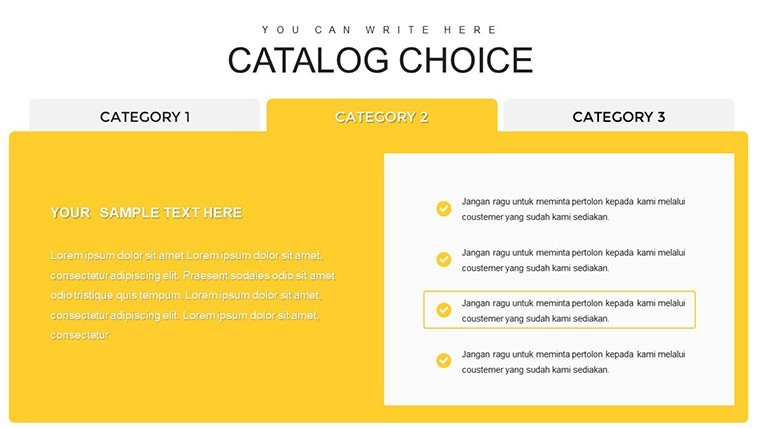
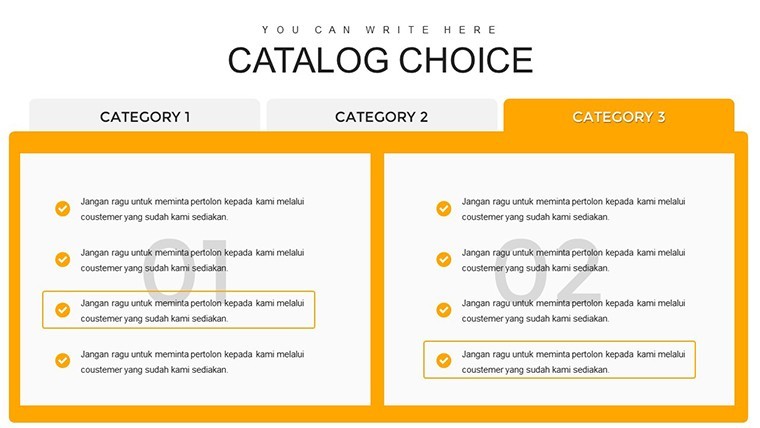
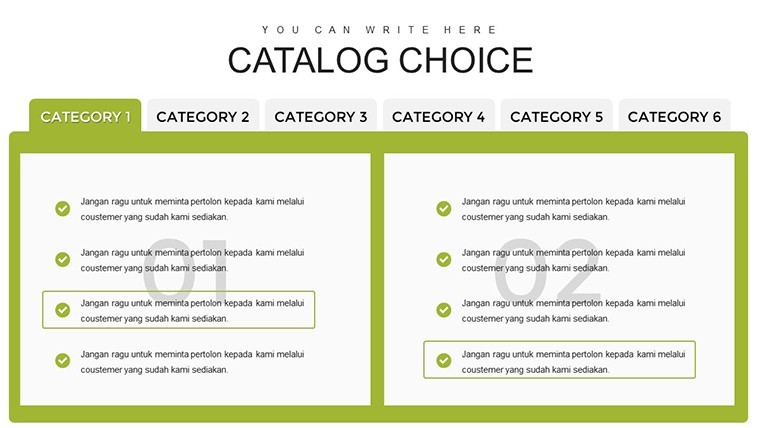
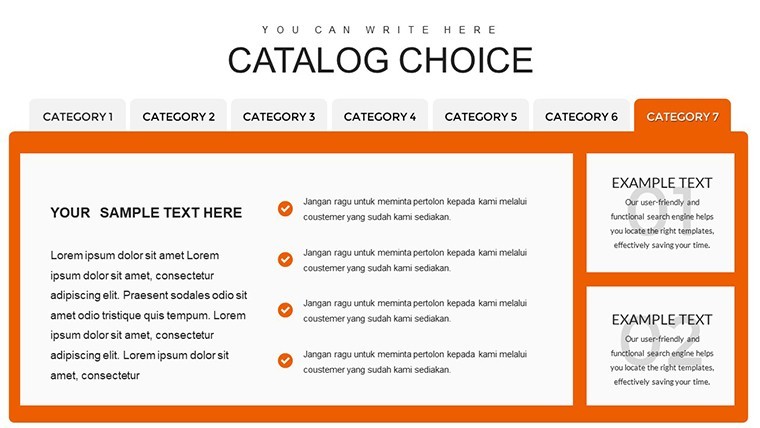
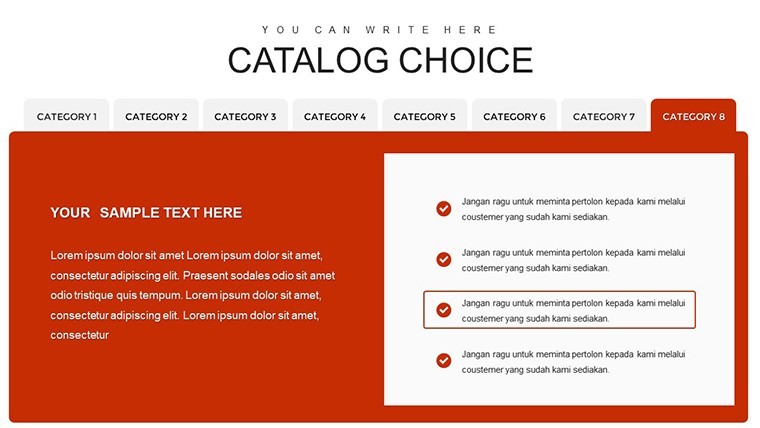
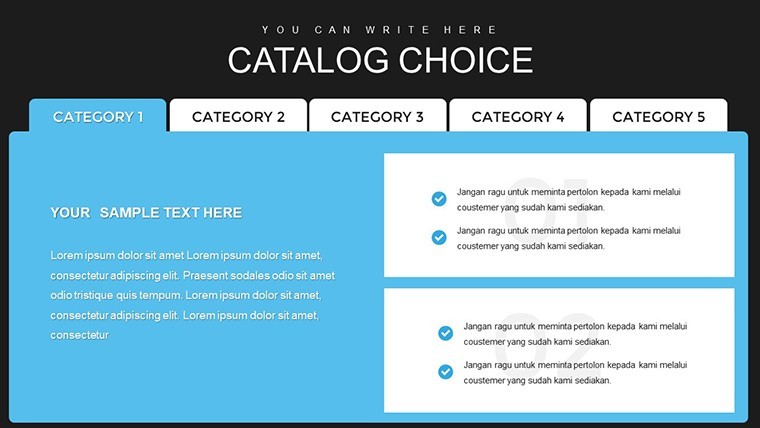
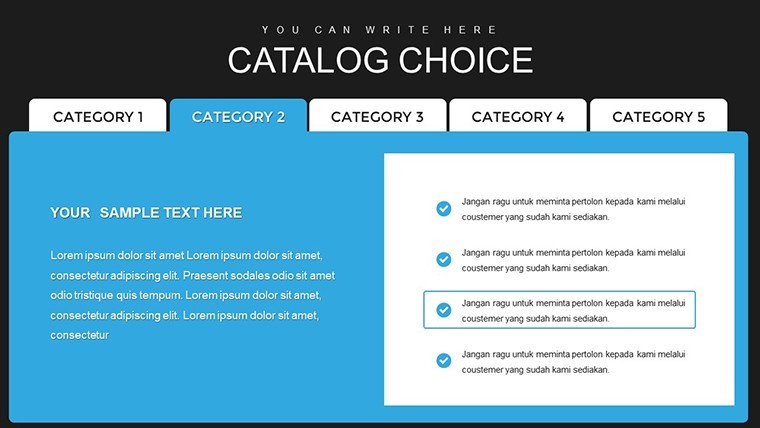
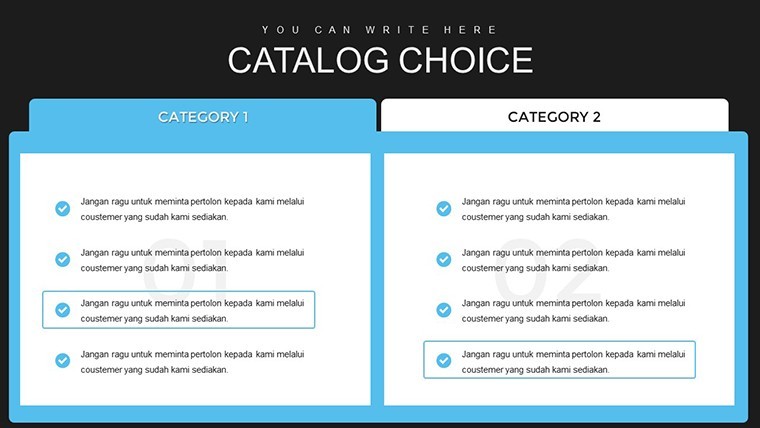
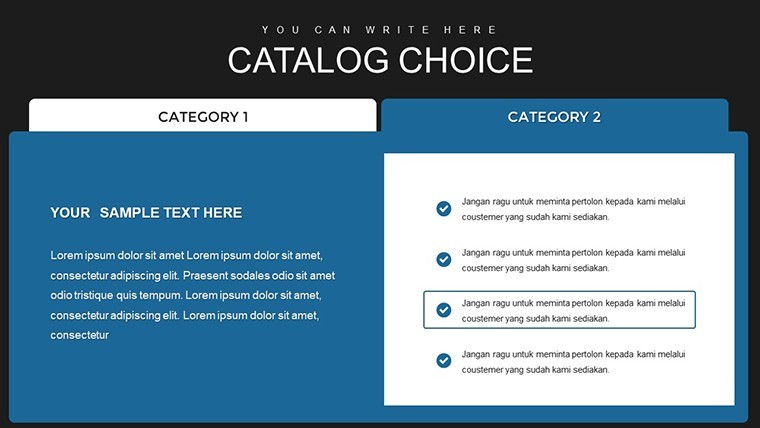
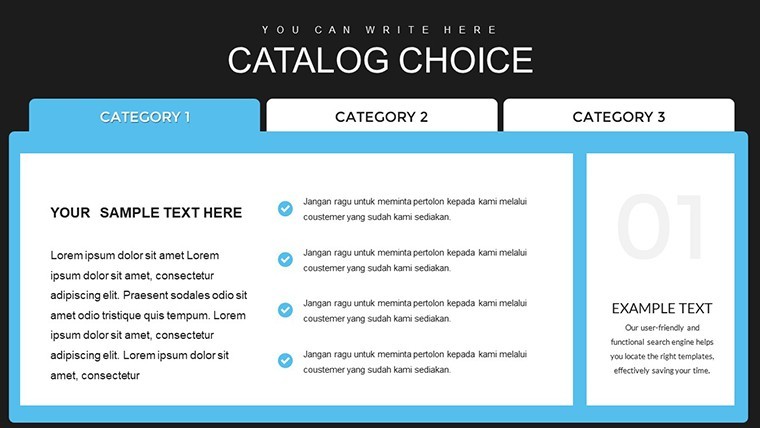
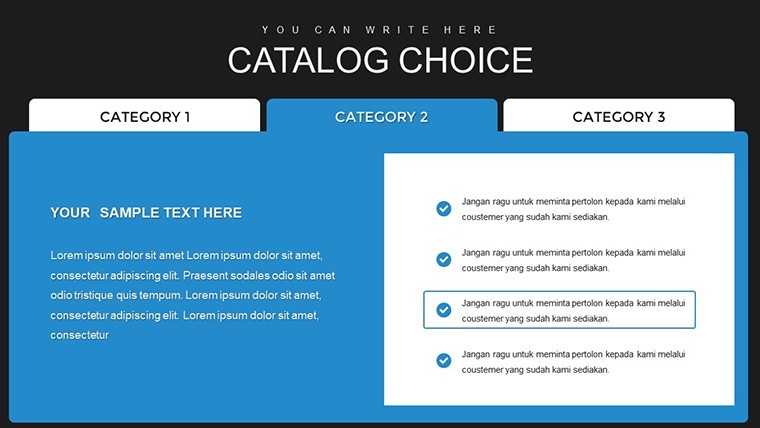
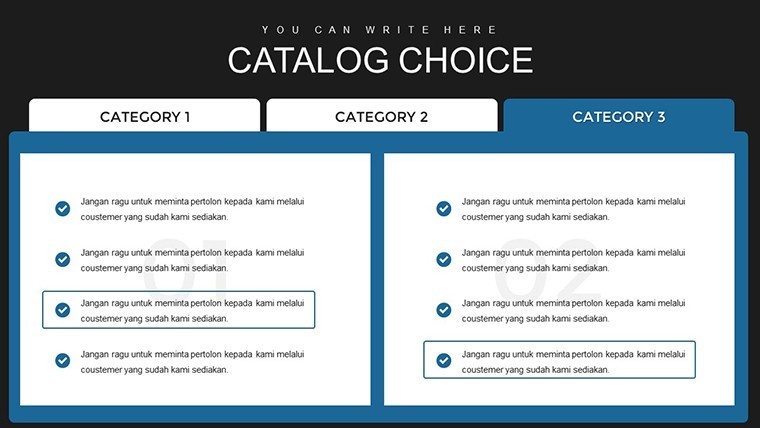
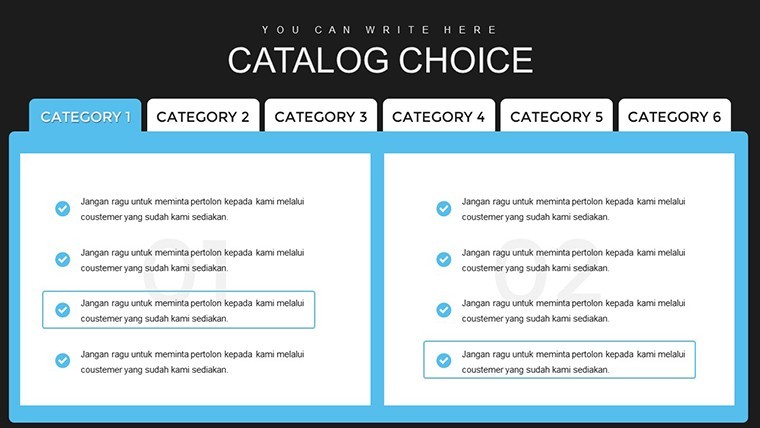
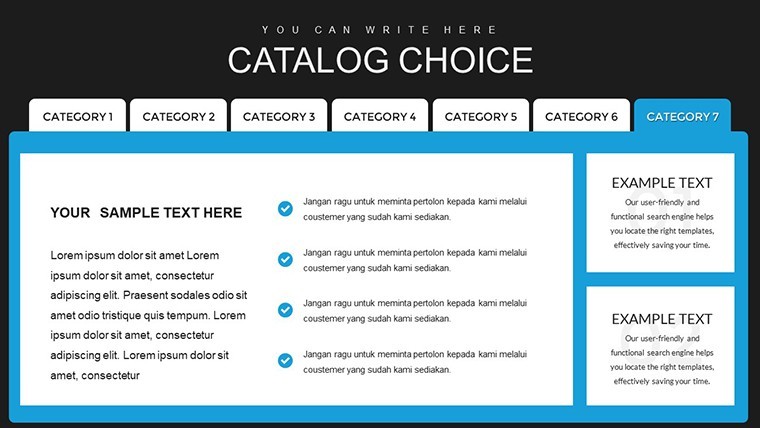
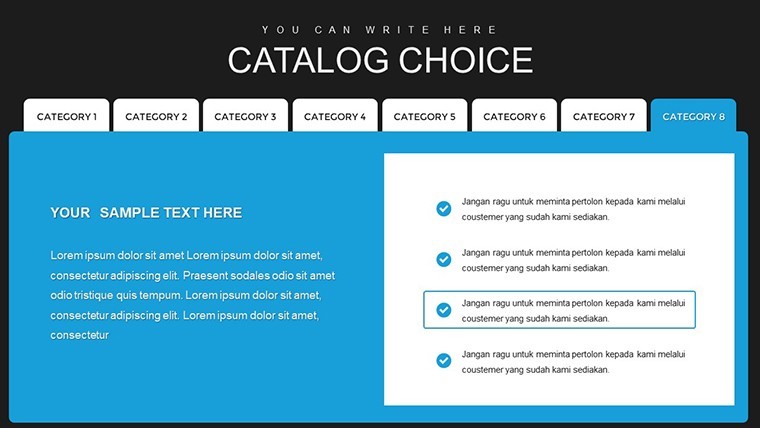
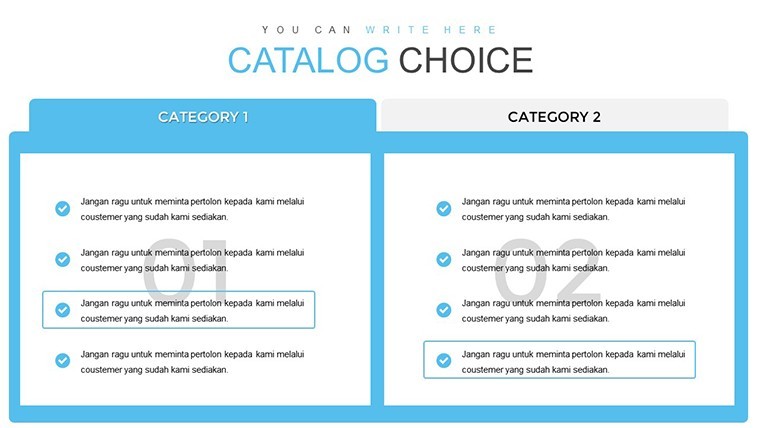
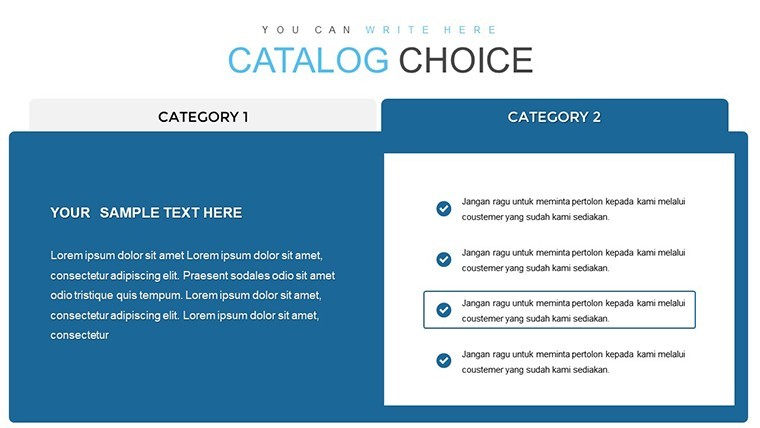
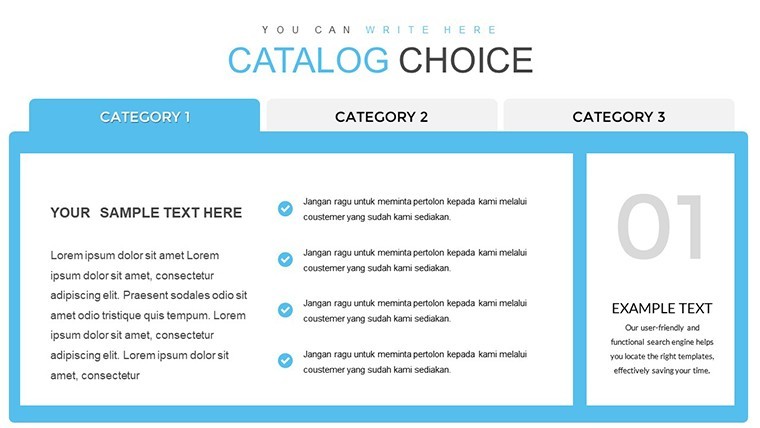
The essence of a great catalog lies in its ability to tell a story about each product. This template provides diverse chart types to do just that, from table-based overviews to graphical illustrations of features. For example, use multi-column slides to compare product variants, such as color options or sizes in fashion lines, ensuring customers see the full range at a glance.
Incorporate LSI elements like "product specifications" or "feature highlights" naturally through customizable text boxes. A furniture retailer might employ these slides to detail materials, dimensions, and assembly times, drawing from industry standards like those from the American Furniture Manufacturers Association for credibility.
Standout Features for Catalog Excellence
- Extensive Slide Variety: 39 slides covering tables, grids, and illustrative charts for comprehensive catalog layouts.
- User-Friendly Editing: Drag-and-drop elements, color adjustments, and text replacements make customization intuitive.
- Visual Emphasis Tools: Built-in icons and shapes to accentuate key points, like stars for best-sellers or arrows for navigation.
- High-Resolution Graphics: Ensures sharp prints or digital views, perfect for online stores or printed brochures.
- Task-Oriented Designs: Slides dedicated to outlining steps, such as ordering processes or care instructions.
These features address common catalog pitfalls, like overcrowded pages, by promoting clean, focused designs that enhance user experience.
Practical Use Cases Across Industries
Apply this template in diverse scenarios for maximum impact. In the beauty sector, create slides that chart ingredient benefits with pie graphs showing composition percentages, inspired by case studies from brands like Sephora that boosted engagement through visual catalogs.
For tech gadgets, use grid slides to spec out features side-by-side, helping customers make informed choices. A real example: An electronics firm revamped their catalog using similar tools, resulting in a 15% sales uplift, as reported in marketing journals emphasizing visual aids in consumer decision-making.
- Begin with an overview slide to set the catalog's theme and branding.
- Select product-specific charts, inputting data like prices and descriptions.
- Add visuals, ensuring alt texts like "Product Feature Chart" for SEO-friendly images.
- Review for flow, using transitions for a seamless digital flip-book feel.
- Export to PDF or share directly, integrating with e-commerce platforms.
This workflow streamlines creation. For non-profits, adapt it for donor catalogs, charting impact metrics to inspire contributions.
Tips for Maximizing Catalog Impact
Keep text concise - aim for bullet points over paragraphs to maintain attention. Infuse light humor, like "Our widgets: Tougher than a Monday morning," for creative categories, balancing professionalism with approachability.
Link to internal resources, such as related product pages, and optimize images with descriptive alts for better search visibility. Drawing from expert advice in "Catalog Design Best Practices" by industry leaders, prioritize mobile responsiveness for today's on-the-go shoppers.
Elevate Your Advertising Game
This Catalog Design template isn't just slides - it's a catalyst for better marketing. With its focus on ease and effectiveness, it helps you create catalogs that not only inform but persuade. Trusted by over 1,000 users, it's a reliable choice for turning product data into desirable stories.
Don't settle for bland listings. Start designing your standout catalog now and see the difference in engagement.
FAQ
How many slides does this template include? It features 39 fully editable slides for versatile catalog creation.
Is it easy for beginners to use? Yes, with intuitive drag-and-drop editing, no advanced skills are needed.
What file format is provided? The template comes in .key format, optimized for Keynote.
Can I add my own images? Absolutely - replace placeholders with your product photos effortlessly.
Are there customization limits? No, everything from colors to layouts is fully adjustable.
Suitable for print or digital? Both, with high-res graphics ensuring quality in any medium.
Good for
- Project roadmaps and sprint plans
- Product launch timelines
- Quarterly or annual review decks
- Company history and milestone summaries
Licence
reviews
This template supported my product launch metrics discussion effectively. Stakeholders could track progress easily.
Design prioritizes readability which is crucial when presenting to larger groups.
Honest value for money with useful variety despite a couple of duplicate concepts.
Had to adjust line weights for visibility on printed handouts but the digital version was spot on.
Reduced the stress of last minute deck updates considerably.
Excellent for workshop facilitation where participants discuss the displayed data.
Balanced visual weight across different chart types creates harmony in multi-slide decks.
One animation preset was missing but I created a simple alternative quickly.
FAQ
Will it work in Google Slides?
Are fonts embedded?
Can I use this for client work?
What's the refund policy?
Do you update the template after purchase?
Similar templates
See all Keynote Charts →

All 39 slides