 Click to zoom
Business Target PowerPoint Charts Template: Hit Your Goals Visually
| Format | .pptx |
| Slides | 16 unique layouts |
| Aspect ratio | 16:9 |
| Compatibility | PowerPoint |
| Animated | No |
| Language | English |
| License | Commercial |
| File size | — |
| Version | v1.0 |
| Last updated | June 2024 |
What's inside
Setting and achieving business targets demands more than ambition - it requires clear, visual articulation. Our Business Target PowerPoint Charts Template equips you with 16 editable slides designed to spotlight objectives, milestones, and performance metrics. Ideal for entrepreneurs, marketers, and consultants, this free PPTX file transforms abstract goals into targeted visuals, compatible with PowerPoint and Google Slides. From pie charts segmenting market shares to bar graphs tracking progress, it's your toolkit for persuasive presentations.
Rooted in strategic frameworks like OKR (Objectives and Key Results) popularized by Google, this template helps align teams effectively. Consider a startup founder using target-themed slides to pitch investors, resulting in secured funding through demonstrated clarity - a scenario echoed in Harvard Business Review case studies. Embrace this resource to not only present data but to propel your business forward with precision and flair.
Essential Features for Targeted Success
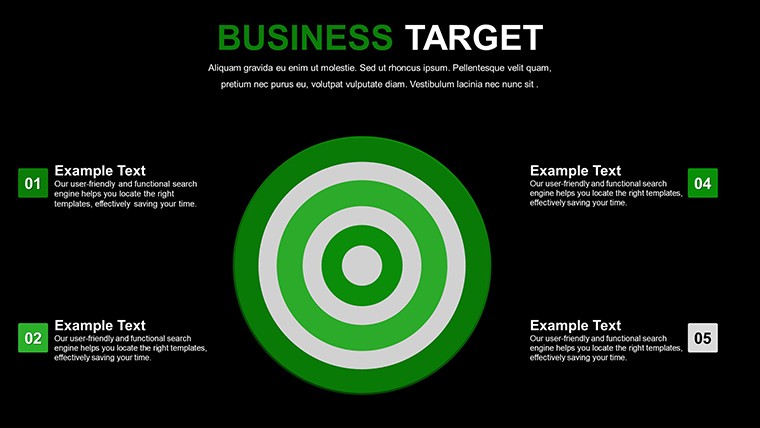
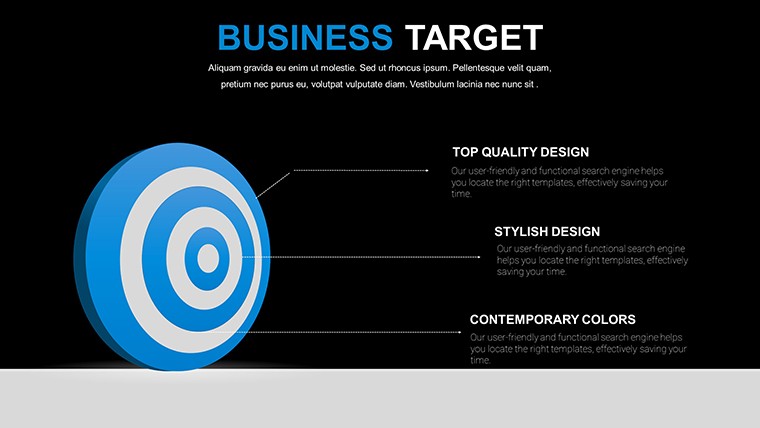
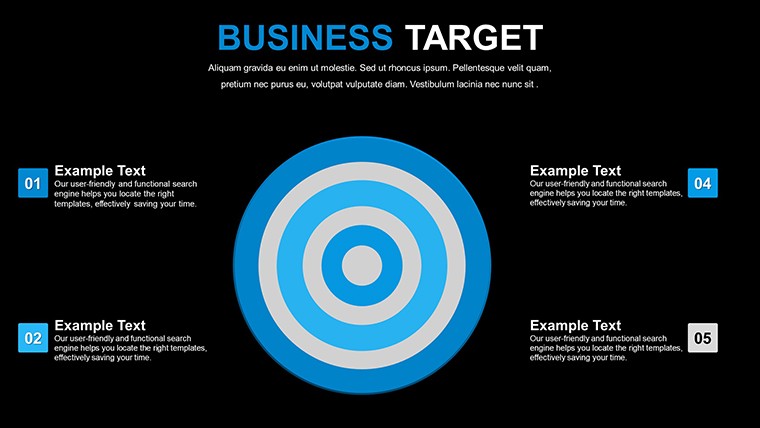
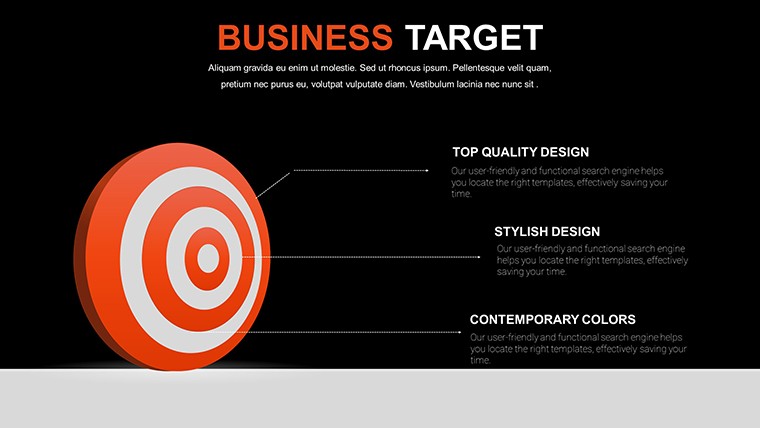
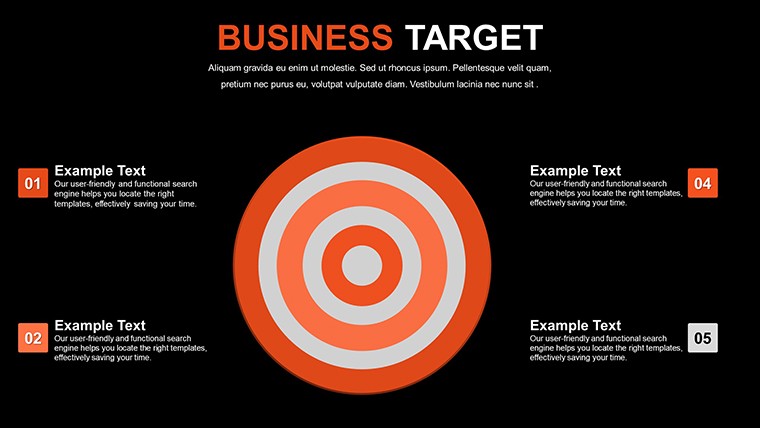
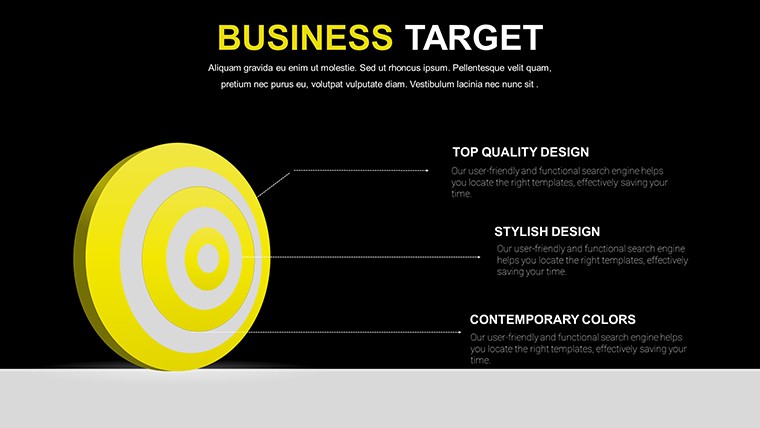
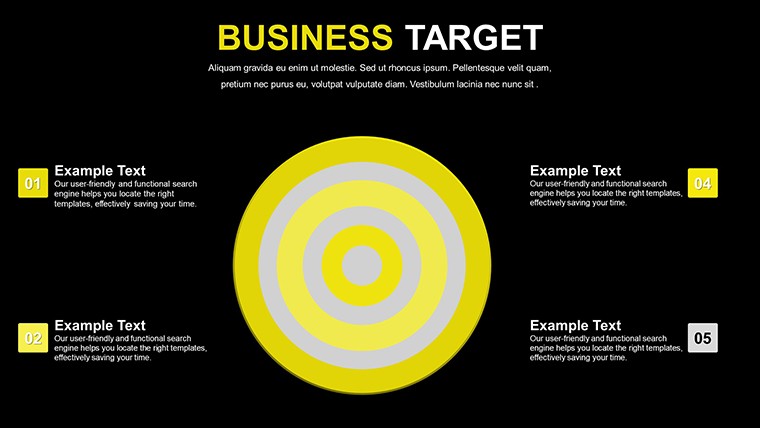
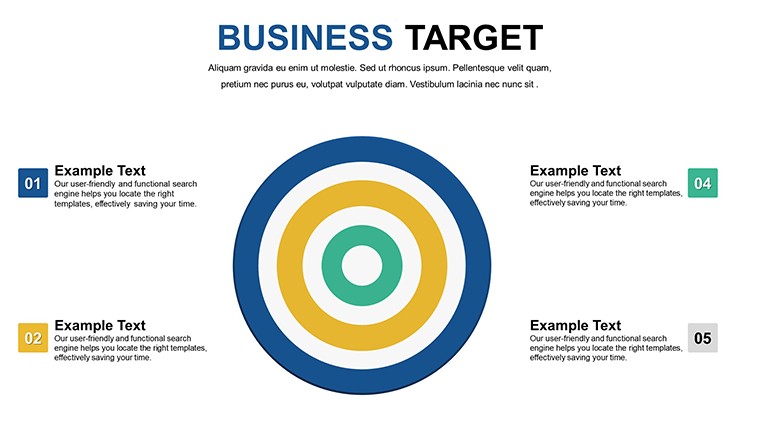
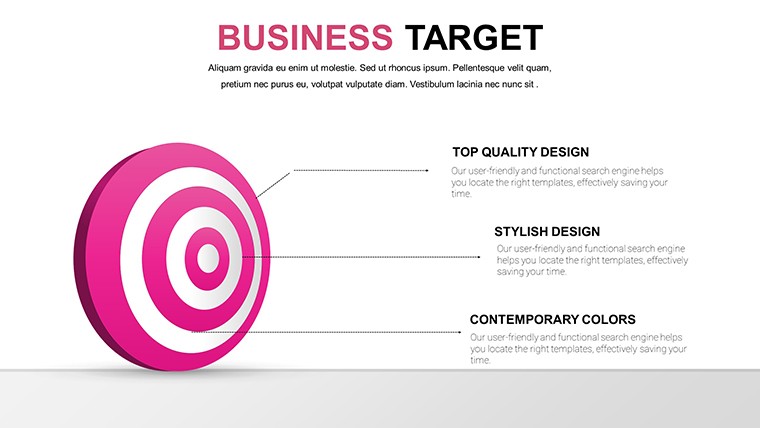
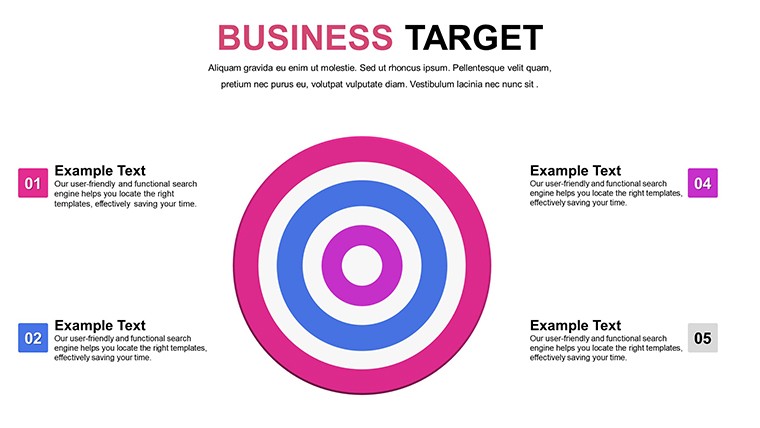
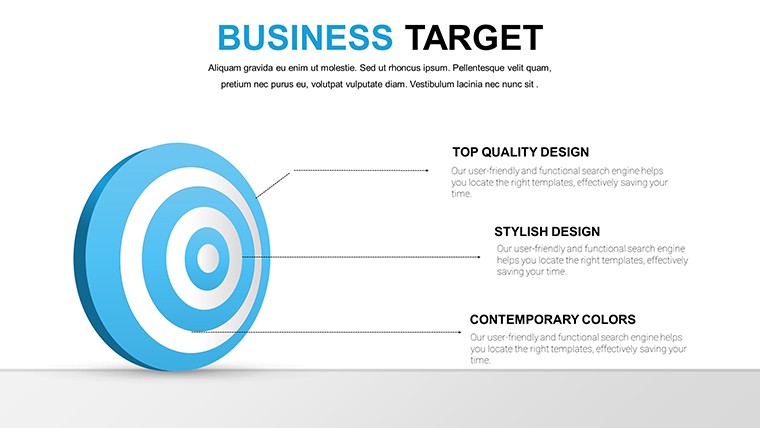
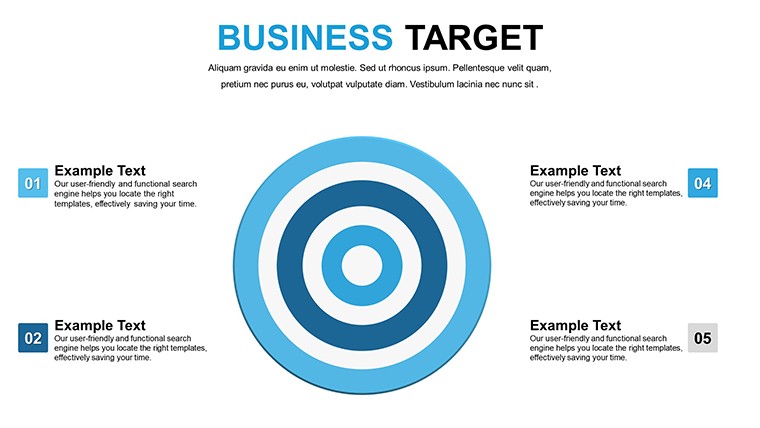
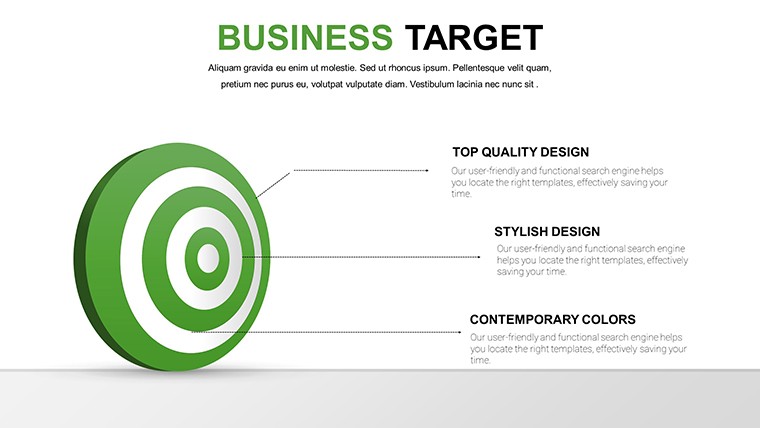
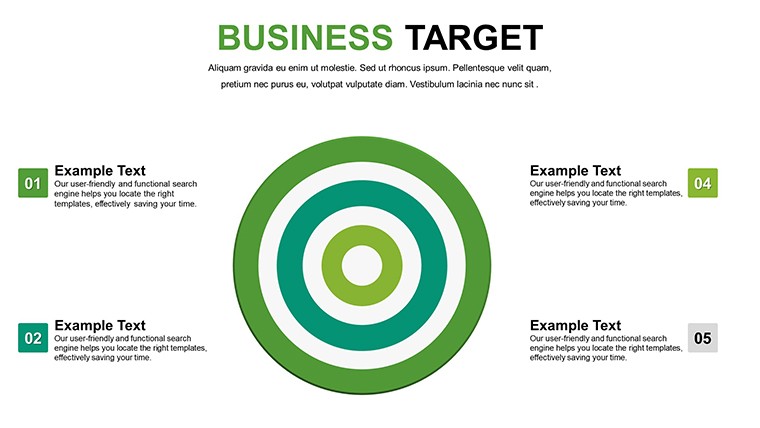
The template's target-focused design centers on bullseyes and arrows, symbolizing precision. Each slide offers customizable elements, ensuring your message hits the mark.
- Varied Chart Formats: Pie for proportions, bar for comparisons, graphs for trends - all editable.
- Brand Alignment: Modify colors, fonts, and layouts to reflect your identity.
- Professional Polish: High-quality visuals that enhance credibility, per design standards from AIGA.
- Easy Editing: No advanced skills needed; intuitive tools for quick adjustments.
- Integrated Icons: Target motifs and arrows for thematic consistency.
These draw from expert insights, like those in "The Visual Display of Quantitative Information," ensuring effective communication.
Practical Use Cases in Business Scenarios
Visualize a sales team reviewing quotas: Target charts illustrate hits and misses, sparking productive discussions. For entrepreneurs, map startup milestones - from ideation to launch - using sequential slides.
Marketing teams can analyze campaigns, with pie charts breaking down ROI. Consultants use it for client strategies, as in a real estate firm targeting market expansion, boosting leads by 30% through visualized plans.
- Investor Pitches: Showcase projections with targeted graphs for compelling narratives.
- Stakeholder Reports: Highlight achievements against goals for transparency.
- Strategic Planning: Outline objectives with visual roadmaps.
- Training Sessions: Educate on goal-setting with interactive examples.
Educators and trainers adapt for workshops, fostering goal-oriented mindsets among participants.
Advantages: Drive Results with Visual Precision
Save time on design, focusing on strategy - users report 50% faster prep. Engage audiences deeply, with visuals aiding retention as per cognitive psychology. Foster decision-making by clarifying paths to success.
Enhance professionalism, positioning your firm as forward-thinking. For small businesses, it's a budget-friendly edge in competitive landscapes.
Pro Tips for Optimal Use
Align charts with your narrative: Use bullseyes for end goals, arrows for paths. Incorporate data validation for accuracy. Add animations sparingly to emphasize key targets.
Collaborate via Google Slides for team input. Review with peers to refine impact. These steps ensure your presentations achieve their mark every time.
Step up your game - download this free template and target triumph.
Frequently Asked Questions
How many slides are in the template?
16 fully editable slides focused on business targets and metrics.
Can I customize the colors?
Yes, easily adjust to match your brand or preferences.
Is it free for commercial use?
Completely free, no strings attached for any purpose.
What software is required?
Microsoft PowerPoint or Google Slides - nothing else needed.
How to incorporate my data?
Edit placeholders directly; charts adapt instantly.
Good for
- Project roadmaps and sprint plans
- Product launch timelines
- Quarterly or annual review decks
- Company history and milestone summaries
Licence
reviews
The design quality here really stands out compared to stock options. I used it for board meeting and it impressed. Easy customization is a big plus.
Not everything was perfect but the majority of templates saved me time. Colors are easy to swap and shapes stay crisp after edits.
Super useful for my consulting work. The variety covers different data scenarios well. Slight hesitation on one complex chart but others are excellent.
These templates feel fresh and current. Helped streamline my slide creation process significantly. Good value overall for professionals.
I like how the elements integrate without conflicts. Presentation looked cohesive. One small bug with text overflow but quick workaround found.
FAQ
Will it work in Google Slides?
Are fonts embedded?
Can I use this for client work?
What's the refund policy?
Do you update the template after purchase?
Similar templates
See all PowerPoint Charts →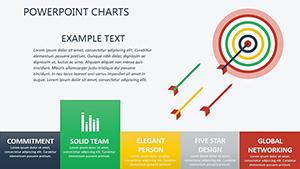


All 16 slides