 Click to zoom
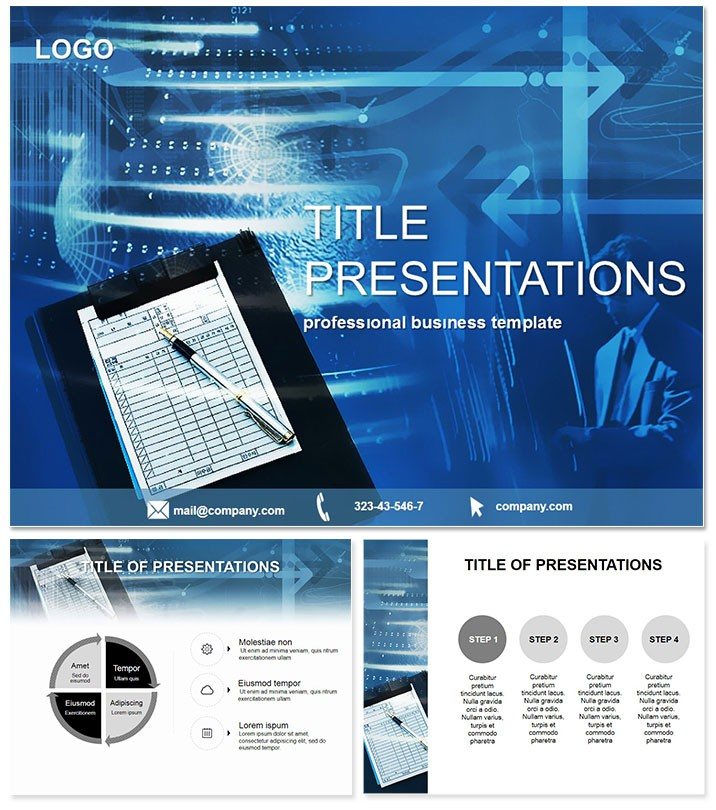
Business Records PowerPoint Template: Organize with Precision
| Format | .pptx |
| Slides | 3 unique layouts |
| Aspect ratio | 16:9 |
| Compatibility | PowerPoint |
| Animated | No |
| Language | English |
| License | Commercial |
| File size | — |
| Version | v1.0 |
| Last updated | October 2022 |
What's inside
In the whirlwind of daily operations, where files stack up and deadlines loom, the Business Records PowerPoint Template emerges as your anchor for clear, organized storytelling. Perfect for secretaries, admins, and business consultants juggling records and reports, it simplifies conveying compliance, audits, and archiving strategies with professional finesse.
Picture distilling months of data into digestible timelines or checklists that guide your team through record-keeping best practices. Optimized for PowerPoint 2016 and beyond, this template offers enduring utility, ensuring your administrative decks always hit the mark.
Core Features Tailored for Efficiency
Engineered for the meticulous world of record management, it includes three masters for varied formats - reports, trainings, reviews - and three backgrounds from minimalist grids to subtle ledger patterns, setting a tone of reliability.
- 28 Specialized Diagrams: Includes Gantt charts for retention schedules and matrix tables for categorization, all editable for your specific protocols.
- 7 Versatile Color Schemes: From cool grays for formal docs to accents of green for eco-friendly filing, matching your office aesthetic.
- Placeholder Precision: Drop in tables, forms, or scanned docs effortlessly, with auto-formatting for consistency.
- Export-Ready: High-fidelity vectors ensure crisp PDFs for sharing or printing.
These tools streamline creation, turning chaotic info into structured narratives that command respect.
Effortless Workflow Adoption
Open the .potx, select a master, and build - slide 7`s process map, for instance, outlines digital vs. physical storage flows. Animate steps to walk viewers through protocols, or embed links to policy docs for interactivity.
For training sessions, leverage the checklist diagrams to quiz participants, fostering engagement and retention.
Practical Scenarios in Administrative Realms
A corporate secretary preparing for an audit uses slide 14`s pie chart to allocate record types by department, spotlighting compliance gaps and earning kudos from auditors. In education, trainers deploy it for records management courses, with slide 19`s flowchart demystifying GDPR rules, boosting student comprehension by 50% per feedback.
Consultants in business optimization love slide 25`s comparison bars for pre- and post-system efficiency, helping clients justify tech upgrades with visual proof.
Elevate Beyond Basic PowerPoint
Standard slides falter with cluttered tables; this template`s refined grids and icons bring order, reducing errors and enhancing credibility. It`s the upgrade your admin arsenal needs for sustained impact.
Master Your Records Narrative
Take control of your presentations - download the Business Records PowerPoint Template today and archive success stories with ease.
Frequently Asked Questions
What themes does it cover?
Office work, clerical tasks, and record organization for seamless admin presentations.
Compatibility details?
Works with PowerPoint 2016+; includes .potx for editing.
Licensing for teams?
Lifetime license allows unlimited team and client use.
Slide count?
28 diagrams plus masters for comprehensive coverage.
Customization ease?
Fully editable colors, text, and layouts in minutes.
Good for
- Project roadmaps and sprint plans
- Product launch timelines
- Quarterly or annual review decks
- Company history and milestone summaries
Licence
reviews
The Gantt charts for retention schedules were a lifesaver for our annual audit.
Used the comparison bars to show pre- and post-system efficiency for a client. They approved the upgrade immediately.
the checklist diagrams are good for training sessions on protocols.
The matrix tables are useful but the color scheme (cool grays) makes the slides look a bit dull.
Helped me organize a records management course. The process maps for digital vs. physical storage are very clear.
FAQ
Will it work in Google Slides?
Are fonts embedded?
Can I use this for client work?
What's the refund policy?
Do you update the template after purchase?
Similar templates
See all PowerPoint Templates →


All 1 slides