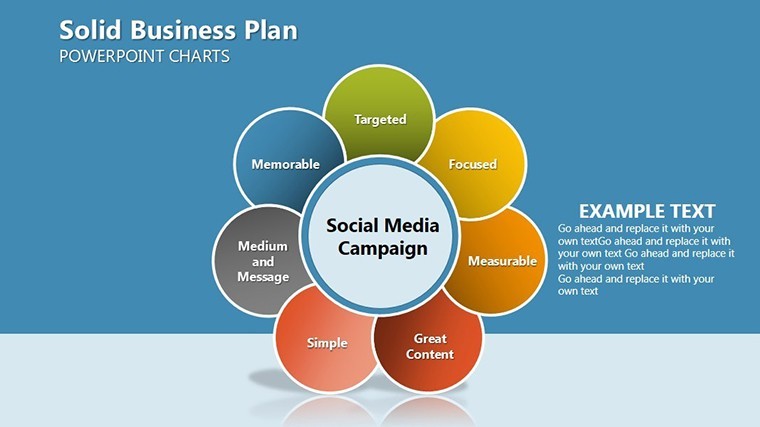
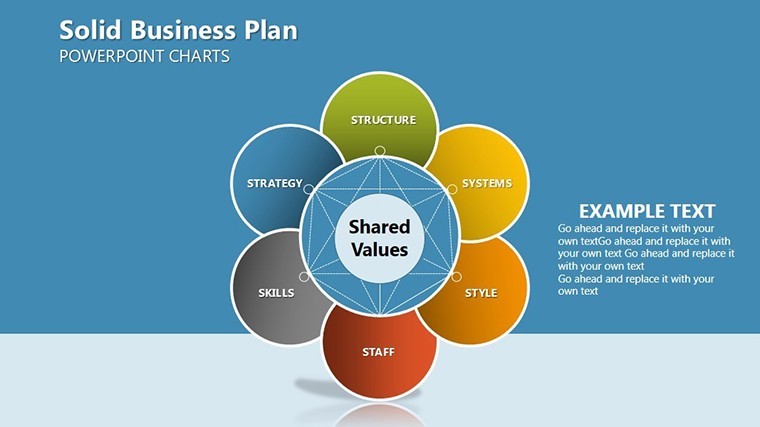
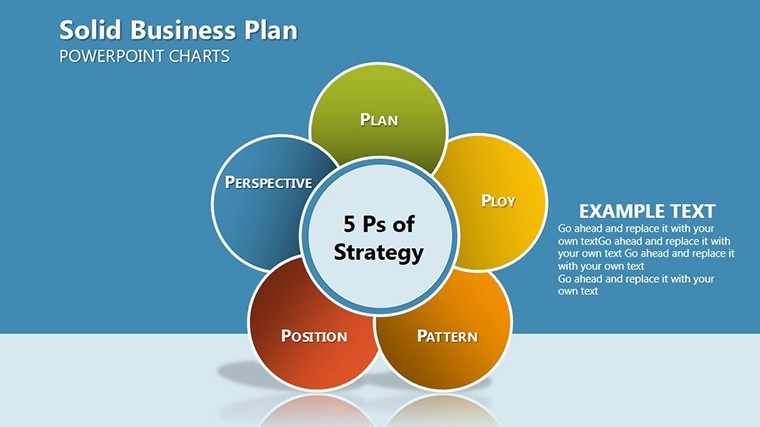
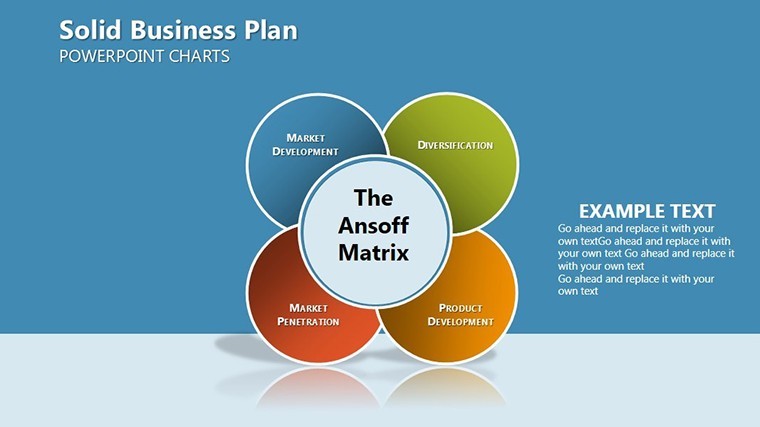
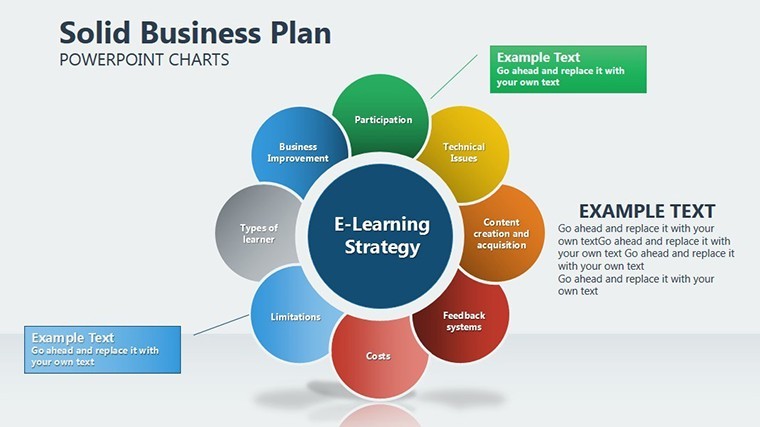
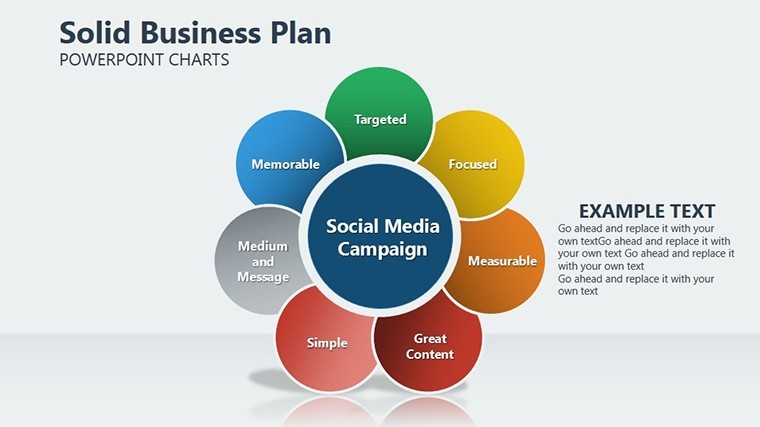
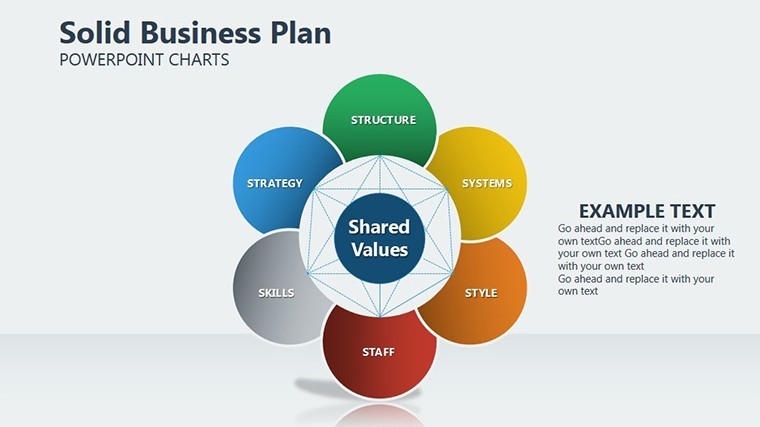
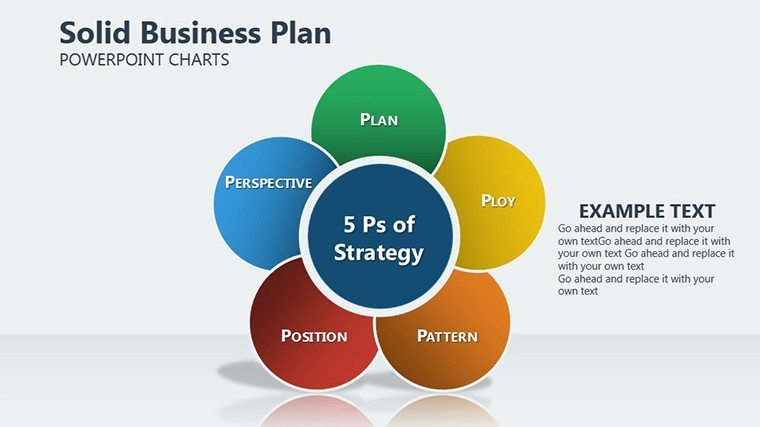
 Click to zoom
Business Plan Pie Charts for Architects
| Format | .pptx |
| Slides | 14 unique layouts |
| Aspect ratio | 16:9 |
| Compatibility | PowerPoint |
| Animated | No |
| Language | English |
| License | Commercial |
| File size | — |
| Version | v1.0 |
| Last updated | September 2021 |
What's inside
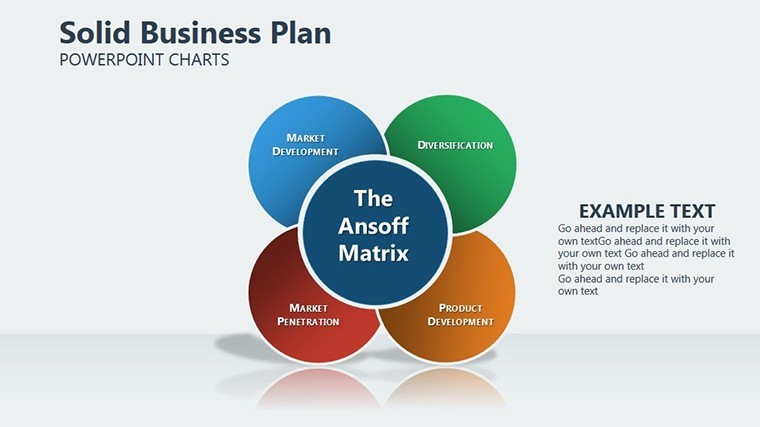
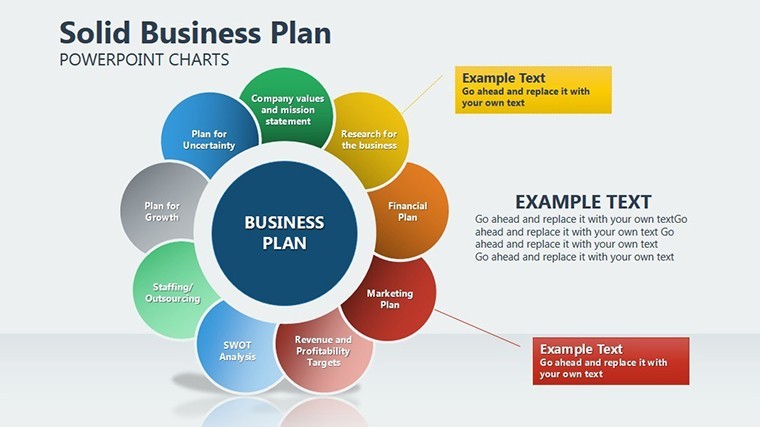
Crafting a robust business plan is essential for architectural ventures, from solo studios to expansive firms. Our Solid Business Plan Keynote Charts Template provides 14 editable pie charts that distill complex processes into digestible visuals, illuminating components like budget allocations, team roles, and market shares. Ideal for outlining a firm's growth trajectory or justifying expansions in sustainable practices, this template helps you present plans that resonate with investors, partners, and regulatory bodies.
Focusing on pie charts as the core visualization tool, it simplifies simulations of objects and processes - think slicing a project budget to reveal 40% for materials, 30% for labor, and the rest for contingencies. With Keynote compatibility and easy PowerPoint conversion, it's a staple for design professionals seeking clarity in chaos.
Simplify Your Architectural Business Strategies
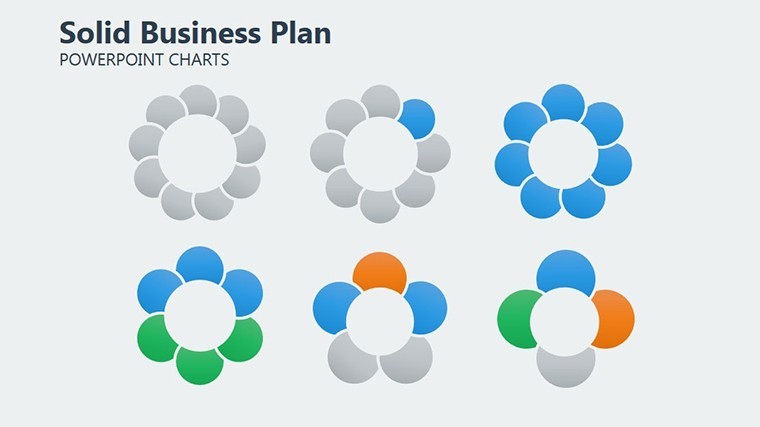
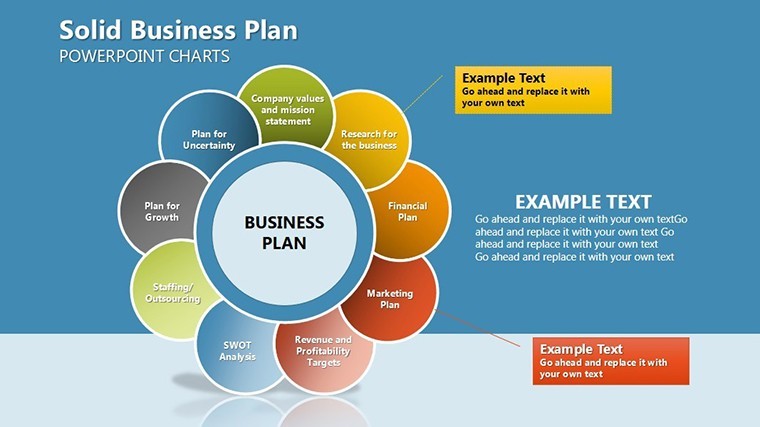
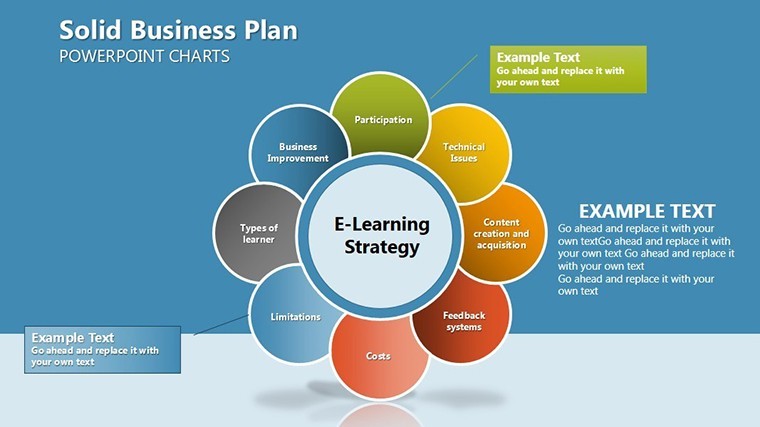
This template excels in breaking down multifaceted plans into proportional insights, using elegant pie designs that echo the precision of architectural drafting. The 14 slides include variations from basic wedges to exploded views and nested pies, offering flexibility for diverse planning needs.
- Budget Breakdowns: Multi-layer pies dissect financials, essential for grant applications in public architecture.
- Market Share Visuals: Comparative pies highlight your firm's niche in competitive landscapes like residential vs. commercial.
- Process Proportions: Donut-style charts map workflow stages, from ideation to construction handover.
Case in point: A Boston-based architect used pie chart plans to allocate resources for a net-zero hospital, visually proving 25% savings on energy, which clinched city approval. This template delivers that persuasive power, with color gradients and labels that enhance readability.
Effortless Workflow for Plan Development
- Access and Format: Download and open in Keynote; select 16:9 for modern displays or 4:3 for traditional venues.
- Customize Slices: For a firm merger plan, adjust pie segments to reflect revenue streams from new markets.
- Add Contextual Depth: Embed icons or photos within slices, like blueprints in the design phase wedge.
- Finalize and Distribute: Animate rotations for emphasis, then export for email or print distributions.
Complementing pies, the template features supporting elements like accompanying timelines and key metric callouts, aligning with business standards from the AIA's practice management guidelines. It's designed for scalability, handling data from small renovations to mega-projects.
Beyond Basic Pie Tools
Generic chart software often lacks the finesse for professional plans. Here, responsive pies auto-adjust for data changes, and shadow effects add a 3D-like depth without overwhelming simplicity. Optimized for mobile viewing, it's perfect for on-site client consultations, and SEO-friendly alt texts boost your online portfolios.
For expansion strategies, nested pies can show departmental breakdowns within overall firm growth, addressing scalability in urban infill projects. The clean vectors ensure print-quality outputs for proposals.
Strategic Tips for Architectural Plans
- Color-code slices by risk level to flag high-exposure areas like permitting.
- Incorporate light animations to "fill" the pie progressively, symbolizing plan buildup.
- Pair with SWOT overviews for a fuller business narrative.
- Use data validation to prevent unrealistic proportions in budgeting.
In architecture, a solid plan is the skeleton of success; this template fleshes it out visually. Empower your business vision with charts that command attention and inspire confidence.
Build Your Plan with Precision
Don't settle for vague outlines. Download the Solid Business Plan Keynote Charts Template and pie-chart your way to architectural excellence. Start planning smarter today.
Frequently Asked Questions
Why pie charts for business plans in architecture?
Pies excel at showing proportional relationships, ideal for budgets and allocations in project planning.
Supported formats and sizes?
Keynote .key files in widescreen (16:9), standard (4:3), and 16:10 options.
Fully editable?
Yes, every slice, label, and color is customizable for your specific needs.
Integration with design software?
Exports to PowerPoint; import data from tools like AutoCAD for seamless use.
Best for what project types?
Versatile for firm growth, project bids, and resource planning in any architectural scale.
Download and access details?
Instant .key download; lifetime updates included for evolving plans.
Good for
- Project roadmaps and sprint plans
- Product launch timelines
- Quarterly or annual review decks
- Company history and milestone summaries
Licence
reviews
The charts looked clear during our Zoom meeting which mattered most.
I’m not a design person so the ready layouts helped.
Could use a few more light background options honestly.
I liked the small arrows and percentage blocks on several slides.
FAQ
Will it work in Google Slides?
Are fonts embedded?
Can I use this for client work?
What's the refund policy?
Do you update the template after purchase?
Similar templates
See all Keynote Charts →

All 14 slides