 Click to zoom
Business Funnel Keynote Charts - Fully Editable | ImagineLayout
| Format | .pptx |
| Slides | 16 unique layouts |
| Aspect ratio | 16:9 |
| Compatibility | PowerPoint |
| Animated | No |
| Language | English |
| License | Commercial |
| File size | — |
| Version | v1.0 |
| Last updated | April 2026 |
What's inside
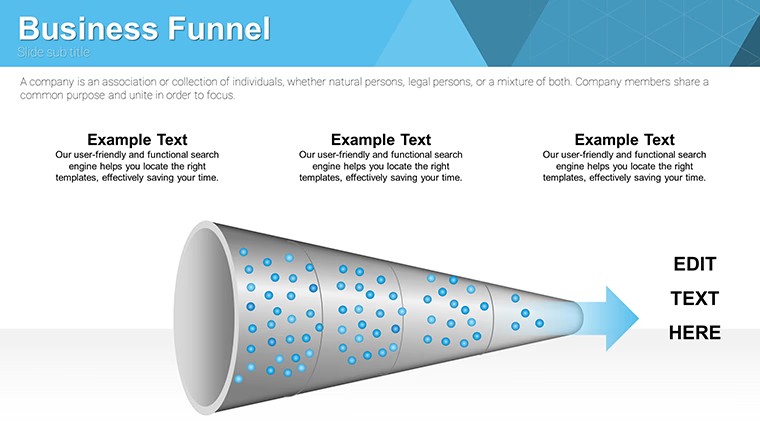
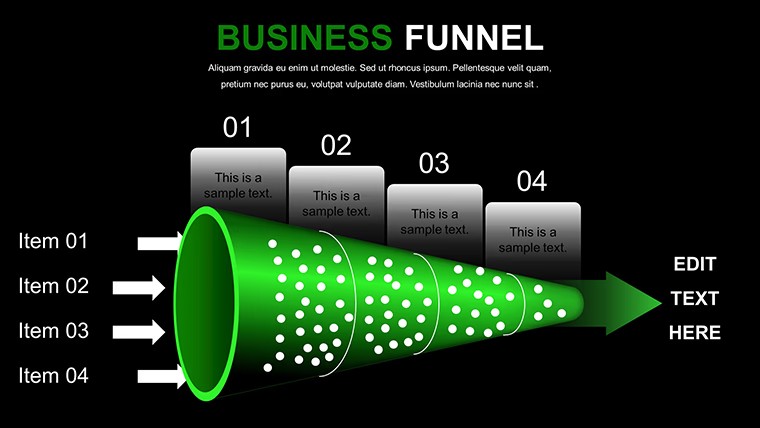
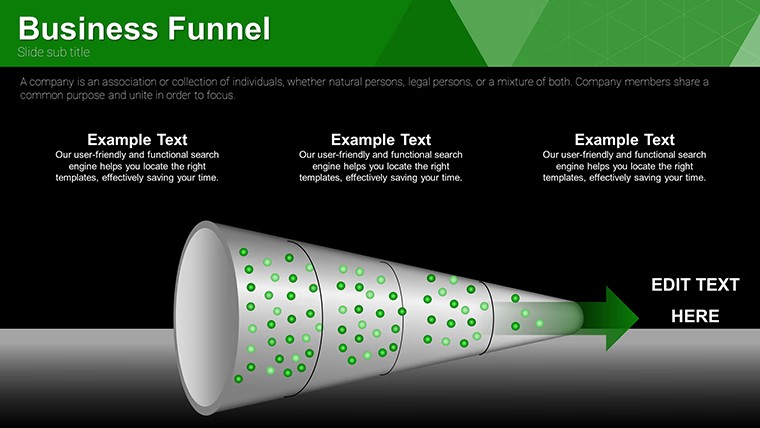
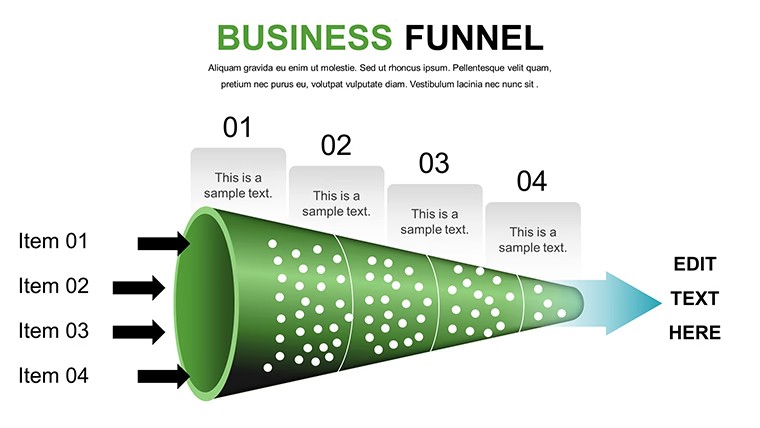
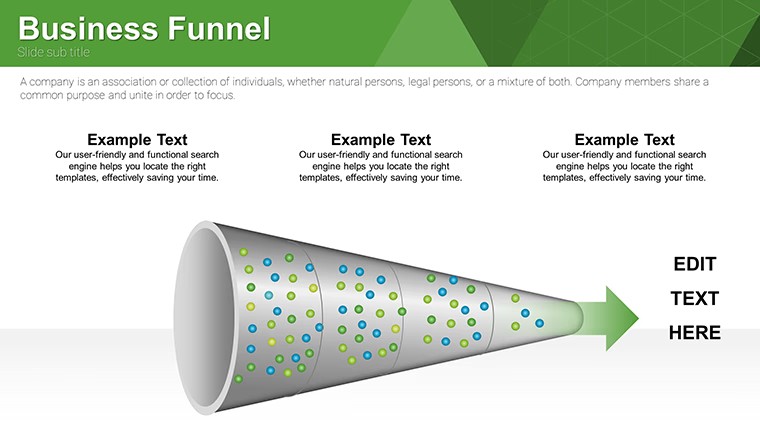
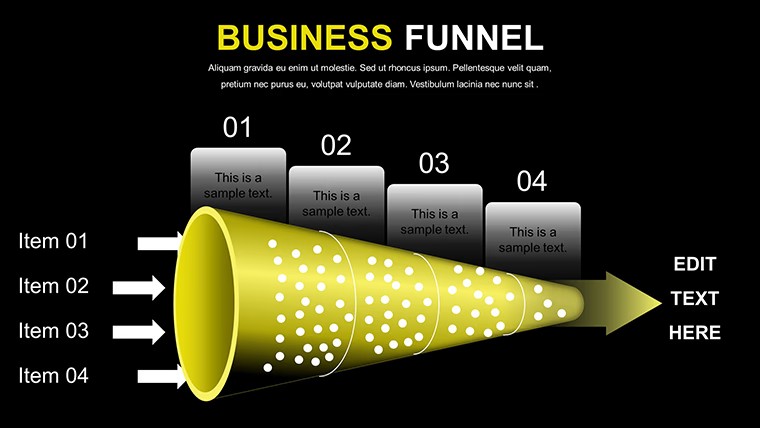
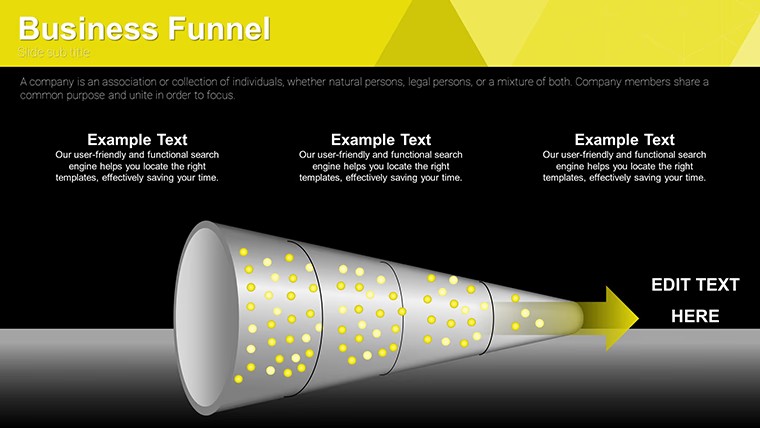
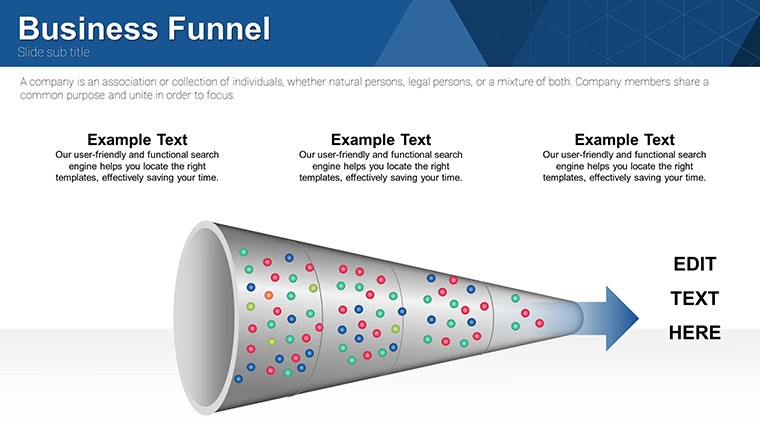
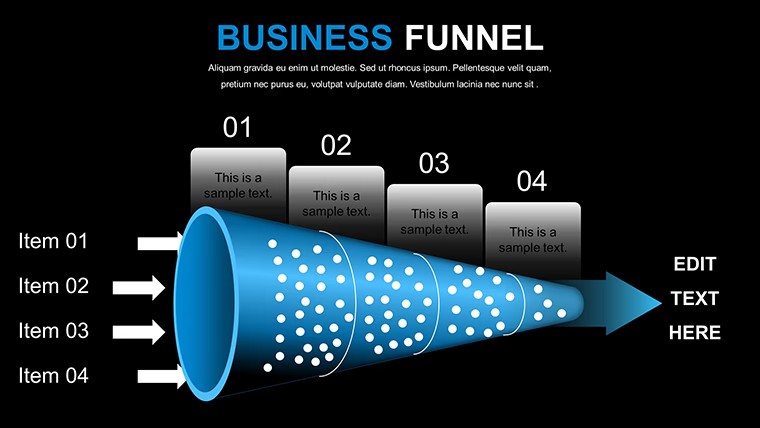
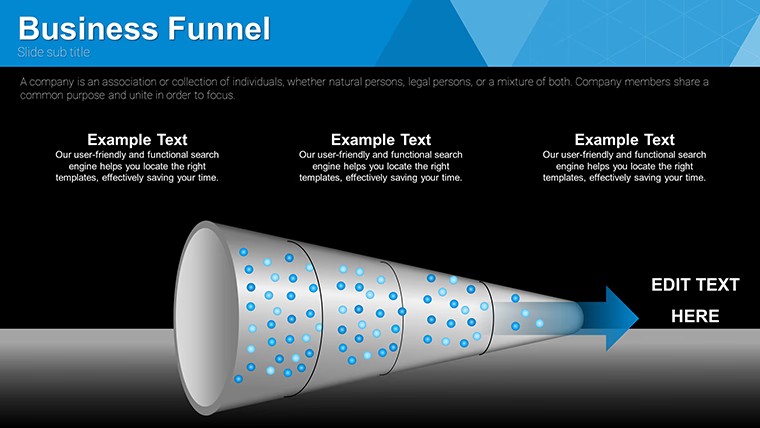
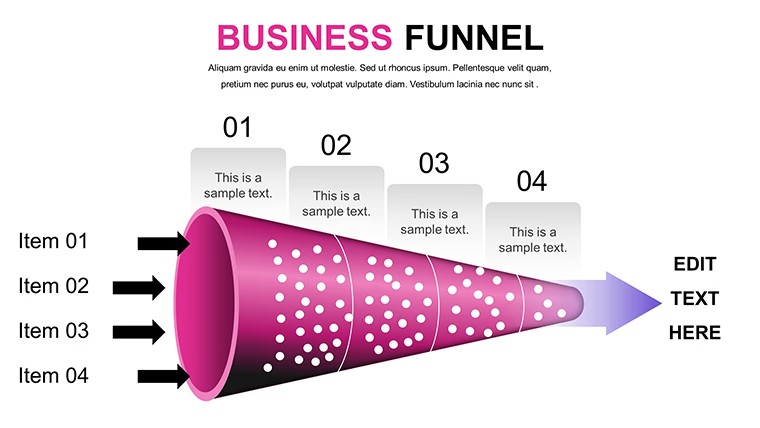
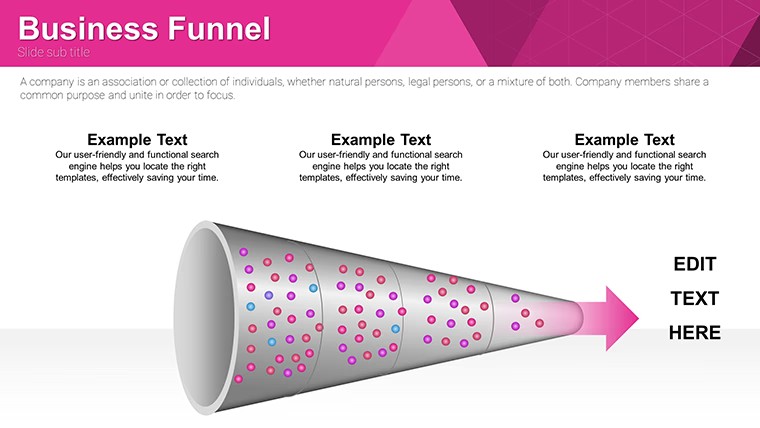
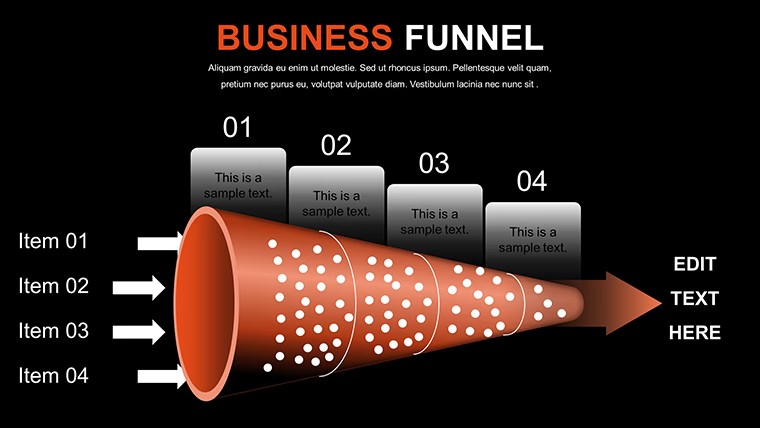
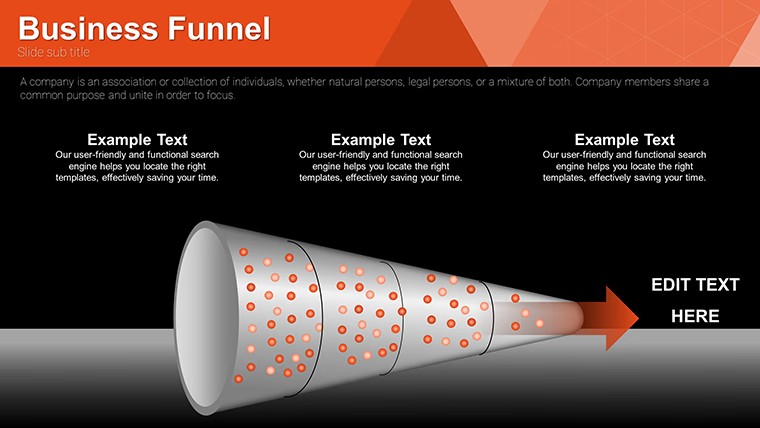
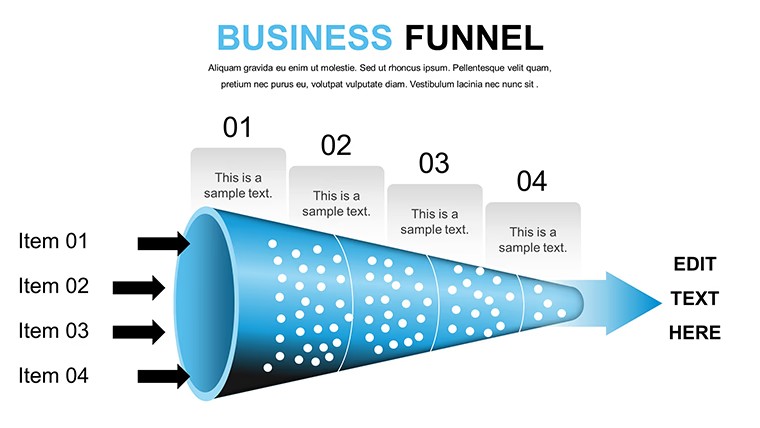
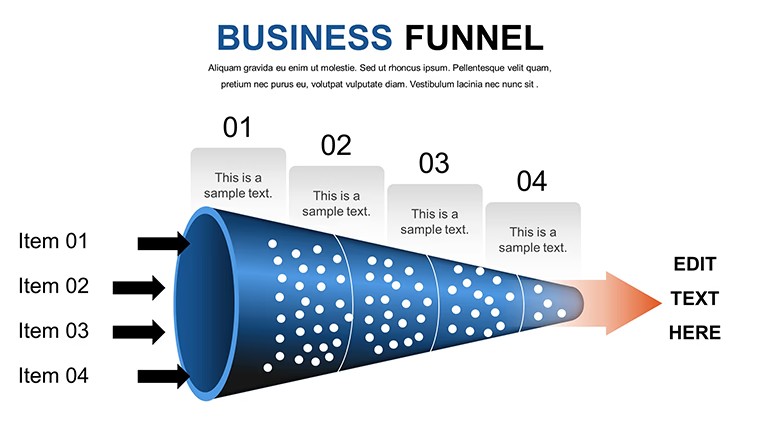
Funnel Structures for Conversion Tracking
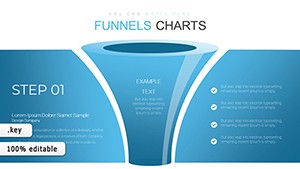
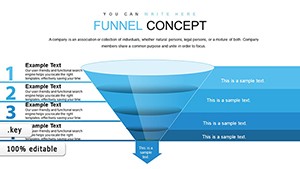
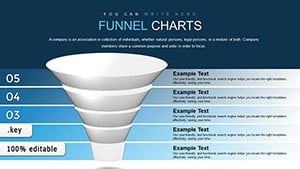
No generic shapes just multi-stage funnels with integrated bar graphs for sales pipeline review.
16 editable slides with standard inverted and multi-stage layouts let sales leads show drop-off points to executives without manual construction.
When you need to visualize conversion flows the hierarchical stages handle input data like leads and ROI directly.
Use this instead of building diagrams manually when you need to keep structure readable in a single slide.
Everything aligns automatically so you avoid spacing tweaks.
Typically you replace metrics and the funnel holds across reports.
It works best for structured sales analysis not open narrative decks.
This layout is not ideal for creative visual storytelling or photo-based slides.
FeatureDetailsSlides / diagrams16 funnel diagrams (standard inverted multi-stage)File formatKEYSoftware versionKeynote 6 and laterColor schemesEditable via slide masterEditable elementsStages bars text resize independentlyAspect ratio16:9 widescreenFree vs PaidFree includes full 16 slides; paid details not listedMasters / BackgroundsSlide masters for consistent changesYou open the file and start editing.
Download and start editing immediately
How do I change colors via slide master?Open slide master view in Keynote. Select the funnel stage. Adjust color and all related slides update automatically.
Can I use this for client work?The license permits commercial use including client projects. You may not resell or redistribute the original template files. Customized output belongs to you.
What is the difference between free and paid version?This free version includes the complete 16 editable slides. Paid versions may include more stages but details are not specified on this page.
What are the refund conditions?Refunds are available within 14 days if the file does not work as expected and has not been used in any project. Contact support with order details.
Animation supported or not?Basic entrance animations are supported in Keynote. The funnel stages can be revealed step by step if you enable them manually.
Creative Funnel Charts Keynote Template or Funnel Concept Keynote Charts for Flows.
Good for
- Project roadmaps and sprint plans
- Product launch timelines
- Quarterly or annual review decks
- Company history and milestone summaries
Licence
reviews
Used this for a school project and the charts helped show results
Added it to a meeting and the arrows made flow clear
Worked fine for basic slides
Just used it quickly and it was okay
FAQ
Will it work in Google Slides?
Are fonts embedded?
Can I use this for client work?
What's the refund policy?
Do you update the template after purchase?
Similar templates
See all Keynote Charts →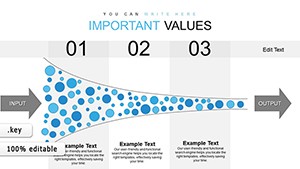
All 16 slides