 Click to zoom
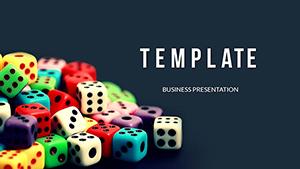
Bet Triumph Casino PowerPoint Template for Presentation
| Format | .pptx |
| Slides | 3 unique layouts |
| Aspect ratio | 16:9 |
| Compatibility | PowerPoint |
| Animated | No |
| Language | English |
| License | Commercial |
| File size | — |
| Version | v1.0 |
| Last updated | May 2024 |
What's inside
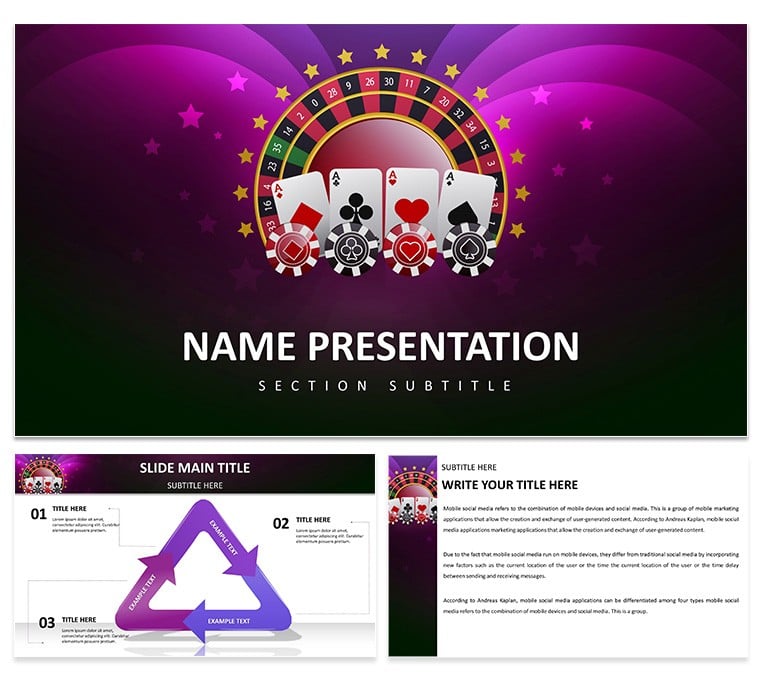
Elevate your casino presentation with our Bet Triumph Casino PowerPoint Template. This visually striking template features a modern design and engaging graphics that will capture your audience's attention. With its easy-to-use layout and customizable slides, you can create a presentation that is both informative and persuasive.
Picture this: sleek slides adorned with vibrant colors reminiscent of a bustling casino floor. Each element meticulously crafted to convey sophistication and energy. Whether you're pitching a project, delivering a lecture, or hosting a workshop, this template sets the stage for success.
But it's not just about aesthetics – the Bet Triumph Casino template is designed for functionality too. With easy-to-use layouts and customizable features, you can tailor your presentations to suit your unique style and content. From charts and graphs to multimedia elements, everything you need is right at your fingertips.
Who is this template for? Anyone who wants to make an impact with their presentations. Whether you're a business professional, educator, or public speaker, the Bet Triumph Casino template empowers you to deliver your message with confidence and flair.
So why settle for mediocrity when you can dazzle your audience with the Bet Triumph Casino PowerPoint Template? Elevate your presentations and leave a lasting impression every time. Try it today and experience the thrill of success!
Good for
- Project roadmaps and sprint plans
- Product launch timelines
- Quarterly or annual review decks
- Company history and milestone summaries
Licence
reviews
The decision tree diagram with branching paths is logical for flowcharts.
The branch labels were too small. Enlarged them.
My business case used this. The yes/no paths were easy to follow.
I wish there were more than two branches per node. Added manually.
Good for a decision analysis. The file worked fine.
FAQ
Will it work in Google Slides?
Are fonts embedded?
Can I use this for client work?
What's the refund policy?
Do you update the template after purchase?
Similar templates
See all PowerPoint Templates →
All 1 slides