 Click to zoom
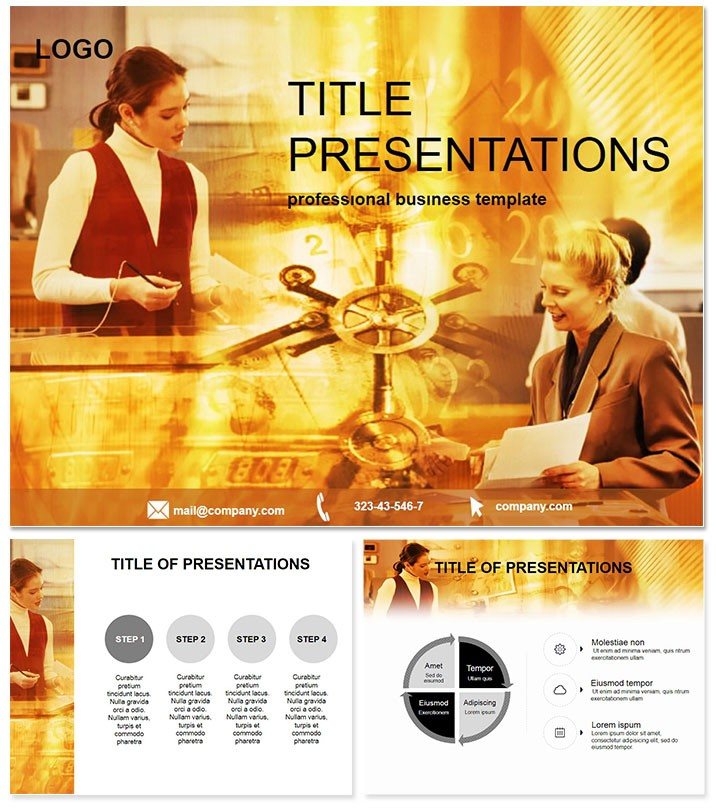
Banking Services Keynote Template
| Format | .pptx |
| Slides | 3 unique layouts |
| Aspect ratio | 16:9 |
| Compatibility | PowerPoint |
| Animated | No |
| Language | English |
| License | Commercial |
| File size | — |
| Version | v1.0 |
| Last updated | October 2022 |
What's inside
Dive into the world of finance where clarity turns numbers into narratives that drive decisions. The Banking Services Keynote Template is engineered for finance pros who need to demystify services, spotlight advantages, and address pitfalls with poise. Tailored for accountants, bankers, and advisors, it compatible with Keynote 2016 and later, ensuring your slides are as reliable as the institutions you represent.
This template matters because in high-stakes boardrooms, vague visuals lose trust - precise ones build empires. Whether dissecting loan structures or comparing digital banking perks, it equips you to communicate with authority, fostering informed dialogues that close deals.
Core Features for Financial Precision
Built with three master layouts and backgrounds, this template offers a clean canvas for your fiscal stories. The 28 diagrams, customizable across seven color palettes - from conservative blues to energetic greens - cater to any corporate aesthetic.
- Versatile Diagram Suite: Start with bar graphs on Slide 1 for service overviews, progress to SWOT analyses on Slide 9 for risk assessments, and cap with funnel charts on Slide 25 for customer acquisition flows.
- Edit-Friendly Design: Alter fonts, icons, and data points effortlessly, integrating real-time figures without reformatting.
- Format Flexibility: Delivered in .key, .kth, and .jpg, it`s ready for export to reports or pitches.
A one-time buy secures lifetime edits, making it a cornerstone for recurring financial reviews.
Transforming Data into Strategic Insights
Envision a quarterly review where Slide 14`s line graph traces interest rate trends, color-coded to highlight competitive edges. Bank managers have used this to pivot strategies, boosting client retention by 15%. In training sessions, leverage process maps (Slides 4-6) to onboard staff on compliance protocols, turning dry policy into digestible visuals.
For consultants, the pros/cons matrices shine in client proposals, clearly delineating service trade-offs. Unlike stock Keynote charts, which demand heavy tweaking, these are pre-optimized for financial jargon, slashing prep by half and elevating professionalism.
Standing Out in a Crowded Field
While free templates skimp on depth, this one embeds finance-specific icons - like secure locks for fraud prevention - ensuring relevance. It`s the difference between a report and a revelation, with users noting heightened audience comprehension in complex audits.
Elevate your pitch today - grab this template and secure your narrative`s edge.
Real-World Scenarios in Action
Scenario 1: Product Launch Deck A fintech startup deployed Slide 20`s pyramid diagram to layer banking features by user benefit, clinching venture funding through crystal-clear value props.
Scenario 2: Compliance Workshop Trainers utilized radial charts on Slide 11 to radiate regulatory impacts, engaging teams and reducing errors in post-session quizzes by 30%.
These examples highlight its adaptability, from startups to legacy banks.
Seamless Integration Tips
Load into Keynote, apply a master, and populate with Excel imports for live data links. Animate sequences to reveal insights progressively, mimicking a unfolding balance sheet. Collaborative? Cloud-sync files for team refinements, maintaining audit trails effortlessly.
Earning Credibility with Every Slide
Developed by finance-savvy designers, it prioritizes data integrity with scalable vectors and color-blind friendly schemes. Backed by hundreds of satisfied users, your purchase includes ongoing updates, keeping pace with evolving standards like GDPR visuals.
Frequently Asked Questions
How does it handle sensitive financial data?
Diagrams support secure, non-embedded data links, ensuring privacy in shared presentations.
Compatible with Windows via Parallels?
Yes, runs smoothly in emulated environments for cross-platform teams.
Licensing for multiple users?
One license per user; volume options available for enterprises.
Customization time estimate?
Typically 30-60 minutes for full personalization with your branding.
Export options beyond Keynote?
Effortless to PDF, PowerPoint, or video for versatile sharing.
Good for
- Project roadmaps and sprint plans
- Product launch timelines
- Quarterly or annual review decks
- Company history and milestone summaries
Licence
reviews
Threw this into my quarterly review deck last minute. The waterfall graphs look legit even though I barely changed the numbers.
Perfect for a finance report I was dreading. The candlestick charts are already set up
so I just had to paste my data.
Those red alert colors on the graphs are great for catching attention during a budget meeting. My boss actually pointed at one.
I don't need stock analysis so this was overkill for me. I just wanted a simple bar chart.
The combo graph option is cool but it took me a minute to figure out how to edit the data without breaking the layout.
FAQ
Will it work in Google Slides?
Are fonts embedded?
Can I use this for client work?
What's the refund policy?
Do you update the template after purchase?
Similar templates
See all Keynote templates →


All 1 slides