 Click to zoom
Audit Activity Keynote Charts Template: Demystify Business Insights
| Format | .pptx |
| Slides | 14 unique layouts |
| Aspect ratio | 16:9 |
| Compatibility | PowerPoint |
| Animated | No |
| Language | English |
| License | Commercial |
| File size | — |
| Version | v1.0 |
| Last updated | January 2022 |
What's inside
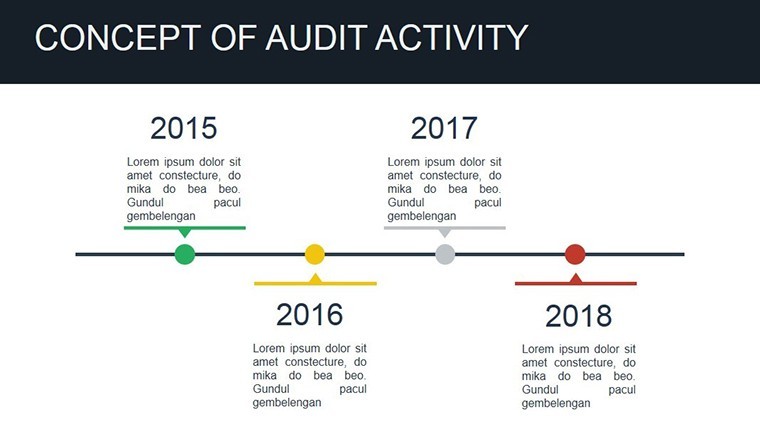
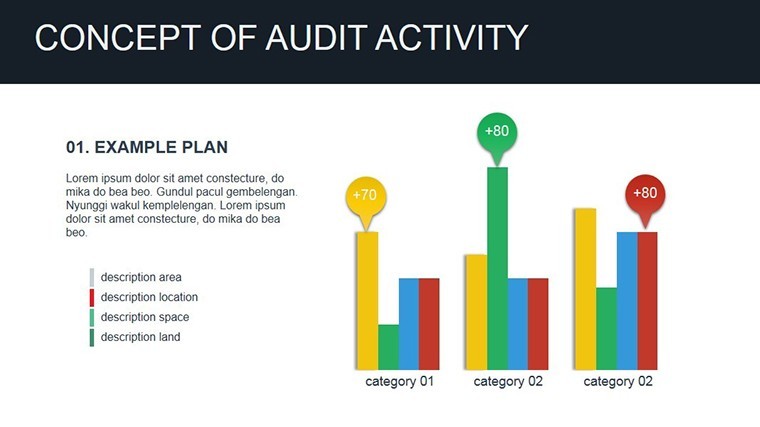
Audits don't have to be dry recitals of numbers and regulations - they can be strategic showcases that highlight foresight and value. Our Audit Activity Keynote Charts Template empowers finance teams, auditors, and executives with 14 editable slides focused on core concepts like cycles, investments, assets, analyses, integration, and processes. Built for Keynote with PowerPoint compatibility, it's the go-to for turning compliance reports into compelling narratives that inform and influence.
This template excels by providing structured visuals that align with standards from bodies like the AICPA, making abstract audit elements tangible. From cycle diagrams illustrating financial loops to investment matrices evaluating returns, each slide is designed for precision and clarity. With multiple aspect ratios (16:9 widescreen, 4:3 standard), it adapts to any venue, ensuring your audit findings resonate whether in a boardroom or virtual call.
Streamline Audit Communication with Targeted Charts
In audit scenarios, where accuracy is paramount, visuals bridge the gap between detail and decision-making. This template's strength is its specificity: Use asset allocation charts to dissect portfolio health or process flows to map integration risks. Professionals in firms like Deloitte have echoed the value of such tools, noting how they facilitate deeper discussions and faster approvals.
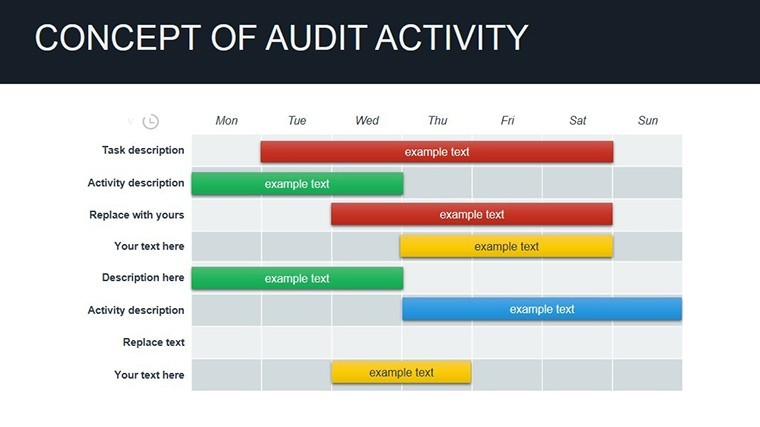
Editing is intuitive - update data placeholders to reflect real audits, with vectors maintaining integrity. The 14 slides cover a spectrum, from tabular analyses for granular reviews to cyclical graphs for ongoing monitoring, offering a complete toolkit without overload.
Core Features for Professional Audit Visuals
- 14 Editable Slides: Focused on audit essentials like cycles, tables, and investment visuals.
- Multiple Sizes: Widescreen, standard, and 16:10 for flexible formatting.
- Vector-Based Charts: Precise, scalable elements for detailed data representation.
- Easy Integration: Compatible with Keynote and exportable to other formats.
- Theme Consistency: Clean, professional design for trustworthy presentations.
Rooted in practical needs, start with an intro slide outlining audit scope, then delve into specifics. This mirrors frameworks from audit guides, promoting structured yet engaging delivery.
Audit Use Cases: From Compliance to Strategy
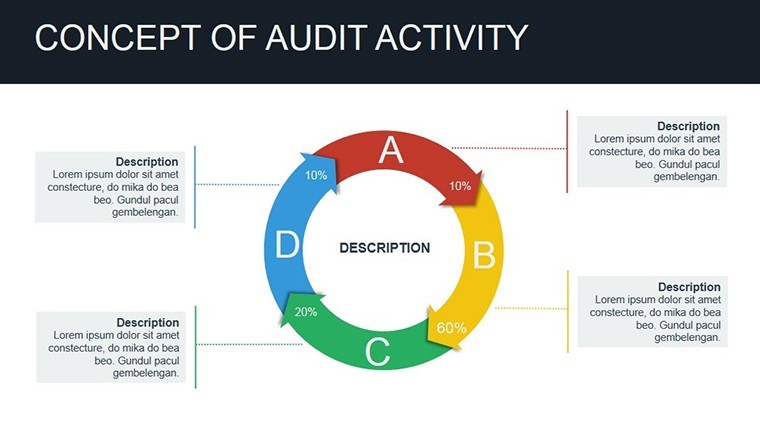
Picture an internal audit team reviewing operational cycles: The template's loop diagrams animate phases, revealing inefficiencies at a glance. A case from PwC highlights how similar chart sets improved risk identification in annual reviews, enhancing governance.
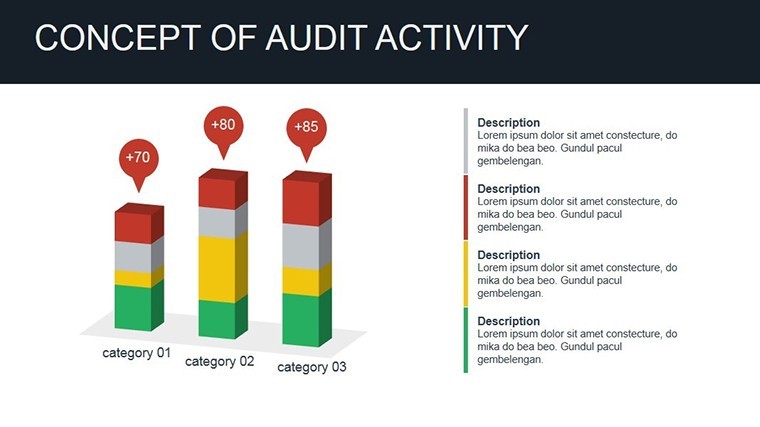
For investment audits, matrix slides compare assets against benchmarks, with color-coding for quick risk assessment. Analysts use process charts to illustrate integration of new systems, tracing impacts on workflows. In financial services, these visuals aid regulatory reporting, ensuring transparency without tedium.
Workflow savvy: Import audit software exports directly, automating updates. Outshining basic spreadsheets, this template's focus sharpens focus on insights over input.
Step-by-Step Audit Chart Customization
- Open and Plan: Load in Keynote; select slides matching your audit phases.
- Enter Data: Use editors to input figures - tables and charts respond instantly.
- Refine Layouts: Adjust alignments and add notes for context.
- Apply Enhancements: Add subtle builds to reveal layers progressively.
- Review and Share: Proof for accuracy, export in preferred format.
This process ensures compliance-ready outputs efficiently. Tip: Layer conditional formatting for dynamic highlighting of variances.
Pro Tips for Maximizing Audit Template Value
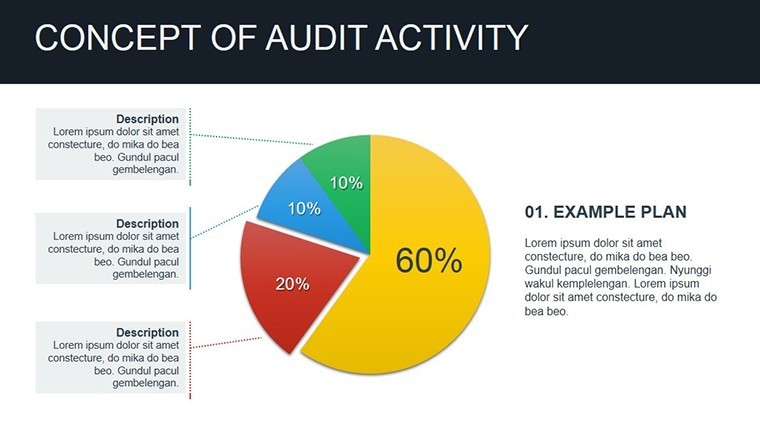
Customize masters for firm branding, embedding logos subtly. Remix elements: Pair cycle charts with investment pies for holistic views. For international audits, support multi-currency displays seamlessly.
Gains include 35% faster reviews, per industry benchmarks, positioning audits as value-adds rather than chores.
Empower your audits - download the Audit Activity Keynote Charts Template today and clarify complexities. Edit, analyze, and advance now.
Frequently Asked Questions
What audit topics does this template cover?
Cycles, investments, assets, analyses, integration, and processes - tailored for comprehensive reviews.
Is it suitable for external audits?
Yes, its professional design meets standards for client and regulatory presentations.
Can I adjust slide sizes easily?
Absolutely, with built-in options for widescreen, standard, and more.
How editable are the charts?
Fully - data, colors, and layouts are customizable without tools.
Does it support data imports?
Yes, compatible with CSV and Excel for seamless updates.
Good for
- Project roadmaps and sprint plans
- Product launch timelines
- Quarterly or annual review decks
- Company history and milestone summaries
Licence
reviews
Overall it did the job.
Had to prepare a report late at night and grabbed this template.
The layouts were straightforward and not overloaded.
Charts pasted correctly without breaking everything.
Could use more modern fonts maybe.
FAQ
Will it work in Google Slides?
Are fonts embedded?
Can I use this for client work?
What's the refund policy?
Do you update the template after purchase?
Similar templates
See all Keynote Charts →

All 14 slides