 Click to zoom
Arrows Disintegration Keynote Diagrams
| Format | .pptx |
| Slides | 28 unique layouts |
| Aspect ratio | 16:9 |
| Compatibility | PowerPoint |
| Animated | No |
| Language | English |
| License | Commercial |
| File size | — |
| Version | v1.0 |
| Last updated | February 2026 |
What's inside
When data doesn't align, the best diagrams don't just point it out - they dissect it with grace. The Arrows Disintegration Keynote diagrams template excels here, arming analysts, consultants, and storytellers with 28 slides that unravel variances through deconstructing arrow flows. Tailored for Apple Keynote users grappling with inconsistencies in reports or forecasts, it turns potential pitfalls into pivotal revelations.
Envision arrows fracturing into sub-paths to expose gaps, or regrouping to suggest reconciliations - all in a sleek .key format for Keynote 2016 and up. For $19, this download equips you to specify discrepancies without drama, fostering discussions that bridge divides. It's the refined alternative to clunky custom builds, letting your Mac's polish shine through every split.
Dissecting the Diagram Arsenal
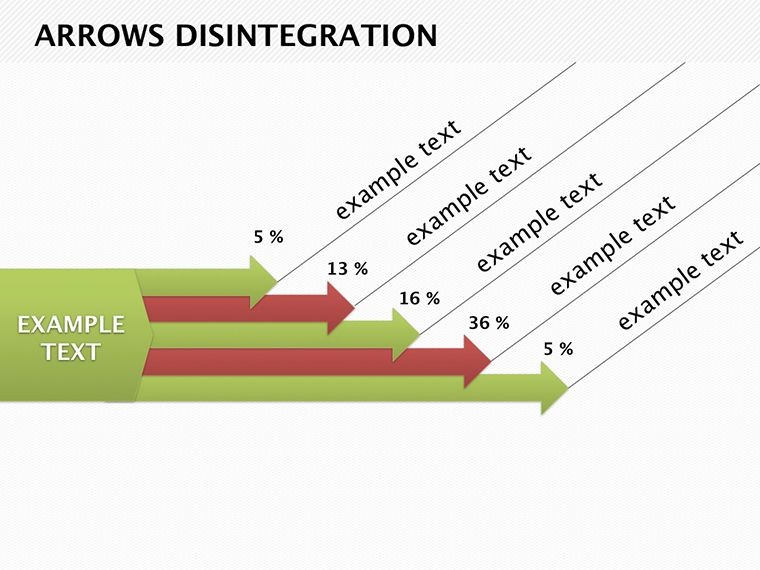
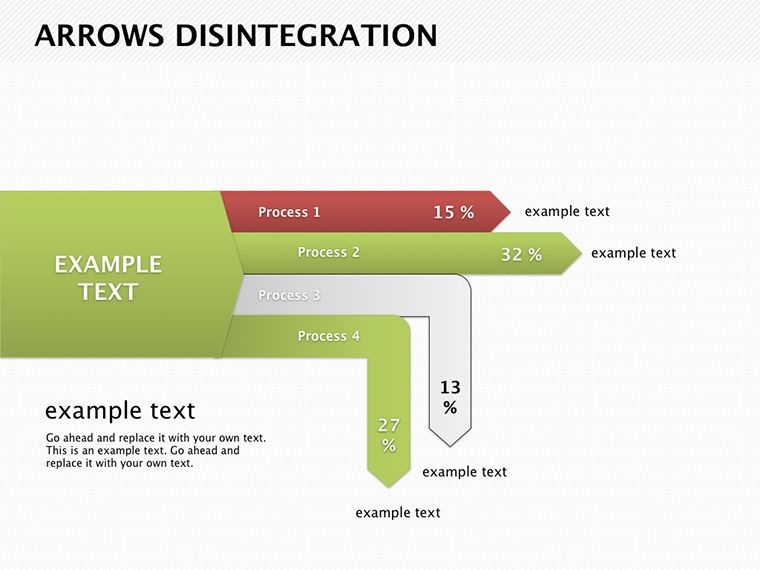
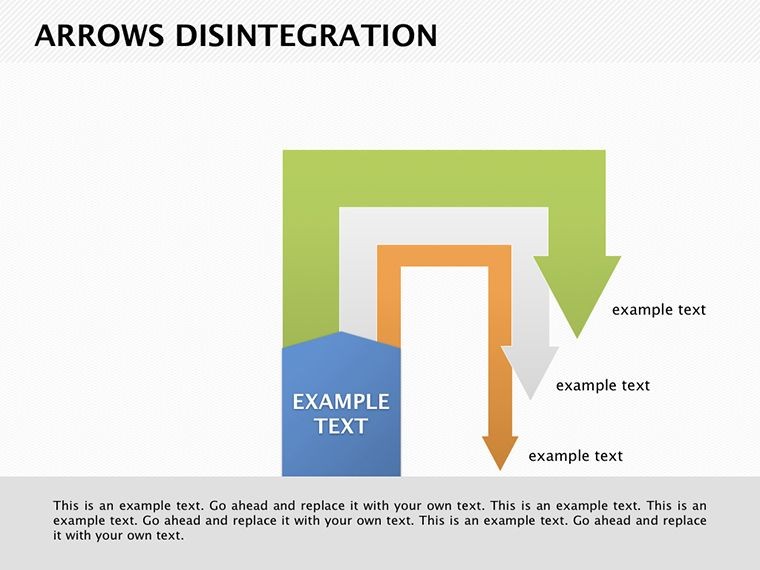
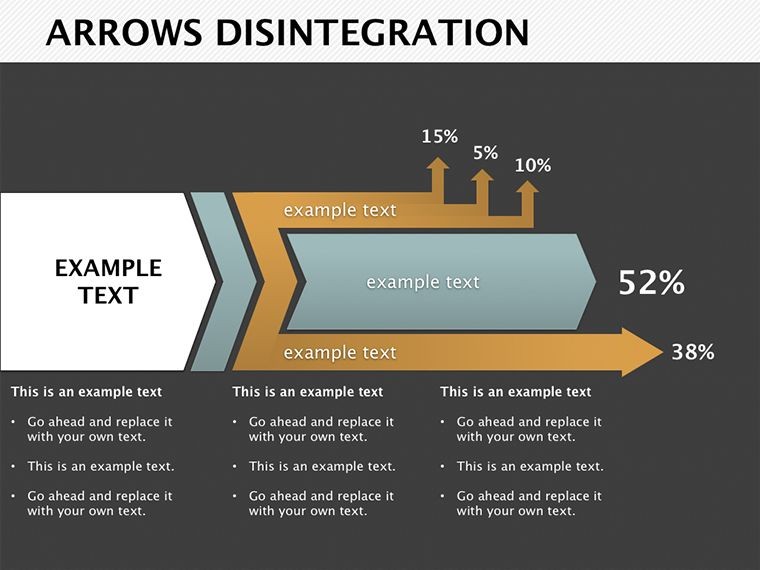
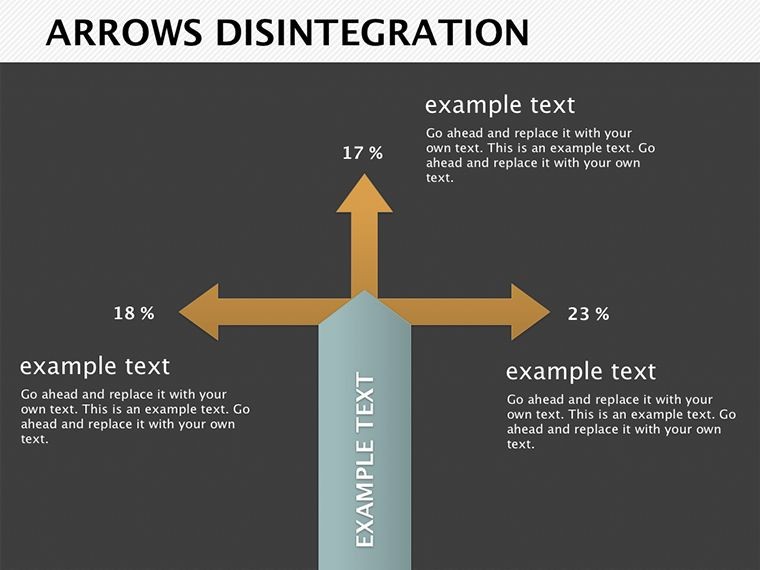
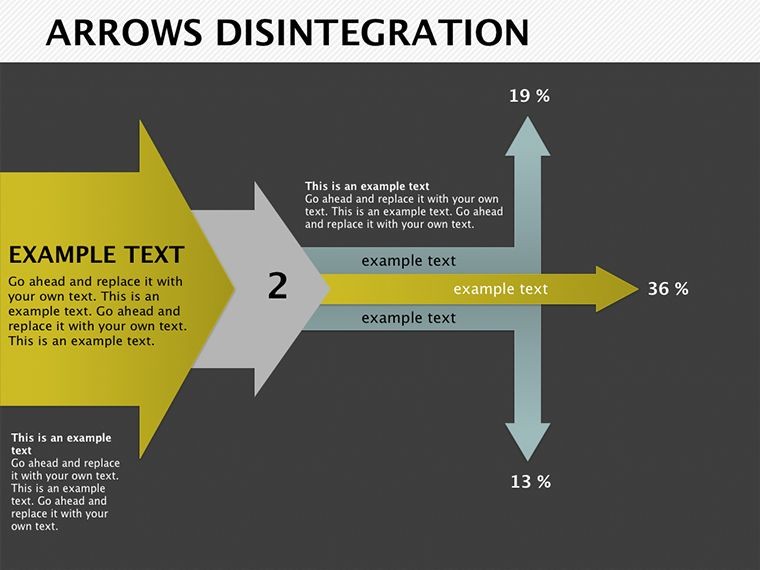
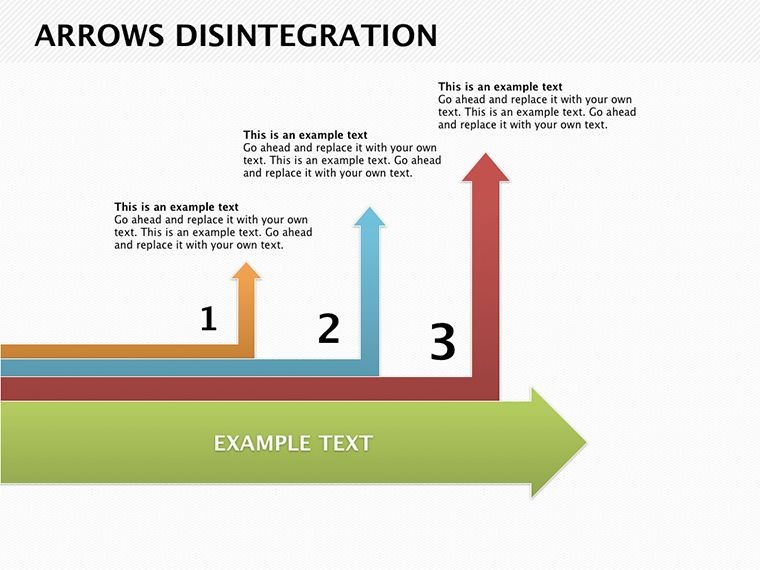
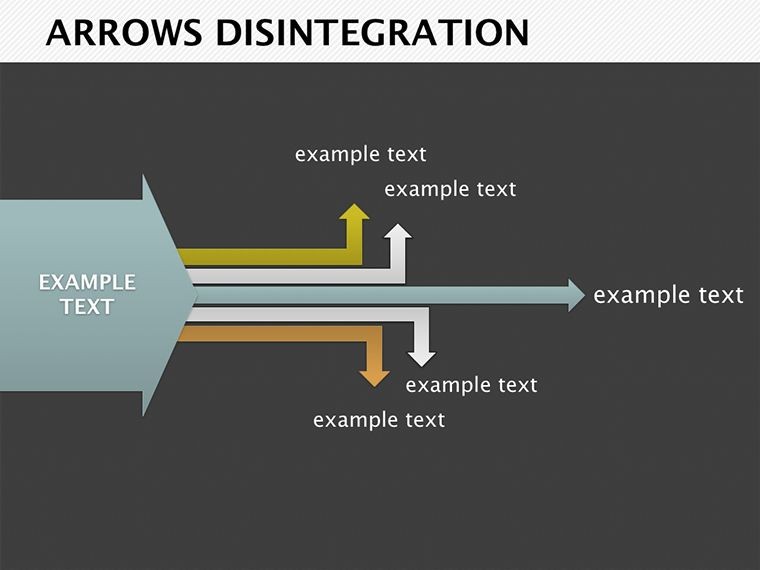
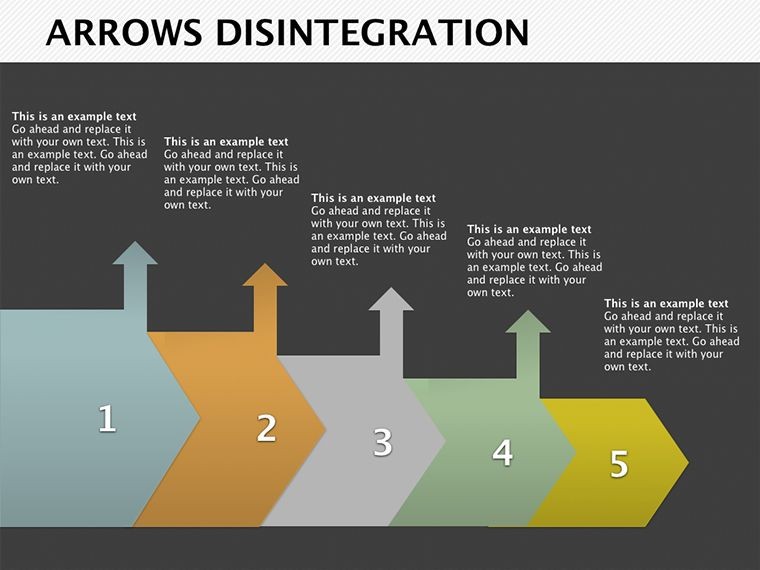
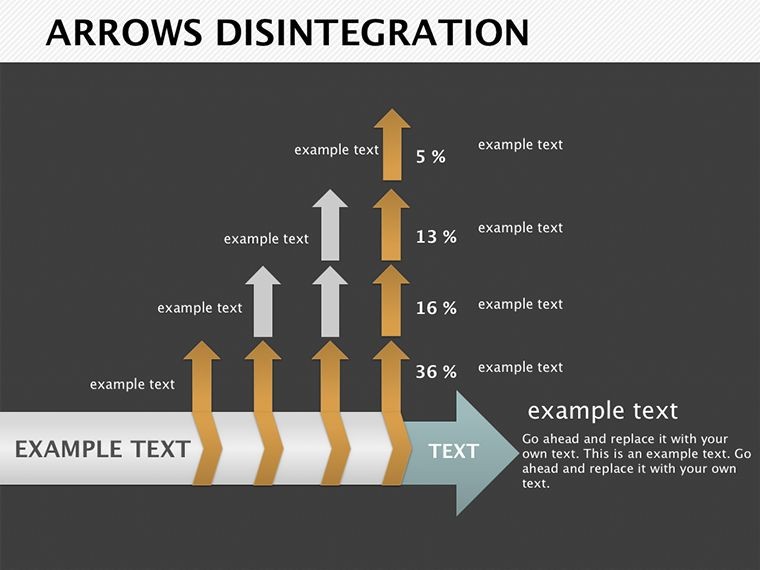
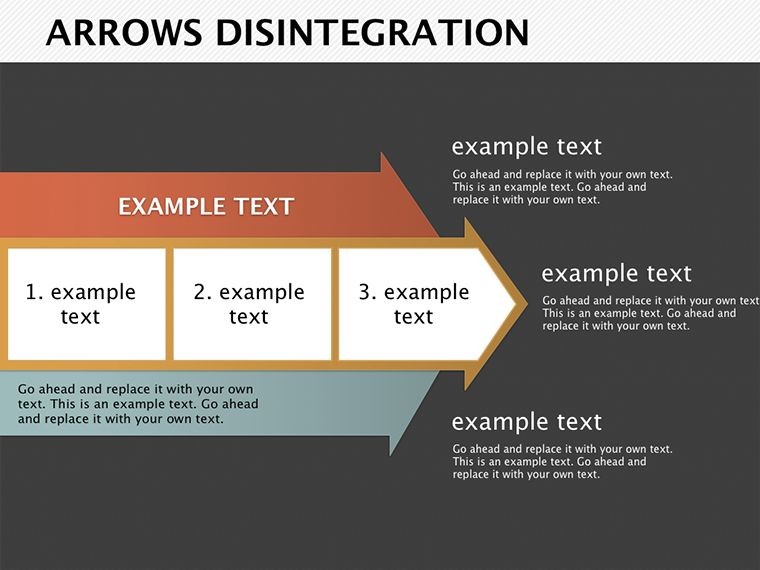
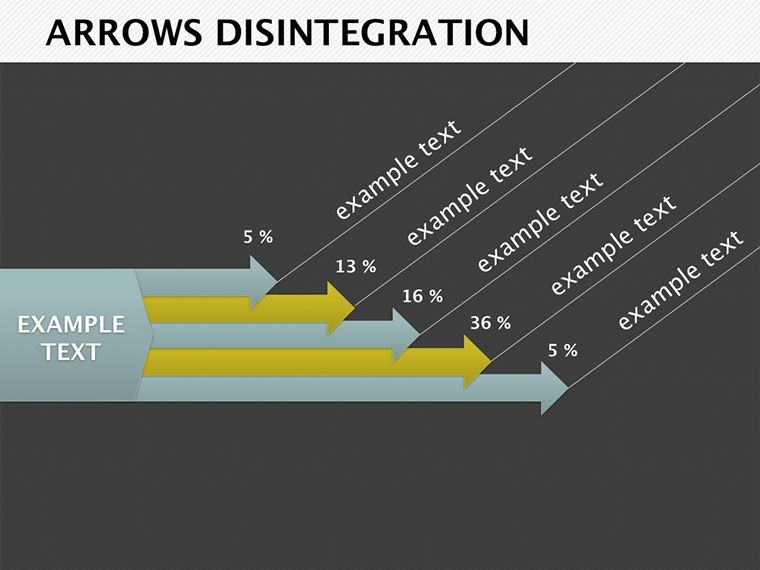
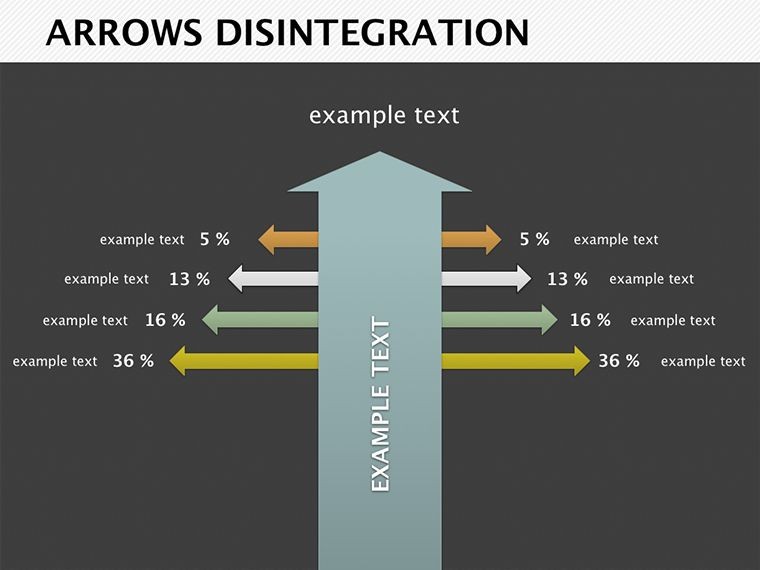
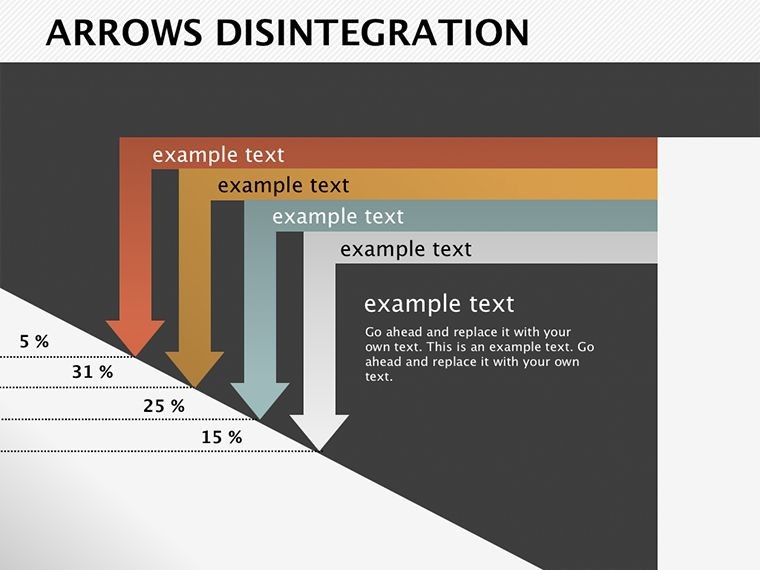
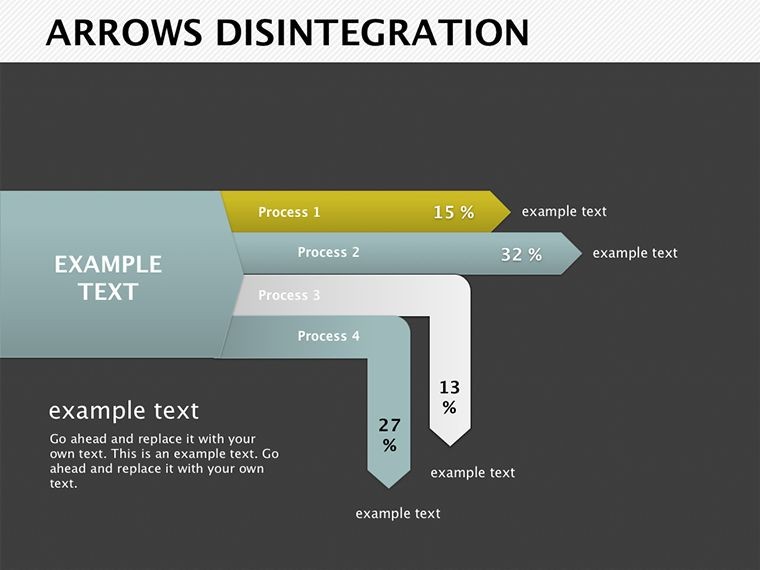
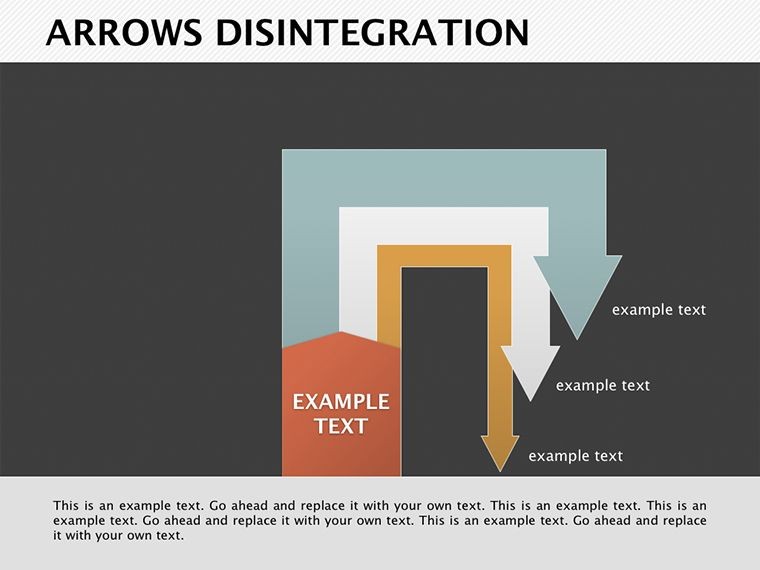
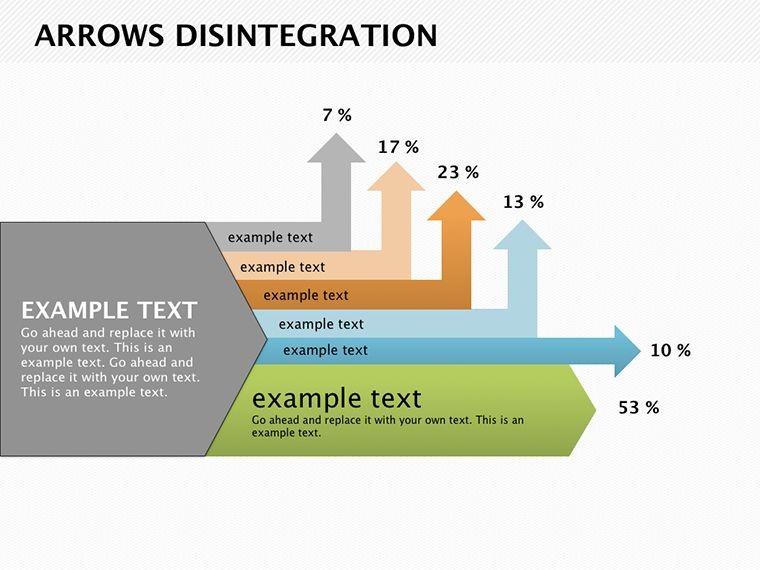
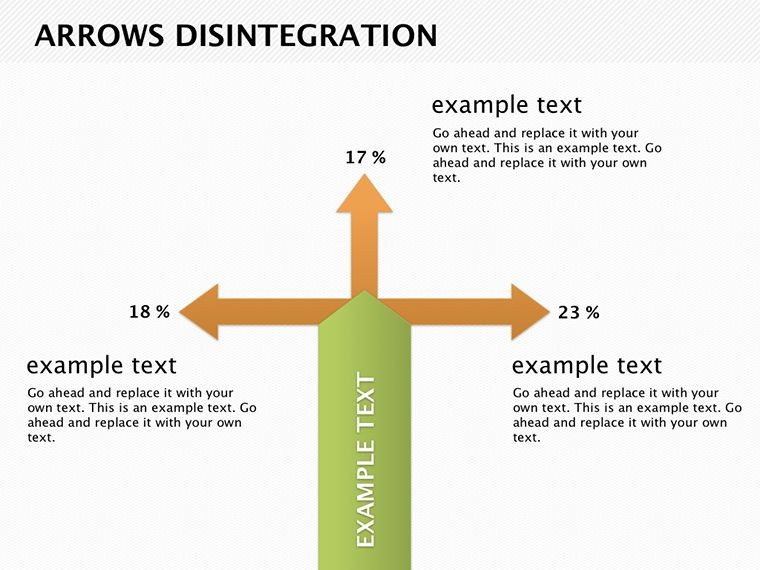
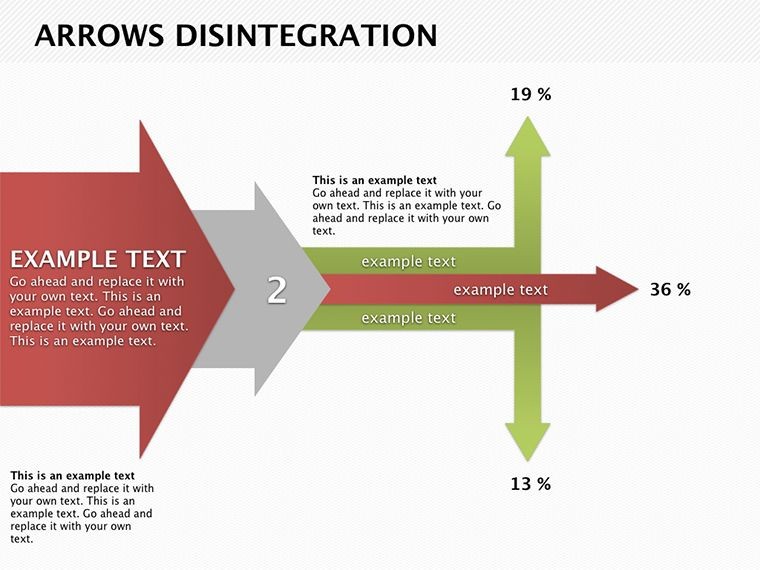
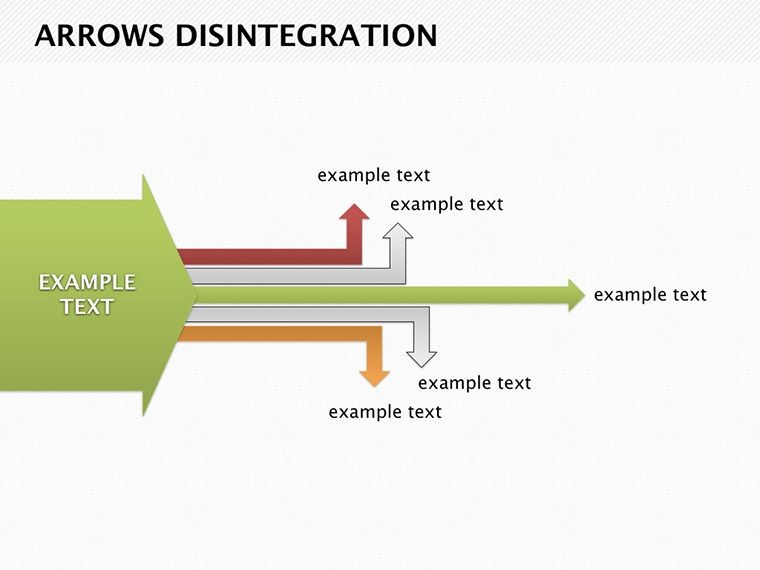
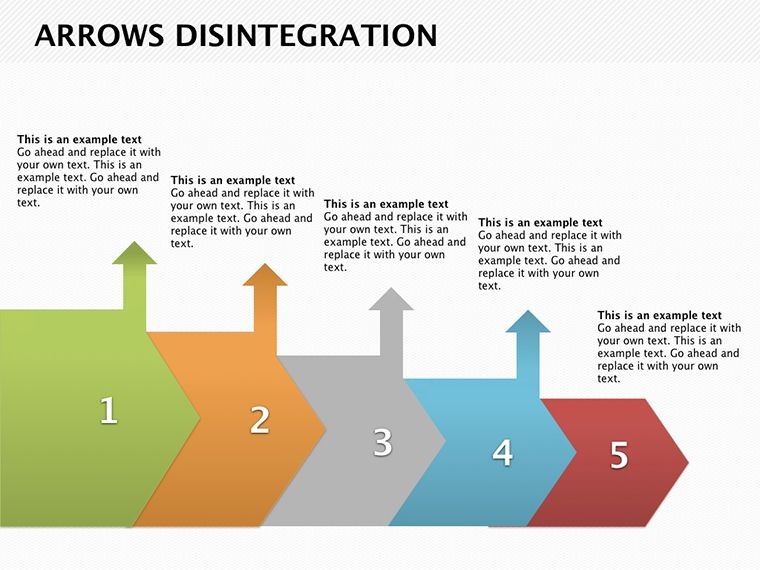
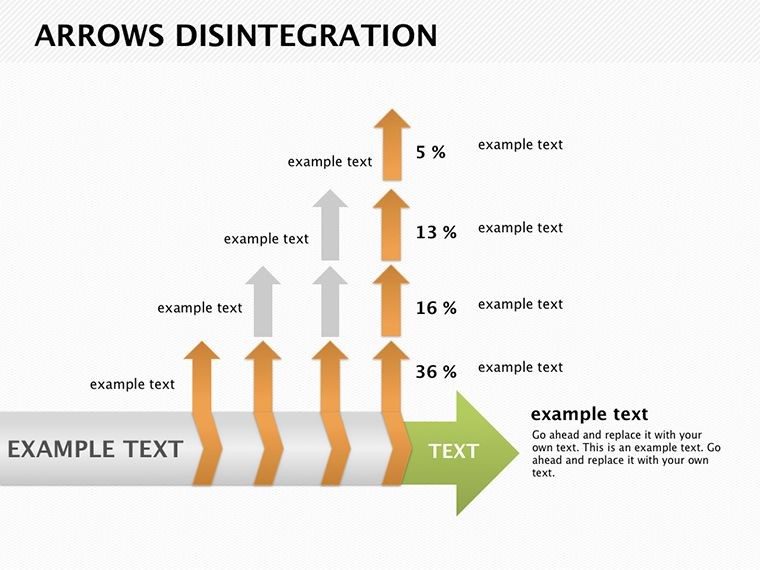
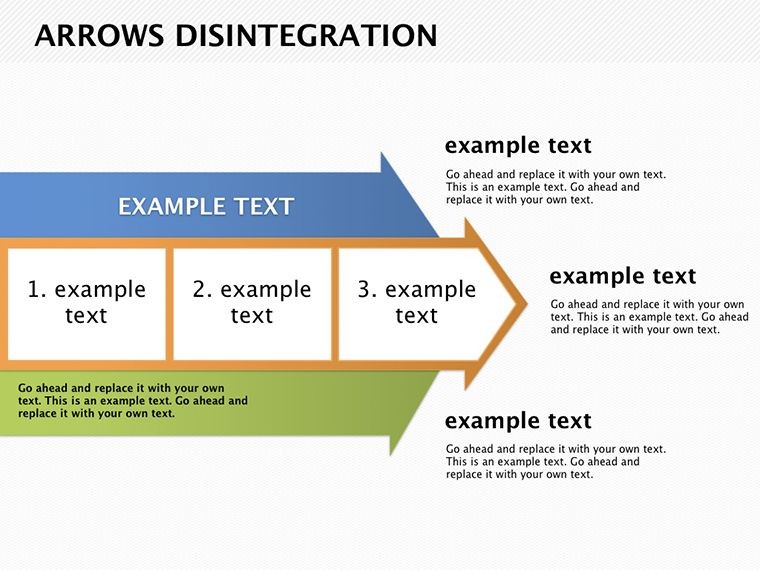
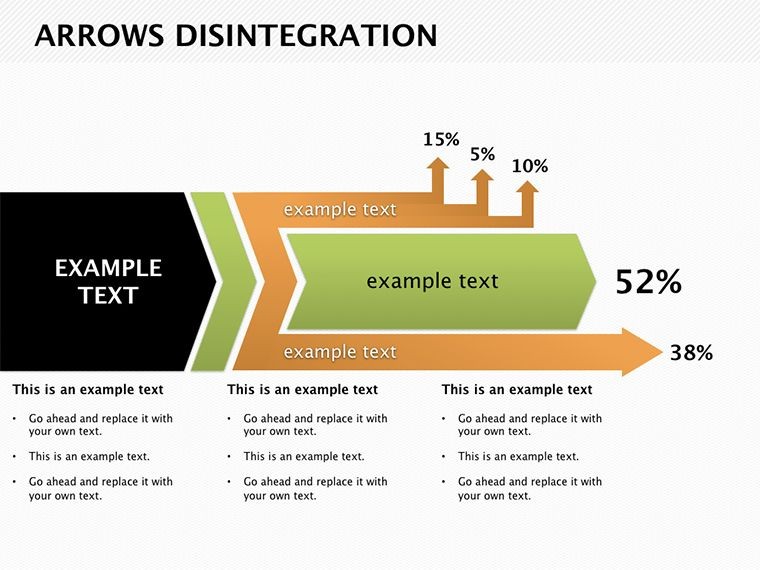
This expansive set spans from simple bifurcations to intricate webs. Slide 1 introduces a core arrow splintering mid-flight, caption-ready for budget overruns. By slide 15, multi-layered disintegrations map multi-variable drifts, like sales vs. projections.
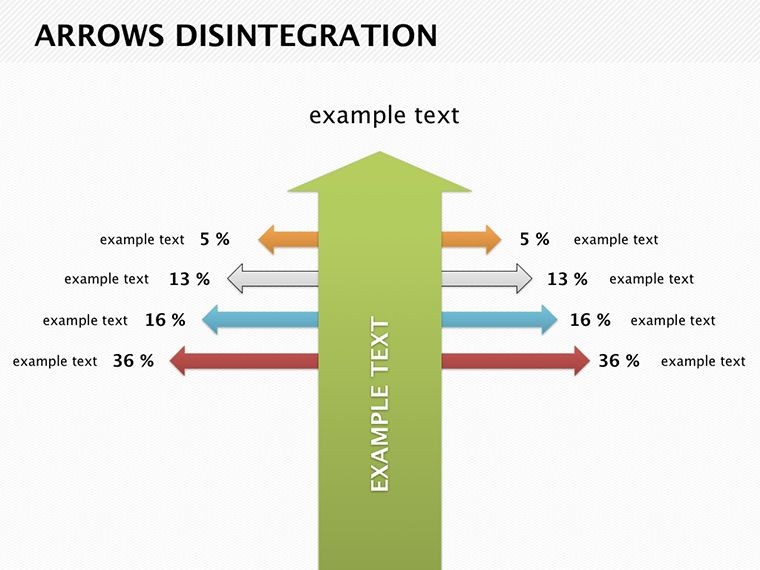
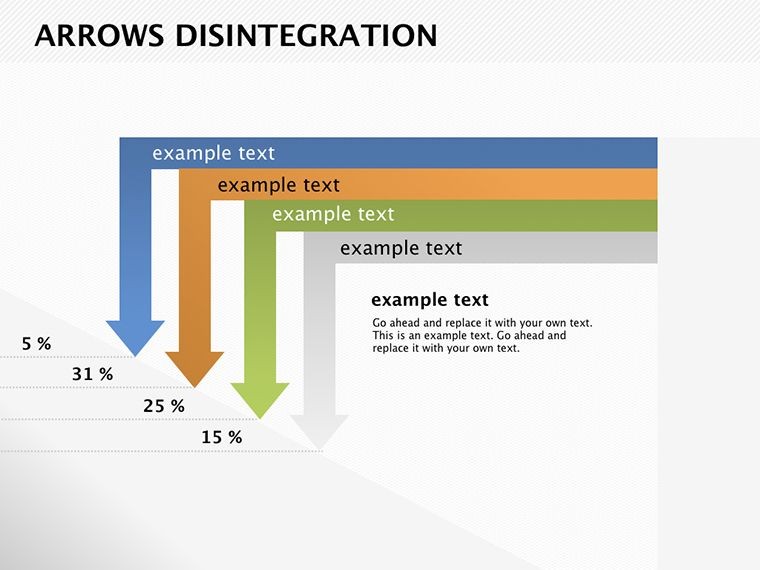
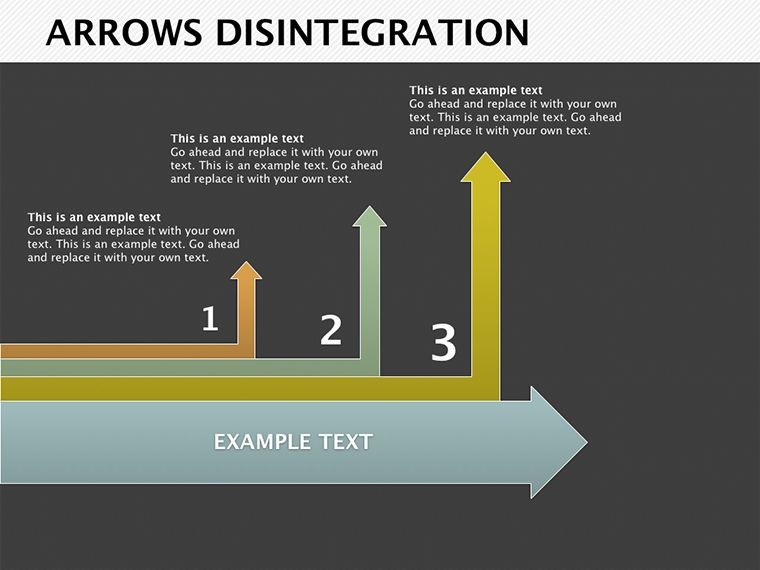
- Directional Splits: Arrows on slides 3, 8, and 20 veer in editable angles, denoting causal forks.
- Size-Shifting Elements: Scale paths on slide 5 to emphasize magnitude of variances.
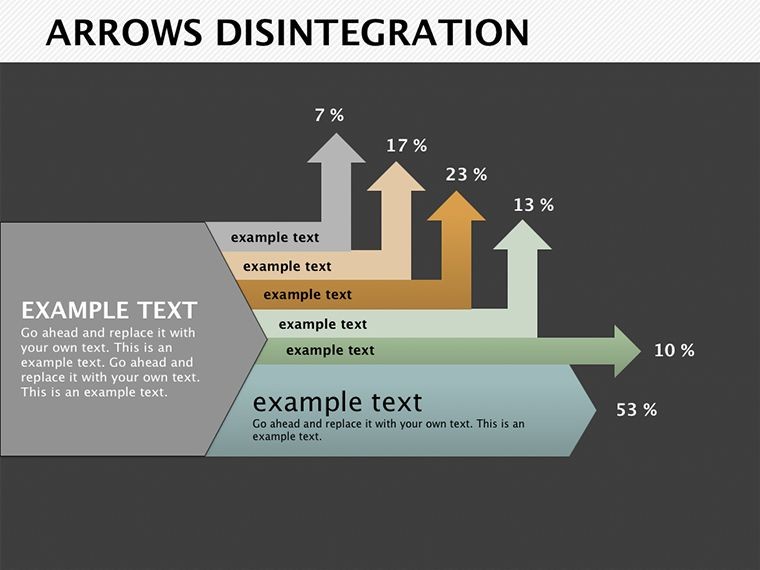
- Color-Coded Breaks: Hue arrows across slides 10-14 for categorical gaps, like regional vs. global metrics.
- Regrouping Motifs: Converging fragments on slides 22-25 illustrate resolutions, tying loose ends visually.
Every piece bends to your will - rotate a disintegration point or merge shards - crafting critiques that compel rather than confuse.
Spotlight Scenarios: Bridging the Gaps
Recall a consultant auditing supply chains, drawing from lean methodology playbooks. On slide 7, she fragments delivery timelines to spotlight delays, arrows color-shifting to flag vendors - prompting fixes in real-time huddles.
For creative directors reviewing campaign metrics, slides 18 and 21 deconstruct engagement drops, sub-arrows tracing touchpoints from ad to conversion. It's a diagnostic dance that uncovers opportunities amid the breaks.
Precision Path: Assembling Your Analysis
- Open in Keynote: Import .key and select a base arrow slide for your discrepancy theme.
- Fracture Flows: Duplicate segments, adjusting break points to match data deltas.
- Tune Attributes: Alter directions, sizes, or colors to code severity - red for risks, green for recoveries.
- Annotate Insights: Add build effects to reveal splits sequentially, building suspense.
- Integrate and Iterate: Link to source sheets for dynamic pulls, refining in preview mode.
Such steps demystify discrepancies, positioning your deck as a roadmap to rectification over mere reportage.
Superior Splits in Keynote Design
Generic arrows blur boundaries; these disintegrate with intent, offering 28 variations for nuanced narratives. The editability - direction, scale, spectrum - mirrors Keynote's fluidity, outpacing rigid rivals. It's favored by detail-oriented users who prize precision in presentations that probe deeper.
Amplify with Keynote's magic move for fluid fractures, or embed charts at split junctures for hybrid heft. The outcome: Decks that diagnose deftly, turning data doubts into decisive dialogues.
Unravel your data's secrets stylishly - get the Arrows Disintegration template now and direct your story with disintegrating distinction.
Frequently Asked Questions
How customizable are the arrow directions?
Completely - rotate any arrow or split in Keynote for tailored trajectories across all 28 slides.
Can this work for non-data discrepancy topics?
Yes, repurpose disintegrations for process breakdowns or decision trees in various fields.
What Keynote versions does it support?
Designed for 2016 and later, with core elements backward-compatible.
Are colors fully editable?
Indeed, adjust hues on arrows and fragments to fit your palette or emphasis needs.
How many slides focus on regrouping?
Six dedicated slides (22-27) for convergence visuals post-disintegration.
Does it include animation presets?
Builds are ready; enhance with Keynote's transitions for dramatic reveals.
Good for
- Project roadmaps and sprint plans
- Product launch timelines
- Quarterly or annual review decks
- Company history and milestone summaries
Licence
reviews
Used this for a quick team update and the arrow diagrams saved me some time.
I only needed 3 slides for class and this layout was easy to edit.
The icons looked fine but a few text boxes were oddly placed in Keynote.
Made my workflow chart look less messy before the meeting.
Colors are simple but it worked better than starting from blank slides.
FAQ
Will it work in Google Slides?
Are fonts embedded?
Can I use this for client work?
What's the refund policy?
Do you update the template after purchase?
Similar templates
See all Keynote Diagrams →
All 28 slides