 Click to zoom
Arrow Pointers Keynote Charts: Direct Your Audience with Precision
| Format | .pptx |
| Slides | 26 unique layouts |
| Aspect ratio | 16:9 |
| Compatibility | PowerPoint |
| Animated | No |
| Language | English |
| License | Commercial |
| File size | — |
| Version | v1.0 |
| Last updated | January 2022 |
What's inside
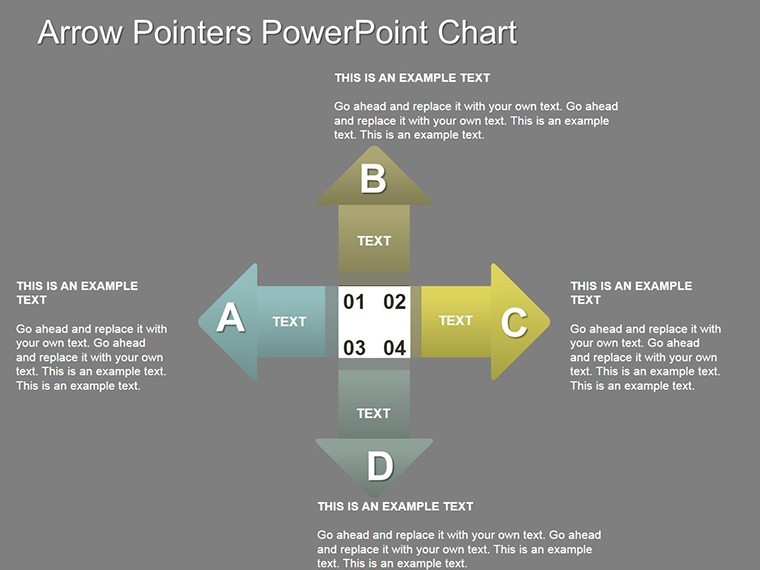
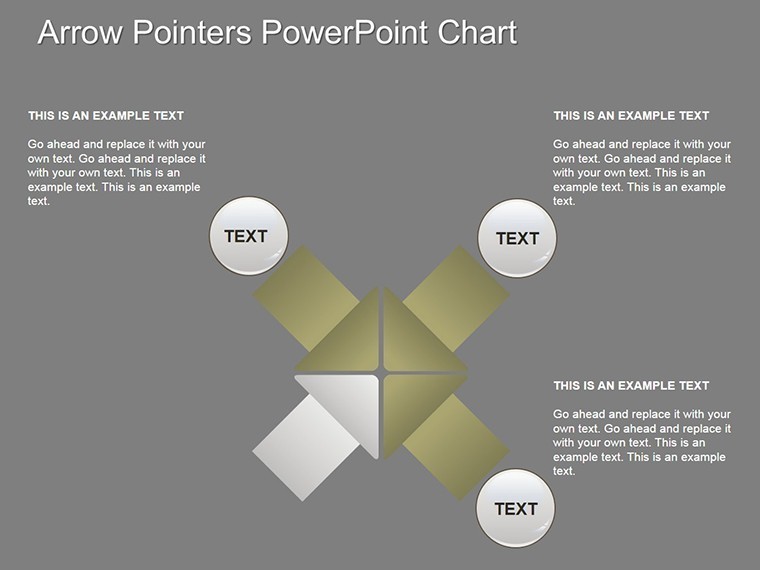
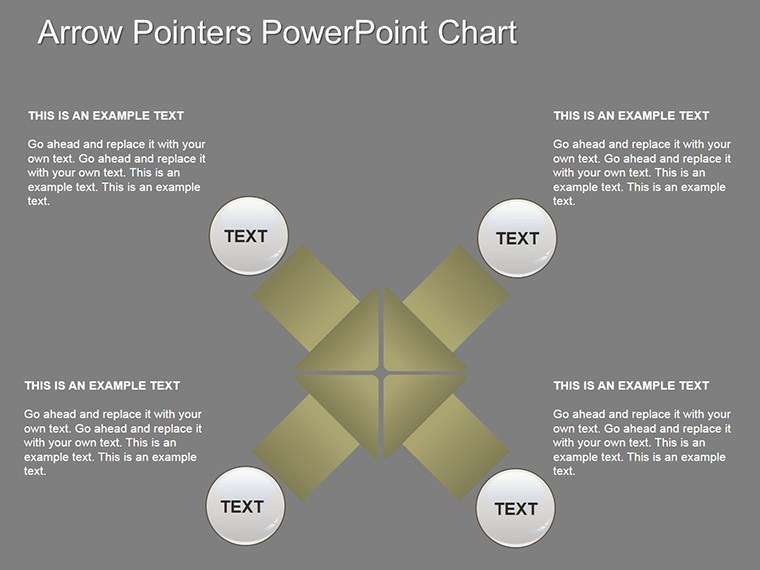
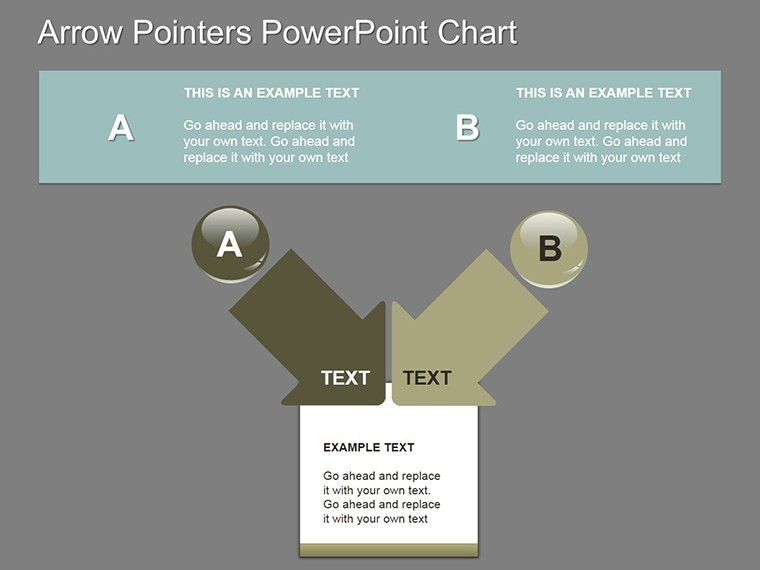
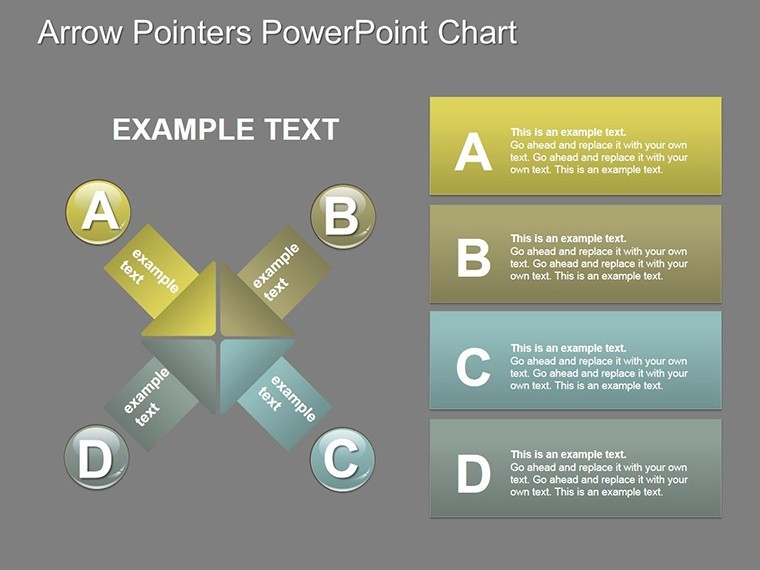
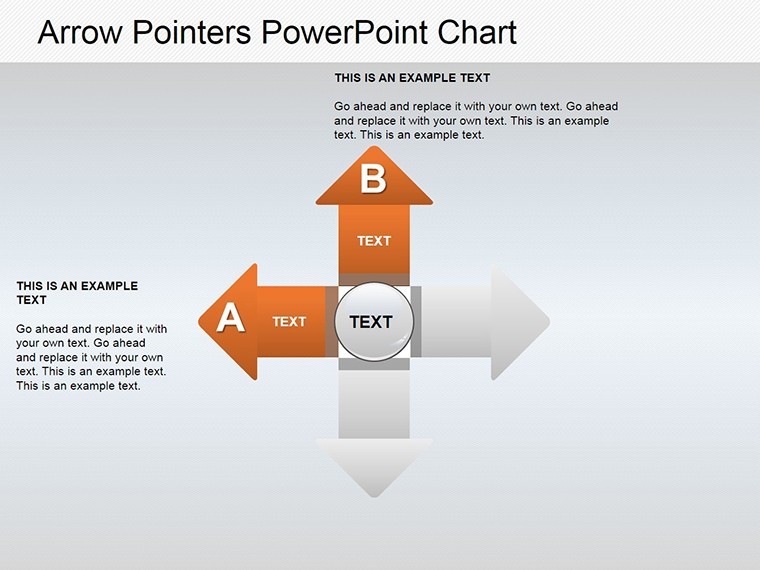
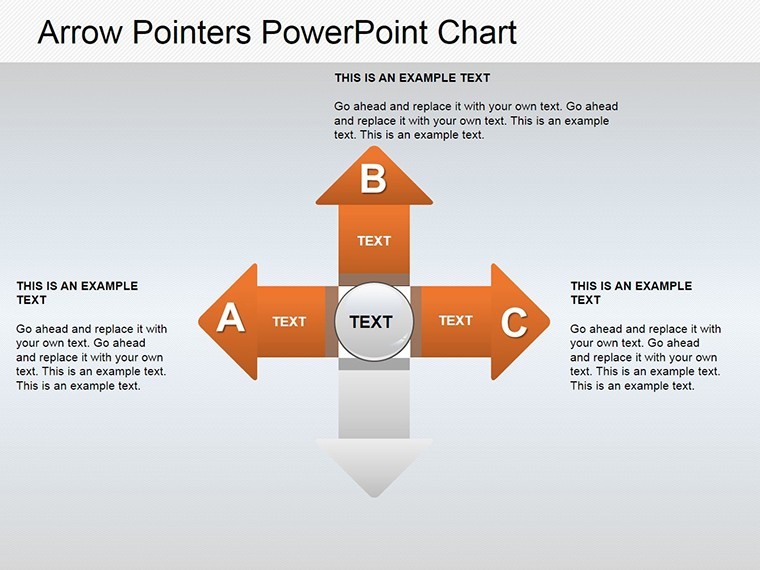
Navigation is key in any successful presentation - whether charting a course through business strategies or guiding learners through complex ideas. Our Arrow Pointers Keynote Charts template delivers exactly that, with 26 editable slides featuring versatile arrow designs that point the way forward. Optimized for Keynote yet fully adaptable to PowerPoint and Google Slides, it's the go-to for professionals aiming to emphasize direction, sequences, and outcomes without overwhelming their slides.
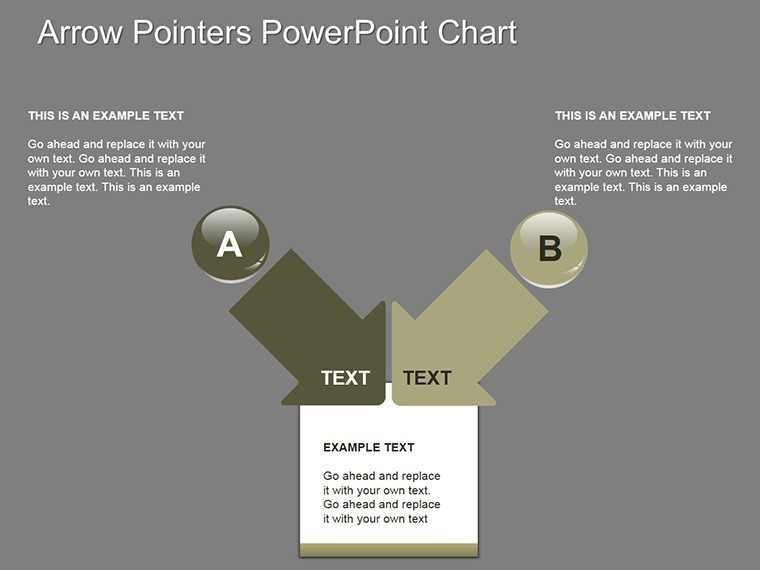
Forget vague diagrams; these pointers create clear pathways, from action steps in project timelines to psychological decision trees. Inspired by real applications, like how a coaching firm used arrow flows to map client progressions, achieving 30% better session retention, this template turns ambiguity into actionable clarity.
Essential Features for Directional Impact
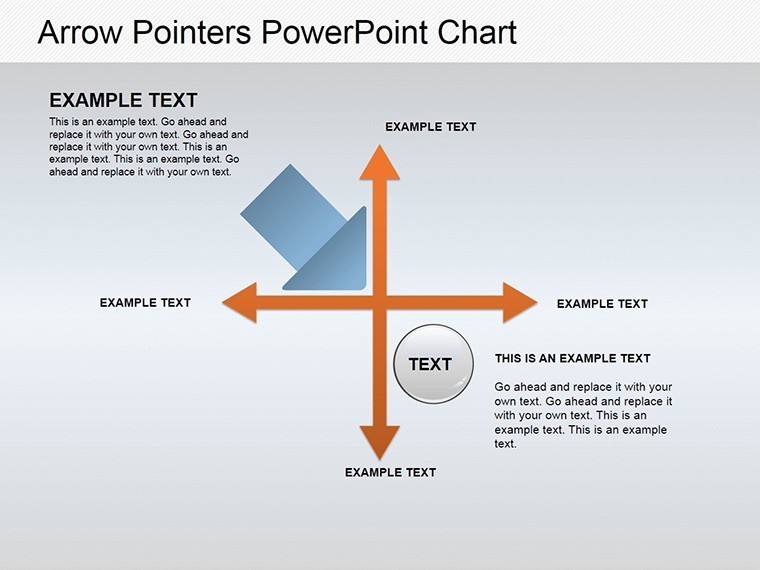
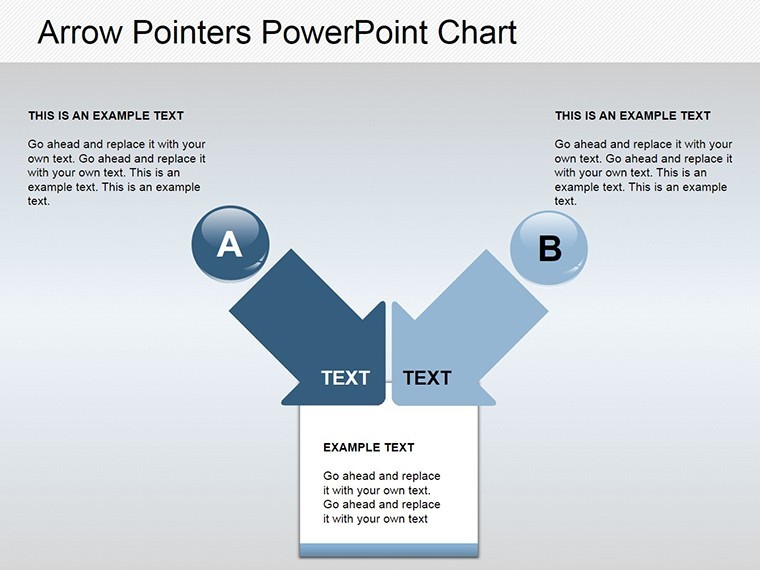
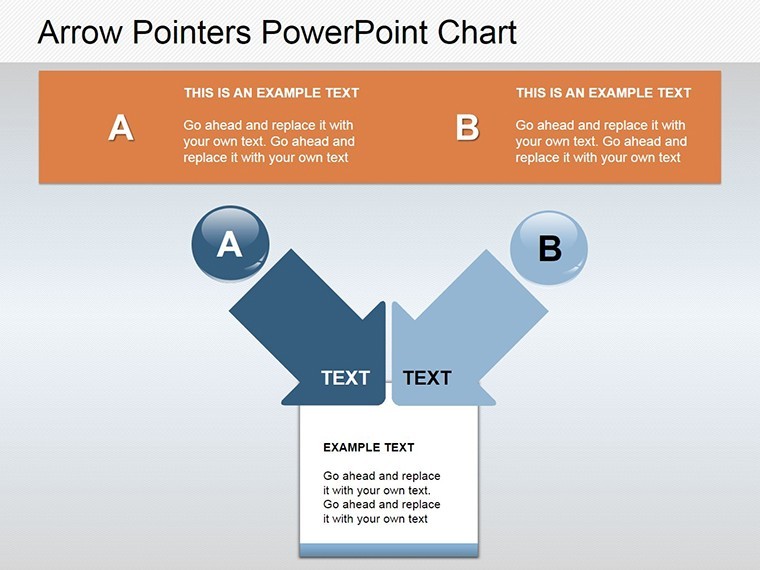
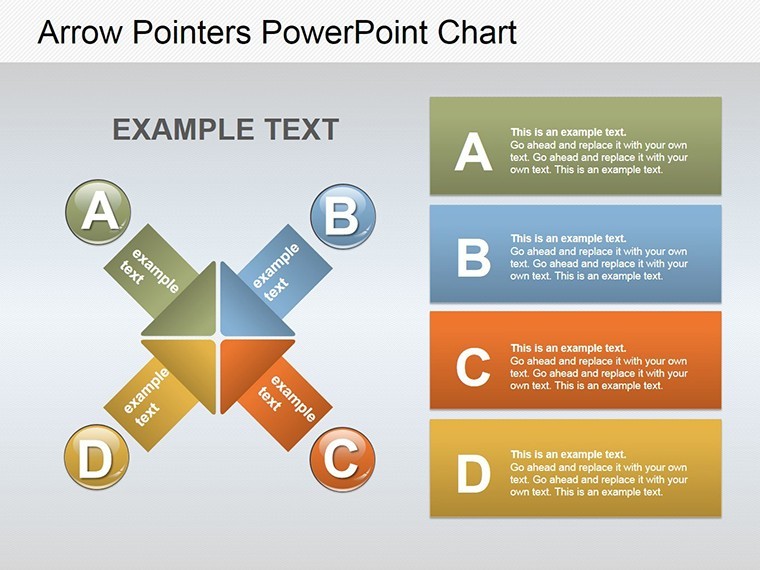
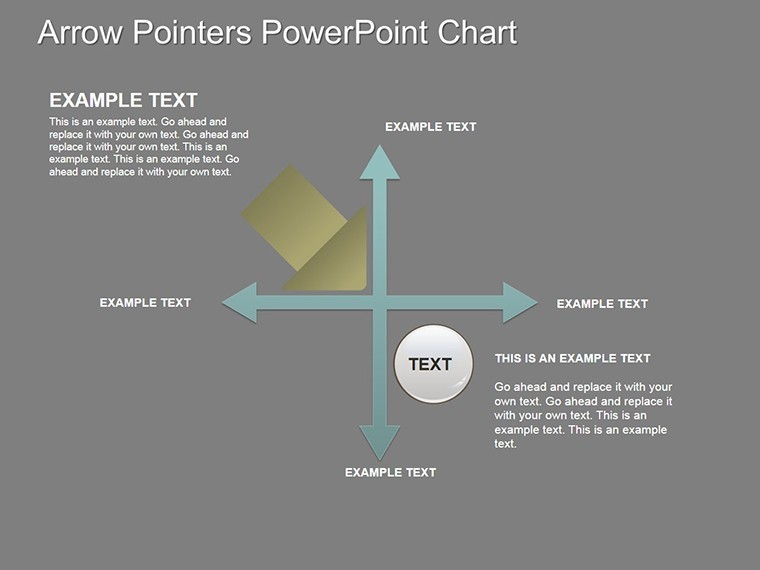
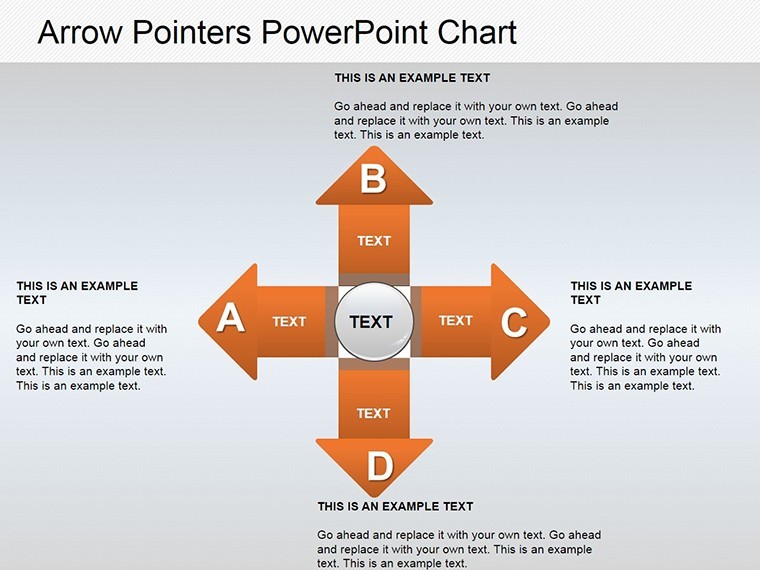
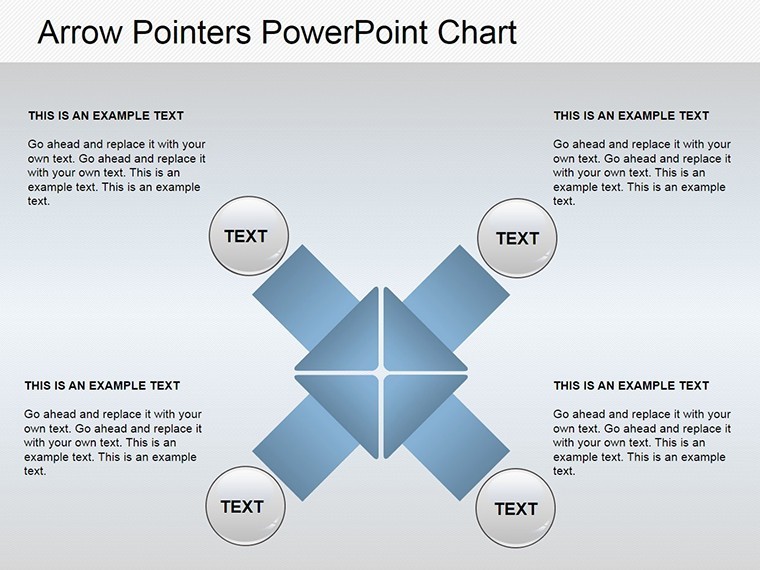
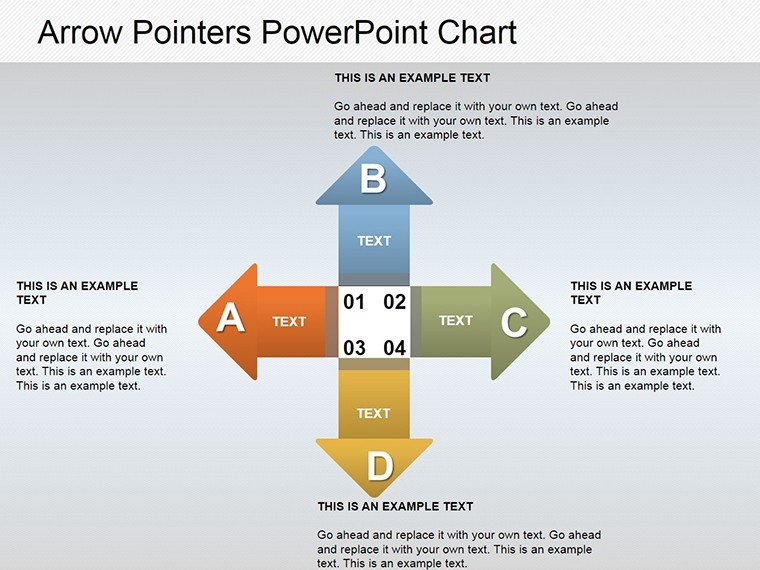
The slides blend simplicity with sophistication, offering arrows in varied styles - curved, straight, branched - for every narrative need. Custom animations bring pointers to life, sequentially revealing steps to maintain audience focus.
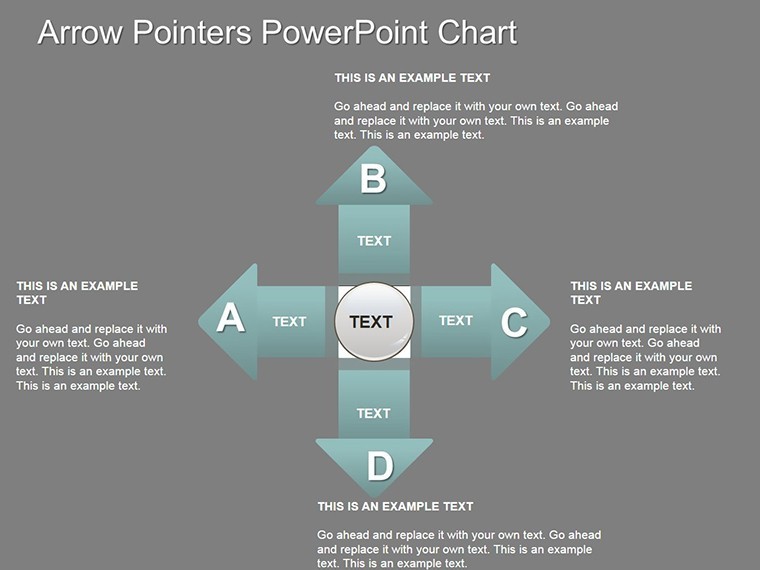
- Varied Arrow Configurations: Straight for linear processes, branched for decision points, curved for organic flows.
- Easy Customization: Reshape, recolor, and relabel with Keynote's intuitive tools.
- Animated Sequences: Built-in effects that guide eyes along paths, enhancing comprehension.
- Icon and PNG Integration: Includes vectors for psychology symbols or business icons.
Crafted with input from presentation specialists, these align with cognitive load theory, ensuring pointers don't distract but direct. A psychology department at a university incorporated them into lecture slides, noting improved student quiz scores on process-based topics.
Adapting Arrows to Your Story
Launch by choosing a base slide and aligning arrows to your sequence. In business, point from challenges to solutions, labeling consequences for risk analysis. For lessons, use in education to trace historical events or scientific methods, echoing Bloom's taxonomy for step-by-step learning.
Targeted Applications: Steering Success
In corporate settings, arrow pointers excel at workflow diagrams, showing how decisions cascade - vital for agile teams following Scrum frameworks. Architecture enthusiasts might arrow through design phases, from sketches to site plans, adhering to RIBA stages for structured pitches.
Psychologists can illustrate therapy pathways, pointing to triggers and responses, while educators map lesson progressions. A startup accelerator used these for pitch decks, clarifying growth trajectories and securing funding rounds more efficiently.
- Step 1: Define the Path – Place starting points and draw initial arrows.
- Step 2: Add Branches – Incorporate decision nodes for multifaceted scenarios.
- Step 3: Animate Flow – Set build orders to reveal pointers progressively.
- Step 4: Test Delivery – Rehearse to ensure smooth guidance.
Outshining plain text lists, these charts provide visual momentum, making sequences stick. They're efficient, saving design time for content refinement.
Enhancement Strategies
Layer with subtle shadows for depth, and for PowerPoint, retain arrow shapes post-export. Pair with minimal text to let pointers lead the narrative.
Empower Your Presentations with Directed Focus
Our template's reliability stems from rigorous testing across use cases, offering a trustworthy tool for direction. Step up your game with visuals that point to victory.
Point your presentations in the right direction. Grab the Arrow Pointers Keynote Charts now and lead with confidence. Instant download, endless potential.
Frequently Asked Questions
What types of pointers are included?
Straight, curved, and branched arrows for diverse directional needs.
Does it work outside Keynote?
Yes, convert to PowerPoint or Google Slides with full editability.
Ideal for psychology topics?
Perfect for mapping behaviors and decision flows.
Are animations customizable?
Fully - adjust timing and styles in Keynote.
How many slides exactly?
26, each focused on pointer variations.
Good for
- Project roadmaps and sprint plans
- Product launch timelines
- Quarterly or annual review decks
- Company history and milestone summaries
Licence
reviews
The chart layouts were practical and easy to edit fast.
I used this for a finance summary and the slides stayed readable.
Some icons were smaller than expected on projector mode.
Pretty normal template overall but useful in a rush.
I liked the clean spacing around the graphs.
FAQ
Will it work in Google Slides?
Are fonts embedded?
Can I use this for client work?
What's the refund policy?
Do you update the template after purchase?
Similar templates
See all Keynote Charts →
All 26 slides