 Click to zoom
Architectural Rulers Keynote Charts Template: Precision Tools for Design Mastery
| Format | .pptx |
| Slides | 15 unique layouts |
| Aspect ratio | 16:9 |
| Compatibility | PowerPoint |
| Animated | No |
| Language | English |
| License | Commercial |
| File size | — |
| Version | v1.0 |
| Last updated | October 2021 |
What's inside
In the intricate realm of architecture and engineering, where every line counts, presenting your vision demands tools that match your precision. Our Architectural Rulers Keynote charts template delivers just that, with 15 editable slides blending process flows, pyramid hierarchies, and detailed illustrations. Envision an architect unveiling a skyscraper blueprint: instead of static sketches, they employ dynamic rulers to scale concepts, drawing from American Institute of Architects (AIA) standards for credibility. This template targets professionals tackling complex projects - from site planning to structural analysis - offering benefits like time-efficient customization and cross-platform compatibility with PowerPoint and Google Slides. Say goodbye to mismatched scales or vague diagrams; here, visuals empower you to communicate ideas with authority, potentially accelerating client approvals as seen in case studies from firms like Gensler. Whether you're an engineer detailing load-bearing calculations or a student pitching thesis designs, this resource transforms data into compelling narratives. Join us as we unpack its features, applications, and tips to architect your best presentations yet.
Essential Features Elevating Your Architectural Visuals
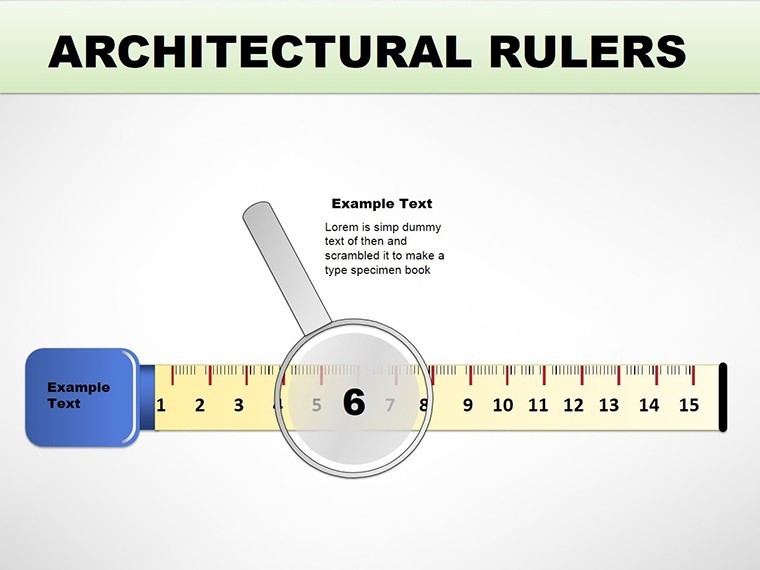
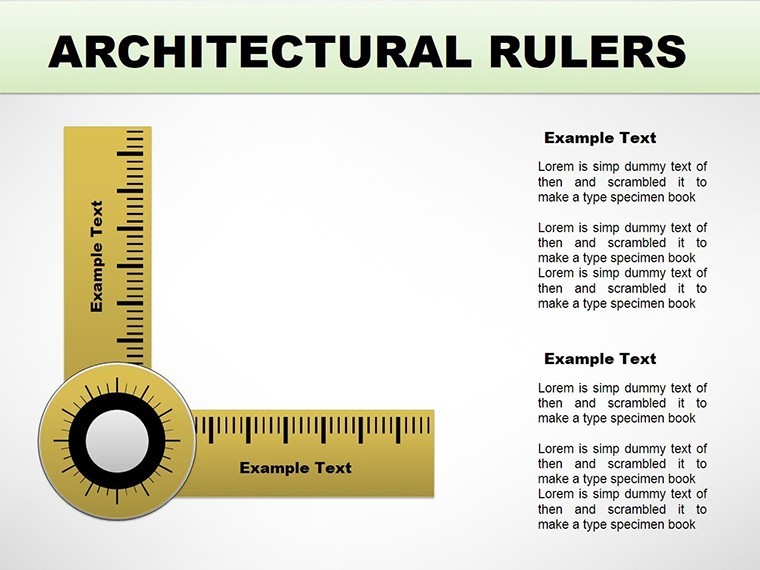
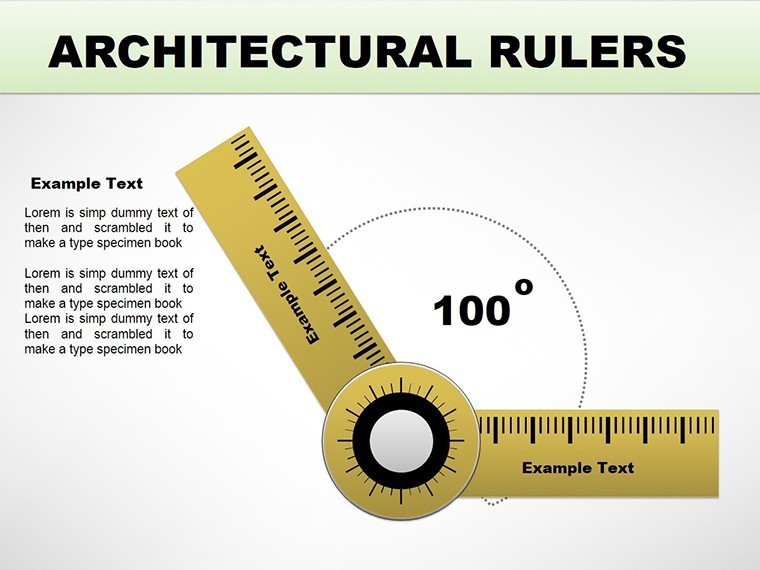
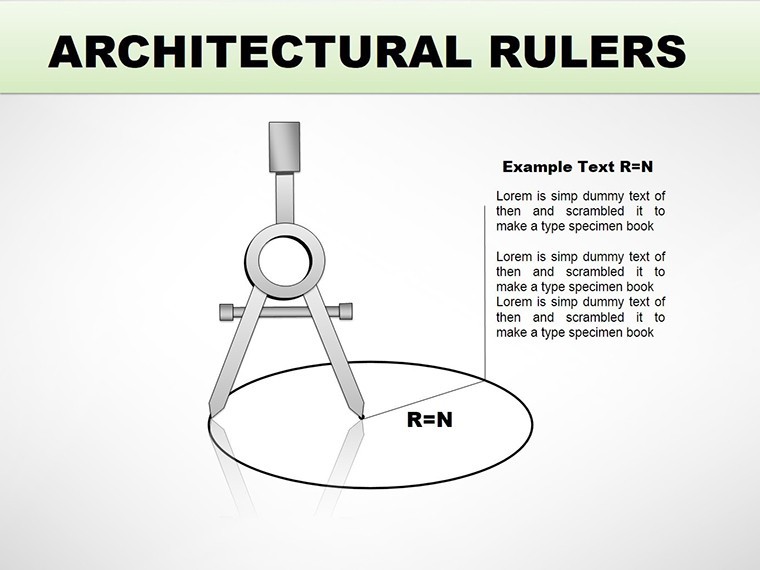
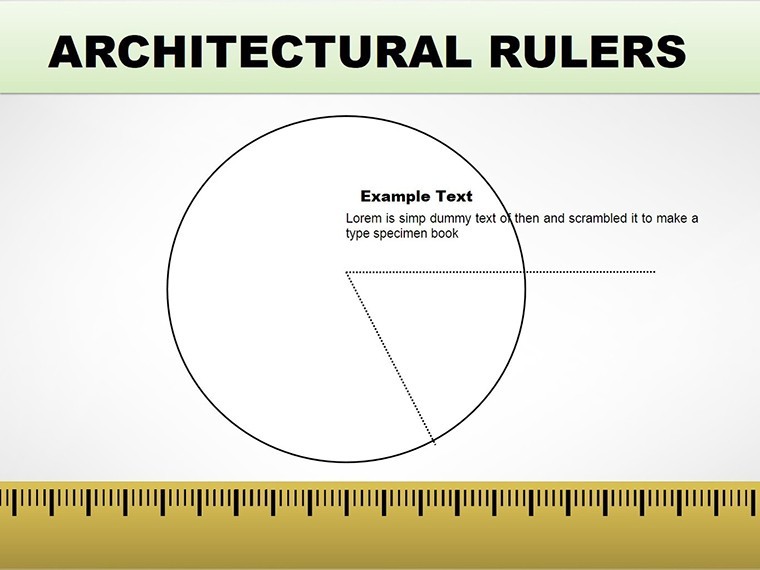
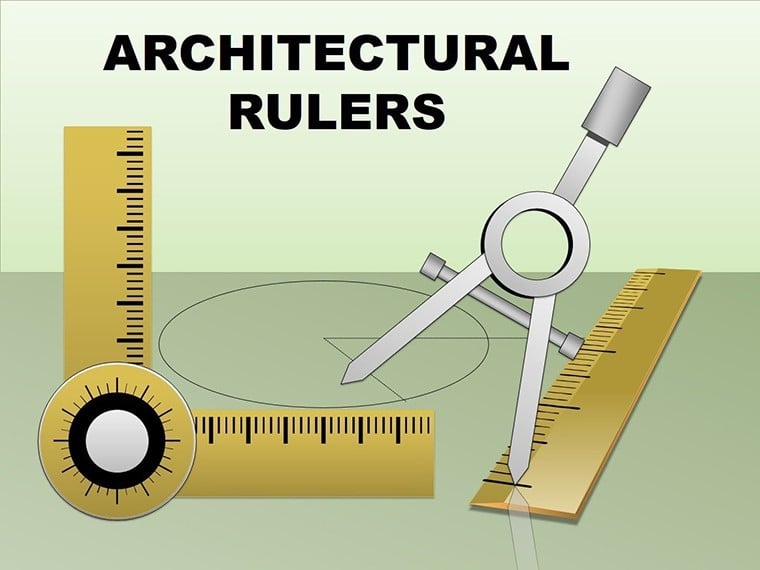
This template's strength lies in its specialized categories: Process for sequential workflows, Illustrations for vivid depictions, and Pyramids for hierarchical structures. The 15 slides feature high-fidelity ruler graphics, scalable to represent measurements accurately - think inch-to-foot conversions embedded in designs. Editability is key: modify line weights, add annotations, or integrate CAD exports seamlessly. Aligned with AIA guidelines on presentation quality, these elements lend trustworthiness, distinguishing your work from amateur efforts. Unlike standard Keynote fare, which skimps on technical depth, this offers layered illustrations for cross-sections or elevations, perfect for virtual reality previews.
Slide-by-Slide Exploration: Foundations to Finishes
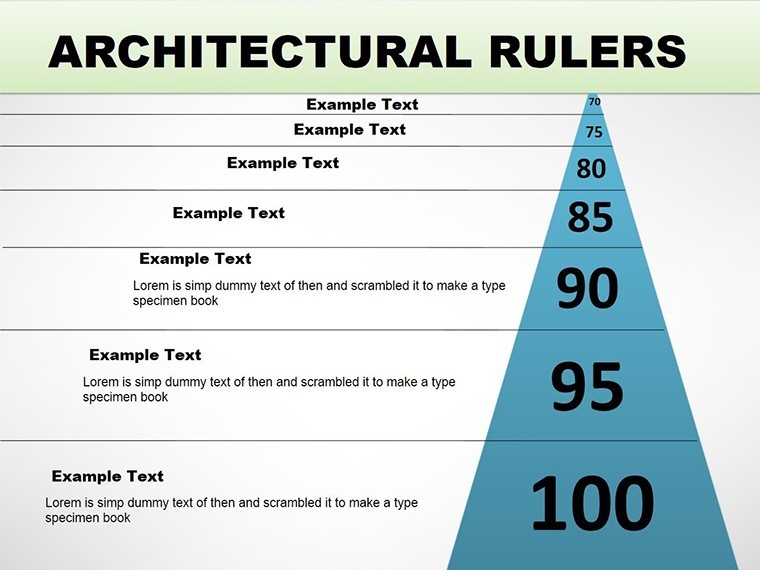
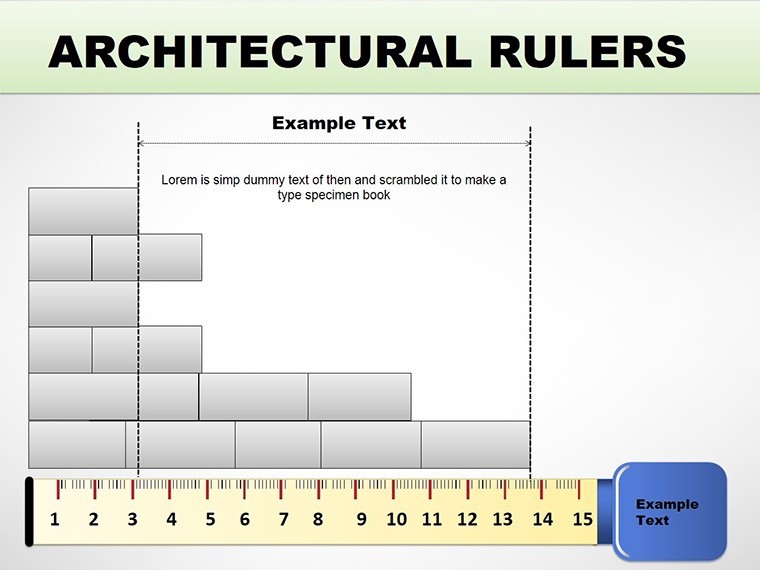
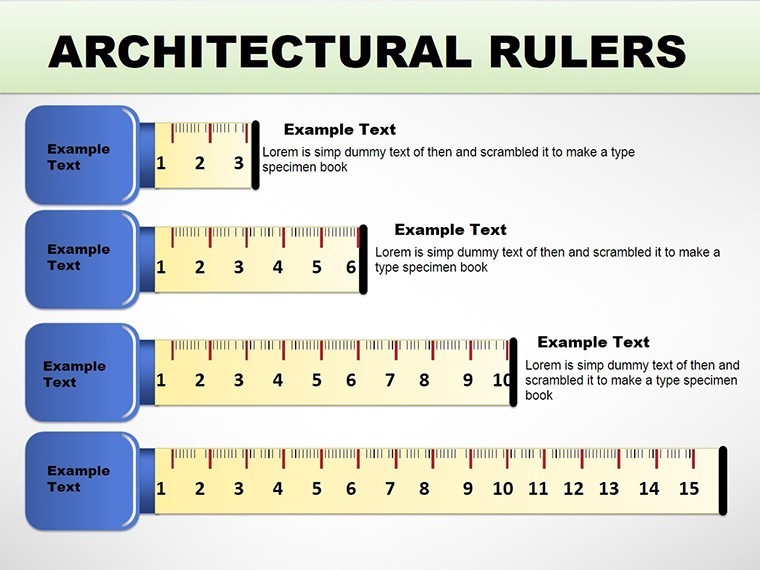
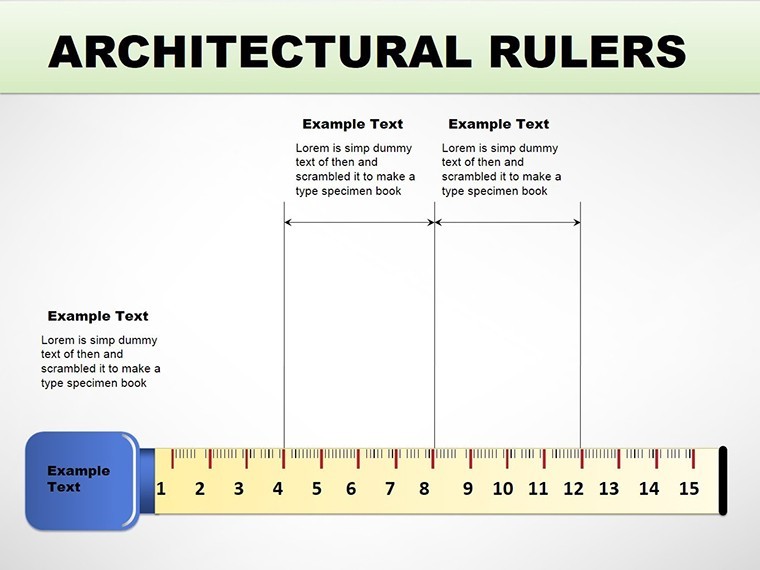
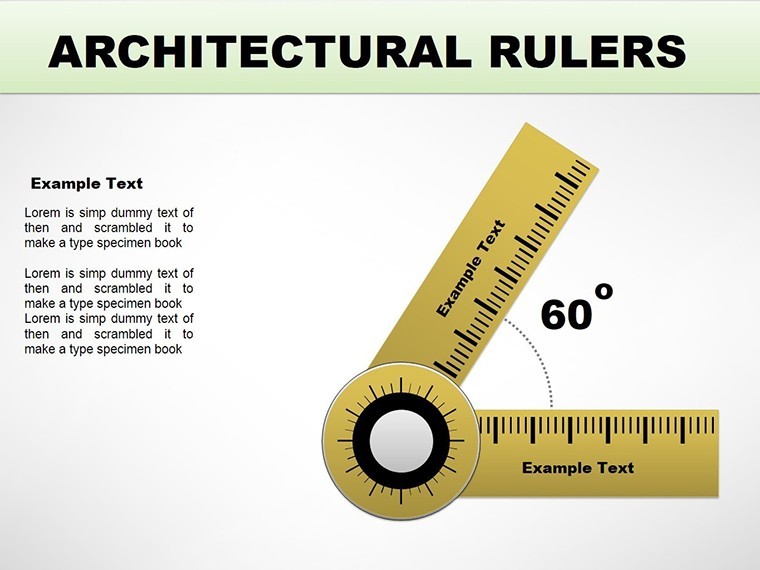
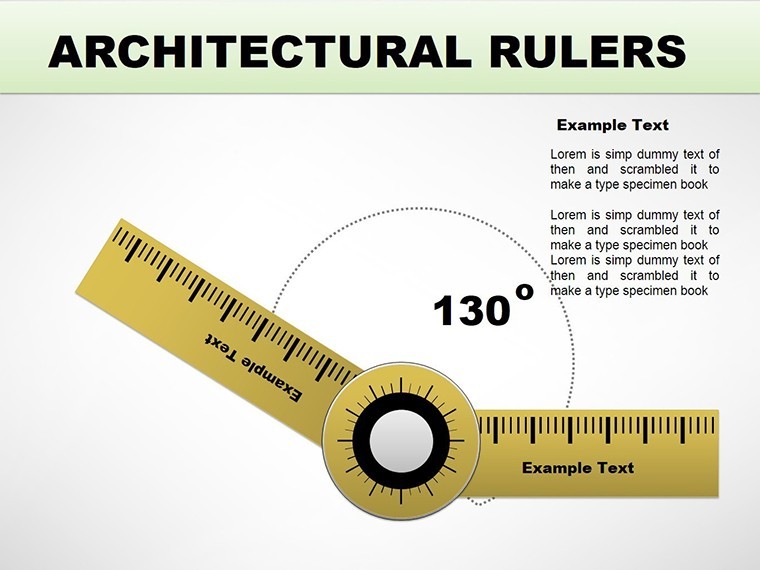
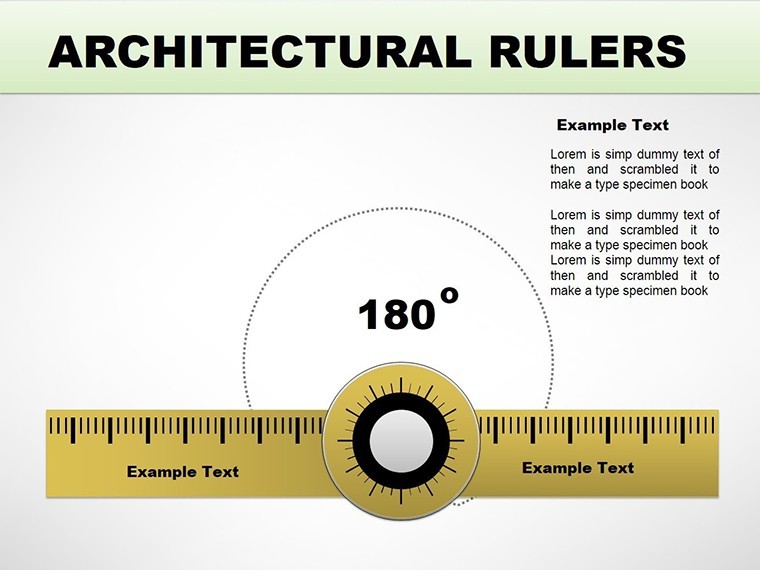
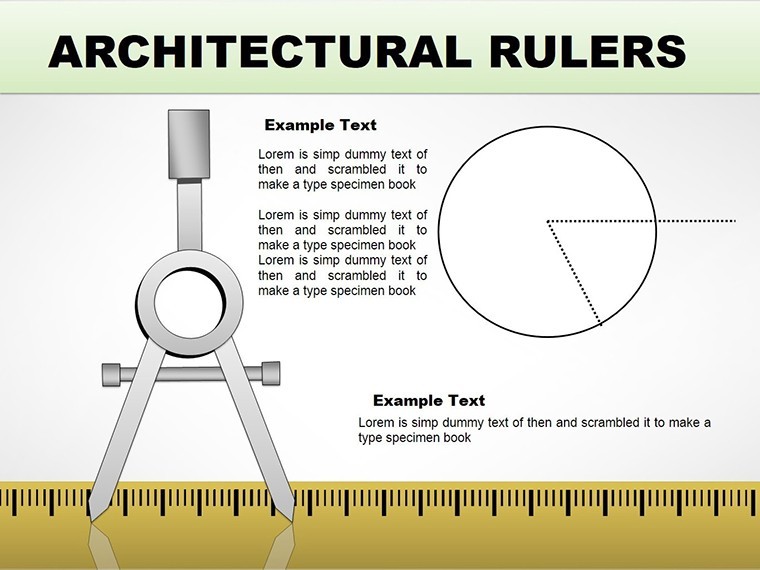
Starting strong, Slide 1 presents a pyramid chart outlining project phases, from concept to completion. Slides 2-5 emphasize process flows with ruler-guided timelines, ideal for Gantt-style scheduling. Illustrations dominate slides 6-9, showcasing ruler applications in floor plans or facades, with editable grids for precision. Hybrid slides 10-12 combine pyramids and processes for organizational charts, like team roles in a build. The finale, slides 13-15, are versatile blanks for custom ruler integrations, such as scaling sustainable features per LEED certifications. Built-in alignment tools ensure every element snaps perfectly, mirroring real drafting precision.
Targeted Use Cases: Building Success in Real Scenarios
For an engineering firm bidding on a bridge project, this template's pyramid charts hierarchize load distributions, backed by data from ASCE reports, streamlining stakeholder reviews. Architects use illustrations to visualize ruler-based measurements in urban infills, echoing successes like the High Line park where precise scaling won public support. In academia, professors employ process slides for lectures on historical evolutions, enhancing student comprehension. AIA award submissions benefit too - rulers highlight compliance, as in a recent eco-housing winner that credited visual clarity for victory. Addressing challenges like scale miscommunications, this tool fosters collaboration, reducing revisions by up to 25% per industry benchmarks.
Design Pro Tips for Architectural Excellence
- Scale Mastery: Use Keynote's ruler tool alongside templates for live adjustments during reviews.
- Integration Strategies: Link with AutoCAD exports for authentic data overlays.
- Visual Enhancements: Apply subtle gradients to pyramids for depth, mimicking 3D renders.
- Compliance Checks: Cross-reference with AIA templates to ensure standard adherence.
- Feedback Loops: Share via Google Slides for annotations, refining designs iteratively.
Drawn from architectural expertise, these pointers turn good presentations into award-worthy ones.
Superiority in a Competitive Field
Generic charts can't capture architectural nuance - our template does, with rulers that enforce accuracy over approximation. Compared to free options, it provides unrestricted edits and thematic cohesion, praised in design communities for efficiency gains. Trust builds through AIA-aligned features, positioning you as an authority. Versatile exports maintain integrity across platforms, essential for global teams.
Construct presentations that stand tall. This Architectural Rulers Keynote charts template is your blueprint for success - secure it now and scale new heights.
Frequently Asked Questions
How precise are the ruler elements?
Rulers are fully scalable and editable, allowing accurate measurements tailored to your project specs.
Compatible with engineering software?
Yes, integrate exports from CAD or BIM tools directly into slides.
What about export options?
Export seamlessly to PowerPoint or Google Slides without losing detail.
Ideal for AIA submissions?
Absolutely, designed with AIA standards in mind for professional quality.
Can I add custom illustrations?
Yes, placeholders make it easy to insert your own graphics.
Suitable for group projects?
Perfect, with collaborative export features.
Good for
- Project roadmaps and sprint plans
- Product launch timelines
- Quarterly or annual review decks
- Company history and milestone summaries
Licence
reviews
The ruler-guided timeline slides helped me show project phases for an architectural proposal and the client liked the precision.
Used the pyramid charts for hierarchy loads in an engineering presentation and the measurements were accurate.
The editable grid scales are useful but some of the ruler illustrations were too detailed for simple floor plans.
The process slides for Gantt-style scheduling saved me hours compared to building from templates.
Finally a technical template that actually respects scale and proportion for construction presentations.
FAQ
Will it work in Google Slides?
Are fonts embedded?
Can I use this for client work?
What's the refund policy?
Do you update the template after purchase?
Similar templates
See all Keynote Charts →

All 15 slides