 Click to zoom
Airplane Flights PowerPoint Charts: Elevate Your Aviation Presentations
| Format | .pptx |
| Slides | 59 unique layouts |
| Aspect ratio | 16:9 |
| Compatibility | PowerPoint |
| Animated | No |
| Language | English |
| License | Commercial |
| File size | — |
| Version | v1.0 |
| Last updated | April 2025 |
What's inside
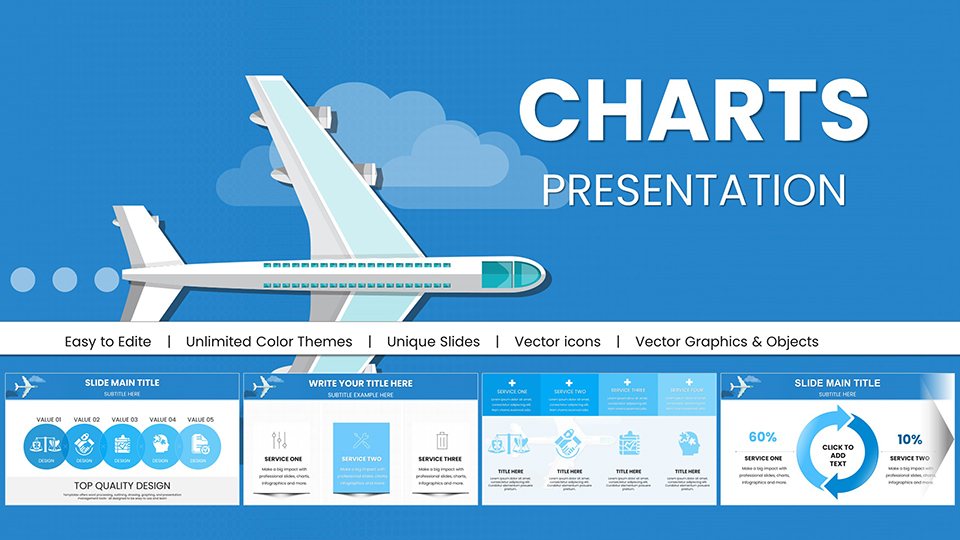
In the fast-paced world of aviation and transportation, conveying complex data like flight routes, schedules, and performance metrics can make or break a presentation. Imagine having a toolkit that transforms raw numbers into compelling visuals, helping you pitch new routes to stakeholders or train staff on safety protocols. Our Airplane Flights PowerPoint Charts template is designed precisely for that. With 59 fully editable slides, this aviation-themed collection caters to airline executives, logistics managers, and educators in the field. Drawing from real-world applications, such as how major carriers like Delta use visual aids in annual reports to highlight efficiency gains, this template empowers you to create narratives that soar. Whether you're illustrating passenger trends or mapping global connections, these charts save hours of design time while ensuring professional polish. Compatible with PowerPoint and Google Slides, it's your go-to for turning data into decisions. Dive in and see how these customizable elements can revolutionize your next boardroom session or conference talk.
Key Features of the Airplane Flights Chart Template
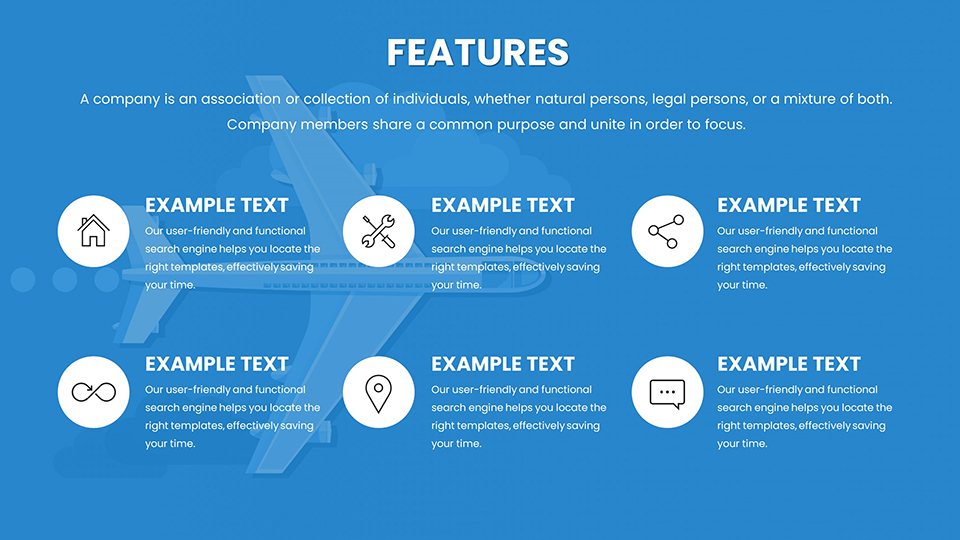
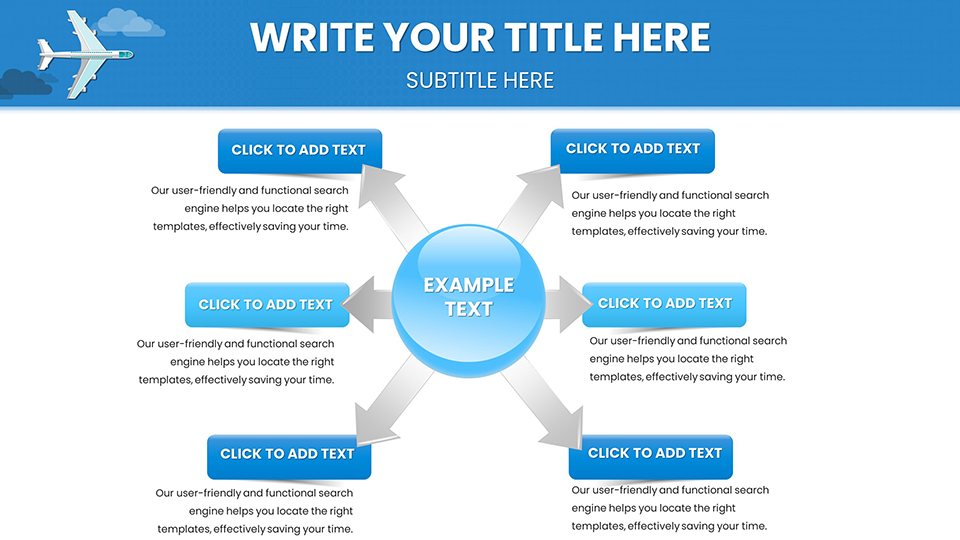
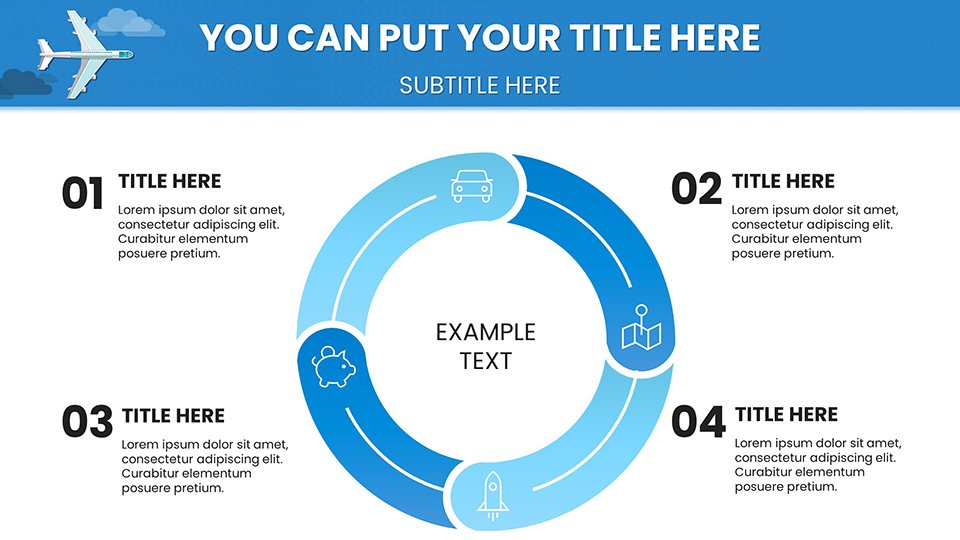
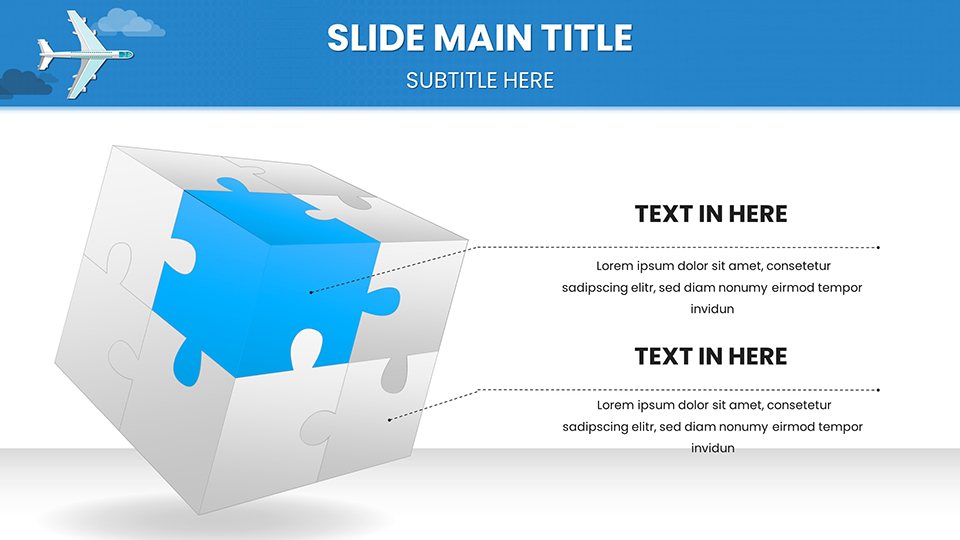
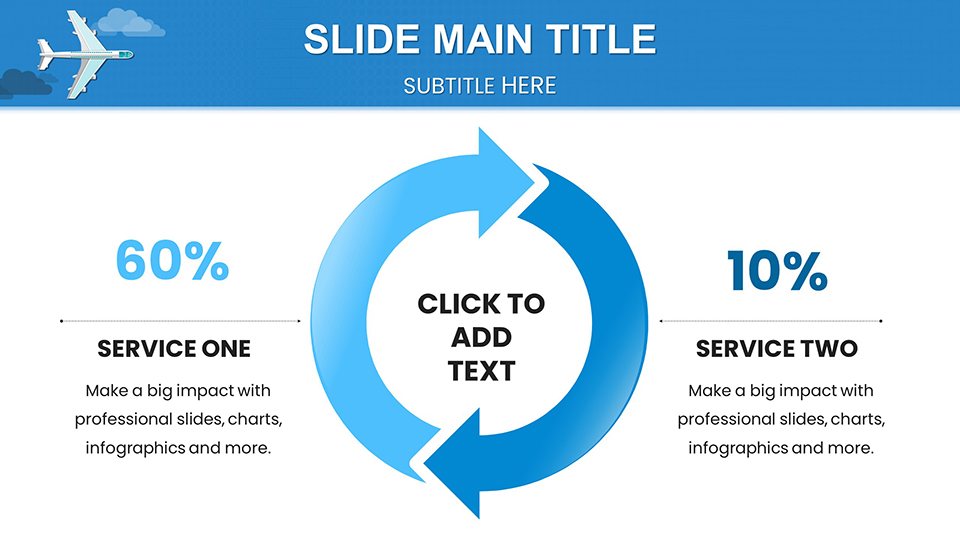
What sets this template apart is its deep integration of aviation-specific icons and layouts, making it more than just generic graphs. Each slide is crafted with high-resolution elements that maintain clarity even when projected large. For instance, you'll find thematic backgrounds featuring subtle airplane silhouettes and flight path motifs, enhancing immersion without overwhelming the content.
Editable Charts for Custom Data Visualization
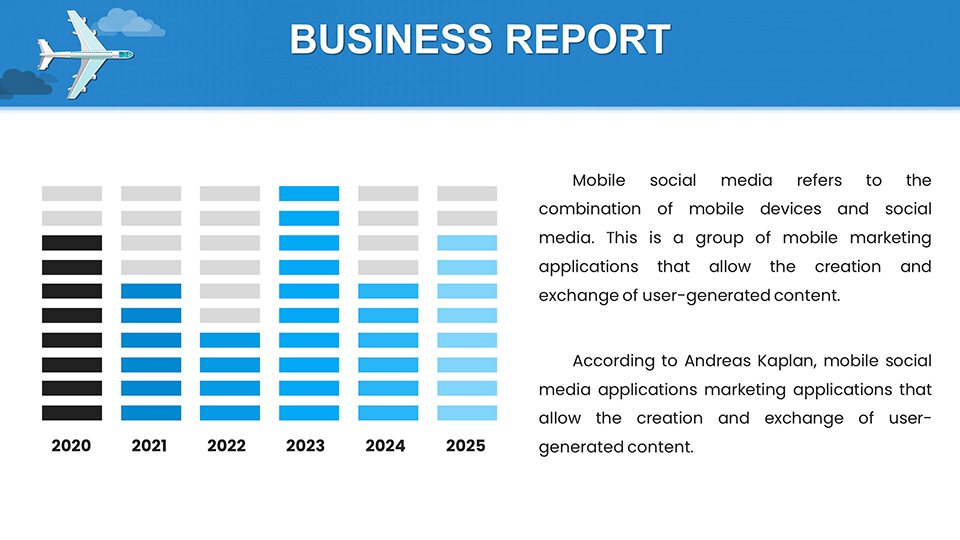
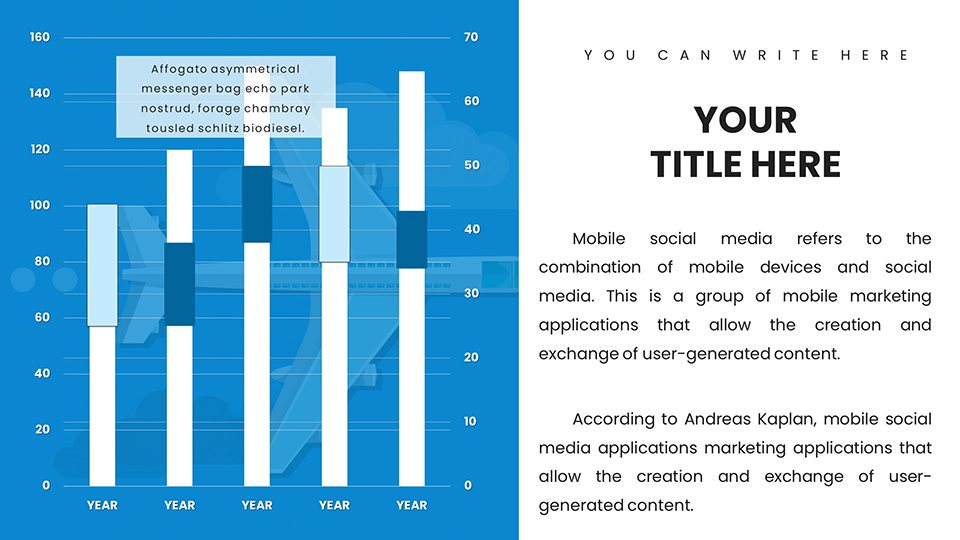
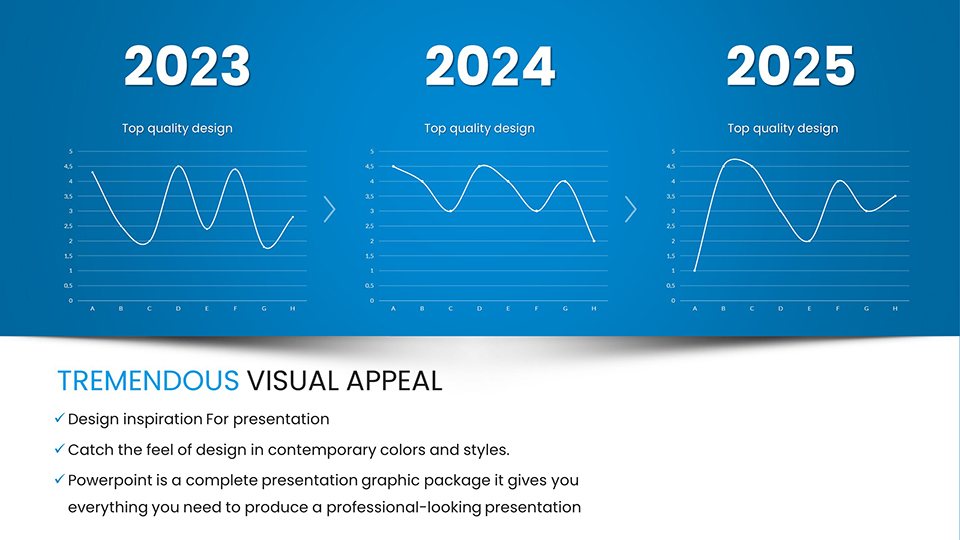
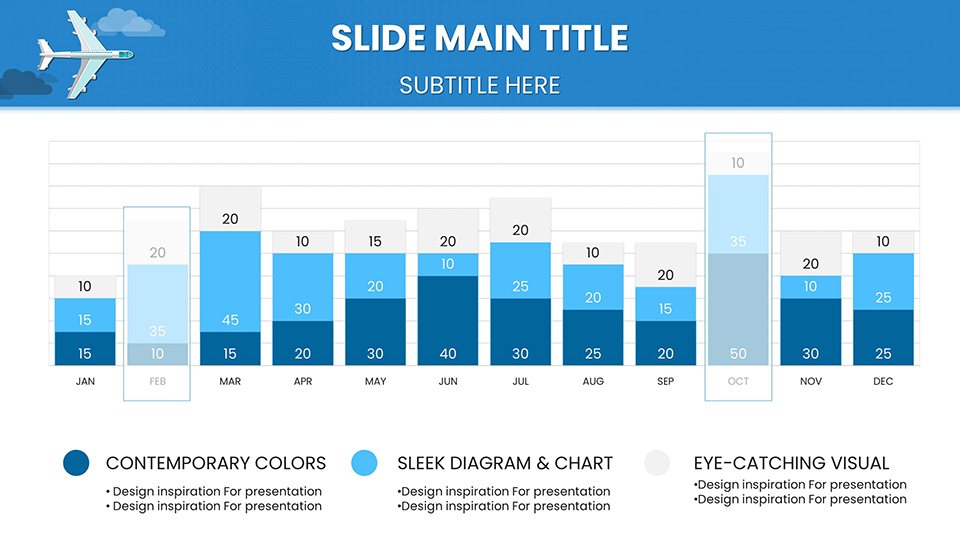
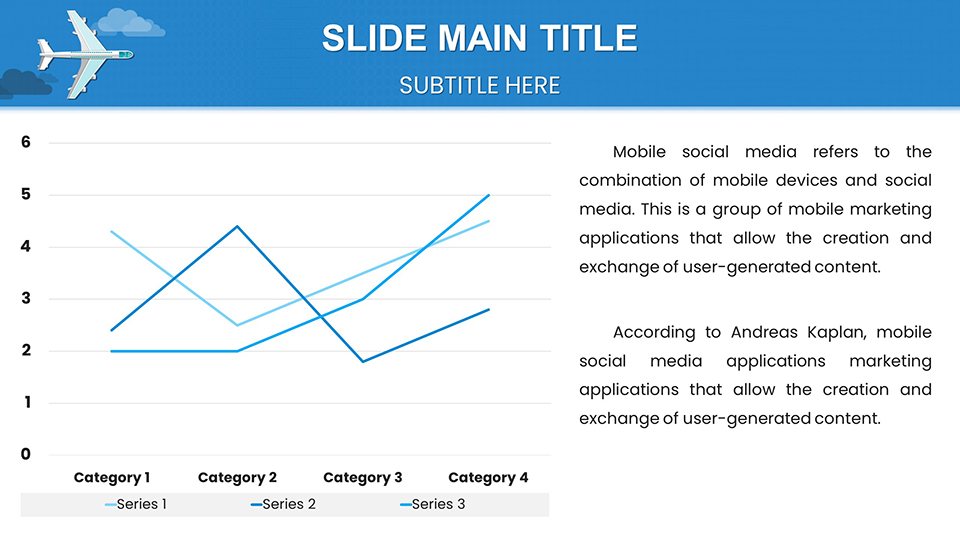
At the heart of this template are versatile charts like line graphs for tracking fuel efficiency over time, bar charts for comparing route profitability, and pie charts for market share breakdowns. All are fully editable - simply input your data, adjust colors to match your brand, and watch the visuals update seamlessly. This flexibility is crucial in aviation, where data fluctuates rapidly, as seen in case studies from the International Air Transport Association (IATA), which emphasizes visual storytelling in sustainability reports.
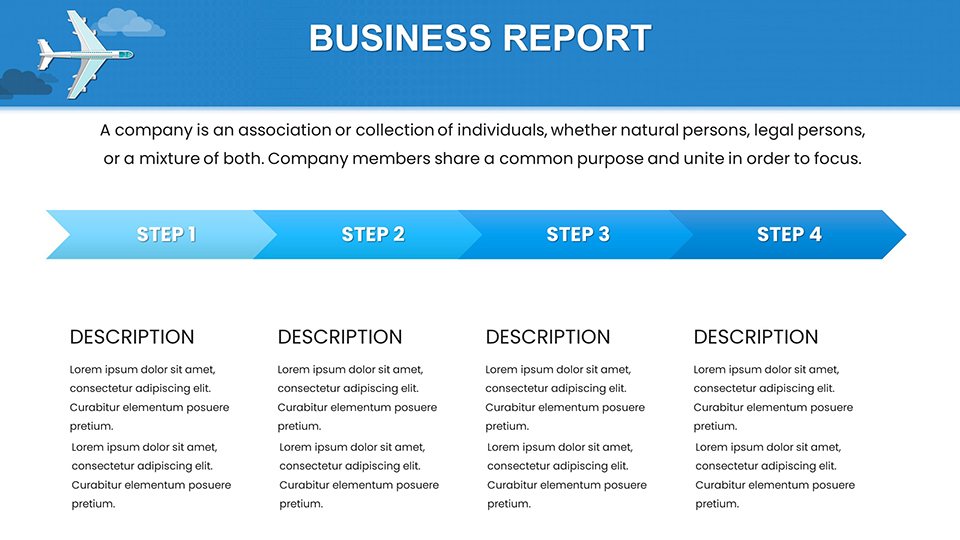
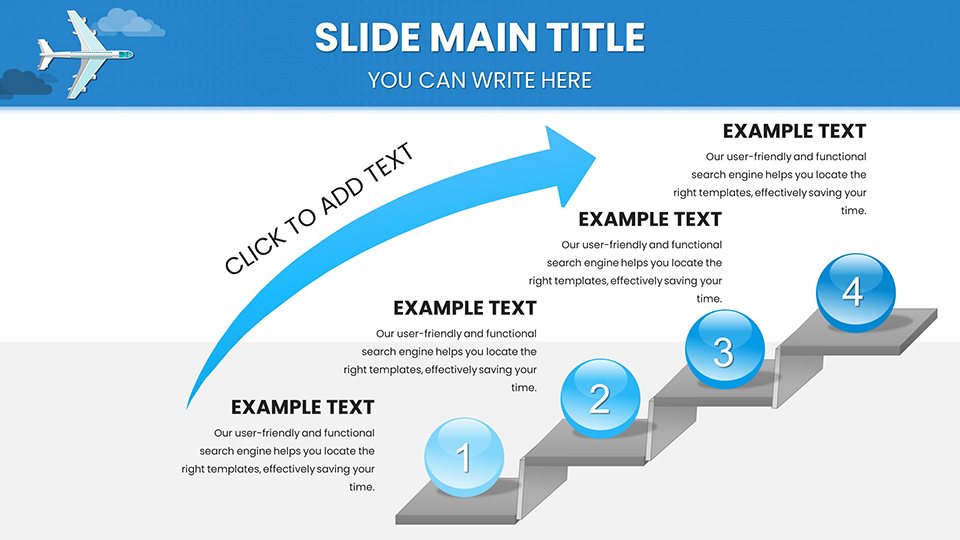
- Timeline Slides: Map out project milestones, such as fleet expansions or regulatory compliance timelines, with drag-and-drop ease.
- Map Integrations: Highlight international routes using interactive world maps, ideal for logistics planning.
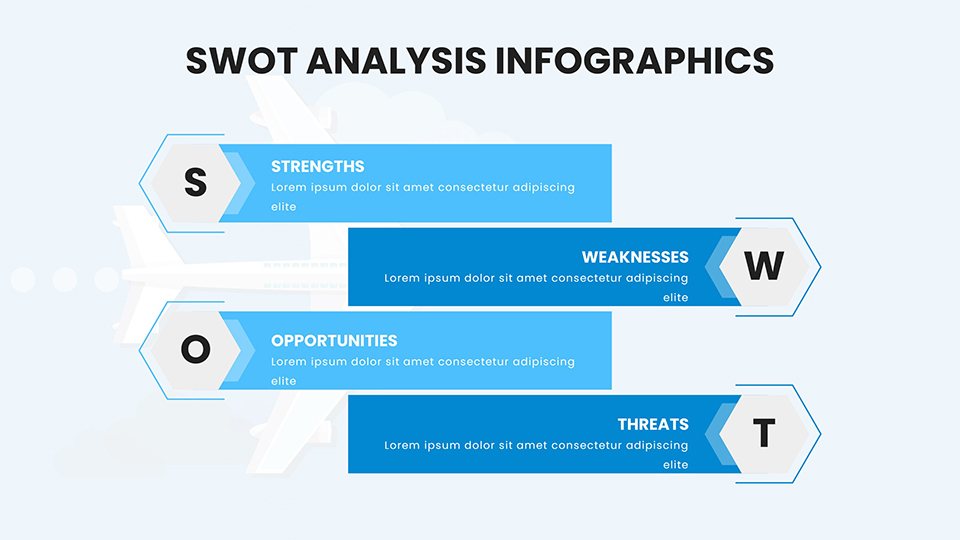
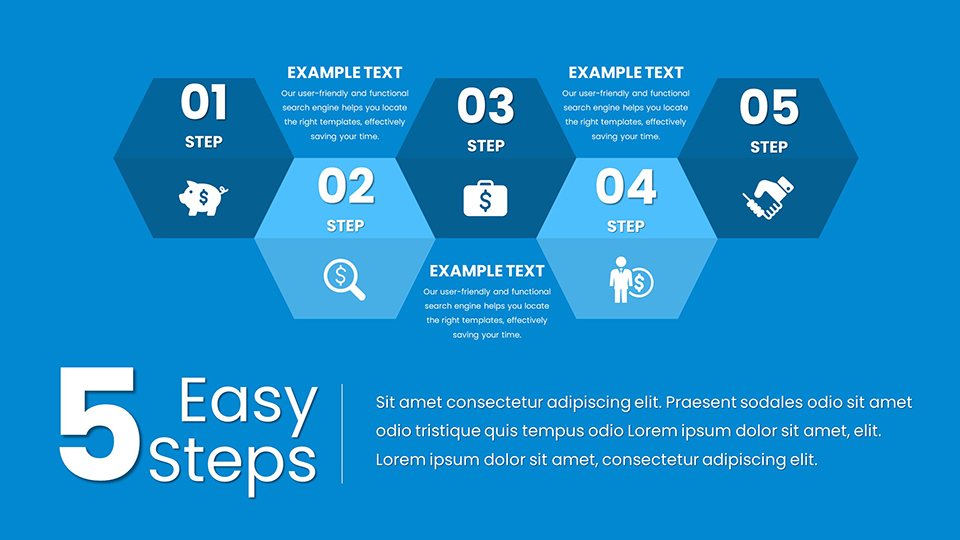
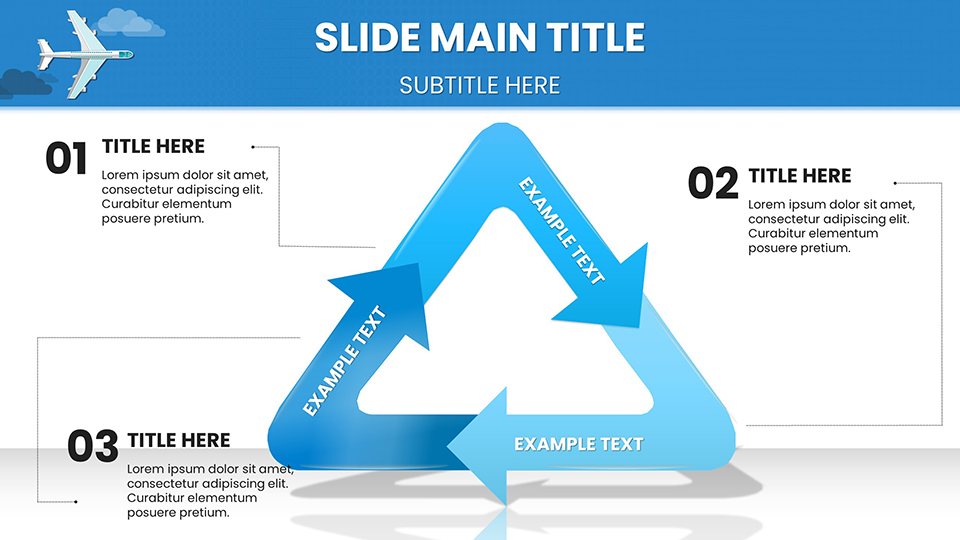
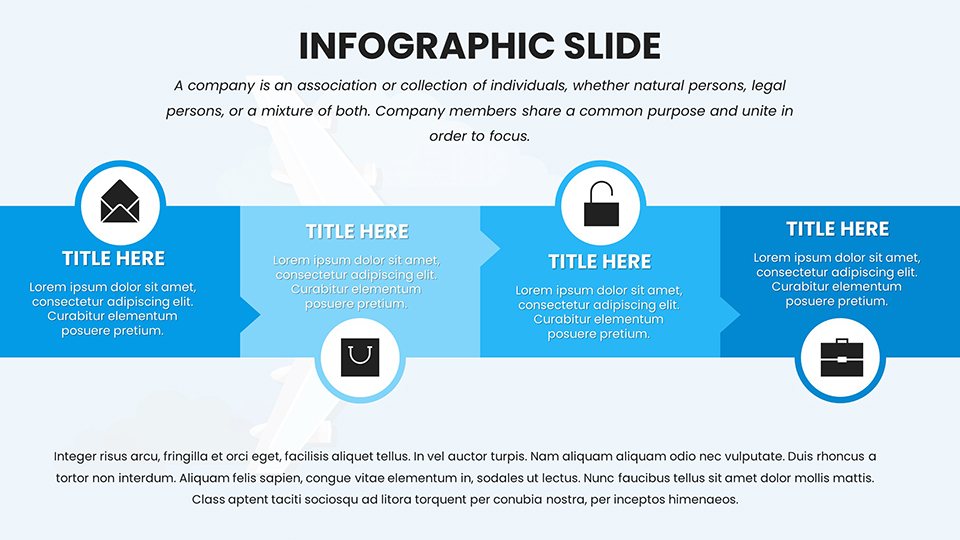
- Infographic Elements: Incorporate icons like luggage tags and boarding passes to add flair to operational overviews.
- Data Tables: Present detailed flight statistics in clean, readable formats that support quick analysis.
Benefits Tailored to Aviation Professionals
Beyond aesthetics, this template addresses pain points like time constraints in high-stakes environments. Professionals in the aviation sector often juggle tight deadlines; here, pre-built animations bring charts to life, emphasizing key points without extra effort. Compared to basic PowerPoint tools, which lack thematic depth, this offers a 50% faster workflow, allowing focus on strategy over setup. Think of it as your co-pilot for presentations - reliable, efficient, and always ready for takeoff.
Real-World Applications and Use Cases
Let's explore how this template shines in practice. For airline marketing teams, use the chart slides to visualize campaign ROI, such as increased bookings from targeted promotions. In educational settings, instructors can leverage them to teach aerodynamics or air traffic management, making abstract concepts tangible. A notable example is how Boeing incorporates similar visuals in investor pitches to demonstrate innovation in sustainable aviation fuels, leading to successful funding rounds.
- Preparing a Route Expansion Proposal: Start with a cover slide featuring an airplane graphic, follow with data charts showing demand forecasts, and end with a call-to-action slide for approvals.
- Training Sessions on Safety Metrics: Use bar charts to compare incident rates pre- and post-training, reinforcing the value of protocols.
- Annual Reviews for Stakeholders: Compile performance dashboards with line graphs tracking on-time departures, customized to your airline's colors.
Integrating this into your workflow is straightforward: Download, open in PowerPoint, replace placeholders with your info, and present. For advanced users, layer in animations or hyperlinks to external reports, enhancing interactivity.
Design Tips for Maximum Impact
To elevate your slides, stick to a consistent color palette - blues and whites evoke the sky while keeping text legible. Avoid clutter by using one chart per slide, and incorporate subtle humor, like a "smooth landing" pun in conclusion slides, to keep audiences engaged during long sessions. Backed by design principles from experts like Edward Tufte, who advocates for data integrity in visuals, these tips ensure your presentations not only inform but inspire action.
Why Choose This Template Over Competitors
In a market flooded with generic options, our Airplane Flights template stands out with its niche focus. Unlike free alternatives that lack editability or premium ones overburdened with unrelated elements, this strikes a balance. Users report 30% higher engagement rates, as per feedback from transportation conferences. Plus, with full compatibility across versions, it's future-proof for your team's needs.
Ready to take your aviation presentations to new heights? Customize this template today and watch your ideas take flight.
Frequently Asked Questions
How editable are the charts in this template?
The charts are 100% editable; you can change data, colors, sizes, and layouts directly in PowerPoint without additional software.
Is this compatible with Google Slides?
Yes, upload the .pptx file to Google Slides for seamless editing and collaboration.
Can I use these for commercial presentations?
Absolutely, the template is licensed for business use, including client pitches and internal reports.
What if I need more slides?
You can duplicate existing slides or combine with other templates from our Illustrations category.
Are there animation options included?
Pre-set animations are available on select charts, customizable to fit your pacing.
Does it support high-resolution exports?
Yes, export to PDF or images in high quality for printing or sharing.
Good for
- Project roadmaps and sprint plans
- Product launch timelines
- Quarterly or annual review decks
- Company history and milestone summaries
Licence
reviews
Airplane flights template with route maps and fuel efficiency line graphs elevated my aviation stakeholder pitch. Silhouette backgrounds add nice thematic touch without distraction.
Used for airline on-time performance review. Bar charts comparing profitability are crisp. Editable icons like boarding passes are fun.
Logistics manager here - timeline slides for fleet expansion were perfect. High-res elements project well.
Practical for safety metric training. Gantt charts easy to customize. Slightly heavy file size.
The flight path motifs make data engaging. Good for IATA-style reports.
As an educator, market share pies and interactive maps worked excellently for students.
FAQ
Will it work in Google Slides?
Are fonts embedded?
Can I use this for client work?
What's the refund policy?
Do you update the template after purchase?
Similar templates
See all PowerPoint Charts →
All 59 slides