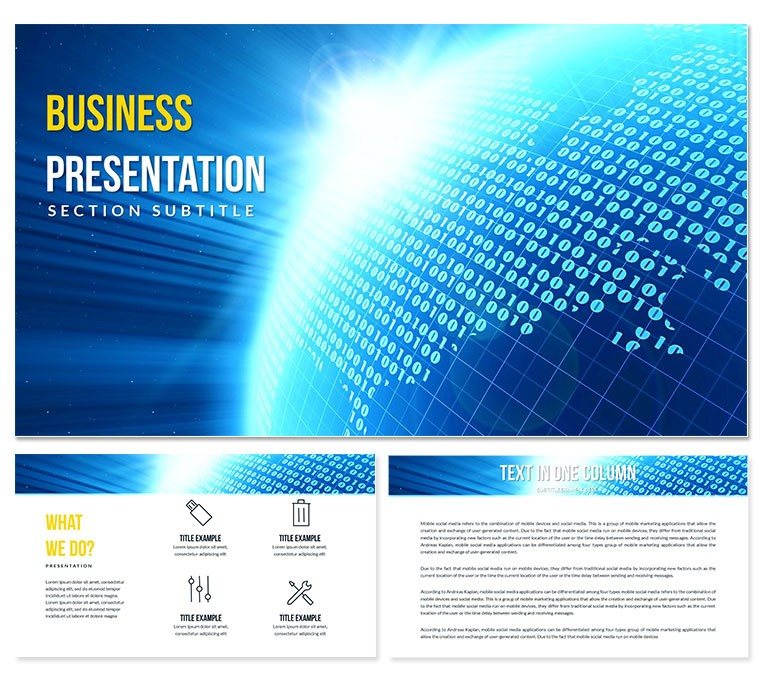
 Click to zoom
Abstract Futuristic Technology Diagrams - Editable PPTX | ImagineLayout
| Format | .pptx |
| Slides | 3 unique layouts |
| Aspect ratio | 16:9 |
| Compatibility | PowerPoint |
| Animated | No |
| Language | English |
| License | Commercial |
| File size | — |
| Version | v1.0 |
| Last updated | April 2026 |
What's inside
What is a PowerPoint diagram template? A PowerPoint diagram template is a POTX file that contains ready-made editable shapes, flow lines and layout masters so users insert complete diagrams without drawing them.
Package Contents
28 diagrams plus 7 color schemes arrive in the single download.
Each diagram type works together for technology presentations such as system architecture and innovation roadmaps.
Unlike workflow-focused sets the collection emphasizes abstract futuristic visuals.
- 28 individual diagrams
- 7 coordinated color schemes
- POTX master file
- JPG export versions
Technical Specs
FeatureDetailsEditable shapesdiagram segments resize and recolor independentlyText placeholderslabels update without unlocking grouped elementsColor theme adjustmentscompatible with PowerPoint slide master paletteDiagram connectorsarrows and lines adjustable in direction and weightIcon layersicons replaceable without affecting layoutExport options.potx for editing, JPG for distributionAdapting the Template to Your Brand
Open the file and spend the first two minutes orienting to the master slide structure - this is where all color changes happen globally.
The most common mistake is editing individual slide colors directly; going through the master saves 15 minutes of repeated work.
Once content is in place the export step depends on the destination audience.
Real Scenarios
Before: 4 hours building from scratch with inconsistent alignment.
After: 35 minutes and all diagrams consistent across 6 client decks.
A product strategist reused the same template file across quarterly innovation briefings.
Download and start editing immediately
Building From Scratch vs. Starting Here
Flow direction in futuristic diagrams already encodes progression without extra arrows.
Manually recreating the same visual language takes 3 hours and risks misaligned connectors.
This set already encodes the hierarchy so the audience reads progression before reading the label.
Download and start editing immediately
Which PowerPoint versions open the file?The POTX file opens in PowerPoint 2016, 2019, 365 and Mac versions. Earlier releases may lose some shape effects but core diagrams remain editable.
How do I change the color scheme?Open the slide master, select the color palette and choose one of the 7 built-in schemes. All 28 diagrams update simultaneously.
Is the license valid for client work?Yes. One license covers both internal strategy decks and paid client projects. Resale of the original file is not permitted.
Does a free version exist?The page does not list a free version. The paid $12 download contains the complete POTX file and all 28 diagrams.
What is the refund policy?Contact support within 30 days if the file does not open in your PowerPoint version. Full refund issued after file return.
Good for
- Project roadmaps and sprint plans
- Product launch timelines
- Quarterly or annual review decks
- Company history and milestone summaries
Licence
reviews
Used this for a product roadmap review. The timeline slides are easy to use and the milestone markers are helpful.
Good for a quarterly business review. The template is solid
but I had to add a lot of my own data callouts.
It's an okay pack. I used a few of the slides for a project status report
and they worked without any issues.
I just needed a simple table slide
and this one had a few decent options. It's fine.
The template is fine for internal use
but it's too bland for anything external. I'd recommend a more modern set.
FAQ
Will it work in Google Slides?
Are fonts embedded?
Can I use this for client work?
What's the refund policy?
Do you update the template after purchase?
Similar templates
See all PowerPoint Templates →



All 1 slides