 Click to zoom
3D Hourglass Keynote Diagrams: Sand the Sands of Strategy
| Format | .pptx |
| Slides | 26 unique layouts |
| Aspect ratio | 16:9 |
| Compatibility | PowerPoint |
| Animated | No |
| Language | English |
| License | Commercial |
| File size | — |
| Version | v1.0 |
| Last updated | January 2025 |
What's inside
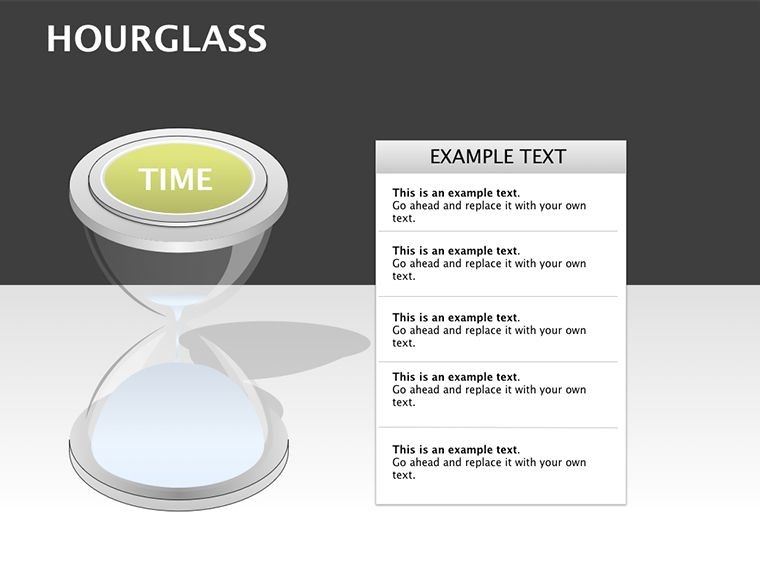
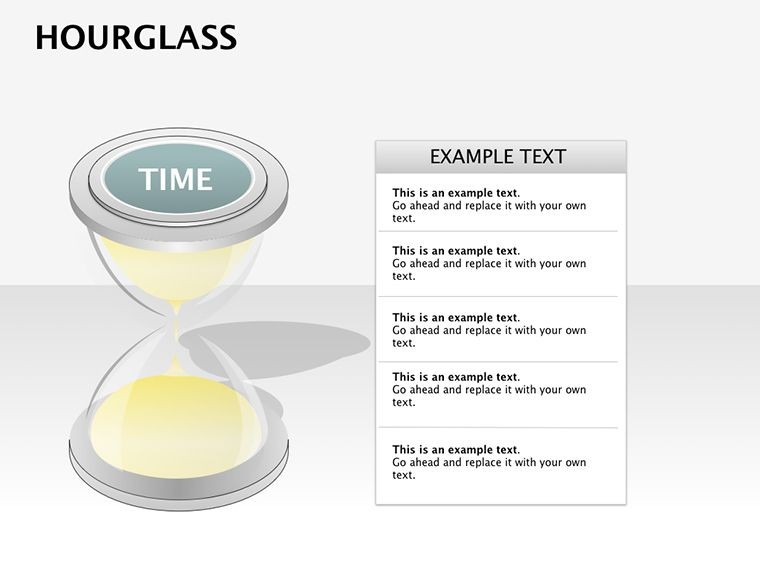
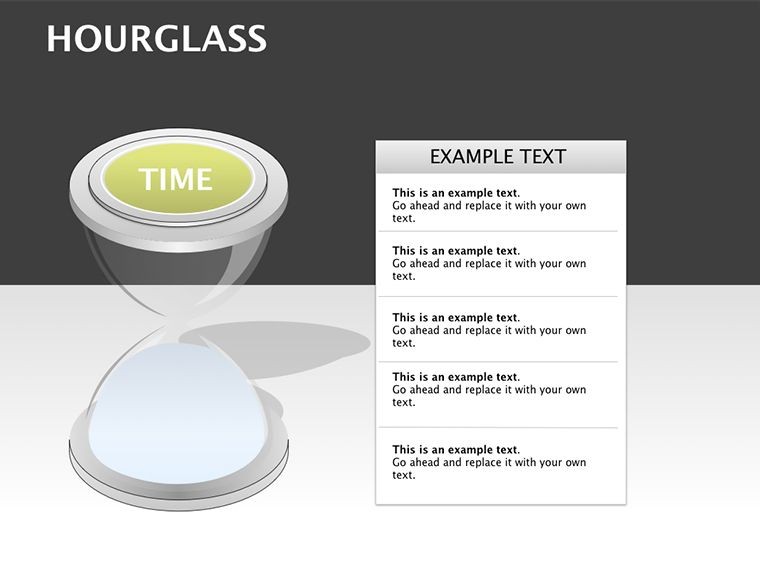
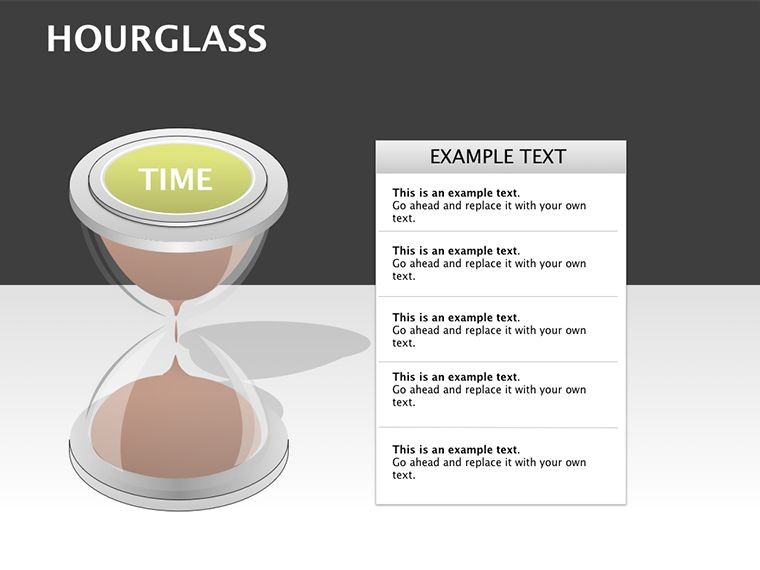
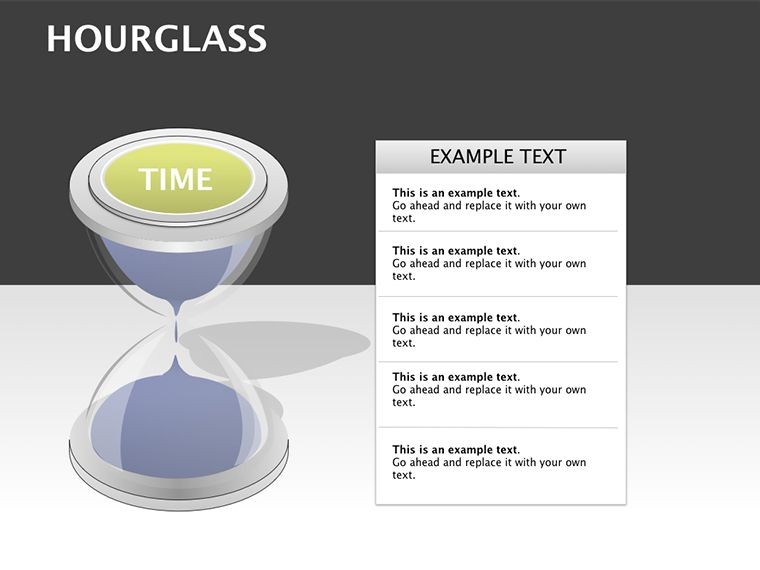
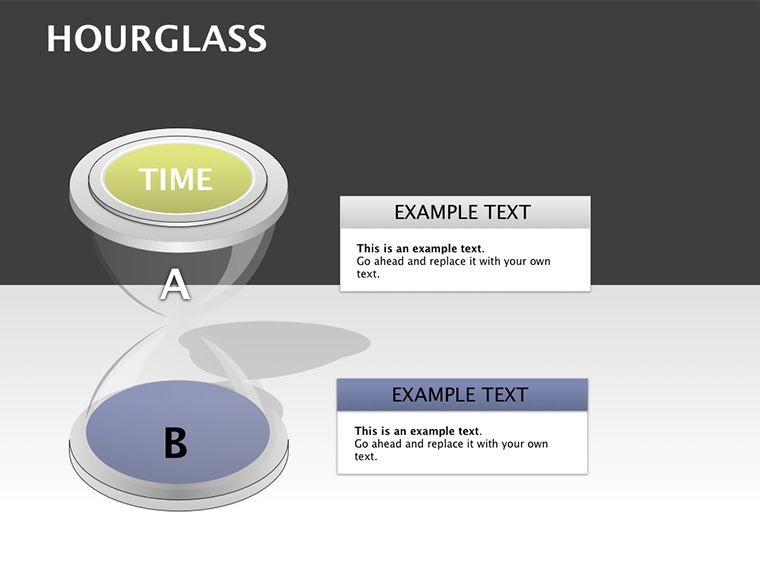
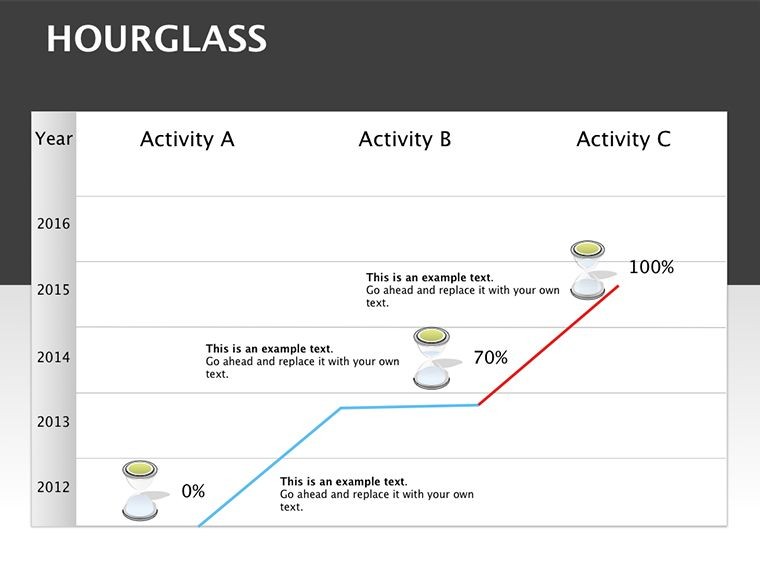
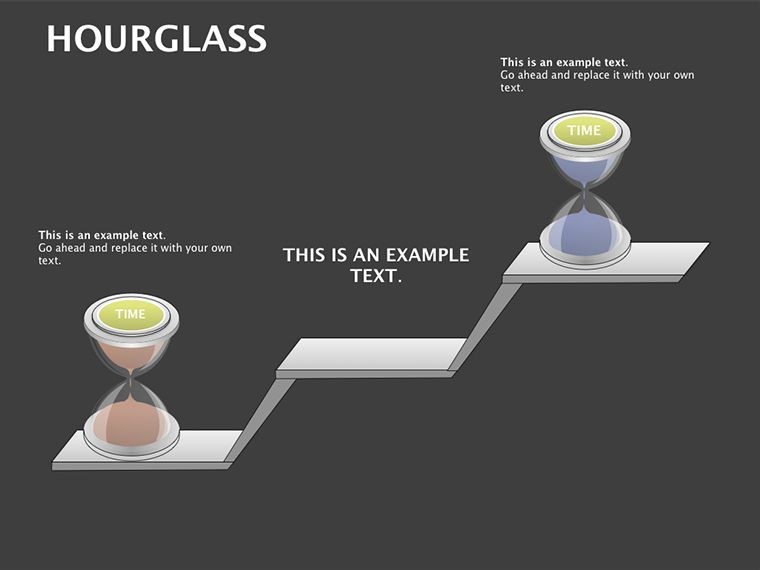
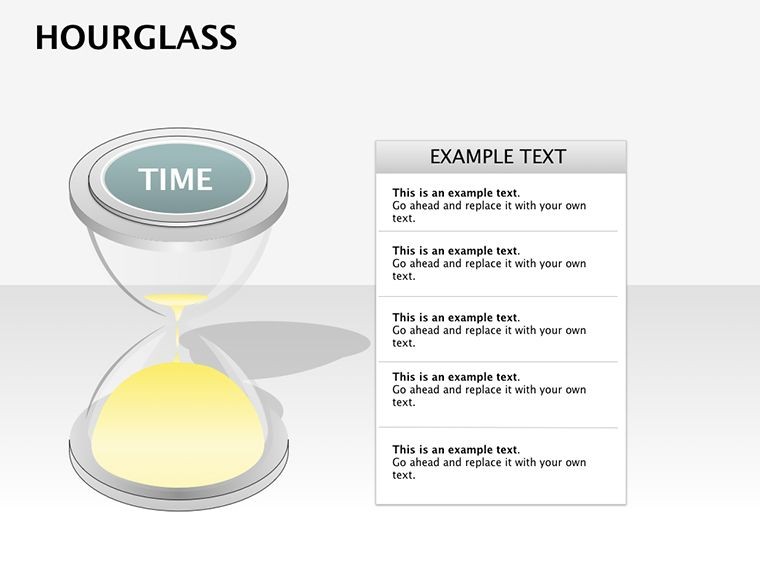
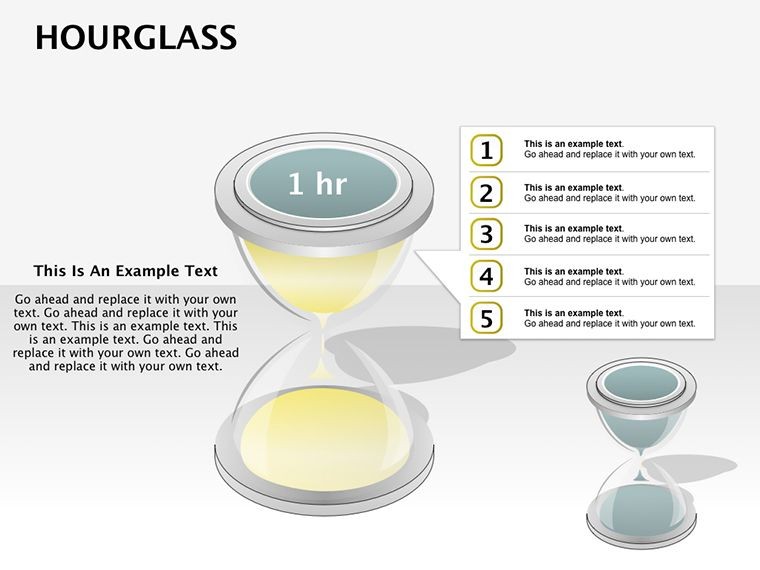
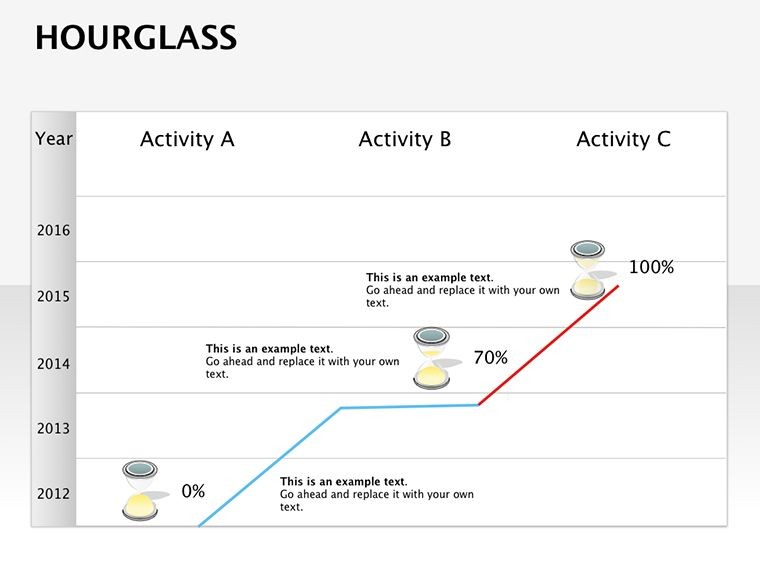
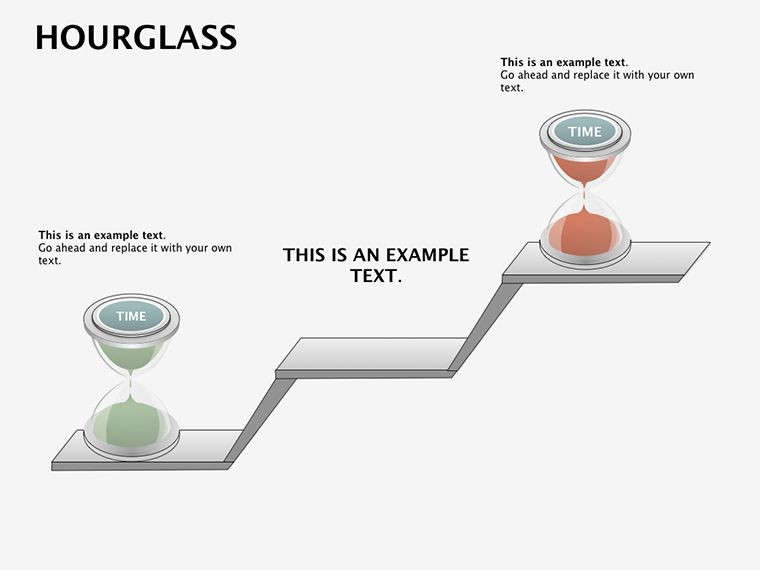
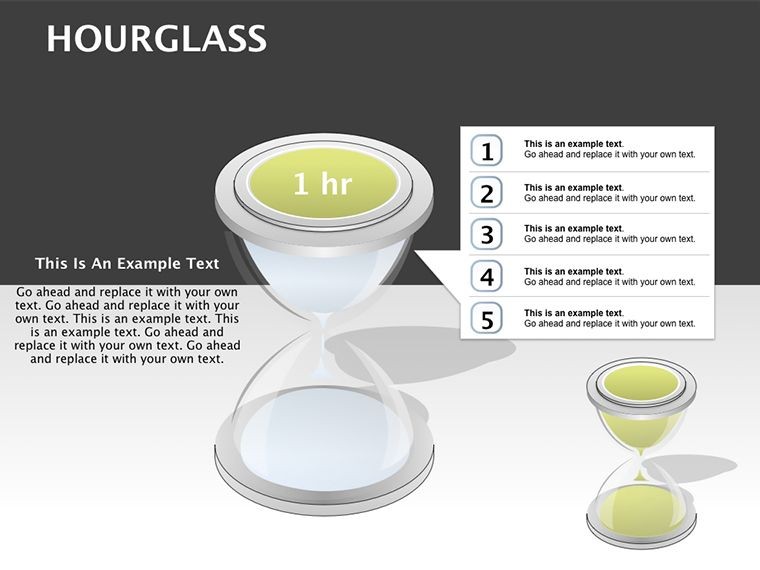
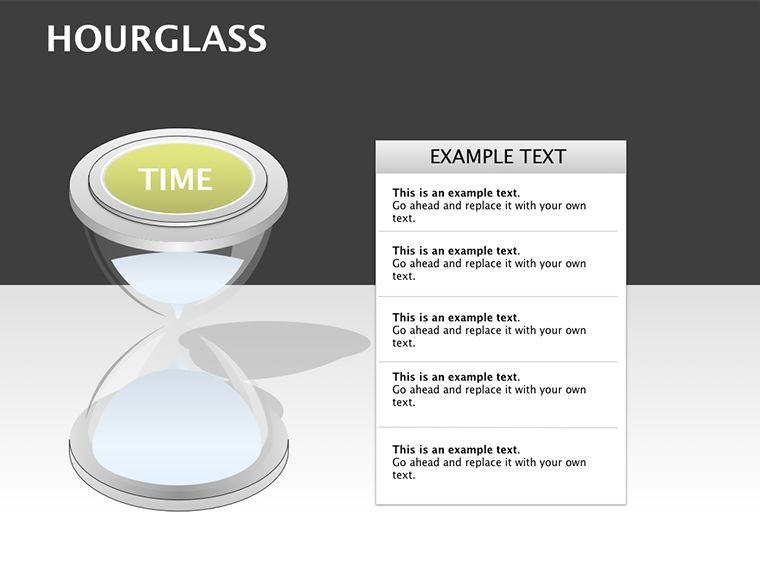
Time waits for no presentation, but with the 3D Hourglass Keynote Diagrams Template, you can make it wait - and wow. This 26-slide stunner visualizes time-dependent workflows, from project timelines to decision funnels, using elegant hourglass motifs that drip with metaphor. Crafted for project managers, ops leads, and creatives tracking milestones, it turns linear chronologies into mesmerizing 3D spectacles that underscore urgency and progress. In a world where deadlines dictate destinies, these slides don't just show time - they command it.
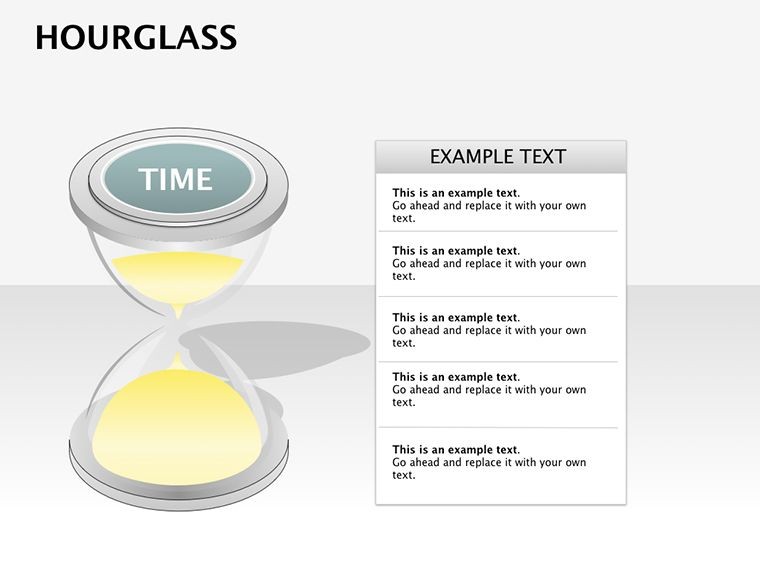
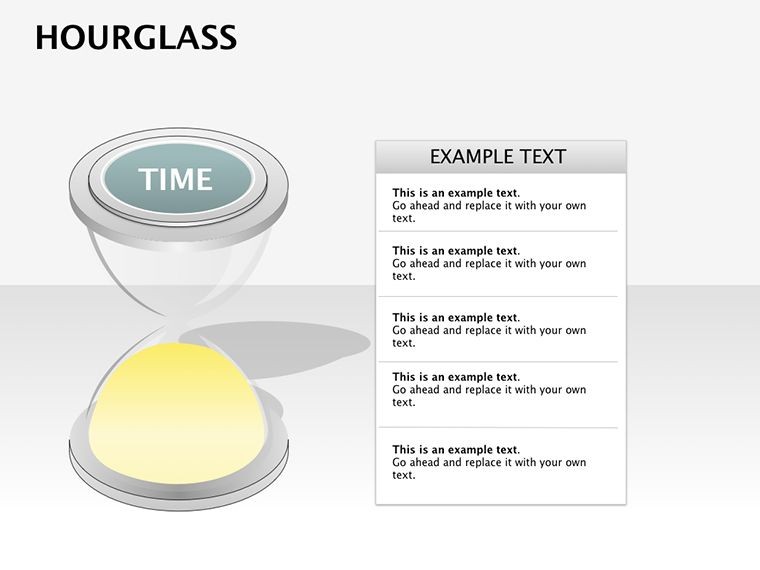
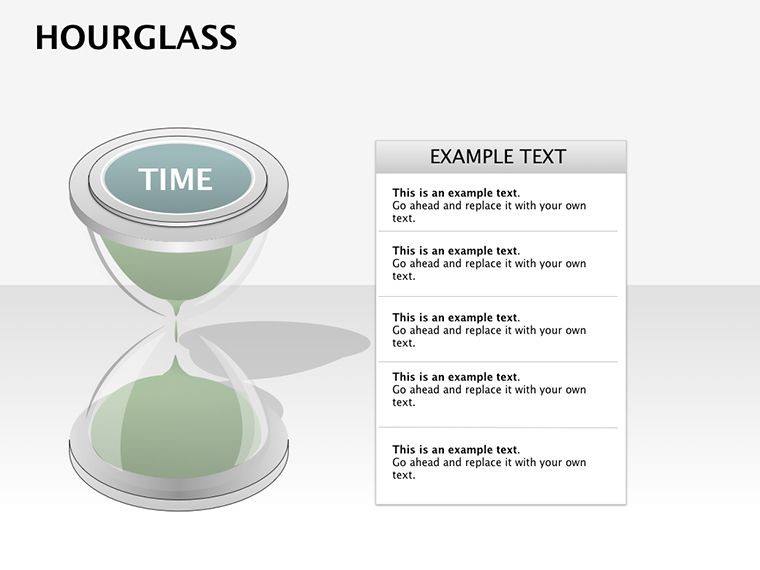
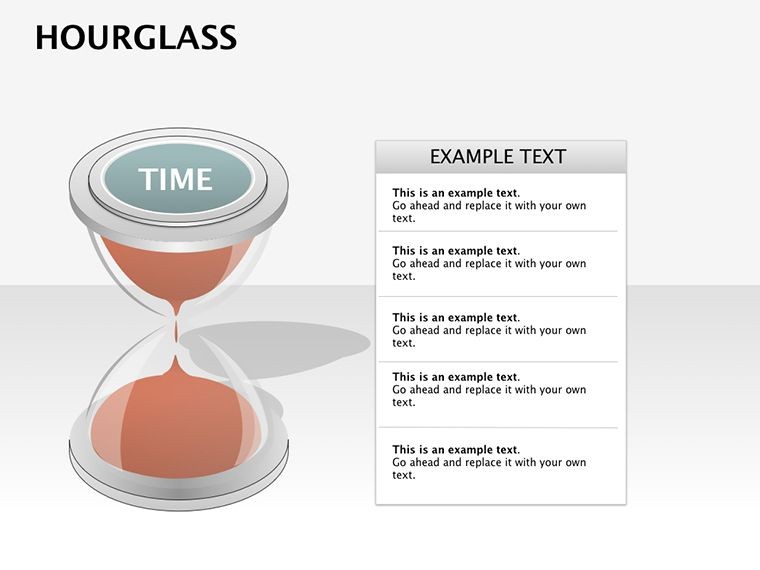
Why the hourglass allure? It evokes inevitability, perfect for pitches where timing is everything. Fully Keynote-compatible (.key files), customize glass tints (crisp red for alerts, sunny yellow for phases) and sand shades for natural flow. Animate grains falling to mirror task completions - subtle yet profound. For architecture timelines, map construction phases with AIA-phased precision, blending form with function.
Timing Perfection: Features That Flow Seamlessly
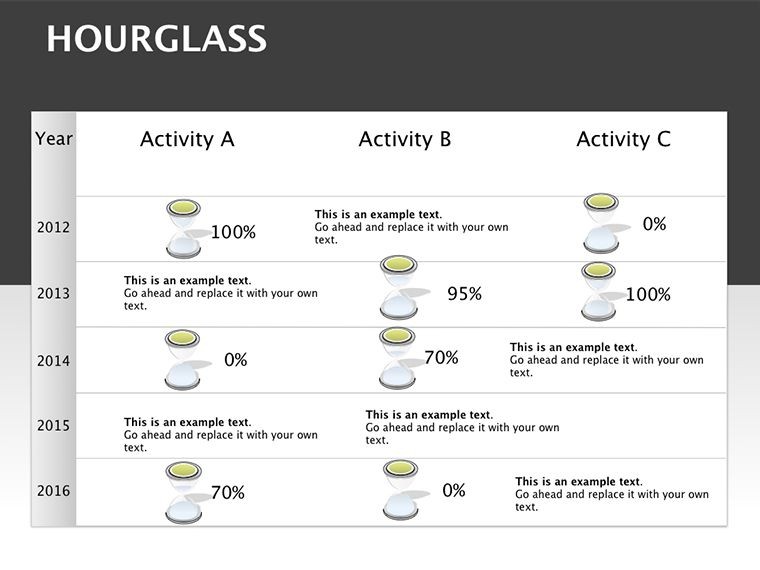
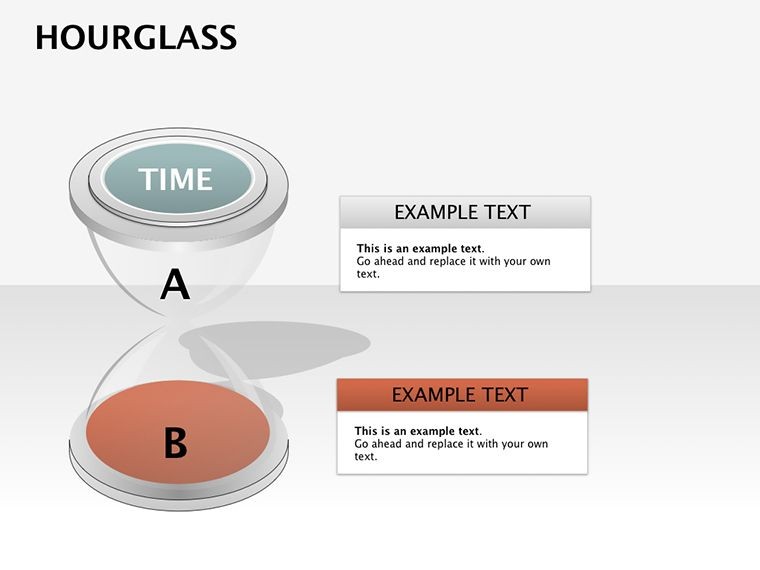
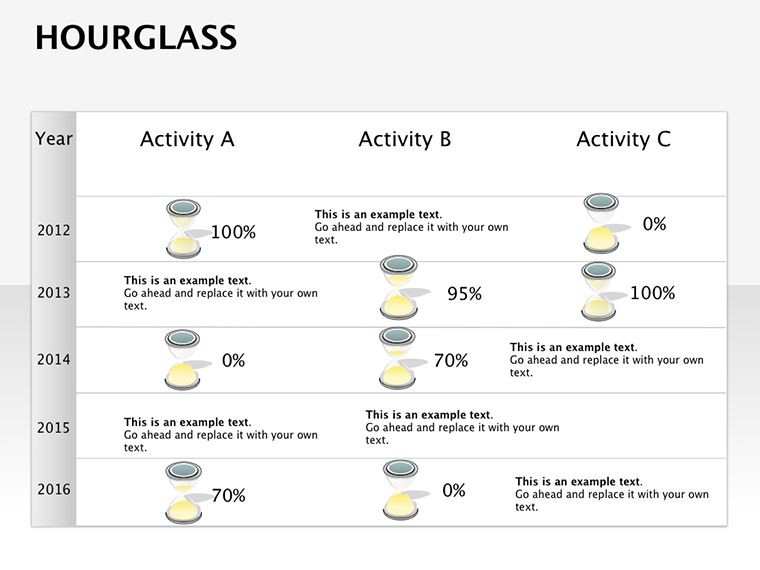
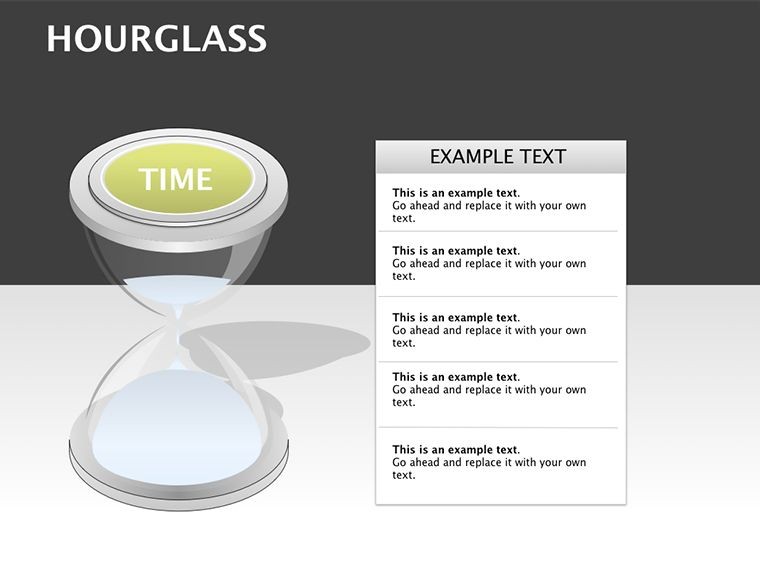
Boasting 26 editable slides, the template excels in relationship and 3D categories. Hourglasses vary - upright for ongoing processes, inverted for retrospectives - with scalable vectors for any resolution. Embed timelines within bulbs, color-code sands for multi-stage views.
- Color Dynamics: Swap glass to match themes; designer-favored beige sands add realism.
- 3D Immersion: Layered perspectives create depth, enhancing perceived motion.
- Process Mapping: Funnel slides for decision trees, where sand levels indicate bottlenecks.
- Animation Arsenal: Built-in drops simulate time lapse, customizable for pace.
Beats plain Gantt charts by infusing emotion - viewers feel the "ticking." A Seattle tech firm applied it to sprint retros, clarifying delays and accelerating next cycles by 35%.
Pour It Out: Step-by-Step Sand Setup
- Influx the File: Unpack and fire up in Keynote; themes auto-load for instant vibe.
- Shape Your Sands: Assign tasks to grain levels; link to calendars for auto-updates.
- Tint and Twist: Adjust colors - vibrant for highs, muted for lulls - and rotate views.
- Animate the Drop: Set fall rates; sync with voiceover for rhythmic delivery.
- Harvest Insights: Review full flips; export animated GIFs for reports.
Effortless elevation. For trainers, it's engaging: simulate training timelines, boosting recall. Witty aside: No more "time flies" - now it hourglasses with style.
Chronicle Chronicles: Where Time Diagrams Thrive
Spotlight scenarios: In project mgmt, track build phases - foundation sand depleting as upper bulbs fill. Ops? Visualize supply chains, with delays as clogs. Per PMI studies, such metaphors cut miscommunication by 28%.
Educators diagram historical events; students "flip" eras interactively. Marketing? Campaign lifecycles, from launch to ROI harvest. In healthcare, patient journey maps with phased sands for empathy-driven care.
Adapt for planning: Urban dev timelines, syncing with regulatory sands. LSI naturally: "Temporal flowcharts," "process hourglass visuals."
Time-Honed Tips from Pros
Pair with clocks for hybrid views. Use transparency on glasses for overlays. For long hauls, segment multi-hourglass slides. Hack: Reverse animations for "what if" scenarios - brilliant for risk workshops.
The Ultimate Timer: Why This Beats the Clock
Timeless appeal in transient tools - reliable, evocative, collab-friendly. Users hail 60% faster prep, deeper discussions. Sync with Trello for live sands; outcomes? Timed triumphs.
Scoop up the 3D Hourglass Keynote Template before your moment runs out.
Frequently Asked Questions
How customizable are the hourglass colors?
Extremely - alter glass and sand independently for thematic fits, with natural defaults.
Can it handle long-term processes?
Yes, 26 slides support extended timelines, segmentable for clarity.
Are 3D effects hardware-intensive?
No, lightweight vectors run smoothly on standard Macs.
Ideal for project retrospectives?
Perfectly - invert glasses to review past flows insightfully.
Animation options for time lapses?
Rich - variable speeds and paths for authentic drips.
Export formats supported?
PDF, video, images - preserve 3D essence across.
Good for
- Project roadmaps and sprint plans
- Product launch timelines
- Quarterly or annual review decks
- Company history and milestone summaries
Licence
reviews
Needed process diagrams for work and this template already had enough variations.
The layout felt organized without trying too hard.
I only used like four slides but those were solid.
Could use fewer decorative shapes in my opinion.
Easy to edit even when half asleep.
FAQ
Will it work in Google Slides?
Are fonts embedded?
Can I use this for client work?
What's the refund policy?
Do you update the template after purchase?
Similar templates
See all Keynote Diagrams →

All 26 slides