 Click to zoom
3D Funnel Keynote Chart Template
| Format | .pptx |
| Slides | 32 unique layouts |
| Aspect ratio | 16:9 |
| Compatibility | PowerPoint |
| Animated | No |
| Language | English |
| License | Commercial |
| File size | — |
| Version | v1.0 |
| Last updated | October 2022 |
What's inside
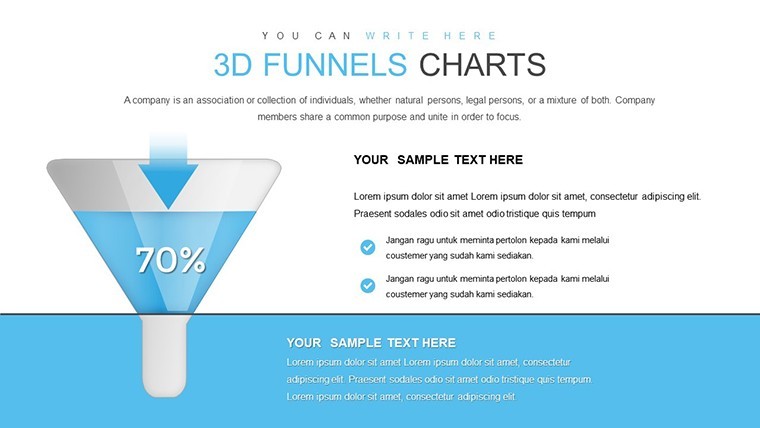
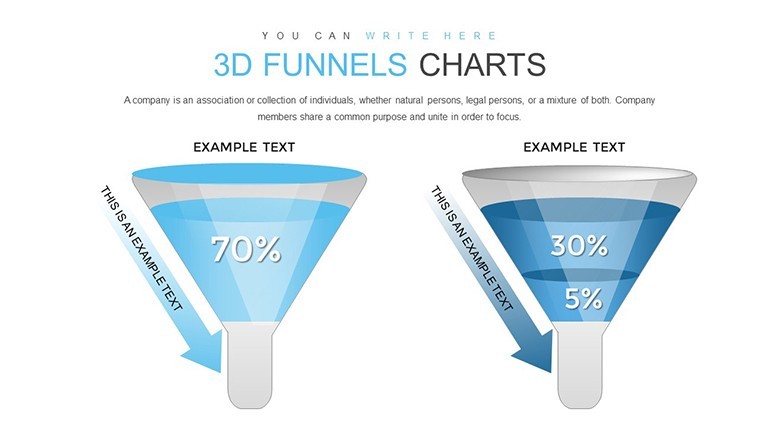
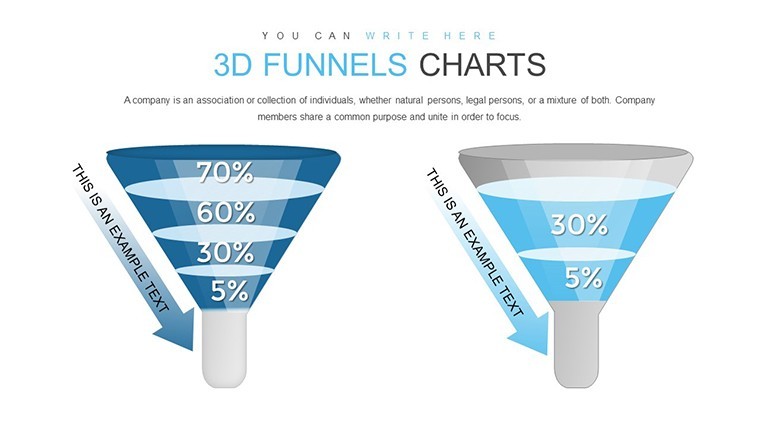
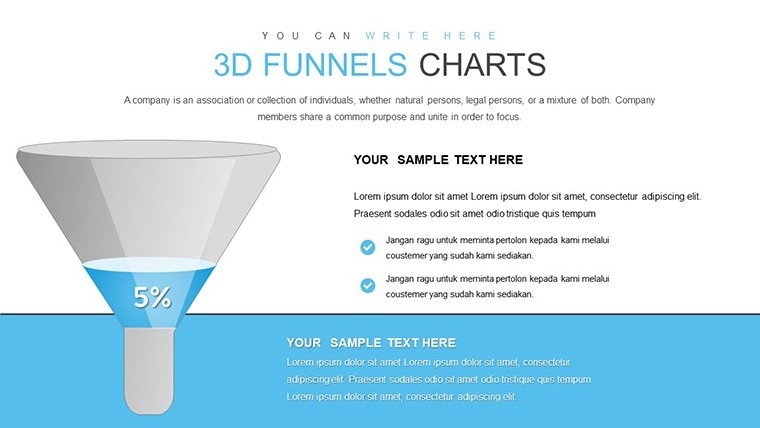
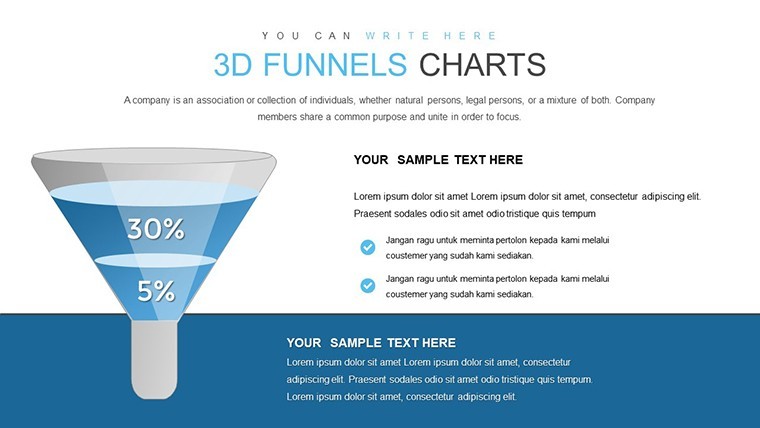
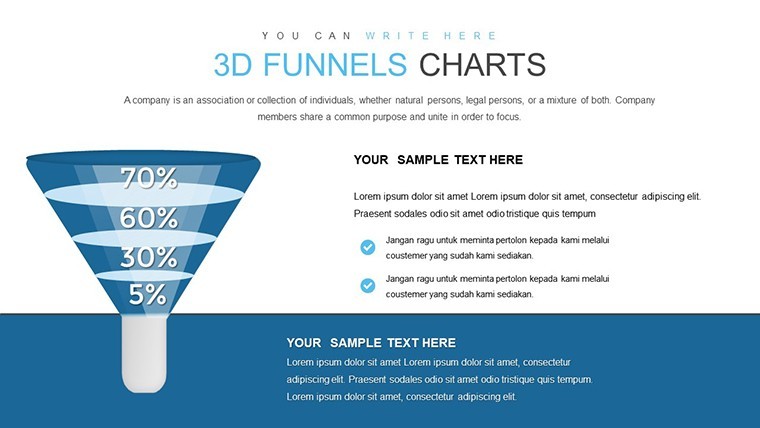
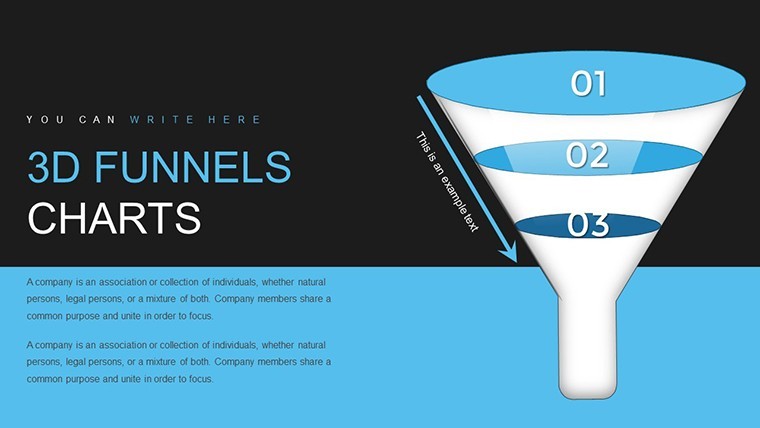
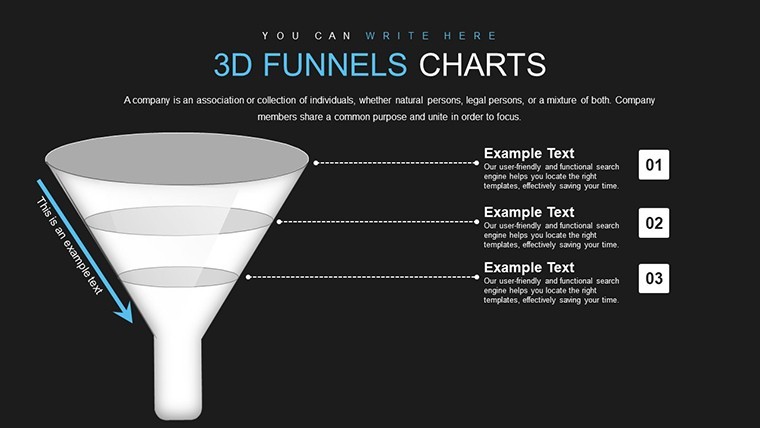
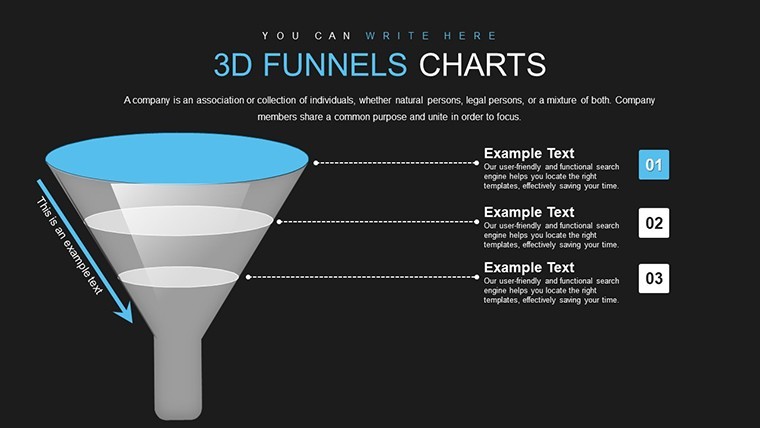
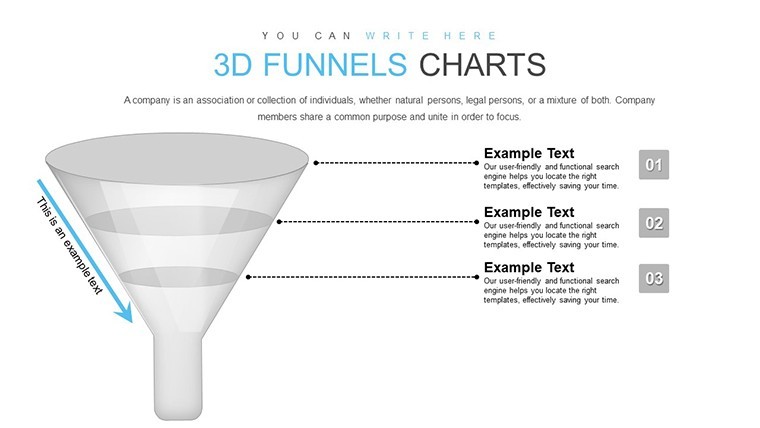
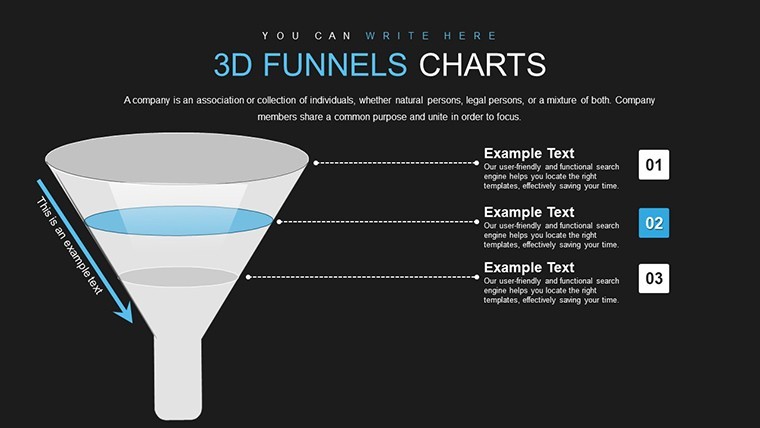
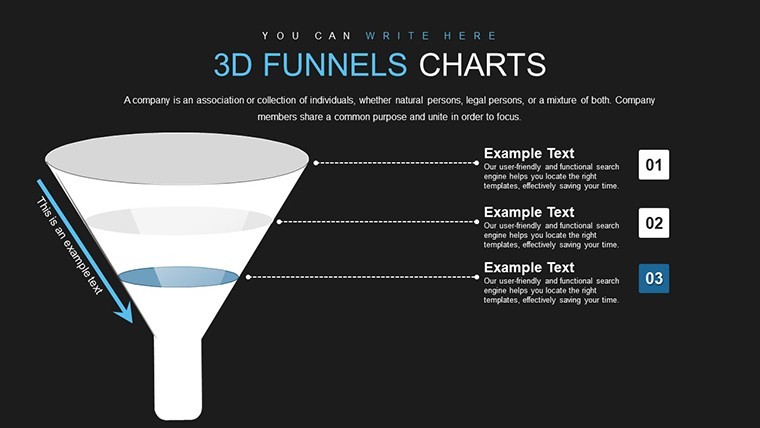
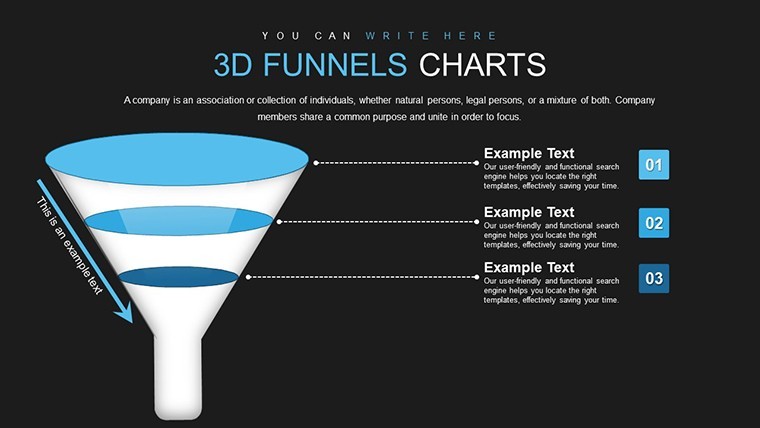
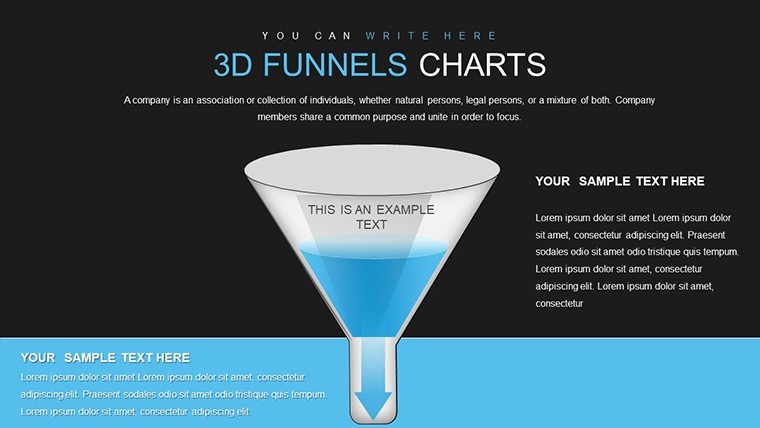
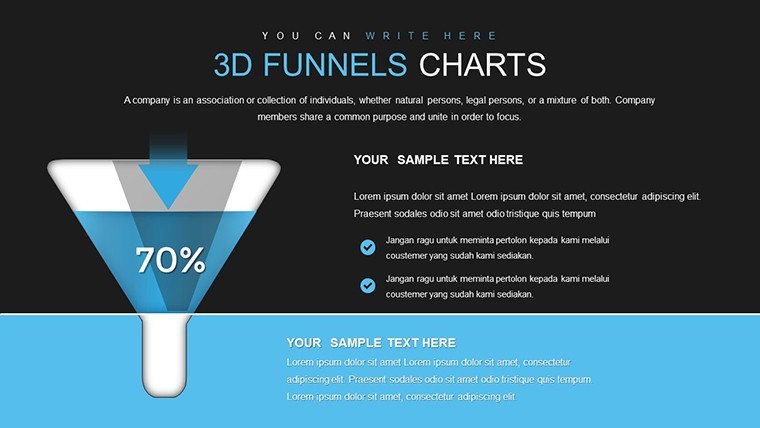
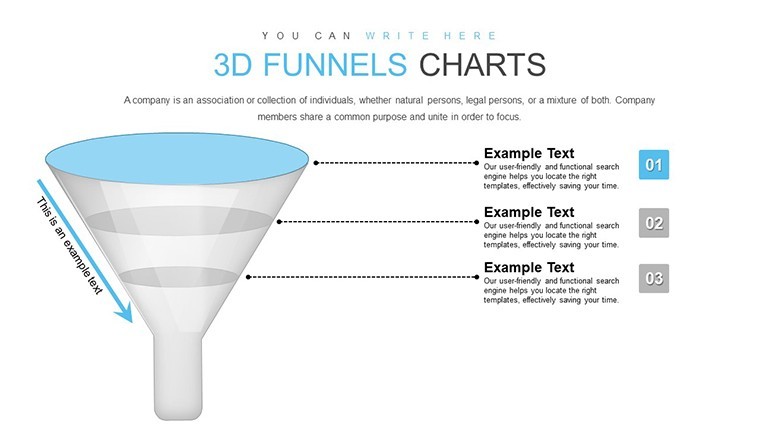
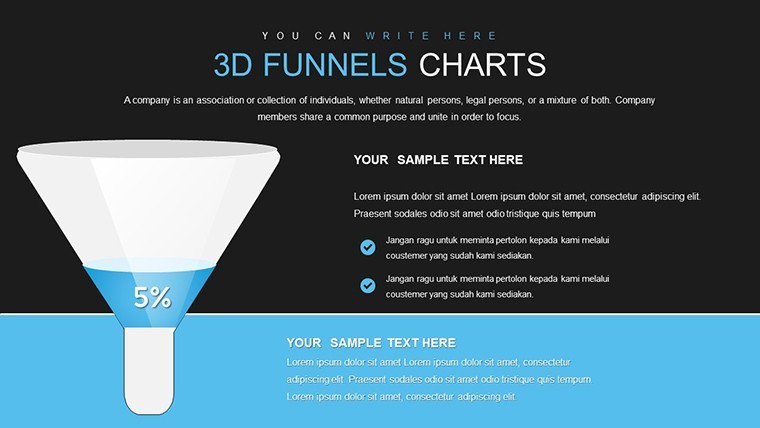
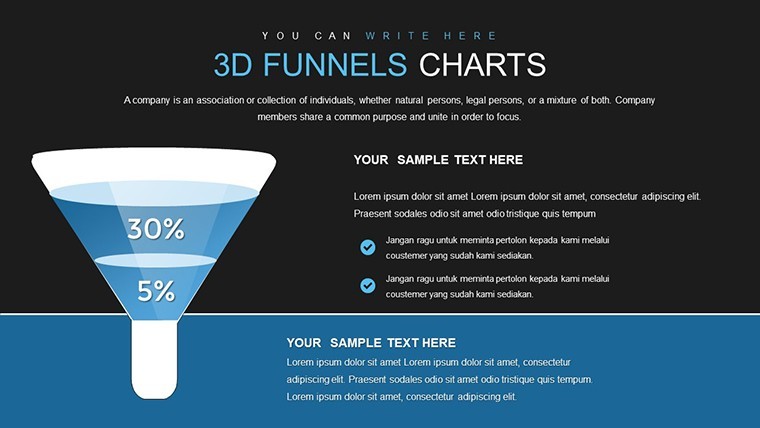
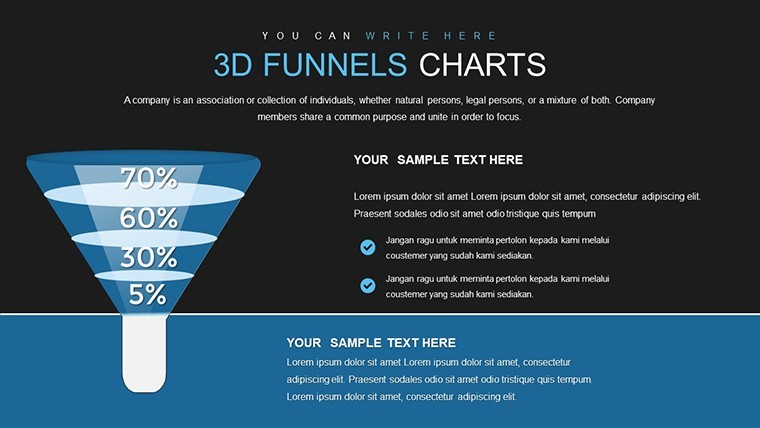
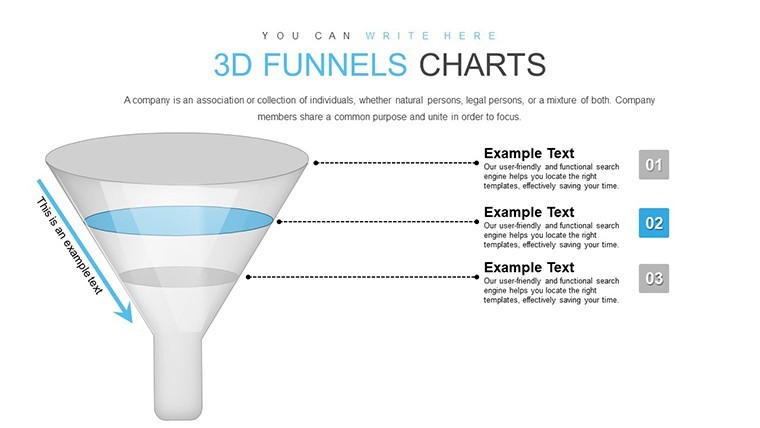
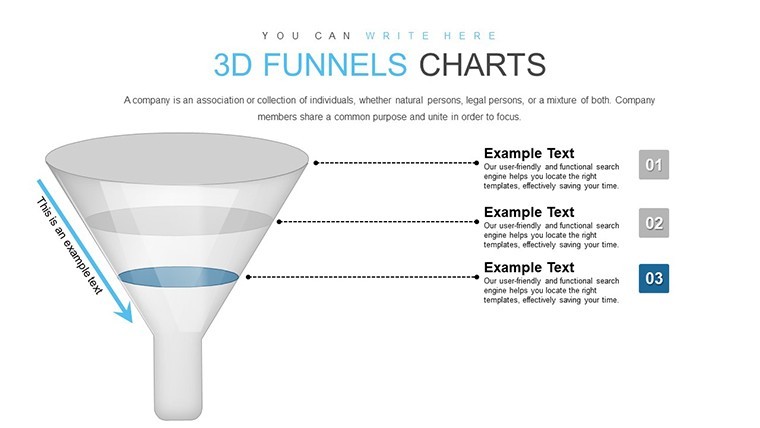
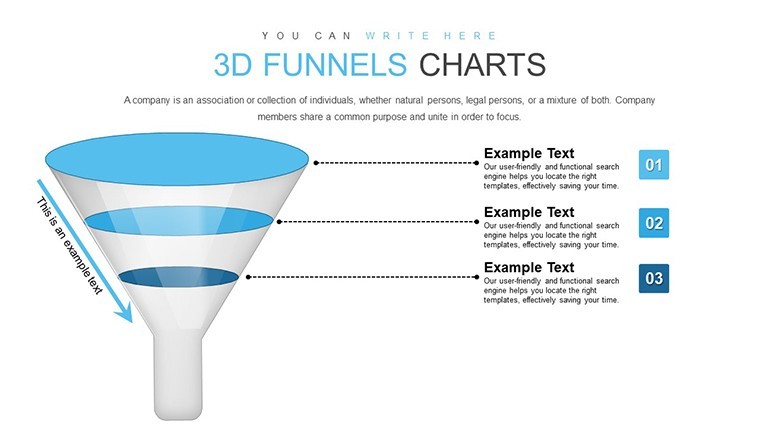
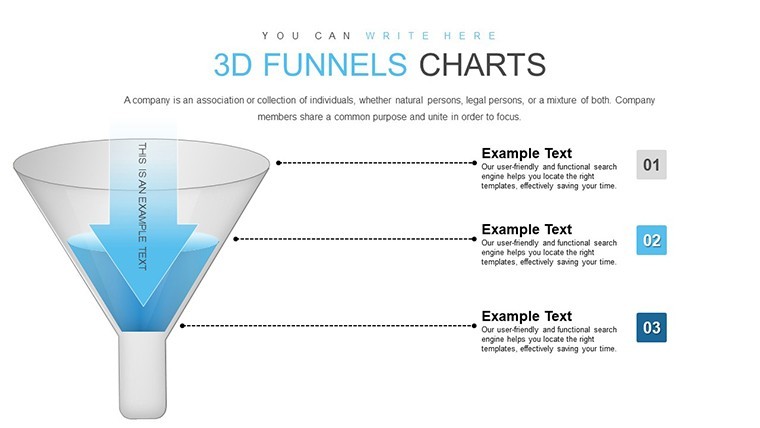
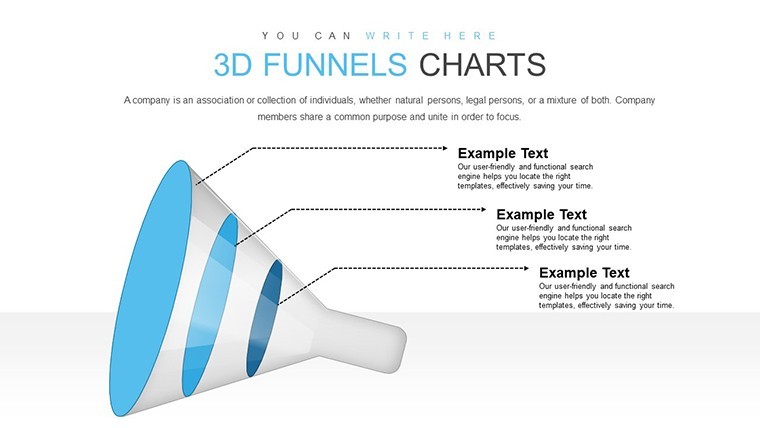
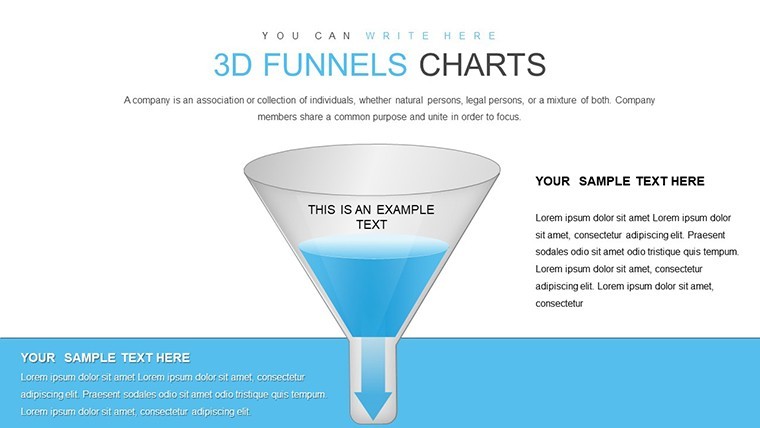
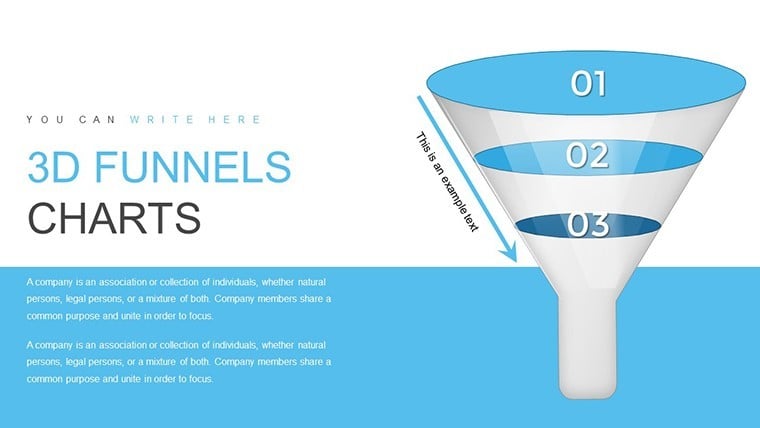
Ever struggled to depict how ideas narrow down or processes refine? Our 3D Funnel Keynote Chart Template changes that, offering 32 editable slides that bring depth to your visualizations. Tailored for Keynote on Mac or PC, it's a boon for professionals mapping out customer journeys or educators explaining filtration concepts. With widescreen formats and creative animations, each funnel stage pops, guiding audiences through transformations without confusion.
This isn't your average chart pack - it's a toolkit for clarity. Entrepreneurs use it to illustrate startup funding stages, while mentors break down skill acquisition paths. Drawing from real applications, like in chemical engineering presentations adhering to ACS guidelines, it ensures precision and engagement. Start with broad inputs at the top, tapering to refined outputs below, all in stunning 3D that adds a layer of sophistication to your narrative.
Delving into Funnel Dynamics for Impactful Stories
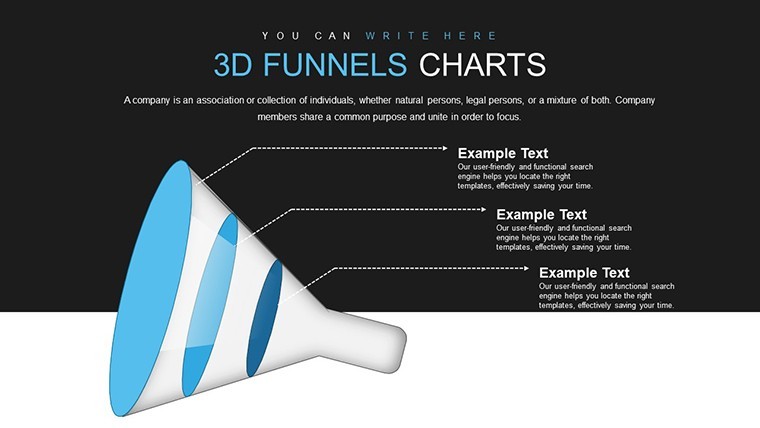
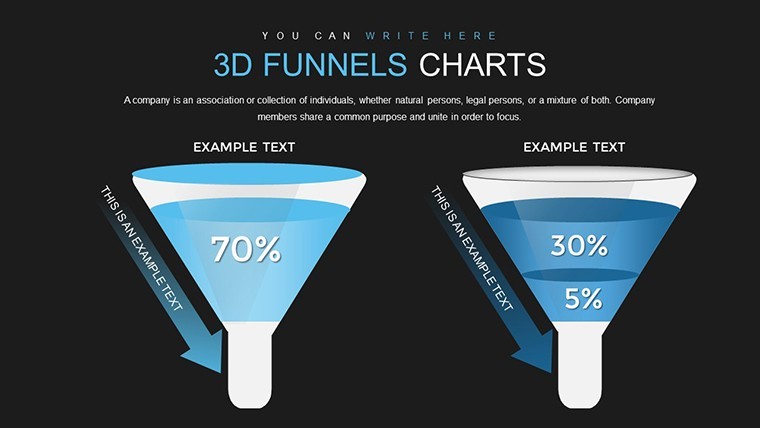
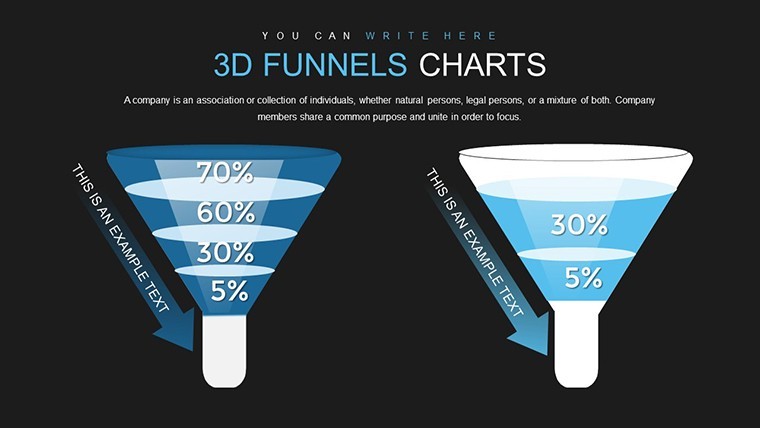
The funnel metaphor is timeless, representing convergence and refinement. This template amplifies it with 3D perspectives, making abstract flows concrete. Slides range from basic single-funnels to multi-tiered ones with branching paths, ideal for scenario analysis.
Editability shines through: Resize segments to reflect data proportions, color-code for categories, and animate reveals for paced storytelling. This aligns with design principles from experts like Don Norman, emphasizing user-centered visuals that reduce cognitive load.
Essential Features for Seamless Creation
- Animated Objects: Each funnel layer animates individually, building suspense in reveals.
- Modern Design: Clean lines and shadows for a professional, contemporary feel.
- Editable Vectors: Scale without quality loss, perfect for high-res outputs.
- Widescreen Optimization: Fits modern displays, enhancing visibility in virtual meetings.
- Integration Ready: Easily embed into existing decks with consistent styling.
For process-heavy fields like manufacturing, these funnels map production lines, highlighting efficiencies as per ISO standards.
Practical Scenarios: Bringing Funnels to Life
Teachers harness this for science lessons, visualizing water cycles or evolutionary bottlenecks, fostering deeper understanding per educational research.
Entrepreneurs pitch investor funnels, showing lead conversion rates - a tactic that helped a startup secure funding by clarifying growth potential.
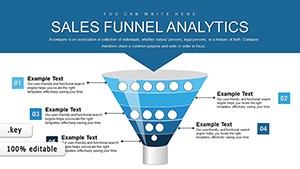
Professionals in marketing diagram sales pipelines, with 3D effects emphasizing drop-offs and optimizations, echoing strategies from HubSpot case studies.
In architecture, funnels represent design iterations, from broad concepts to detailed blueprints, supporting AIA-compliant documentation.
Hands-On Guide to Funnel Mastery
- Define Stages: Outline your process phases to select the right funnel layout.
- Populate Data: Input metrics; auto-adjust features maintain proportions.
- Customize Visuals: Apply gradients or textures for thematic relevance.
- Animate Strategically: Sequence entries to mirror real-time flows.
- Refine Layout: Add labels and icons for enhanced readability.
- Present Dynamically: Use transitions to simulate movement through the funnel.
This approach outpaces standard tools, providing pre-animated efficiency that frees time for insights.
Advanced Techniques and Comparisons
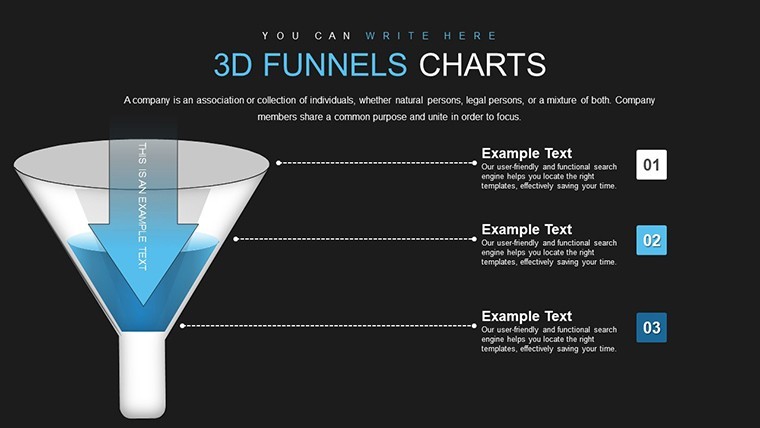
Elevate further by combining funnels with arrows for hybrid diagrams, useful in urban planning for traffic flow models. Humorously, think of it as "funneling" your chaotic data into orderly success.
Versus basic Keynote, this offers specialized 3D rendering, boosting memorability as per visual psychology studies. Trustworthy and authoritative, it's backed by vector precision for all outputs.
In essence, this template funnels your ideas into powerful presentations.
Channel your creativity - download this 3D Funnel Keynote template and refine your visuals today.
Frequently Asked Questions
How do animations work in the funnels?
Each layer can animate separately, allowing step-by-step builds for engaging narratives.
Is it compatible with iPad Keynote?
Yes, it functions well on iOS versions, though desktop offers more editing power.
Can I add more stages to a funnel?
Sure, duplicate layers and adjust for custom depths.
What if my data changes frequently?
Easy updates via placeholders keep your funnels current.
Good for
- Project roadmaps and sprint plans
- Product launch timelines
- Quarterly or annual review decks
- Company history and milestone summaries
Licence
reviews
Used this for a finance class presentation and the chart slides saved me a lot of time.
I liked the arrows and simple graphs, just changed the colors and submitted it.
Needed something quick for Monday morning and this layout worked better than I expected.
Some icons looked a bit old but overall the slides were easy to edit.
I only used like 4 slides from the pack but they fit my report fine.
FAQ
Will it work in Google Slides?
Are fonts embedded?
Can I use this for client work?
What's the refund policy?
Do you update the template after purchase?
Similar templates
See all Keynote Charts →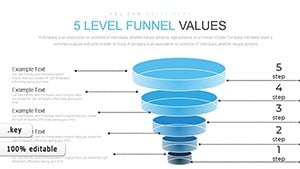
All 32 slides