 Click to zoom
3D Cube Charts Keynote Template - Fully Editable | Instant Download
| Format | .pptx |
| Slides | 41 unique layouts |
| Aspect ratio | 130/73 |
| Compatibility | PowerPoint |
| Animated | No |
| Language | English |
| License | Commercial |
| File size | — |
| Version | v1.0 |
| Last updated | February 2026 |
What's inside
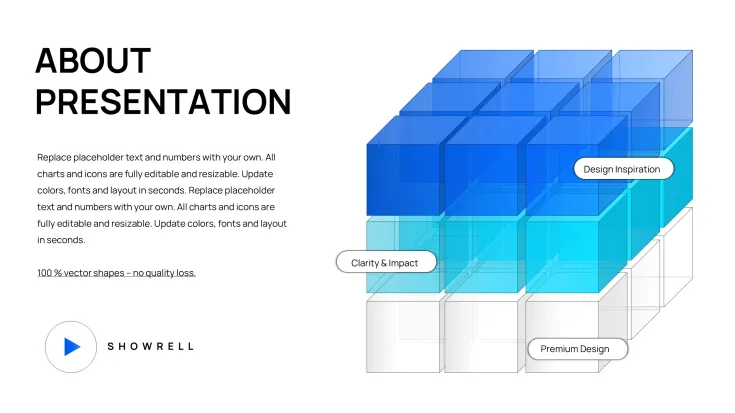
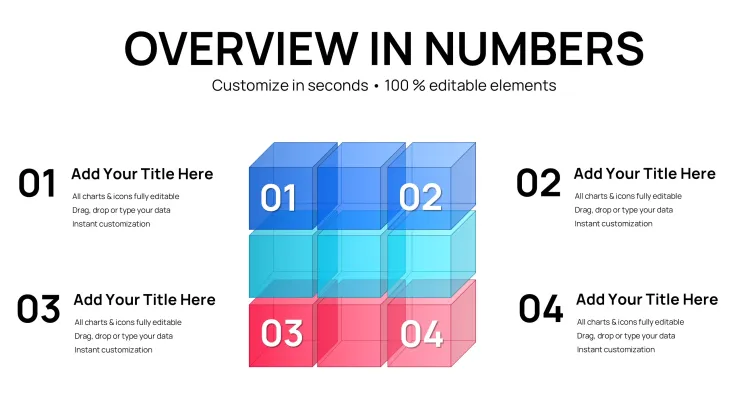
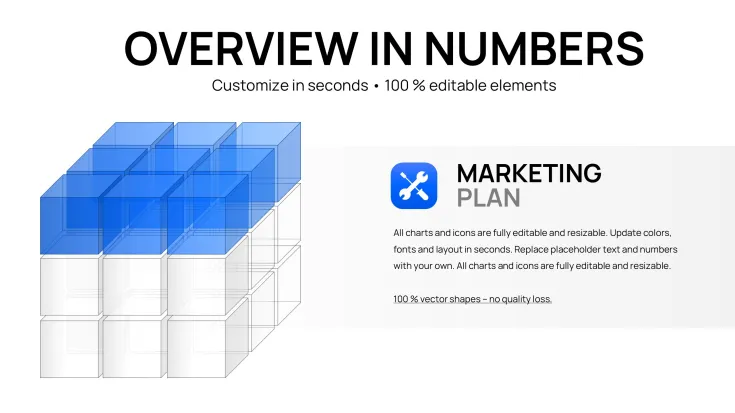
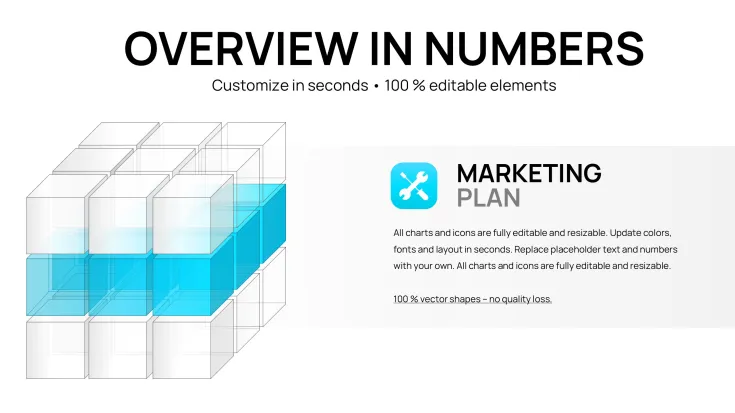
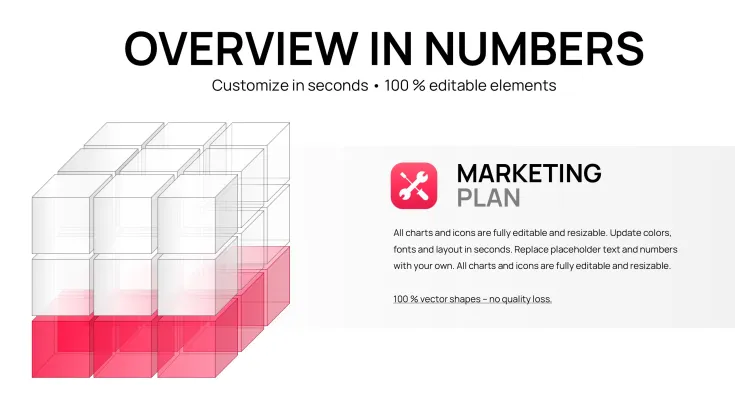
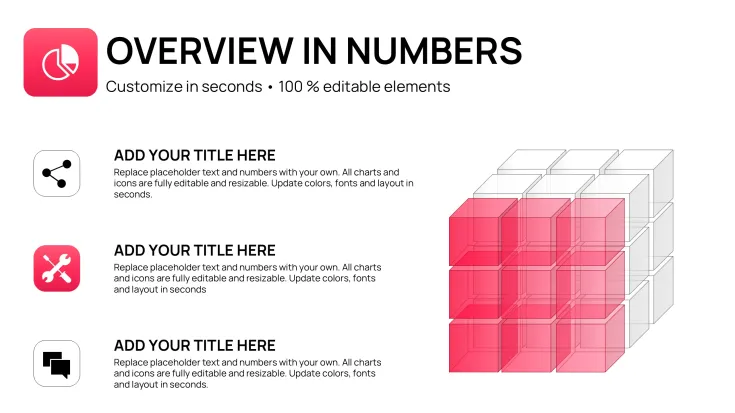
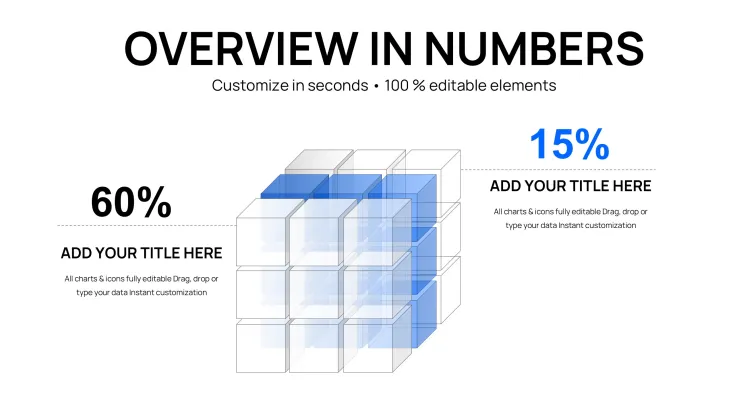
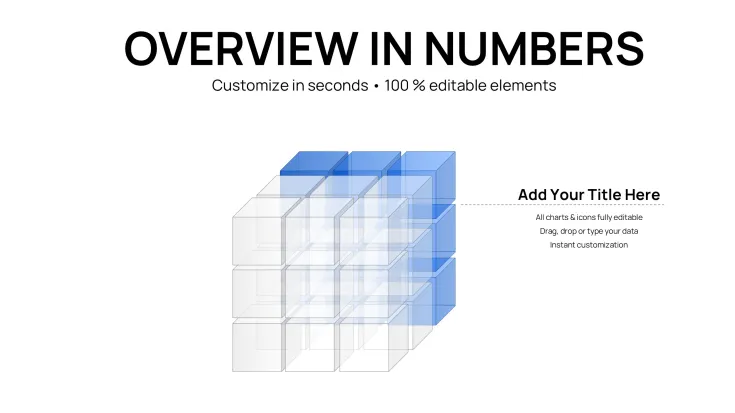
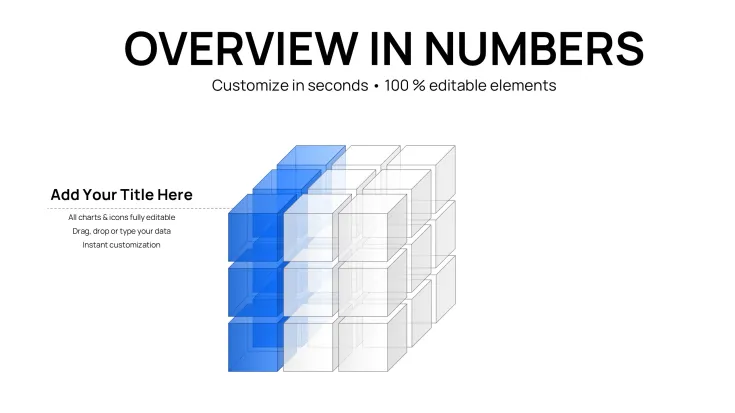
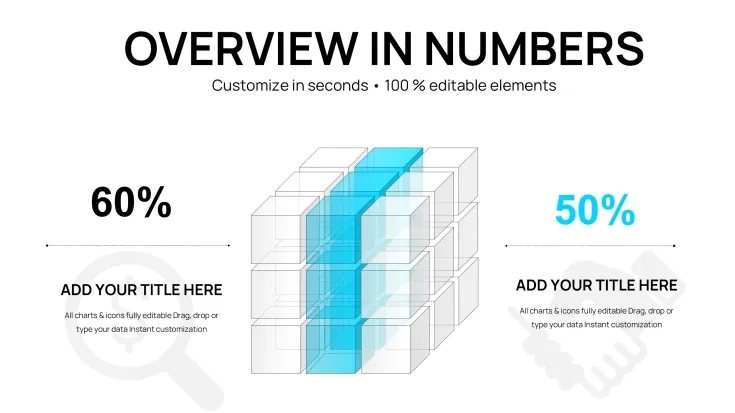
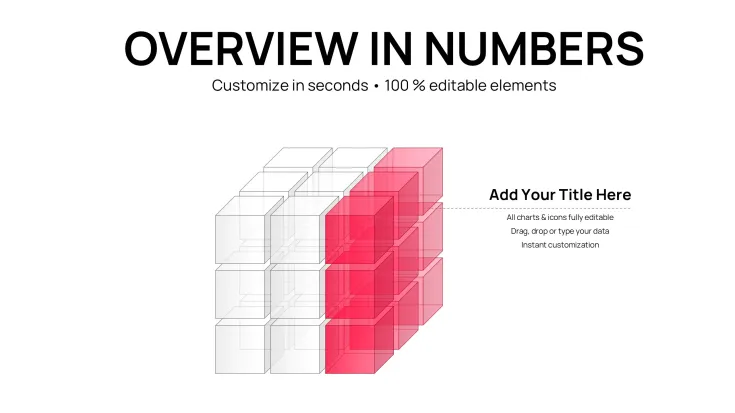
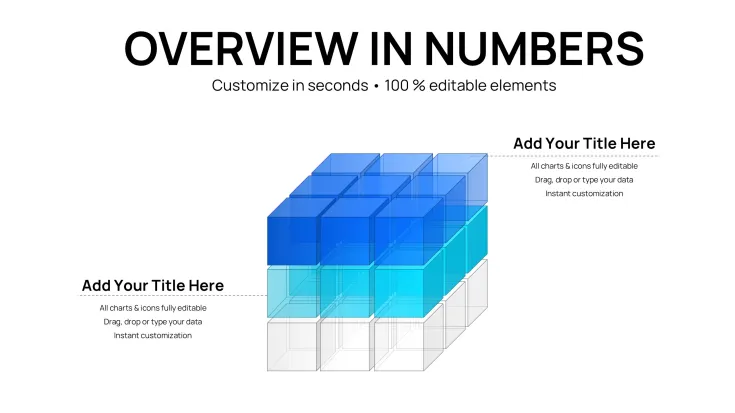
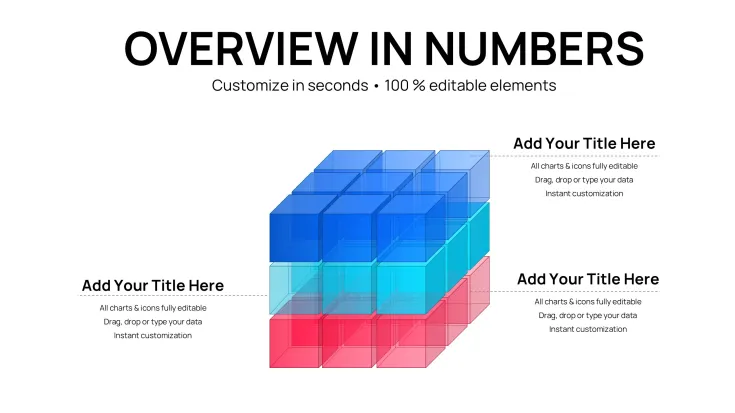
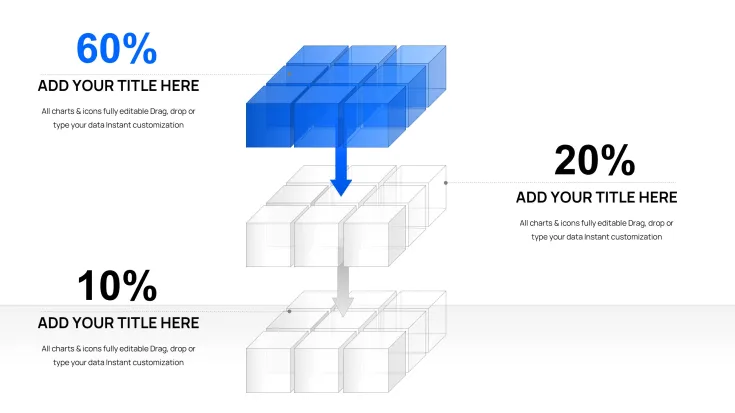
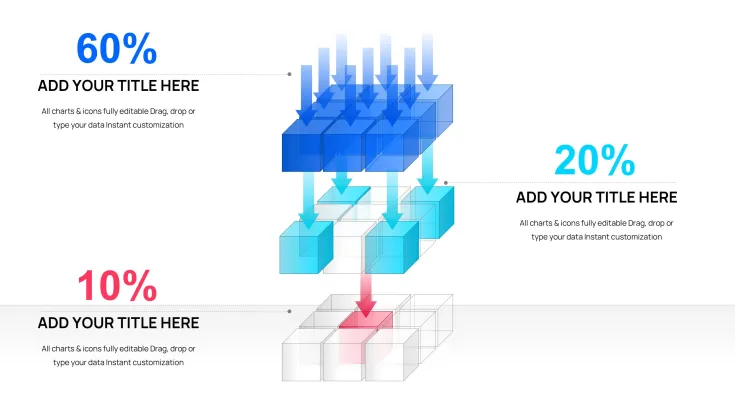
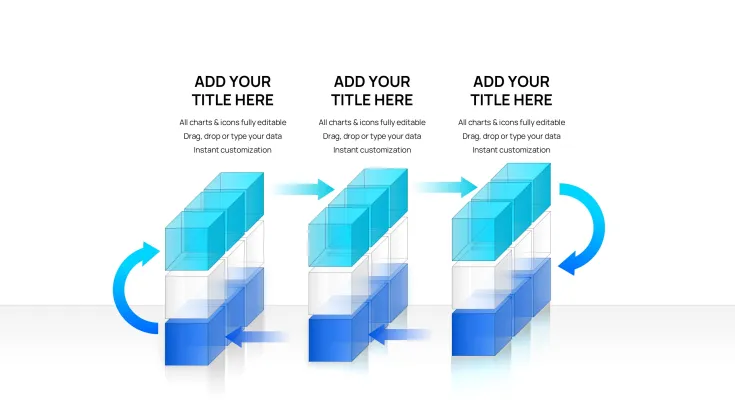
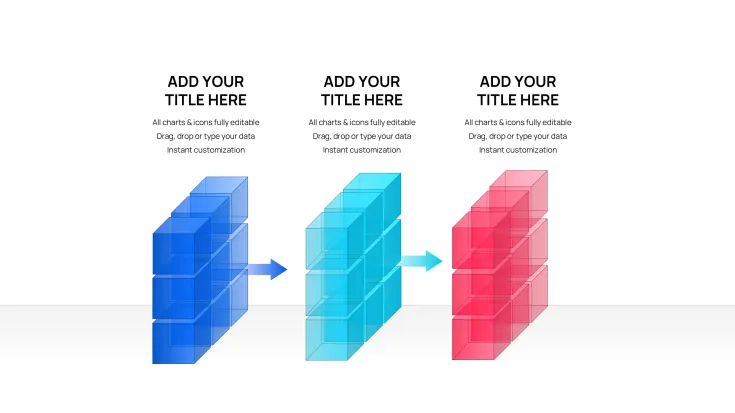
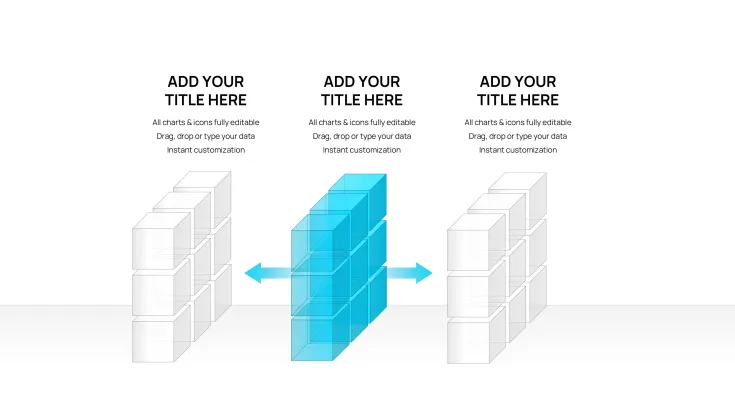
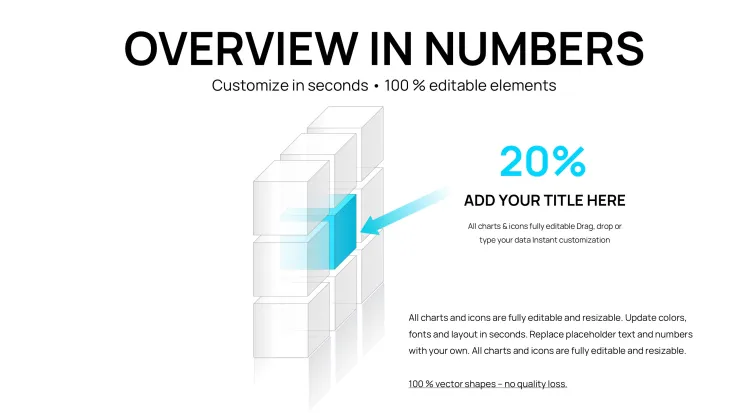
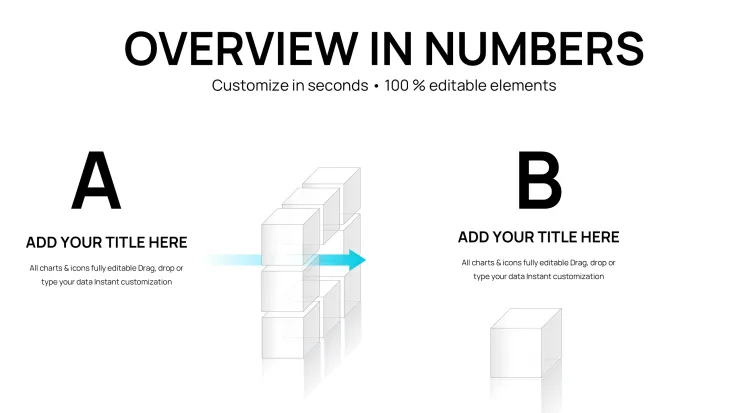
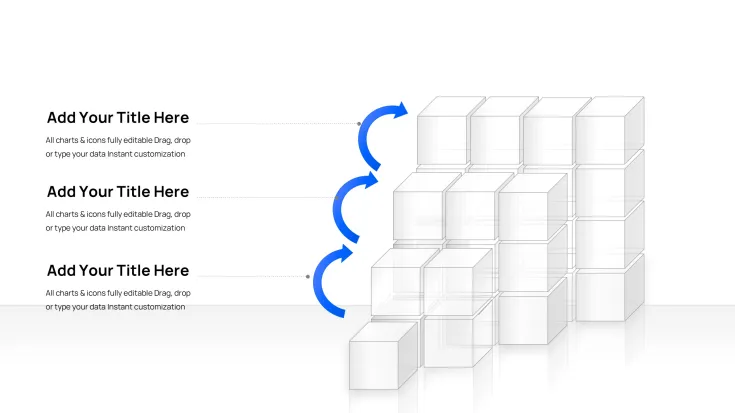
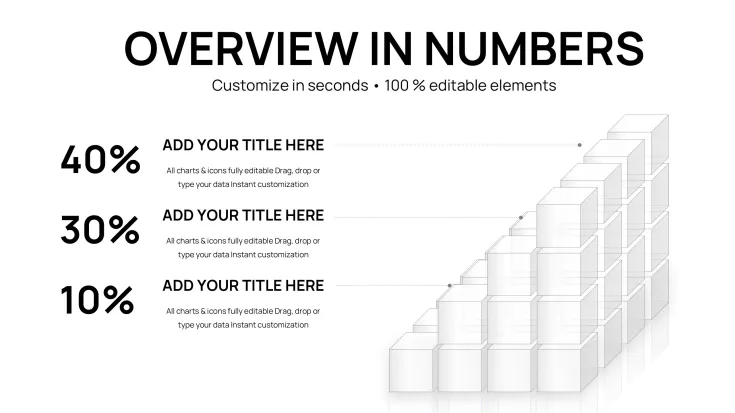
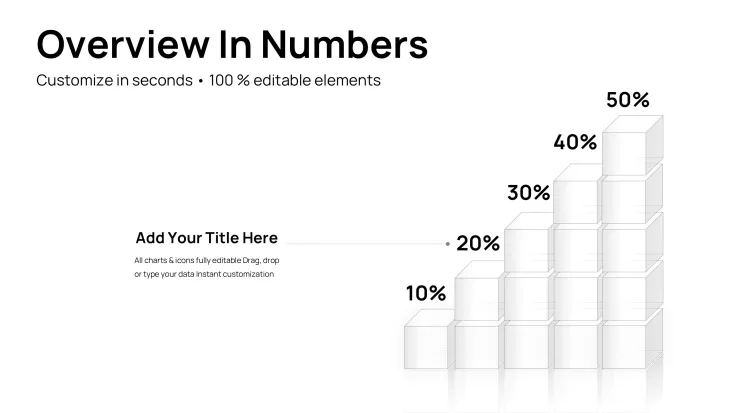
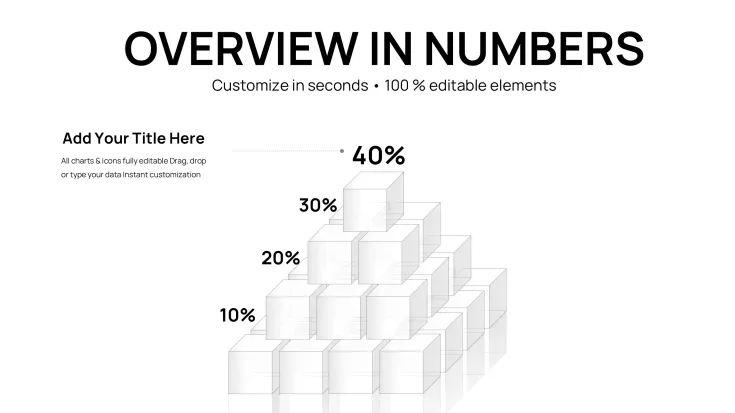
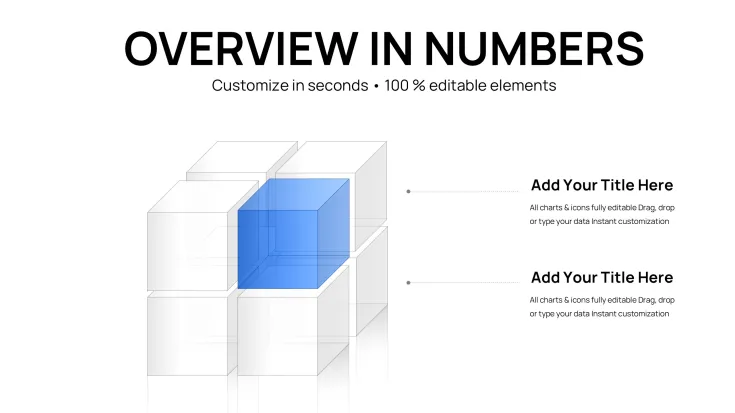
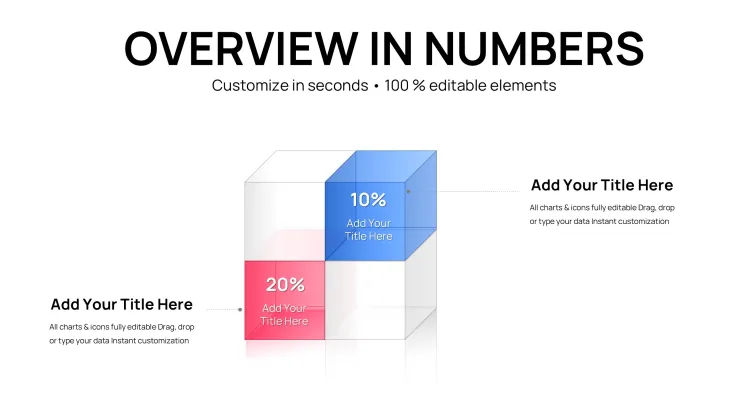
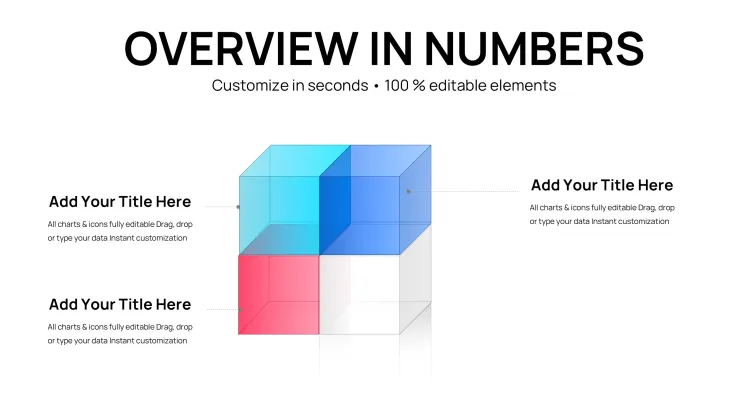
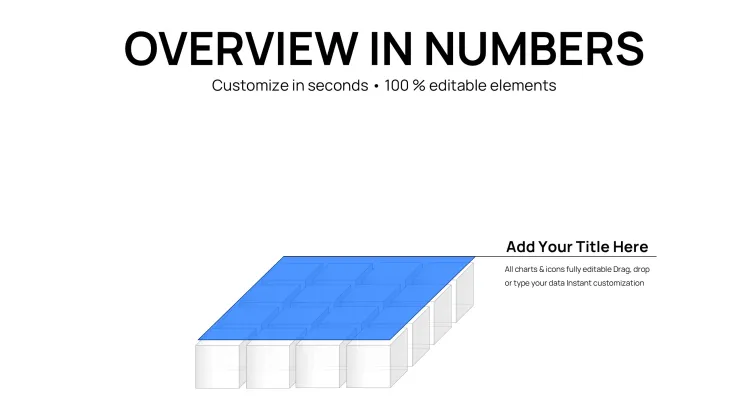
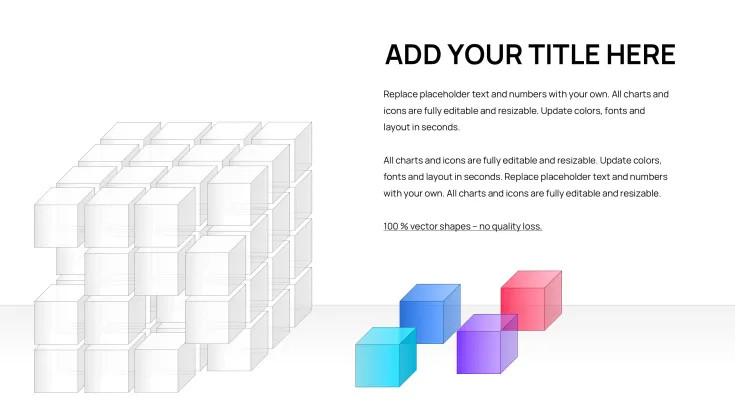
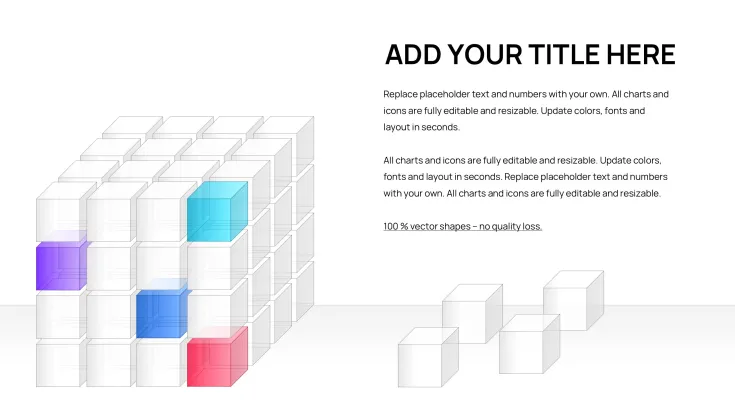
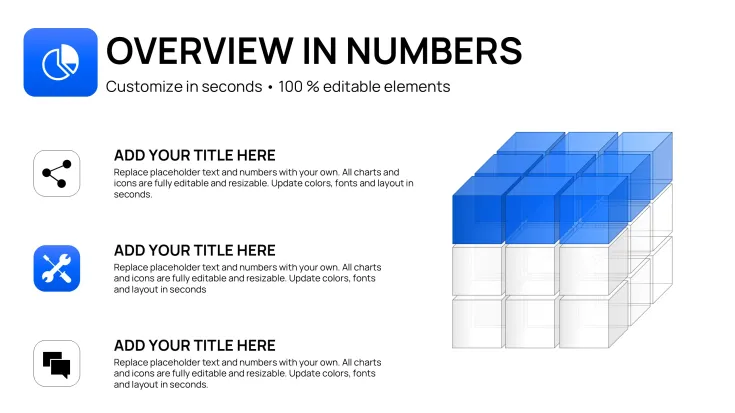
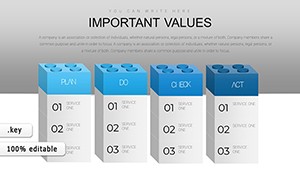
Present your data with depth and sophistication using the 3D Cube Charts Keynote Template. This collection of 41 fully editable slides helps you transform complex datasets into compelling three-dimensional visuals that capture attention and improve comprehension.
Why Use 3D Cube Charts for Keynote Presentations
Traditional 2D charts can appear dull and fail to highlight data relationships effectively. The 3D cube design adds volume and perspective, making it ideal for showing layered information, comparisons, and trends. This approach is particularly valuable in professional settings where standing out matters.
Use these templates for quarterly business reviews where sales teams need to showcase performance metrics, or in consulting sessions to illustrate market analysis. Educators can also benefit when explaining multi-variable concepts to students. Internal operations teams use them for KPI tracking across multiple dimensions.
How to Customize and Use the Template
After instant download, open the .key file in Apple Keynote. All charts and cube elements are built with editable Keynote objects, allowing you to update numbers, text, colors, and layouts with simple clicks and drags. No third-party software or advanced skills needed.
Match the design to your brand by changing color palettes included in the template. Copy individual slides into your existing decks for seamless integration. The process takes minutes, letting you focus on your message rather than design.
Key Features
The template offers 41 unique slide designs featuring different 3D cube configurations for versatile data representation. Elements scale perfectly and maintain quality. It is fully compatible with Apple Keynote for Mac.
Frequently Asked Questions
How many slides does the 3D Cube Charts Keynote Template include?It includes 41 fully editable slides with a range of 3D cube chart designs.
Is this template compatible with the latest Keynote version?Yes, it is optimized for current versions of Apple Keynote and uses native .key format.
Can I change the colors and data in the cube charts?Absolutely. All text, colors, cube faces, and data values are fully editable using standard Keynote tools.
What types of presentations is this template best for?It is ideal for business, sales, consulting, and educational presentations where you need to present multi-dimensional data effectively.
Good for
- Project roadmaps and sprint plans
- Product launch timelines
- Quarterly or annual review decks
- Company history and milestone summaries
Licence
reviews
The 3D cube charts add nice depth to multi-dimensional data in my quarterly review. 41 slides with various configurations. Colors and perspectives render well in Keynote but can look busy if overused.
Practical 3D cubes for KPI tracking across dimensions. Easy to edit faces and data. Helped my ops team presentation stand out. Some cubes felt similar across slides.
As an educator, these cubes clarified layered concepts for students. Vector scalability is perfect for large screens. Customization is simple but requires adjusting lighting effects carefully.
Professional set with sophisticated 3D visuals. Used for market analysis - perspectives highlight relationships effectively. Good brand color matching. Slightly heavy for simple comparisons.
The volume and perspective in these cube charts impressed clients. 41 editable slides cover versatile needs. Keynote compatibility flawless, though older versions might struggle with effects.
Rushed a sales deck with these 3D cubes - quick data swaps and they look premium. Great depth for comparisons. Default styles are clean but I toned down shadows for clarity.
FAQ
Will it work in Google Slides?
Are fonts embedded?
Can I use this for client work?
What's the refund policy?
Do you update the template after purchase?
Similar templates
See all Keynote Charts →
All 41 slides