 Click to zoom
3D Blocks Plan-Do-Check-Act PowerPoint Charts Template: Fuel Your Process Evolution
| Format | .pptx |
| Slides | 25 unique layouts |
| Aspect ratio | 16:9 |
| Compatibility | PowerPoint |
| Animated | No |
| Language | English |
| License | Commercial |
| File size | — |
| Version | v1.0 |
| Last updated | August 2023 |
What's inside
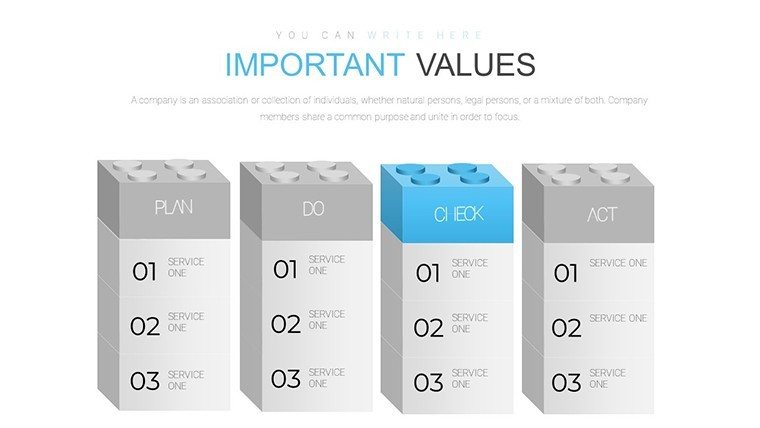
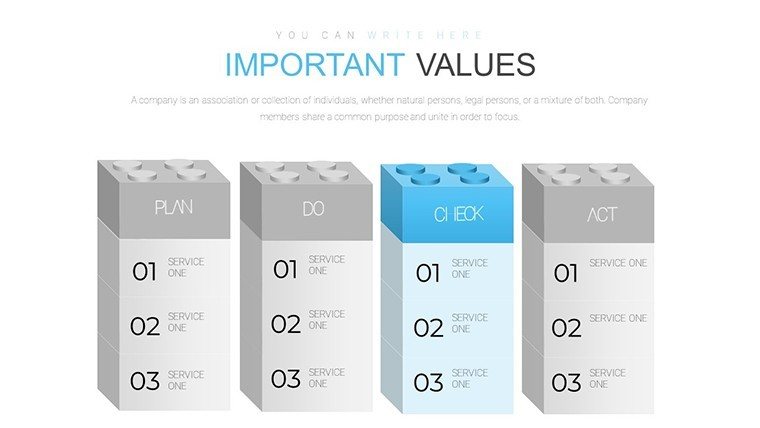
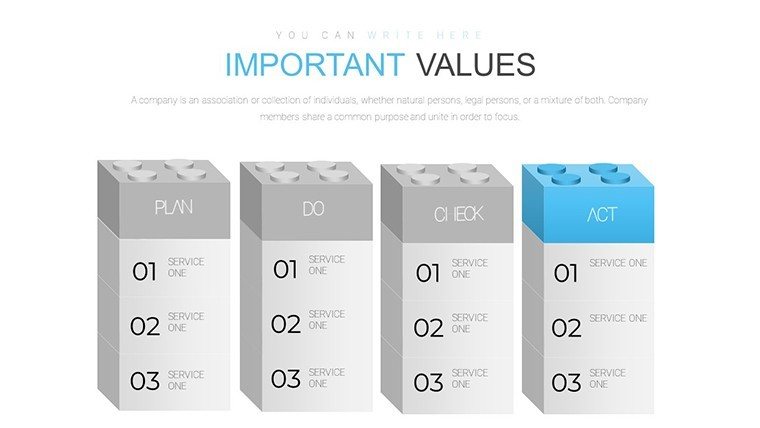
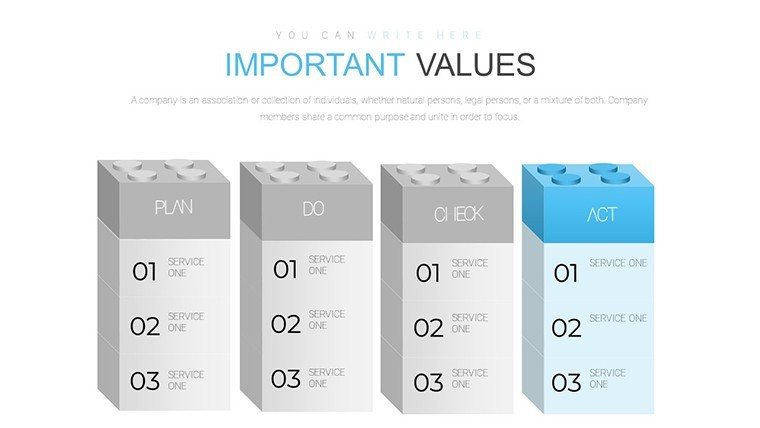
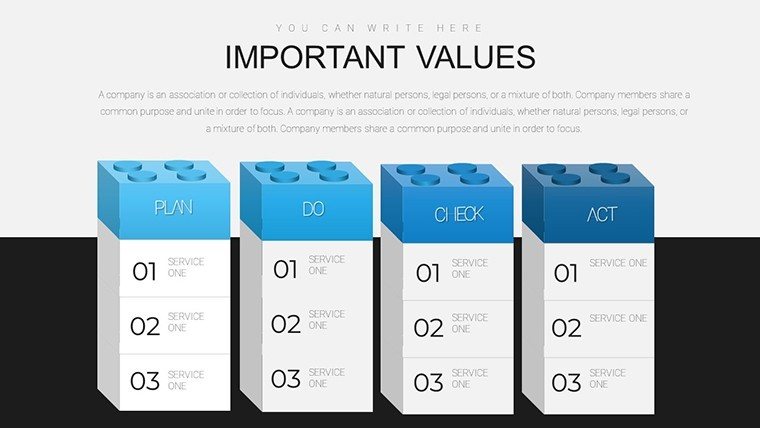
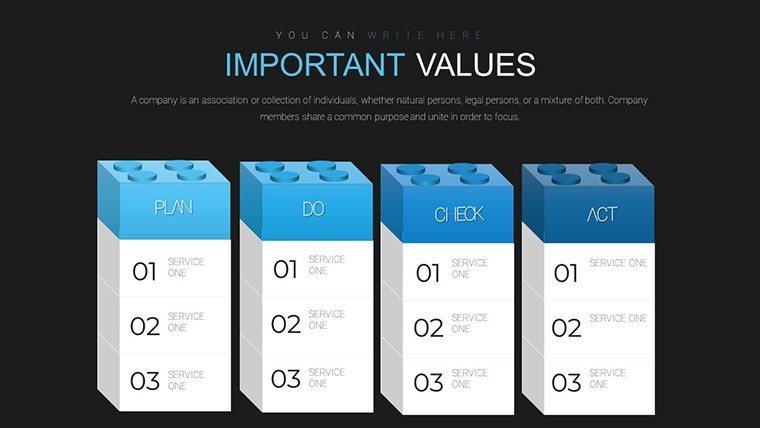
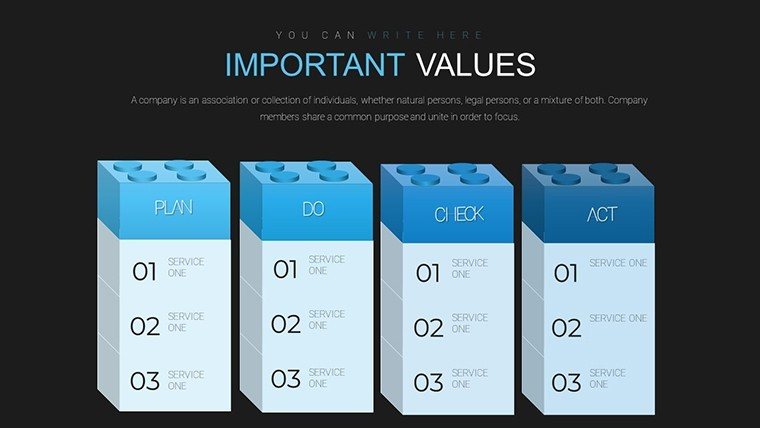
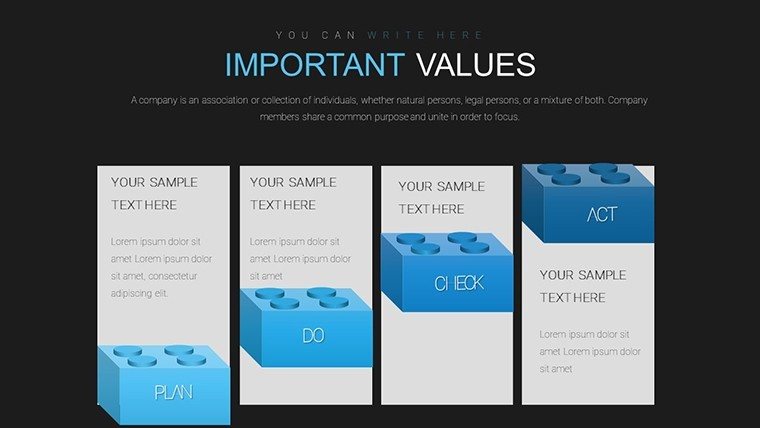
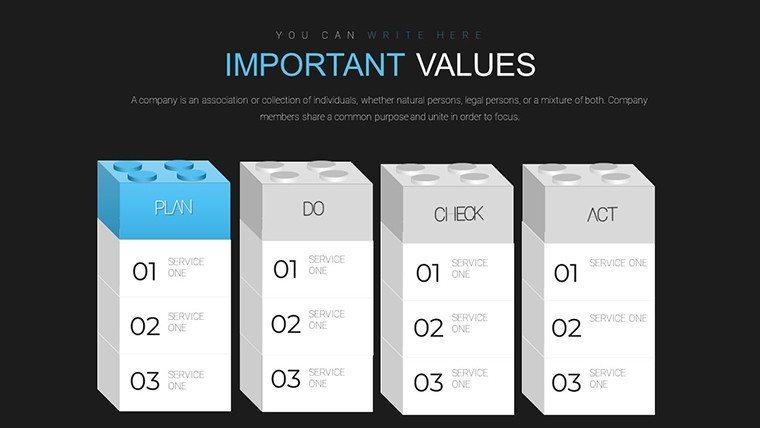
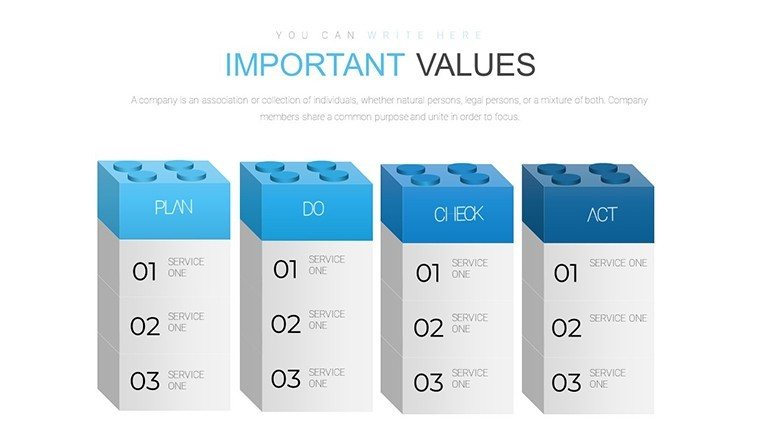
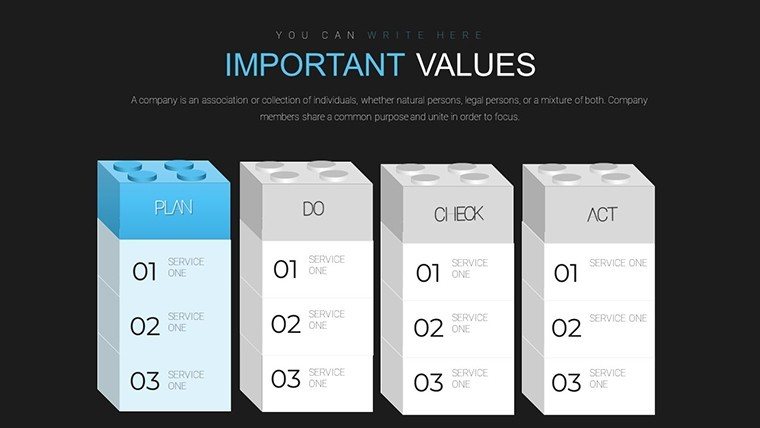
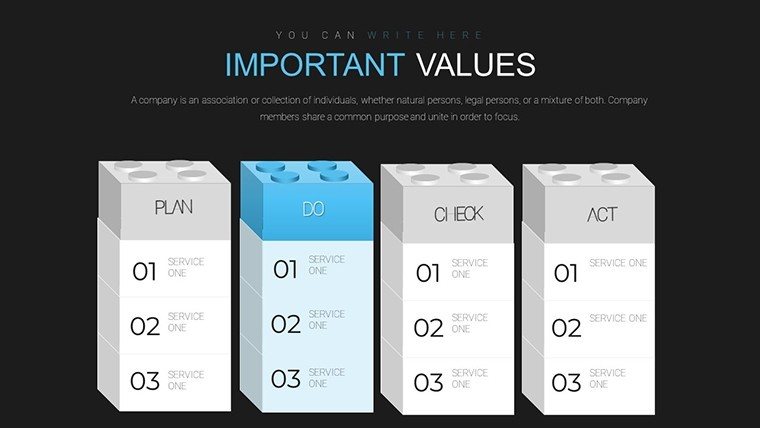
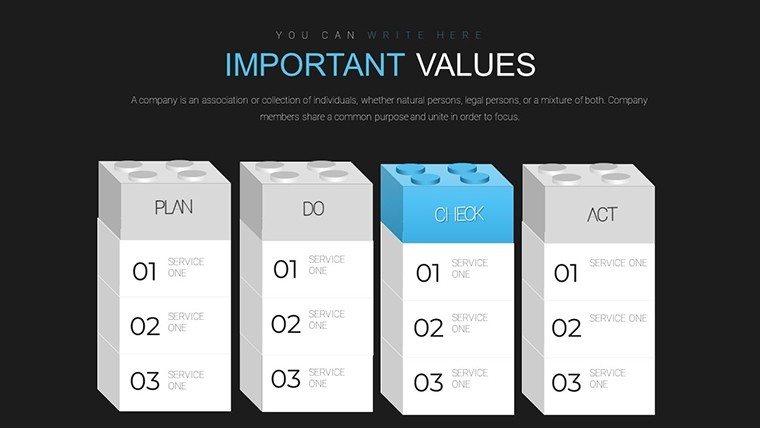
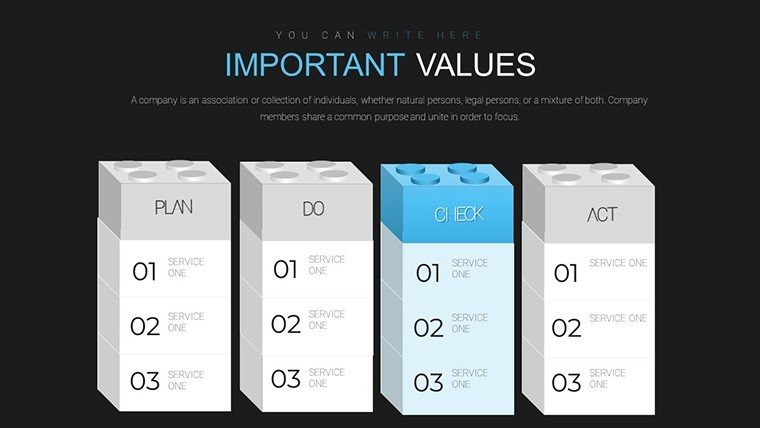
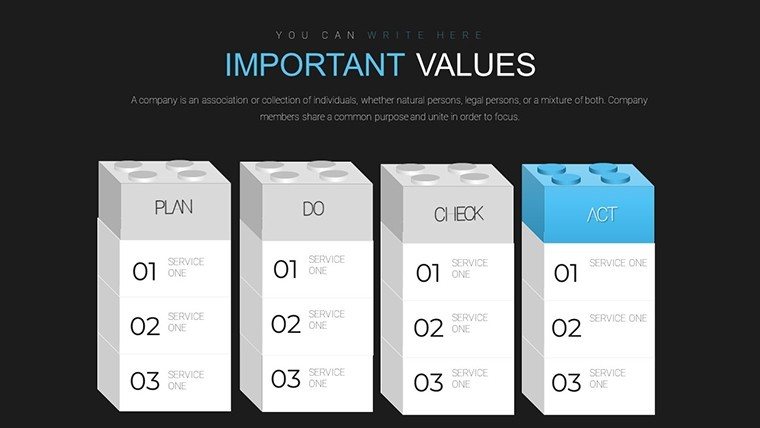
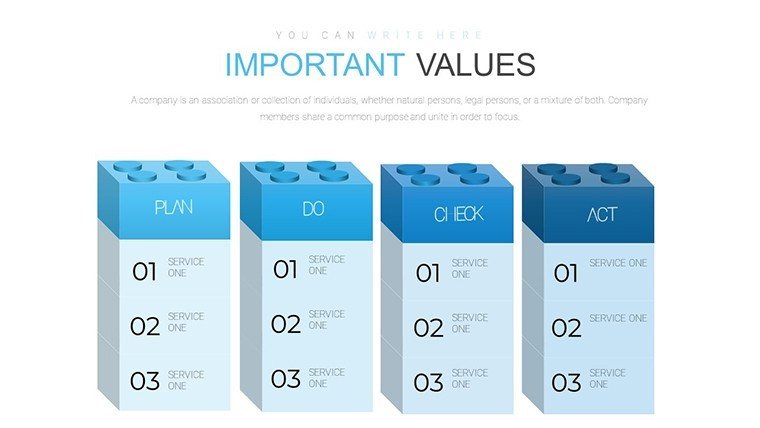
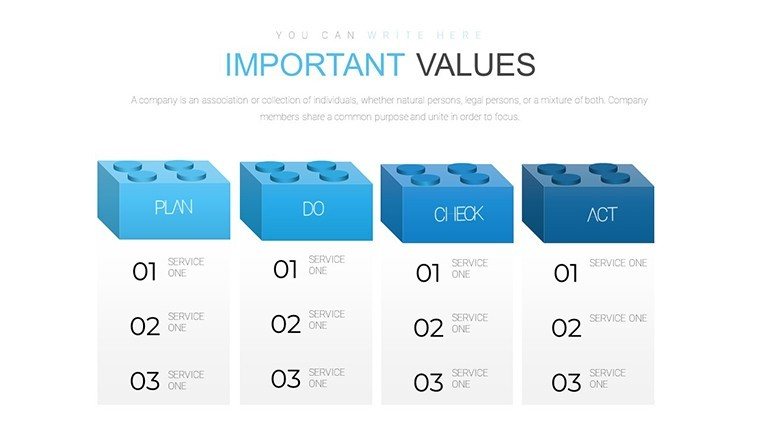
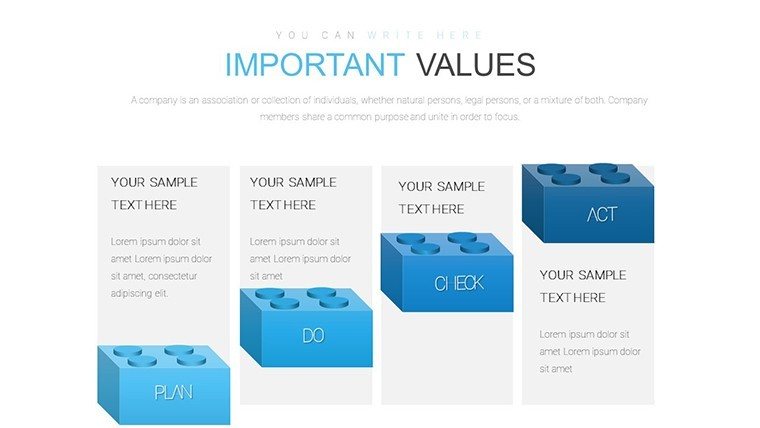
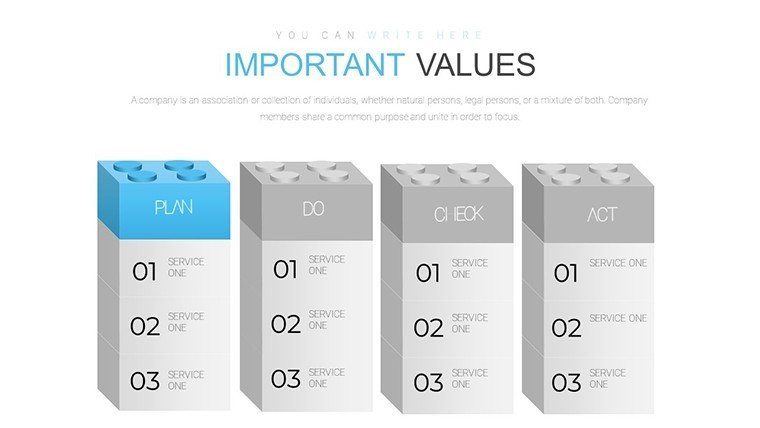
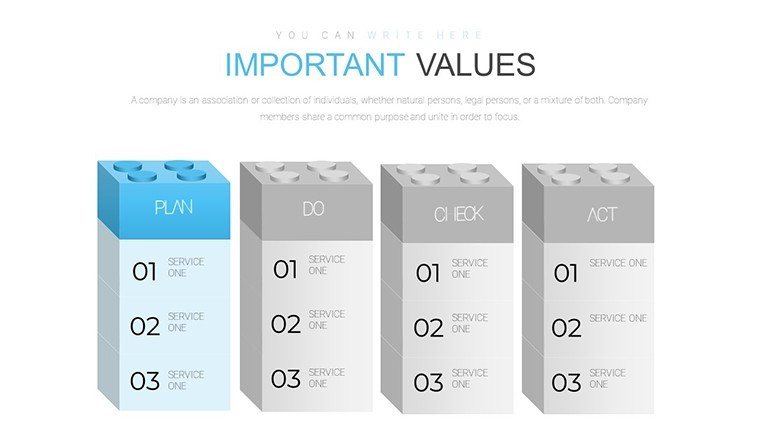
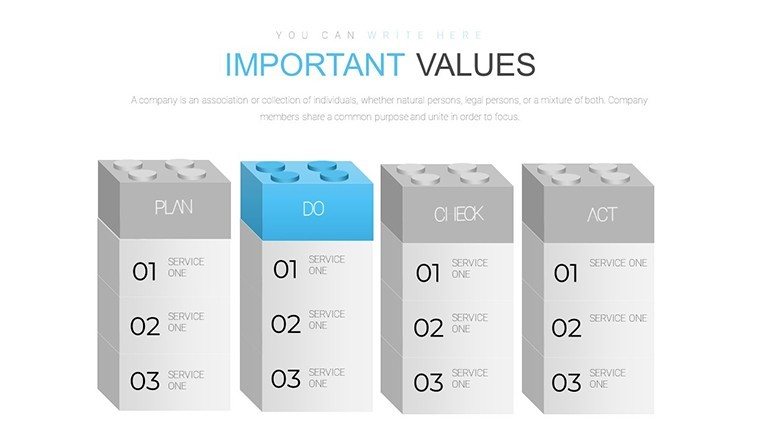
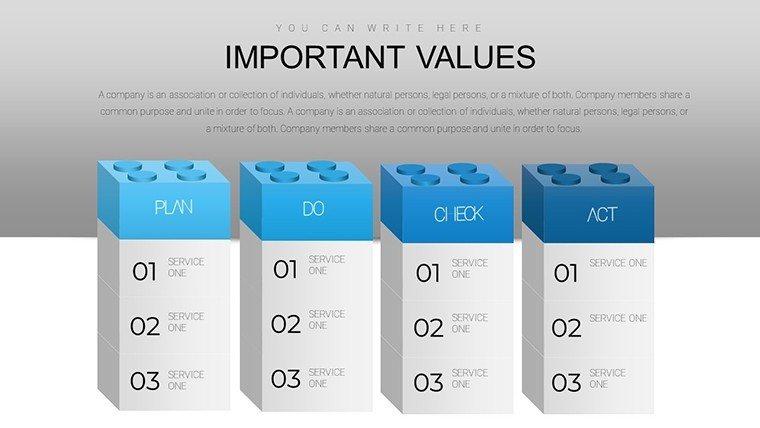
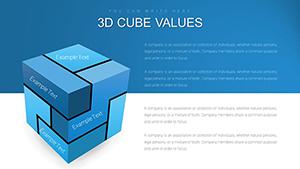
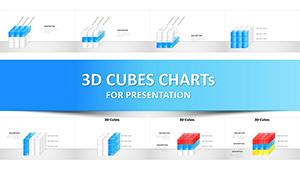
Embark on a journey of operational mastery with our 3D Blocks PDCA PowerPoint Charts Template. Featuring 25 editable slides, this resource demystifies the Plan-Do-Check-Act cycle through stacked, dimensional visuals that bring methodology to life. Designed for project managers and quality pros, it tackles the hurdle of abstract process mapping by providing tangible, block-based representations. Each stage - Plan, Do, Check, Act - stacks into coherent structures, helping teams visualize improvements and foster a culture of excellence. Whether refining workflows or teaching lean principles, this template turns theory into actionable, engaging content.
Harnessing PDCA for Strategic Advantage
Rooted in Deming's quality management philosophy, this template embodies iterative improvement with 3D blocks that symbolize building blocks of success. Unlike flat diagrams, these add height for emphasis, showing progression or dependencies clearly. It's a tool that aligns with ISO standards, promoting systematic approaches to problem-solving.
A quality assurance team in manufacturing applied PDCA blocks to audit processes, stacking checks atop plans to highlight gaps. This visual aid accelerated corrective actions, reducing defects by 15% - a testament to the template's practical power.
Key Features Empowering Your Cycles
- Stacked 3D Blocks: Represent PDCA phases with buildable structures, customizable for complexity.
- Stage-Specific Customization: Tailor colors and labels per phase - blues for planning, greens for action.
- Metric Integration: Embed KPIs within blocks, like charts for 'Check' to quantify outcomes.
- Iterative Layouts: Slides for single cycles or multi-loop evolutions, ideal for long-term projects.
- Professional Polish: High-fidelity graphics that maintain integrity across formats.
These surpass generic cycle arrows, offering a modular system for dynamic adaptations.
Applications in Quality and Beyond
Project managers track initiatives, building blocks from planning to actuation. Executives analyze performance, using heights to denote impact levels. Educators simplify PDCA for students, stacking concepts for layered learning.
In healthcare, visualize patient care cycles; in tech, agile sprints. This broad utility makes it essential for any improvement-focused role.
Step-by-Step Implementation Guide
- Map Your Cycle: Select from 25 slides the block configuration for your PDCA scope.
- Detail Phases: Populate 'Plan' with objectives, 'Do' with actions, etc., using text boxes.
- Visualize Dependencies: Adjust block stacks to show interconnections or priorities.
- Add Dynamics: Animate builds to simulate progression, engaging viewers step-by-step.
- Iterate and Review: Duplicate slides for revisions, tracking evolution over time.
Compared to basic flowcharts, 3D adds a tactile sense, enhancing comprehension as per cognitive load theory.
Expert Insights for PDCA Proficiency
Keep blocks proportional to effort; taller for intensive phases. Use shadows for depth, implying stability. Integrate feedback loops with arrows between stacks.
An executive case: Customized PDCA charts for strategy reviews, leading to streamlined operations and cost savings. This illustrates the template's role in fostering data-driven cultures.
Why Choose This for Your Toolkit
Eclipsing free PDCA templates with its depth and flexibility, it cuts design time while boosting clarity. PowerPoint integration ensures it's a reliable asset for ongoing use.
Propel your processes forward - download and build your PDCA success story today.
Frequently Asked Questions
What makes the blocks 3D beneficial?
They add visual hierarchy, making phase relationships intuitive.
Can I expand for multiple cycles?
Yes, duplicate and link slides for extended iterations.
Supports data charts inside blocks?
Absolutely, embed graphs for 'Check' metrics.
Compatible with older PowerPoint?
Works with recent versions; test for full 3D effects.
Best for team collaborations?
Ideal, as editable format facilitates shared edits.
Good for
- Project roadmaps and sprint plans
- Product launch timelines
- Quarterly or annual review decks
- Company history and milestone summaries
Licence
reviews
Used for class project and it was easy to edit slides
Graphs are clear enough for presentation
I just filled content and submitted
FAQ
Will it work in Google Slides?
Are fonts embedded?
Can I use this for client work?
What's the refund policy?
Do you update the template after purchase?
Similar templates
See all PowerPoint Charts →
All 25 slides