 Click to zoom
3D Arrows PowerPoint Diagrams - Instant Download
| Format | .pptx |
| Slides | 12 unique layouts |
| Aspect ratio | 16:9 |
| Compatibility | PowerPoint |
| Animated | No |
| Language | English |
| License | Commercial |
| File size | — |
| Version | v1.0 |
| Last updated | March 2026 |
What's inside
Package Contents
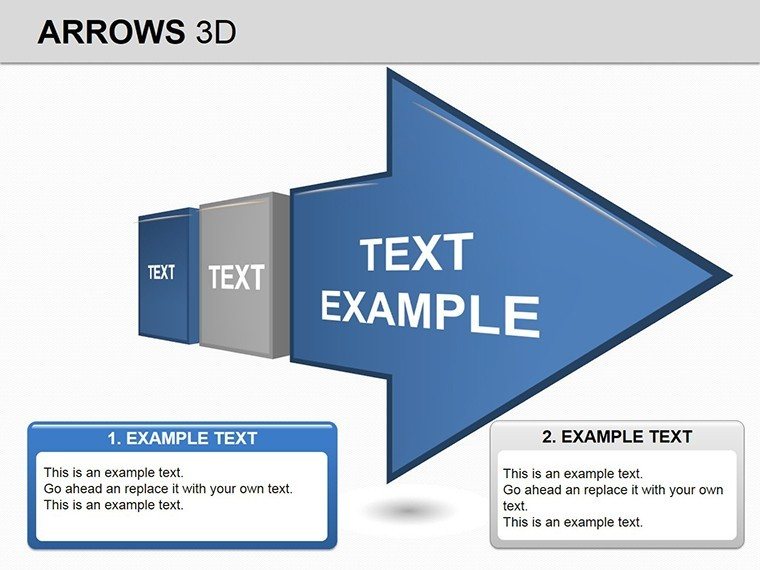
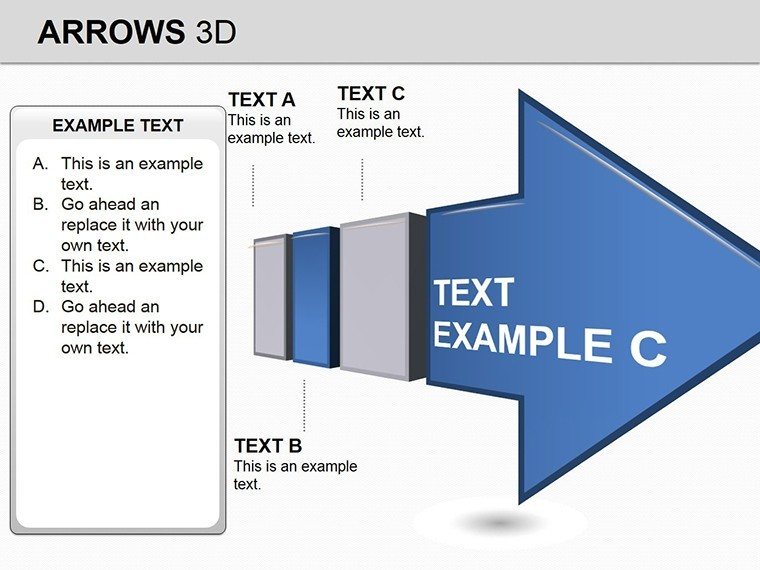
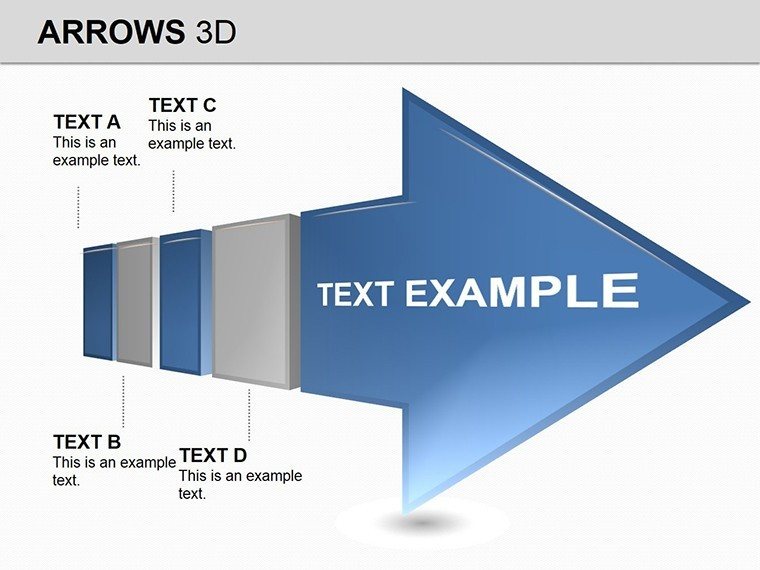
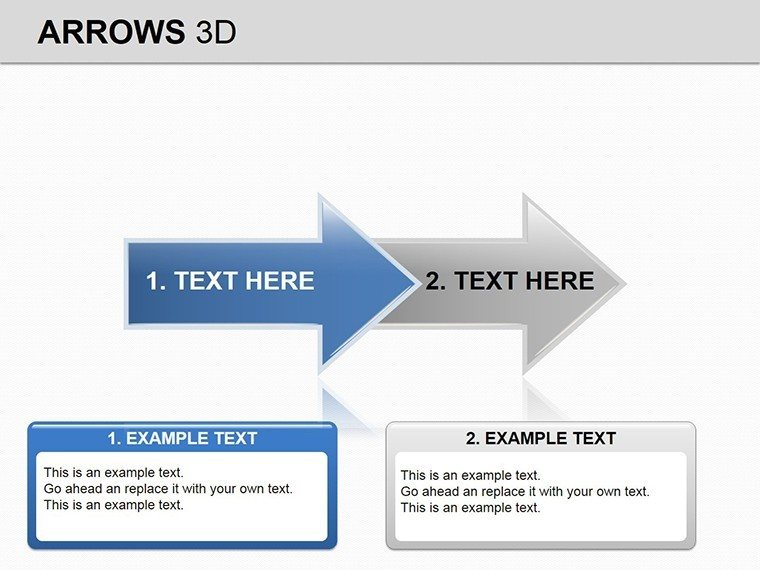
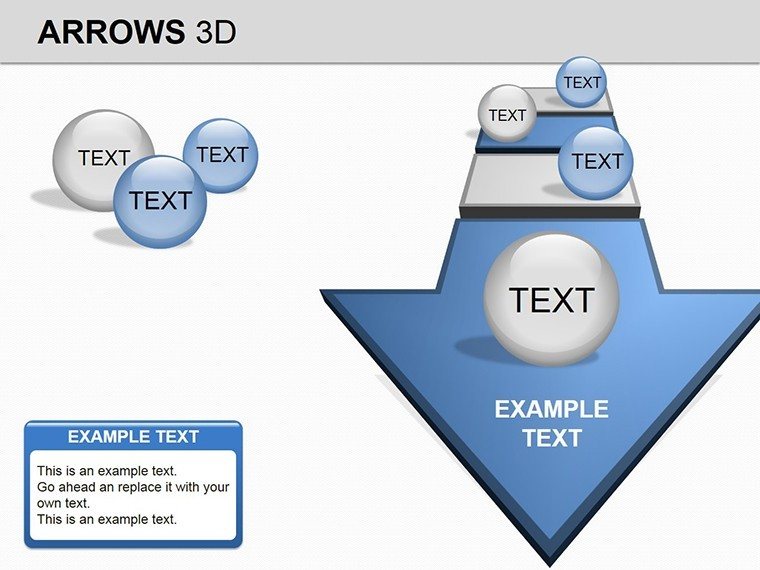
12 editable slides arrive in one PPTX file ready for immediate use.
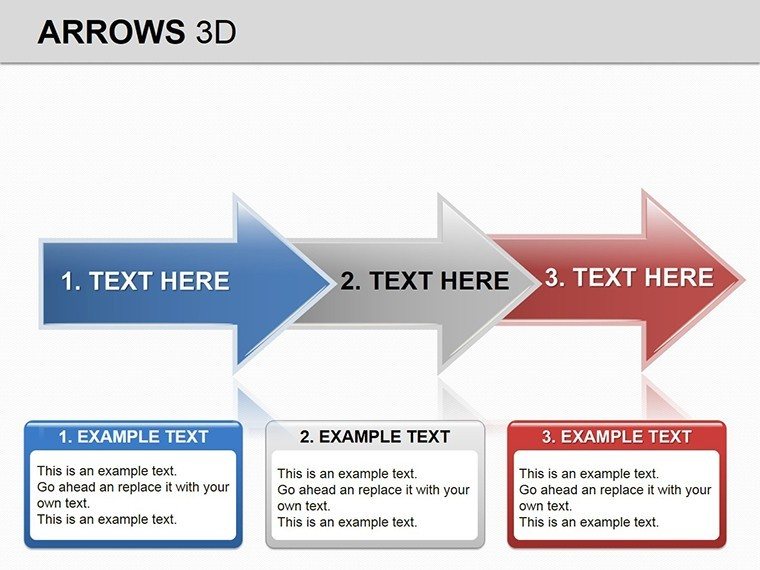
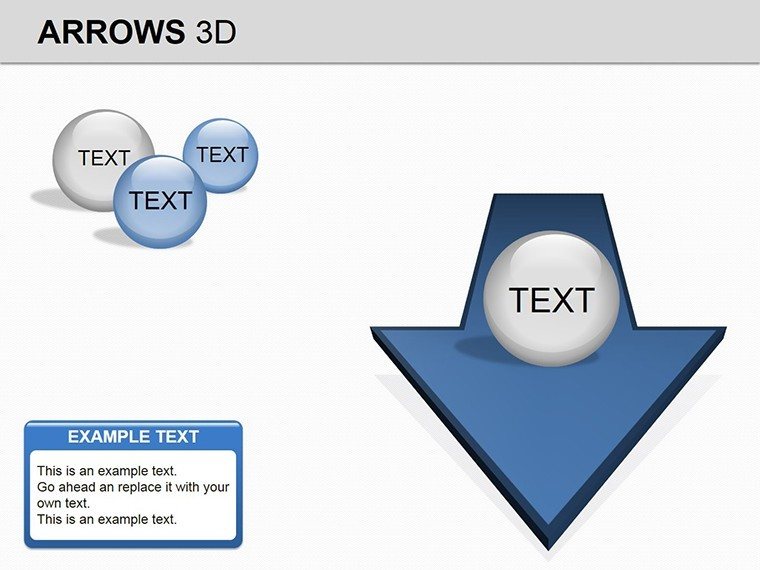
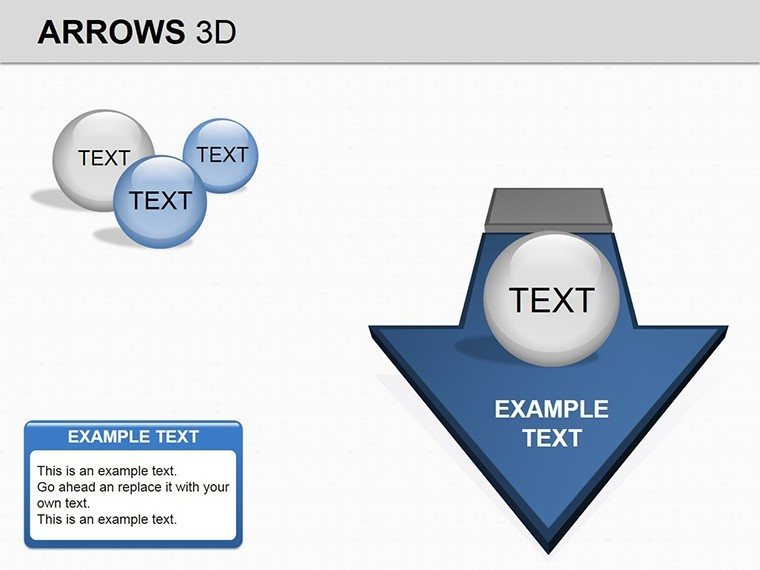
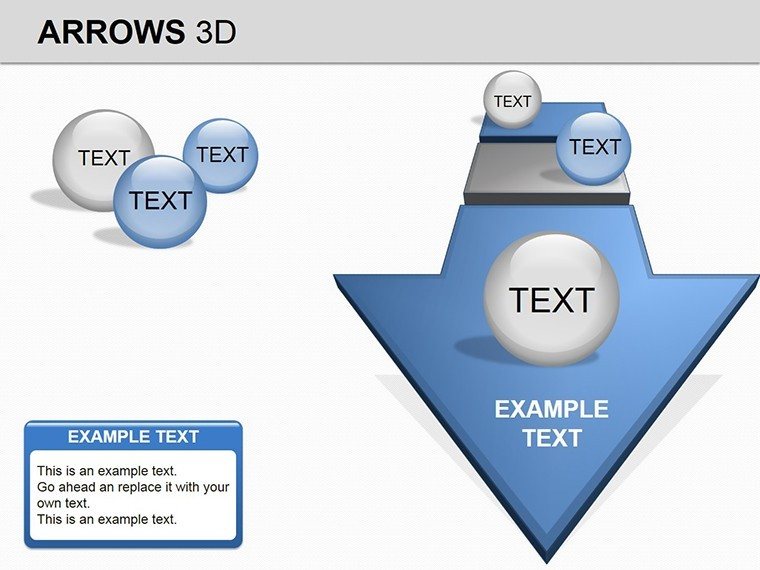
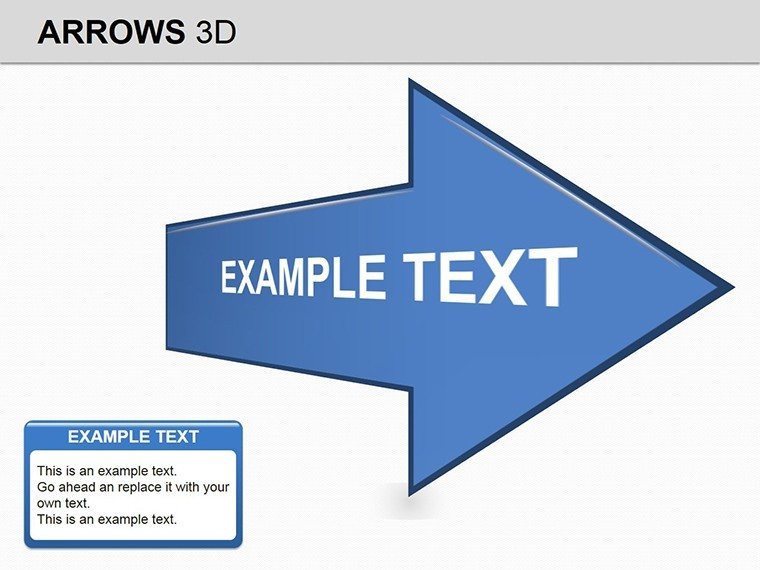
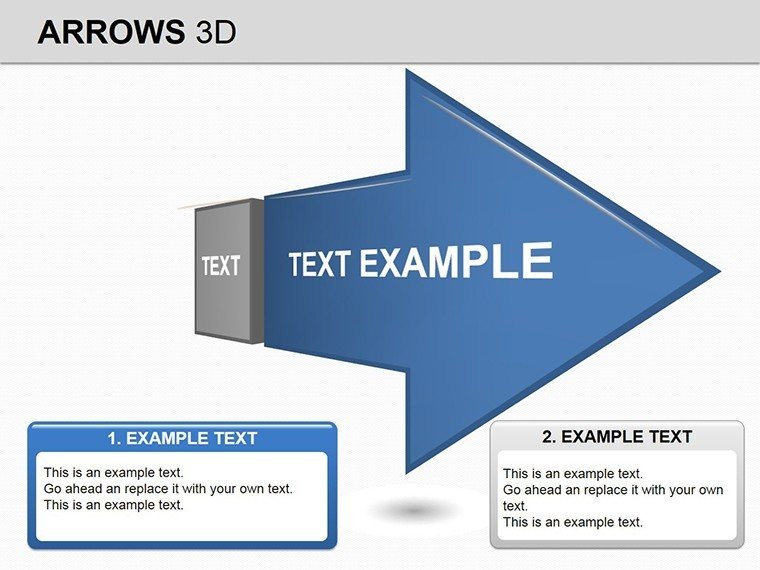
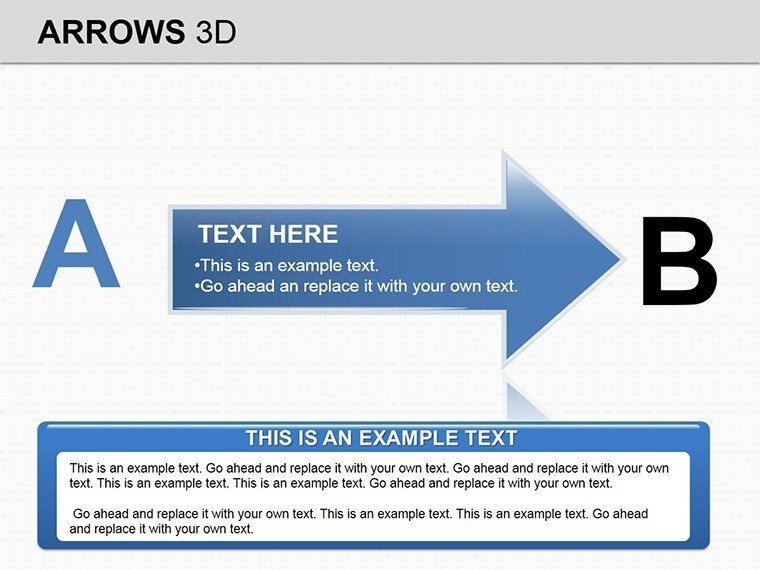
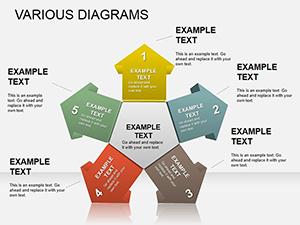
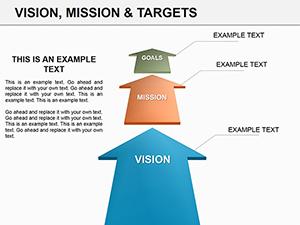
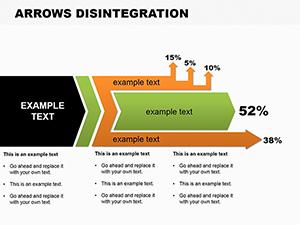
The diagrams include layered arrows with perspective shading plus direction markers that guide audience eyes across multiple slides.
The 3D depth sets it apart from flat arrow collections or cycle layouts by adding visual hierarchy that suits directional strategy tasks over static connections.
At a Glance
FeatureDetailsSlides included12 3D arrow diagramsEditable shapesarrows resize recolor and rotate independentlyText placeholderslabels update without unlocking grouped elementsColor theme adjustmentscompatible with PowerPoint slide master paletteDiagram connectorslines adjustable in direction and weightExport optionsPPTX for editing PDF for distributionPowerPoint compatibility2016 2019 365 versions on Windows and MacAdapting the Template to Your Brand
Editing difficulty: Moderate.
- Open the .pptx file in PowerPoint (1 minute)
- Replace placeholder text with your content (3 minutes)
- Adjust brand colors via the slide master (2 minutes)
- Edit diagram labels and 3D perspective (4 minutes)
- Export as PPTX or PDF (1 minute)
Who Reaches for This Template
Business Leader in Growth Pitches
A business leader charts company expansion in an investor deck. The 12 slides cut preparation from 3 hours to 45 minutes. The file gets reused across three quarterly briefings by swapping color schemes only.
Instructor in Concept Lectures
An instructor breaks down complex processes for training sessions. The outcome improves audience retention with dimensional flow visuals.
Download the 3D Arrows PowerPoint Diagrams now
Building From Scratch vs. Starting Here
Creating 12 equivalent 3D arrows from scratch takes 5 hours and 3D effect knowledge. Here the process takes 15 minutes.
Many presentations use flat arrows that lose impact on large screens. This layout adds perspective shading for depth perception - enhancing hierarchy without extra editing steps.
Business leaders often pair directional strategies with broader flow collections after seeing the added dimension here.
Get the template and propel ideas today
Which PowerPoint versions support this template?The PPTX file opens without issues in PowerPoint 2016 or newer on Windows and Mac versions. Microsoft 365 subscribers get full shape editing tools for 3D effects. Older 2013 versions may require manual adjustment of perspective. Test in your version before large projects to ensure smooth compatibility.
How do I change the color scheme?Go to View then Slide Master. Select the master slide and update the theme colors there. All 12 diagrams inherit the changes automatically. Save and return to normal view to see the update across every slide.
What does the license permit?The purchase allows use in internal company work and paid client projects. You may not resell the template file itself or sublicense it to third parties. Attribution is not required but appreciated in large decks.
Is there a free version and what differs?The purchase grants the complete 12-slide set. No separate free tier appears on the page so the paid version delivers all diagrams and 3D elements. The single price covers lifetime access with updates if released.
What file format is provided and what opens it?The file is PPTX only. PowerPoint 2016 and above opens it natively. You can export to PDF for sharing but editing stays in PowerPoint. Keynote users can import with possible minor 3D adjustments.
What is the refund policy?Contact support within 7 days of purchase if the file fails to open in supported PowerPoint versions. Provide proof of purchase and describe the issue. Approved refunds return the full amount with no questions beyond compatibility verification.
Good for
- Project roadmaps and sprint plans
- Product launch timelines
- Quarterly or annual review decks
- Company history and milestone summaries
Licence
reviews
The 5S workplace organization diagram.
Used this for a lean manufacturing presentation.
The Japanese terms are included.
FAQ
Will it work in Google Slides?
Are fonts embedded?
Can I use this for client work?
What's the refund policy?
Do you update the template after purchase?
Similar templates
See all Powerpoint Diagrams →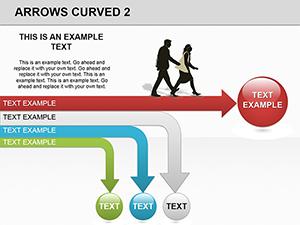
All 12 slides