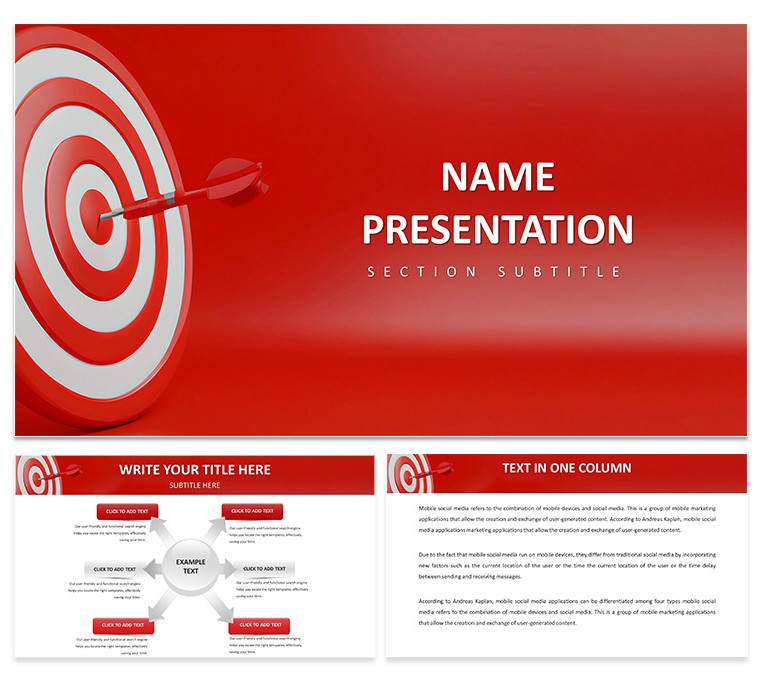
 Click to zoom
28 Goal Targeting Diagrams - Editable Keynote | ImagineLayout
| Format | .pptx |
| Slides | 3 unique layouts |
| Aspect ratio | 16:9 |
| Compatibility | PowerPoint |
| Animated | No |
| Language | English |
| License | Commercial |
| File size | — |
| Version | v1.0 |
| Last updated | April 2026 |
What's inside
Consulting Delivery with Goal Targeting Diagrams
Open the .key file and you get immediate access to 28 diagrams.
Consultants build client strategy sessions where goal alignment visuals must land instantly without extra design time.
For consulting delivery where success targets require clear progress mapping these diagrams eliminate the need to redraw KPI flows for every engagement.
In practice the KEY and KTH formats open straight in Keynote 12 plus.
Color changes via slide master refresh the whole deck while the diagrams maintain a consistent horizontal flow layout.
Management consultants running goal targeting workshops rely on this template.
It is not ideal for data heavy board reports.
Typically it performs best when paired with concise bullet points only.
This Keynote diagram template cuts preparation time by reusing masters across multiple client sessions.
See related options like consulting keynote templates or the Dynamic Management Keynote Template.
FeatureDetailsSlides / diagrams28 diagrams for goal targeting and KPI visualizationFile formatKEY, KTHSoftware versionKeynote 12+Color schemes7 color schemes that switch via slide masterEditable elementsVectors resize and recolor independently with no raster elementsAspect ratio16:9Free vs PaidFull set included in the $12 paid package as no separate free version is specifiedMasters / BackgroundsStandard masters for quick theme applicationDownload and start editing immediately
What Keynote version and macOS requirement does this template have?The template works with Keynote 12 and later. It requires macOS Ventura or newer in most cases. Older versions may open the files but some effects could vary slightly.
How do I change colors via slide master in this template?Open your .key file in Keynote then go to View and select Edit Master Slides. Select the master slide and adjust the color scheme there. All 28 diagrams update automatically once you return to the presentation view.
Does the license allow client work and what are the conditions?Yes the license permits client work provided the template is customized and not resold in its original form. You can use it for delivery to clients in consulting or investor materials. Standard terms apply for commercial use.
What are the specific differences between free and paid versions?The page does not specify a separate free version. The paid package includes the full set of 28 diagrams and 7 color schemes in editable KEY format. Typically the complete template is what you receive upon purchase.
What are the refund conditions for this template?Refunds are possible within 14 days of purchase if the template does not match your expectations. You must not have edited or distributed the files. Reach out to the support team with your purchase ID for assistance.
Good for
- Project roadmaps and sprint plans
- Product launch timelines
- Quarterly or annual review decks
- Company history and milestone summaries
Licence
reviews
Presented quarterly results to the board with this template. Everyone commented on how clear the information appeared compared to previous versions.
Modern yet corporate-friendly design with excellent slide variety. The chart layouts integrated my Excel data seamlessly.
It exceeded my needs for most parts but the color variations were fewer than I hoped. Easy enough to expand upon.
The structure guided my content organization in a logical way. Definitely worth the download.
FAQ
Will it work in Google Slides?
Are fonts embedded?
Can I use this for client work?
What's the refund policy?
Do you update the template after purchase?
Similar templates
See all Keynote templates →



All 1 slides