 Click to zoom
19 Currency Exchange Diagrams - Editable KEY | ImagineLayout
| Format | .pptx |
| Slides | 19 unique layouts |
| Aspect ratio | 16:9 |
| Compatibility | PowerPoint |
| Animated | No |
| Language | English |
| License | Commercial |
| File size | — |
| Version | v1.0 |
| Last updated | March 2026 |
What's inside
Package Contents
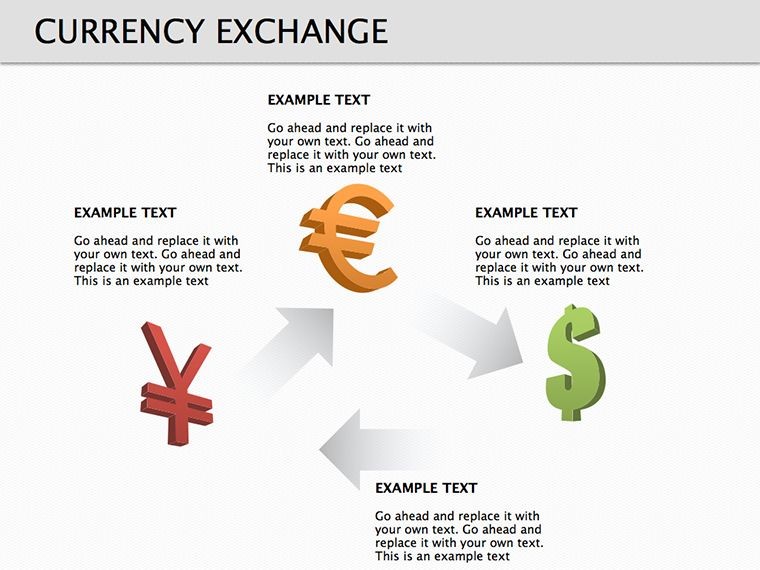
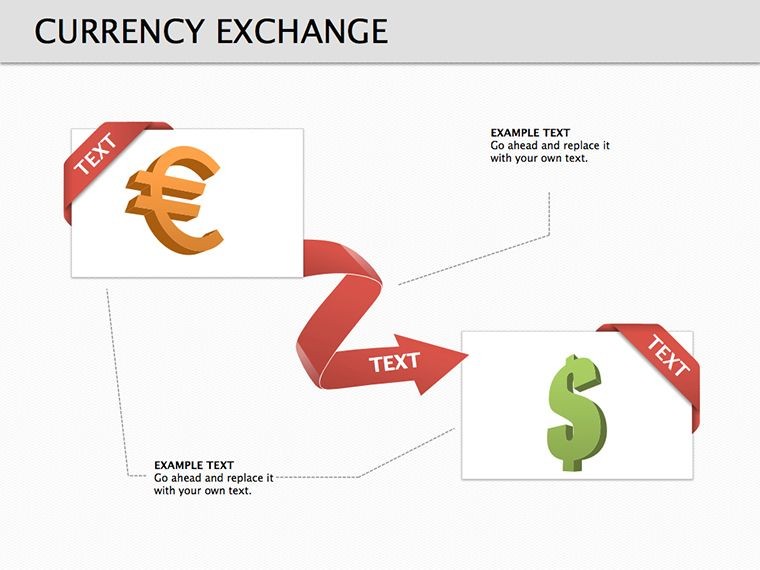
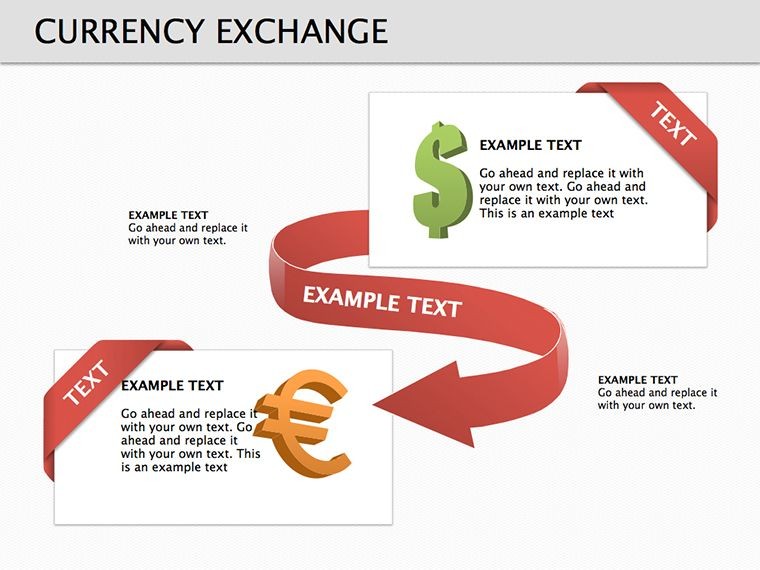
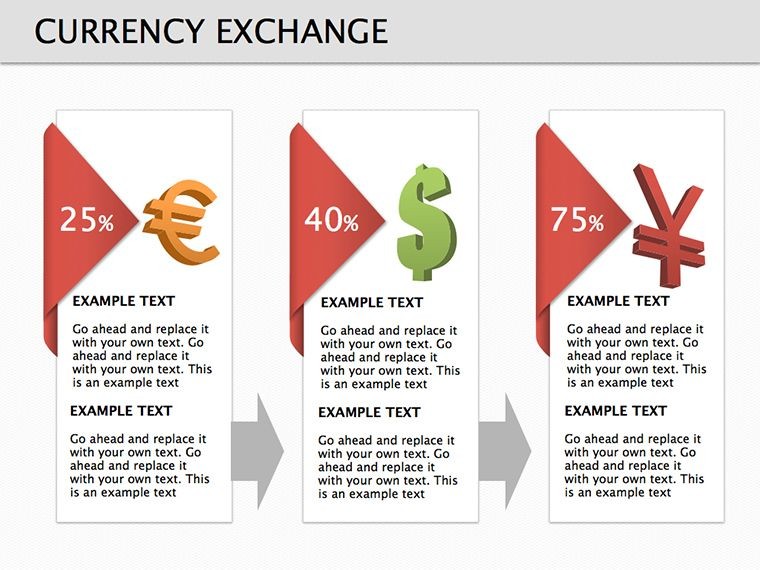
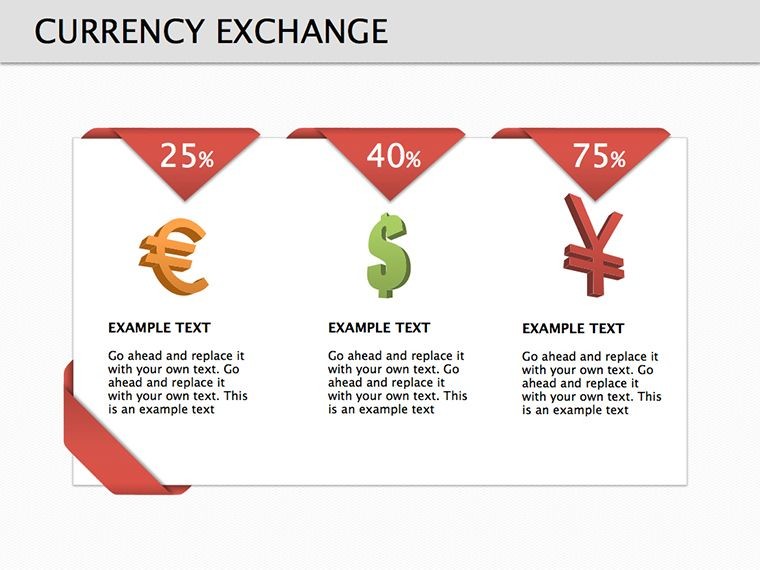
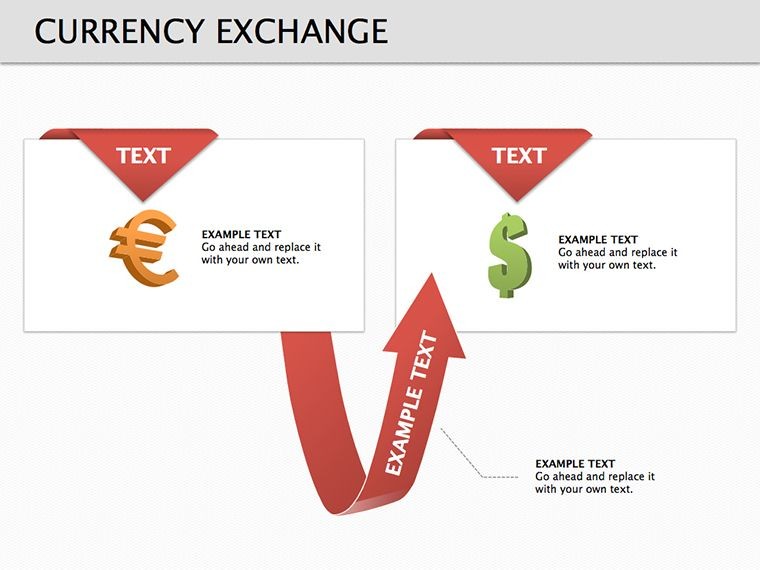
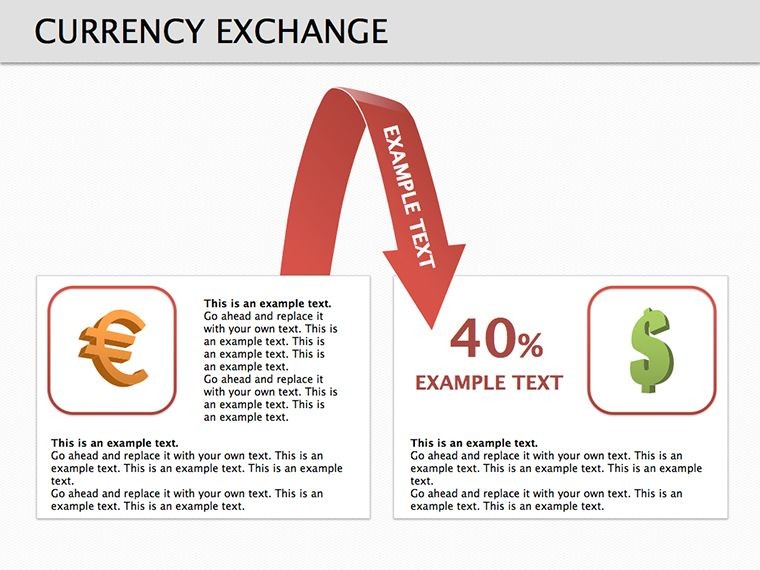
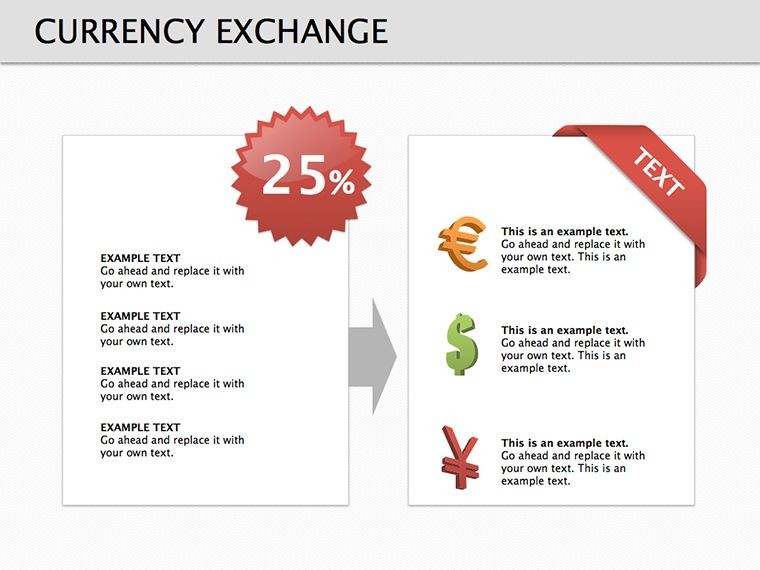
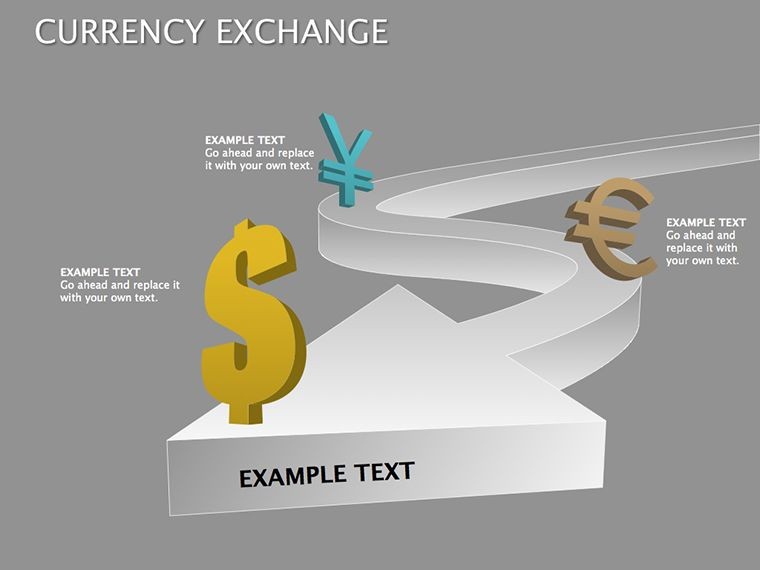
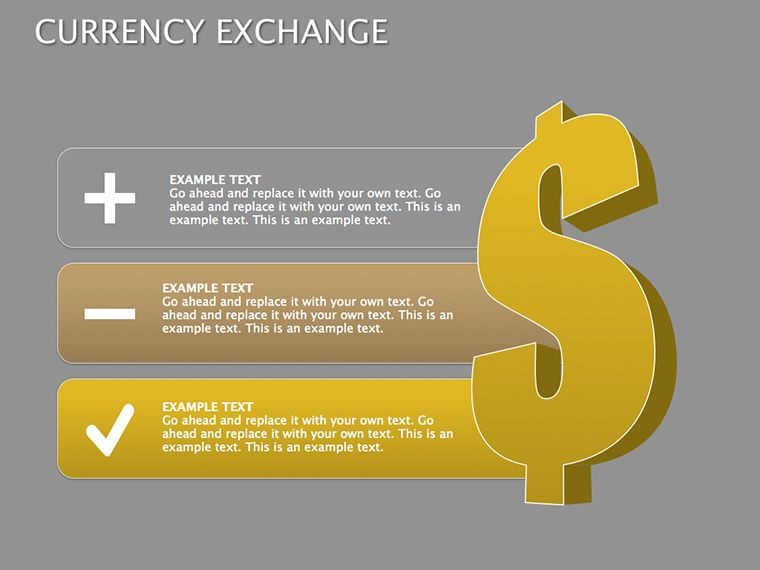
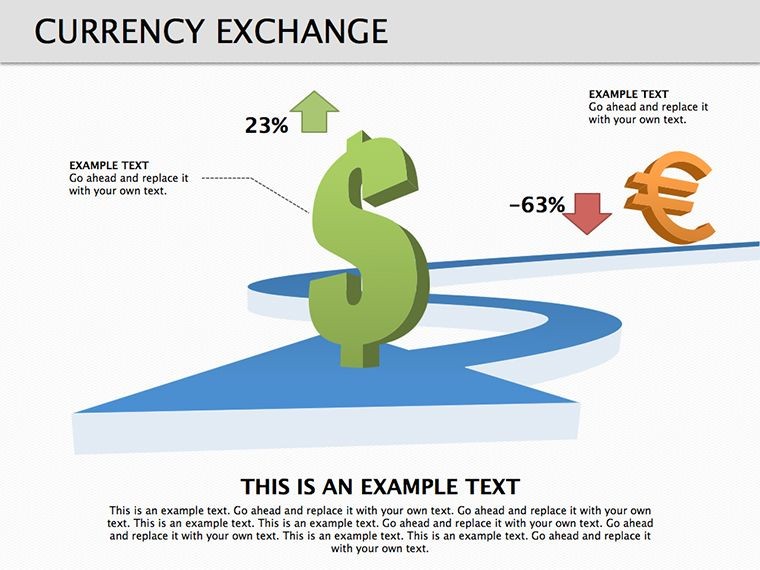
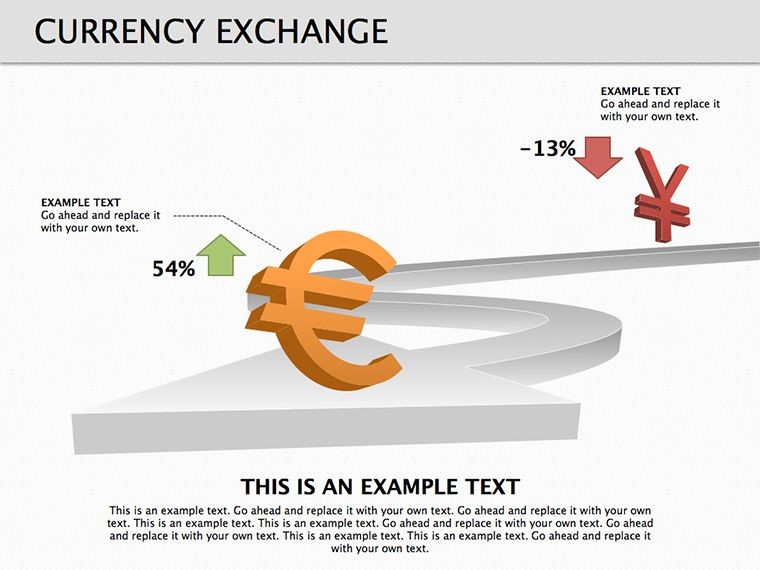
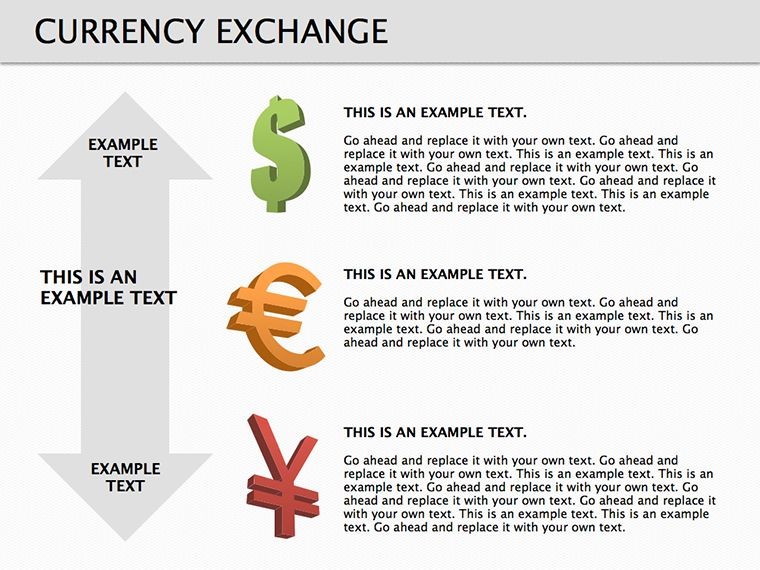
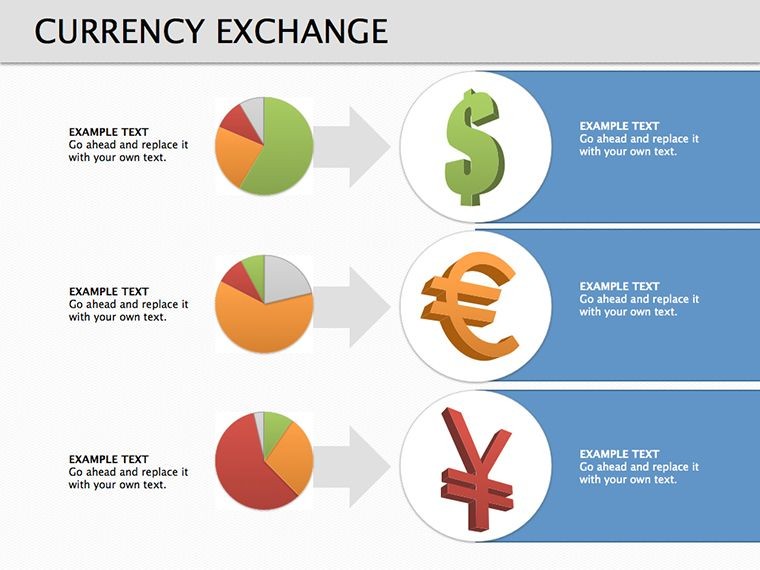
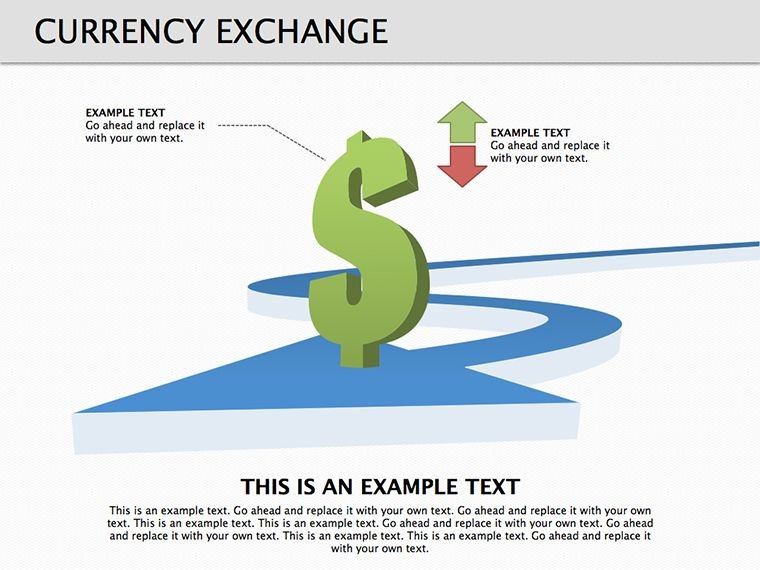
19 diagrams arrive inside one KEY file. Exchange rate flow visuals fill dedicated placeholders. Market fluctuation charts complete the set. Multiple layouts integrate data points. Background masters support quick changes.
Slides combine to build full economic narratives from raw data entry to final conclusion. The structure aids information spacing during strategy meetings.
Bold line style with four color segments sets this pack apart from spiral models. It works best for forecasting trends in board briefings because interconnections appear clearer than in single-chart layouts. Paid purchase covers the full 19 slides and masters with no free tier specified on the page.
Key Specifications
FeatureDetailsDiagrams included19 with editable shapesDiagram categoriesrate flows and fluctuation chartsEditable elementstext placeholders icon layers connectorsAspect ratio16:9 standardKeynote compatibilityversion 12 and laterColor schemesadjustments through slide master paletteConnectors adjust direction and weight without group unlock. Icons replace without layout shift. Export works to PDF for distribution.
Who Reaches for This Template
Financial analysts in banking prepare investor presentations. They swap data sets and reuse the file across three quarterly reviews. Preparation time drops from three hours to forty-five minutes. Consultants in finance adapt diagrams for client proposals. The outcome shows consistent visuals in five consecutive briefings.
Economists in research institutions use it for academic lectures. They edit labels for four different data sets. Results improve audience retention in board meetings.
Download the template now and transform your next financial briefing.
Adapting the Template to Your Brand
Step 1 - Open the .key file in Keynote 12 or later (1 minute). Step 2 - Replace placeholder text with your content (3 minutes). Step 3 - Apply brand colors through the master slide palette (2 minutes). Step 4 - Edit diagram labels and connectors (4 minutes). Step 5 - Export as .key or PDF (1 minute).
Editing difficulty stays moderate. Beginners handle text updates easily. Advanced users refine flow direction.
Compared to Starting From Zero
Building equivalent diagrams from scratch requires four hours and advanced design skill. Common errors include uneven line weights and labels lost on projection screens. This layout places labels outside shapes connected by thin lines. Colors segment phases rather than decorate. The approach maintains readability without extra editing complexity.
Get the template and save design time today.
Which Keynote versions does this template support?The template opens in Keynote 12 and all later releases on macOS. Earlier versions may lose some shape effects or color adjustments. Test the file immediately after download. Reach support with your exact version number if issues appear.
How do I change the color scheme?Open the slide master view in Keynote. Select the master slide that holds the color palette. Update the theme colors there. All diagrams update automatically across the 19 slides. Save and close the master to apply changes everywhere.
What does the license allow?You may use the diagrams in paid client work and internal company presentations. Internal training sessions also qualify. Resale of the file or sublicensing remains prohibited. Redistribution as standalone assets violates the terms.
Are free and paid versions different?The page lists only the paid version at twenty dollars. It includes all nineteen editable slides and masters. No free tier appears in the description. Purchase grants immediate full access to every diagram.
What file format opens the template?The single KEY file opens directly in Keynote. PDF export serves distribution needs. No other formats ship with the download. Keynote handles all editing and export tasks.
Does the template support animations?No built-in animations ship with the diagrams. You can add custom animations inside Keynote after opening the file. Remove or modify any added effects freely. The base layout stays clean without them.
Good for
- Project roadmaps and sprint plans
- Product launch timelines
- Quarterly or annual review decks
- Company history and milestone summaries
Licence
reviews
This one worked well for showing team structure and workflow.
The chart pages were easier to customize than PowerPoint ones I used before.
I wish a few slides had more space for text.
Downloaded it for a technical report and kept most of the original layout.
The colors looked calm and not distracting.
FAQ
Will it work in Google Slides?
Are fonts embedded?
Can I use this for client work?
What's the refund policy?
Do you update the template after purchase?
Similar templates
See all Keynote Diagrams →
All 19 slides