 Click to zoom
11-Step Cycle Arrows PowerPoint: Detailed Process Mastery
| Format | .pptx |
| Slides | 28 unique layouts |
| Aspect ratio | 16:9 |
| Compatibility | PowerPoint |
| Animated | No |
| Language | English |
| License | Commercial |
| File size | — |
| Version | v1.0 |
| Last updated | August 2023 |
What's inside
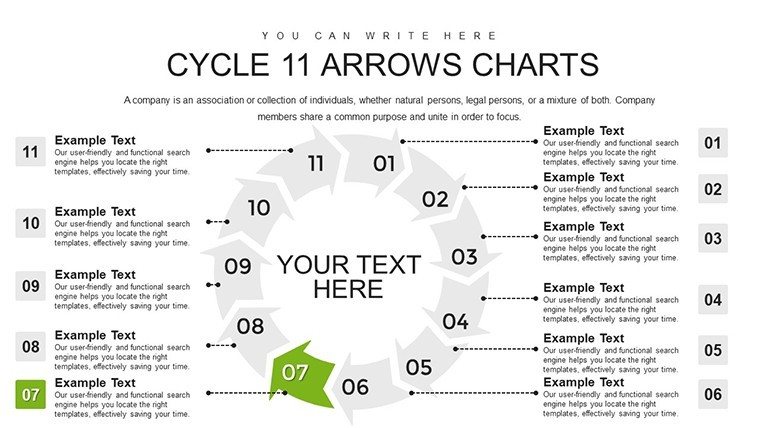
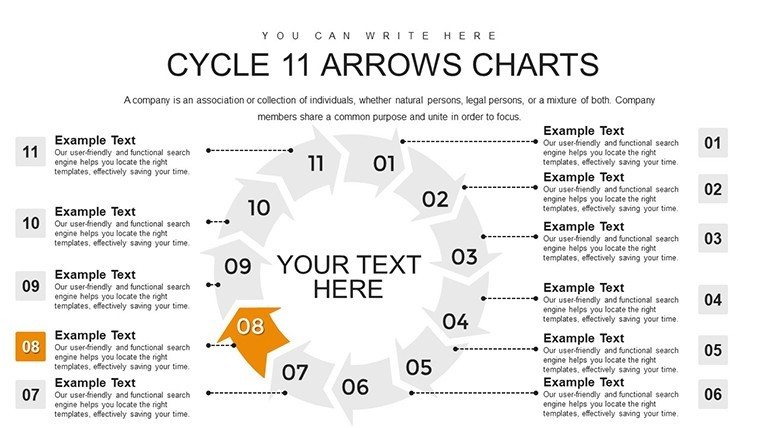
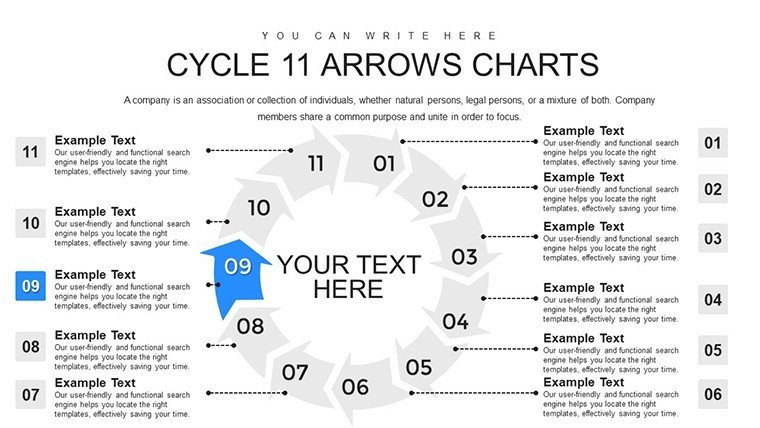
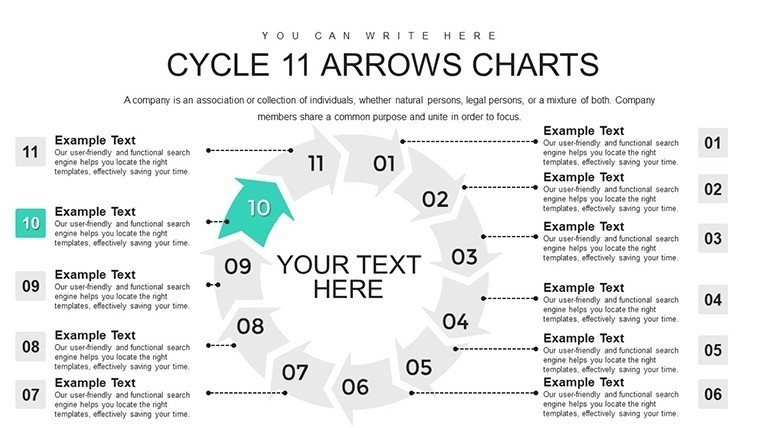
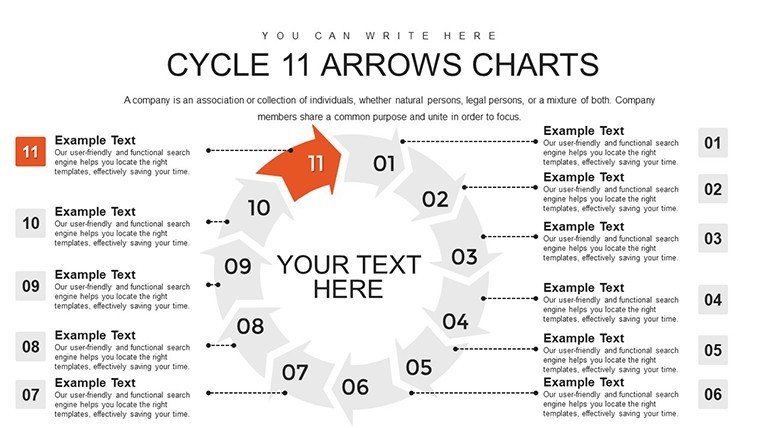
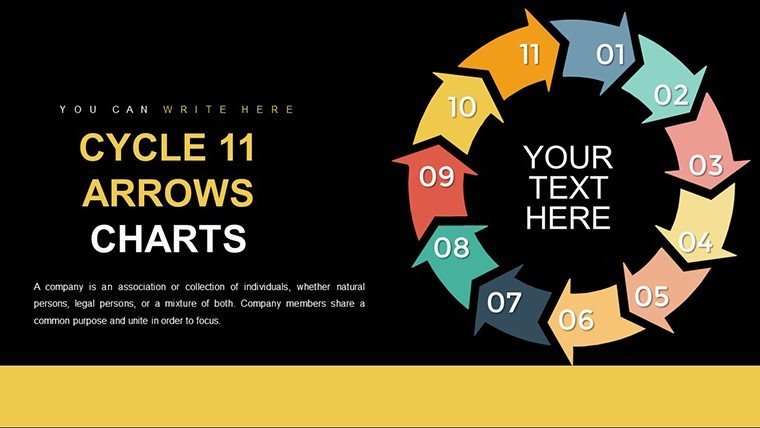
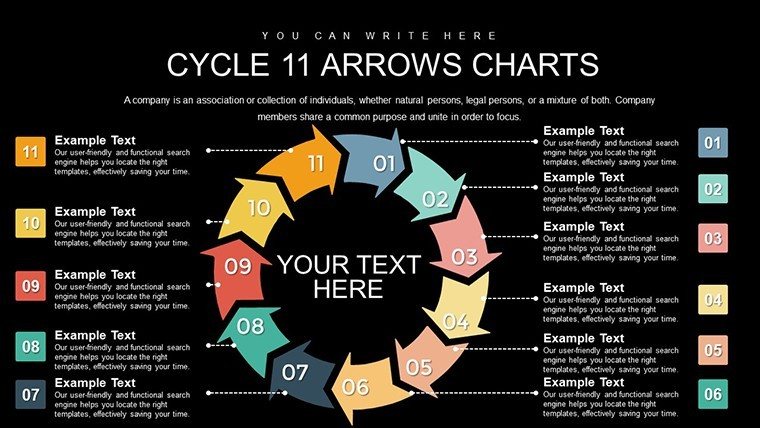
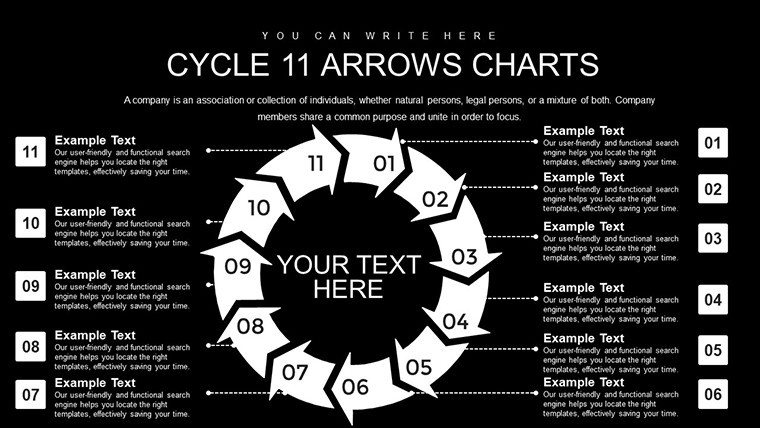
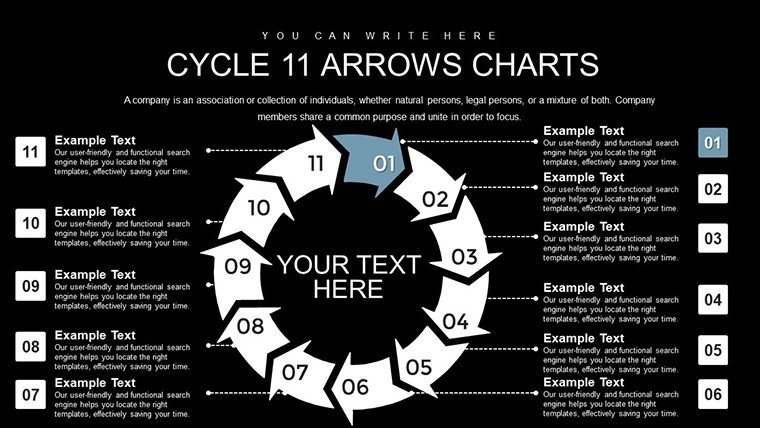
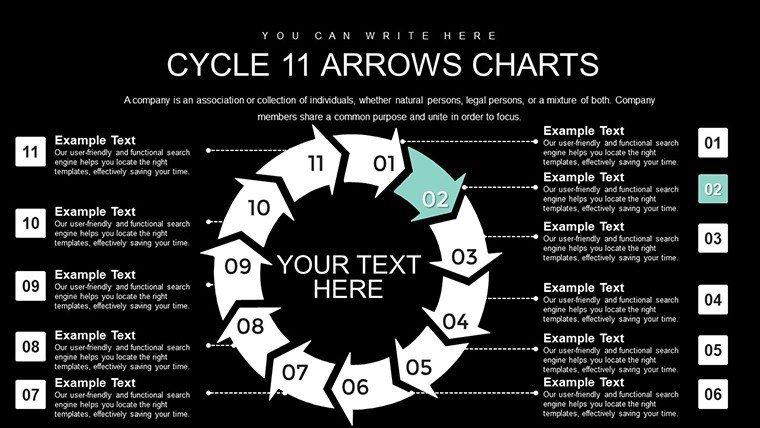
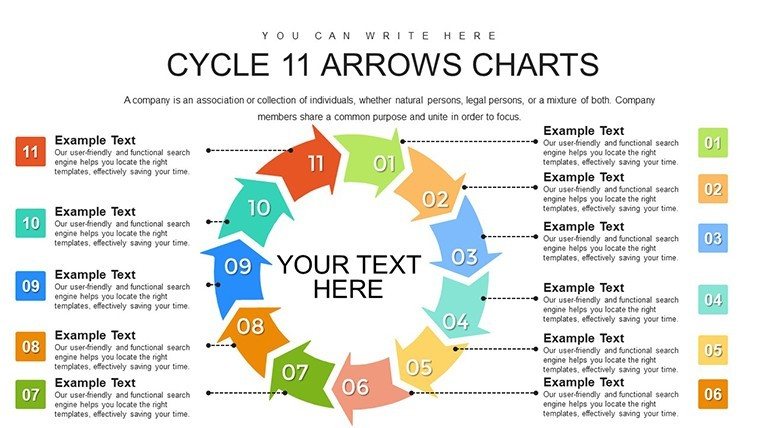
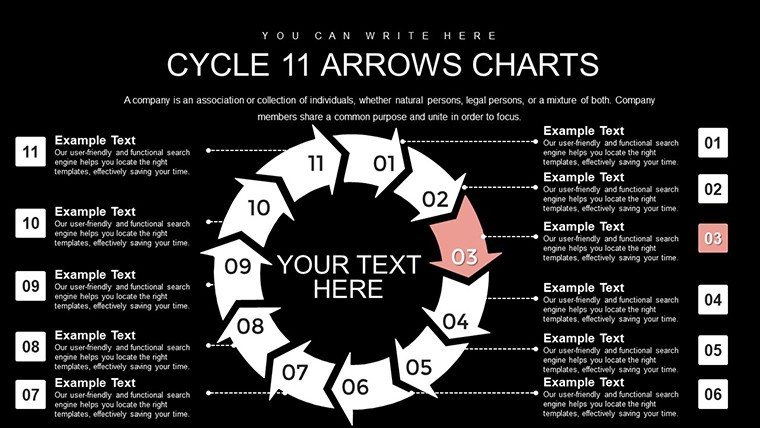
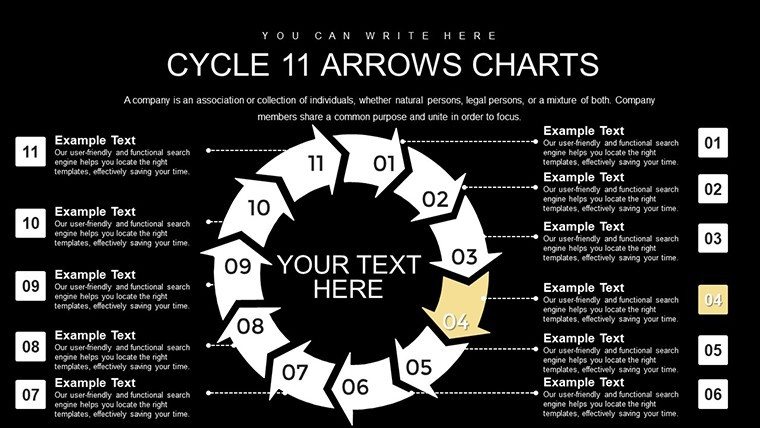
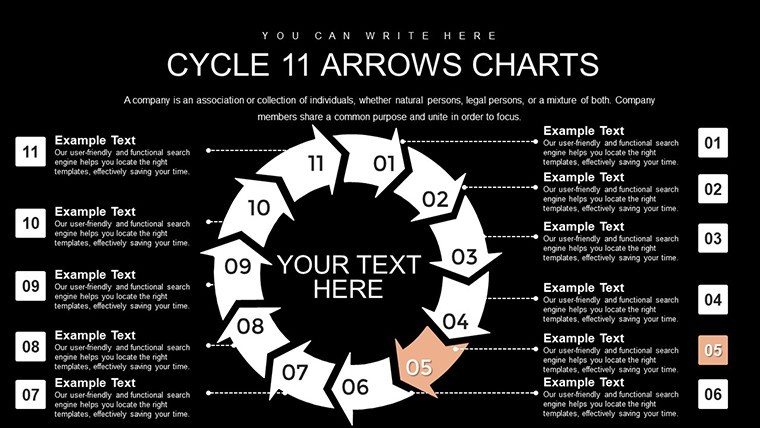
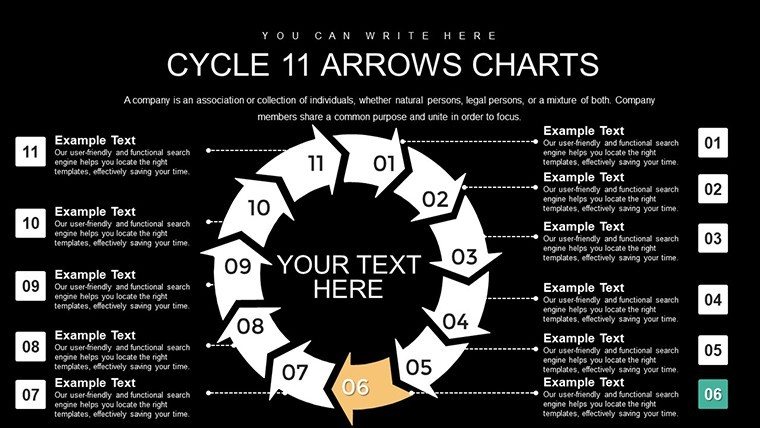
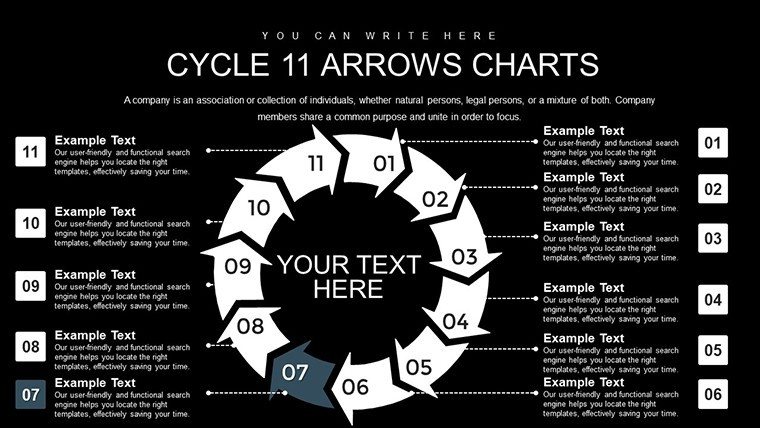
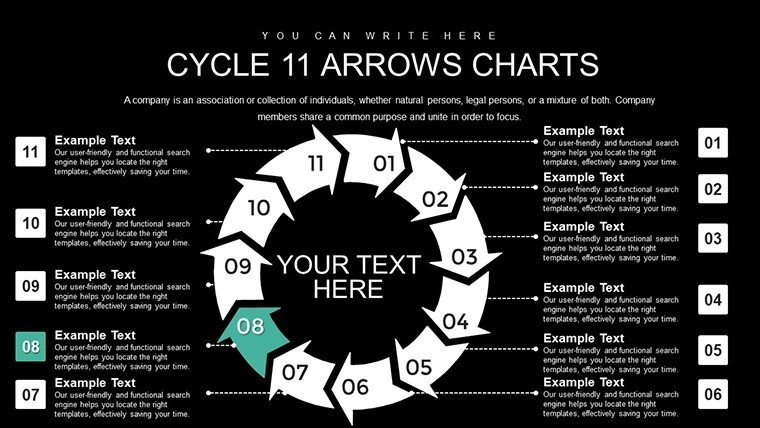
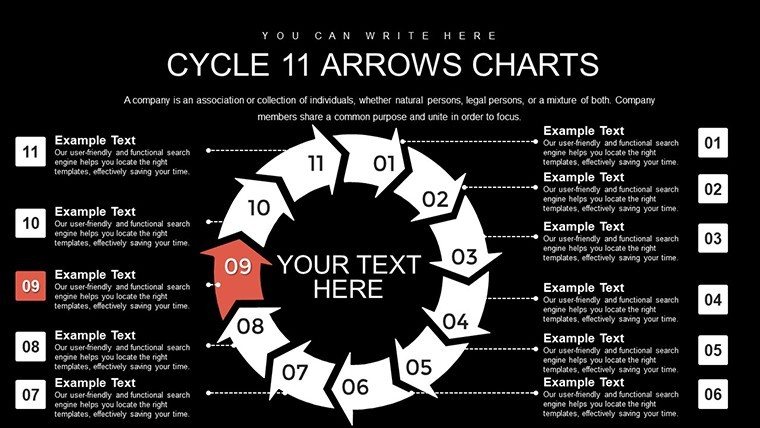
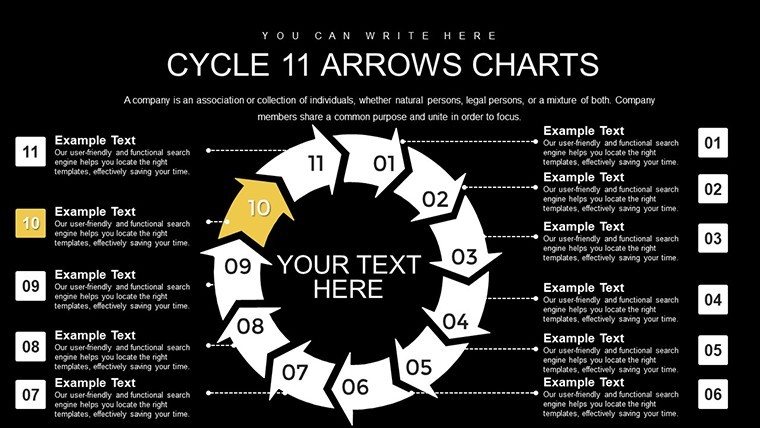
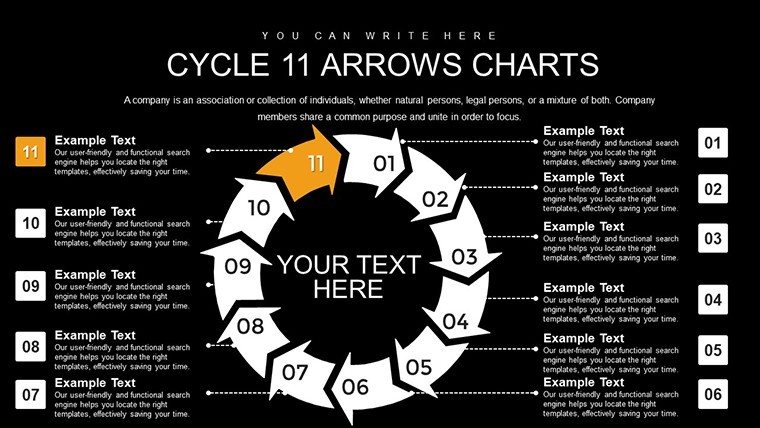
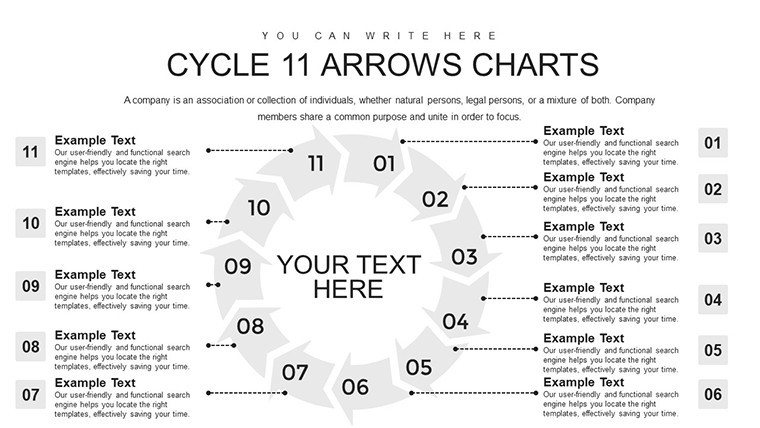
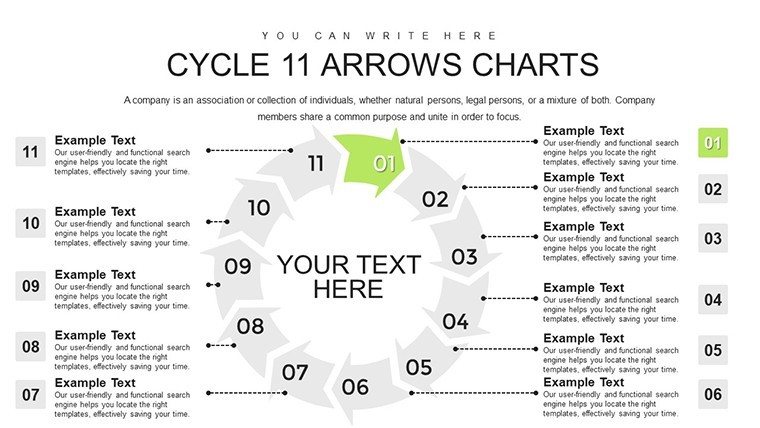
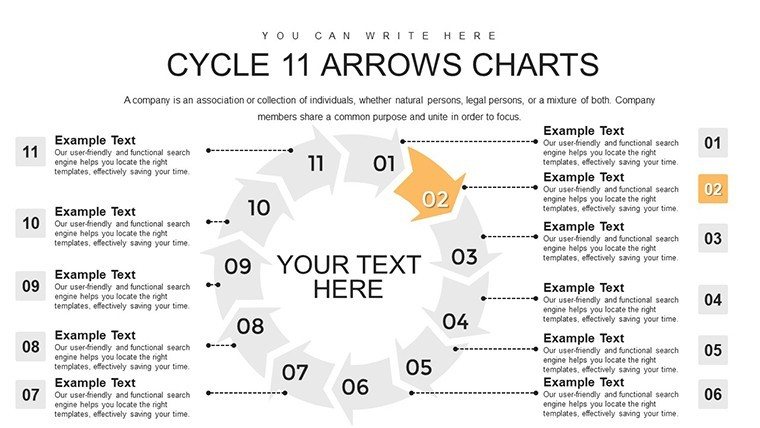
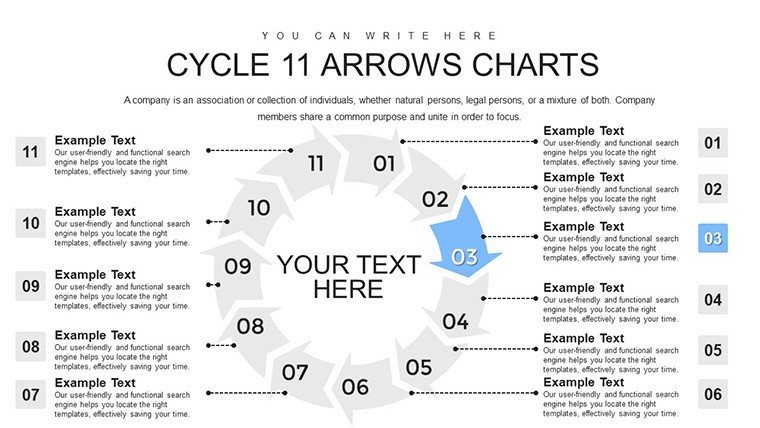
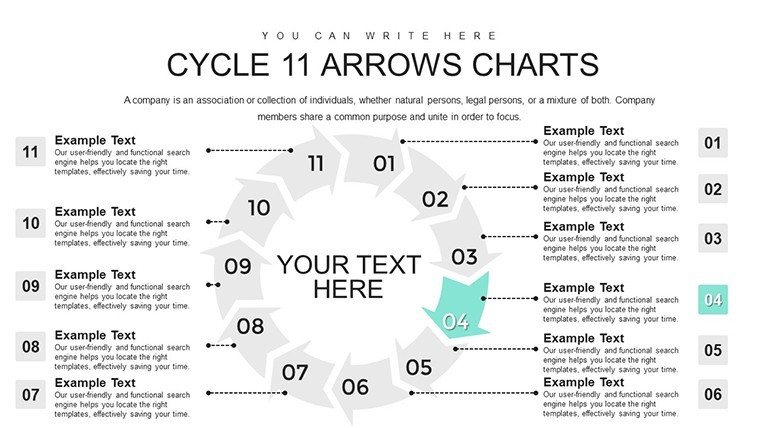
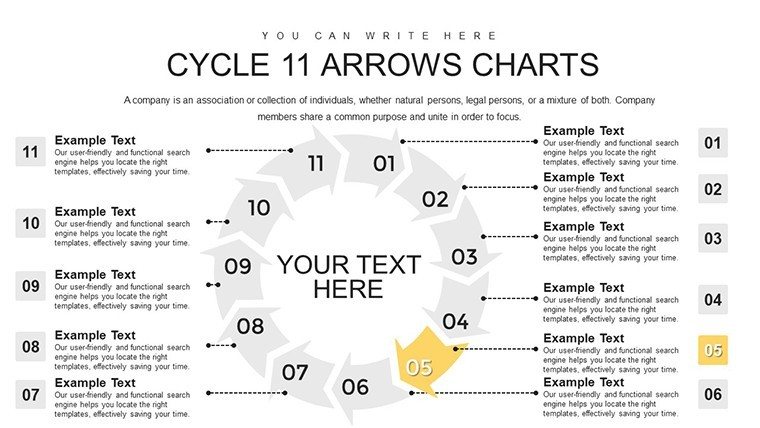
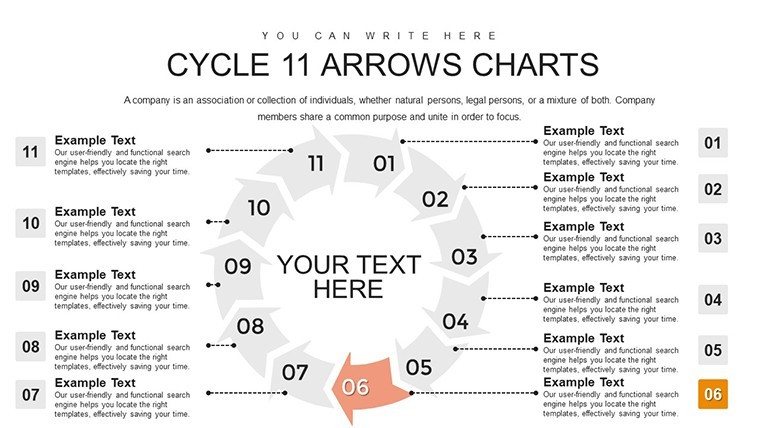
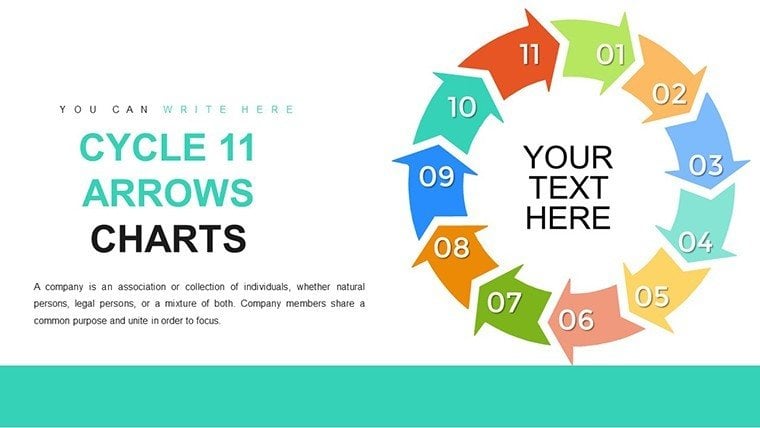
Picture a tool that unravels the most elaborate processes, making them accessible and engaging for any audience. The 11-Step Cycle Arrows PowerPoint Template provides 28 editable slides, centered on an expansive 11-arrow design ideal for in-depth analyses. Suited for consultants dissecting strategies or executives reviewing growth, it facilitates clear communication of interconnected ideas.
Overcoming the hurdles of information overload, this template structures content logically, such as in architectural project lifecycles per AIA guidelines. Its infographic-rich design and PowerPoint integration make customization a breeze, yielding professional results.
Case in point: Marketers at brands like Nike use similar cycles for campaign timelines, enhancing team alignment and outcomes.
Core Features for Comprehensive Storytelling
With 11 stages, the template accommodates nuanced narratives, supported by features that amplify clarity.
- Interconnected Stages: Illustrate dependencies with fluid arrow connections.
- Extensive Customization: Fine-tune every aspect for bespoke presentations.
- Infographic Elements: Icons and diagrams for visual enhancement.
- Logical Flow Tools: Guides audience through content seamlessly.
- Data Integration: Embed charts for evidence-based cycles.
Inspired by design authorities, it embodies principles from Don Norman's user-centered approach.
Targeted Applications and Insights
For business executives, detail market trends with arrows representing phases, backed by McKinsey studies. Educators engage with consumer journey maps, fostering interactive learning.
Superior to basic options, it offers depth without complexity, ensuring trustworthy visuals.
Step-by-Step Usage Guide
- Download and open the .pptx file.
- Map your 11 steps to the arrows.
- Customize layouts and add visuals.
- Refine flow with transitions.
- Present with confidence.
Sync with project tools like Asana for holistic management.
Advanced Techniques
Build layers for depth, referencing sources like the Journal of Marketing for authenticity.
Elevate your expertise - secure this 11-Step template and redefine your presentations.
Frequently Asked Questions
Why 11 steps specifically?It handles detailed processes that shorter cycles can't.Are infographics editable?Yes, fully adjustable for your data.How to ensure audience retention?Use clear flows and visuals to aid memory.Compatible with older PowerPoint?Works with recent versions; test for best results.Can I add external links?Yes, hyperlink for interactive elements.What if I need more slides?Duplicate and adapt as required.Good for
- Project roadmaps and sprint plans
- Product launch timelines
- Quarterly or annual review decks
- Company history and milestone summaries
Licence
reviews
I used the process diagrams during a training session and people actually followed along.
The chart sections were easy enough to edit without breaking the layout.
Pretty straightforward template with useful slide order.
Some text placeholders were oddly small at first.
Good option if you need charts fast and do not want to design anything yourself.
FAQ
Will it work in Google Slides?
Are fonts embedded?
Can I use this for client work?
What's the refund policy?
Do you update the template after purchase?
Similar templates
See all PowerPoint Charts →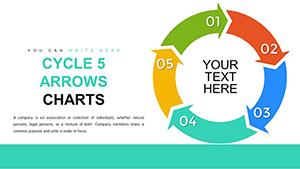
All 28 slides